Usb Charging Docks
Looking for a convenient and efficient way to charge multiple devices at once? Look no further than our collection of USB charging docks. These versatile accessories are designed to simplify your charging routine by providing a centralized hub for all your electronic devices. Whether you need to charge your smartphone, tablet, smartwatch, or even your wireless earbuds, our USB charging docks offer an organized and clutter-free solution. With their sleek and compact designs, these docks seamlessly blend into any home or office setting, making them a must-have accessory for tech enthusiasts and busy professionals alike. Say goodbye to tangled cables and hello to effortless charging with our selection of USB charging docks.
Sort
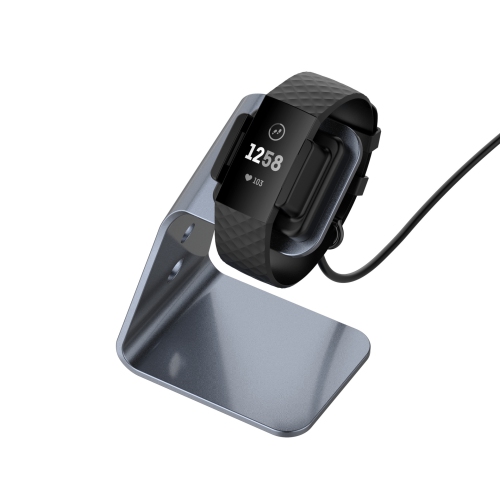
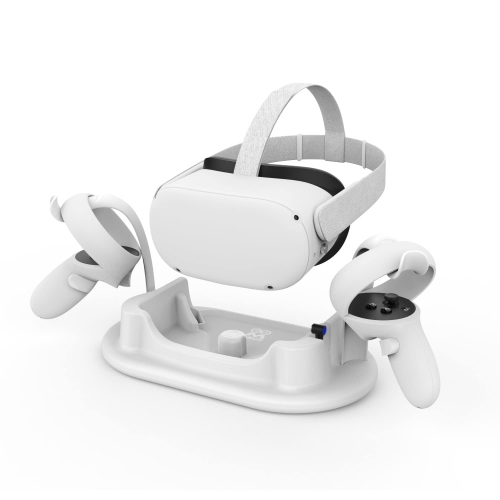
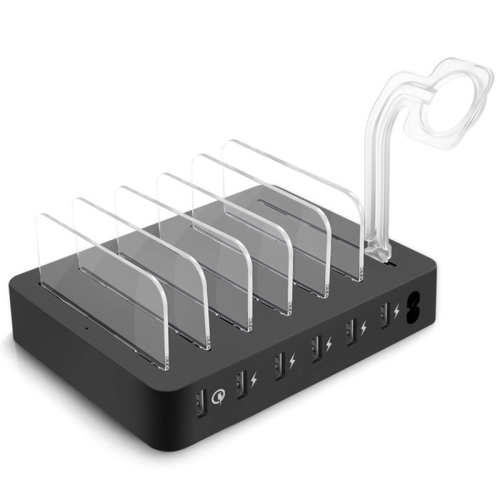

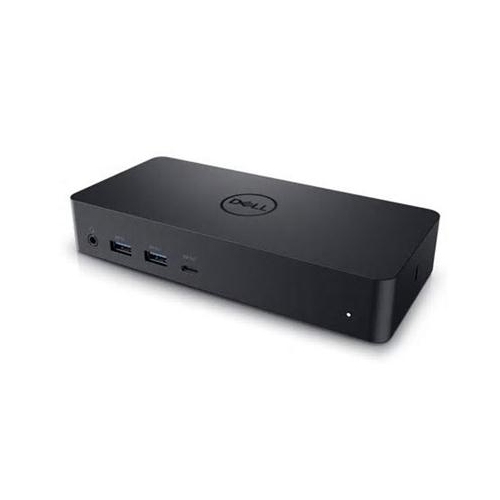
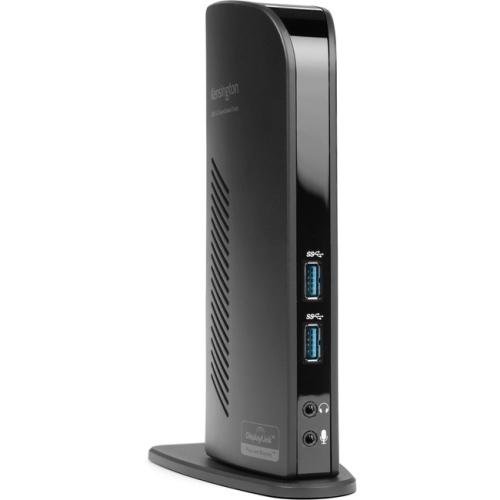
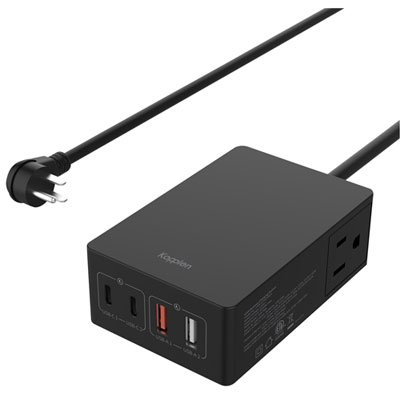

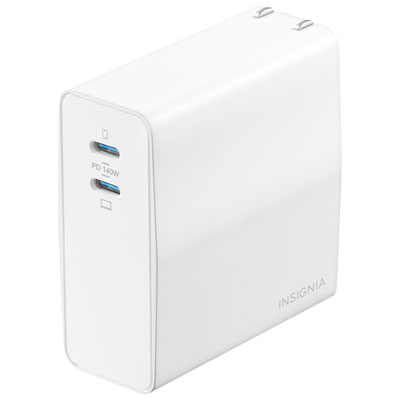
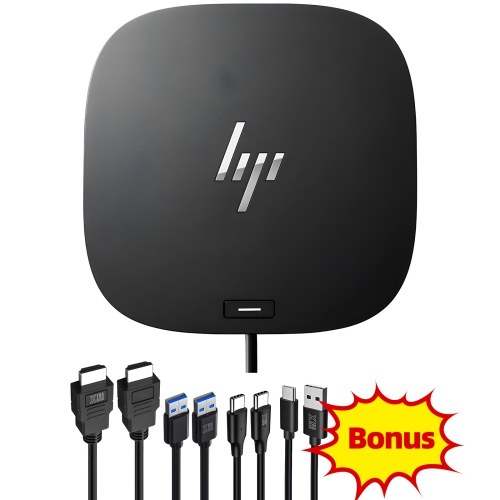
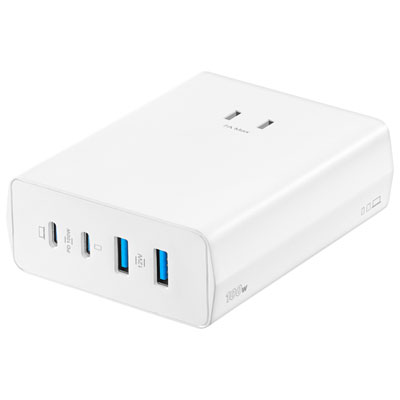
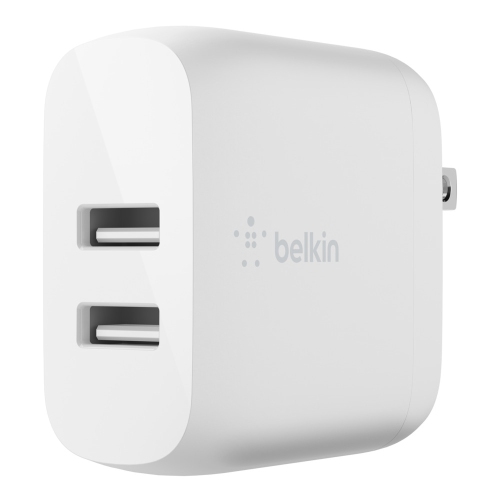
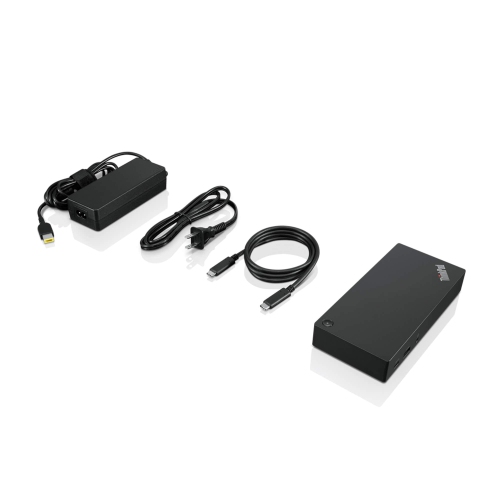
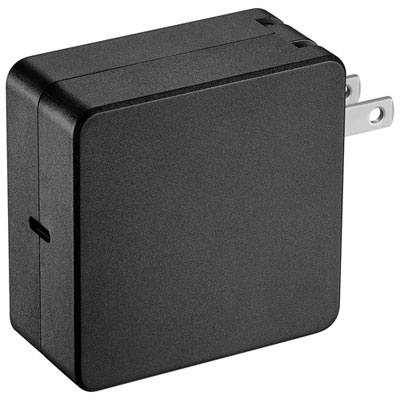
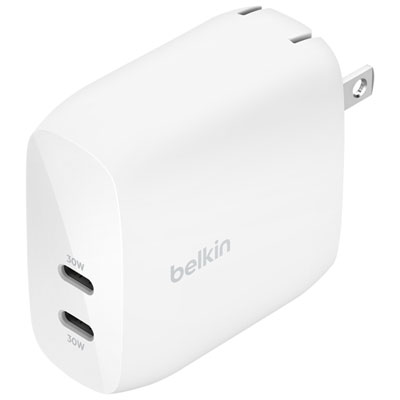
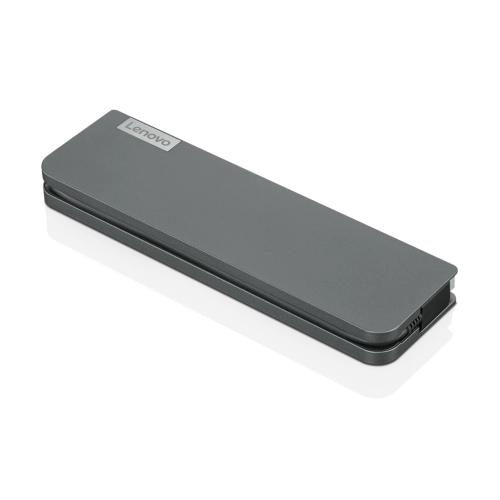
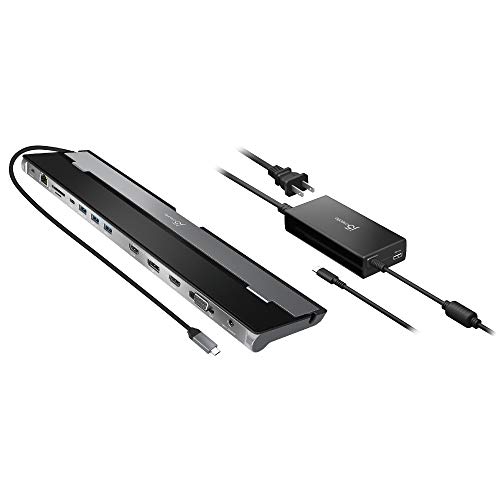
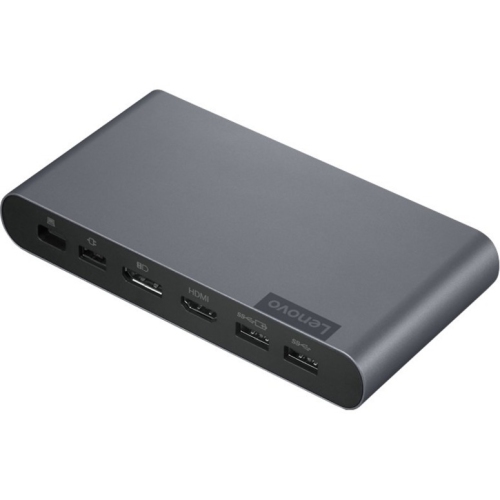
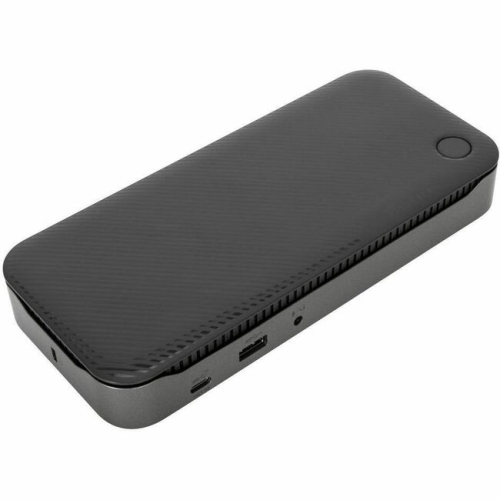
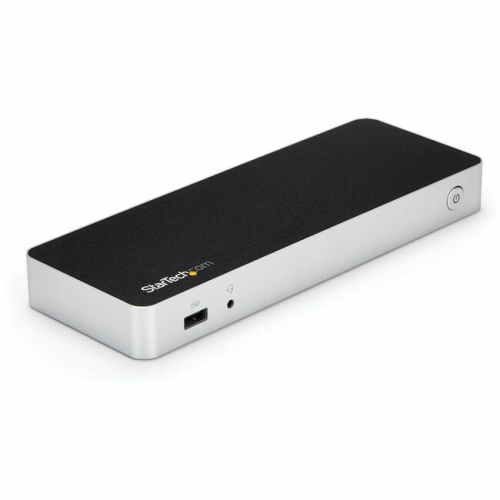
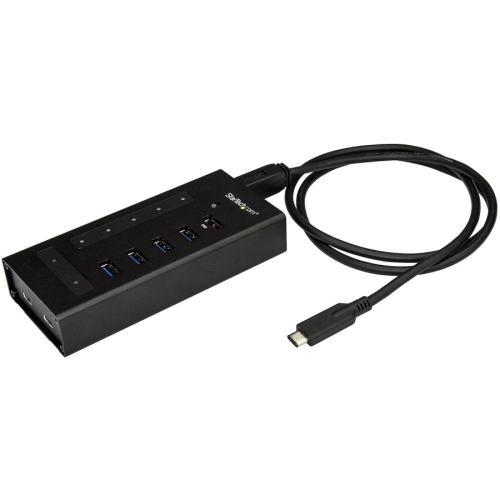
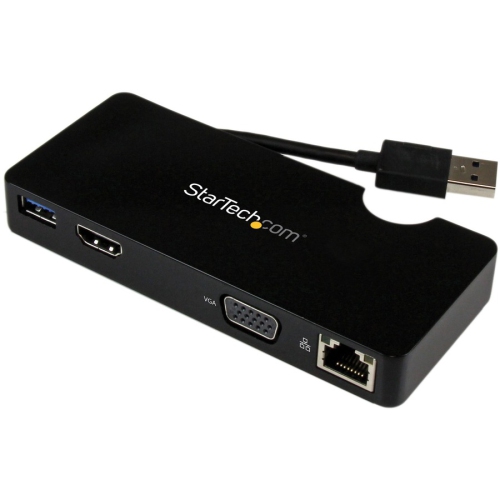
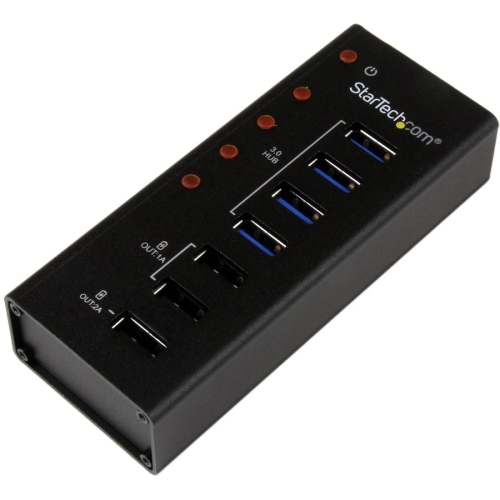
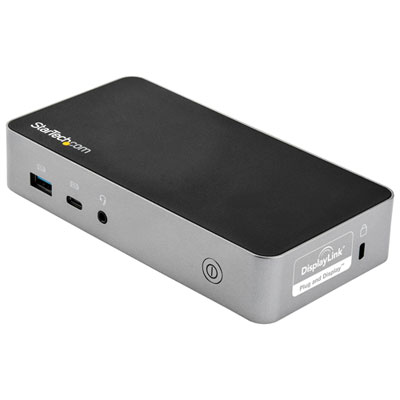
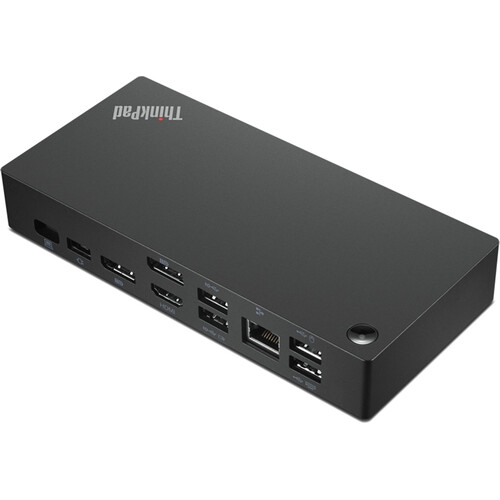
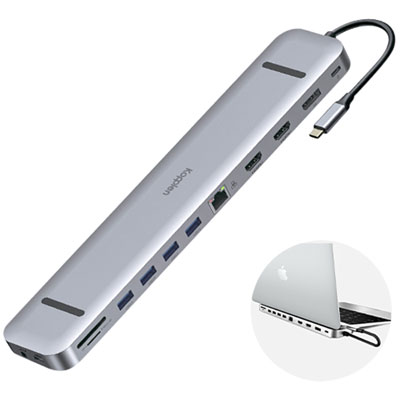
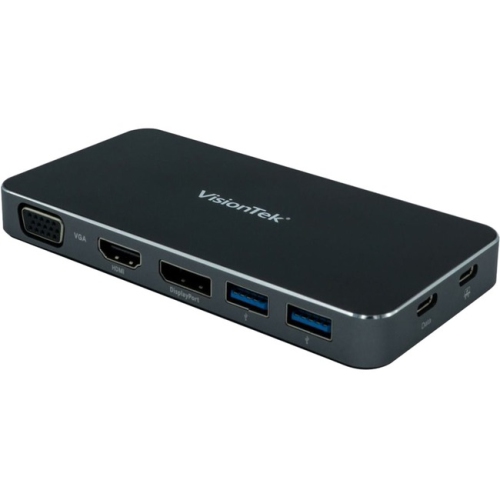
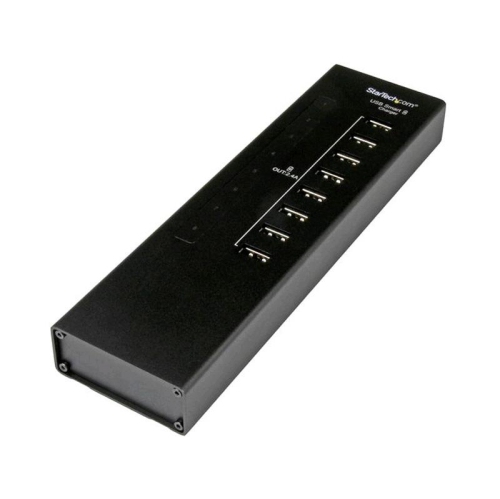
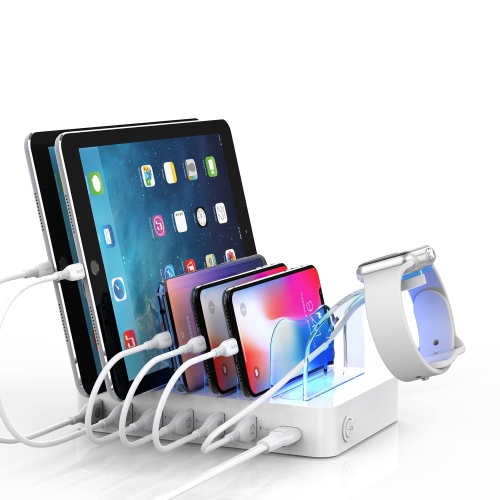
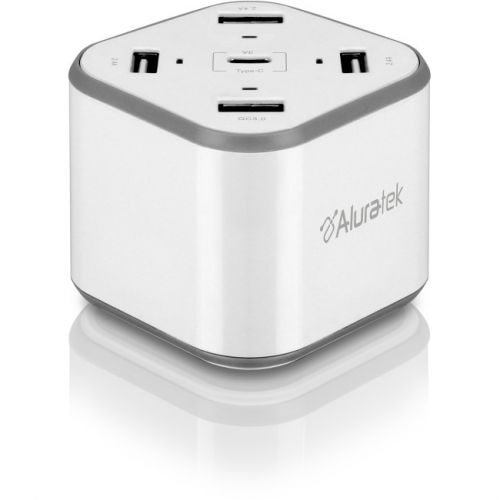
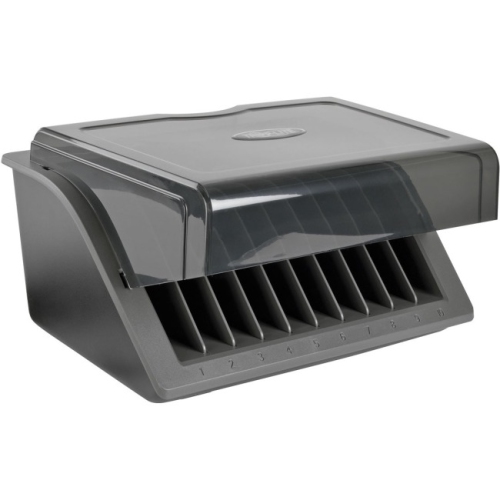
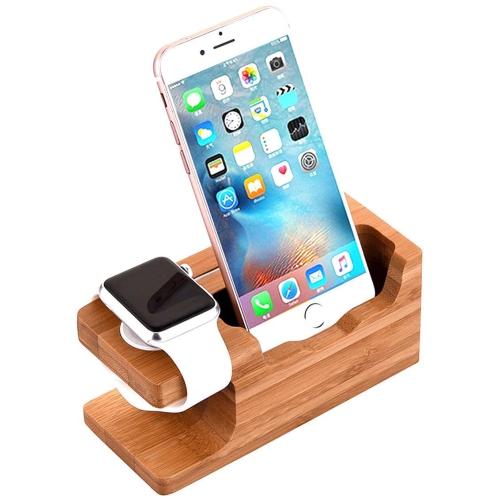
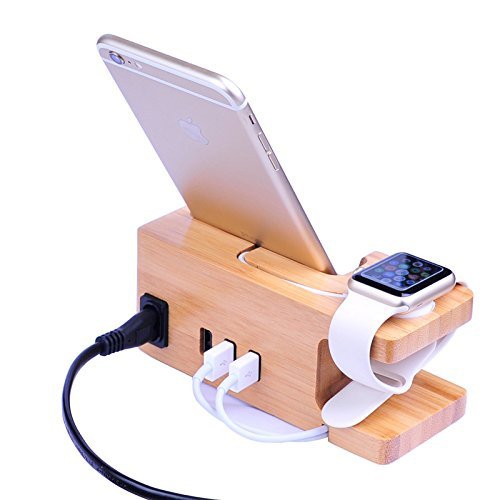
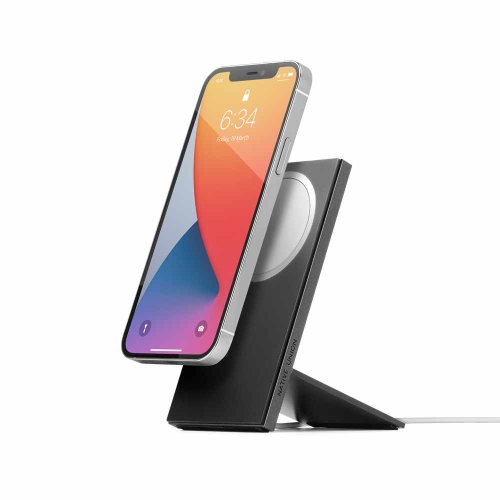
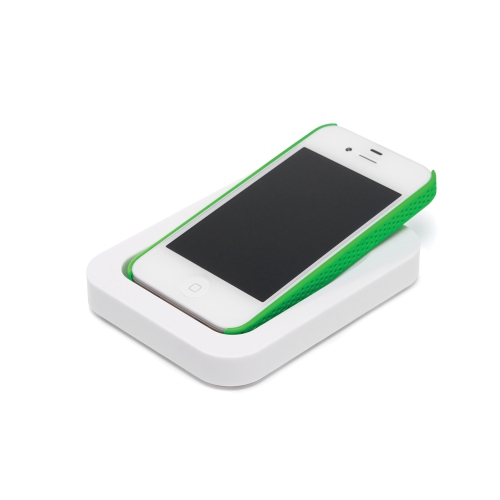

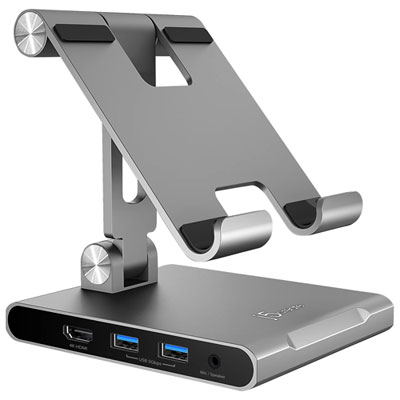
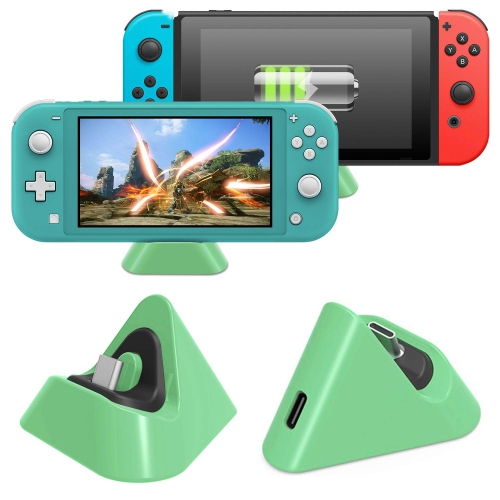

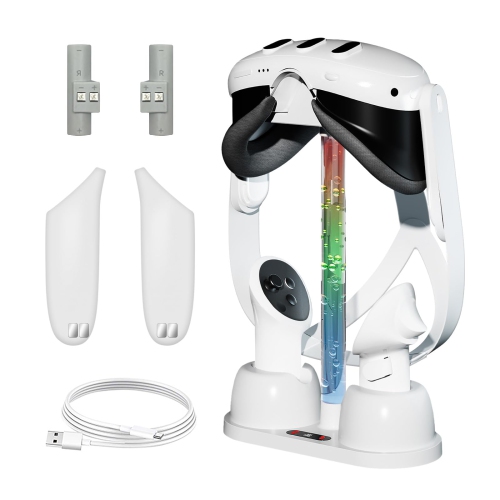
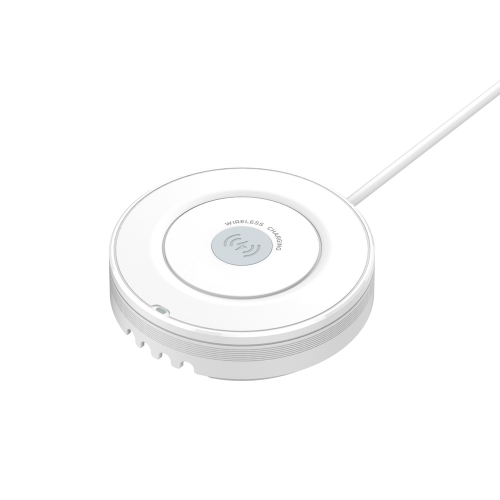
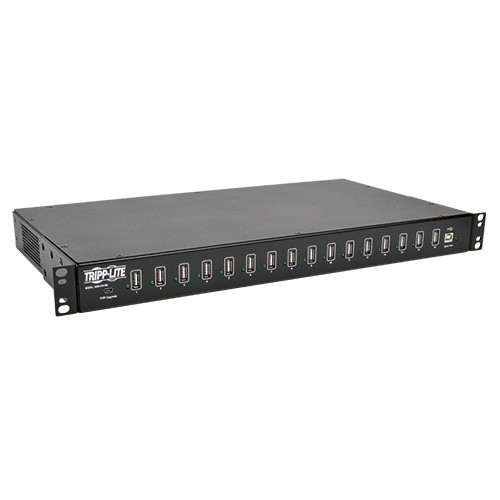
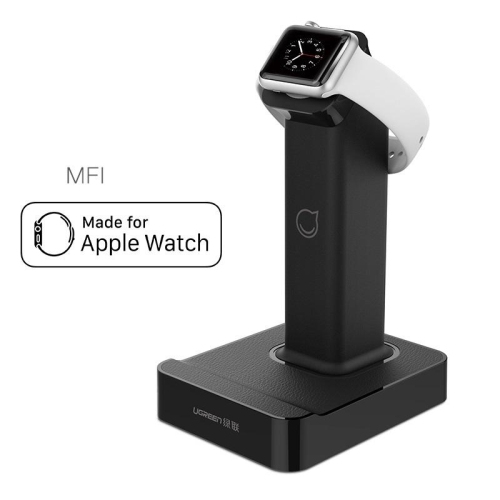
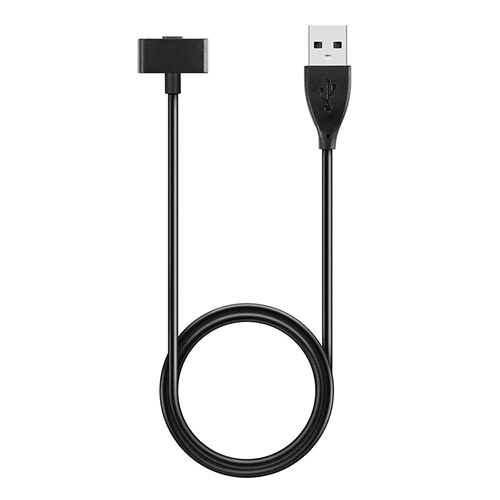
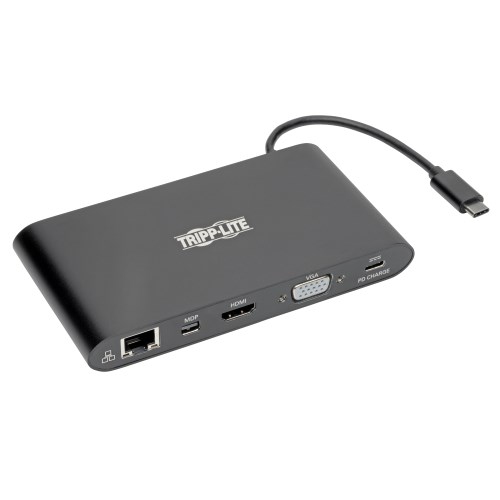
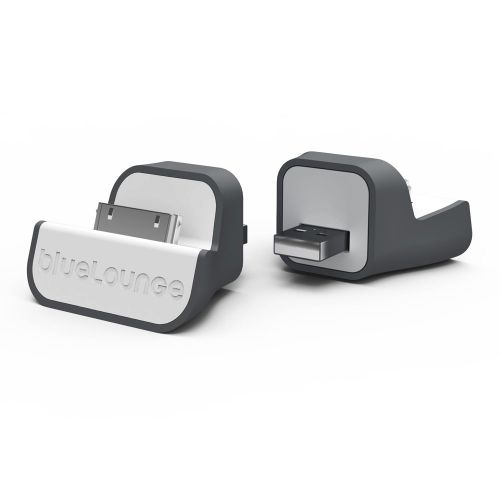

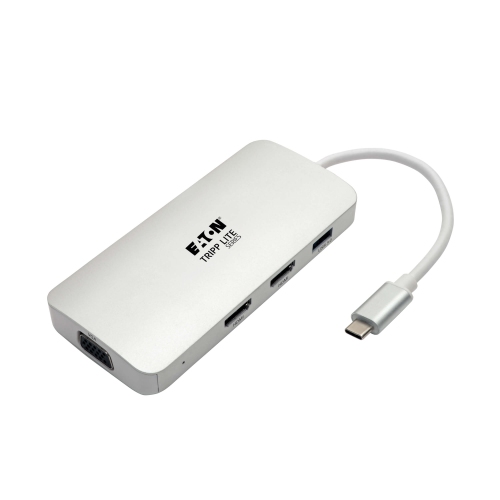
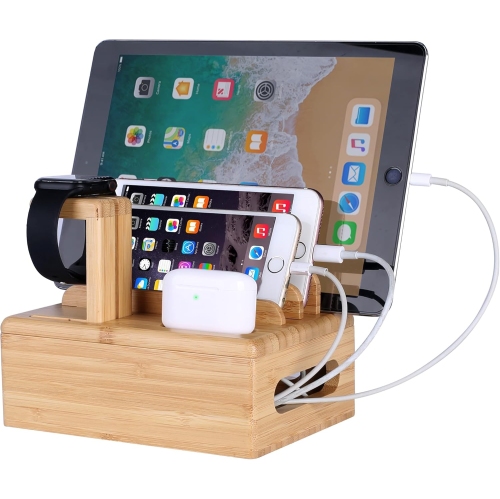
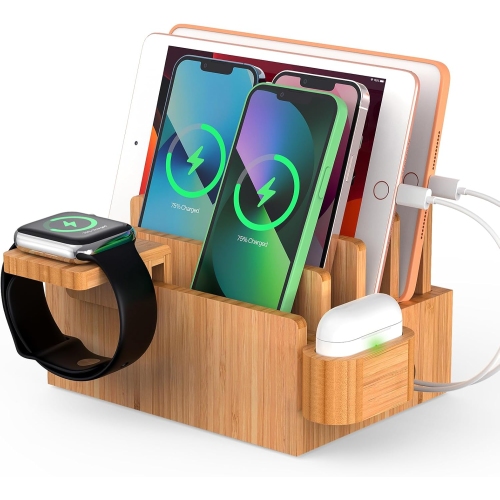
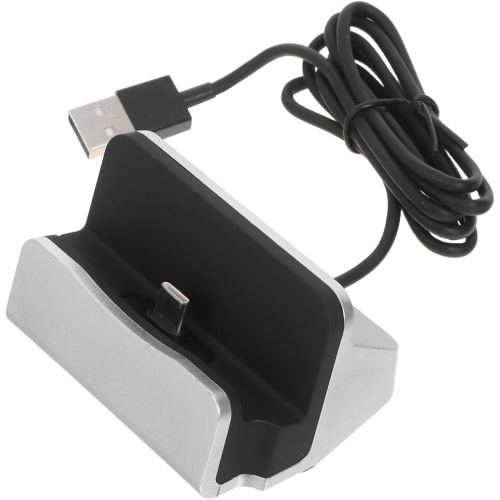
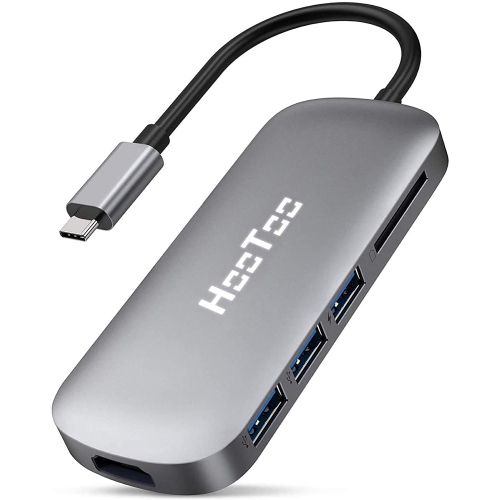
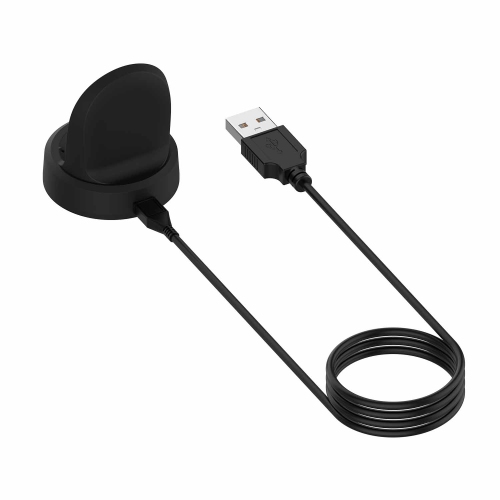
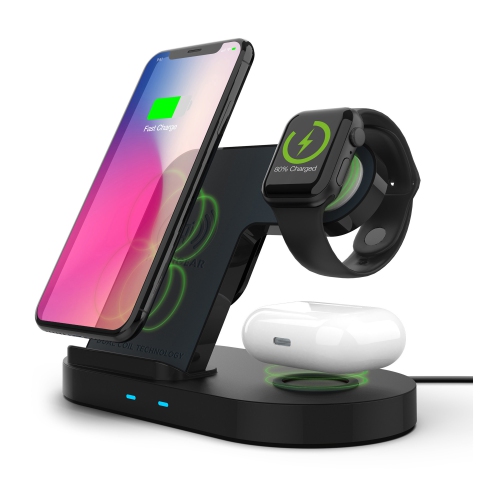
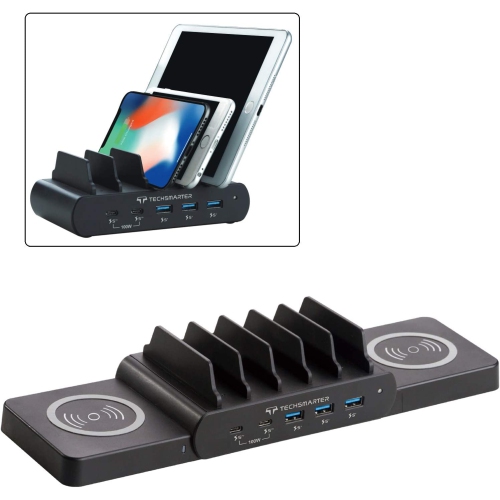
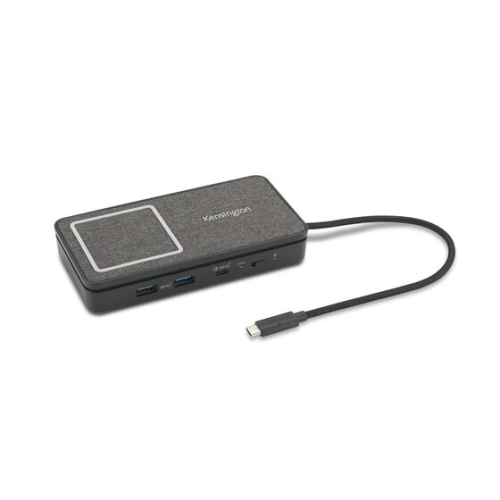
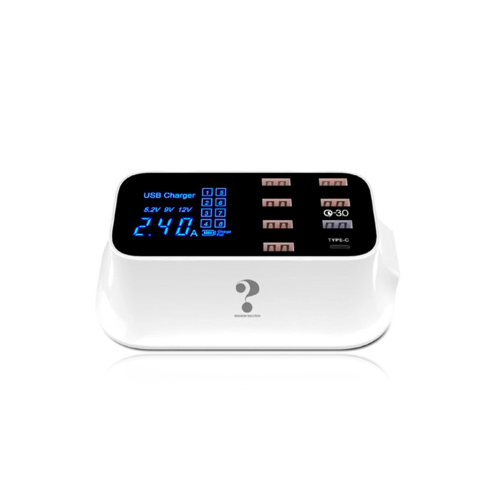
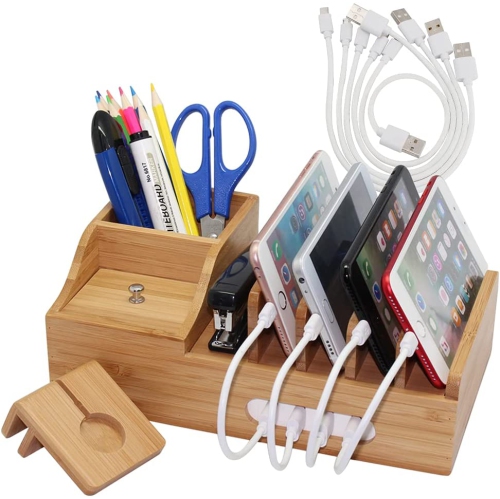
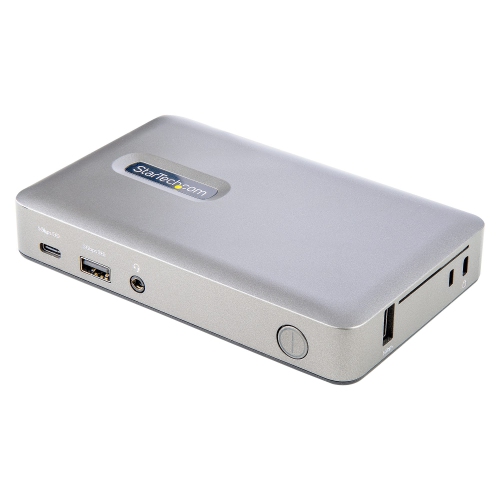


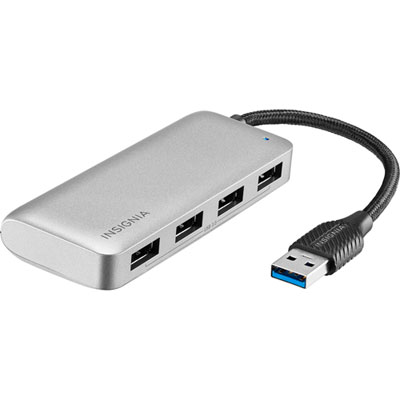
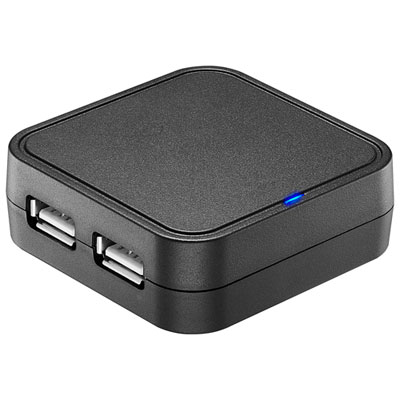
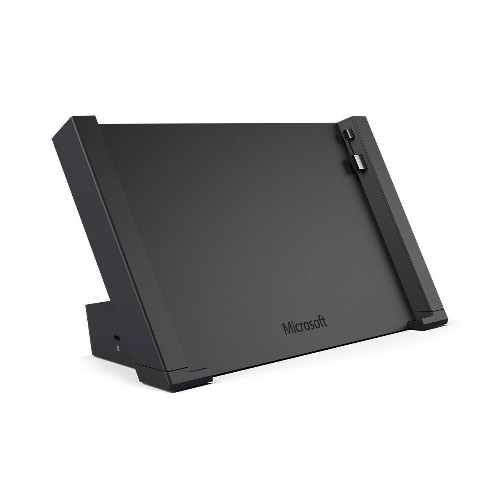
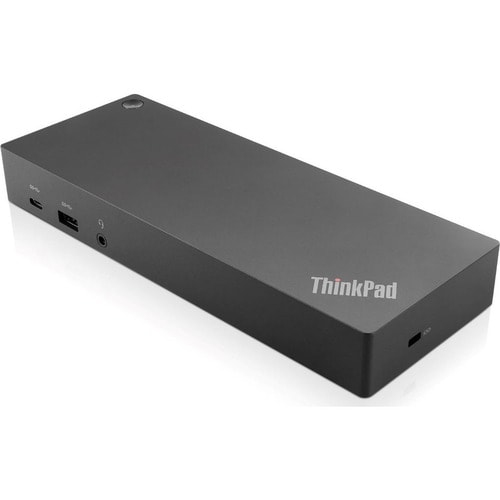
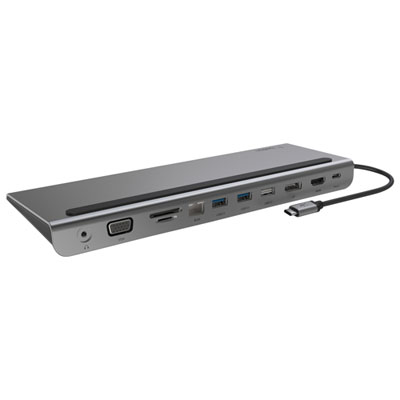
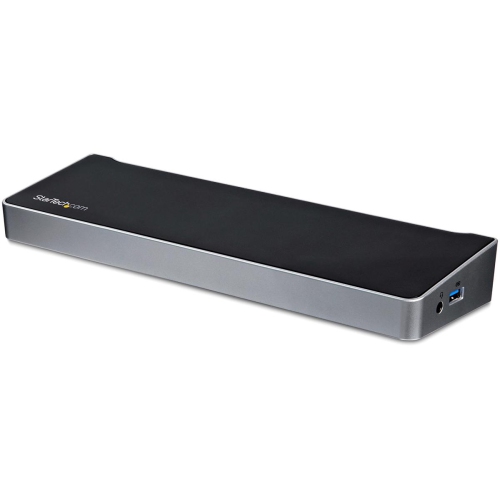
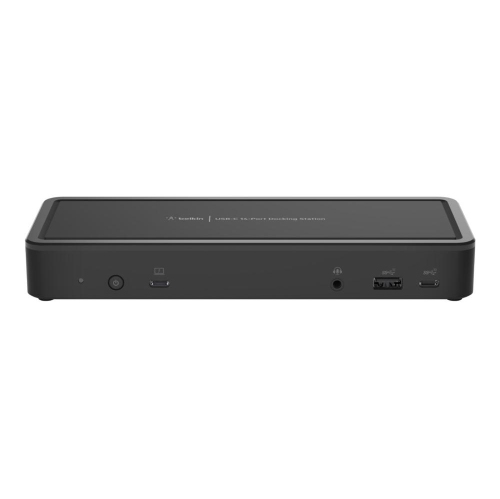
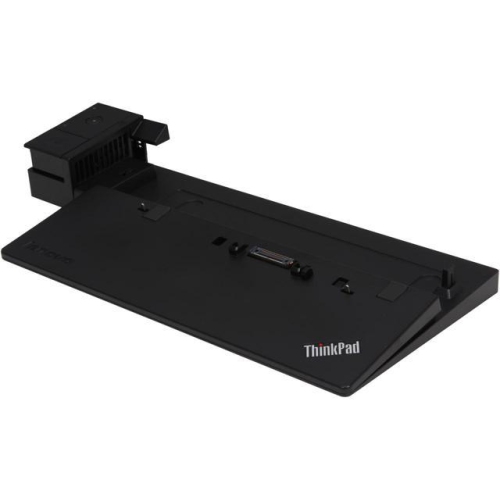
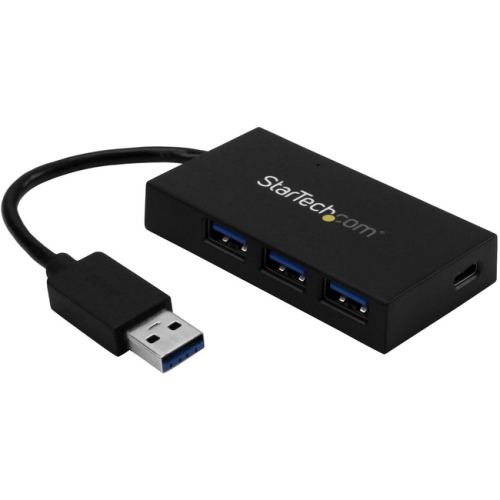
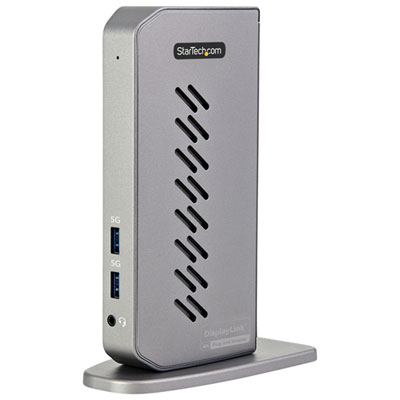
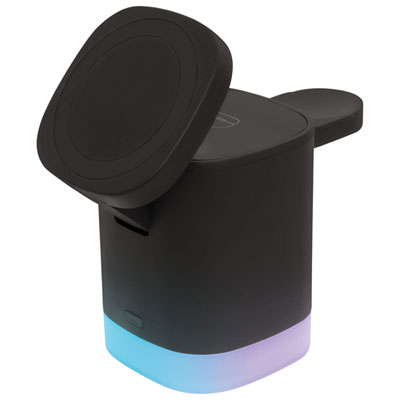
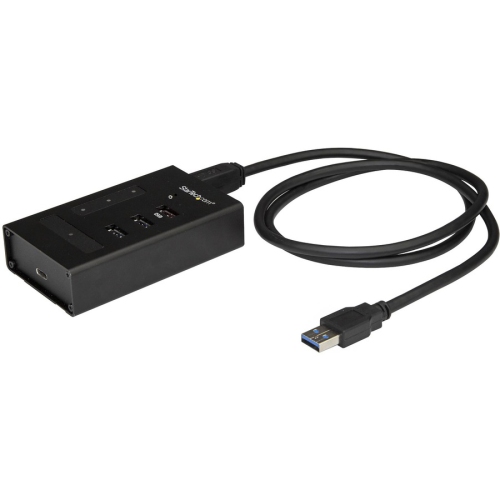
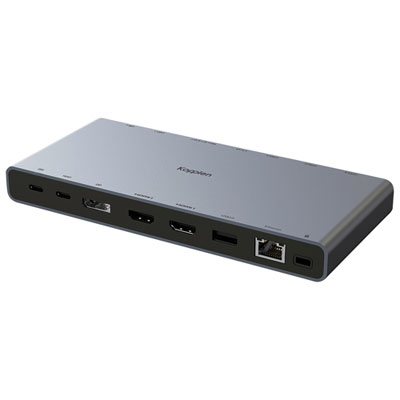
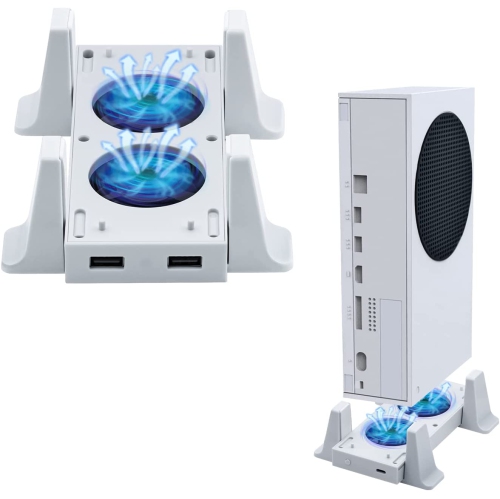
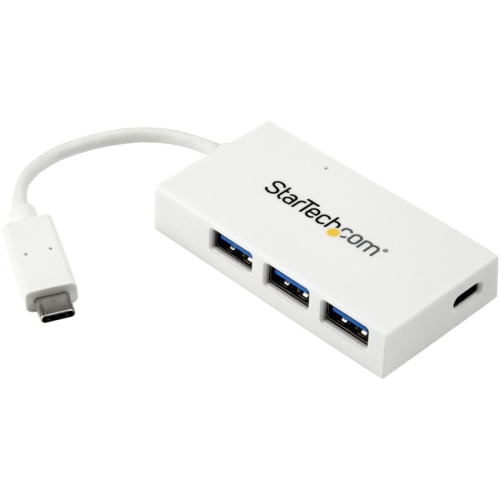
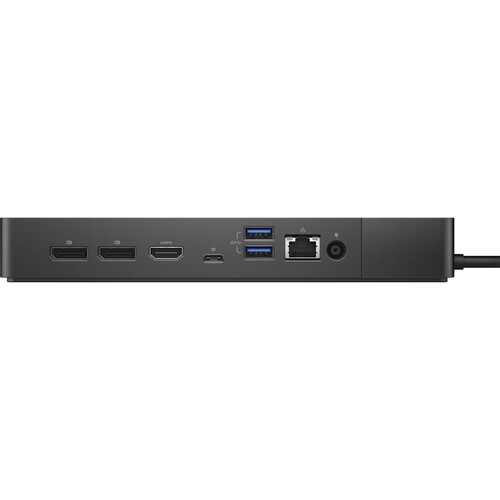
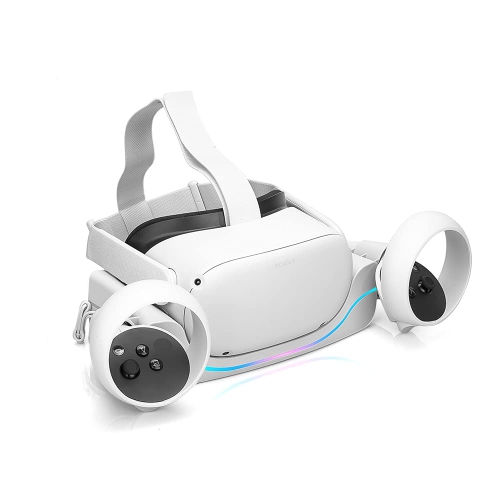

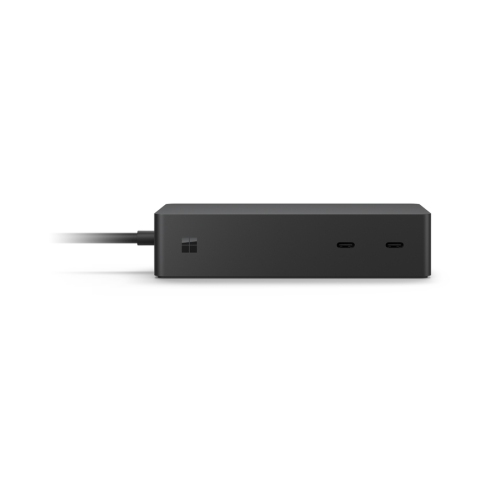
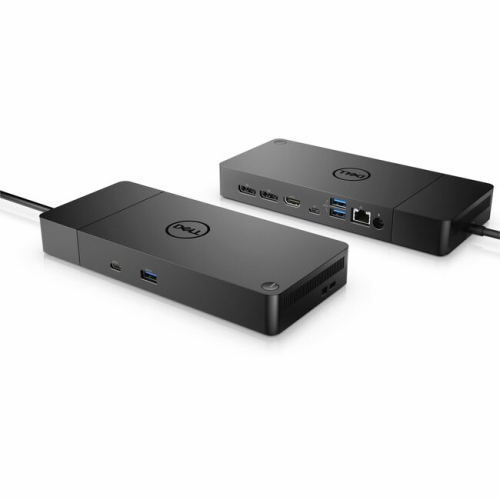

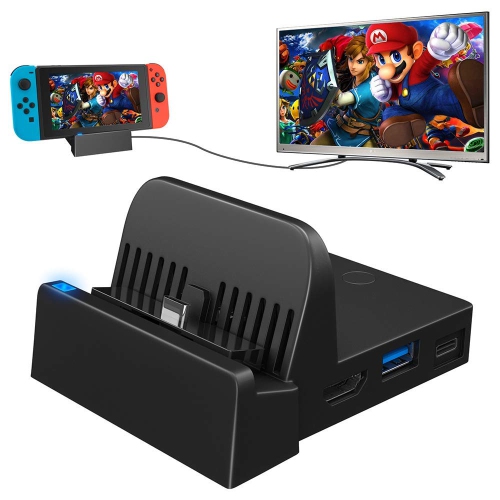
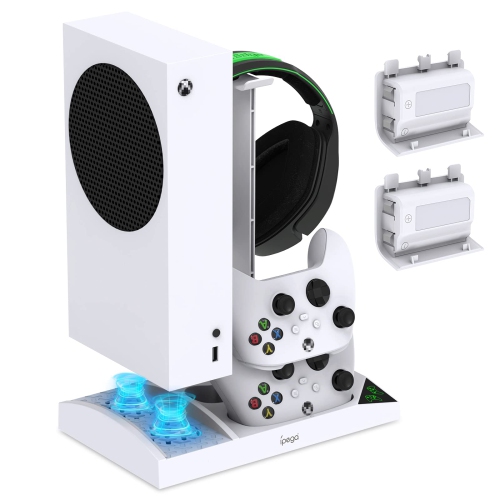
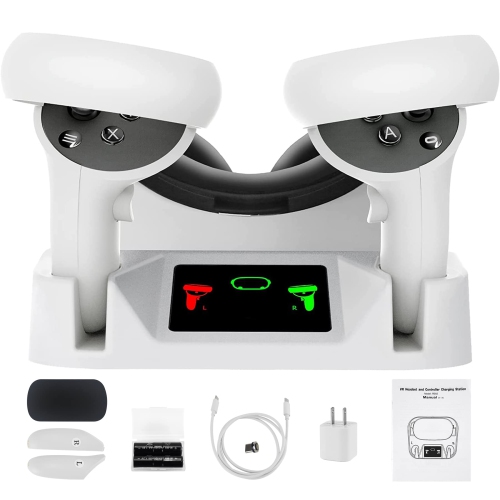
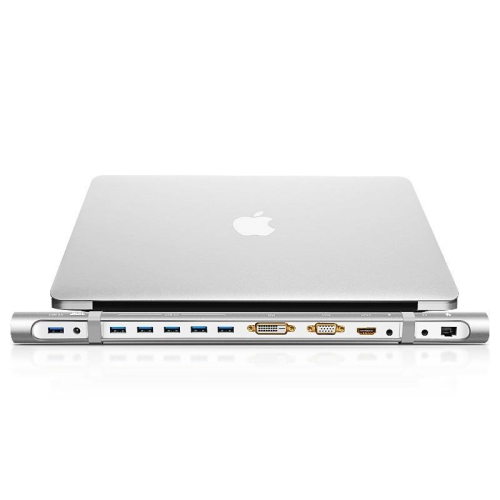
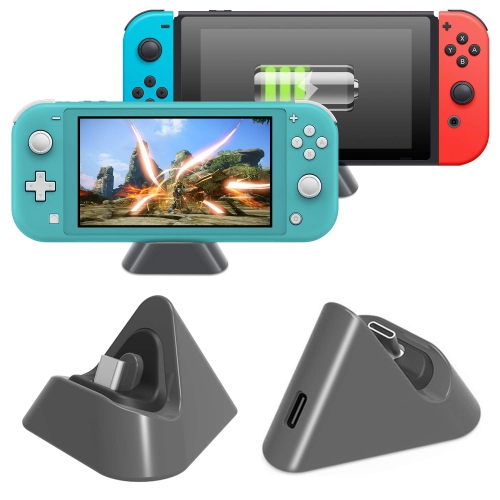
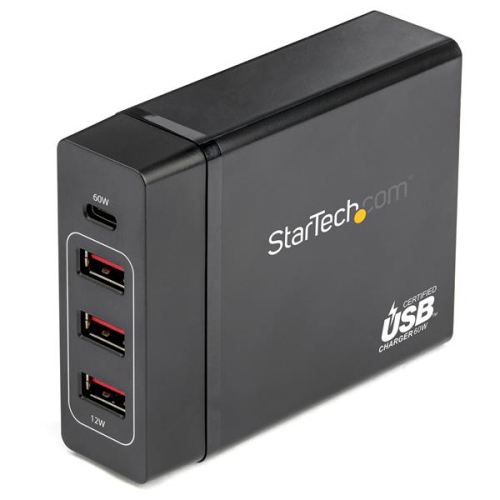

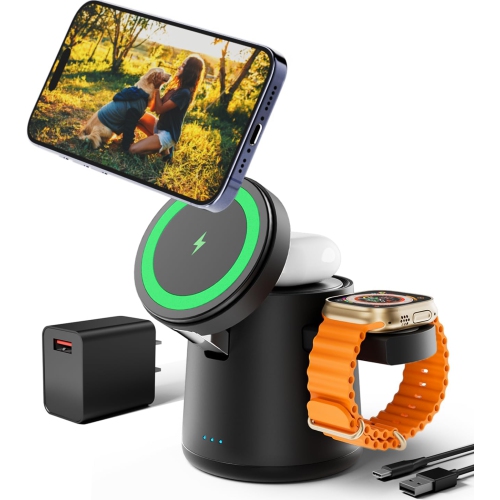
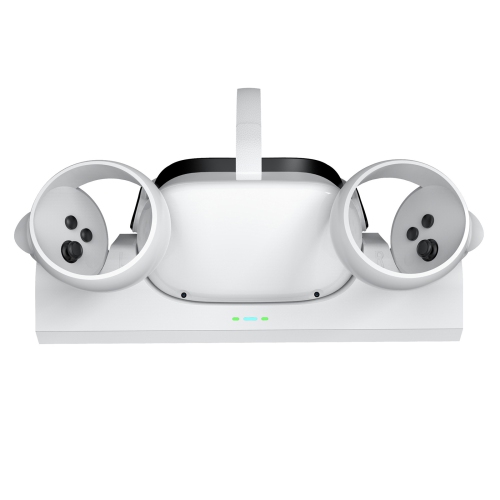
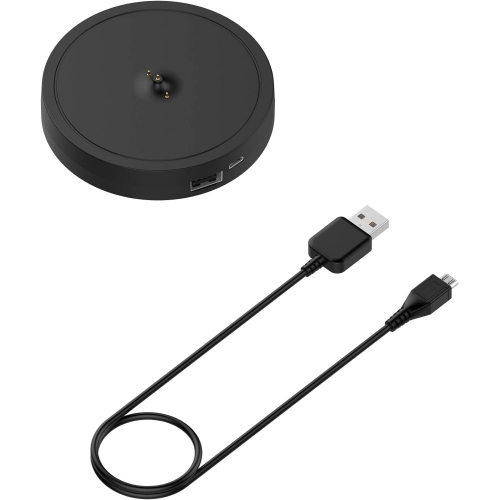

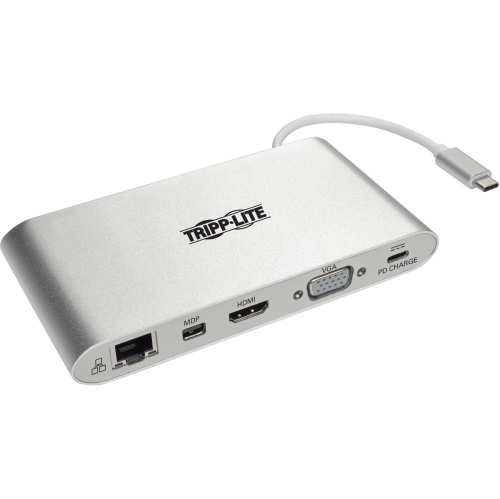
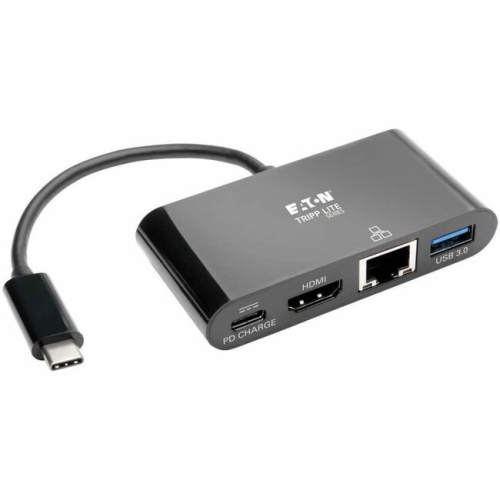
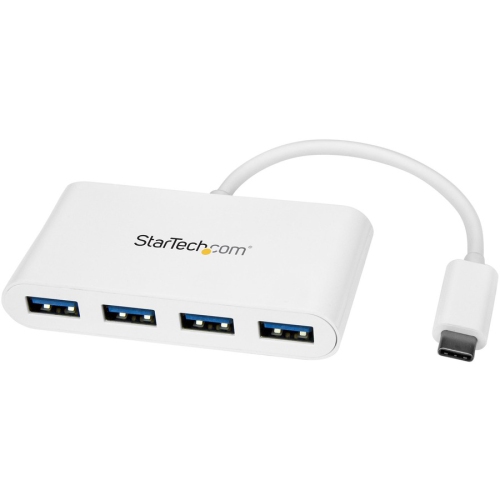

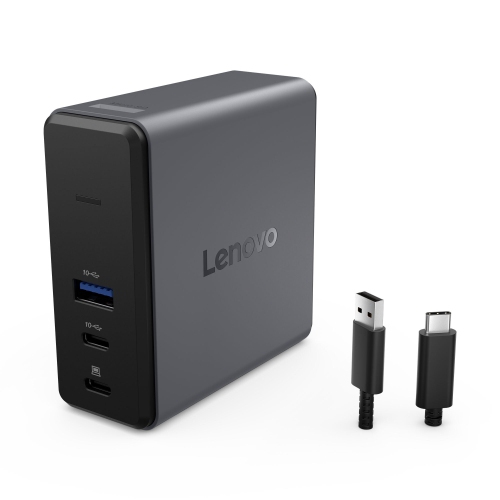
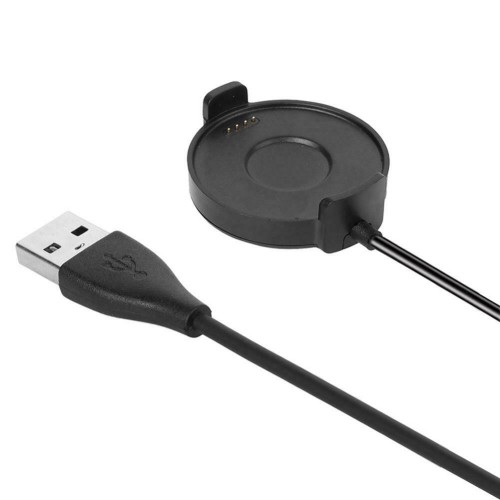
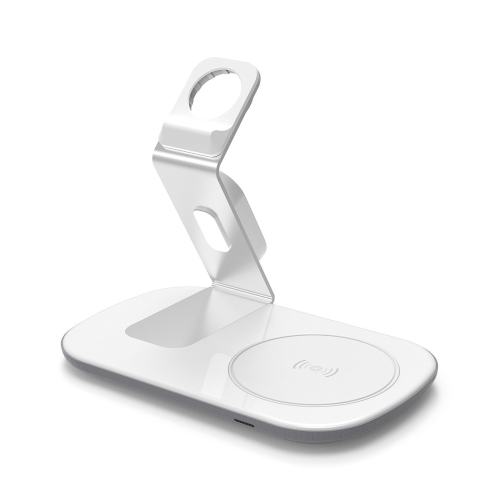
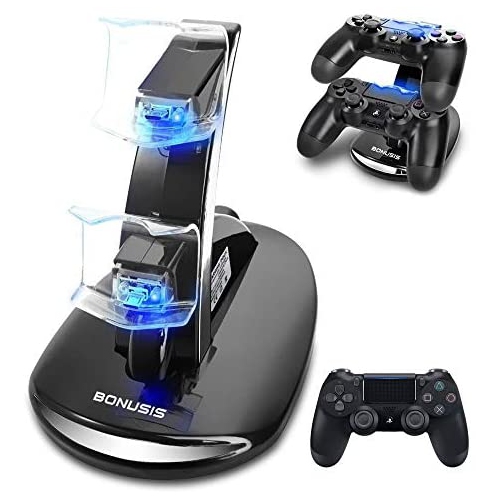
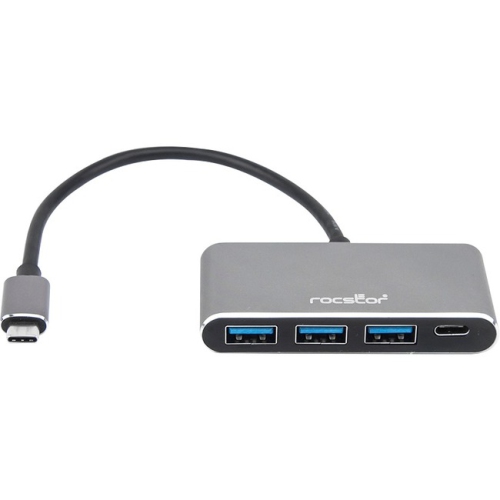
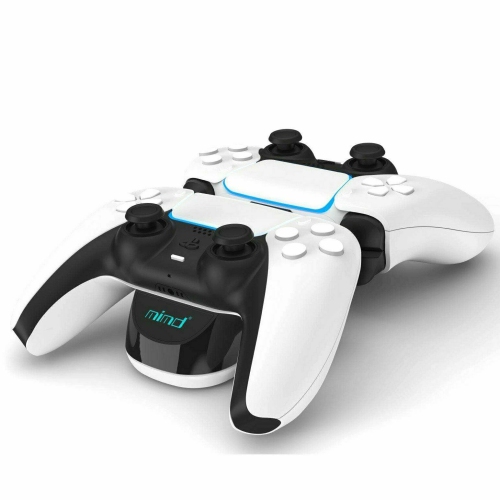
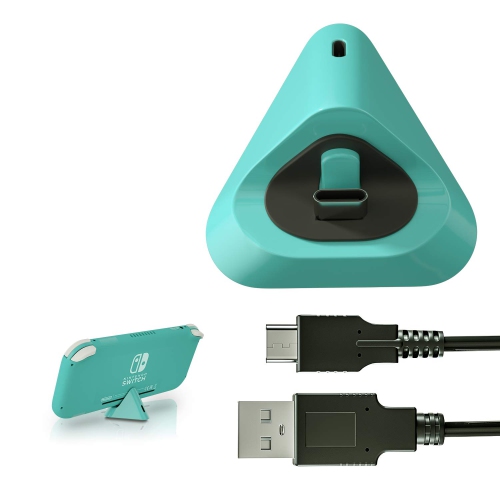

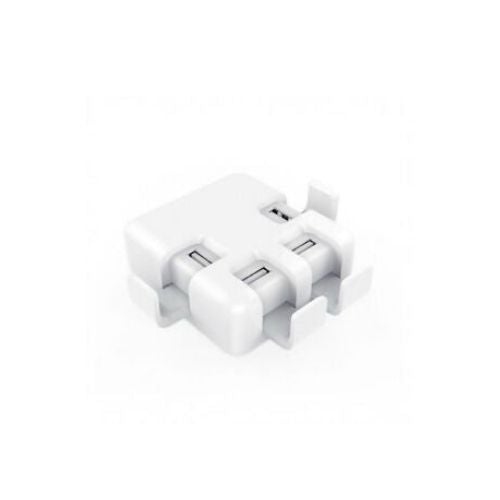
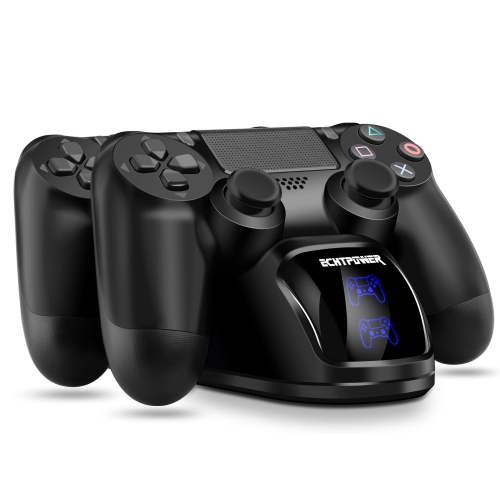

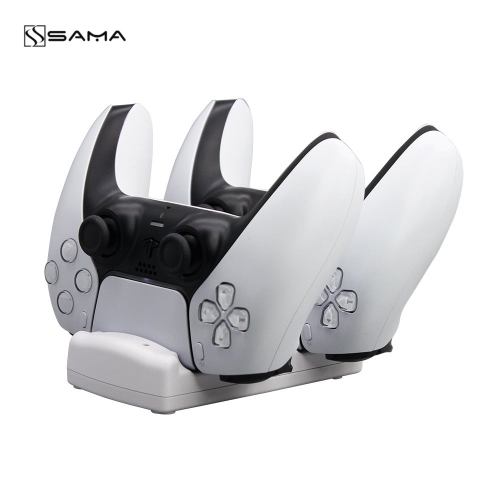

Less cable clutter with one shared charging spot
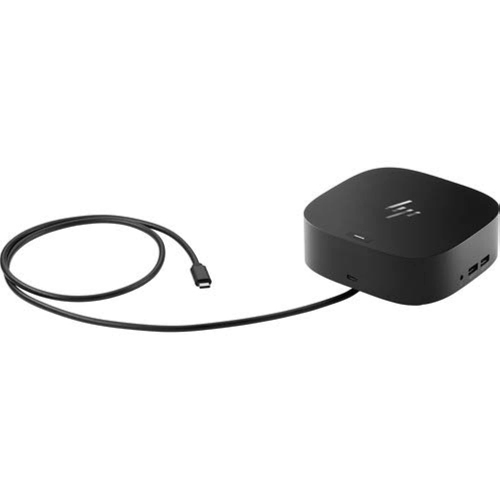
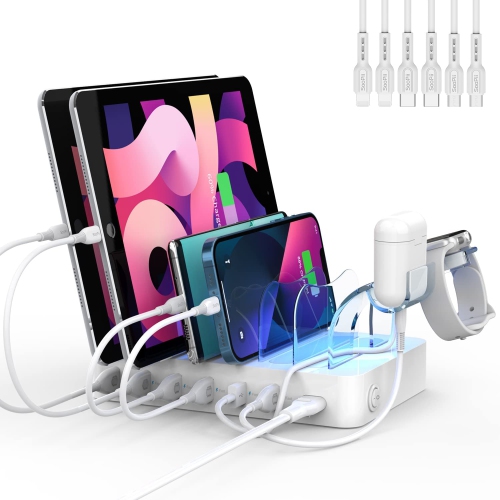
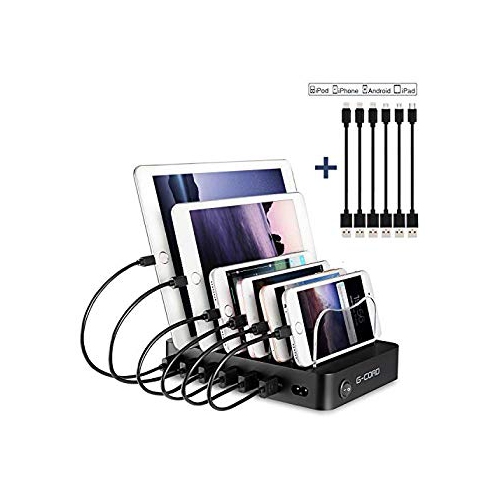
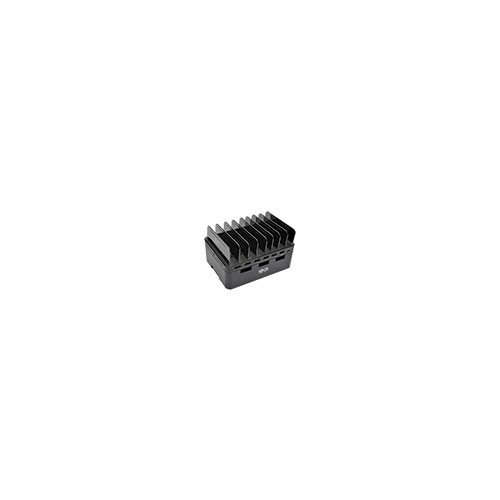
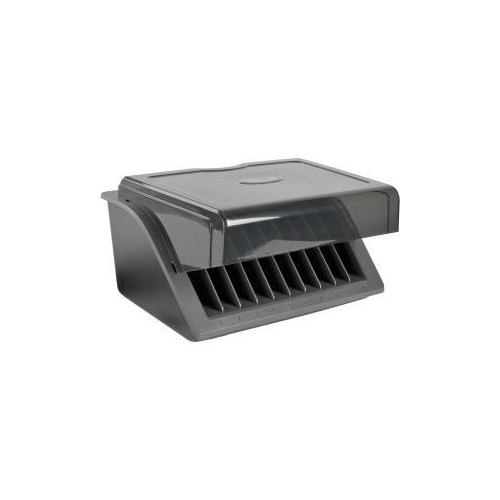
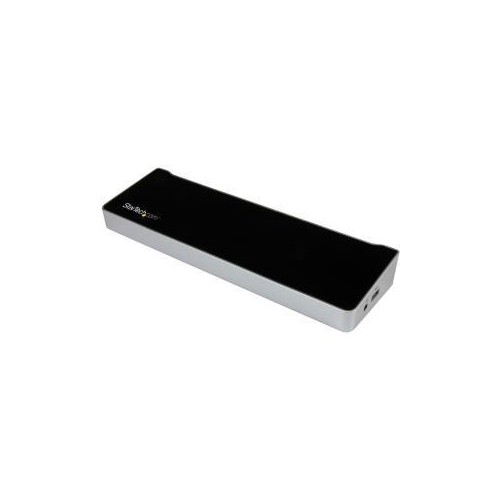
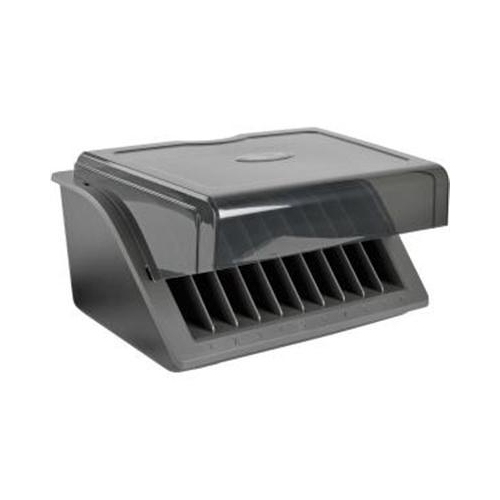
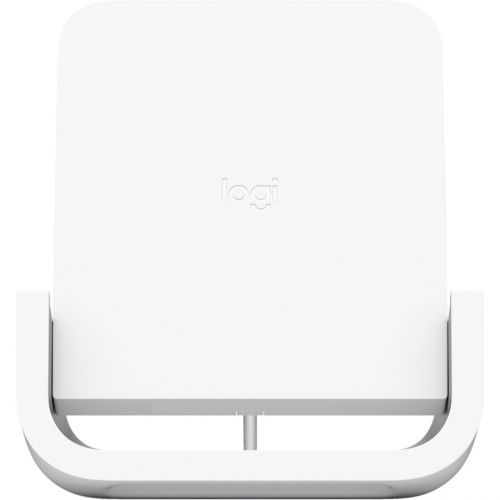
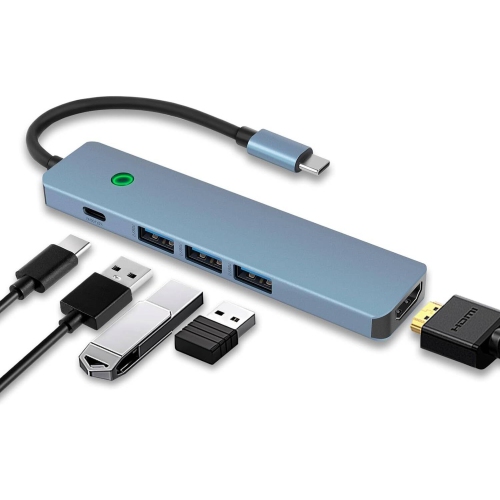
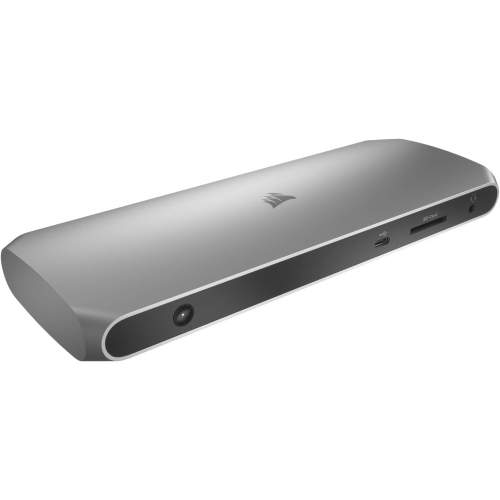
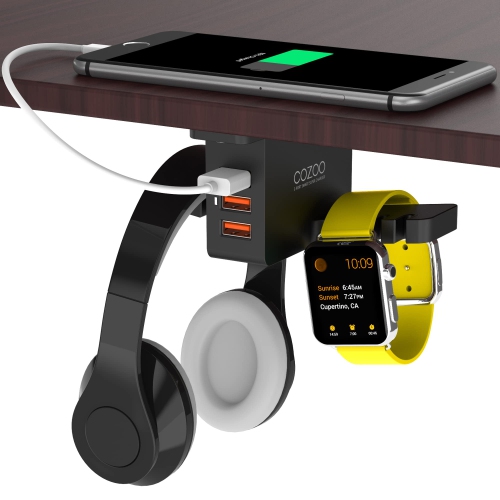
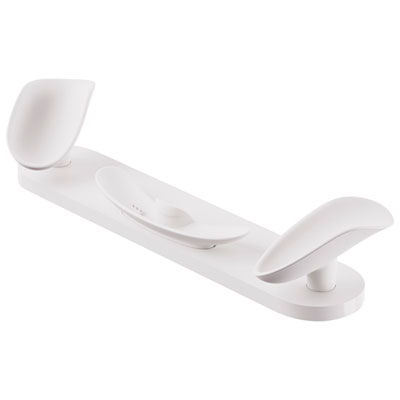
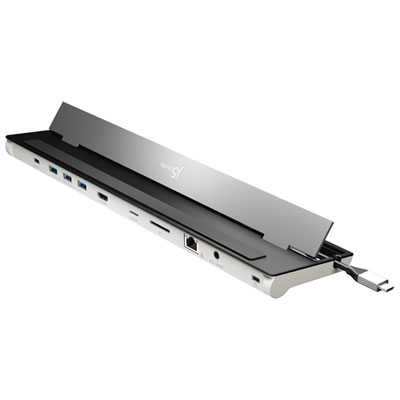
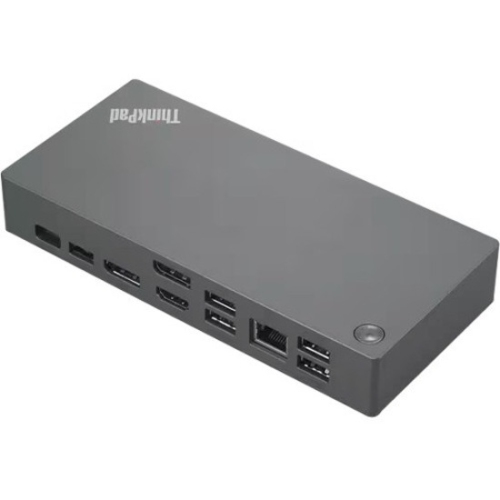
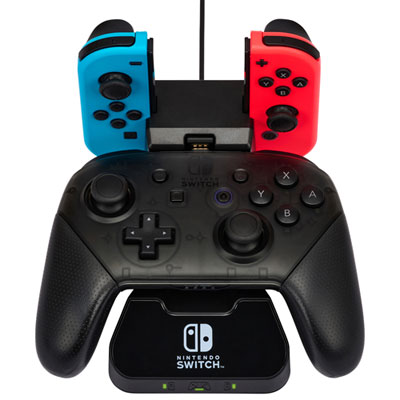
USB charging docks provide a central place to charge compatible devices, often powering several at once while keeping phones, tablets, and small accessories organized. Rather than leaving separate chargers scattered across a desk or counter, a dock brings charging connections into one accessible spot. Some designs hold devices upright in individual slots, while others use a flat base, an angled phone stand, or a combination of supports and USB ports. That physical layout makes a difference in everyday use: an upright phone is easier to glance at during a video call, and a row of tablet dividers can keep a shared workspace tidy between tasks. A dock beside an entryway gives household members somewhere to leave devices when they arrive home, while a compact unit on a bedside table can keep a phone and compatible accessories within reach. USB charging docks are primarily intended to supply power; they do not necessarily offer the monitor connections, file transfer, or network access associated with computer docking stations. Even when a charging dock connects through USB-C, its connector shape alone does not establish which functions it supports. The most useful arrangement depends on the devices being charged, the space around them, and whether they need to remain usable while connected. A phone used for messages throughout the day benefits from an accessible viewing angle, whereas tablets put away after homework may be better suited to a dock with separate bays. For a family sharing a counter, clearly separated spaces can make devices easier to identify and retrieve. At a personal desk, a smaller dock with neatly routed cables can leave more room for a keyboard, notebook, and mouse. The appeal is both practical and visual: charging becomes part of an organized routine, with fewer loose cable ends and a more predictable place to find everyday essentials. A single charging location can also make it easier to notice when a device has been left unplugged.
Compatibility involves more than counting the number of ports. USB-A and USB-C connections accommodate different cable ends, and each device still needs a suitable cable or built-in charging connector. A USB-C port does not automatically mean fast charging, and a dock with several ports may divide its total output among the devices connected to it. Both the output of an individual port and the combined power budget matter, particularly when charging a tablet alongside a phone and smaller accessories. A setup intended to charge a laptop requires explicit support for that use, enough power for the computer, and a cable rated for the required output. USB Power Delivery can enable higher-power charging between compatible equipment, but the dock, cable, and device must support the appropriate requirements. For devices built around this connection, USB-C charging stations offer a related charging format to consider alongside the physical layout of a dock. Charging speed also depends on the device’s own limits and whether it is being used while plugged in. A tablet streaming a lesson may replenish its battery more slowly than the same tablet sitting idle. The power source deserves equal attention: some docks use a dedicated wall adapter, while others require a separate compatible adapter, and included cables vary by design. Physical fit is just as important as electrical compatibility. Wide slots can accommodate thicker cases, but a fixed connector may not reach through a deeply recessed case opening. Adjustable dividers can be useful when a household has devices of different sizes, and a sturdy backrest helps support a taller tablet without relying on the charging plug to hold its weight. Short cables reduce clutter, although they still need enough slack to connect without pulling against a port. Where wireless charging is built into a dock, support, alignment, and case compatibility need to match the device; a phone charging surface should not be assumed to work with every watch or earbud case.
Materials and construction affect how a USB charging dock feels, how securely it holds devices, and how well it stands up to repeated daily use. Plastic housings can be lightweight and easy to move, while metal bases may add weight and a firmer feel on a desk. Neither material alone guarantees durability; solid joints, securely fitted ports, stable dividers, and well-finished edges are more useful details to assess. Silicone pads or rubber feet can help limit sliding on a smooth surface, especially when a cable is disconnected with one hand. Soft contact points can also reduce rubbing where a phone or tablet rests against its support. A dock’s footprint should account for the devices it holds, not just the dimensions of the empty base. Tall tablets need clearance beneath shelves, and cables exiting from the rear need space before they meet a wall. For bedside use, the position and brightness of status lights can affect comfort, while an open viewing angle may matter more on a work desk. In a shared office or study area, accessible ports and clearly separated slots make frequent device changes less awkward. Care is generally straightforward: disconnect the dock from power before cleaning, follow its care instructions, and use a soft, dry cloth for routine dusting. Liquid cleaners should not enter ports or connector openings, and cables with damaged insulation or loose connectors should be replaced. Keeping the dock on a stable, dry surface with its ventilation openings unobstructed supports normal operation. Pulling cables by their plugs rather than their cords helps reduce strain during everyday handling. For students, remote workers, or households juggling several devices, a charging dock can be a thoughtful practical gift when the recipient’s connections and charging needs are known. Its lasting usefulness comes from fitting an established routine, whether that means charging tablets in a shared study space, keeping a phone visible beside a work screen, or giving small accessories a consistent home instead of leaving them scattered across a counter.
Compatibility involves more than counting the number of ports. USB-A and USB-C connections accommodate different cable ends, and each device still needs a suitable cable or built-in charging connector. A USB-C port does not automatically mean fast charging, and a dock with several ports may divide its total output among the devices connected to it. Both the output of an individual port and the combined power budget matter, particularly when charging a tablet alongside a phone and smaller accessories. A setup intended to charge a laptop requires explicit support for that use, enough power for the computer, and a cable rated for the required output. USB Power Delivery can enable higher-power charging between compatible equipment, but the dock, cable, and device must support the appropriate requirements. For devices built around this connection, USB-C charging stations offer a related charging format to consider alongside the physical layout of a dock. Charging speed also depends on the device’s own limits and whether it is being used while plugged in. A tablet streaming a lesson may replenish its battery more slowly than the same tablet sitting idle. The power source deserves equal attention: some docks use a dedicated wall adapter, while others require a separate compatible adapter, and included cables vary by design. Physical fit is just as important as electrical compatibility. Wide slots can accommodate thicker cases, but a fixed connector may not reach through a deeply recessed case opening. Adjustable dividers can be useful when a household has devices of different sizes, and a sturdy backrest helps support a taller tablet without relying on the charging plug to hold its weight. Short cables reduce clutter, although they still need enough slack to connect without pulling against a port. Where wireless charging is built into a dock, support, alignment, and case compatibility need to match the device; a phone charging surface should not be assumed to work with every watch or earbud case.
Materials and construction affect how a USB charging dock feels, how securely it holds devices, and how well it stands up to repeated daily use. Plastic housings can be lightweight and easy to move, while metal bases may add weight and a firmer feel on a desk. Neither material alone guarantees durability; solid joints, securely fitted ports, stable dividers, and well-finished edges are more useful details to assess. Silicone pads or rubber feet can help limit sliding on a smooth surface, especially when a cable is disconnected with one hand. Soft contact points can also reduce rubbing where a phone or tablet rests against its support. A dock’s footprint should account for the devices it holds, not just the dimensions of the empty base. Tall tablets need clearance beneath shelves, and cables exiting from the rear need space before they meet a wall. For bedside use, the position and brightness of status lights can affect comfort, while an open viewing angle may matter more on a work desk. In a shared office or study area, accessible ports and clearly separated slots make frequent device changes less awkward. Care is generally straightforward: disconnect the dock from power before cleaning, follow its care instructions, and use a soft, dry cloth for routine dusting. Liquid cleaners should not enter ports or connector openings, and cables with damaged insulation or loose connectors should be replaced. Keeping the dock on a stable, dry surface with its ventilation openings unobstructed supports normal operation. Pulling cables by their plugs rather than their cords helps reduce strain during everyday handling. For students, remote workers, or households juggling several devices, a charging dock can be a thoughtful practical gift when the recipient’s connections and charging needs are known. Its lasting usefulness comes from fitting an established routine, whether that means charging tablets in a shared study space, keeping a phone visible beside a work screen, or giving small accessories a consistent home instead of leaving them scattered across a counter.
Top selling and popular products
-
 Your price for this item is $149.99
 -
 Your price for this item is $69.99
 -
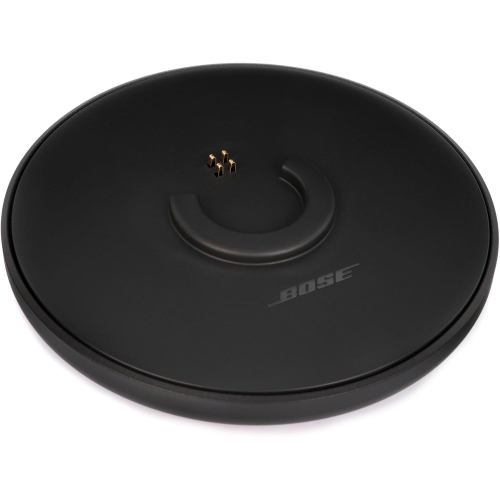 Your price for this item is $35
 -
 Your price for this item is $59.99
 -
 Your price for this item is $179.99
 -
 Your price for this item is $209.99
 -
 Your price for this item is $89.99
 -
 Your price for this item is $154.99
Discover more categories related to Usb Charging Docks
Top Collections:
Pokemon Centers, Kindle Devices, Best Budget Office Chairs, Apple iPhones 16, Best Laptops for Writers, iPhone 15 Apple, Canon G7X Cameras, Refurbished Apple Laptops, Alarm Clock, Motorola Razr Phones
Some products may be subject to Environmental Handling Fees
(EHF) depending on your province.
Learn more about EHFs.