Best USB Wi-Fi Receivers
Find the best USB Wi-Fi receivers for adding wireless connectivity to your desktop or upgrading your laptop’s Wi-Fi connection. Ranked by user review ratings, this list makes it easy to explore highly rated options for browsing, streaming, gaming, and working from home. Compare speeds, compatibility, and features to find the right fit for your setup.
What to look for in USB Wi-Fi receivers
1. Device Compatibility
2. Wi-Fi Standards and Speeds
3. Frequency Bands and Range
4. Size and USB Connection
-
1
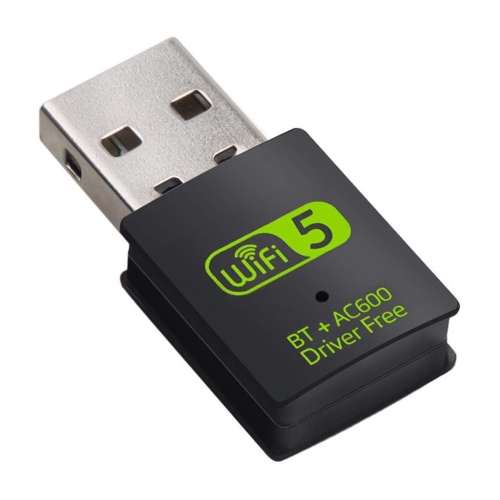
AXGEAR USB Wifi Bluetooth Adapter 600Mbps Dual Band 2.4/5Ghz Wireless Network Receiver
About this product
A dual-band USB adapter with built-in driver software for easy WiFi and Bluetooth connectivity up to 600Mbps.
(5)$16.99Your price for this item is $16.99SAVE $33 -
2
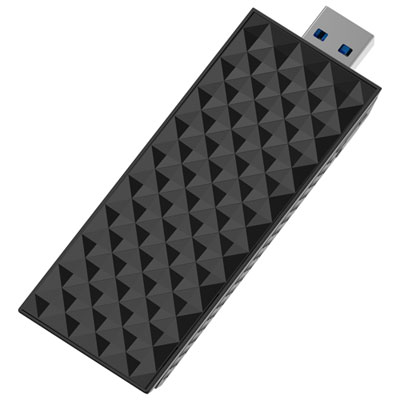
NETGEAR Wireless BE6500 Wi-Fi 7 Tri-Band USB Adapter
About this product
A tri-band USB adapter offering Wi-Fi 7 connectivity and speeds up to 6.5Gbps for seamless performance.
What customers like
(42)$99.99Your price for this item is $99.99SAVE $30 -
3
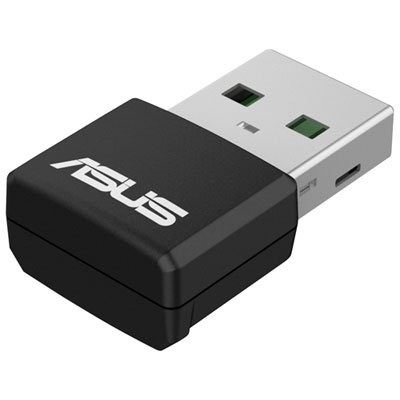
ASUS USB-AX55 Nano V2 Wireless WiFi 6 USB Adapter
About this product
A compact USB adapter that upgrades devices to Wi-Fi 6 with dual-band support and WPA3 security.
(5)$64.99 Your price for this item is $64.99 -
4
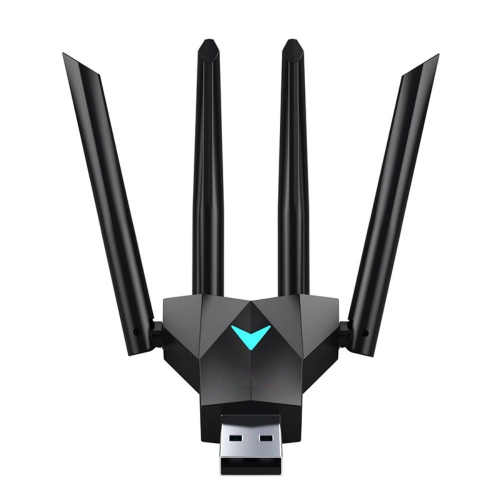
AXGEAR USB 3.0 Wireless Wifi Network Adapter Dual Band 1300Mbps 2.4G 5Ghz Receiver
About this product
An AXGEAR USB 3.0 adapter offering dual-band 1300Mbps speeds with a 4-antenna design for stable connections.
(2)$18.99Your price for this item is $18.99SAVE $31 -
5
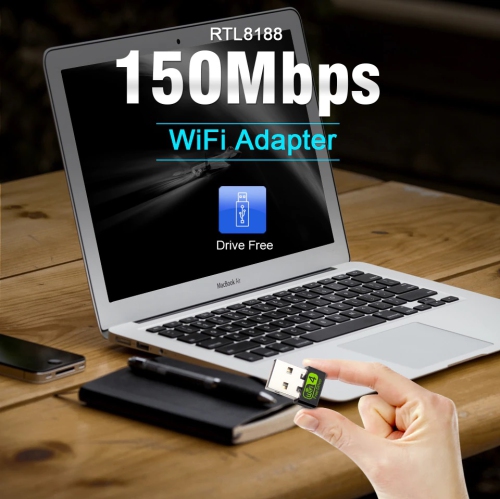
MATRIX 150Mbps Mini USB Wifi Adapter for PC 2.4G Network Card Wifi Receiver
About this product
A compact USB wifi adapter with a wireless speed of up to 150Mbps for internet surfing and gaming.
$12.90Your price for this item is $12.90SAVE $4 -
6
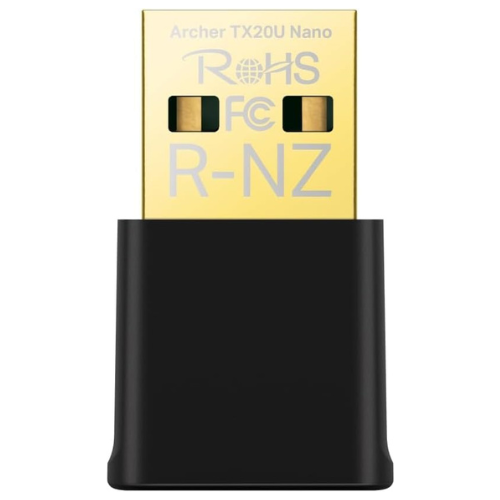
TP-LINK Ax1800 Nano USB Wifi 6 Adapter for PC(Archer Tx20U Nano)- 2.4G/5G Dual-Band Wireless Network Transceiver Adapter
About this product
A compact dual-band USB adapter delivering fast Wi-Fi 6 connectivity with WPA3 security for Windows PCs.
$60.15 Your price for this item is $60.15 -
7
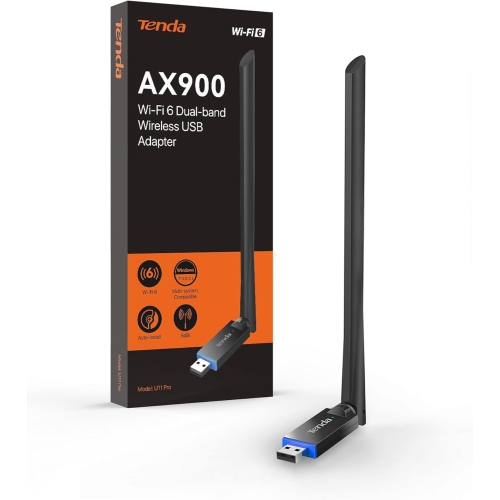
TENDA Wifi Adapter for Desktop PC, Ax900 Wifi 6- Dual-Band 600Mbps 5Ghz/ 286Mbps 2.4Ghz, 6Dbi High Gain Antenna, Wireless Wifi Adapter, Built-In
About this product
A dual-band wireless adapter with WiFi 6 support and a 6dBi high-gain antenna for fast connectivity.
$29.99Your price for this item is $29.99SAVE $40 -
8
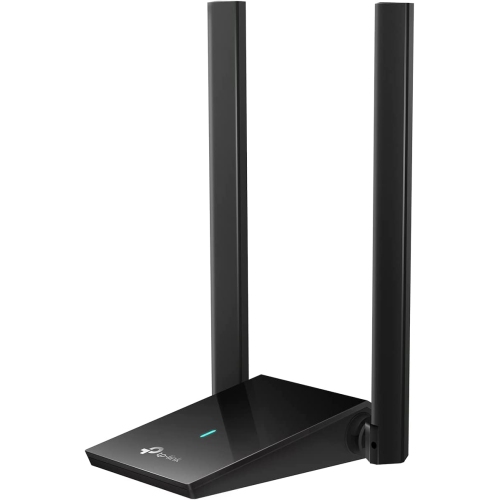
TP-LINK Wifi 6 USB Adapter for Desktop PC, Wireless Network Adapter With 2.4Ghz, 5Ghz, High Gain Dual Band 5Dbi Antenna, Wpa3, Supports Windows 11/10
About this product
A dual-band USB adapter with Wi-Fi 6, high-gain antenna, and WPA3 support for Windows computers.
$78.99Your price for this item is $78.99SAVE $21 -
9
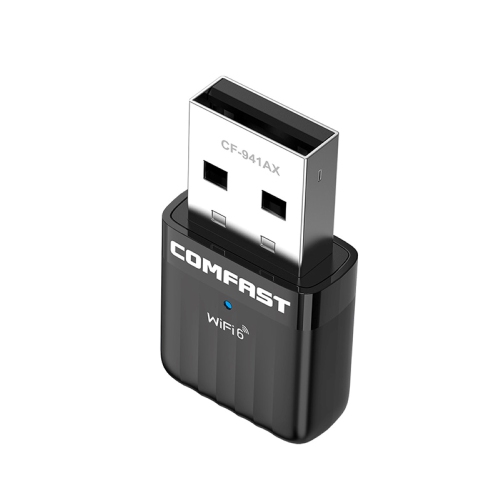
COMFAST Ax600 Wi-Fi6 600Mbps Dual Band Wireless Nano USB Adaptor Fcc Certified
About this product
A compact dual band USB adaptor offering up to 600Mbps Wi-Fi 6 speeds for smooth connectivity.
$26.99 Your price for this item is $26.99 -
10
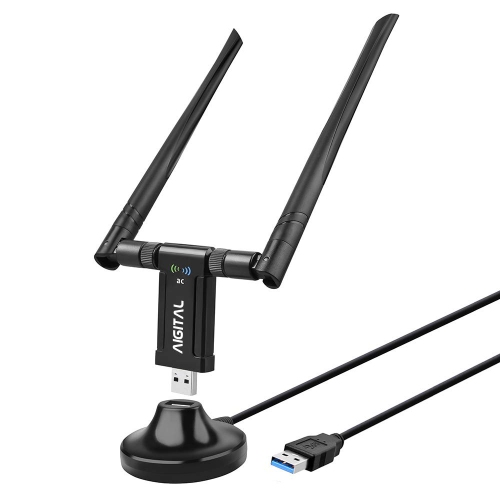
AIGITAL Long Range USB Wifi Adapter for Desktop PC - Ac1200Mbps Dual Band 2.4Ghz/5Ghz Network Adapter w USB 3.0 Base, Support Windows
About this product
A dual-band USB Wi-Fi adapter offering fast, reliable wireless connectivity with WPA3 encryption support.
$59.99Your price for this item is $59.99SAVE $20
FAQ
A USB Wi-Fi receiver, also called a USB Wi-Fi adapter, connects to a computer’s USB port and provides a wireless network connection. It is an alternative to an internal Wi-Fi card for desktop and laptop computers.
Check the adapter’s listed operating systems, supported system versions and USB connection type. Compatibility with Windows, macOS and Linux varies by adapter, and some models require a driver for your specific operating system.
Band support depends on the adapter. Single-band models commonly support 2.4 GHz, while dual-band models typically support 2.4 GHz and 5 GHz. Some Wi-Fi 6E and Wi-Fi 7 adapters also support 6 GHz. Your router and operating system must support the band you want to use.
Not necessarily. Wi-Fi and Bluetooth are separate wireless technologies. Some USB adapters include both, while others provide Wi-Fi only. Check the adapter’s specifications if you also want to connect Bluetooth accessories such as headphones, keyboards or mice.
Some USB Wi-Fi receivers use drivers already included with a supported operating system, while others require a download from the manufacturer. Check the installation requirements before setup, as you may need an existing internet connection or another computer to download the driver.
Top selling and popular products
Discover more categories related to Best USB Wi-Fi Receivers
Some products may be subject to Environmental Handling Fees (EHF) depending on your province. Learn more about EHFs.