Best USB Hub
Connect more of your essentials with the best USB hubs, ranked based on user review ratings. Whether you need extra ports for a keyboard and mouse, external storage, or other accessories, explore options that suit your setup. Compare port types, transfer speeds, and power capabilities to find a USB hub that works with your devices.
What to look for in USB hubs
1. Port Selection and Compatibility
2. Data Transfer Speed
3. Power Supply and Charging
4. Size and Build Quality
-
1

Insignia 4-Port USB-C Hub (NS-PCHC4A-C) - Only at Best Buy
About this product
A black USB-C hub offering four USB-A 3.0 ports with up to 5Gbps transfer speed.
What customers like
(1,469)$19.99 Your price for this item is $19.99 -
2
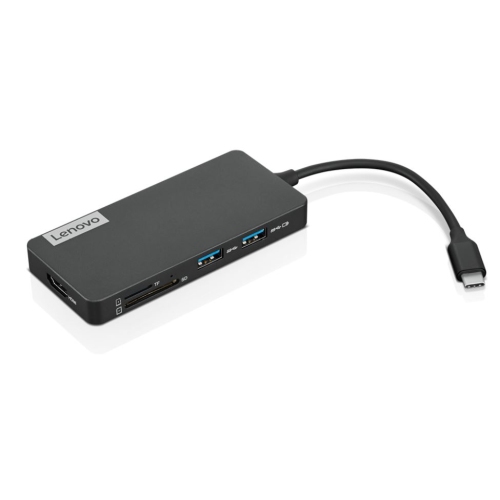
LENOVO 4X90V55523 Interface Hub USB 3.2 Gen 1 (3.1 Gen 1) Type-C
About this product
A Lenovo USB hub with USB 3.2 Gen 1 (3.1 Gen 1) Type-C interface.
What customers like
(490)$142.68Your price for this item is $142.68SAVE $10 -
3
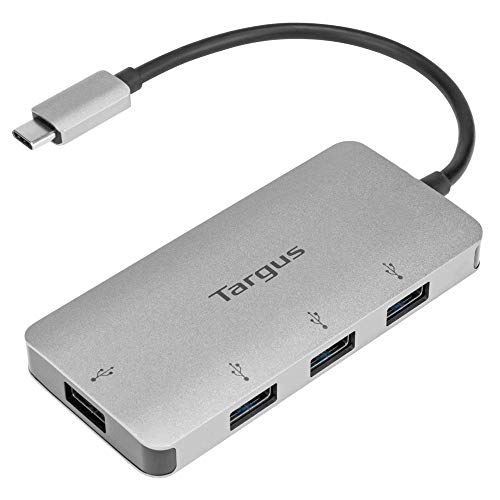
TARGUS USB C Multi-Port Hub USB 3.1 Gen 1 (5Bps) 4X USB-A (Ach226Ca) In Gray
About this product
A gray USB-C hub offering four USB-A 3.1 Gen 1 ports with 5Gbps transfer speeds.
What customers like
(485)$56.68Your price for this item is $56.68SAVE $10 -
4
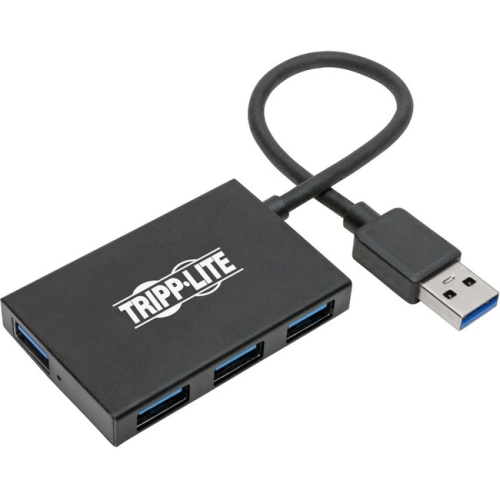
TRIPP LITE USB 3.0 Superspeed Slim Hub, 5 GBps - 4 USB-A Ports, Portable, Aluminum U360-004-4A-Al
About this product
A portable aluminum USB hub with 4 USB-A ports and 5 GBps speed.
$45.99 Your price for this item is $45.99 -
5
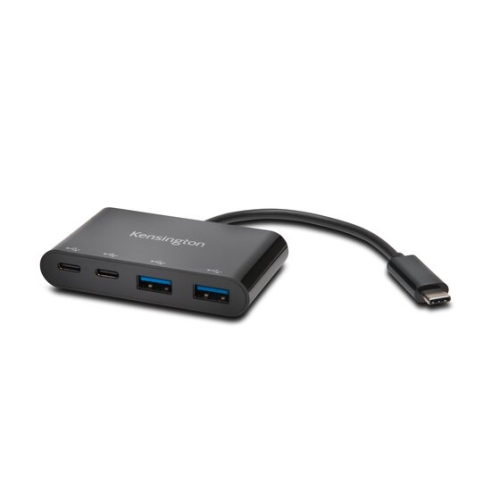
KENSINGTON Ch1000 USB-C 4-Port Hub - (39124)
About this product
A versatile USB-C hub offering four ports for connecting multiple peripherals to your device.
$52.99Your price for this item is $52.99SAVE $10 -
6
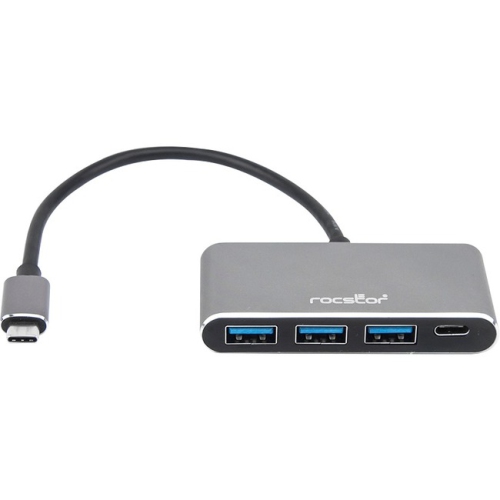
ROCSTORAGE INC Rocstor Premium USB C Hub - 4 Port USB-C to USB-A (3X) And USB-C (1X) - Bus Powered USB Hub - USB Type-C Hub - Port Expander
About this product
A bus-powered USB-C hub offering three USB-A 3.0 ports and one USB-C 3.1 port.
$58.68Your price for this item is $58.68SAVE $10 -
7
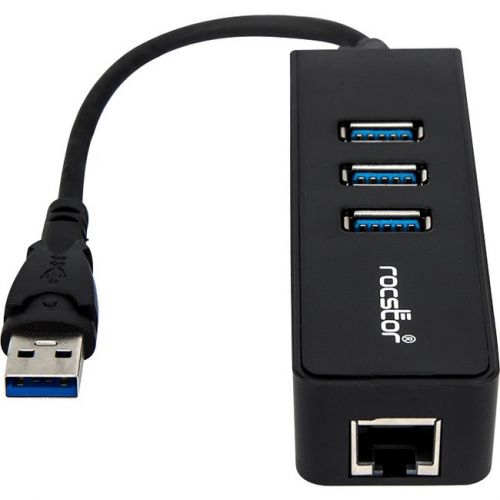
ROCSTORAGE Rocstor Premium 3 Port Portable USB 3.0 Hub With Gigabit Ethernet 10/100/1000- External Portable 3 Port USB Hub With GBe
About this product
A portable USB 3.0 hub with 3 ports and gigabit ethernet for fast and reliable connectivity.
$80.68Your price for this item is $80.68SAVE $10 -
8
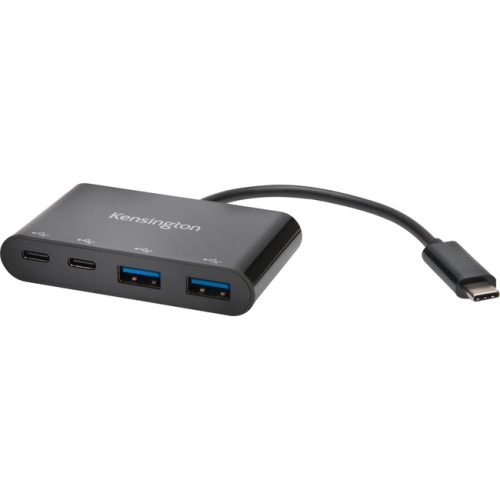
KENSINGTON Ch1000 USB-C 4-Port Hub
About this product
A compact USB-C hub offering four USB 3.1 ports for seamless connectivity with PC and Mac devices.
$51.68Your price for this item is $51.68SAVE $10 -
9
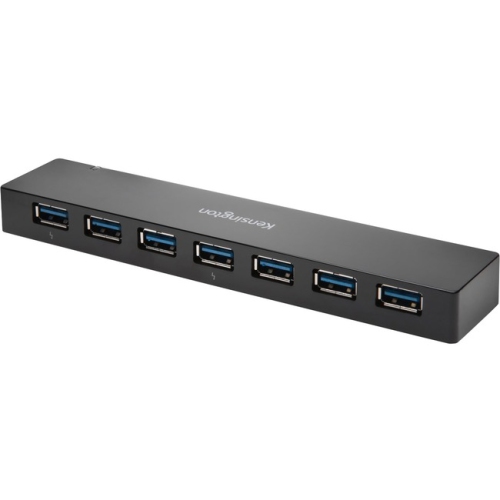
KENSINGTON USB 3.0 7-Port Hub With Charging
About this product
A versatile external hub offering seven USB 3.0 ports for fast data transfer and device charging.
$74.68Your price for this item is $74.68SAVE $10 -
10
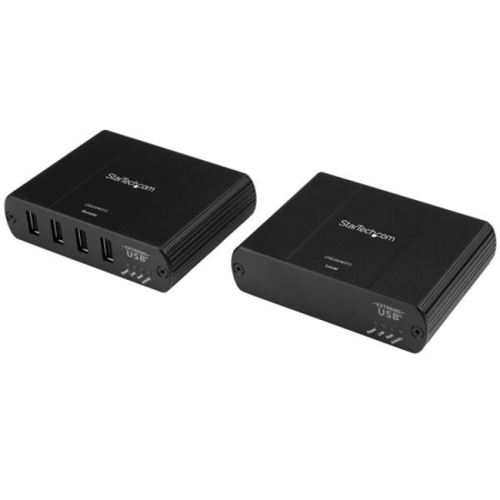
STARTECH 4 Port USB 2.0 Extender Hub Over Cat5E Or Cat6 Ethernet Cable - 330Ft/100M Metal USB 2.0 Extender Kit - Esd
About this product
A metal USB 2.0 extender hub enabling four-port connectivity over Cat5e or Cat6 cables up to 100m.
$642.37Your price for this item is $642.37SAVE $64
FAQ
A USB hub connects to a USB port on your computer and provides additional ports for accessories such as keyboards, mice, printers and external drives. Some hubs also include memory card readers, Ethernet connections or display outputs.
USB-A hubs connect through a rectangular USB-A connector, while USB-C hubs use a reversible USB-C connector. Either type may offer a mix of USB-A and USB-C ports. The connector type alone does not determine data transfer speed, charging support or display compatibility, so check the specifications of both the hub and your computer.
A bus-powered USB hub draws power from the computer it connects to. An externally powered hub uses a separate power adapter to supply its ports. Charging support varies by model, and having an external power adapter does not necessarily mean a hub can charge your laptop.
Some USB hubs include HDMI or DisplayPort outputs. These connections require compatible display support from your computer, such as DisplayPort Alt Mode over USB-C, or a USB graphics technology that may need a driver. Check the hub’s requirements and your computer’s specifications to confirm compatibility.
A USB hub typically focuses on adding USB connections, though some include video, networking and charging features. A docking station generally brings several desktop connections together, such as monitors, Ethernet, audio and peripherals, and may also supply laptop power. The categories overlap, so compare the listed ports and supported features rather than relying on the name alone.
Top selling and popular products
Discover more categories related to Best USB Hub
Some products may be subject to Environmental Handling Fees (EHF) depending on your province. Learn more about EHFs.