Wi-Fi 7 USB Adapters
Upgrade your wireless experience with a WiFi 7 USB Adapter, designed to help you connect seamlessly to the latest networks. Perfect for enhancing the connectivity of your laptop or desktop, these adapters offer a simple and convenient way to enjoy faster speeds and reliable performance. Whether you're working, streaming, or gaming, a WiFi 7 USB Adapter can make it easy to stay connected with minimal setup. Explore a range of options to find the ideal solution for your home or office needs.
Sort

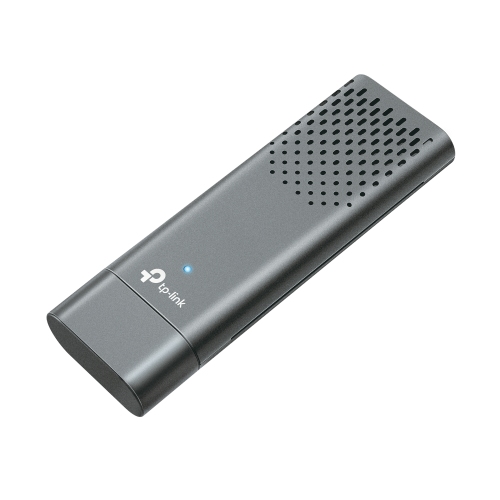
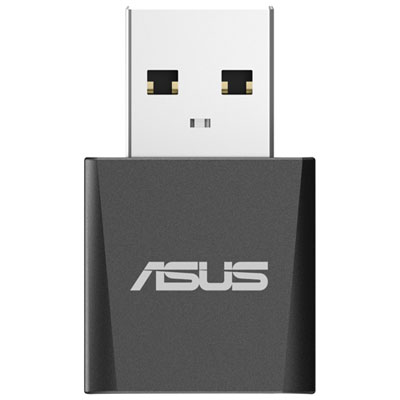
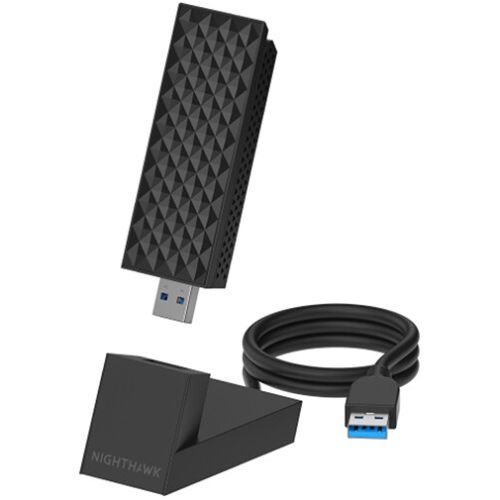
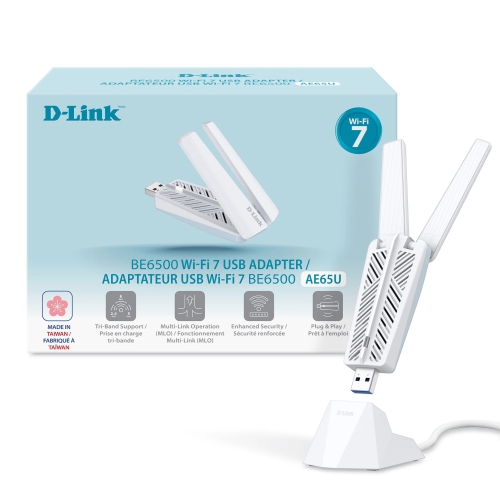


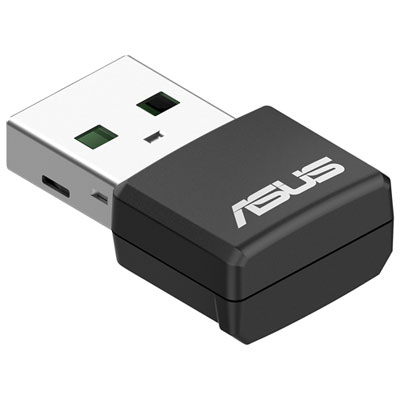
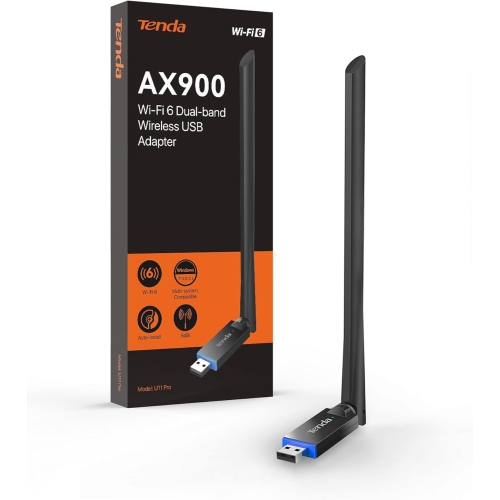

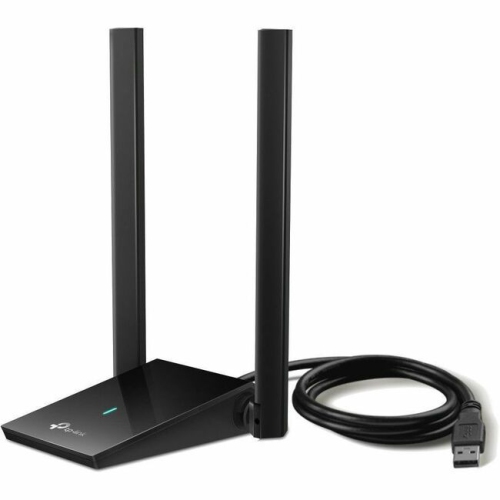
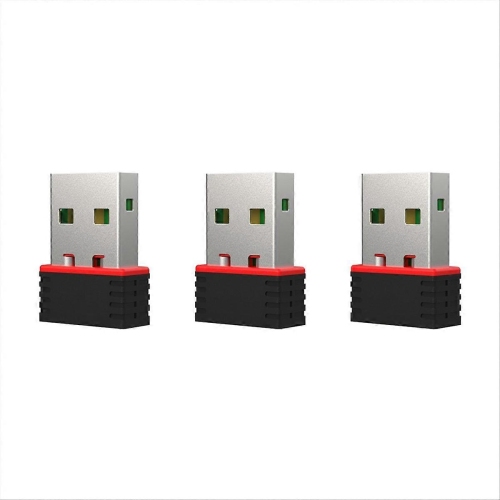
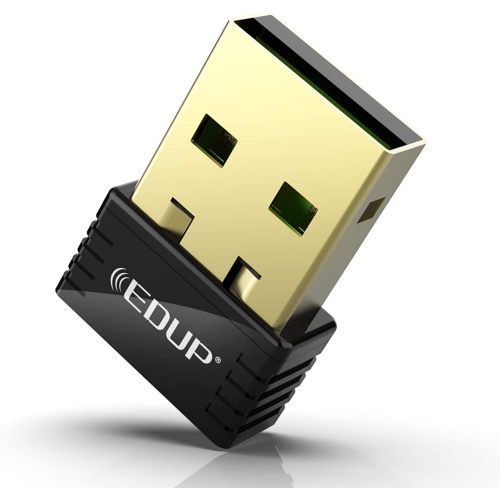
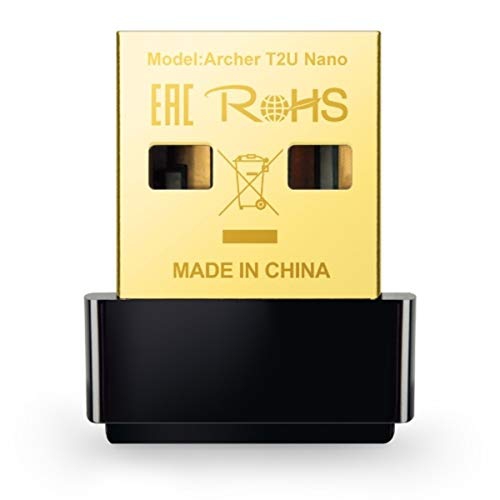
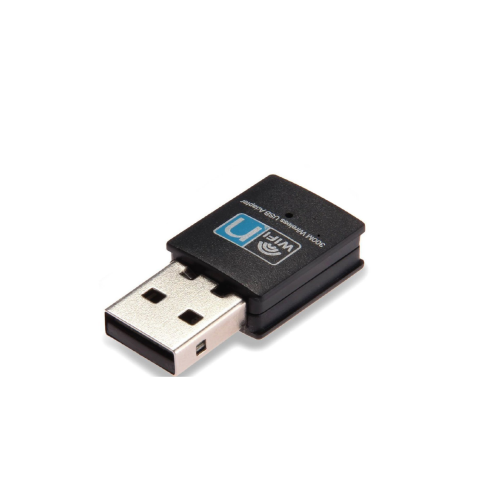

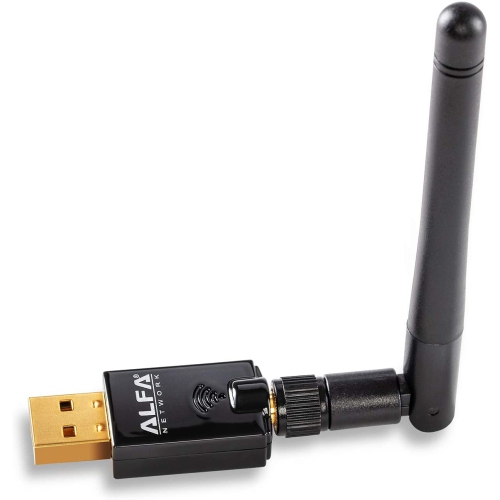
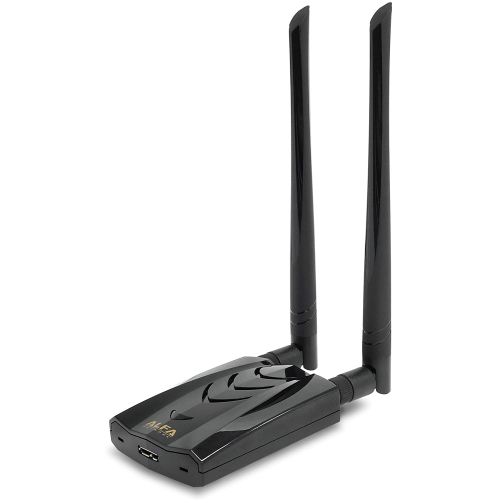
A wireless upgrade without opening your computer case
Wi-Fi 7 USB adapters add wireless networking to compatible desktop computers and laptops through an external USB connection, offering a practical upgrade without opening the computer case or replacing an internal network card. They suit computers with older built-in Wi-Fi, desktops that lack wireless connectivity, and setups where running an Ethernet cable across a room is impractical. Based on the IEEE 802.11be standard, Wi-Fi 7 introduces capabilities designed to increase wireless capacity and improve responsiveness when supported by the adapter, router, operating system and network settings. Depending on the model, an adapter may support the 2.4 GHz, 5 GHz and 6 GHz bands. The 2.4 GHz band generally reaches farther through a home, while 5 GHz and 6 GHz can provide more capacity at suitable distances. Access to 6 GHz requires a compatible router and computer configuration; a USB adapter alone cannot add that band to an older router. Wi-Fi 7 features can include Multi-Link Operation, which allows compatible equipment to coordinate connections across more than one wireless link, and 4096-QAM, which can carry more data under favourable signal conditions. The standard also supports channel widths up to 320 MHz, although individual USB adapters may support narrower channels. These distinctions matter more than the Wi-Fi generation printed on the packaging. Advertised wireless rates describe theoretical connection capabilities, sometimes combined across multiple bands, rather than a guaranteed download speed for one computer. Actual performance also depends on the internet plan, router placement, nearby networks, USB connection and distance from the access point. For everyday use, the appeal is often a steadier connection during a video call, more headroom for transferring large files across a local network, or responsive online play while other household members stream video. A Wi-Fi 7 adapter can generally connect to earlier Wi-Fi generations where supported, but newer features require compatible equipment at both ends of the connection.
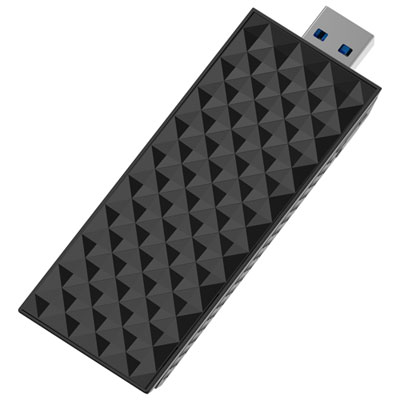
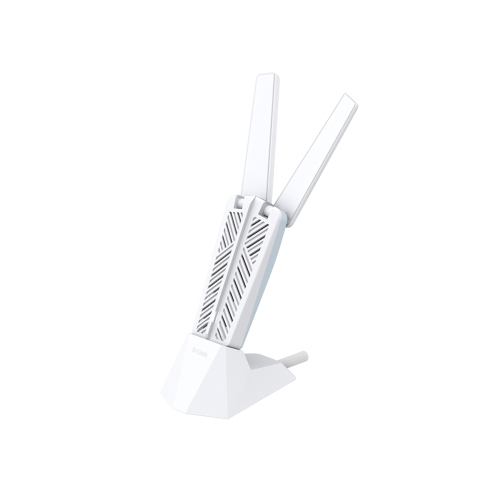
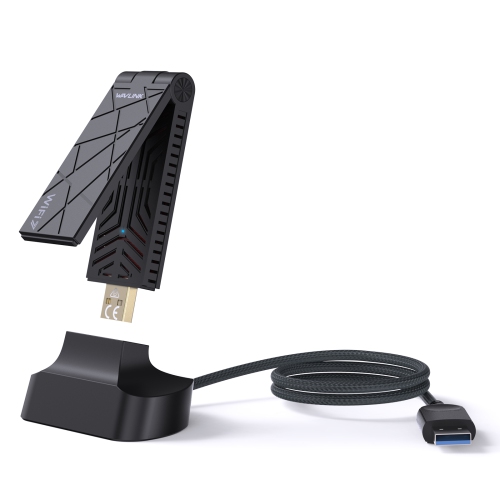
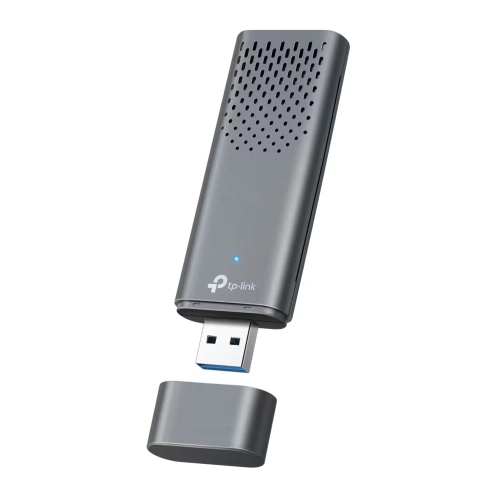
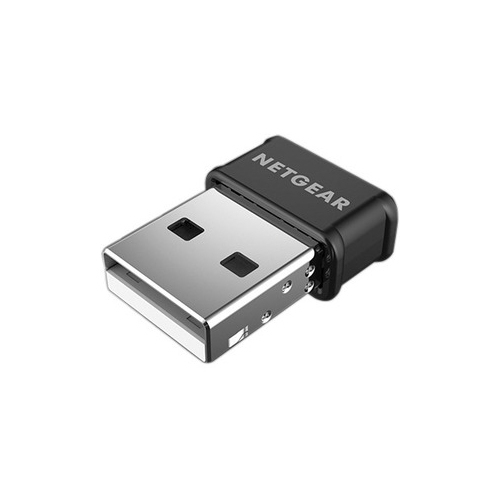
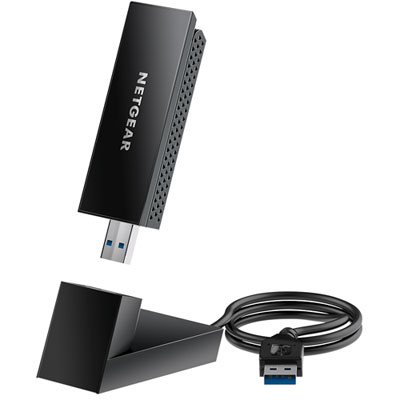
The physical design of a Wi-Fi 7 USB adapter affects how comfortably it fits into a computer setup. A compact adapter keeps the area around a laptop tidy and can be convenient for a computer that moves between a desk and a bag. A larger design with adjustable external antennas or a separate desktop cradle takes up more space, but offers more freedom to position the adapter away from the computer chassis. That flexibility can be useful when a desktop tower sits beneath a desk, especially if its rear USB ports face a wall or are surrounded by cables. Moving the adapter onto the desktop can give it a less obstructed path to the router, although antenna size alone does not guarantee better coverage. Port spacing deserves attention, too: a wide adapter body may overlap a neighbouring USB socket or make it difficult to connect another accessory. USB-A and USB-C describe connector shapes, not guaranteed transfer speeds, so the adapter’s interface requirements and the computer’s port specifications both matter. A USB 3.x connection is commonly needed to make good use of a high-performance wireless adapter; an older USB connection can become a bottleneck even when the wireless signal is strong. Any extension cable or cradle should also support the required USB speed. Housings may use plastic, metal or a combination of materials, while exposed connectors, antenna joints and cable connections benefit from careful handling. An adapter left in a laptop during travel can put leverage on the USB port, making removal before packing a sensible precaution. For routine care, disconnect the adapter and wipe its exterior with a soft, dry cloth, keeping liquid away from the connector and any openings. A secure position, an unstressed cable and clear space around the housing help keep an everyday desktop setup practical without putting unnecessary strain on small components.
Compatibility is central to how useful a Wi-Fi 7 USB adapter will be over time. Support can vary by operating system, version and processor architecture, and basic wireless connectivity does not necessarily mean every Wi-Fi 7 feature is enabled. In particular, 6 GHz access and Multi-Link Operation may depend on newer software, specific drivers and router firmware. Some adapters offer straightforward installation on supported computers, while others require a driver download before they can connect. For a desktop with no existing internet connection, having another way to obtain the installation files can prevent an awkward start. Computers managed by a workplace or school may also restrict driver installation or connections to certain networks. Security compatibility is another consideration, including the support needed for WPA3-protected networks and the settings required to use the 6 GHz band. Once those requirements line up, different users can benefit in different ways. A student may value a compact connection for online lectures and shared project files, while someone working from home may prefer a cradle that allows more flexible positioning during long video meetings. Players downloading large game files or transferring recordings may appreciate additional wireless capacity, but an adapter cannot remove delays caused by a busy internet connection or a distant game server. Similarly, a faster local wireless link will not increase the speed included in an internet plan. As a gift for someone updating a computer setup, an adapter is most useful when the recipient’s ports, operating system and router are known; physical fit and software support are more important than choosing the highest advertised speed. For a broader look at USB connection accessories, browse Affordable Usb Adapters, keeping wireless networking support distinct from functions such as connecting a display or adding extra ports. A well-matched Wi-Fi 7 USB adapter brings together the right wireless capabilities, dependable software support and a form factor that fits naturally into the way a computer is used.
The physical design of a Wi-Fi 7 USB adapter affects how comfortably it fits into a computer setup. A compact adapter keeps the area around a laptop tidy and can be convenient for a computer that moves between a desk and a bag. A larger design with adjustable external antennas or a separate desktop cradle takes up more space, but offers more freedom to position the adapter away from the computer chassis. That flexibility can be useful when a desktop tower sits beneath a desk, especially if its rear USB ports face a wall or are surrounded by cables. Moving the adapter onto the desktop can give it a less obstructed path to the router, although antenna size alone does not guarantee better coverage. Port spacing deserves attention, too: a wide adapter body may overlap a neighbouring USB socket or make it difficult to connect another accessory. USB-A and USB-C describe connector shapes, not guaranteed transfer speeds, so the adapter’s interface requirements and the computer’s port specifications both matter. A USB 3.x connection is commonly needed to make good use of a high-performance wireless adapter; an older USB connection can become a bottleneck even when the wireless signal is strong. Any extension cable or cradle should also support the required USB speed. Housings may use plastic, metal or a combination of materials, while exposed connectors, antenna joints and cable connections benefit from careful handling. An adapter left in a laptop during travel can put leverage on the USB port, making removal before packing a sensible precaution. For routine care, disconnect the adapter and wipe its exterior with a soft, dry cloth, keeping liquid away from the connector and any openings. A secure position, an unstressed cable and clear space around the housing help keep an everyday desktop setup practical without putting unnecessary strain on small components.
Compatibility is central to how useful a Wi-Fi 7 USB adapter will be over time. Support can vary by operating system, version and processor architecture, and basic wireless connectivity does not necessarily mean every Wi-Fi 7 feature is enabled. In particular, 6 GHz access and Multi-Link Operation may depend on newer software, specific drivers and router firmware. Some adapters offer straightforward installation on supported computers, while others require a driver download before they can connect. For a desktop with no existing internet connection, having another way to obtain the installation files can prevent an awkward start. Computers managed by a workplace or school may also restrict driver installation or connections to certain networks. Security compatibility is another consideration, including the support needed for WPA3-protected networks and the settings required to use the 6 GHz band. Once those requirements line up, different users can benefit in different ways. A student may value a compact connection for online lectures and shared project files, while someone working from home may prefer a cradle that allows more flexible positioning during long video meetings. Players downloading large game files or transferring recordings may appreciate additional wireless capacity, but an adapter cannot remove delays caused by a busy internet connection or a distant game server. Similarly, a faster local wireless link will not increase the speed included in an internet plan. As a gift for someone updating a computer setup, an adapter is most useful when the recipient’s ports, operating system and router are known; physical fit and software support are more important than choosing the highest advertised speed. For a broader look at USB connection accessories, browse Affordable Usb Adapters, keeping wireless networking support distinct from functions such as connecting a display or adding extra ports. A well-matched Wi-Fi 7 USB adapter brings together the right wireless capabilities, dependable software support and a form factor that fits naturally into the way a computer is used.
Top selling and popular products
-
 Your price for this item is $150.68
 -
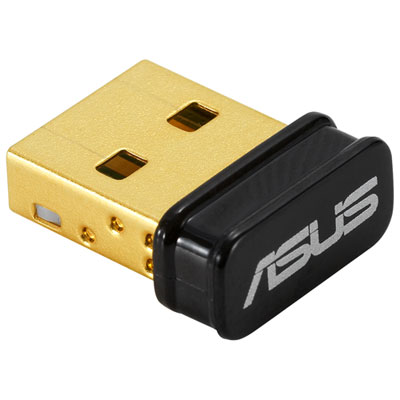 Your price for this item is $24.99
 -
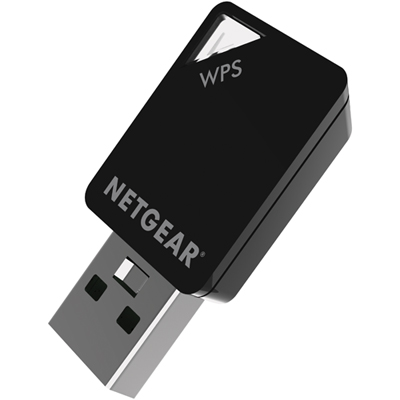 Your price for this item is $54.99
 -
 Your price for this item is $78.68
 -
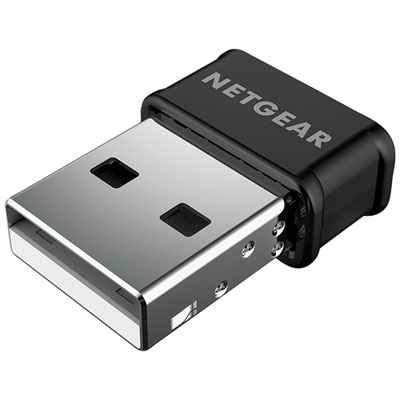 Your price for this item is $25.99
 -
 Your price for this item is $62.37
 -
 Your price for this item is $79.99
 -
 Your price for this item is $26.99
Discover more categories related to Wi-Fi 7 USB Adapters
Top Collections:
Pokemon Centers, Best Cameras for Sports Photography, Kindle Devices, Samsung Galaxy Phones, Canon G7X Cameras, Pokémon 30th Celebration Cards, Refurbished Apple Laptops, iPhone 15 Apple, Laptops for Students, Budget Smartphones
Some products may be subject to Environmental Handling Fees
(EHF) depending on your province.
Learn more about EHFs.