Best Wi-Fi Boosters
Extend your wireless coverage and help reduce dead zones with the best Wi-Fi boosters for your home. Whether you’re streaming, gaming, or working in a room far from your router, a Wi-Fi booster can help improve signal reach. Explore options ranked by customer review ratings to find the right fit for your space and everyday needs.
What to look for in Wi-Fi boosters
1. Coverage and Placement
2. Router Compatibility
3. Speed and Frequency Bands
4. Setup and Wired Connections
-
1
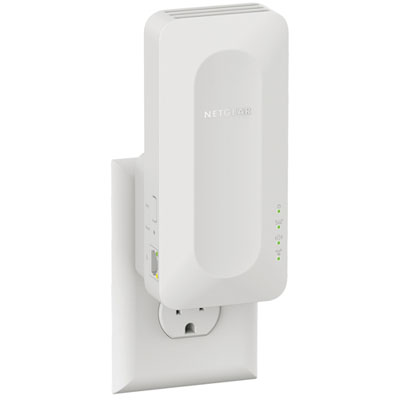
NETGEAR Wireless AX1600 Dual-Band Wi-Fi 6 Mesh Extender (EAX12)
About this product
A dual-band Wi-Fi 6 mesh extender delivering up to 1600Mbps for seamless streaming and gaming.
What customers like
(881)$79.99 Your price for this item is $79.99 -
2
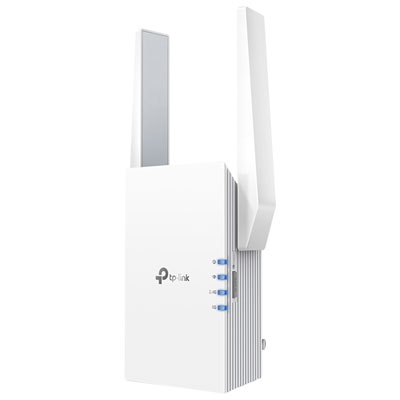
TP-Link Wireless AX3000 Wi-Fi 6 Range Extender (RE705X)
About this product
A dual-band Wi-Fi 6 range extender offering up to 2,976Mbps speeds and gigabit Ethernet connectivity.
What customers like
(981)$109.99 Your price for this item is $109.99 -
3
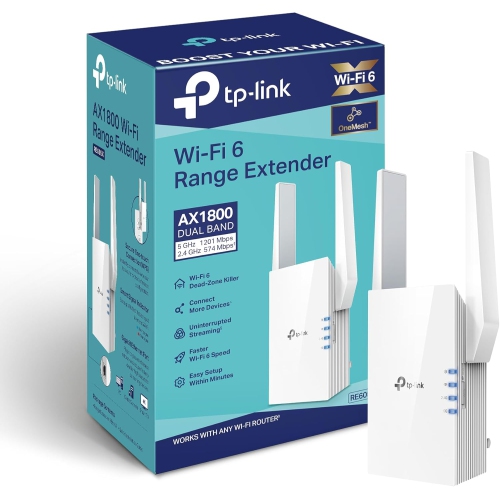
TP-LINK Ax1800 Wifi Extender Internet Booster Re605X-Wifi 6 Range Extender Covers Up to 1500 Sq.ft And 25 Devices, Dual Band, Up to 1.8GBps Speed
About this product
A dual-band Wi-Fi 6 extender supporting up to 25 devices with speeds up to 1.8Gbps.
What customers like
(788)$147.29 Your price for this item is $147.29 -
4
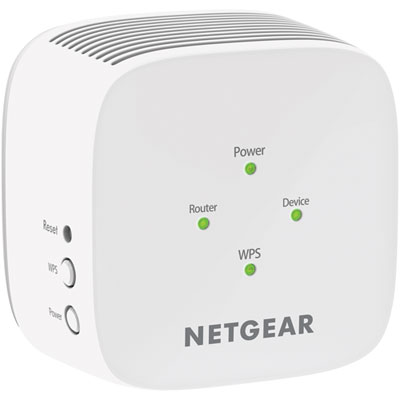
NETGEAR AC750 Wi-Fi 5 Range Extender (EX2800-100CNS)
About this product
A powerful Wi-Fi range extender that expands your network coverage and delivers fast, reliable connections.
What customers like
(408)$49.97 Your price for this item is $49.97 -
5
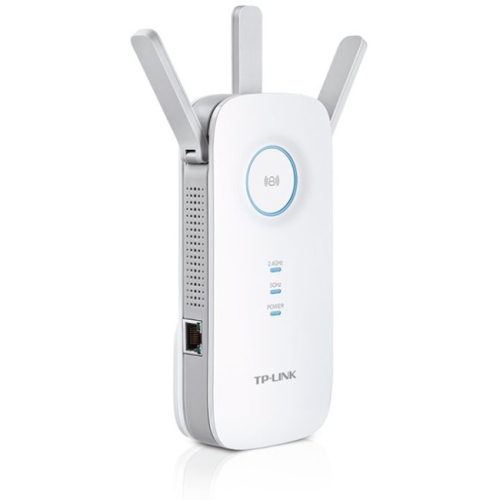
TP LINK Tp-Link Re450 Ieee 802.11Ac 1.71 GBit/s Wireless Wall-Plug Range Extender - In White
About this product
A white wall-plug range extender offering dual-band Wi-Fi speeds up to 1750Mbps with three external antennas.
What customers like
(318)$86.97 Your price for this item is $86.97 -
6
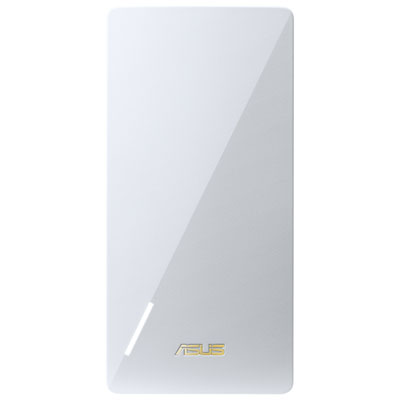
ASUS Wireless Dual Band Wi-Fi 7 Range Extender (RP-BE58)
About this product
A dual-band range extender delivering up to 3,600Mbps speeds and expanded wireless coverage for your home.
What customers like
(105)$149.99 Your price for this item is $149.99 -
7

TP LINK Ac2600 Wi-Fi Range Extender, Wall Plugged, 1733Mbps At 5Ghz + 800Mbps At 2.4Ghz
About this product
A wall-plugged Wi-Fi range extender offering dual-band speeds up to 2.54Gbps with MIMO and beamforming technology.
What customers like
(90)$170.68Your price for this item is $170.68SAVE $15 -
8
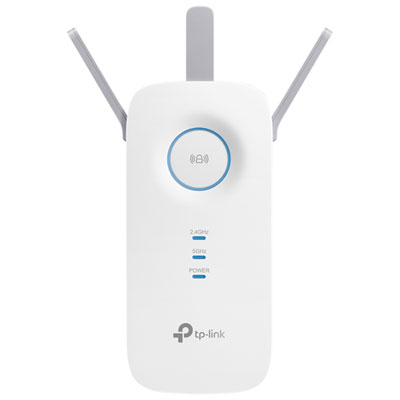
TP-Link Wireless AC1750 Wi-Fi 5 Range Extender (RE450)
About this product
A dual-band white range extender that boosts Wi-Fi speeds up to 1.75Gbps throughout your home.
What customers like
(381)$59.99 Your price for this item is $59.99 -
9
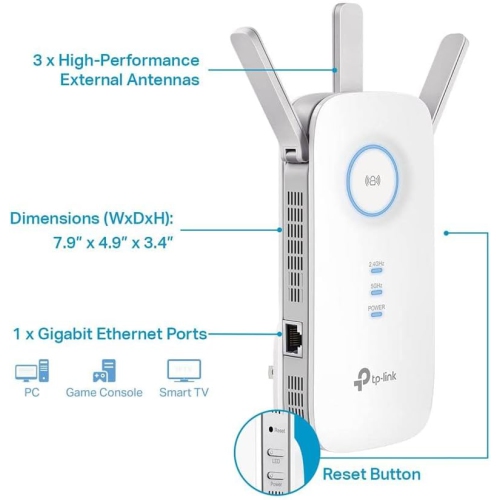
TP-LINK Ac1900 Wifi Extender (Re550) Ac1900
About this product
A dual-band wireless repeater that boosts internet coverage for up to 35 devices with gigabit Ethernet support.
(5)$69.89Your price for this item is $69.89SAVE $10 -
10
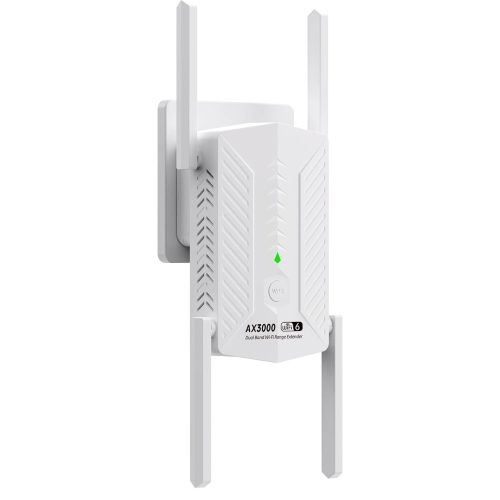
GOODLUCK TECH Ax3000 6-Band Wifi Extender, Wifi Repeater, Wireless Signal Booster With Gigabit Ethernet Port In White
About this product
A white wireless signal booster offering WiFi 6 speeds and a Gigabit Ethernet port for seamless connectivity.
(1)$96.95Your price for this item is $96.95SAVE $77
FAQ
Wi-Fi booster is a general term often used for Wi-Fi extenders and repeaters. A repeater typically receives and rebroadcasts a router’s wireless signal, while some extenders also support a wired connection to the router. Retailers and manufacturers may use these terms interchangeably, so check the device’s connection modes.
A dual-band Wi-Fi booster supports both the 2.4 GHz and 5 GHz frequency bands. Depending on the model, you may be able to configure separate network names for each band or manage them under one network name.
Some Wi-Fi boosters can use your router’s existing network name, also called an SSID, while others create a separate name for the extended network. Many models let you choose the network name during setup through an app or browser-based settings page.
Depending on the model, an Ethernet port can connect a wired device, such as a desktop computer, television or game console, to the network. Boosters with access point mode may also use an Ethernet connection to the router. Check the specifications to confirm which modes the port supports.
Many standalone Wi-Fi boosters are designed to work with routers from different brands, provided their wireless standards and connection requirements are compatible. Models designed for a particular mesh system may require a matching router or product family, so check compatibility details before choosing.
Top selling and popular products
Discover more categories related to Best Wi-Fi Boosters
Some products may be subject to Environmental Handling Fees (EHF) depending on your province. Learn more about EHFs.