Universal Wi-Fi Boosters for Home
Universal Wi-Fi boosters for home are designed to help extend wireless coverage and provide a stronger signal throughout your living space. Whether you’re streaming, gaming, or working from different rooms, these devices can help minimize dead zones and improve overall connectivity. Explore a variety of universal Wi-Fi boosters for home to find the right solution for your network needs and enjoy seamless internet access in every corner of your house.
Sort

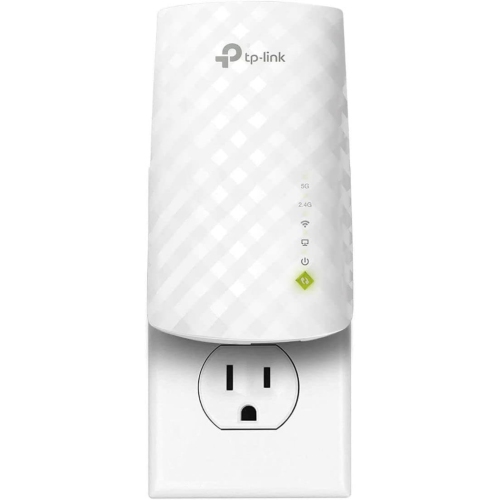
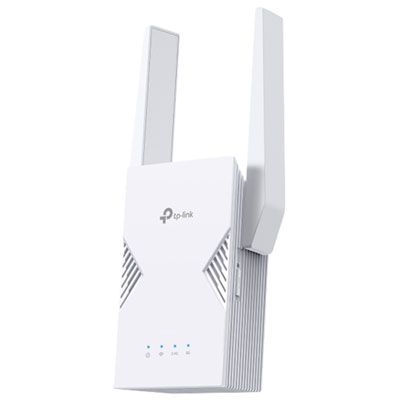
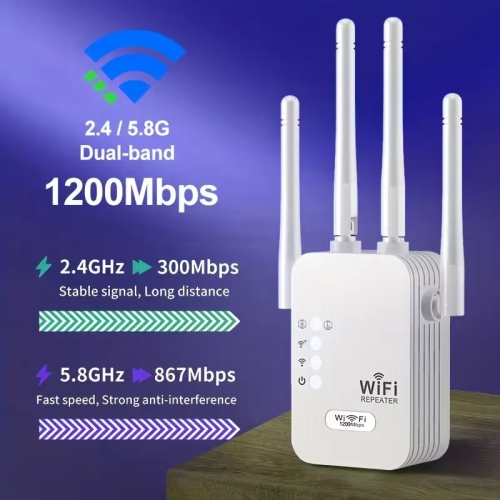
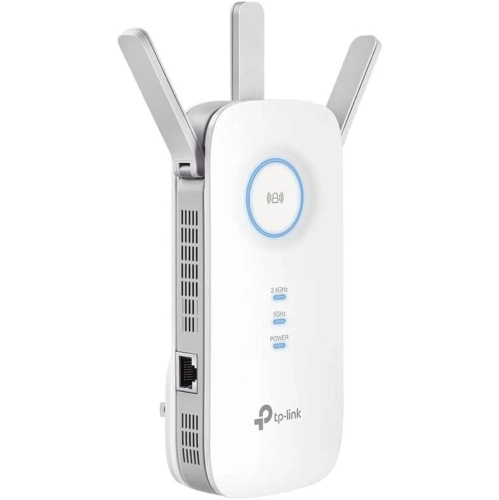

Better Wi-Fi coverage without replacing your existing router
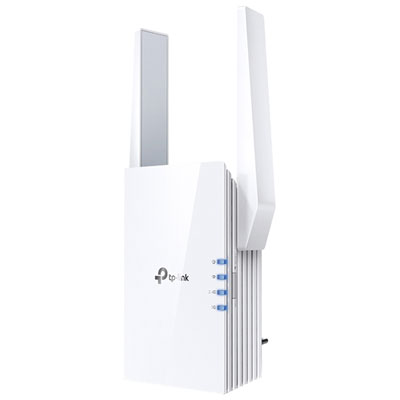
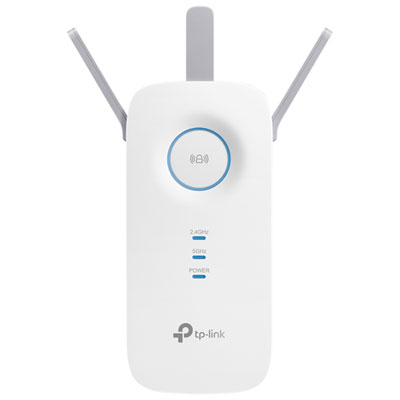
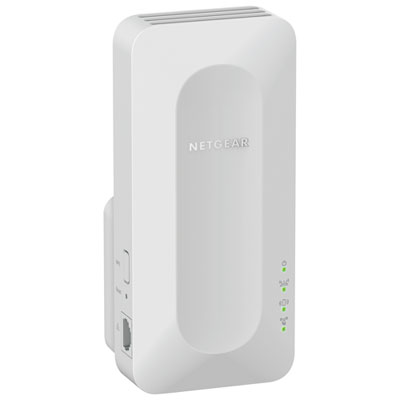
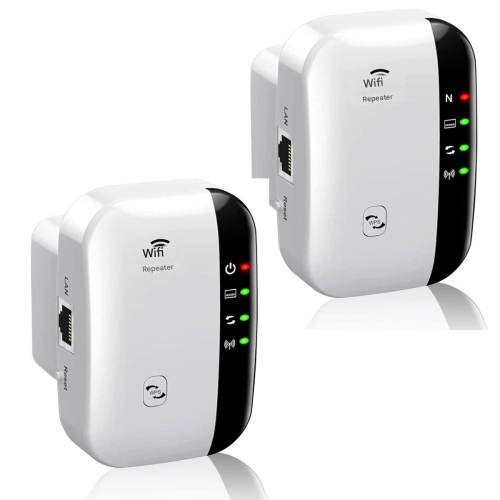
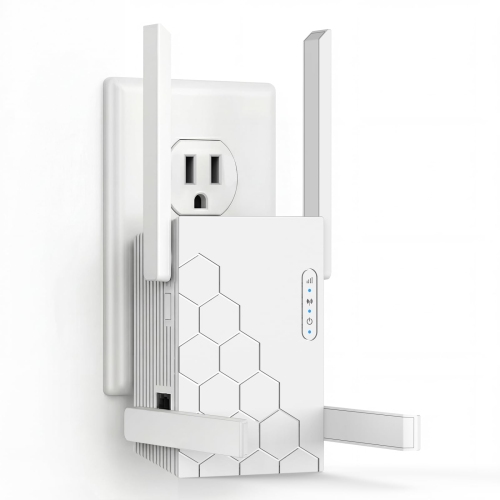
Universal Wi-Fi boosters for home are networking devices that extend an existing wireless network into areas where the router’s signal is weak. Also called Wi-Fi range extenders or repeaters, they receive a wireless signal from a router and rebroadcast it to improve coverage farther away. Most universal models are designed to work with standard wireless routers and internet service provider gateways, rather than requiring a matching brand. Compatibility still depends on the supported Wi-Fi bands, wireless standards, security settings, and setup requirements, so “universal” does not mean every feature works with every network. These devices are particularly useful when the living room has a dependable connection but a bedroom, upstairs study, or dining area struggles to stay connected. A video call that breaks up at a desk or a television that buffers at the far end of a hallway can point to a coverage gap, although internet service issues and overloaded networks can cause similar symptoms. A booster can improve the reach of the home network, but it cannot increase the speed supplied by an internet plan or repair an unreliable incoming connection. Home layout has a significant effect on the results. Concrete walls, brickwork, metal ducting, large appliances, and the distance between floors can weaken wireless signals. An open-plan apartment may need only a little extra reach, while a narrow townhouse can present several separate obstacles between the router and the back bedroom. The strongest results generally come from extending a usable signal rather than trying to repeat one that is already barely detectable. This makes a booster well suited to a localized coverage problem where the main router otherwise meets the household’s needs. For renters, students, remote workers, and families sharing several rooms, that extra coverage can make an existing network more practical without replacing the entire setup. The benefit is access where people actually use their devices, whether that means reading on a tablet in a quiet corner or joining a meeting away from the busiest room.
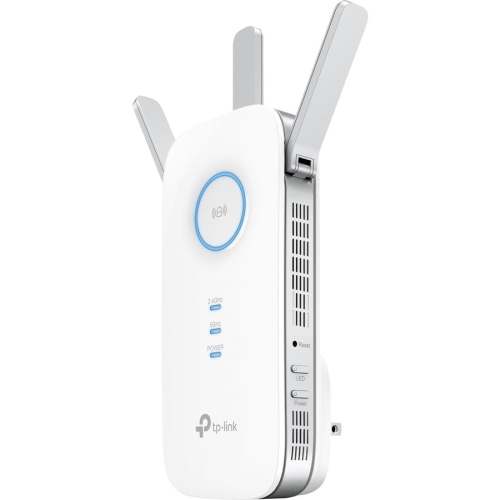
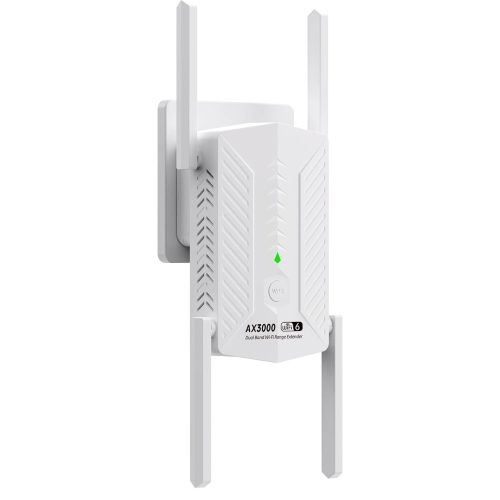
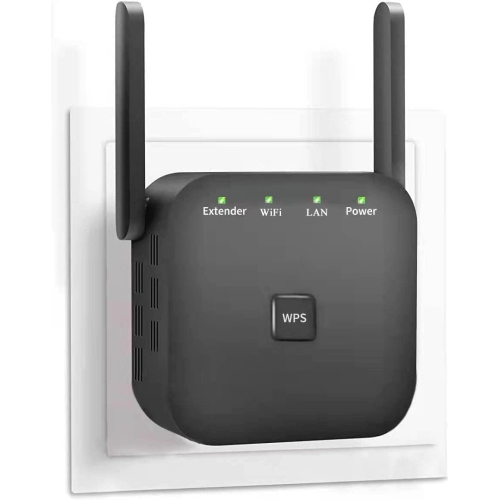
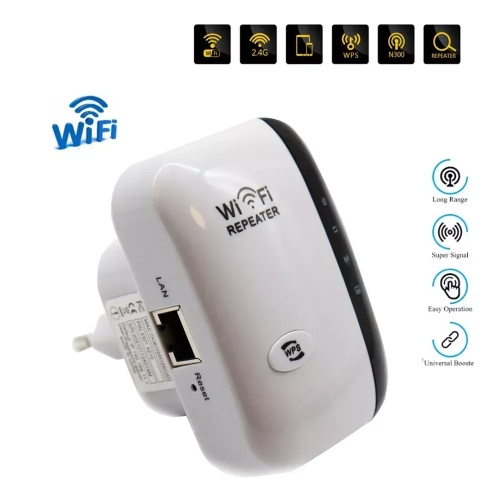
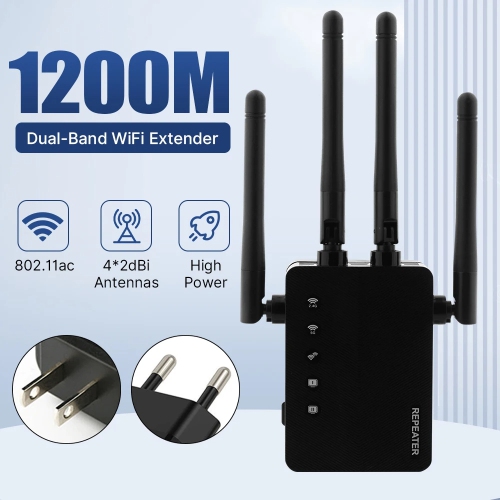
Wireless capabilities help distinguish how a booster handles everyday traffic. Dual-band models support the 2.4 GHz and 5 GHz bands, giving compatible devices different connection options. The 2.4 GHz band generally reaches farther and passes through obstacles more readily, while 5 GHz can support higher speeds over shorter distances under suitable conditions. Neither band guarantees a particular result, because interference, nearby networks, building materials, and connected devices all influence performance. Wi-Fi generation also matters, but a newer booster does not turn an older router or laptop into a newer-generation device. Each connection operates within the capabilities supported by the equipment involved. Advertised speed ratings describe theoretical wireless capacity, often combined across bands, rather than the download speed a single phone or computer will receive. For households comparing home Wi-Fi signal boosters, coverage, supported bands, and connection options are often more useful considerations than the largest speed number alone. Some designs use a dedicated wireless connection to communicate with the router, while others share wireless capacity between receiving and retransmitting traffic. That difference can affect throughput, especially when several people are streaming, downloading files, or making video calls at once. An Ethernet port can be useful for connecting a nearby television, desktop computer, or game console to the booster, although traffic still crosses the wireless link back to the router unless a supported wired connection is in use. Access point mode, where offered, allows a compatible device to use an Ethernet connection to the router and provide Wi-Fi at the other end. This can be a better fit for a room with an existing network cable. For gaming and other activities sensitive to delay, a direct wired connection remains worth considering. A booster is primarily a coverage solution, not a guarantee of lower latency. A household browsing websites and checking messages has different demands from one handling simultaneous video meetings and high-resolution streaming, so the intended workload matters as much as the size of the home.
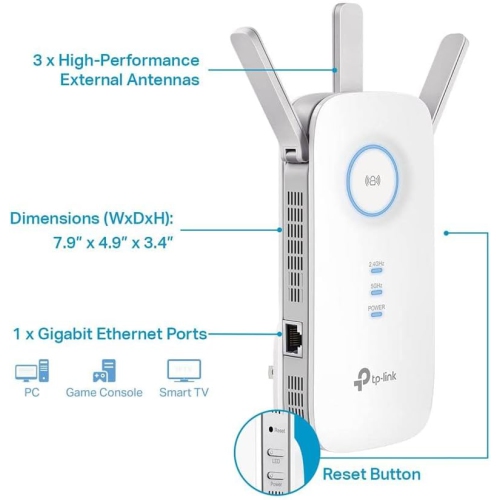
Physical design and day-to-day usability also influence how comfortably a booster fits into a room. Compact plug-in designs sit directly at a wall outlet, while desktop designs use a separate power adapter and need a stable surface. The size and orientation of a plug-in unit can affect access to neighbouring sockets, particularly behind furniture or beside a larger adapter. External antennas may allow adjustment, but antenna size alone is not a reliable measure of coverage. More important is whether the device can sit in a useful position with adequate ventilation and a sound connection to the router. A hallway outlet between the router and a weak-signal bedroom is often more suitable than an outlet inside the bedroom’s deepest dead zone. Enclosing a booster in a cabinet or hiding it behind a metal filing unit can undermine its performance. Durable housings, secure plugs, and protected antenna joints are practical considerations in busy homes, while indoor networking equipment belongs away from spills, damp areas, and locations where it could be knocked loose. Ventilation openings should remain unobstructed, and cleaning should follow the manufacturer’s directions rather than involve sprays applied directly to the device. Setup and ongoing management deserve attention as well. App-based controls, browser-based settings, signal indicators, and supported push-button pairing can make installation more approachable, though requirements differ. Security support should align with the router’s settings, and firmware updates help maintain compatibility and address known security issues. Network naming also affects the experience: some boosters create a separate network name, while others can use the existing one. A shared name does not necessarily provide seamless roaming, since movement between access points depends on the devices and network features involved. Universal compatibility with a router is also different from compatibility with that router’s proprietary mesh system. For one troublesome room, a range extender may be a straightforward addition; for several disconnected areas across a large home, a coordinated mesh network or wired access points may be a closer match. The most suitable choice fits both the coverage gap and the way the household connects.
Wireless capabilities help distinguish how a booster handles everyday traffic. Dual-band models support the 2.4 GHz and 5 GHz bands, giving compatible devices different connection options. The 2.4 GHz band generally reaches farther and passes through obstacles more readily, while 5 GHz can support higher speeds over shorter distances under suitable conditions. Neither band guarantees a particular result, because interference, nearby networks, building materials, and connected devices all influence performance. Wi-Fi generation also matters, but a newer booster does not turn an older router or laptop into a newer-generation device. Each connection operates within the capabilities supported by the equipment involved. Advertised speed ratings describe theoretical wireless capacity, often combined across bands, rather than the download speed a single phone or computer will receive. For households comparing home Wi-Fi signal boosters, coverage, supported bands, and connection options are often more useful considerations than the largest speed number alone. Some designs use a dedicated wireless connection to communicate with the router, while others share wireless capacity between receiving and retransmitting traffic. That difference can affect throughput, especially when several people are streaming, downloading files, or making video calls at once. An Ethernet port can be useful for connecting a nearby television, desktop computer, or game console to the booster, although traffic still crosses the wireless link back to the router unless a supported wired connection is in use. Access point mode, where offered, allows a compatible device to use an Ethernet connection to the router and provide Wi-Fi at the other end. This can be a better fit for a room with an existing network cable. For gaming and other activities sensitive to delay, a direct wired connection remains worth considering. A booster is primarily a coverage solution, not a guarantee of lower latency. A household browsing websites and checking messages has different demands from one handling simultaneous video meetings and high-resolution streaming, so the intended workload matters as much as the size of the home.
Physical design and day-to-day usability also influence how comfortably a booster fits into a room. Compact plug-in designs sit directly at a wall outlet, while desktop designs use a separate power adapter and need a stable surface. The size and orientation of a plug-in unit can affect access to neighbouring sockets, particularly behind furniture or beside a larger adapter. External antennas may allow adjustment, but antenna size alone is not a reliable measure of coverage. More important is whether the device can sit in a useful position with adequate ventilation and a sound connection to the router. A hallway outlet between the router and a weak-signal bedroom is often more suitable than an outlet inside the bedroom’s deepest dead zone. Enclosing a booster in a cabinet or hiding it behind a metal filing unit can undermine its performance. Durable housings, secure plugs, and protected antenna joints are practical considerations in busy homes, while indoor networking equipment belongs away from spills, damp areas, and locations where it could be knocked loose. Ventilation openings should remain unobstructed, and cleaning should follow the manufacturer’s directions rather than involve sprays applied directly to the device. Setup and ongoing management deserve attention as well. App-based controls, browser-based settings, signal indicators, and supported push-button pairing can make installation more approachable, though requirements differ. Security support should align with the router’s settings, and firmware updates help maintain compatibility and address known security issues. Network naming also affects the experience: some boosters create a separate network name, while others can use the existing one. A shared name does not necessarily provide seamless roaming, since movement between access points depends on the devices and network features involved. Universal compatibility with a router is also different from compatibility with that router’s proprietary mesh system. For one troublesome room, a range extender may be a straightforward addition; for several disconnected areas across a large home, a coordinated mesh network or wired access points may be a closer match. The most suitable choice fits both the coverage gap and the way the household connects.
Top selling and popular products
-
 Your price for this item is $139.99
-
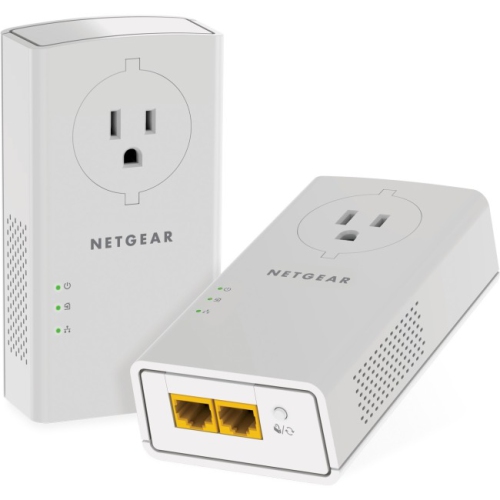 Your price for this item is $182.68
-
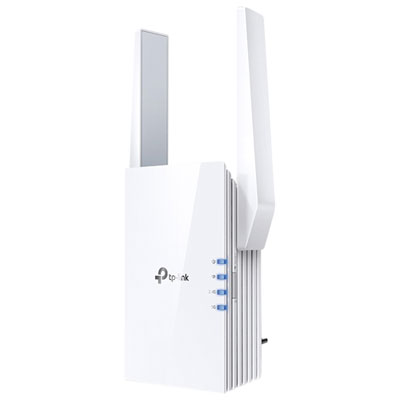 Your price for this item is $89.99
-
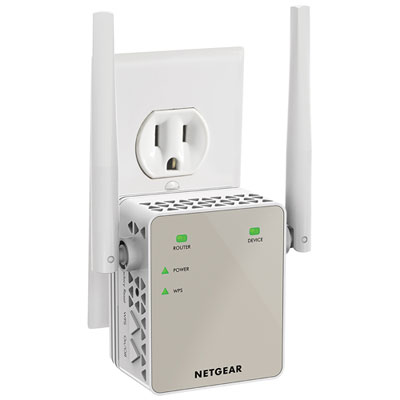 Your price for this item is $79.99
-
 Your price for this item is $45.78
-
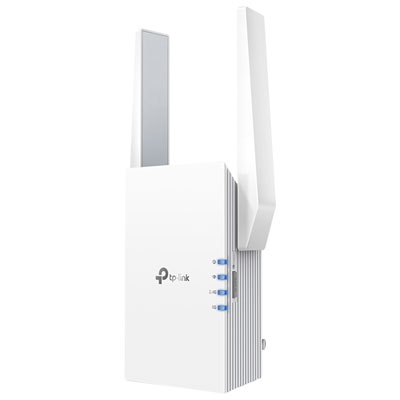 Your price for this item is $109.99
-
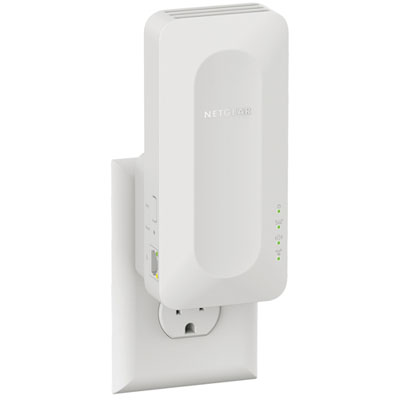 Your price for this item is $79.99
-
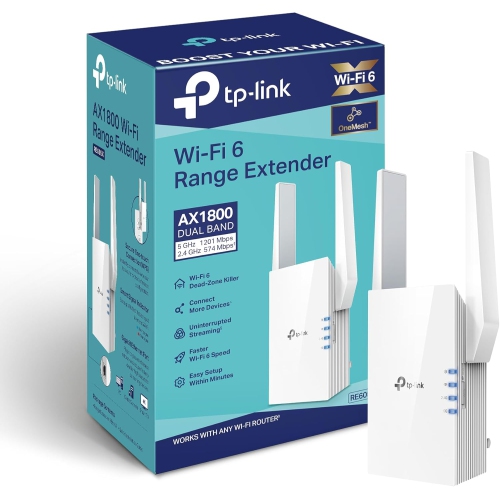 Your price for this item is $147.29
Discover more categories related to Universal Wi-Fi Boosters for Home
Top Collections:
Pokemon Centers, Best Black Friday Deals This Year, Best Black Friday Deals On Electronics, Kindle Devices, Best Budget Office Chairs, Best Black Friday Deals On Apple Products, Best Cameras for Sports Photography, Pokémon 30th Celebration Cards, Dyson Airwrap, Canon G7X Cameras
Some products may be subject to Environmental Handling Fees
(EHF) depending on your province.
Learn more about EHFs.