Best Wi-Fi Boosters for Home
Bring a stronger Wi-Fi signal to more rooms with the best Wi-Fi boosters for home, ranked by user review ratings. Whether you’re streaming movies, joining video calls, or browsing upstairs, a Wi-Fi booster can help extend your router’s coverage and reduce dead zones. Compare options to find the right fit for your home’s layout and everyday internet needs.
What to look for in Wi-Fi boosters for home
1. Coverage and Placement
2. Router Compatibility
3. Speed and Frequency Bands
4. Setup and Wired Connections
-
1
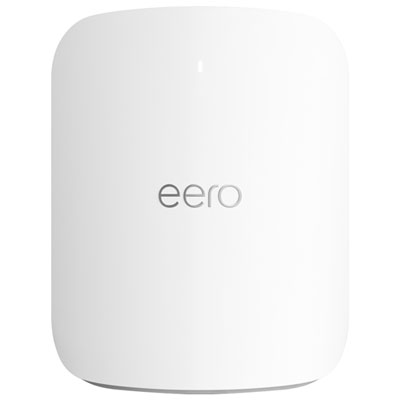
eero Max 7 Tri-Band Whole Home Mesh Wi-Fi 7 System (V010112)
About this product
A tri-band mesh Wi-Fi system in white delivering ultra-fast, reliable connectivity and Alexa compatibility.
What customers like
(192)$521.99Your price for this item is $521.99SAVE $278 -
2
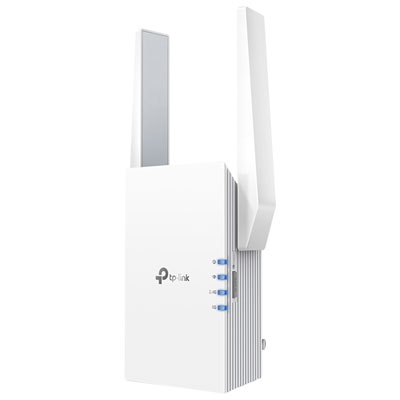
TP-Link Wireless AX3000 Wi-Fi 6 Range Extender (RE705X)
About this product
A dual-band Wi-Fi 6 range extender offering up to 2,976Mbps speeds and gigabit Ethernet connectivity.
What customers like
(981)$109.99 Your price for this item is $109.99 -
3
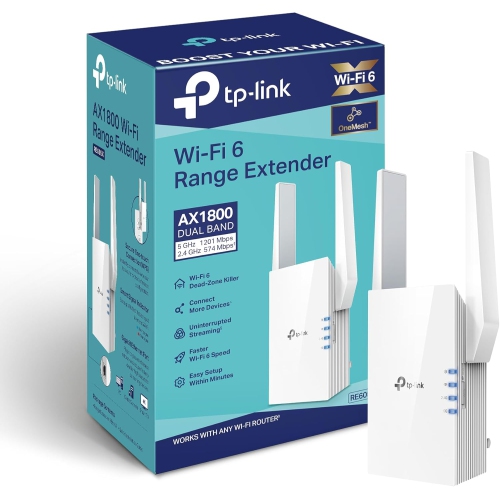
TP-LINK Ax1800 Wifi Extender Internet Booster Re605X-Wifi 6 Range Extender Covers Up to 1500 Sq.ft And 25 Devices, Dual Band, Up to 1.8GBps Speed
About this product
A dual-band Wi-Fi 6 extender supporting up to 25 devices with speeds up to 1.8Gbps.
What customers like
(788)$147.29 Your price for this item is $147.29 -
4
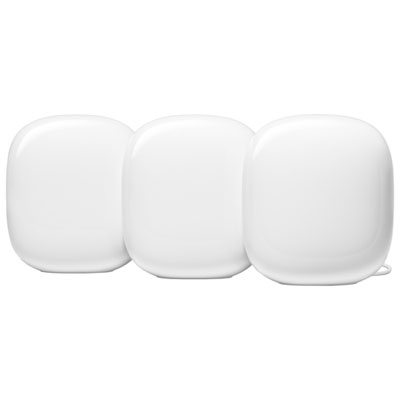
Google Nest WiFi Pro Wi-Fi 6E Router - Snow - 3 Pack
About this product
A three-pack mesh system in snow color delivering fast, stable Wi-Fi 6E coverage and 1Gbps wired speeds.
What customers like
(2,064)$269.99Your price for this item is $269.99SAVE $260 -
5
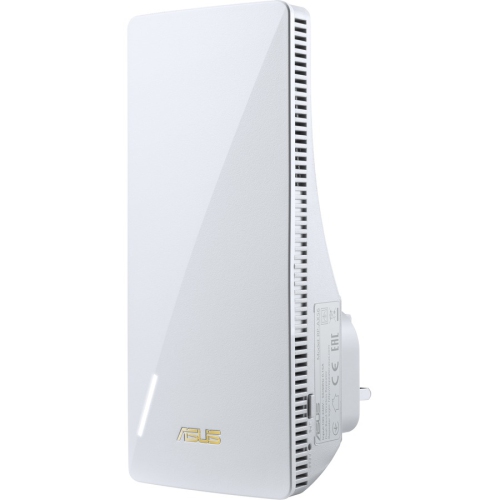
ASUS Rt-Ax56U Wireless Range Extender Rp-Ax56
About this product
A dual-band wireless range extender offering up to 1.76 Gbps speeds with Gigabit Ethernet connectivity.
What customers like
(49)$124.99Your price for this item is $124.99SAVE $35 -
6
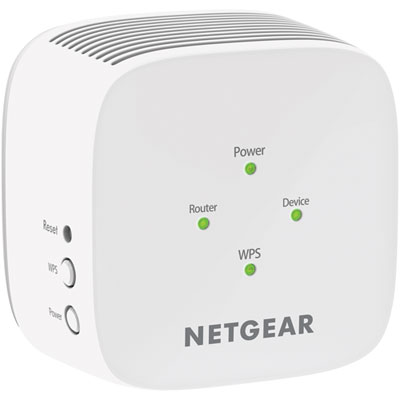
NETGEAR AC750 Wi-Fi 5 Range Extender (EX2800-100CNS)
About this product
A powerful Wi-Fi range extender that expands your network coverage and delivers fast, reliable connections.
What customers like
(408)$49.97 Your price for this item is $49.97 -
7
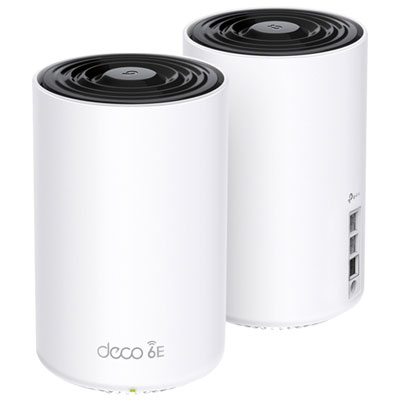
TP-Link Deco XE75 Pro AXE5400 Whole Home Mesh Wi-Fi 6E System - 2 Pack
About this product
A tri-band mesh Wi-Fi 6E system in white delivering fast, reliable connectivity throughout your home.
What customers like
(21)$399.99 Your price for this item is $399.99 -
8
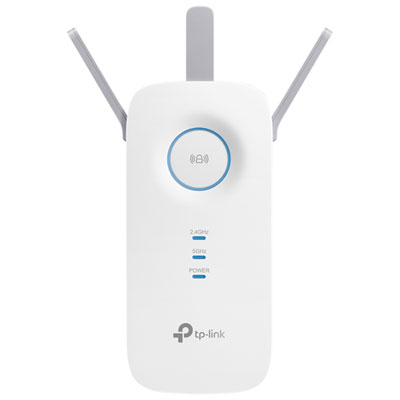
TP-Link Wireless AC1750 Wi-Fi 5 Range Extender (RE450)
About this product
A dual-band white range extender that boosts Wi-Fi speeds up to 1.75Gbps throughout your home.
What customers like
(381)$59.99 Your price for this item is $59.99 -
9
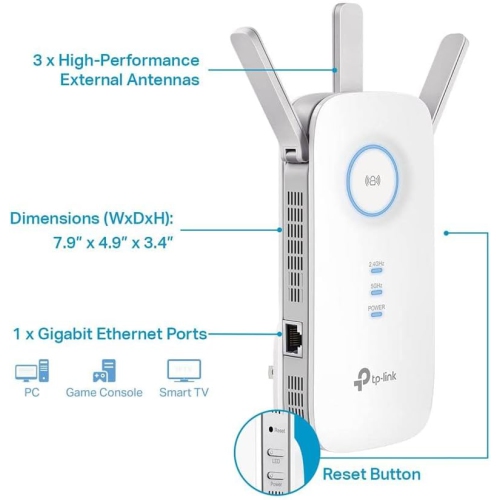
TP-LINK Ac1900 Wifi Extender (Re550) Ac1900
About this product
A dual-band wireless repeater that boosts internet coverage for up to 35 devices with gigabit Ethernet support.
(5)$69.89Your price for this item is $69.89SAVE $10 -
10
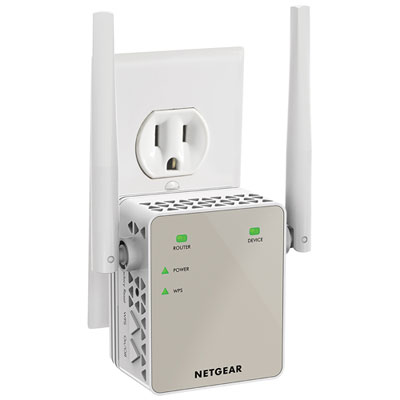
NETGEAR AC1200 Wi-Fi 5 Range Extender Essentials Edition (EX6120-100CNS)
About this product
An AC dual band Wi-Fi extender that boosts network range and supports HD streaming and gaming.
What customers like
(1,261)$79.99 Your price for this item is $79.99
FAQ
Wi-Fi booster and Wi-Fi extender are commonly used names for devices that connect to a router and rebroadcast its wireless signal. Terminology varies by manufacturer, so check whether a device operates as a wireless extender, a wired access point, or both.
Many Wi-Fi boosters work with routers from different brands, provided they share compatible Wi-Fi standards and security settings. Models designed for a particular mesh system may require a matching router or product family. Check the listed compatibility requirements before choosing one.
A dual-band Wi-Fi booster supports both the 2.4 GHz and 5 GHz frequency bands. Depending on the model, these bands may appear under one network name or separate names. Your connected devices must support the band they use.
An Ethernet port may let you connect a wired device, such as a desktop computer, TV, or gaming console. On models with access point mode, it may also accept a wired connection from your router. Available uses depend on the device’s supported operating modes.
Setup typically uses a manufacturer’s app, a web browser, or Wi-Fi Protected Setup (WPS), where supported. You select your home Wi-Fi network, enter its password, and follow the setup prompts. Some models let you keep your existing network name, while others create a separate name for the extended network.
Top selling and popular products
Discover more categories related to Best Wi-Fi Boosters for Home
Some products may be subject to Environmental Handling Fees (EHF) depending on your province. Learn more about EHFs.