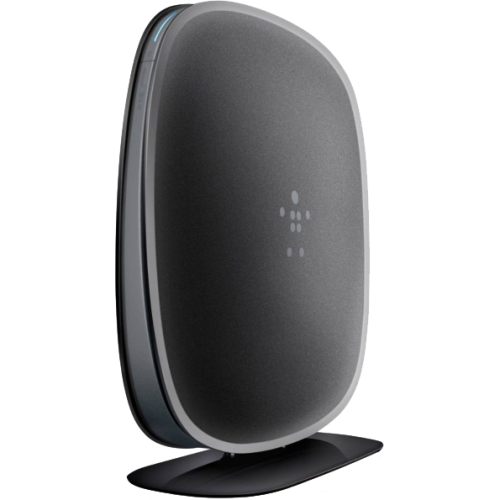
Wi-Fi Extenders Under $50
Wi-Fi Extenders Under $50 make it easy to boost your home or office network without breaking the bank. Whether you need stronger coverage in hard-to-reach areas or want to eliminate dead zones, these affordable solutions help enhance your wireless experience. Explore a variety of options designed to fit your space and budget, all priced at $50 or less. Find the right Wi-Fi extender to keep your devices connected and enjoy seamless browsing, streaming, and more.
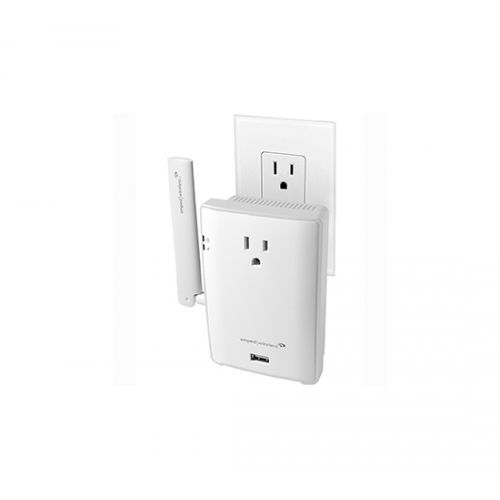
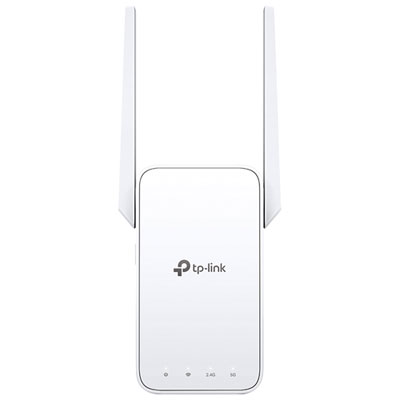
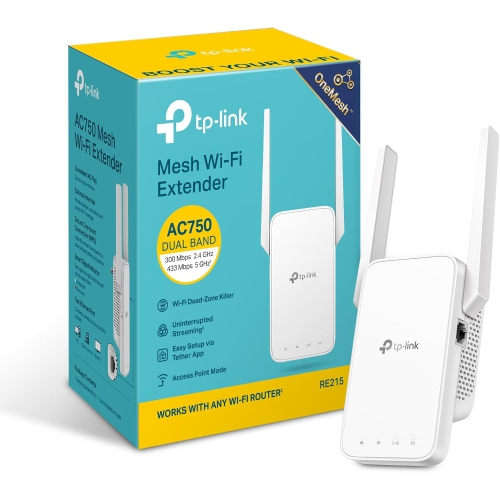
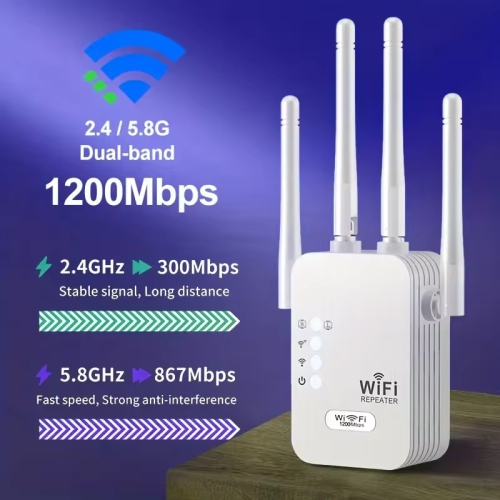
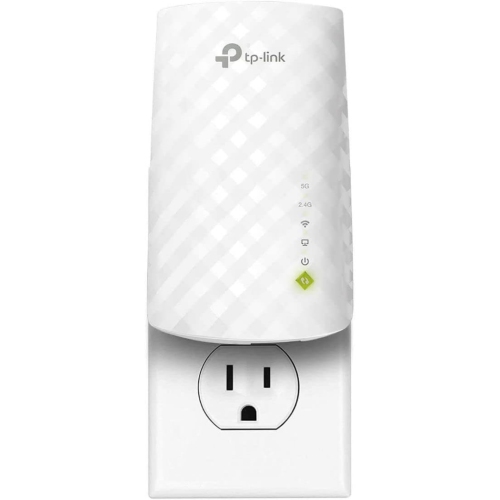
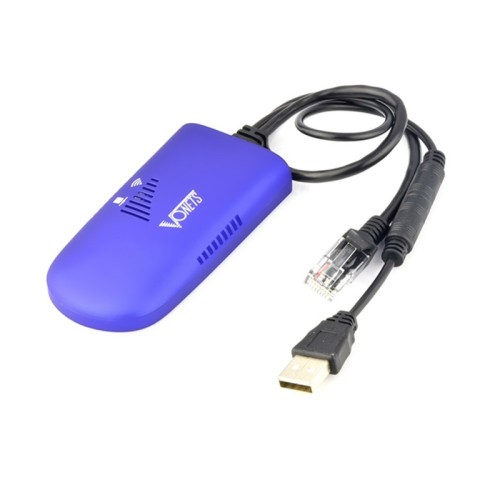
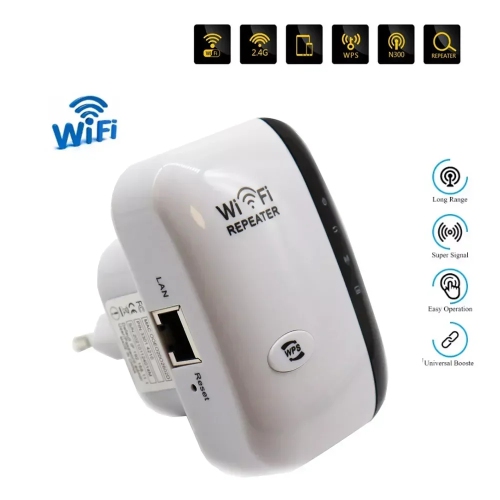
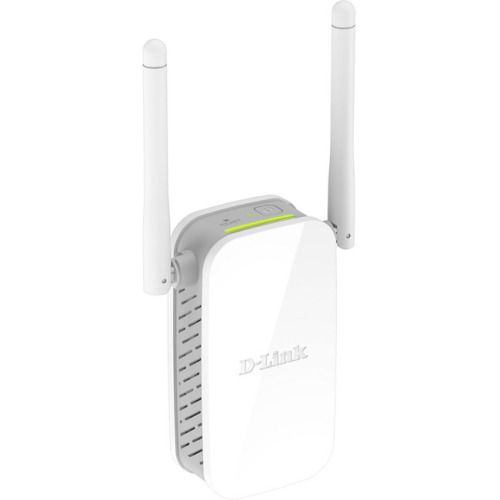
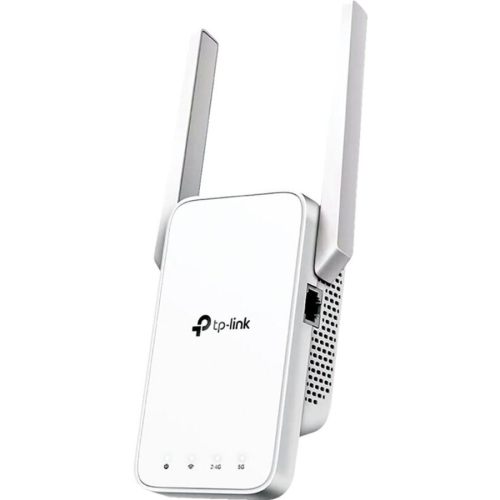
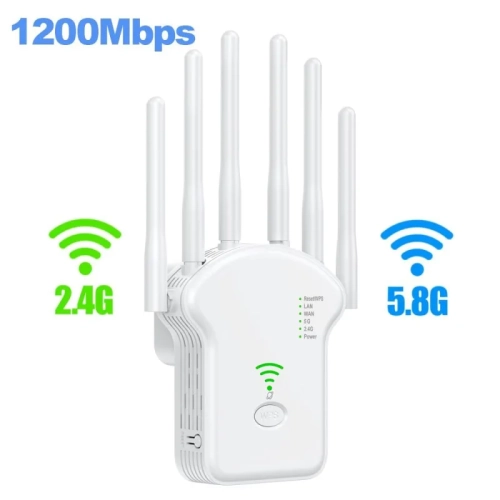
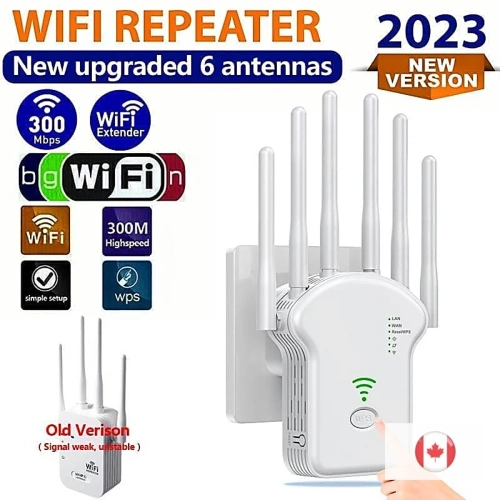
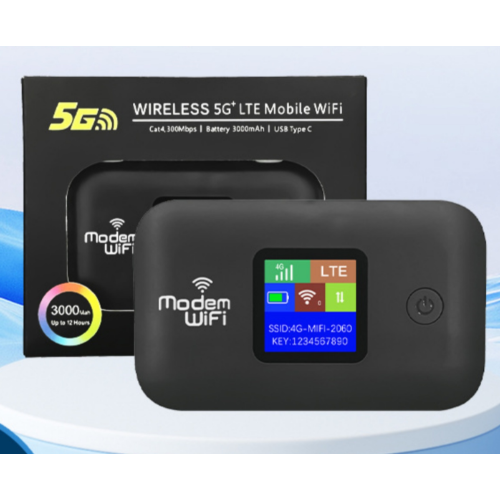
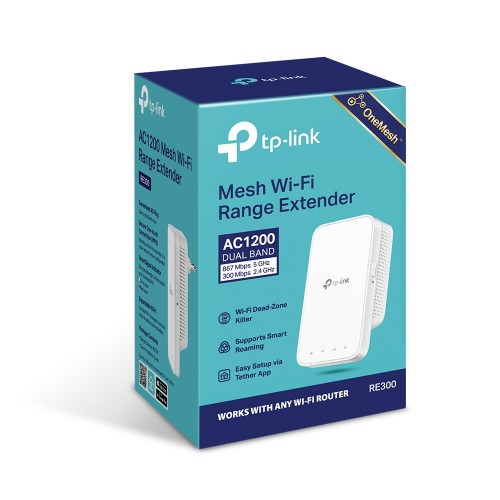
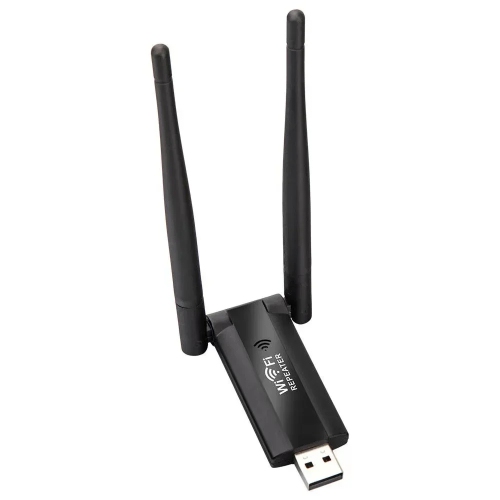
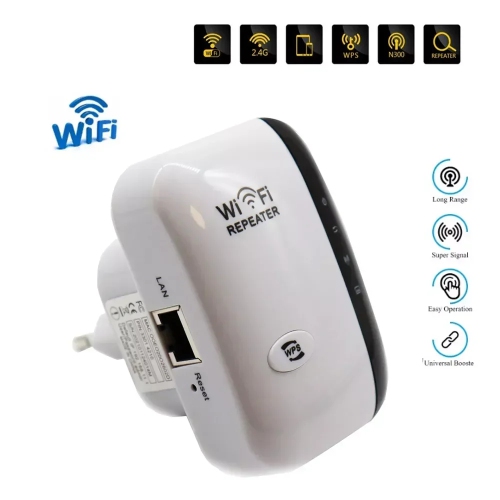
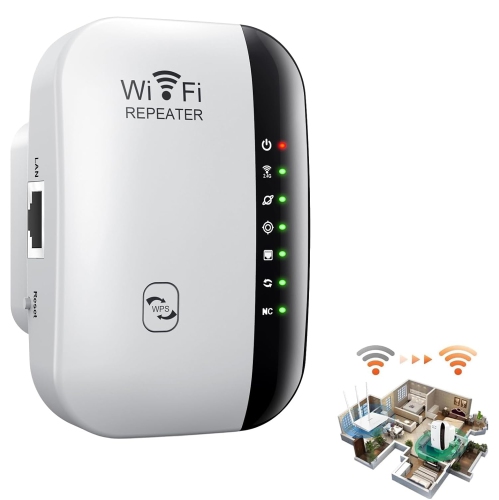
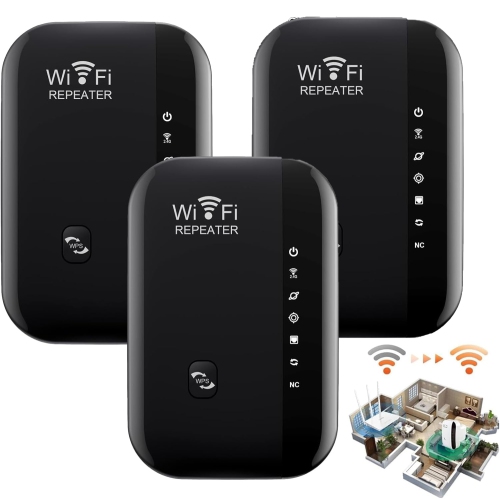
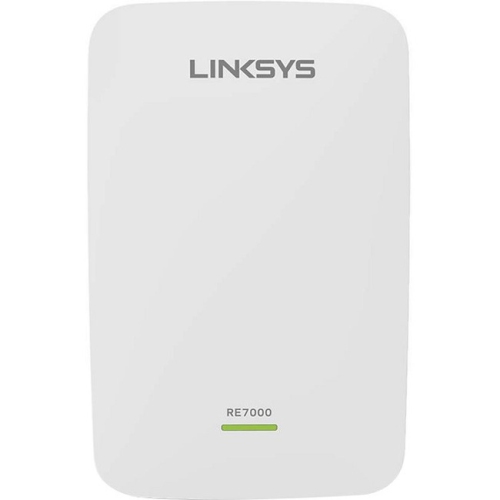
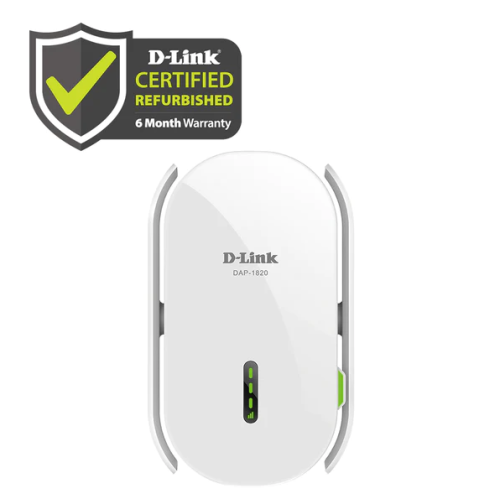
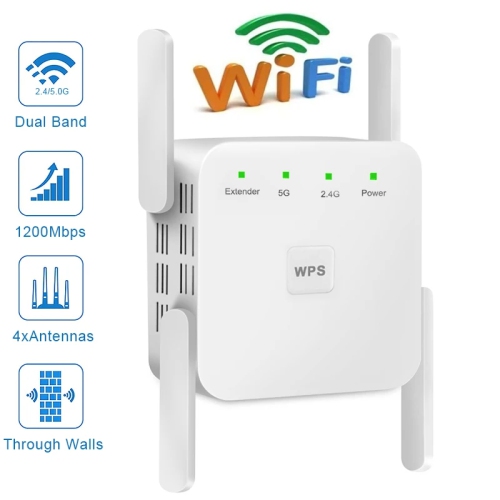
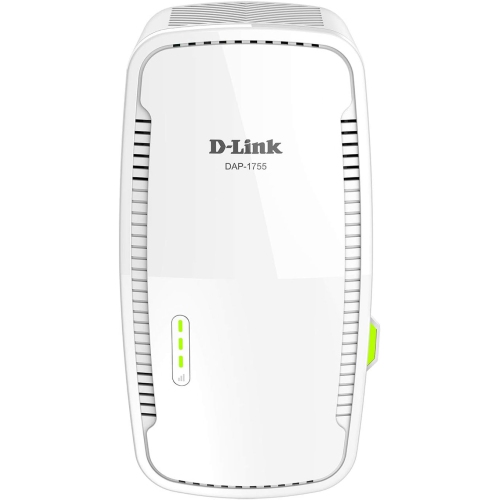
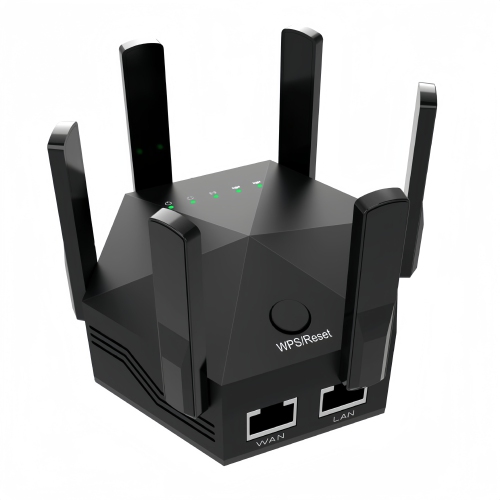
Practical ways to extend coverage throughout your home
Selecting a Wi-Fi extender in this price range involves a few key considerations. First, think about the size and layout of your home, as well as the specific areas where you need to boost your signal. Some extenders are designed for quick, plug-and-play setup—just plug them into a wall outlet and follow a few simple steps to get started. Others may offer additional features like dual-band support, which can help reduce congestion if you have multiple devices online at once. If you’re shopping for a gift, Wi-Fi extenders make a thoughtful and practical choice for students moving into new apartments, seniors who want to video chat with family from any room, or anyone who’s experienced the frustration of a dropped connection during an important call. They’re also a great addition to a cottage or vacation property, where Wi-Fi coverage can be especially spotty. When you’re comparing options, look for models that offer clear indicator lights, compact designs that blend into your décor, and compatibility with a variety of routers to ensure an easy fit with your existing setup. For those looking to explore a larger selection of budget-friendly solutions, the Affordable Wi-Fi Extenders page is a helpful resource to find more options that fit your needs and budget.
With more devices connecting to home networks than ever before—laptops, smart TVs, tablets, gaming consoles, and even smart home gadgets—the demand for strong, consistent Wi-Fi is only going to grow. Investing in a reliable Wi-Fi extender under $50 can make a noticeable difference in your daily routine, from uninterrupted video calls to smooth streaming and faster downloads. As the weather warms and you spend more time outdoors or in seldom-used rooms, these compact devices help ensure that every part of your home stays connected. Whether you’re enhancing your own setup or gifting one to a friend or family member, Wi-Fi extenders in this price range deliver convenience and value, making them a smart addition to any home or workspace.
FAQ
What is a Wi-Fi extender and how does it work?
A Wi-Fi extender, also known as a range extender or repeater, is a device that helps expand the coverage area of your existing wireless network. It works by receiving your current Wi-Fi signal, amplifying it, and then transmitting the boosted signal to areas where your router's signal may be weak or unavailable.
Can I use a Wi-Fi extender with any router brand?
Yes, most Wi-Fi extenders are designed to be compatible with virtually all standard routers, regardless of brand. They typically connect using common Wi-Fi standards like 802.11n or 802.11ac, making them versatile for different home networks.
Where should I place my Wi-Fi extender for best performance?
For optimal performance, place your Wi-Fi extender about halfway between your router and the area where you need better coverage. Make sure it's within range of your router's signal but close enough to the dead zone to effectively boost connectivity.
Do Wi-Fi extenders require special setup or technical knowledge?
Most modern Wi-Fi extenders are designed for easy setup and come with step-by-step instructions. Many offer simple push-button (WPS) pairing or guided setup through a mobile app, so you don't need advanced technical skills to get started.
Will using a Wi-Fi extender affect my internet speed?
Wi-Fi extenders can help improve coverage in hard-to-reach areas, but they may slightly reduce overall speed compared to being directly connected to the main router. However, they are effective at providing a usable connection in places where the signal was previously weak or unavailable.
Top selling and popular products
-
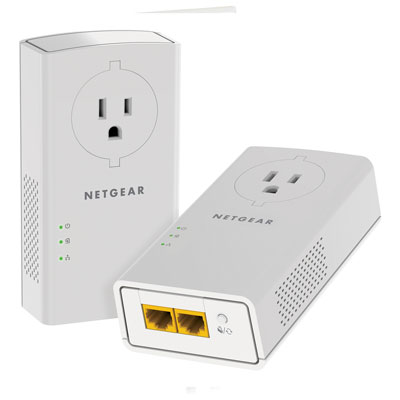 Your price for this item is $139.99
 -
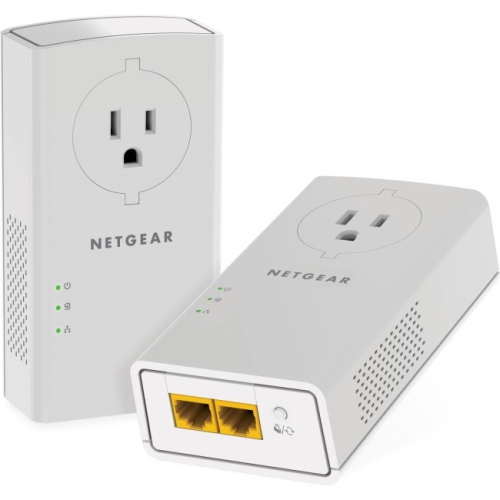 Your price for this item is $173.37
 -
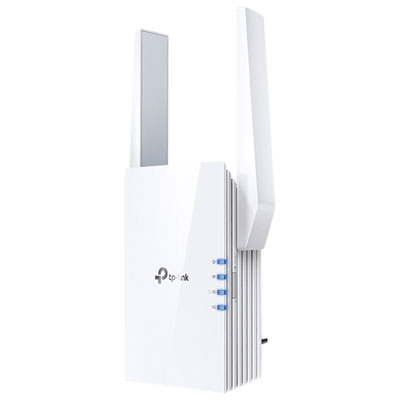 Your price for this item is $69.99
 -
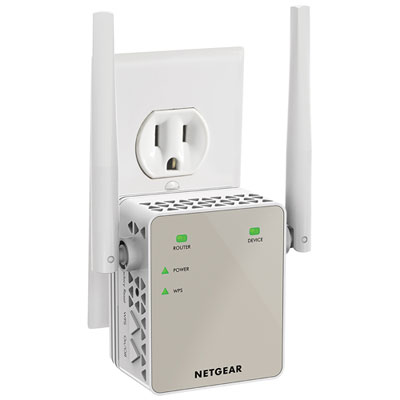 Your price for this item is $79.99
 -
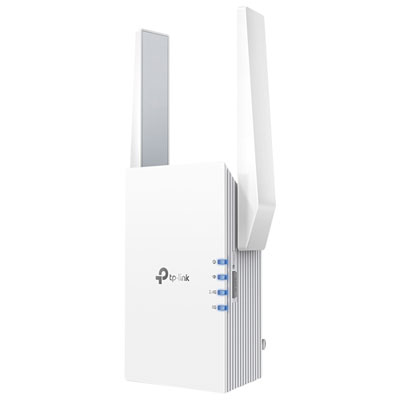 Your price for this item is $98.99
 -
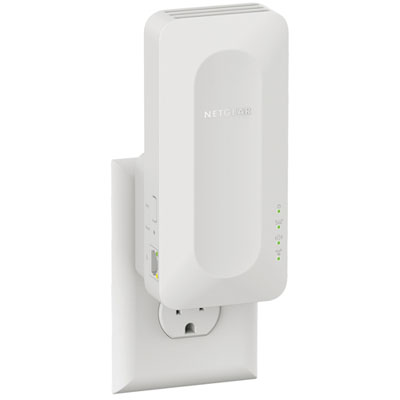 Your price for this item is $99.99
 -
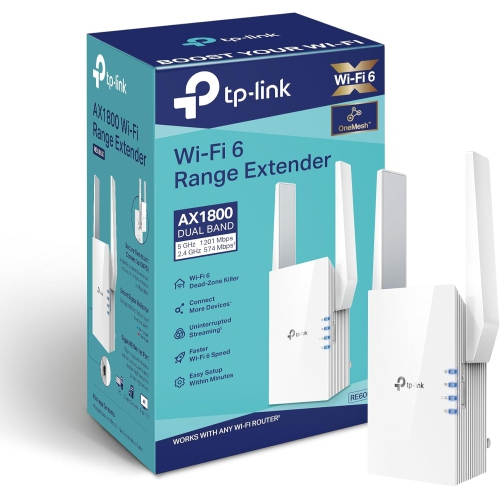 Your price for this item is $147.29
 -
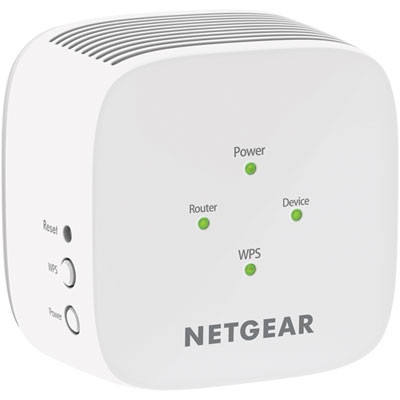 Your price for this item is $49.95