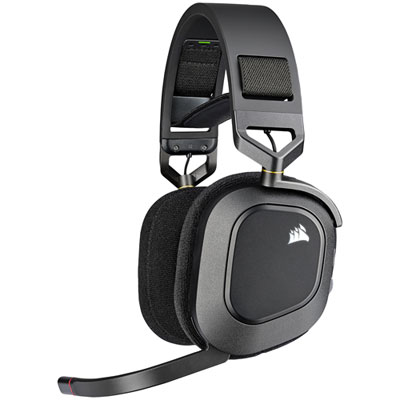
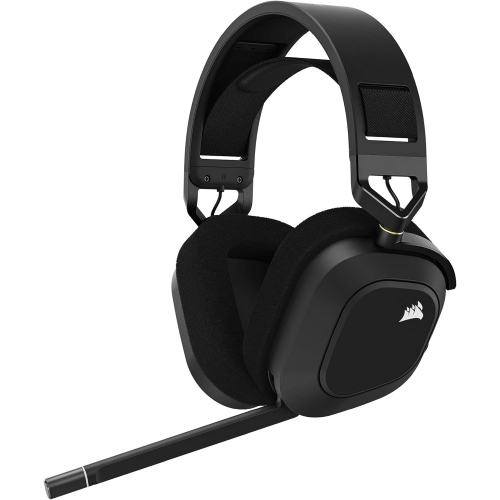
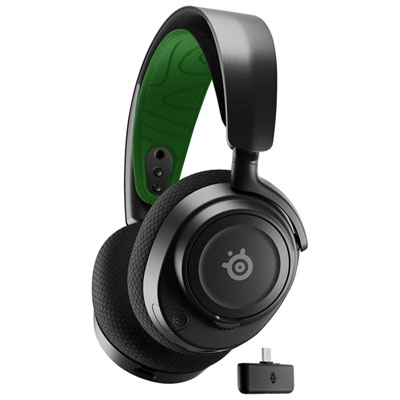
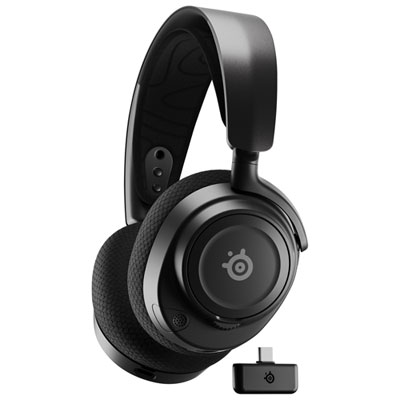
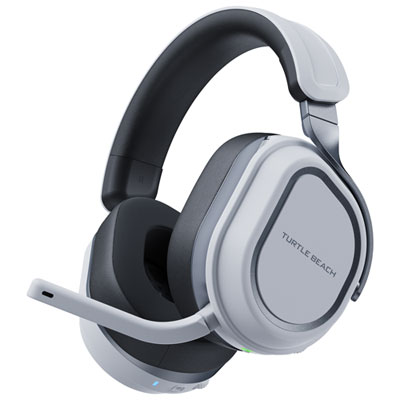
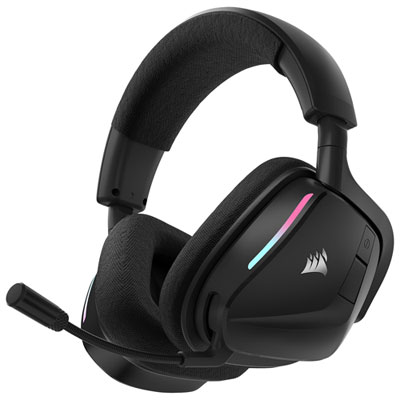
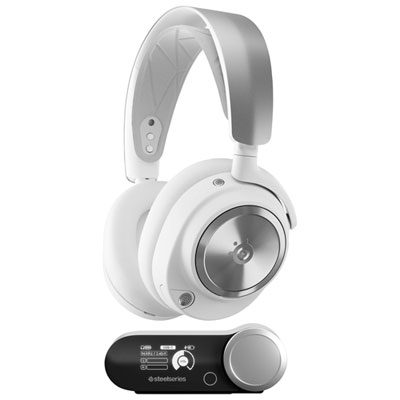
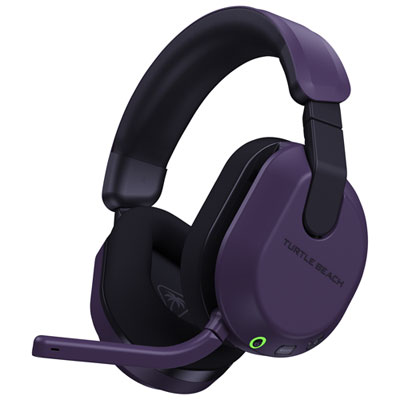
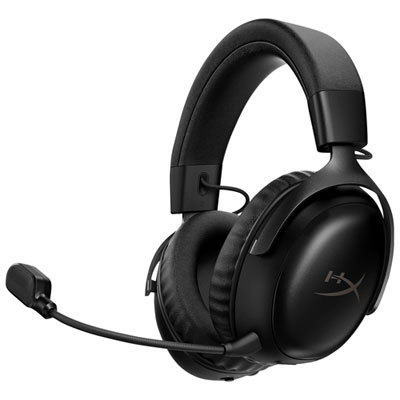
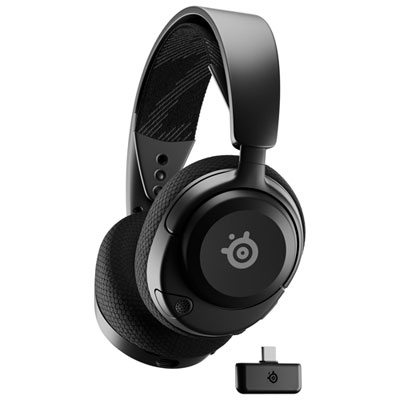
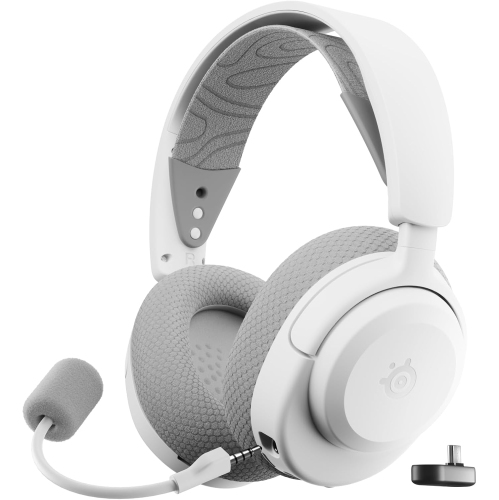
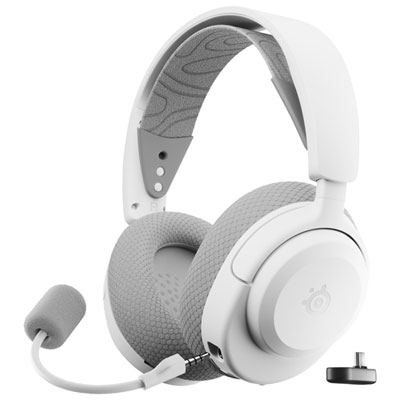
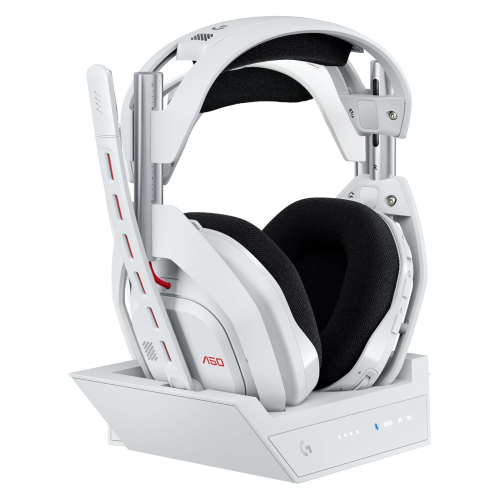
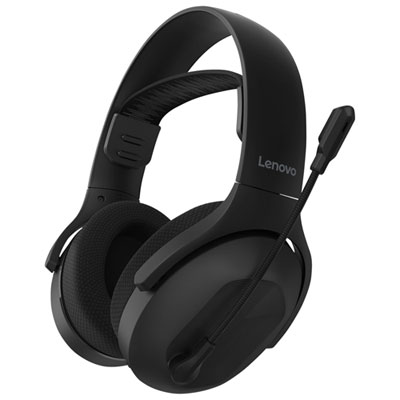
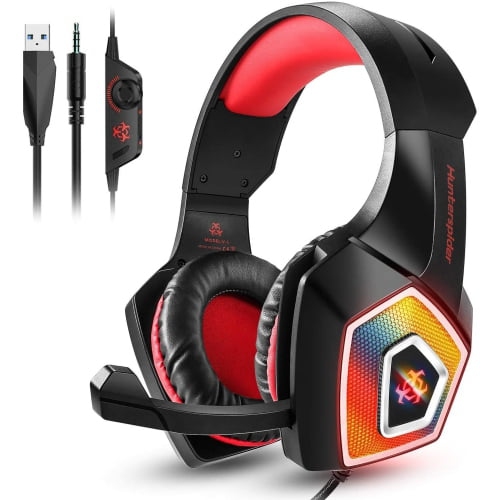
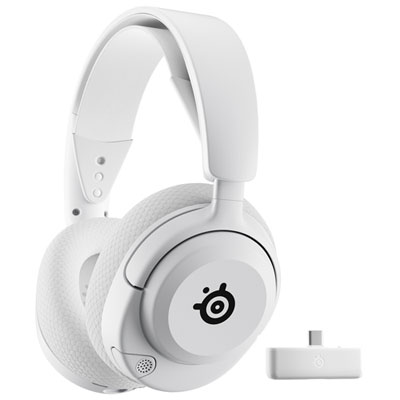
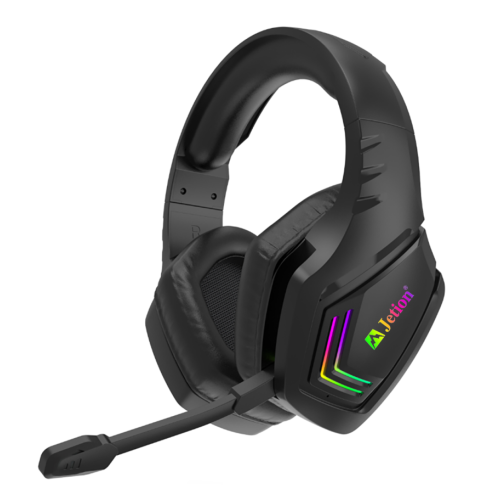
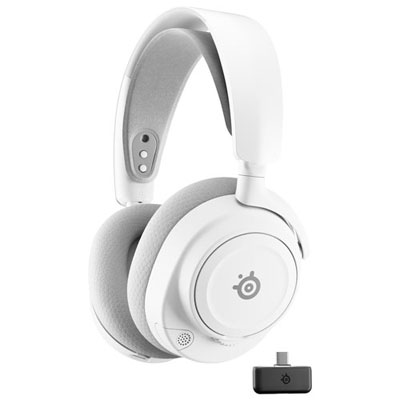
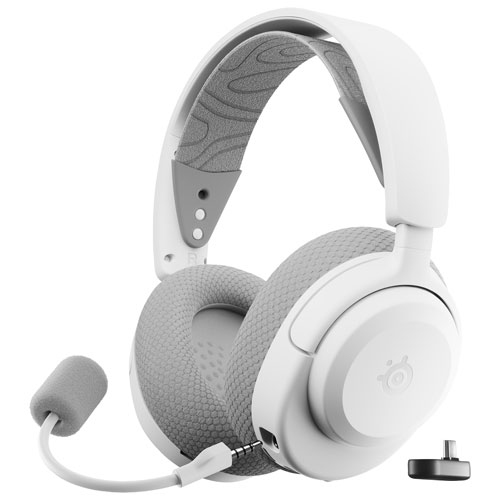
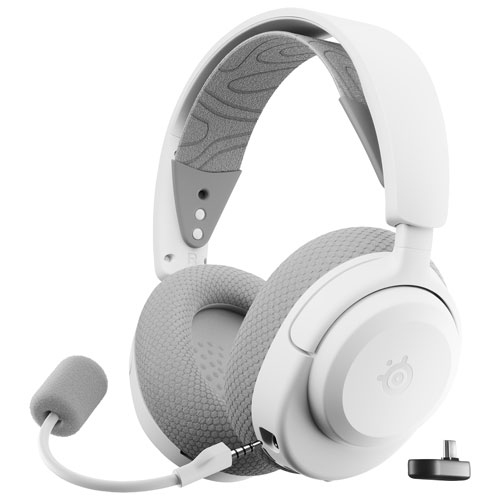
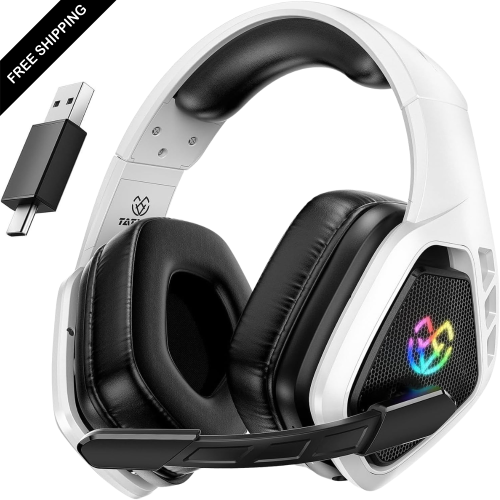
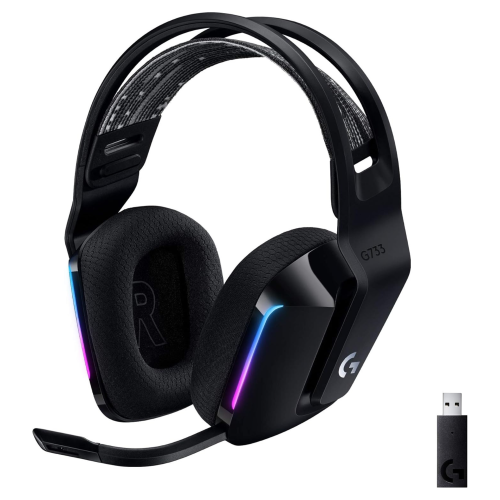
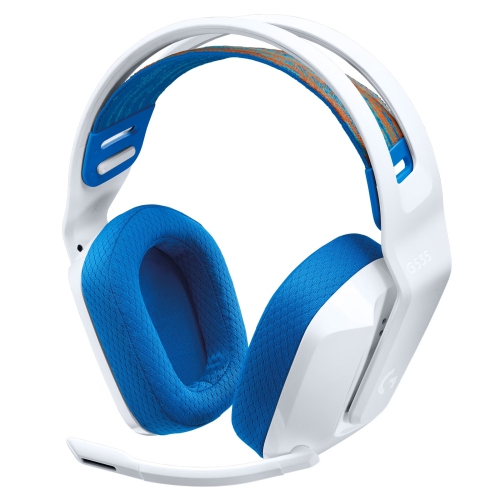
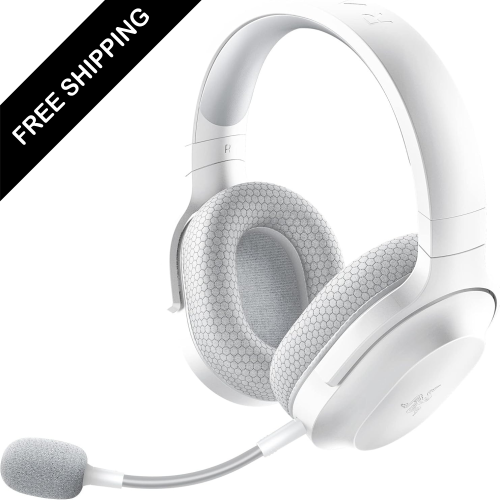
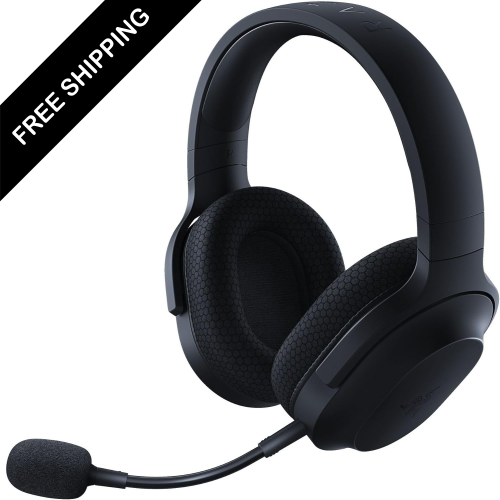
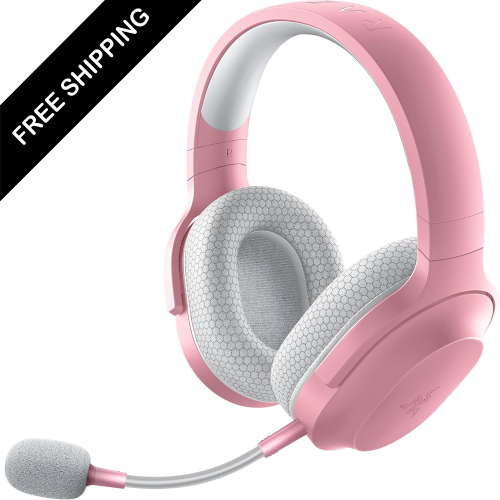
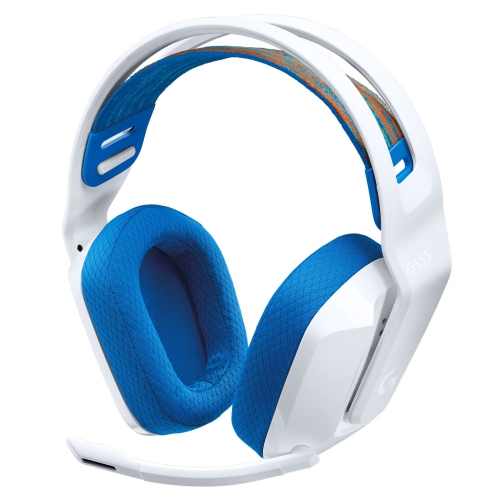
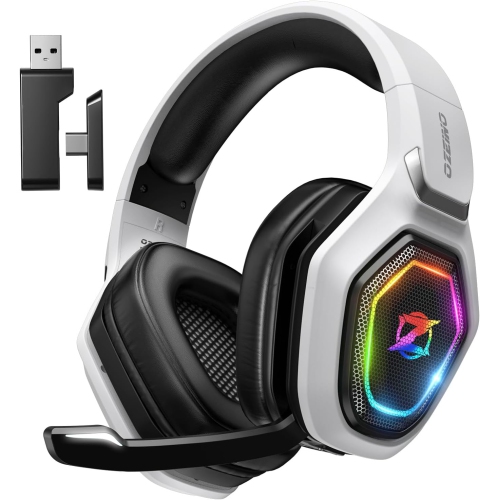
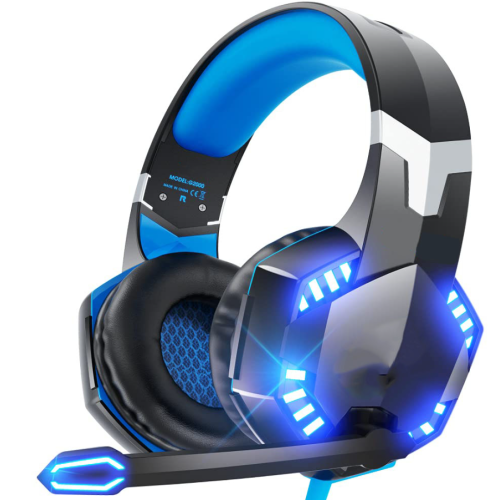
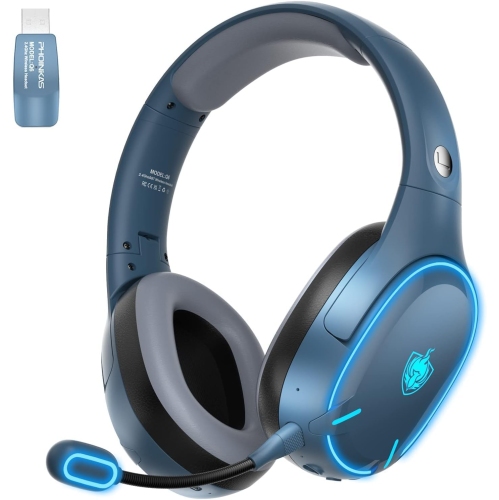
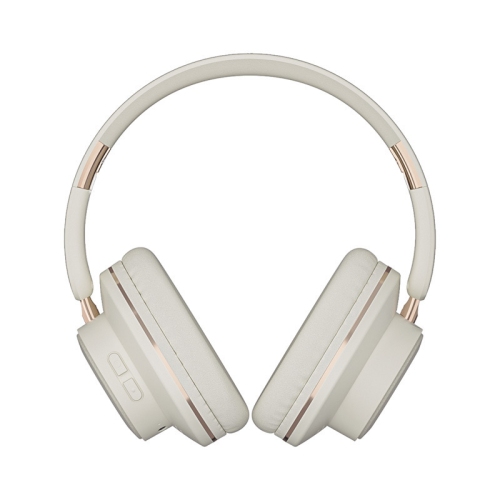
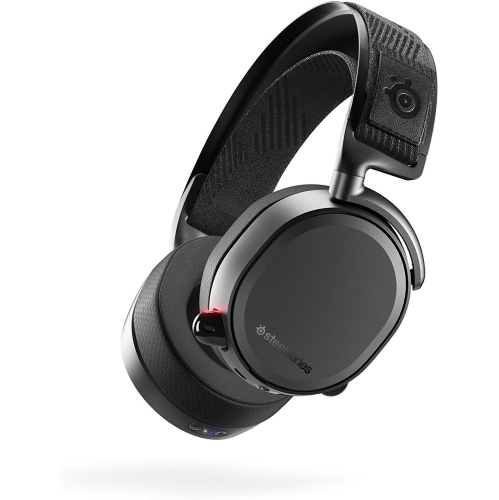
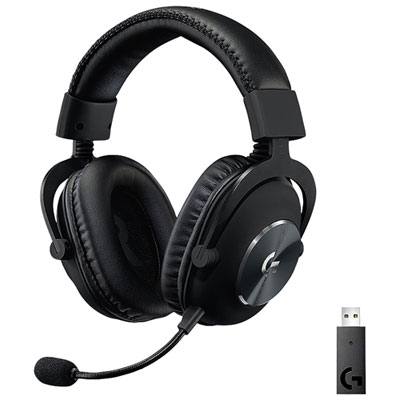
Wireless Gaming Headphones for Nintendo Switch

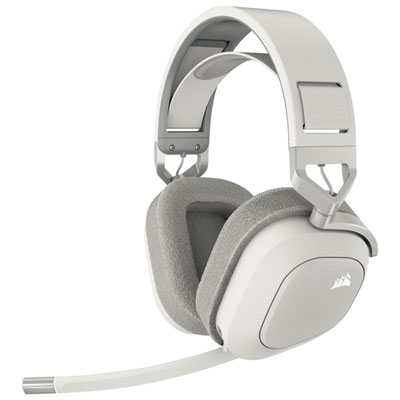
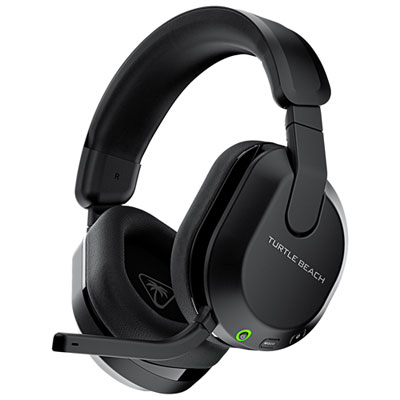
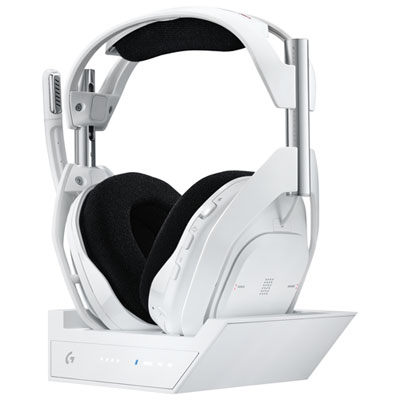
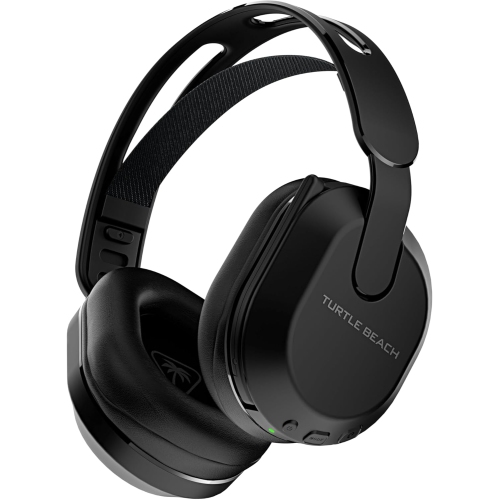
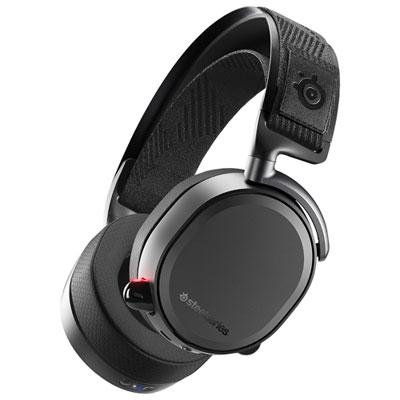
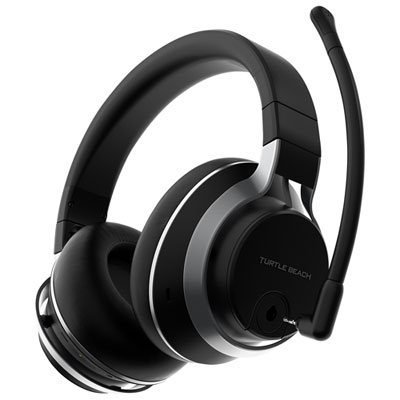
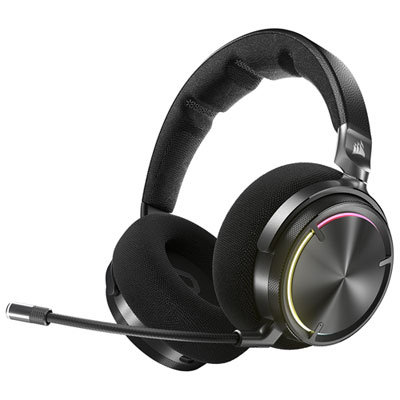
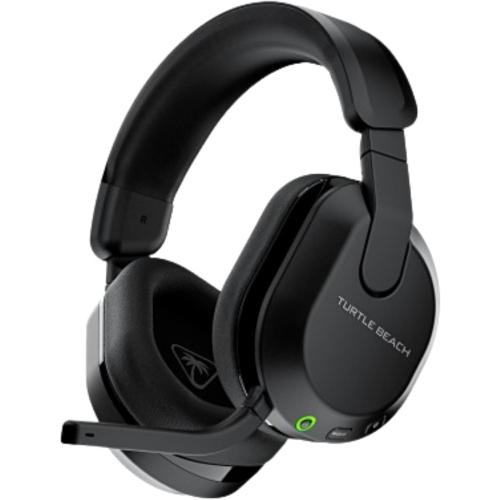
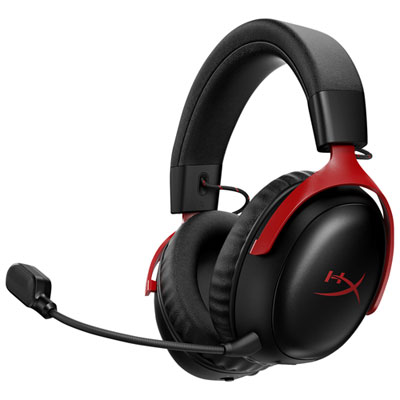
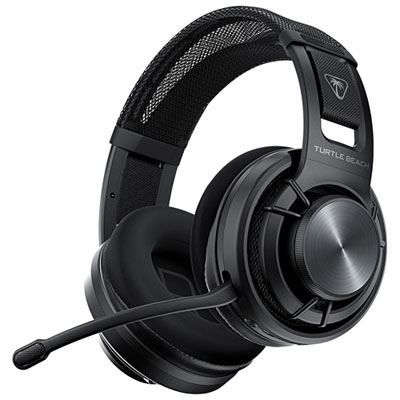
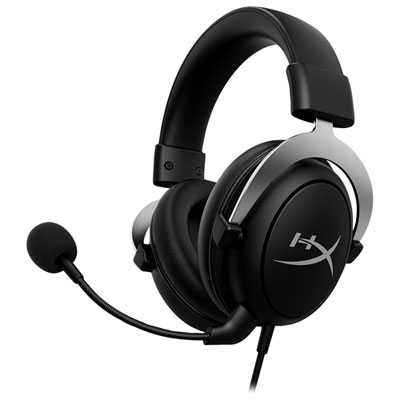
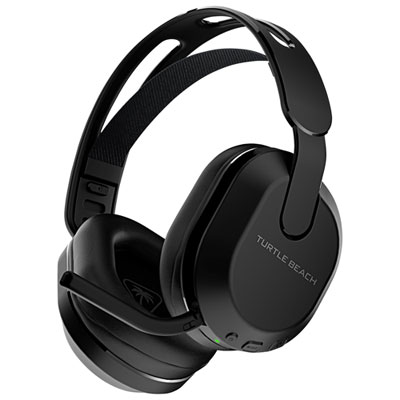
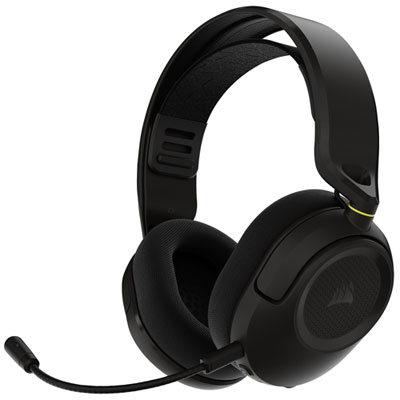
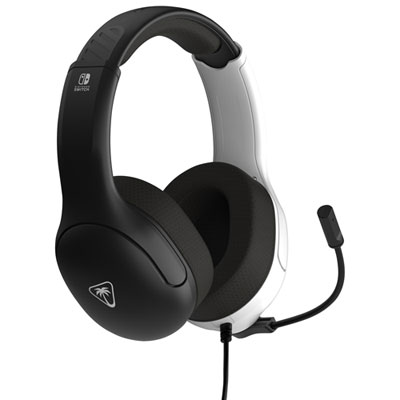
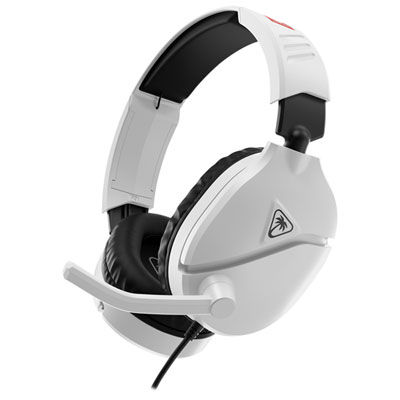
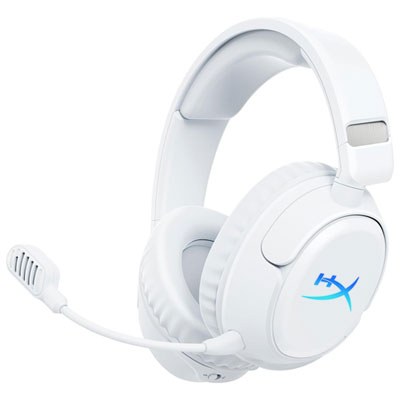
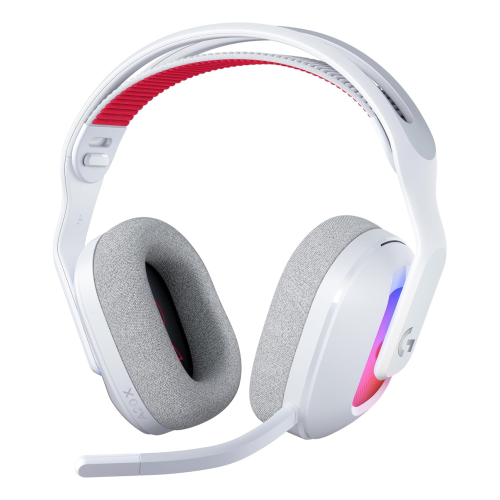
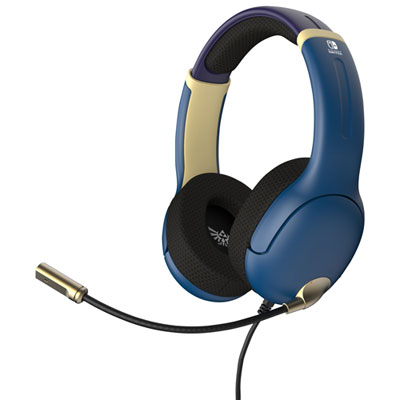
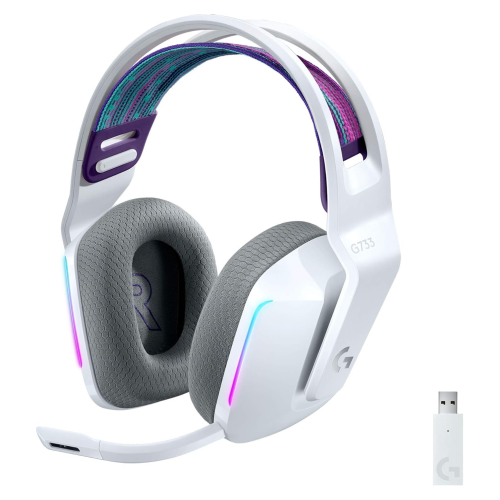
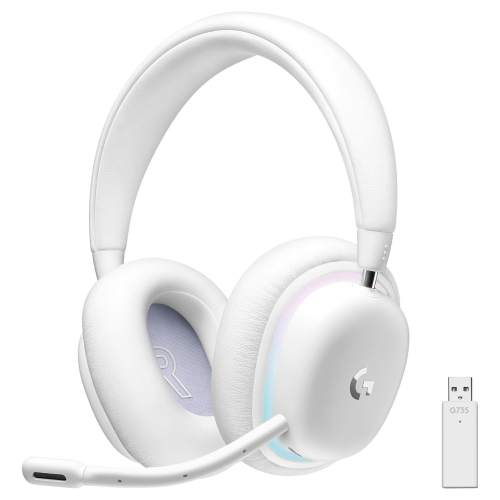
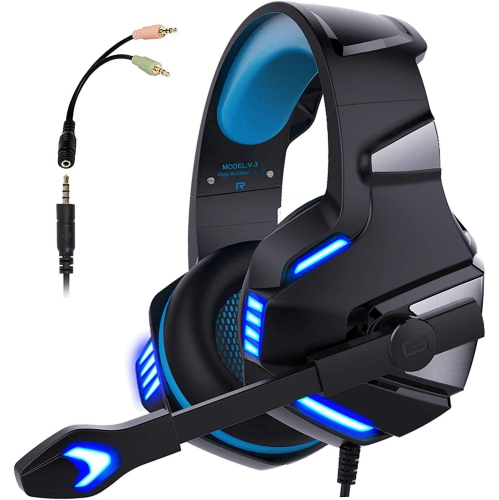
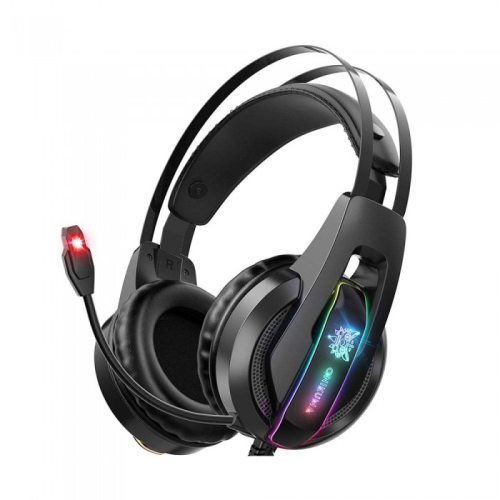
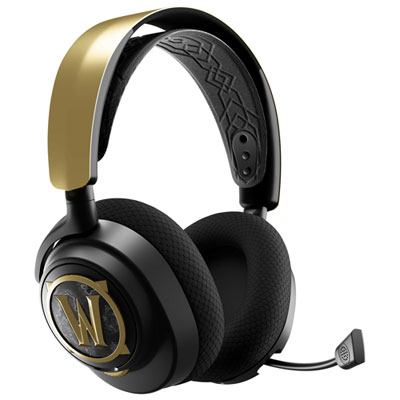
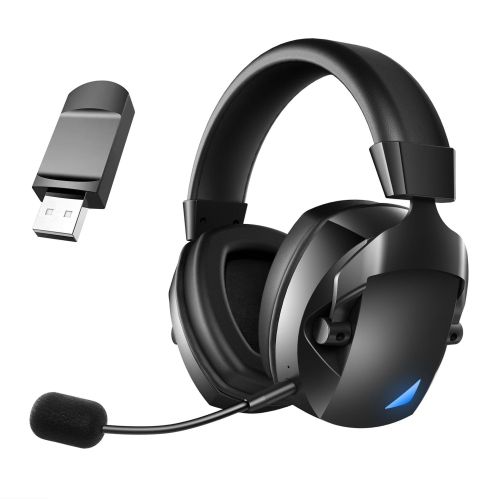
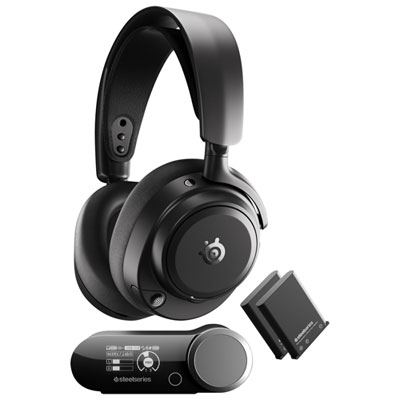
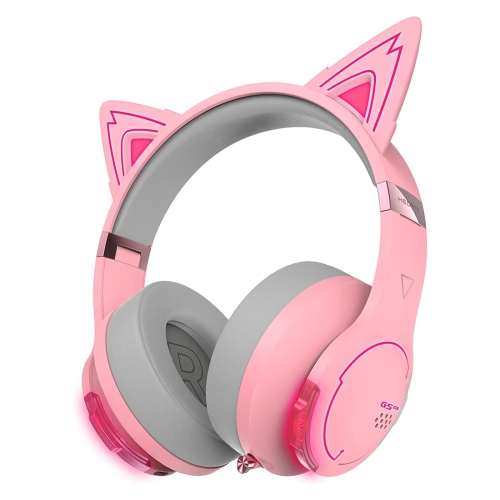
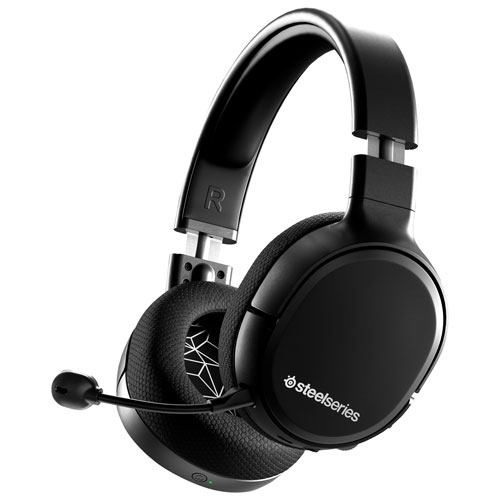
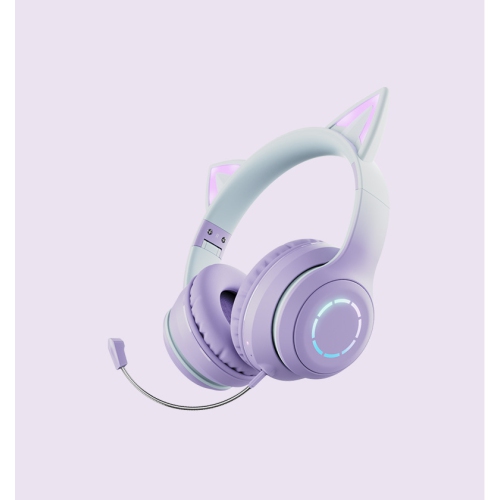
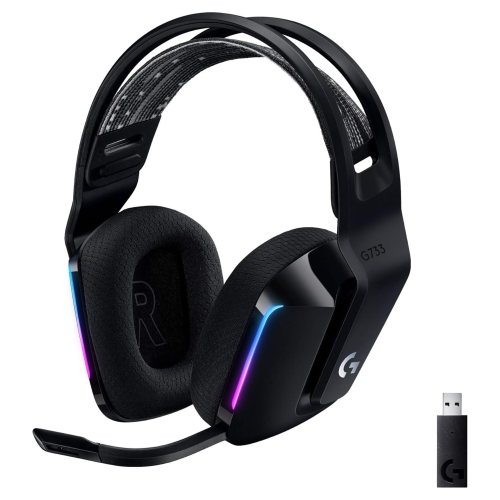
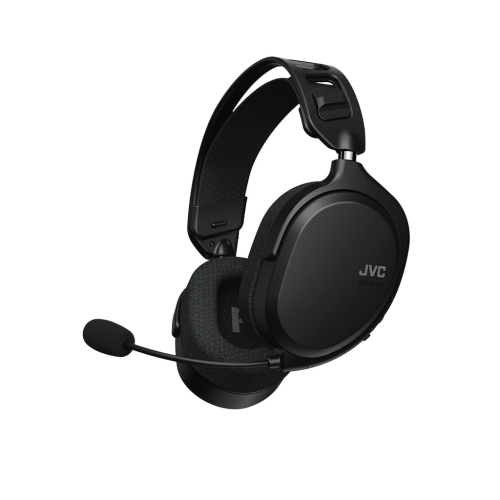
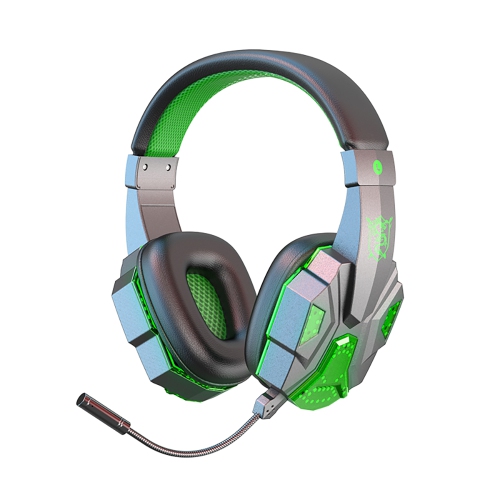
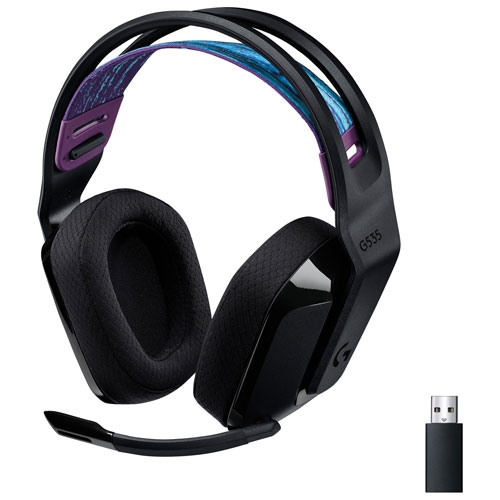
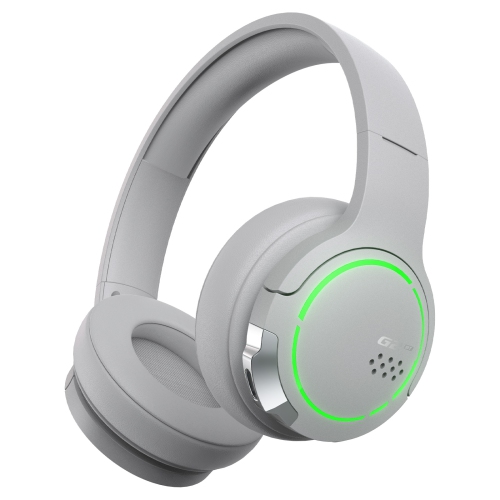
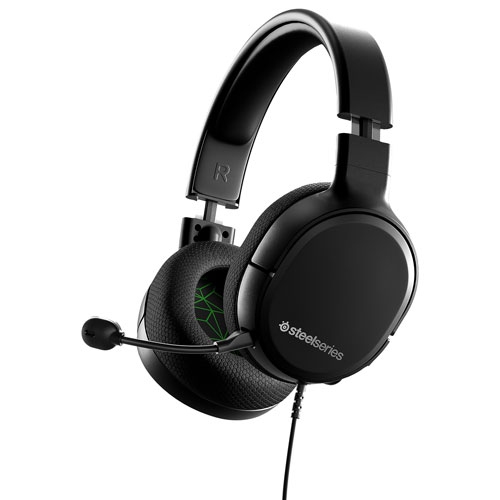
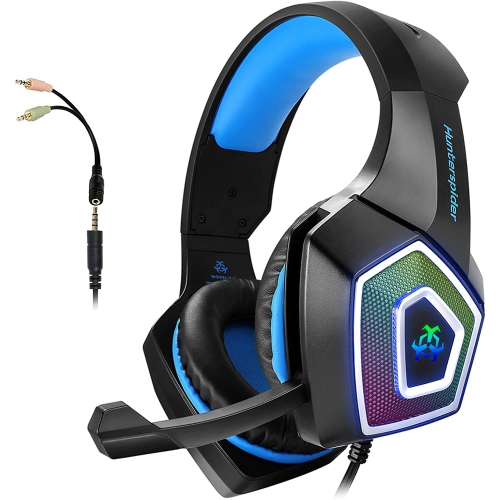
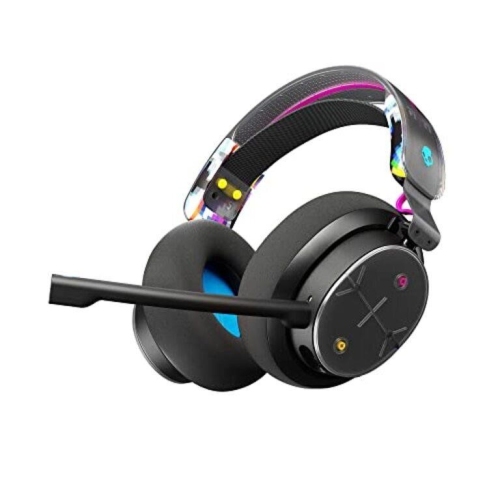
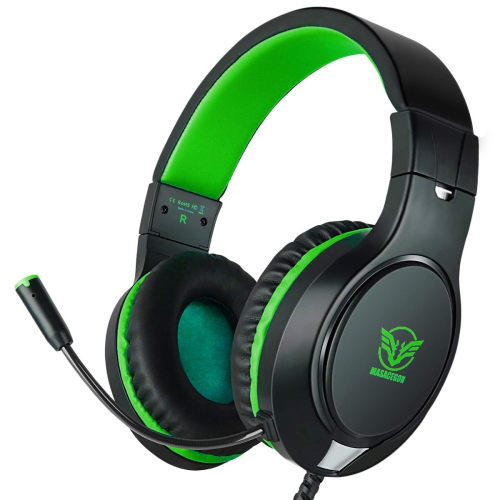
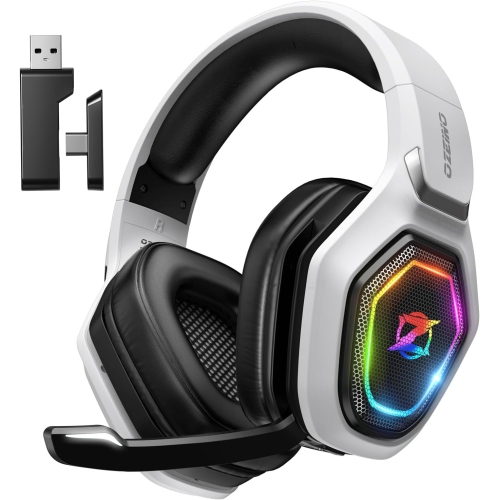
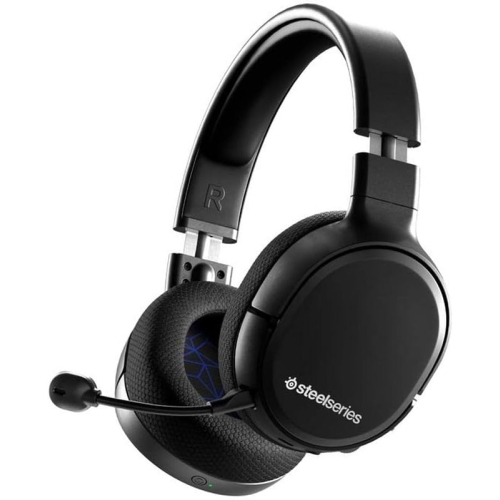
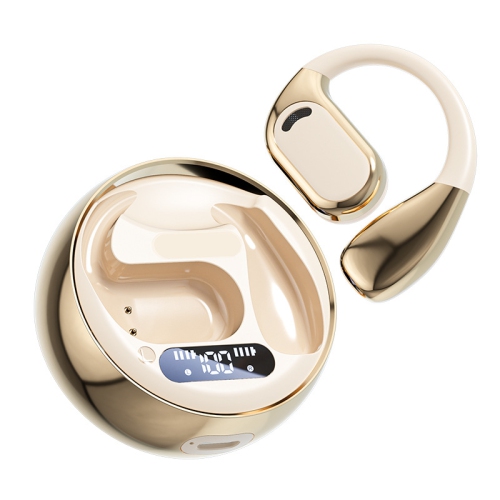
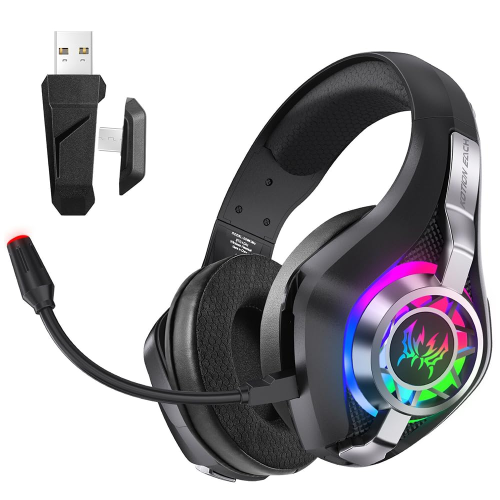
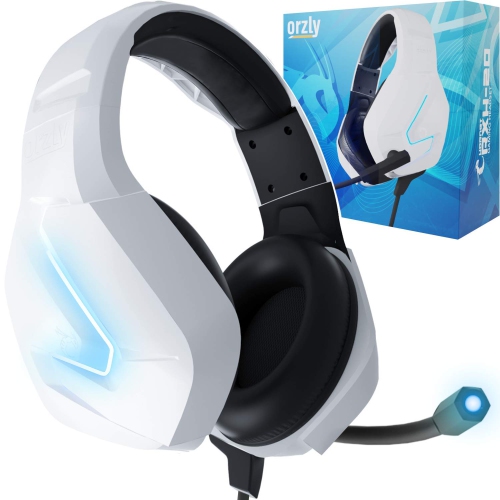
Find wireless gaming headphones for Nintendo Switch with a focus on connection compatibility, comfort, and battery life. Compare Bluetooth and wireless USB options, checking support for handheld or docked play before you choose. If voice chat matters to you, confirm microphone compatibility with your games and chat setup, as wireless audio support does not always include mic support.
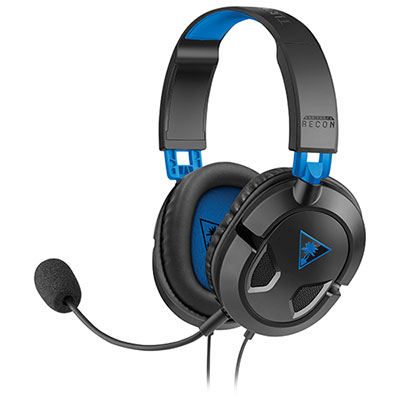
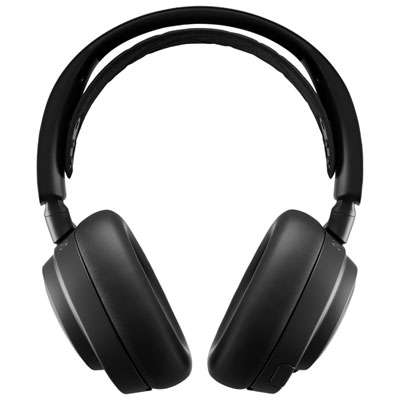
Read More

Sort

Why your wireless connection matters for Switch audio

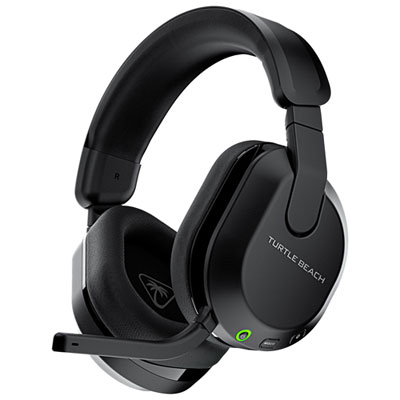
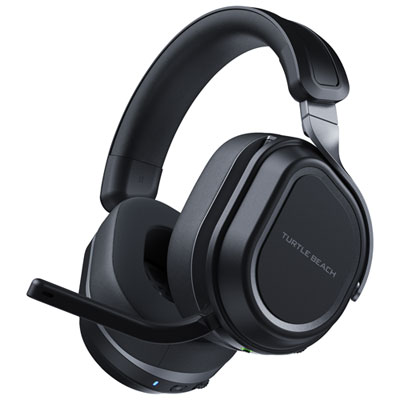
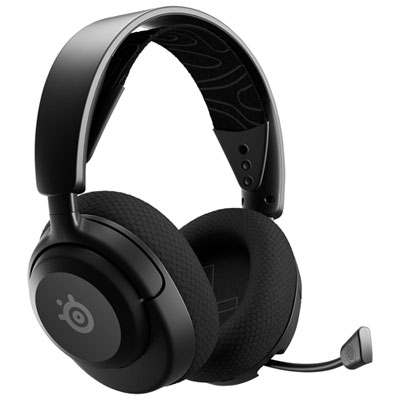
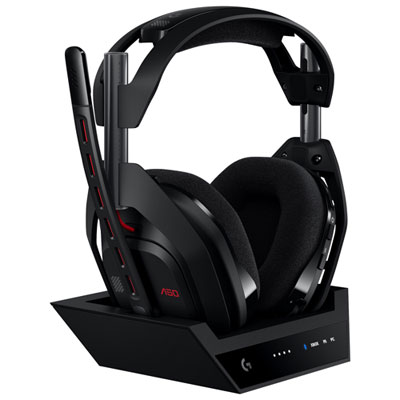
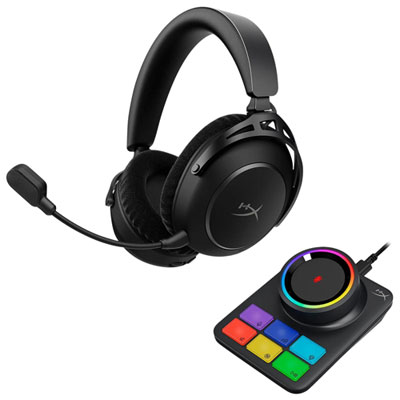
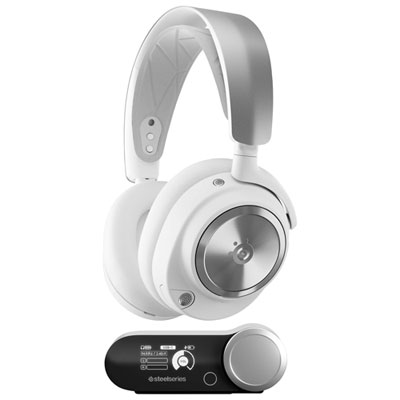
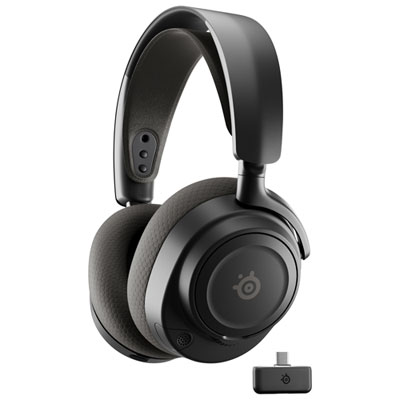
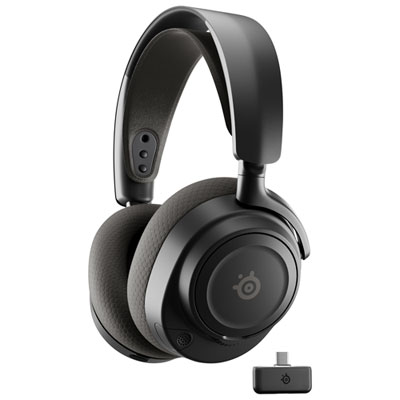
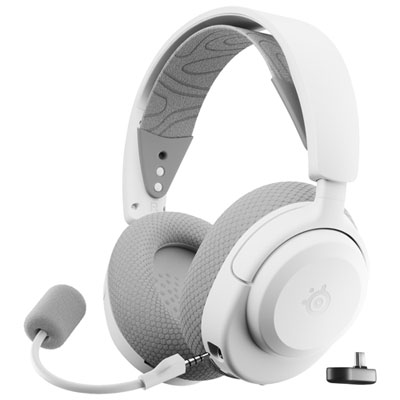
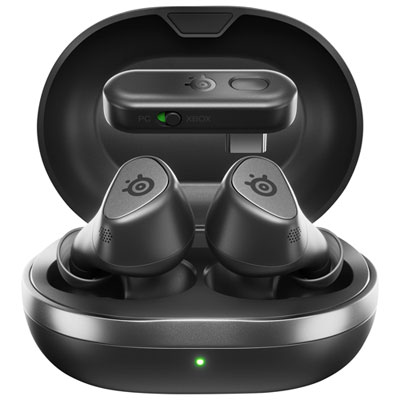
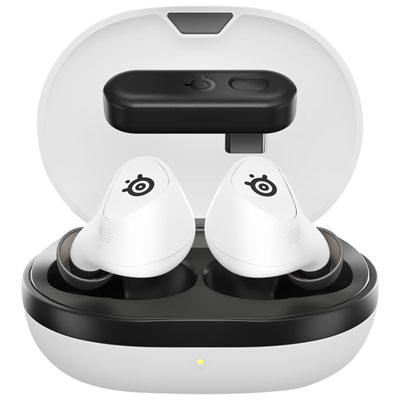
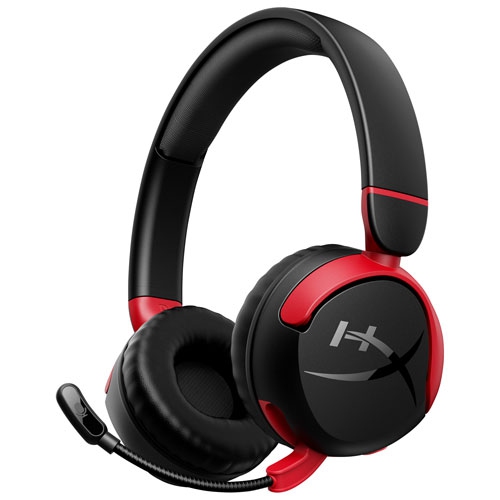
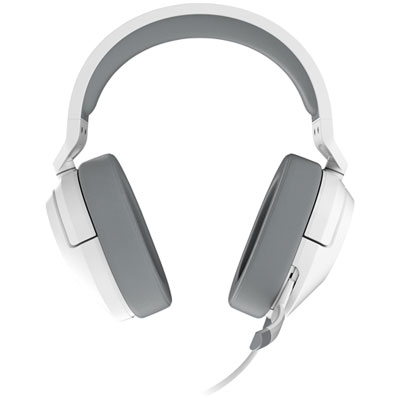
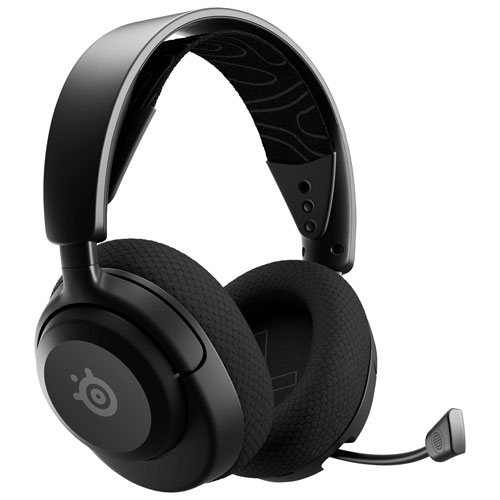
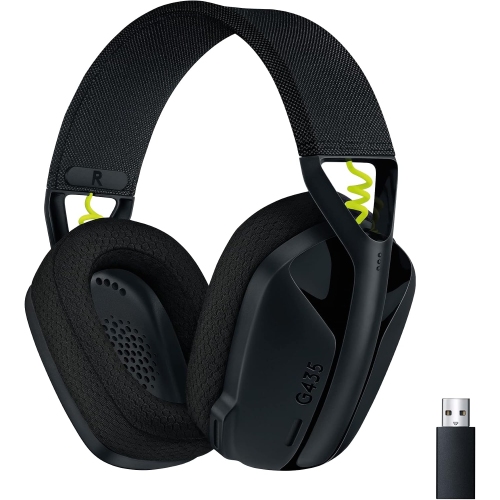
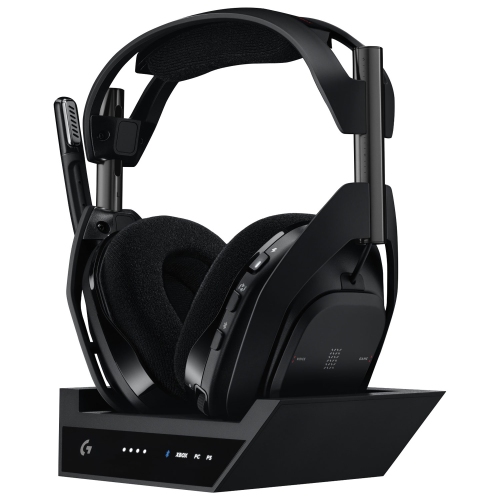
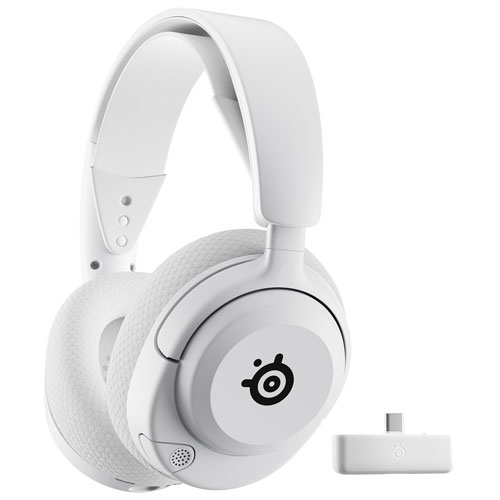
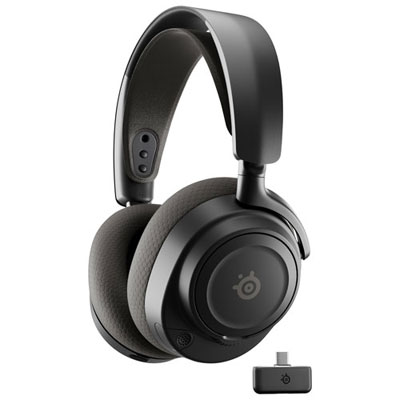
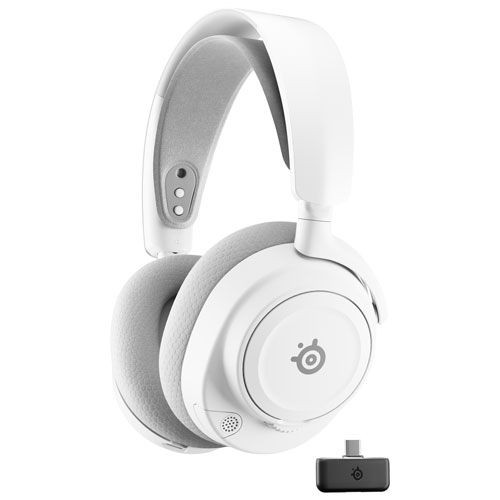
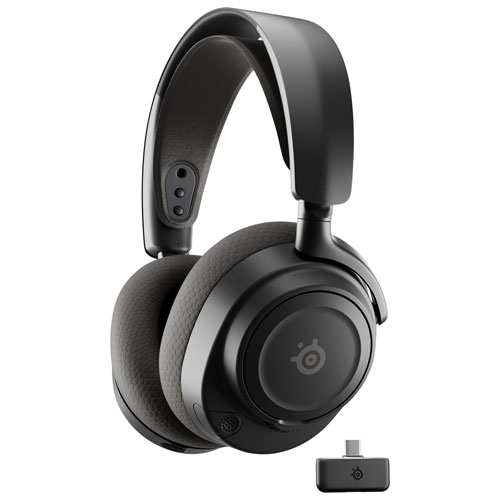
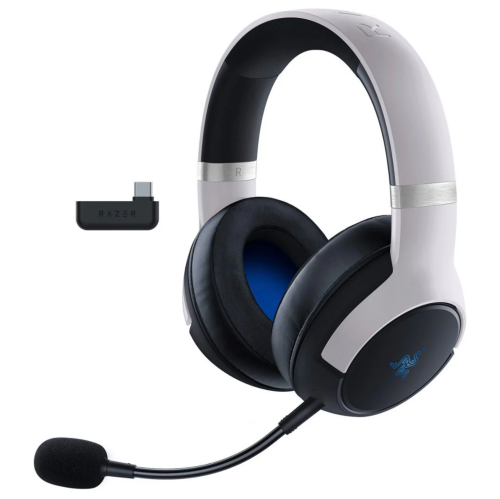
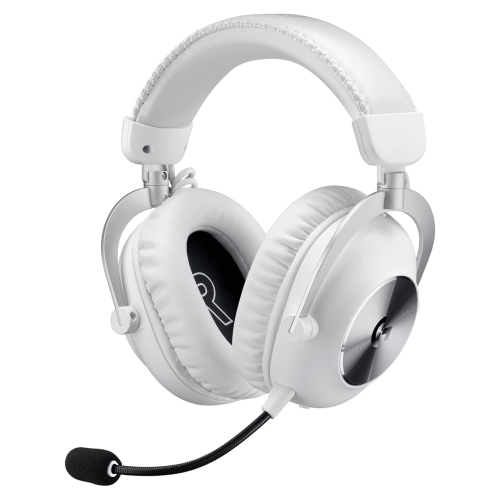
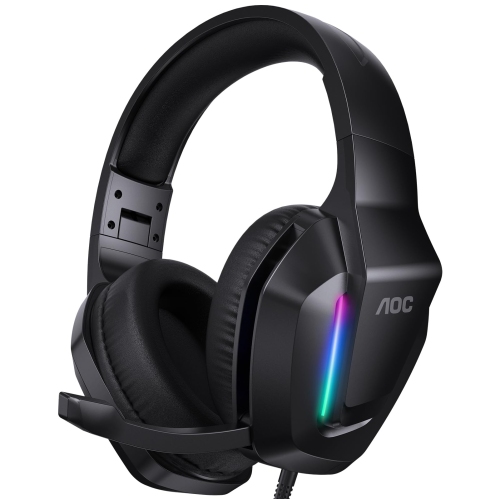
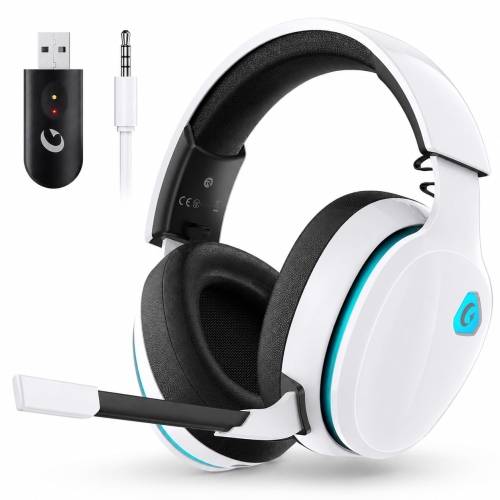
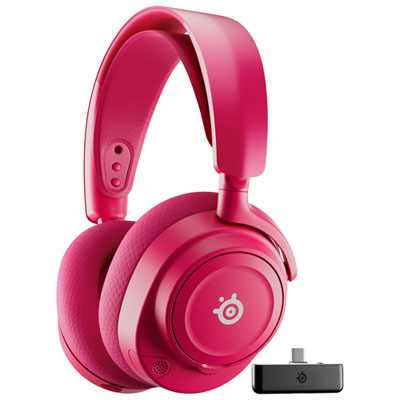
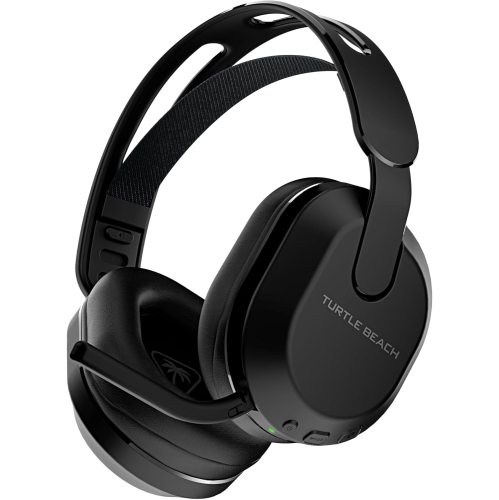
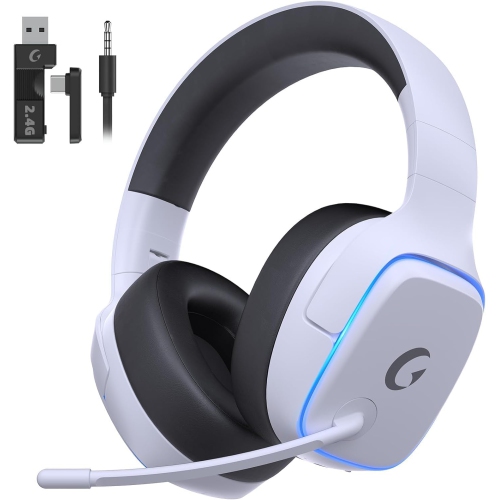
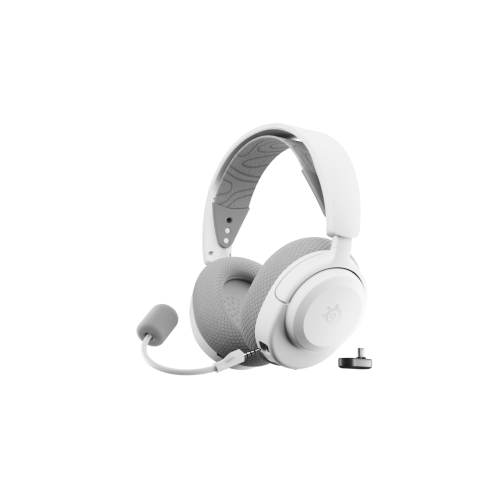
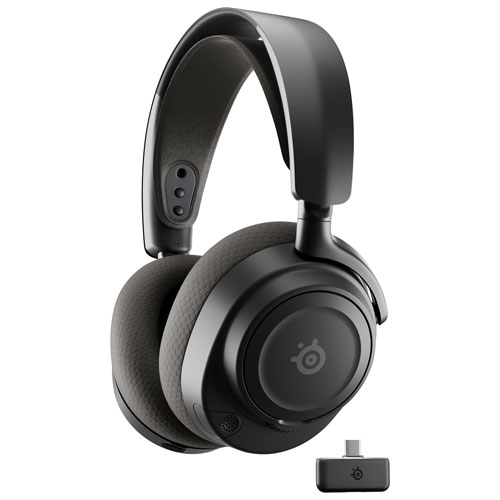
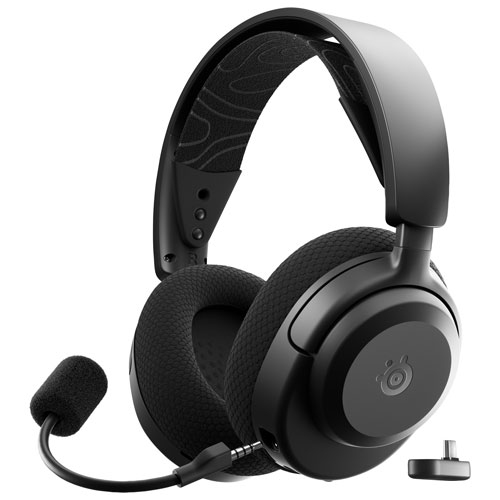
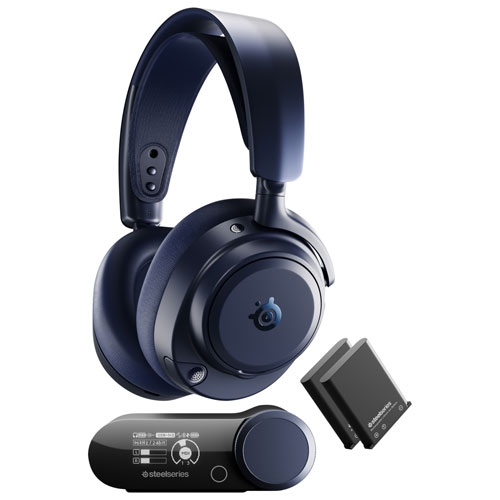
Wireless gaming headphones for Nintendo Switch bring game sound closer without leaving an audio cable stretched between the player and the console. They suit everything from a quiet handheld session on the sofa to a docked adventure on the living room television, with different connection types serving different setups. The main distinction is between direct Bluetooth audio and wireless audio delivered through a compatible USB transmitter, often using a 2.4 GHz connection. Direct Bluetooth can be convenient because it does not require a separate transmitter, but audio delay varies with the headphones and connection. That delay can be noticeable when a button press triggers a sharp sound or a rhythm game depends on closely matched sound and movement. A compatible low-latency USB wireless connection can reduce this gap, although performance depends on the headset and transmitter rather than the wireless label alone. Compatibility needs to cover both the console and the way it is used: a USB-C transmitter may suit handheld play, while a USB-A transmitter may connect through a compatible dock. Transmitter size and placement also matter when a protective case surrounds the console or a stand supports it on a table. A connector that occupies the charging port can affect charging during play unless the setup specifically supports both functions. Microphone support is a separate consideration from hearing game audio. Nintendo Switch does not support microphone input through its native Bluetooth audio connection, so pairing Bluetooth headphones does not automatically enable voice chat. Some games support compatible USB microphones or headsets, while others use a separate phone-based chat service. A USB transmitter alone therefore does not guarantee that a microphone will work in every game. For multiplayer use, the relevant details are explicit console compatibility, support within the intended game, and whether chat runs on the console or another device. These distinctions help separate headphones suited to private listening from headsets equipped for a particular voice-chat setup.
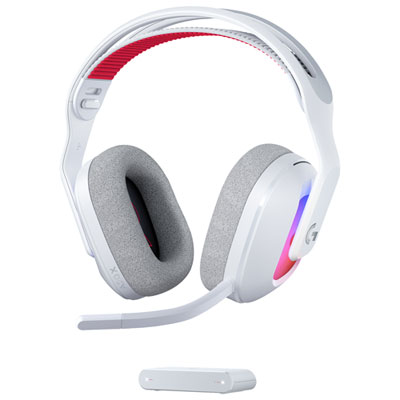
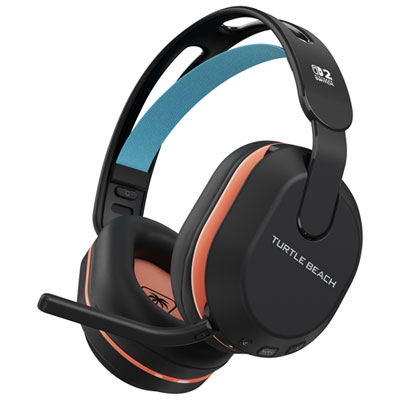
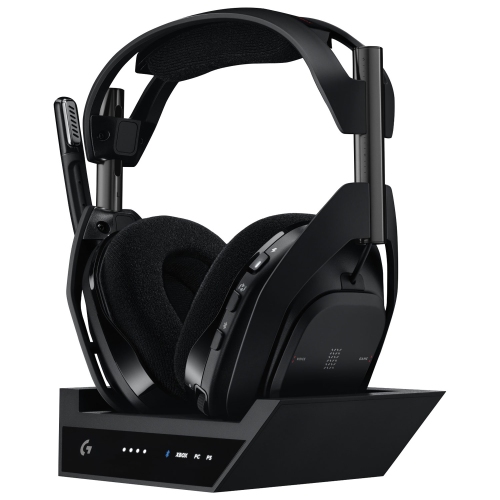
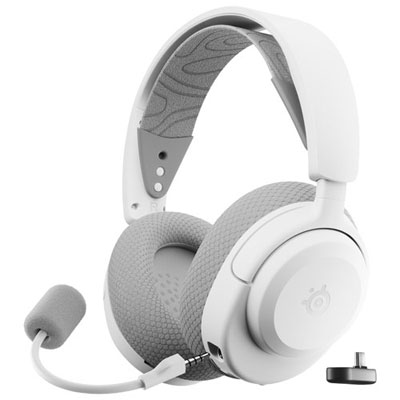
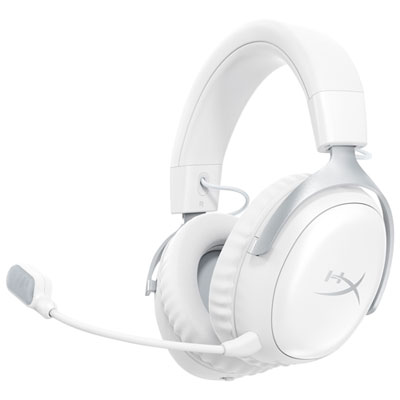
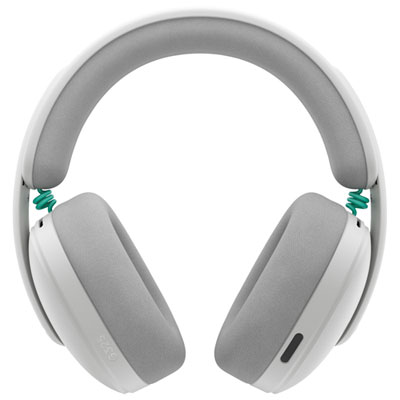
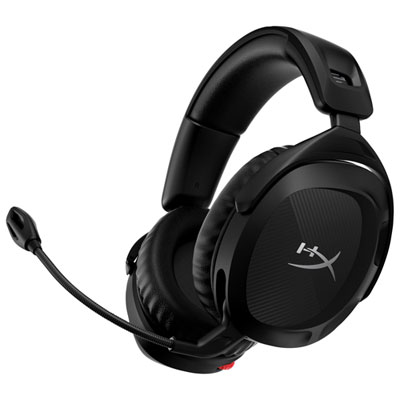
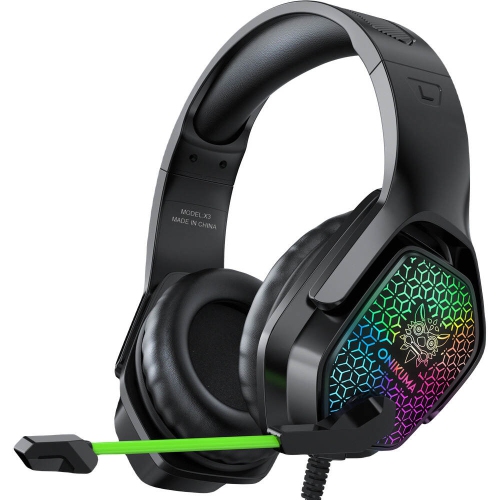
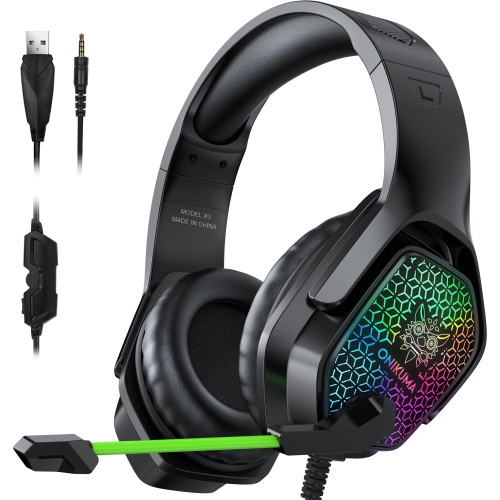
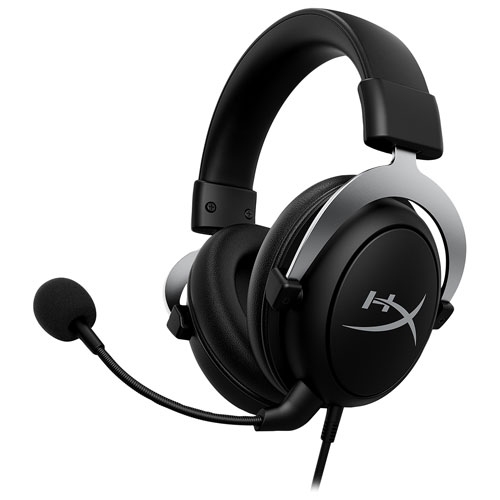
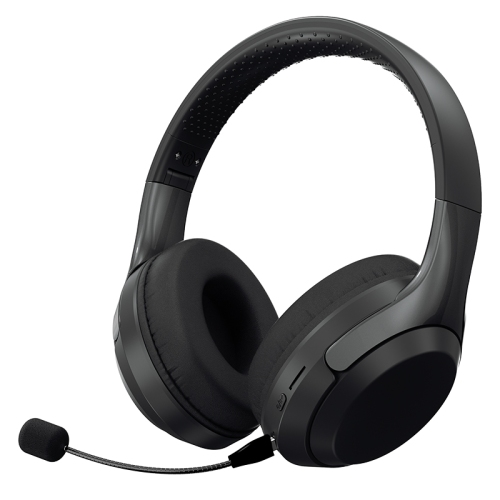
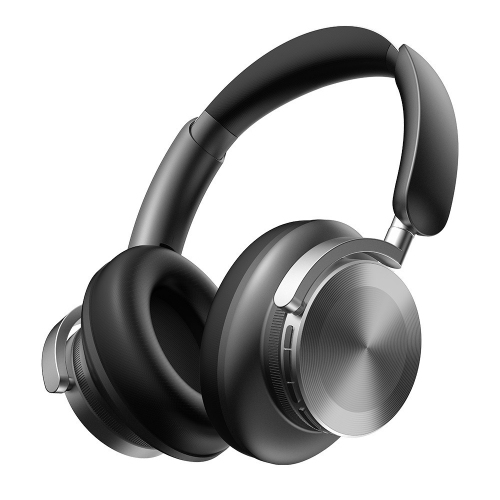
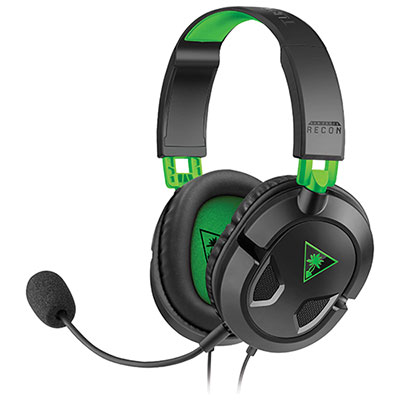
Comfort and sound character shape how wireless gaming headphones feel over a full session, whether that means completing a few races or settling into a lengthy role-playing game. Over-ear designs surround the ears with padded cushions, while smaller on-ear designs rest against them; the better fit depends on head size, ear shape, glasses, and personal preference. A padded, adjustable headband helps distribute weight, and swivelling earcups can sit more evenly against the sides of the head. Strong clamping pressure may feel secure initially but become tiring around the temples, particularly for someone wearing glasses. Cushion materials make a practical difference, too. Fabric coverings tend to feel more breathable, while leatherette surfaces are often easier to wipe clean and can form a closer seal. Neither material guarantees comfort, and the depth of the cushion matters if the ear would otherwise touch the inner lining. A closed-back design with a good seal can reduce some surrounding sound passively, but that is different from active noise cancellation, which requires dedicated electronics. Sound balance is equally personal. Clear mid-range reproduction helps dialogue remain understandable, while controlled bass gives explosions and musical scores weight without obscuring quieter details. Distinct effects can make it easier to notice a nearby opponent or follow movement across the screen, but directional cues depend on the game’s audio mix as well as the headphones. Features advertised as virtual surround sound or adjustable equalization may require software on another device and may not operate through a console connection. Accessible volume controls, a clearly marked mute control, and audible connection prompts can be more useful in everyday play than features that are unavailable in the intended setup. A detachable or retractable microphone keeps the headset less obtrusive for solo games, while a flexible boom allows the microphone to sit near the mouth without brushing against it. Microphone noise reduction can help limit unwanted background sound, but it does not make a shared room silent.

Battery life, construction, and storage are important for headphones that move regularly between a television setup, a bedside table, and a travel bag. Published battery estimates usually reflect particular test conditions; listening volume, lighting effects, microphone use, and additional wireless connections can change how long a charge lasts. Clear battery indicators and straightforward charging controls make it easier to avoid an interruption halfway through a co-operative session. Support for listening while charging is useful where provided, but a charging cable does not necessarily carry audio, and not every headset allows continued use during charging. For players who also use a computer or phone, support for multiple devices can add flexibility, though switching between connections is not the same as hearing two sources at once. Simultaneous game audio and phone chat require that specific capability, rather than simply the presence of Bluetooth and a USB transmitter. The broader range of Wireless Headphones for Gamers also suits households where listening needs extend beyond one console, with compatibility remaining specific to each headset and connection method. Durable everyday construction can include a reinforced headband, secure adjustment points, and hinges that move smoothly without excessive looseness. Folding earcups save space, but moving joints still need gentle handling, especially when headphones are packed beside controllers and charging accessories. A protective case or separate pouch helps keep cushions from being crushed and gives a small wireless transmitter a consistent place to stay. Routine care is simple: a soft cloth removes surface marks, while cleaning methods for the cushions should follow the manufacturer’s directions. Excess moisture, harsh cleaners, and pulling on a microphone boom can damage finishes or components. Replaceable ear cushions can be useful when padding becomes compressed or its covering wears. As a gift, wireless gaming headphones are especially practical for someone who shares a living space, enjoys immersive solo games, or regularly plays with friends. Knowing the recipient’s console setup, fit preferences, and chat requirements makes the gift more personal and helps ensure the headphones suit the way they actually play.
Read More

FAQ

Some products may be subject to Environmental Handling Fees (EHF) depending on your province. Learn more about EHFs.