Wireless Mice for Mac Laptop
Elevate your Mac laptop experience with the seamless convenience of a wireless mouse. Perfect for those who value mobility and efficiency, a wireless mouse for Mac laptop users offers the freedom to navigate without the tangle of cords. Whether you're working from a café, attending meetings, or simply enjoying your favorite content at home, these devices are designed to complement the sleek design and advanced technology of your Mac. Explore an array of options that combine style, precision, and comfort to enhance your productivity and make every click count.
Sort
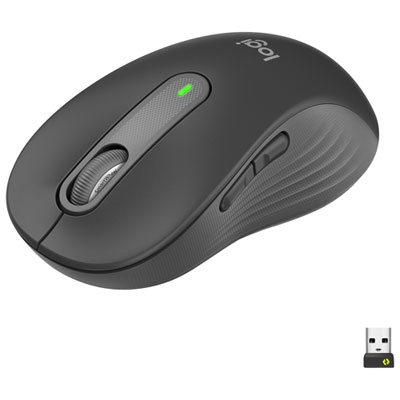
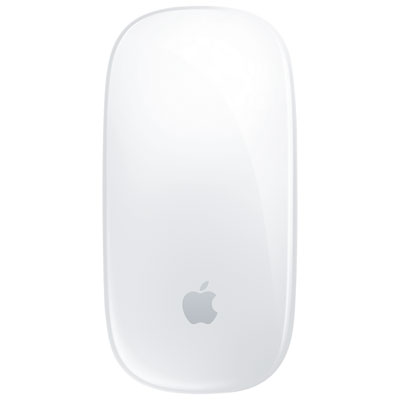
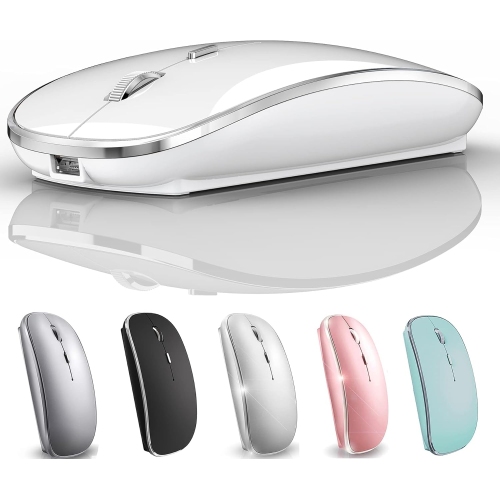
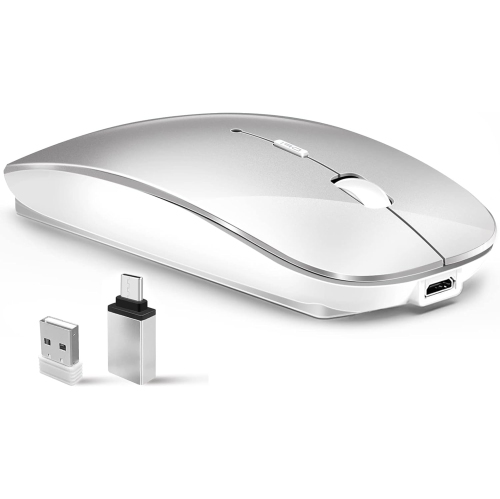
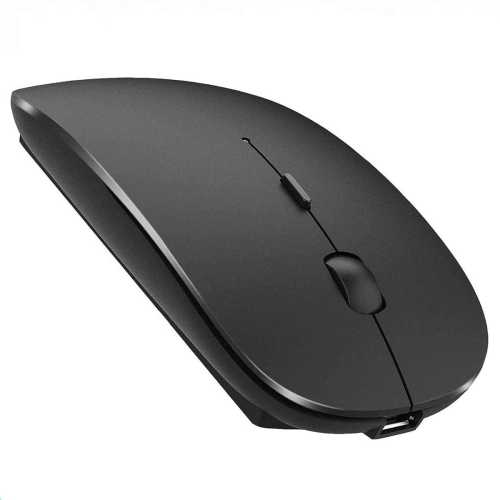
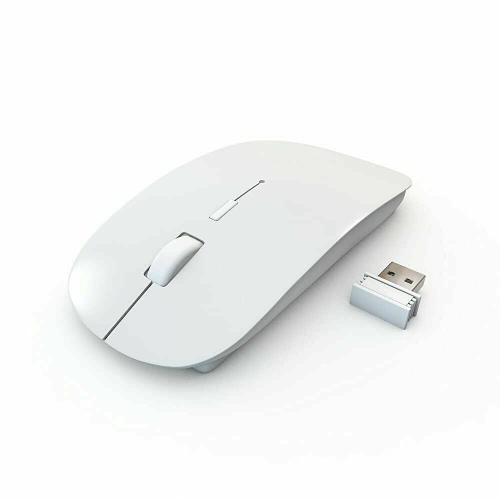
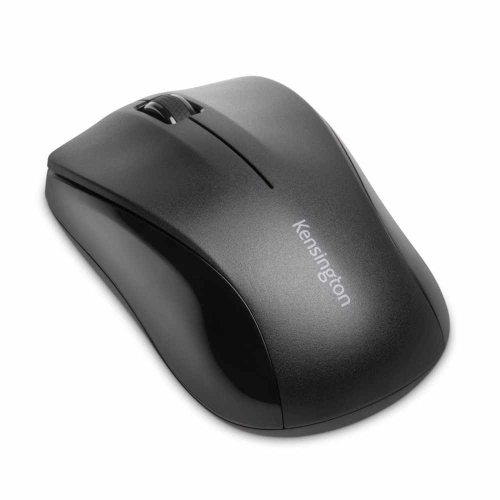
Comfort, connectivity, and control for your Mac laptop
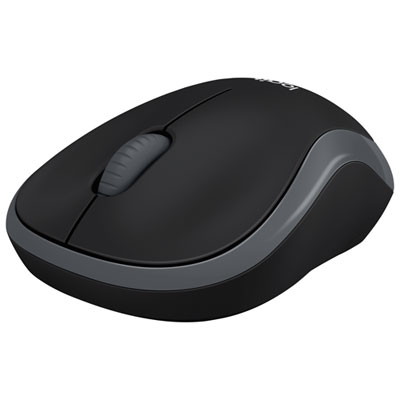
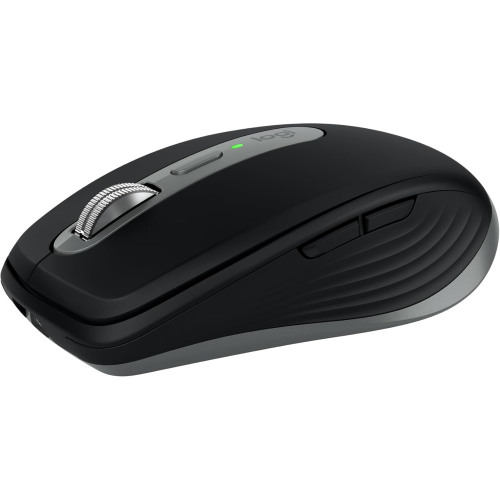
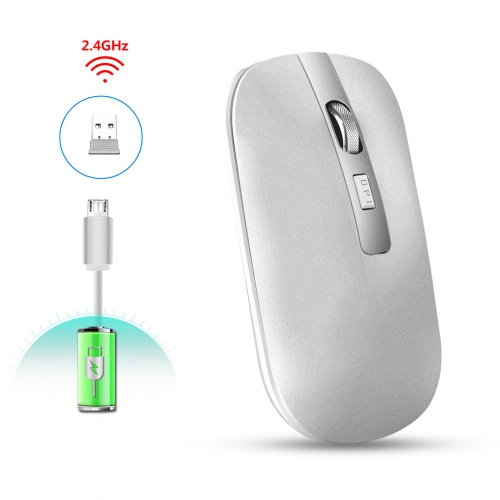
Wireless mice for Mac laptop users offer a practical way to make everyday work, study, and creative tasks feel more comfortable and controlled. A trackpad is convenient for quick taps and gestures, but a mouse can provide a steadier grip for selecting text, arranging files, editing photos, navigating spreadsheets, and working through long documents. The right model can also help reduce the small frustrations that build up during a busy day, such as a pointer that feels imprecise, clicks that are too loud in a quiet room, or a shape that leaves your hand feeling tired after hours at a desk. When shopping, start by confirming compatibility with your Mac laptop and the version of macOS you use. Many wireless mice connect through Bluetooth, which keeps your workspace uncluttered and leaves USB ports available for storage drives, displays, or charging accessories. Other models use a small 2.4 GHz USB receiver, which can provide a straightforward plug-and-play connection but may require a USB-A port or an adapter if your Mac laptop uses only USB-C. Some mice support both connection methods, giving you more flexibility when moving between a laptop, desktop computer, or tablet. A mouse designed with macOS in mind may include shortcuts for Mission Control, app switching, browser navigation, or other commonly used functions, while gesture-friendly surfaces can make swiping between pages, desktops, and full-screen apps feel especially natural.
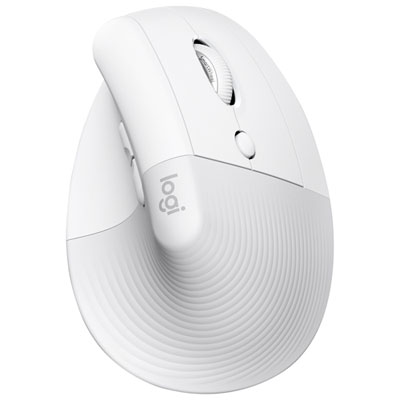
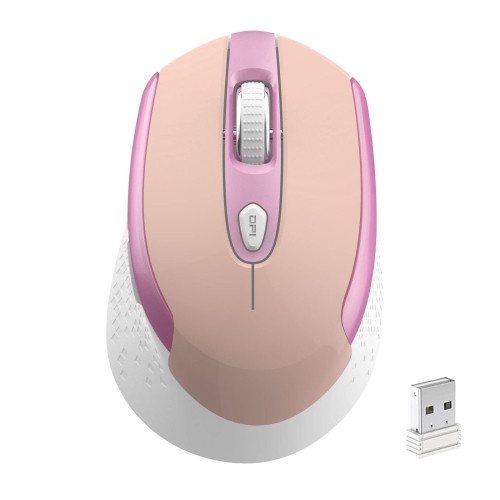
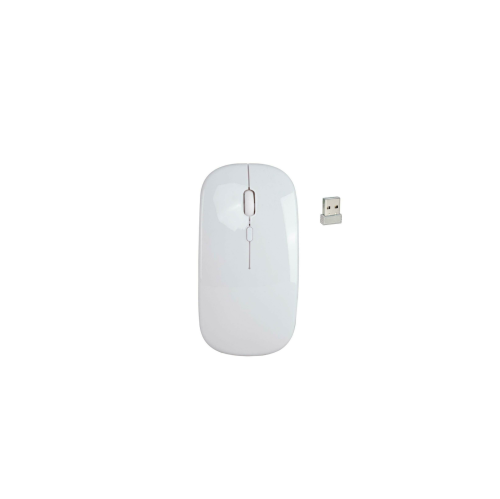
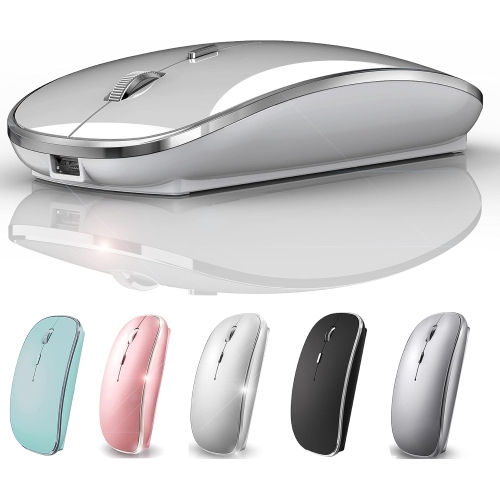
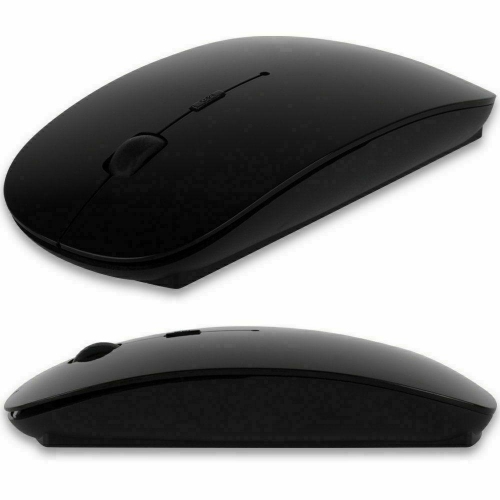
Shape and size are just as important as connectivity. A slim, low-profile mouse can slide neatly into a laptop sleeve beside a charger and notebook, making it well suited to commuters, students, travellers, and anyone who works in different rooms throughout the day. A contoured mouse with a fuller palm rest may feel more supportive during long stretches of office work, online learning, coding, or design. If you tend to grip a mouse with your fingertips, a compact design may feel easier to control; if your palm rests over the mouse, look for a shape that supports your hand without forcing your wrist into an awkward angle. Surface tracking is another useful consideration. A capable optical or high-resolution sensor can move smoothly across a desk mat, wood, laminate, or even a glossy surface, which is helpful when a suitable mouse pad is not available. Adjustable sensitivity can make it easier to move quickly across a large monitor while still making precise selections in a spreadsheet or creative application. Quiet buttons are a thoughtful choice for shared offices, libraries, bedrooms, and video calls, where repeated clicking can become distracting. Scroll wheels also vary considerably: a traditional notched wheel provides controlled movement through lists and documents, while a free-spinning or precision scroll mode can move rapidly through lengthy web pages, large spreadsheets, and multi-page files. For a broader selection, explore Mac Compatible Wireless Mice and compare each model’s connection type, dimensions, button layout, sensor performance, and operating requirements.
Battery life can make a noticeable difference in how convenient a wireless mouse feels. Rechargeable models can be topped up with a USB-C cable between tasks, and some continue working while connected to power, which is useful when a deadline is approaching. Battery-powered mice may run for many months on a single battery and can be a reassuring option for travel, classrooms, home offices, or emergency laptop setups; check whether the mouse includes a battery and whether it stores its receiver when packed away. If you regularly switch between a personal Mac laptop and a work computer, multi-device support can save time by allowing one mouse to pair with two or three devices, often with a button for changing connections. This can turn a kitchen table into a compact work station without filling it with extra accessories. Wireless mice can also make considerate gifts for students heading into a new term, remote workers refreshing a home office, photographers and designers who want more control than a trackpad provides, or frequent travellers who prefer a familiar pointing device wherever they set up. A useful gift choice balances comfort with portability: a compact mouse suits someone who moves between cafés, libraries, and meeting rooms, while an ergonomic design may be better for someone who spends most of the day at one desk. During the cooler months, when more work and study time may happen indoors, a reliable mouse can bring a little more ease to everything from evening browsing and household planning to focused projects and video calls. Before choosing, consider how the mouse will be held, where it will be used, how often it will travel, and whether Bluetooth, a USB receiver, rechargeable power, quiet operation, or customizable controls matters most.
Shape and size are just as important as connectivity. A slim, low-profile mouse can slide neatly into a laptop sleeve beside a charger and notebook, making it well suited to commuters, students, travellers, and anyone who works in different rooms throughout the day. A contoured mouse with a fuller palm rest may feel more supportive during long stretches of office work, online learning, coding, or design. If you tend to grip a mouse with your fingertips, a compact design may feel easier to control; if your palm rests over the mouse, look for a shape that supports your hand without forcing your wrist into an awkward angle. Surface tracking is another useful consideration. A capable optical or high-resolution sensor can move smoothly across a desk mat, wood, laminate, or even a glossy surface, which is helpful when a suitable mouse pad is not available. Adjustable sensitivity can make it easier to move quickly across a large monitor while still making precise selections in a spreadsheet or creative application. Quiet buttons are a thoughtful choice for shared offices, libraries, bedrooms, and video calls, where repeated clicking can become distracting. Scroll wheels also vary considerably: a traditional notched wheel provides controlled movement through lists and documents, while a free-spinning or precision scroll mode can move rapidly through lengthy web pages, large spreadsheets, and multi-page files. For a broader selection, explore Mac Compatible Wireless Mice and compare each model’s connection type, dimensions, button layout, sensor performance, and operating requirements.
Battery life can make a noticeable difference in how convenient a wireless mouse feels. Rechargeable models can be topped up with a USB-C cable between tasks, and some continue working while connected to power, which is useful when a deadline is approaching. Battery-powered mice may run for many months on a single battery and can be a reassuring option for travel, classrooms, home offices, or emergency laptop setups; check whether the mouse includes a battery and whether it stores its receiver when packed away. If you regularly switch between a personal Mac laptop and a work computer, multi-device support can save time by allowing one mouse to pair with two or three devices, often with a button for changing connections. This can turn a kitchen table into a compact work station without filling it with extra accessories. Wireless mice can also make considerate gifts for students heading into a new term, remote workers refreshing a home office, photographers and designers who want more control than a trackpad provides, or frequent travellers who prefer a familiar pointing device wherever they set up. A useful gift choice balances comfort with portability: a compact mouse suits someone who moves between cafés, libraries, and meeting rooms, while an ergonomic design may be better for someone who spends most of the day at one desk. During the cooler months, when more work and study time may happen indoors, a reliable mouse can bring a little more ease to everything from evening browsing and household planning to focused projects and video calls. Before choosing, consider how the mouse will be held, where it will be used, how often it will travel, and whether Bluetooth, a USB receiver, rechargeable power, quiet operation, or customizable controls matters most.
Top selling and popular products
-
 Your price for this item is $29.99
 -
 Your price for this item is $50.44
 -
 Your price for this item is $39.99
 -
 Your price for this item is $49.99
 -
 Your price for this item is $159.95
 -
 Your price for this item is $44.68
 -
 Your price for this item is $44.68
 -
 Your price for this item is $31
Discover more categories related to Wireless Mice for Mac Laptop
Top Collections:
Pokemon Centers, Kindle Devices, Best Budget Office Chairs, Apple iPhones 16, Best Laptops for Writers, iPhone 15 Apple, Canon G7X Cameras, Refurbished Apple Laptops, Alarm Clock, Motorola Razr Phones
Some products may be subject to Environmental Handling Fees
(EHF) depending on your province.
Learn more about EHFs.