Wireless Mice for Samsung Laptop
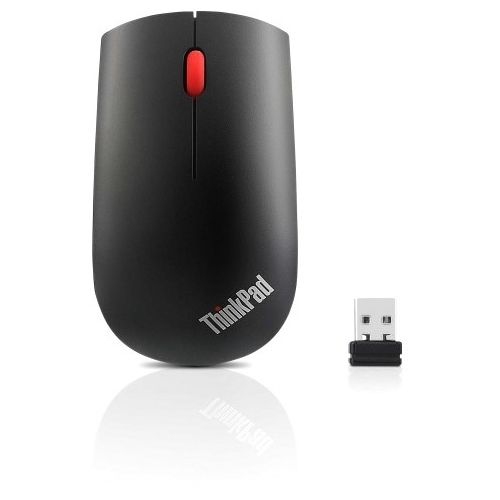
Enhance your productivity and experience seamless navigation with a wireless mouse for your Samsung laptop. Whether you're working from home, in the office, or on the go, these wireless mice offer the convenience of untethered movement combined with precision control. Designed to complement the sleek aesthetics of Samsung laptops, these mice provide a comfortable grip and are easy to connect, ensuring that you can tackle your tasks effortlessly. Explore a variety of options that suit different needs and preferences, making it simple to find the perfect wireless mouse for your Samsung laptop.
Sort
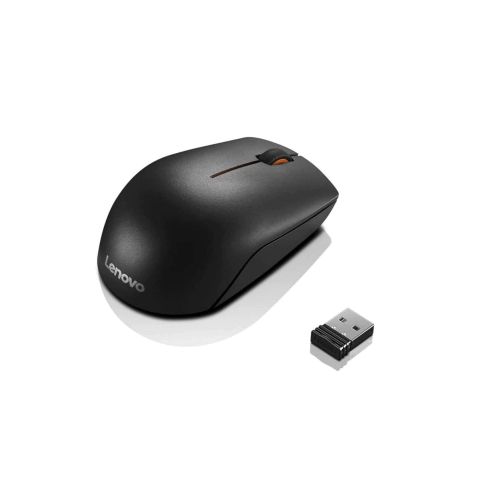
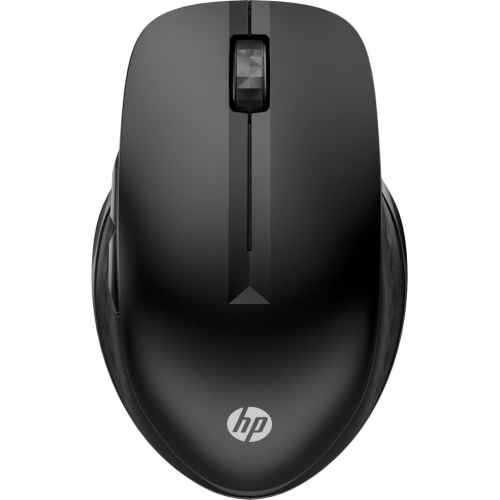
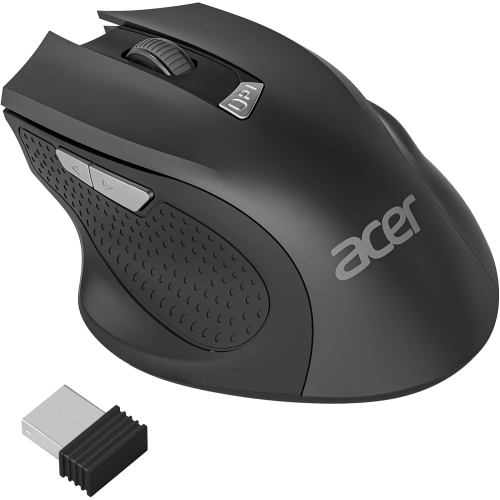
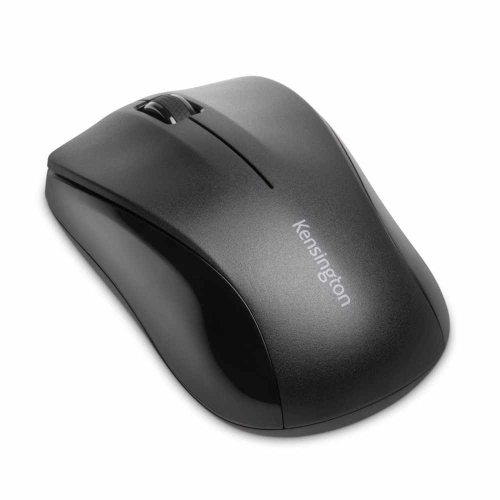
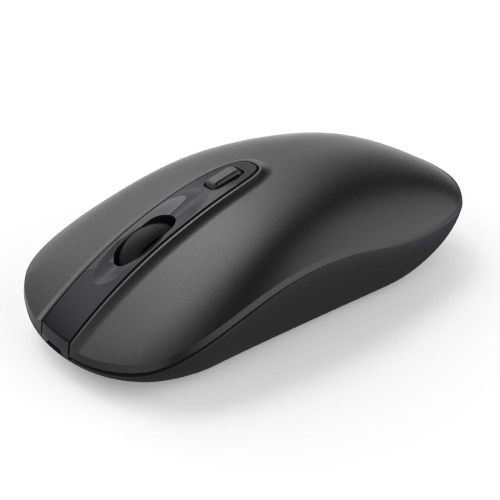
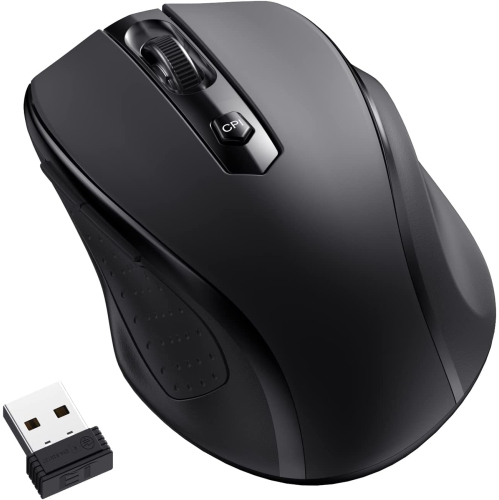
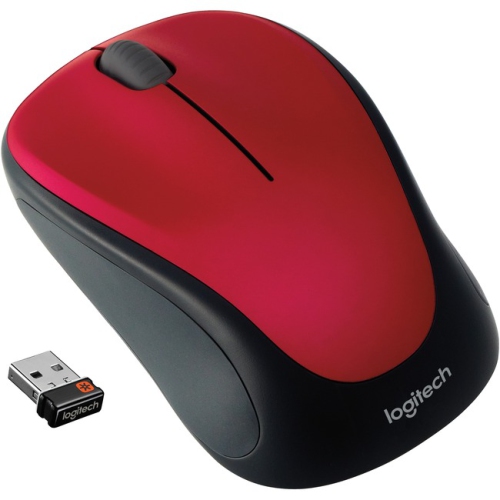
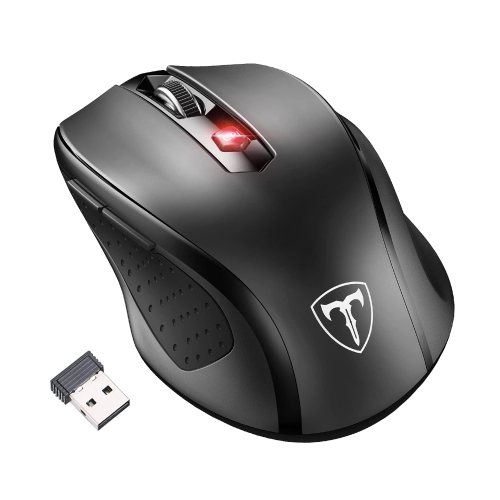
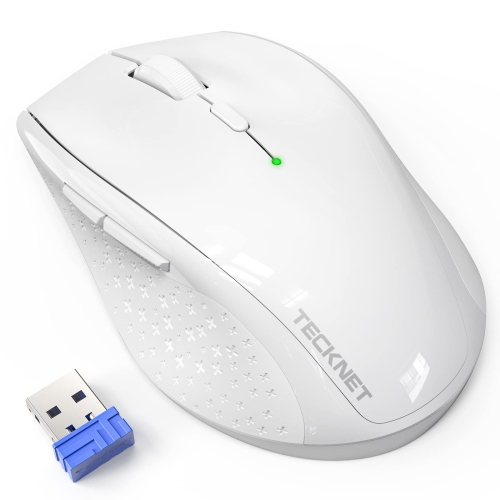
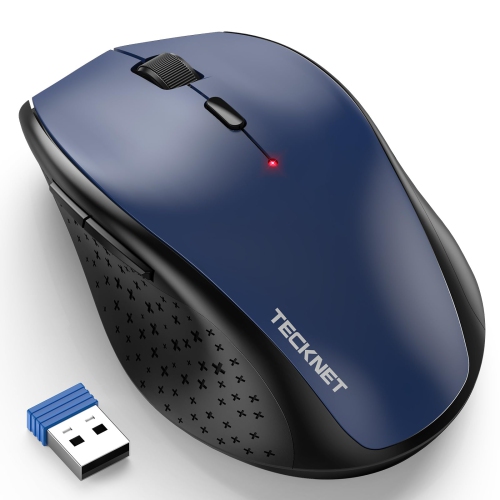
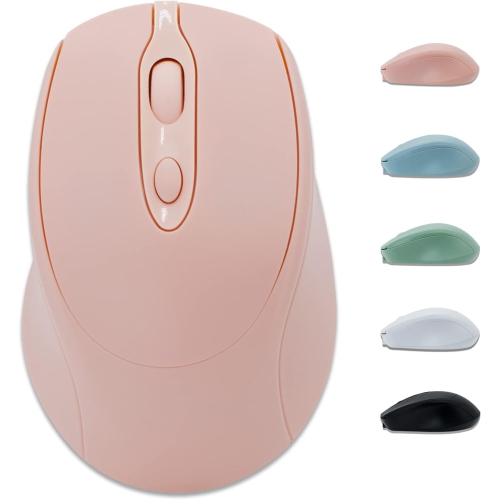

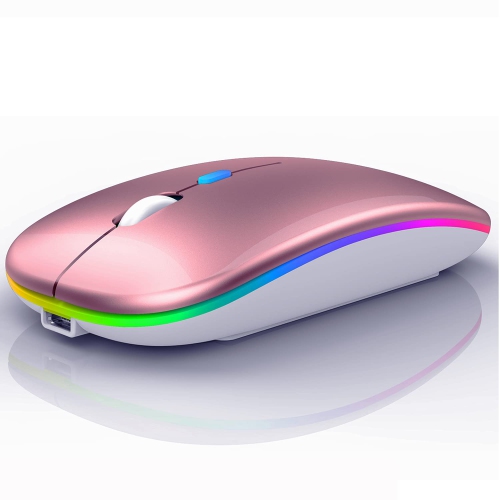


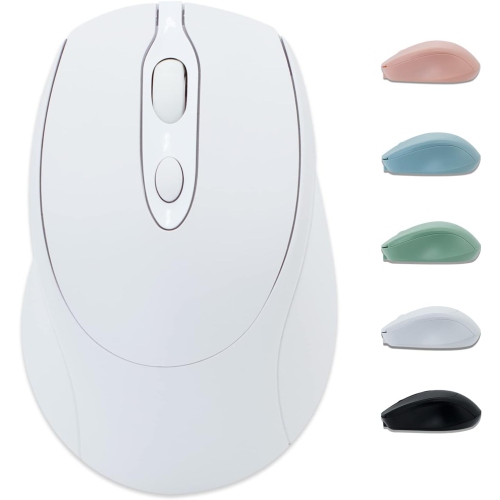
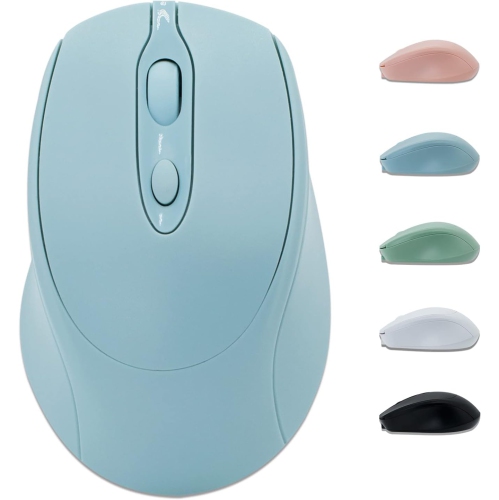
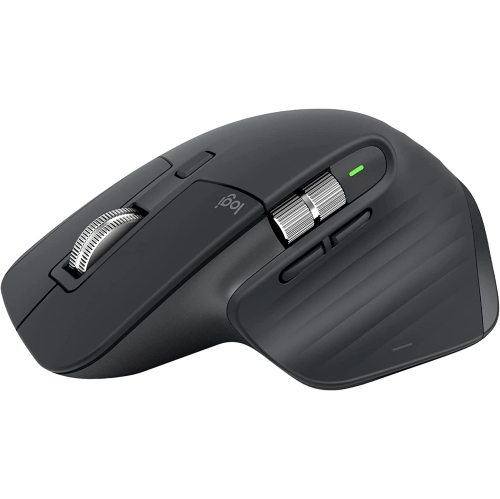
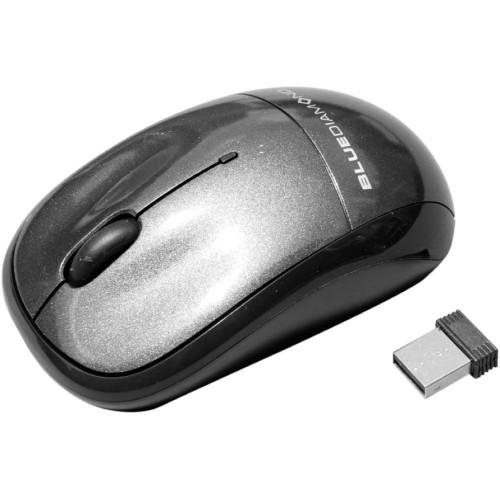
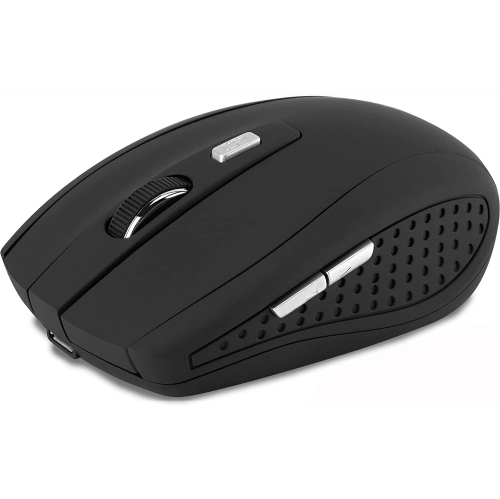
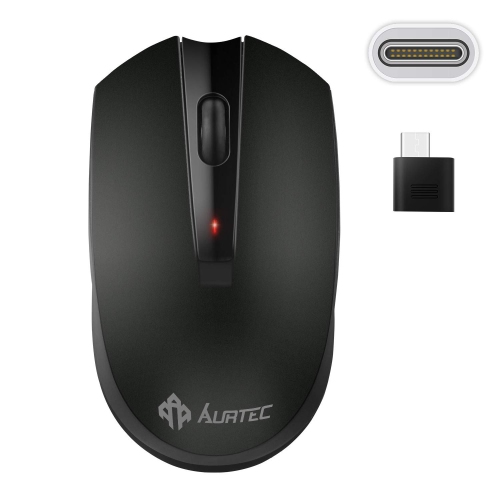
Comfort, connectivity, and easy setup for daily use
When choosing a wireless mouse for your Samsung laptop, there are several important considerations to keep in mind to ensure your daily computing experience is comfortable, efficient, and tailored to your needs. Wireless mice have become a staple for laptop users due to their portability, convenience, and the freedom they offer from tangled cords. Whether you are a student heading to campus with your Samsung laptop tucked in your backpack, a professional working remotely from a café as the weather warms, or someone setting up a home office for the cooler months, the right wireless mouse can make all the difference. Many users appreciate the flexibility of Bluetooth-enabled mice, which connect directly to your laptop without occupying a USB port—ideal if you often use external drives or other peripherals. Others prefer the reliability of a mouse with a USB receiver, which is typically plug-and-play and delivers a strong connection with minimal setup. For those who value versatility, some wireless mice offer dual-mode connectivity, allowing you to switch between Bluetooth and USB receiver as your needs change throughout the day.
Comfort is a key factor, especially if you spend long hours on your Samsung laptop. Ergonomic designs can help reduce wrist strain, while compact, travel-friendly models are perfect for users on the go. If you often work in shared spaces like libraries or open offices, a mouse with silent click technology can help you stay productive without disturbing those around you. Rechargeable batteries are another feature to look for, saving you the hassle and cost of replacing disposable batteries. Adjustable DPI settings, customizable buttons, and ambidextrous shapes can further personalize your experience, whether you’re editing photos, navigating large spreadsheets, or simply browsing the web. Wireless mice also make thoughtful gifts for students returning to school, professionals starting a new job, or anyone upgrading their tech setup for the season. They are practical, easy to use, and compatible with a wide range of Samsung laptops running Windows or ChromeOS, making them a versatile choice for users of all ages and skill levels.
Getting started with a wireless mouse is straightforward. For mice with a USB receiver, just plug the receiver into an available USB port on your Samsung laptop and the device will usually connect automatically. If you prefer a Bluetooth mouse, switch it on and enter pairing mode (often done by holding a button on the mouse). Then, on your laptop, open Settings, navigate to Bluetooth & devices, and turn on Bluetooth if it isn’t already enabled. Select “Add device,” choose Bluetooth, and pick your mouse from the list to complete the pairing process. This simple setup means you can start using your new wireless mouse within minutes, whether you’re at home, in the office, or travelling. If you use multiple devices, such as a MacBook alongside your Samsung laptop, you may also want to explore options for Wireless Mice for Mac Laptop, which can offer similar features and compatibility. With so many choices available, finding the perfect wireless mouse for your Samsung laptop is all about matching your preferences, workflow, and lifestyle for a seamless, enjoyable computing experience.
Comfort is a key factor, especially if you spend long hours on your Samsung laptop. Ergonomic designs can help reduce wrist strain, while compact, travel-friendly models are perfect for users on the go. If you often work in shared spaces like libraries or open offices, a mouse with silent click technology can help you stay productive without disturbing those around you. Rechargeable batteries are another feature to look for, saving you the hassle and cost of replacing disposable batteries. Adjustable DPI settings, customizable buttons, and ambidextrous shapes can further personalize your experience, whether you’re editing photos, navigating large spreadsheets, or simply browsing the web. Wireless mice also make thoughtful gifts for students returning to school, professionals starting a new job, or anyone upgrading their tech setup for the season. They are practical, easy to use, and compatible with a wide range of Samsung laptops running Windows or ChromeOS, making them a versatile choice for users of all ages and skill levels.
Getting started with a wireless mouse is straightforward. For mice with a USB receiver, just plug the receiver into an available USB port on your Samsung laptop and the device will usually connect automatically. If you prefer a Bluetooth mouse, switch it on and enter pairing mode (often done by holding a button on the mouse). Then, on your laptop, open Settings, navigate to Bluetooth & devices, and turn on Bluetooth if it isn’t already enabled. Select “Add device,” choose Bluetooth, and pick your mouse from the list to complete the pairing process. This simple setup means you can start using your new wireless mouse within minutes, whether you’re at home, in the office, or travelling. If you use multiple devices, such as a MacBook alongside your Samsung laptop, you may also want to explore options for Wireless Mice for Mac Laptop, which can offer similar features and compatibility. With so many choices available, finding the perfect wireless mouse for your Samsung laptop is all about matching your preferences, workflow, and lifestyle for a seamless, enjoyable computing experience.
Top selling and popular products
-
 Your price for this item is $29.99
 -
 Your price for this item is $50.44
 -
 Your price for this item is $39.99
 -
 Your price for this item is $49.99
 -
 Your price for this item is $159.95
 -
 Your price for this item is $44.68
 -
 Your price for this item is $44.68
 -
 Your price for this item is $31
Discover more categories related to Wireless Mice for Samsung Laptop
Top Collections:
Pokemon Centers, Kindle Devices, Best Budget Office Chairs, Apple iPhones 16, Best Laptops for Writers, iPhone 15 Apple, Canon G7X Cameras, Refurbished Apple Laptops, Alarm Clock, Motorola Razr Phones
Some products may be subject to Environmental Handling Fees
(EHF) depending on your province.
Learn more about EHFs.