Desktop Personal Fans
Stay cool and comfortable throughout your workday with a desktop personal fan. Perfect for home offices, study spaces, or any workspace, these compact fans are designed to deliver a refreshing breeze right where you need it. With a variety of styles and sizes to choose from, finding the ideal desktop personal fan to fit your desk and personal preferences is easy. Enjoy improved airflow and make your workspace more pleasant as you tackle daily tasks or relax at your computer.
Sort
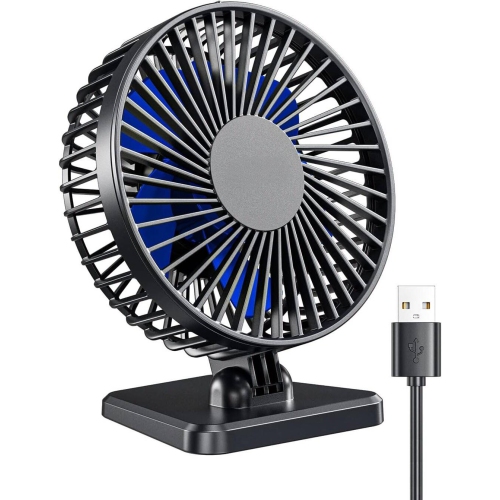
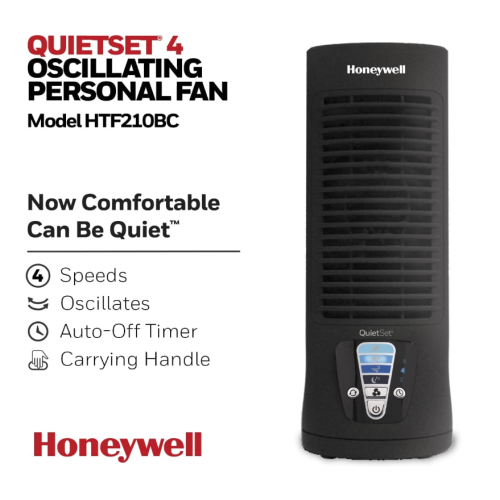
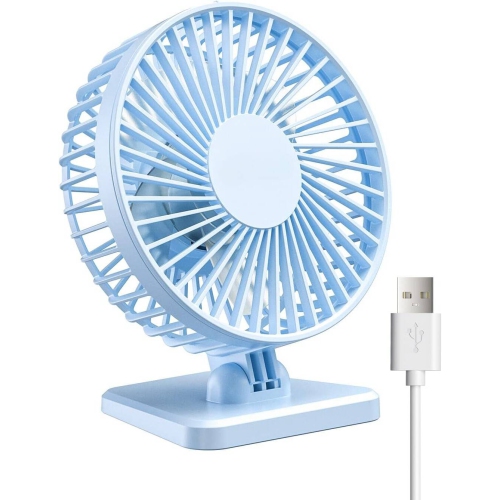
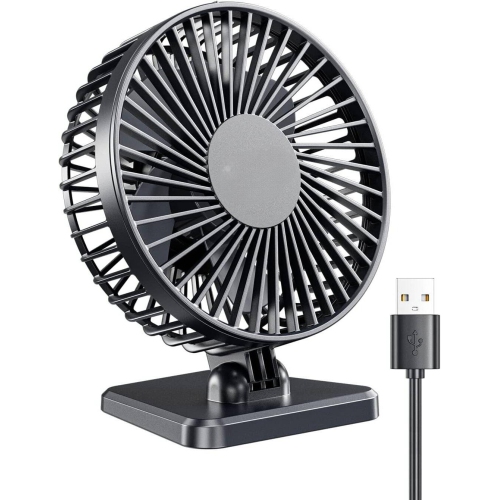
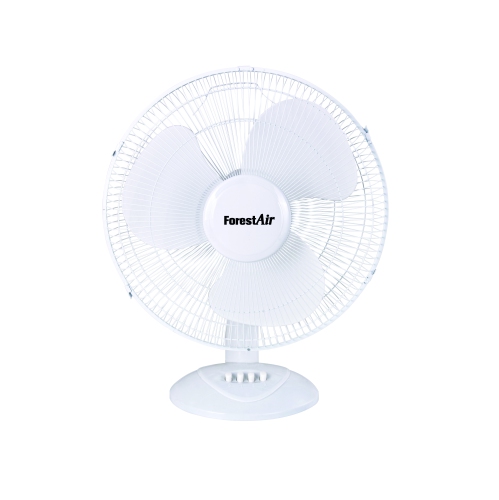
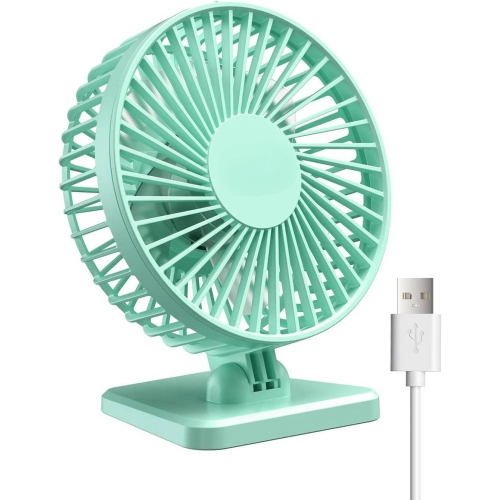
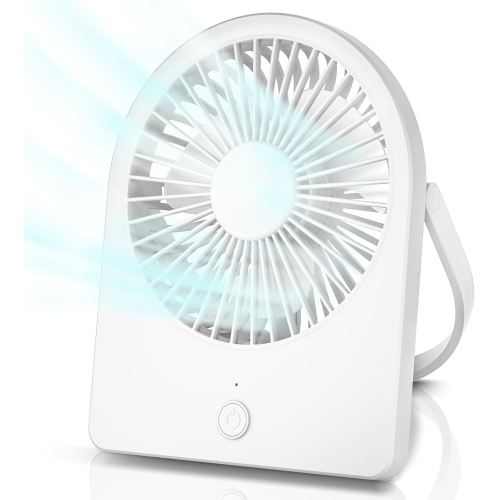
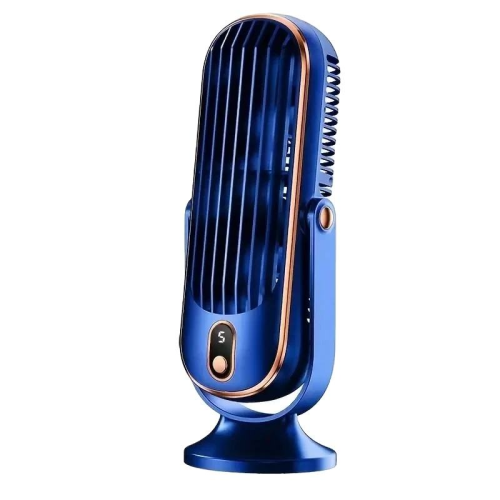
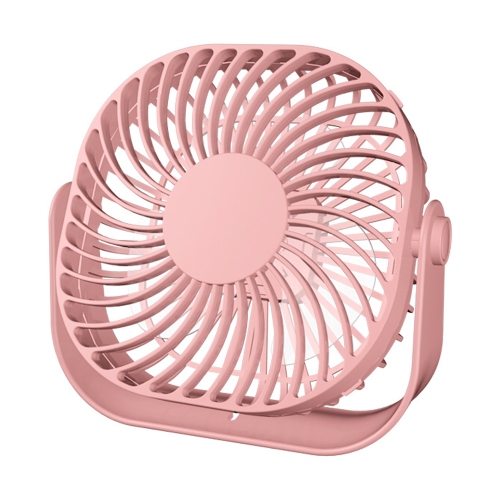
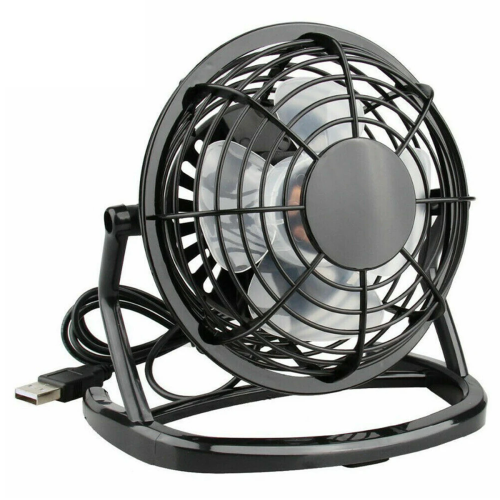
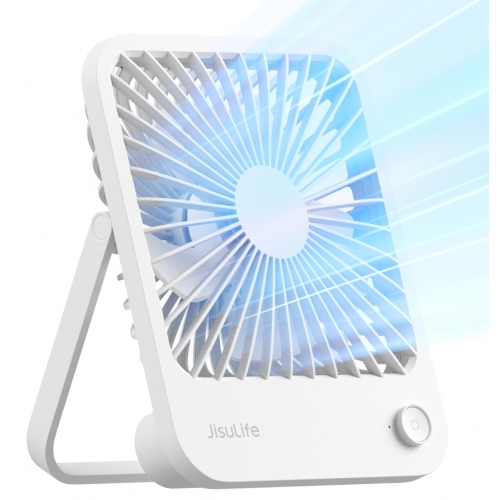

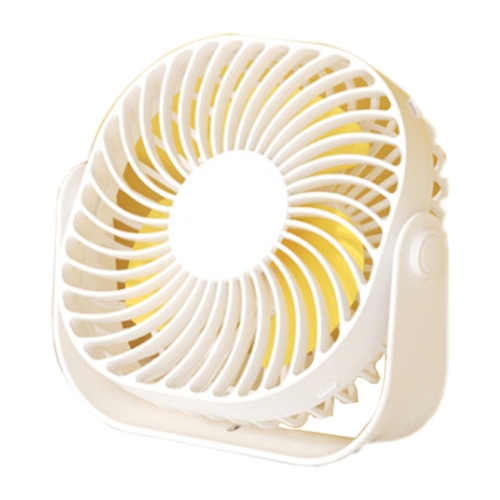
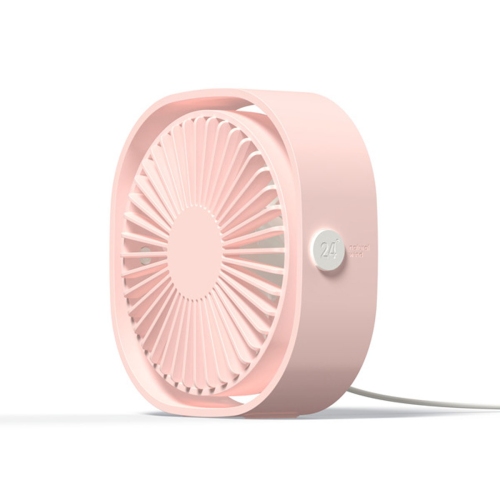
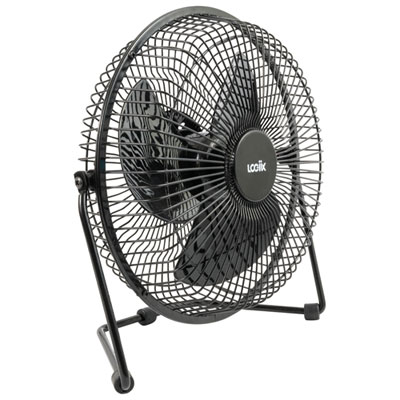
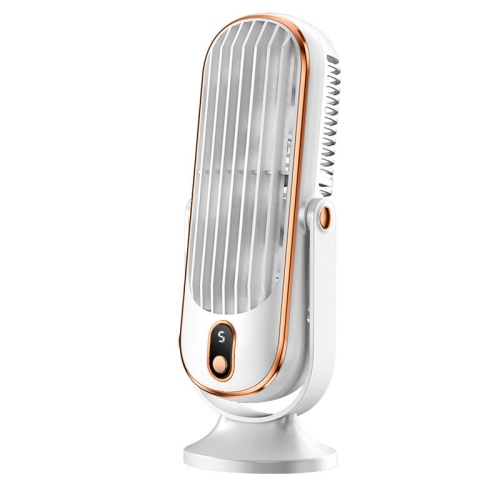
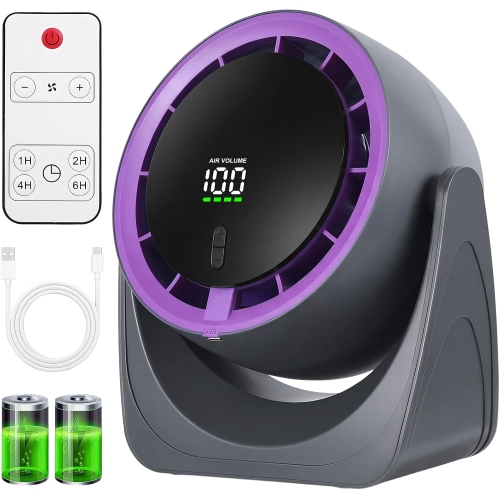
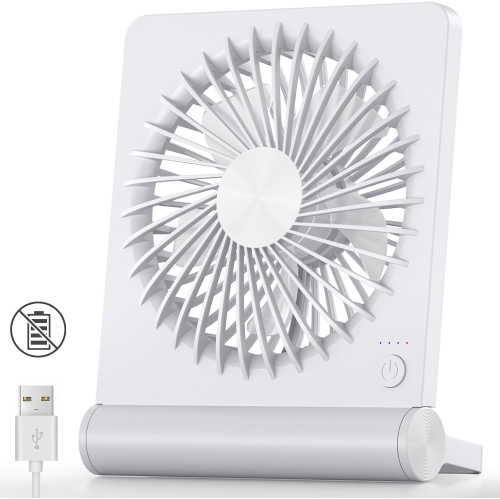
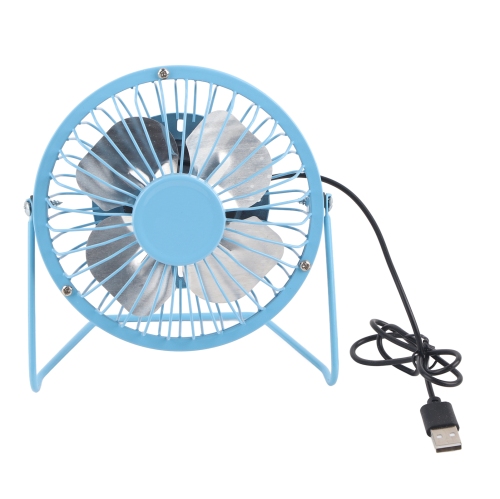
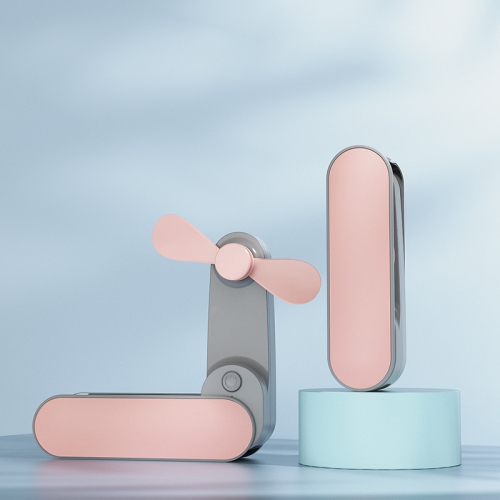
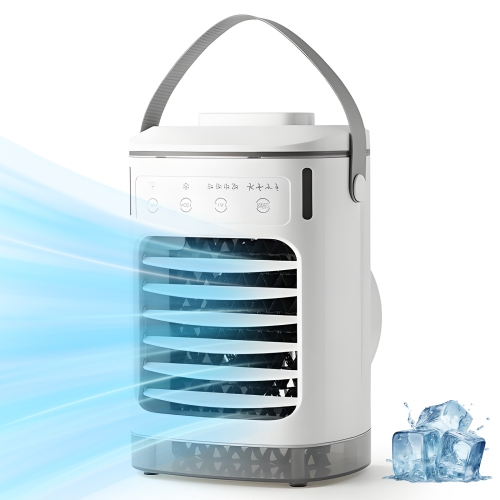
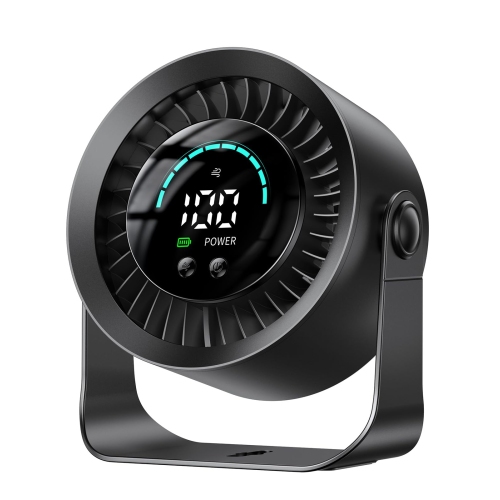

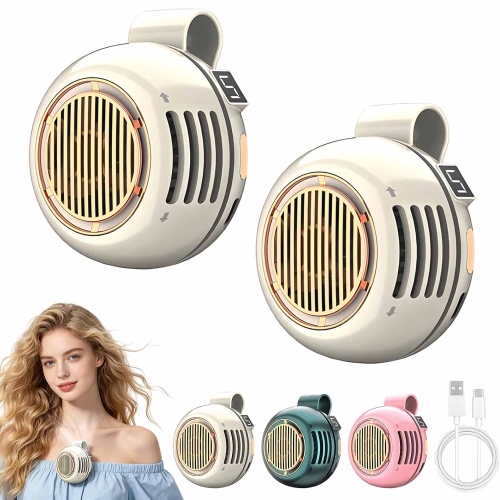
Focused airflow without crowding your work surface
Desktop personal fans bring focused airflow to the places where people read, work, study, or relax, without taking up the space of a full-size floor fan. Their purpose is close-range comfort: moving air across a seated workspace rather than circulating air throughout an entire room. A compact fan beside a monitor can provide a gentle breeze during a long spreadsheet session, while a tabletop design on a bedside table can direct air towards a reading chair or sleeping area. Size matters in practical ways beyond the width of the fan head. The base needs enough clear space to sit securely, the grille needs room to draw in and release air, and the power cable should reach its connection without stretching across a keyboard or walkway. On a crowded desktop, a narrow footprint leaves more room for notebooks and a mouse; on a deeper work surface, a wider base may fit comfortably behind a monitor stand. Adjustable tilt helps direct airflow towards the face or upper body without having to prop up the fan. Oscillation, where included, sweeps the airflow from side to side, which can feel less concentrated than a fixed stream. Multiple speed settings make it easier to balance airflow with the task at hand, whether that means a gentle setting beside loose papers or stronger airflow from farther away. Materials also influence how a fan fits into daily use. Plastic housings are often lightweight and easy to move, while metal grilles and frames can offer a more substantial feel. Neither material alone determines durability; secure joints, stable supports, and a tilt mechanism that holds its position matter just as much. Smooth surfaces are easier to wipe clean, and a grille with fewer dust-catching details can simplify upkeep. Colour and finish help a fan blend into a home office, bedroom, or study corner, but a steady base and accessible controls tend to matter more once it becomes part of an everyday routine.
Power options shape where a desktop personal fan can be used and how easily it moves between spaces. USB-powered fans suit desks with an appropriate USB connection nearby, while models supplied with a wall adapter can work independently of a computer. The connector type and electrical requirements deserve attention: a USB-A plug, a USB-C plug, and a separate power input are not interchangeable simply because they all supply power. The fan’s stated input requirements and the instructions for its power source should match, particularly when using a separate adapter or a computer hub shared with other devices. Cable length affects placement, too. A short lead may be tidy beside a laptop but awkward when the nearest suitable connection sits beneath the desk. Rechargeable designs remove the need for a continuous cable connection during use, making them convenient for moving from a work surface to a reading nook. Battery runtime depends on factors such as speed setting, battery condition, and any additional functions, so a stated maximum runtime should not be assumed to apply at the strongest setting. Charging time and whether the fan can operate while charging are useful details for a fan intended to run through extended work sessions. Sound is another important part of everyday fit. A fan used beside a microphone, in a shared office, or near a bed may need a different balance of airflow and noise than one used in a busy common area. Motor hum, the sound of air passing through the grille, and vibration against the desktop can all contribute to what is heard. A low setting may be more comfortable for calls, while non-slip feet can help reduce movement and rattling on a hard surface. Published sound measurements are most useful when the speed setting and testing distance are clear. Controls should also be easy to reach without shifting the fan, and indicator lights may matter when the fan sits beside a bed or faces the user during screen-based work.
Day-to-day care helps a small fan stay pleasant to use. Dust can collect on the grille and blades, especially when the fan sits near fabric, carpet, or frequently opened drawers. Before cleaning, switch the fan off and disconnect it from its power source; rechargeable models should be handled according to their care instructions. Some designs have a removable front grille for access, while others are intended for external cleaning only. A housing that looks easy to open should not be forced apart, and electrical components should not be immersed in water. Follow the manufacturer’s directions for suitable cleaning tools, removable parts, and drying before reassembly. A fan used regularly also benefits from an occasional check of its cable, connector, base, and adjustment points. Frayed wiring, a loose connection, or an unstable stand calls for attention rather than a makeshift fix. Placement is equally important: use a level surface, keep airflow openings clear, and leave cords away from chair wheels, moving desk mechanisms, and the edge of the work surface. Loose hair, jewellery, curtains, and small objects should stay away from the grille, and a compact size does not make a fan a toy for children or pets. For people comparing desktop options with fans that can move between other areas of the home, Portable Electric Fans offers a broader category to explore. Desktop personal fans remain especially suited to students with limited study space, people who share an office but prefer their own airflow, and anyone who wants a small fan within easy reach of a favourite chair. They can also make a practical gift when the recipient’s desk space, power access, and preference for quiet operation are known. The most useful fit is a fan that sits securely, directs air where it is wanted, and is straightforward enough to adjust and maintain without interrupting the day.
Top selling and popular products
-
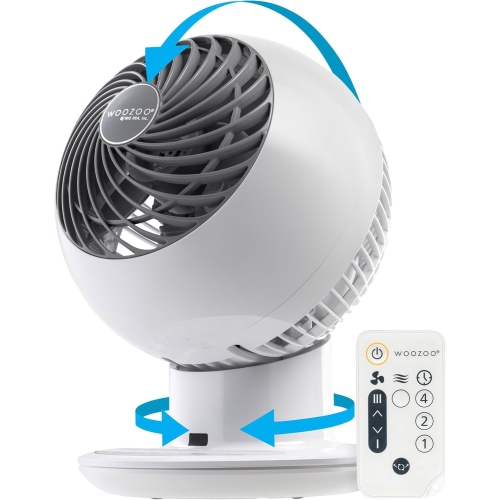 Your price for this item is $64.08
-
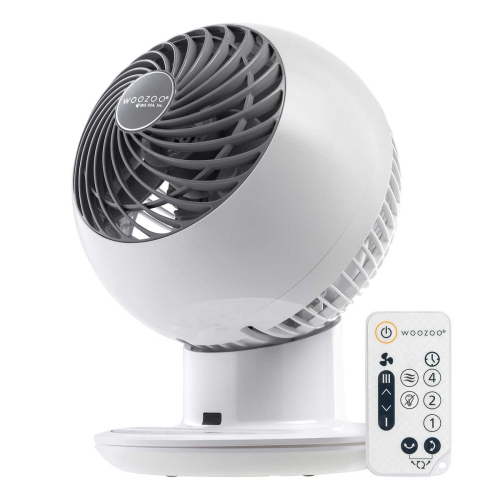 Your price for this item is $64.08
-
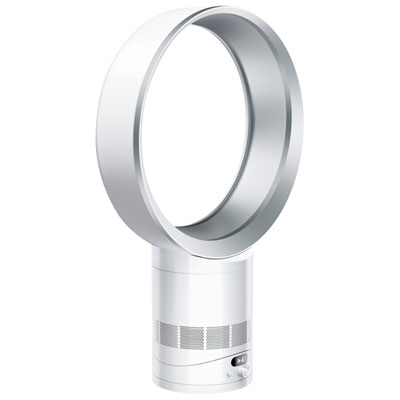 Your price for this item is $379.99
-
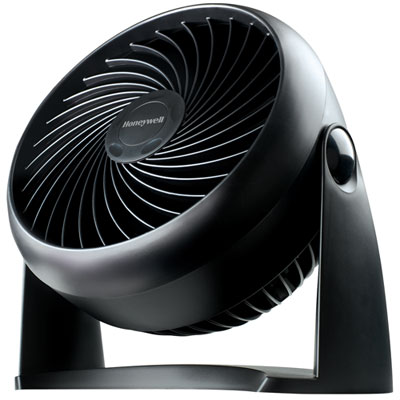 Your price for this item is $24.99
-
 Your price for this item is $49.99
-
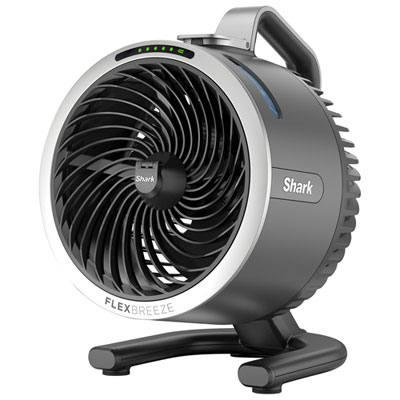 Your price for this item is $129.99
-
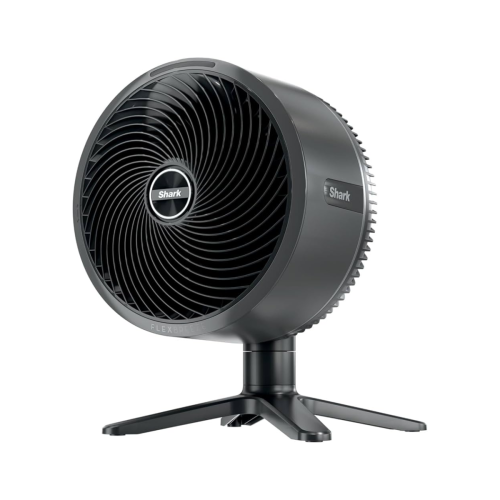 Your price for this item is $199.99
-
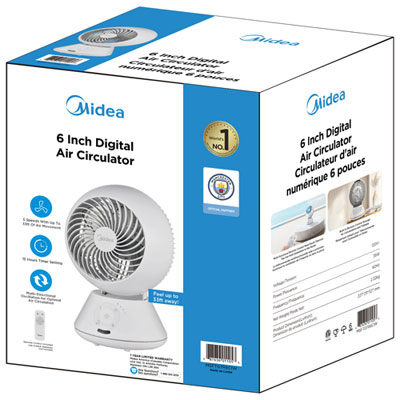 Your price for this item is $44.99
Discover more categories related to Desktop Personal Fans
Top Collections:
Best Black Friday Deals This Year, Best Black Friday Deals On Electronics, Kindle Devices, Pokemon Centers, Best Black Friday Deals On Apple Products, Best Cameras for Sports Photography, Dyson Airwrap, Pokémon 30th Celebration Cards, Apple iPhone 17 Pro, Canon G7X Cameras
Some products may be subject to Environmental Handling Fees
(EHF) depending on your province.
Learn more about EHFs.