Low Latency Headphones
Low Latency Headphones are designed for those who value seamless audio experiences, whether gaming, streaming, or taking calls. With advanced technology that prioritizes minimal delay between audio and video, these headphones help ensure clear sound synchronization across various devices. Explore a range of options to find the perfect fit for your entertainment, work, or daily activities. Discover how Low Latency Headphones can elevate your listening experience with smooth and responsive audio performance.
Sort
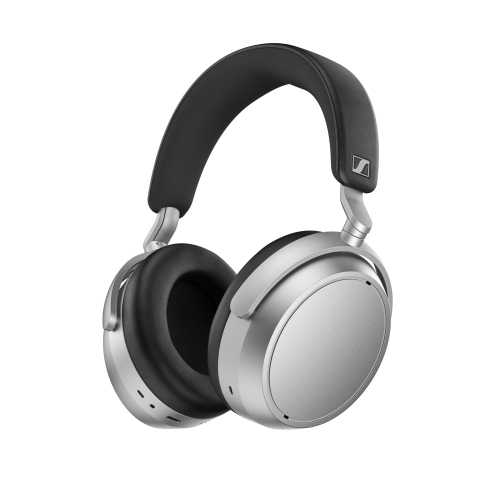
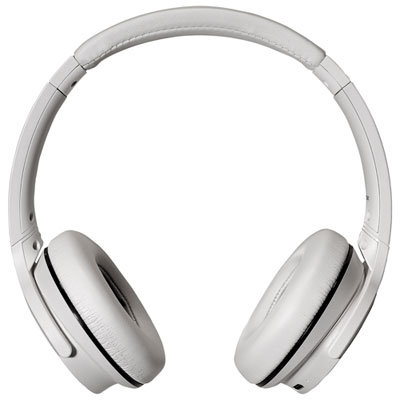
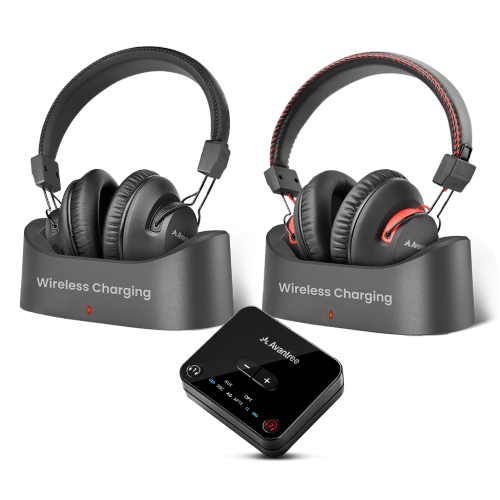
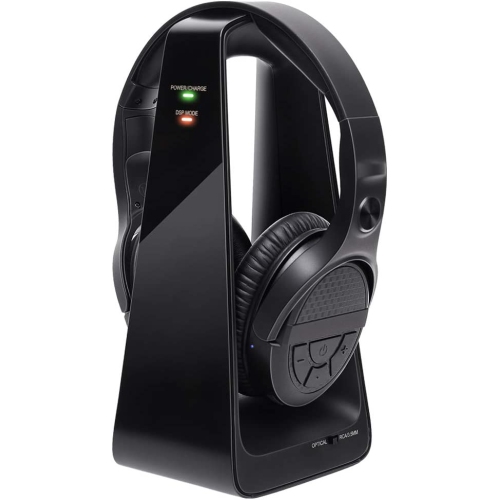
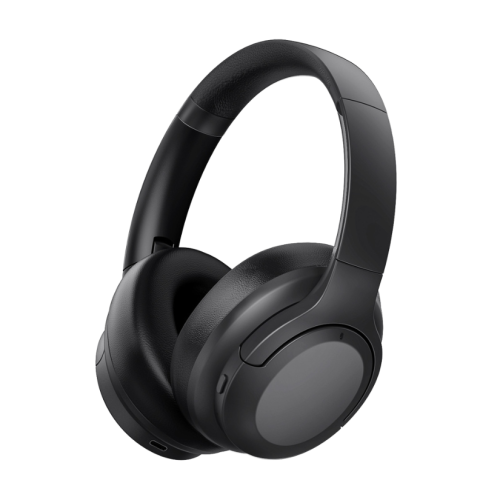
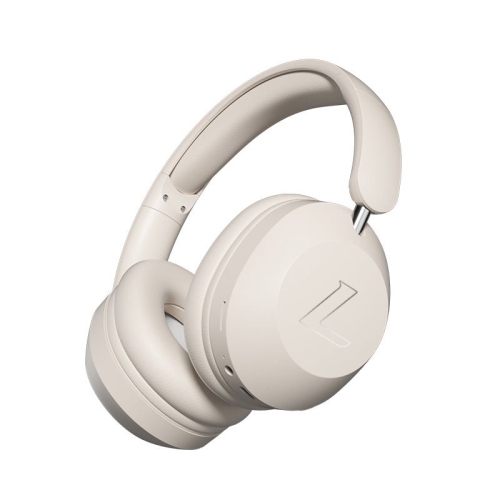
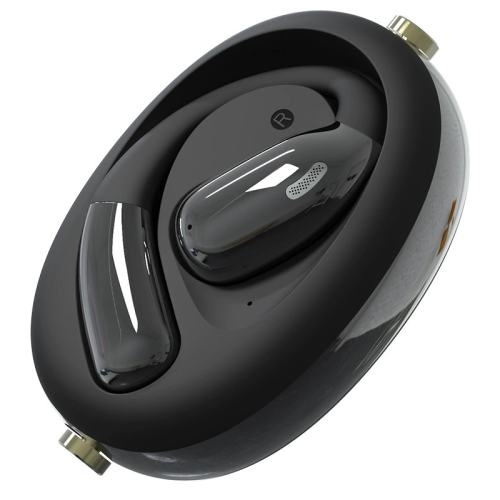
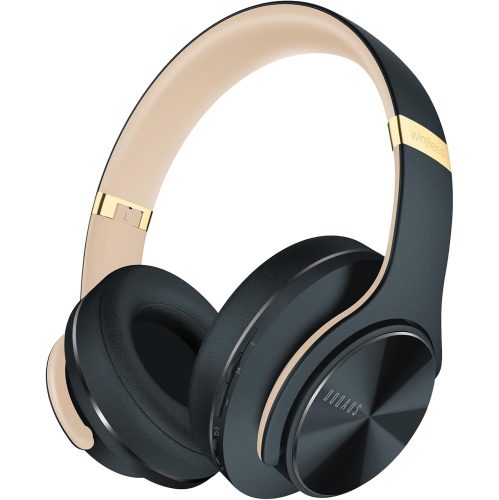
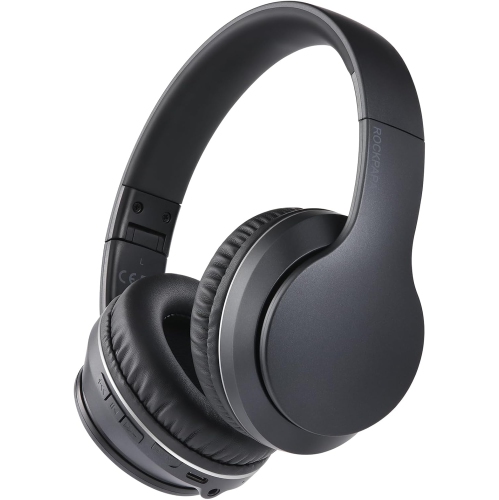
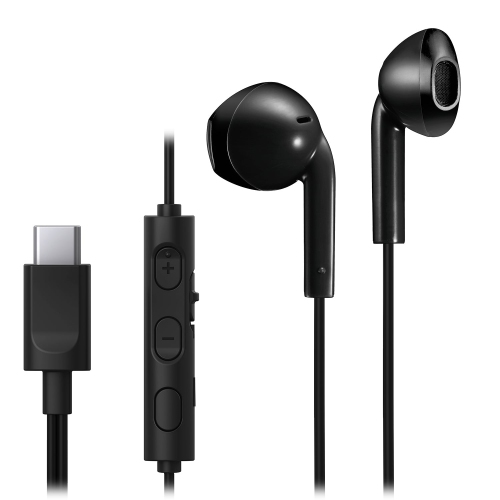
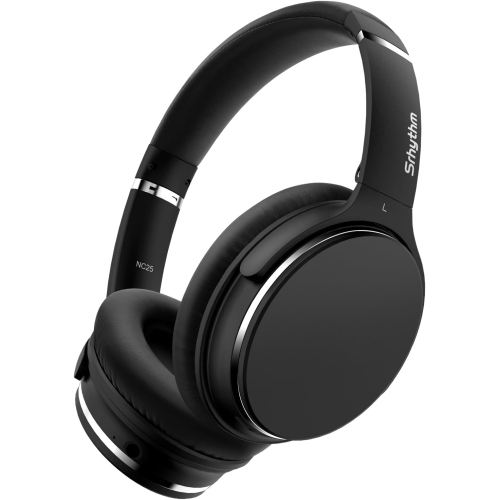
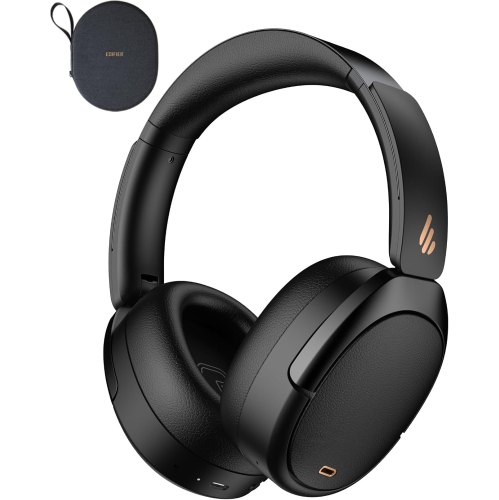
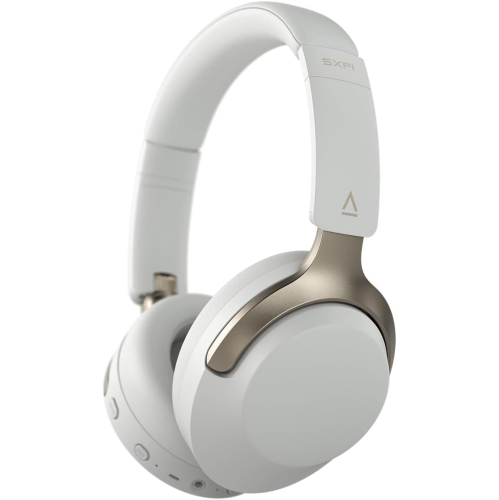
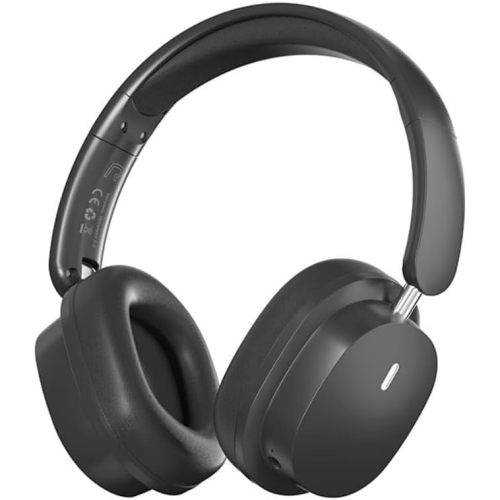
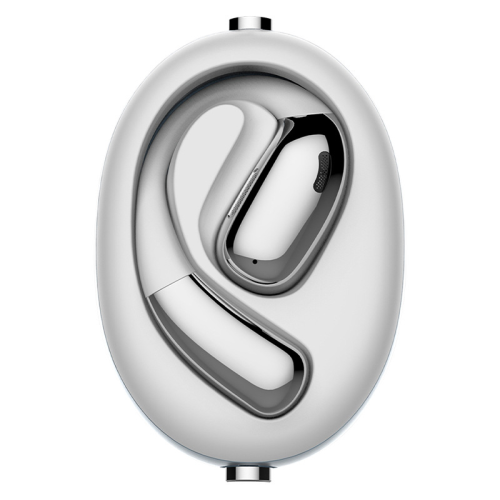
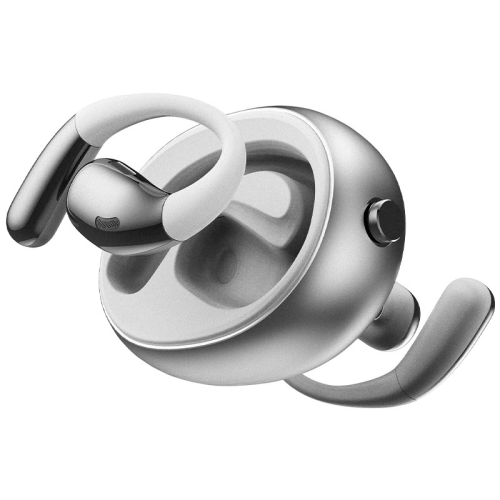
How headphone connections shape the delay you hear
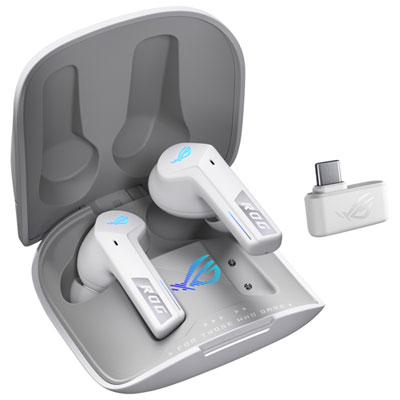
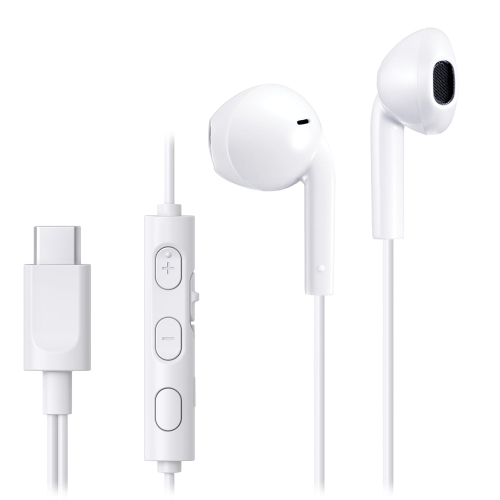
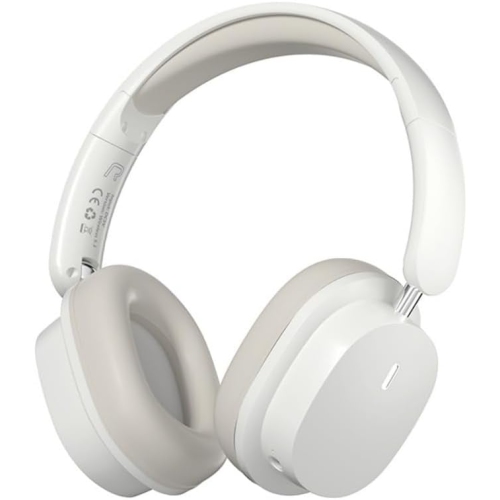
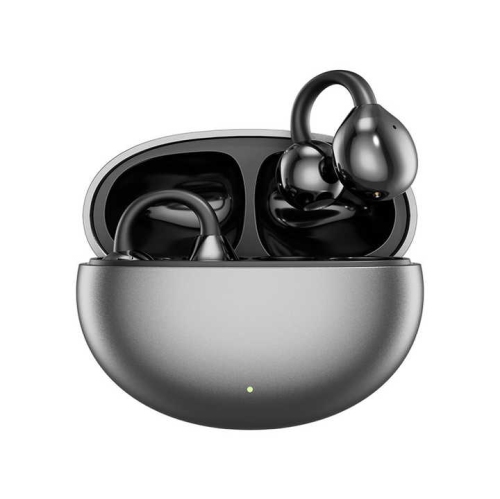
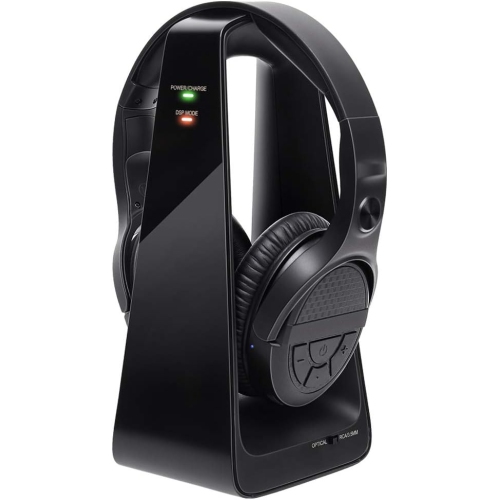
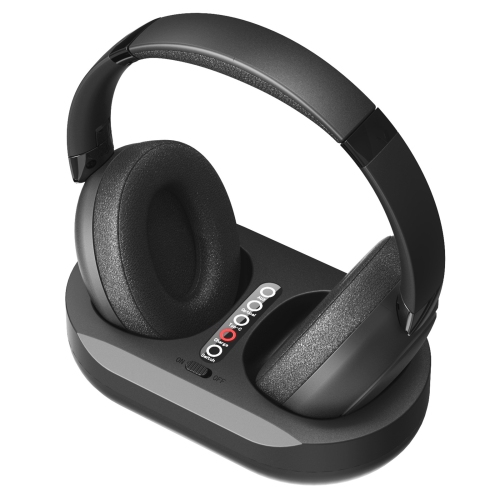
Low-latency headphones reduce the time between an audio signal leaving its source and reaching the listener’s ears. That shorter delay helps a footstep line up with movement on screen, keeps dialogue closer to an actor’s lip movements, and makes a played note feel more immediate during audio monitoring. The connection matters as much as the headphones themselves. A conventional analogue wired connection avoids wireless transmission and buffering, although the source device, software, and audio processing can still introduce delay. USB headphones also depend on the digital audio path and its settings. Wireless headphones designed for responsive listening often use a dedicated 2.4 GHz transmitter rather than a standard Bluetooth connection. Some dedicated wireless systems achieve transmission delays in the single-digit or low tens of milliseconds, but an advertised figure may measure only part of the signal path. Comparisons are most useful when the measurement method and connection mode are similar. Bluetooth performance varies with the transmitting device, supported codec, software, and headphone settings; a low-delay codec requires support at both ends of the connection. A gaming mode may shorten buffering, but its effect can differ between devices and applications. Video apps sometimes compensate for audio delay by adjusting picture timing, which helps explain why headphones can seem synchronized during a film yet feel less responsive in a game or with a virtual instrument. For someone tapping a digital piano key or monitoring a microphone while recording, that difference can be especially noticeable. Low delay does not automatically mean better sound quality, stronger bass, or more accurate directional cues. Those qualities depend on tuning, acoustic design, the recording, and any spatial audio processing. For everyday music listening, connection stability and comfort may matter more than a small difference in delay. For interactive listening, the strongest fit is a connection that stays responsive on the intended device without requiring awkward workarounds. A headphone’s wired, Bluetooth, and transmitter-based modes can behave differently, so its fastest mode should not be assumed to apply to every connection.
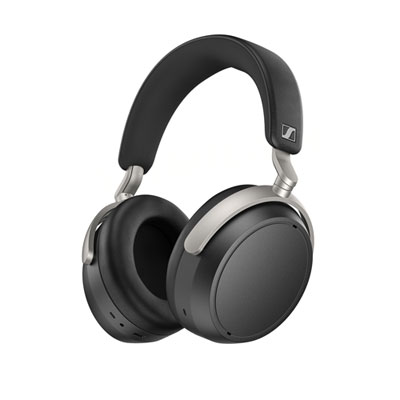
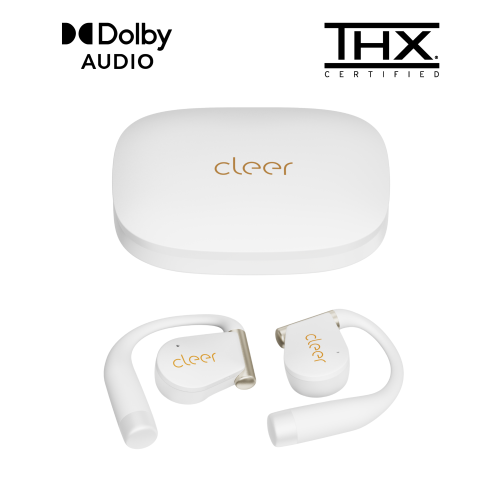
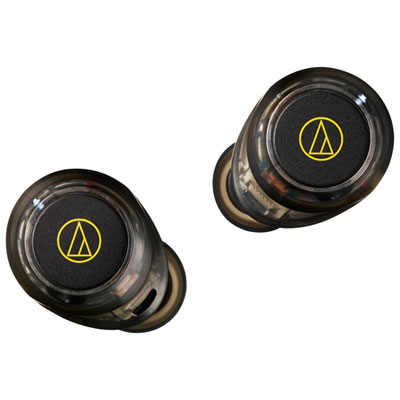
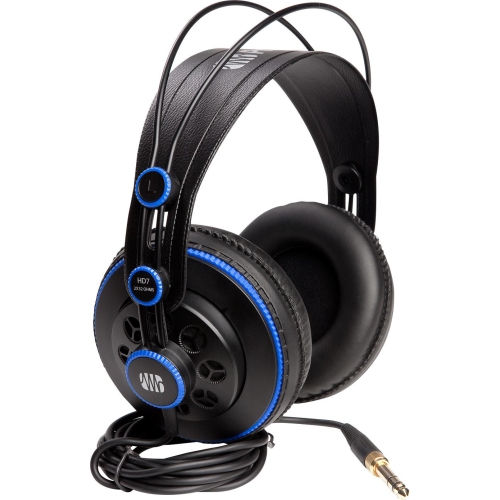
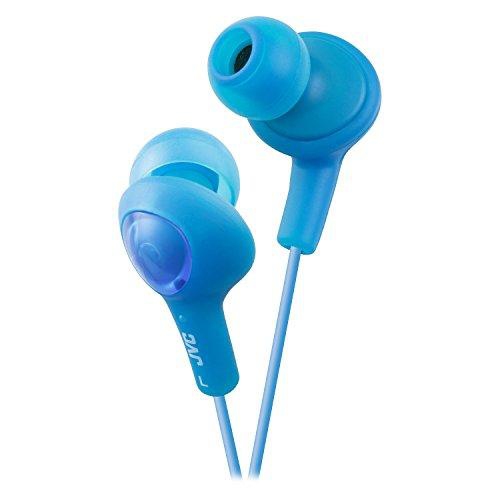
Comfort and construction shape how useful low-latency headphones feel beyond a quick listening session. Over-ear designs surround the ears with cushions and can distribute contact across a larger area, while on-ear designs rest directly against the ears and may feel more compact. In-ear designs offer a smaller format, with tip size and shape affecting security, isolation, and bass response. None of these shapes guarantees lower delay; the connection and internal processing remain separate considerations. During a long gaming session or an afternoon of editing, headband adjustment, clamping pressure, overall weight, and earcup depth can matter more than dramatic styling. Glasses wearers may notice pressure where cushion edges meet the arms of their frames, and shallow earcups can leave ears touching the inner lining. Fabric cushions often feel different against the skin than leatherette, while foam density influences both softness and support. Metal reinforcement can strengthen high-stress areas, although material alone does not establish durability; hinge design, adjustment mechanisms, and cable strain relief also deserve attention. Closed-back headphones help limit sound escaping into a shared room and provide some passive isolation. Open-back designs allow more sound to pass in both directions, which can suit a quiet listening space but makes them less practical beside a live microphone or another person working nearby. Active noise cancellation can reduce certain background sounds, but it is not a substitute for a low-delay connection. Microphone needs also separate ordinary headphones from headsets. A listener using a separate desk microphone may prefer headphones without a boom, while someone coordinating with teammates may value a microphone positioned near the mouth, accessible mute controls, and clear voice pickup. For listening and voice chat in one setup, gaming headsets with low latency bring these priorities together. Features such as microphone monitoring and separate game-and-chat controls can be useful, but their operation depends on the connected platform and supported software. Clear controls are particularly helpful when making a quick adjustment without looking away from the screen.
Compatibility, charging habits, and everyday care round out the choice. A USB transmitter needs more than a physically matching port: the computer, console, phone, or tablet must support the required audio connection. An adapter that changes the connector shape does not necessarily add that support. Some headphones offer several connection methods, but microphone access, volume controls, spatial audio, and other functions may change between them. Simultaneous connections and switching between devices are also different capabilities; moving from a laptop to a phone does not necessarily mean hearing both at once. Wireless battery-life figures depend on test conditions, and features such as noise cancellation, lighting, microphone use, and listening volume can affect actual running time. Charging while listening can be convenient at a desk, provided the headphones support it and the cable reaches comfortably without pulling against the earcup. A detachable cable is useful for storage and replacement, though connector shape, wiring, and locking mechanisms must match. For regular transport, a protective case helps prevent pressure on earcups, hinges, and exposed connectors inside a bag. Cushions and headbands benefit from gentle cleaning according to the manufacturer’s care directions; liquids should not enter driver openings, charging ports, or microphone grilles. Allowing cleaned surfaces to dry fully before use helps keep contact areas comfortable. Replaceable ear pads and removable cables can make routine wear easier to address, especially for headphones used daily. Low-latency headphones can be a thoughtful gift for a gamer, an aspiring musician, a home video editor, or someone who notices sound trailing behind on-screen action. The recipient’s main device, preferred fit, and microphone setup are more useful clues than appearance alone. A person recording vocals may need dependable wired monitoring, while someone playing across the room may appreciate a dedicated wireless link. Matching those practical details creates a setup that feels natural to use, whether the task is catching a quiet cue in a game, checking a precise edit, or hearing a musical phrase as it is played.
Top selling and popular products
-
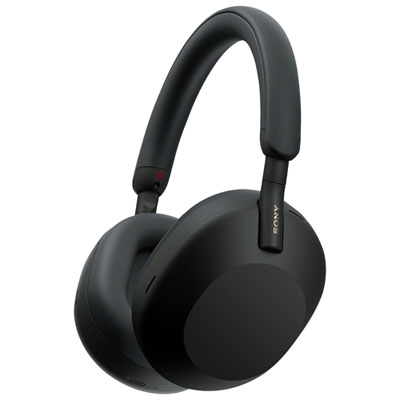 Your price for this item is $499.99
-
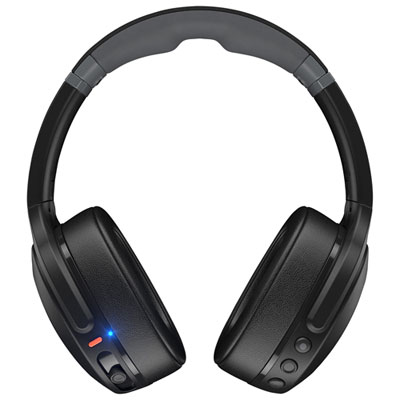 Your price for this item is $159.98
-
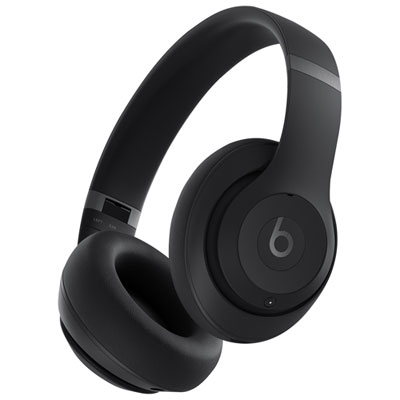 Your price for this item is $399.99
-
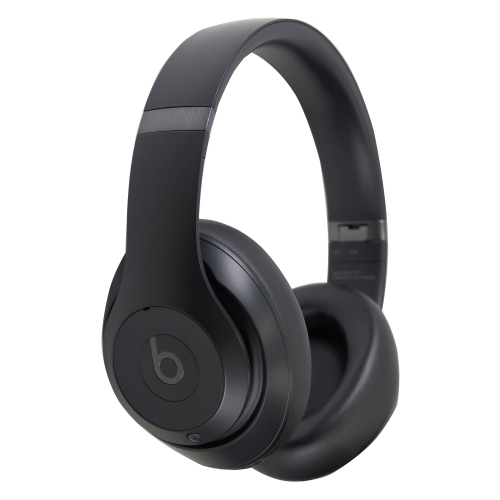 Your price for this item is $359
-
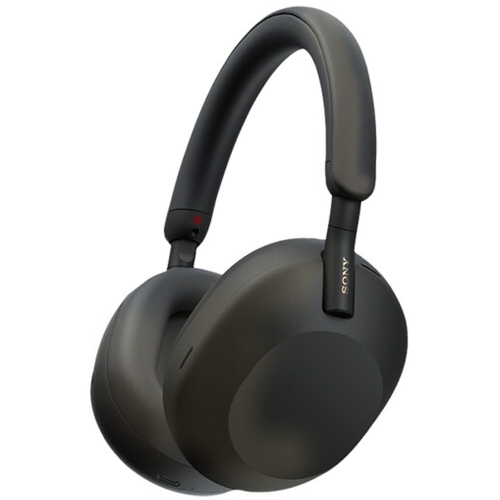 Your price for this item is $349
-
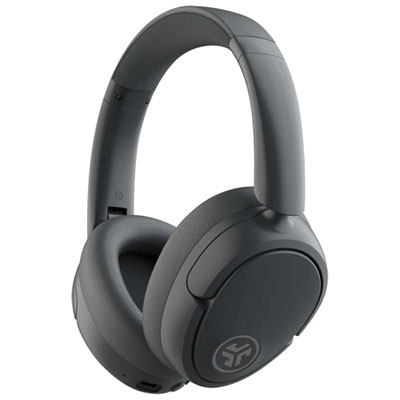 Your price for this item is $59.99
-
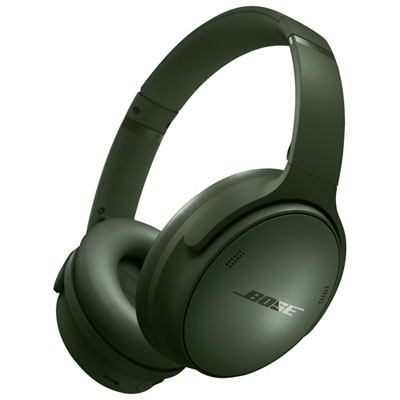 Your price for this item is $249
-
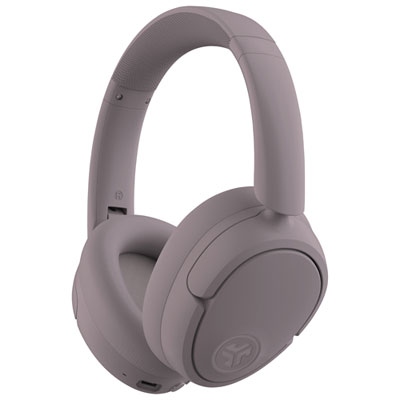 Your price for this item is $59.99
Discover more categories related to Low Latency Headphones

Top Collections:
Best Black Friday Deals This Year, Best Black Friday Deals On Electronics, Kindle Devices, Pokemon Centers, Best Black Friday Deals On Apple Products, Best Cameras for Sports Photography, Dyson Airwrap, Pokémon 30th Celebration Cards, Apple iPhone 17 Pro, Canon G7X Cameras
Some products may be subject to Environmental Handling Fees
(EHF) depending on your province.
Learn more about EHFs.