Pc Earbuds
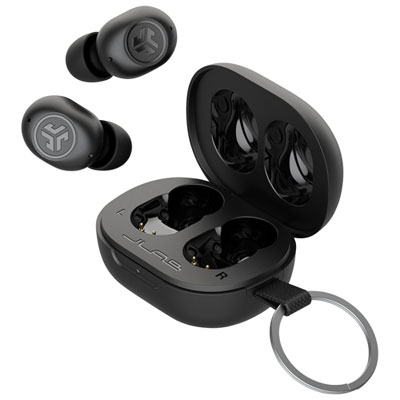
Looking for a convenient and portable audio solution for your PC? Look no further than our collection of PC earbuds. These compact and lightweight earbuds are designed to deliver crisp and clear sound while providing maximum comfort during extended use. Whether you're gaming, video conferencing, or simply enjoying your favorite music, our range of PC earbuds offers a perfect blend of performance and style to enhance your listening experience. With various features such as noise isolation, in-line controls, and ergonomic designs, finding the ideal pair to suit your needs has never been easier.
Sort
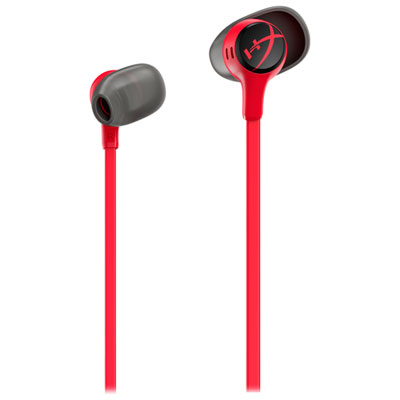
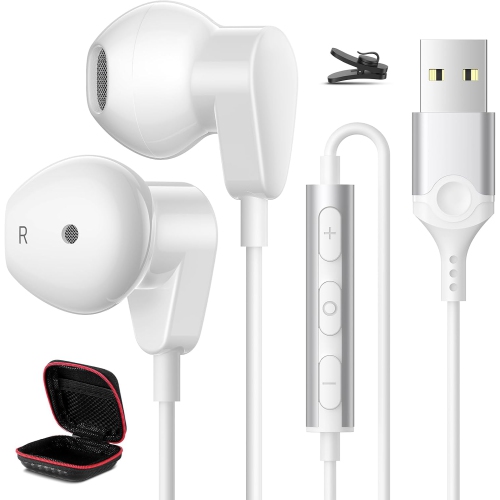
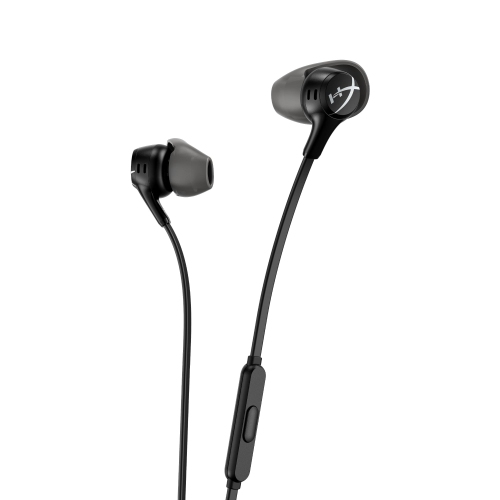
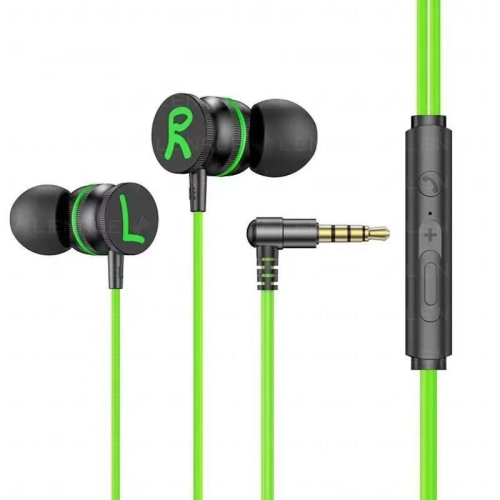
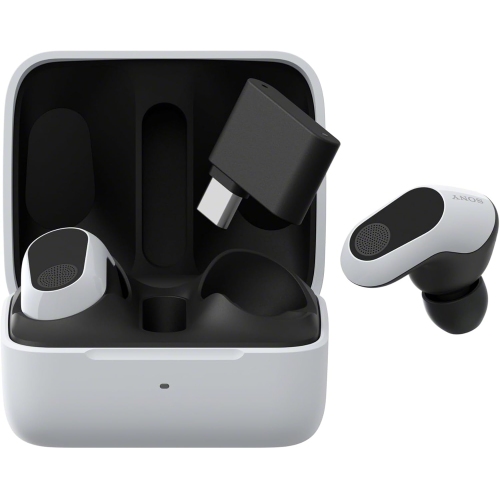

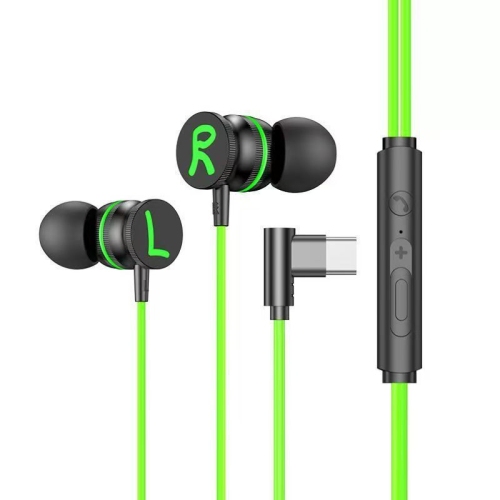
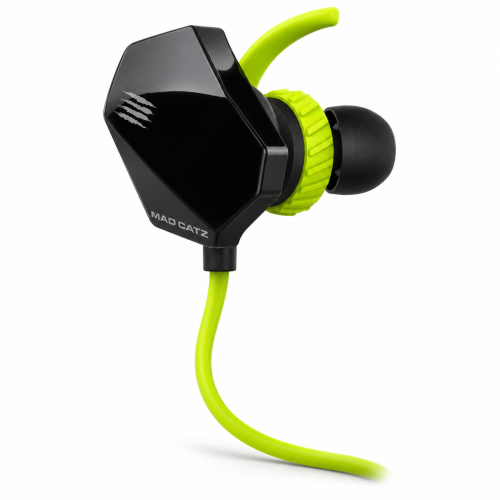
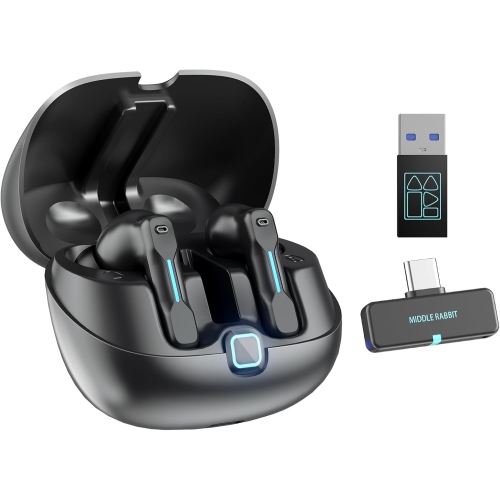

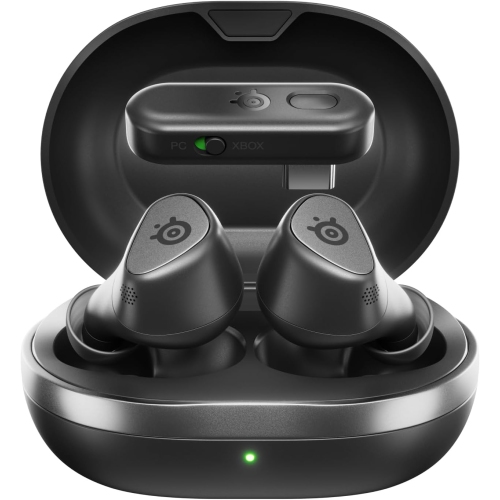
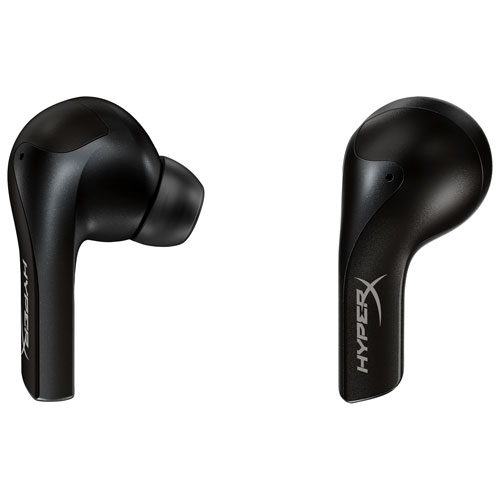
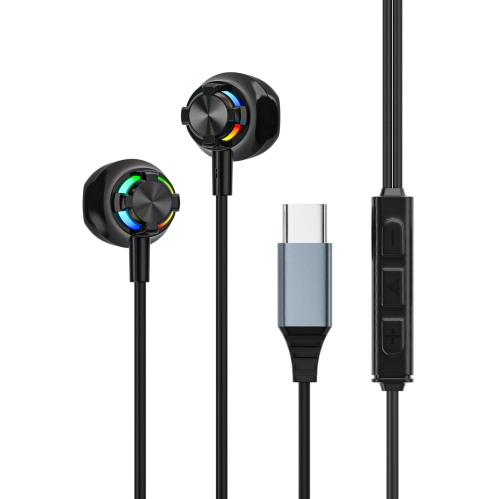
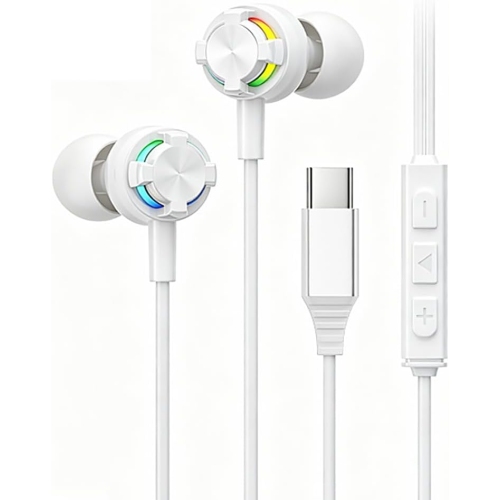


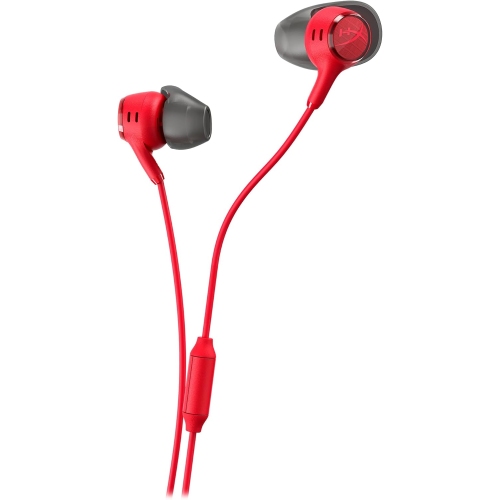


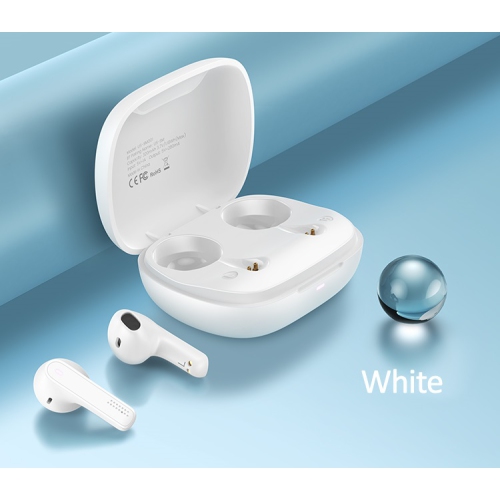

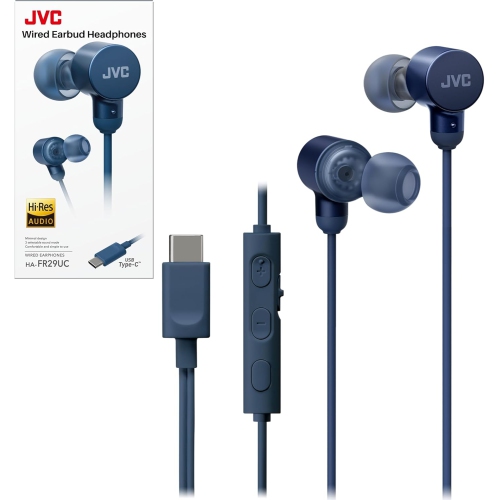
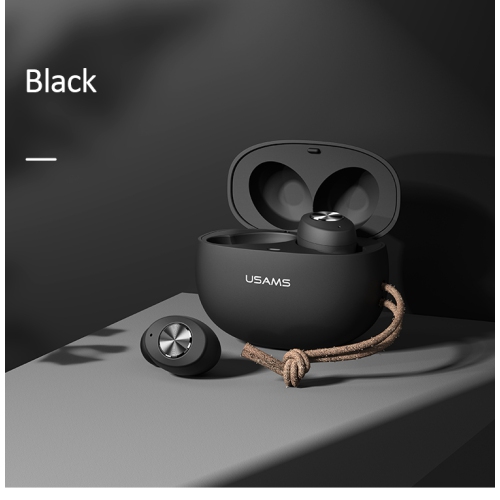
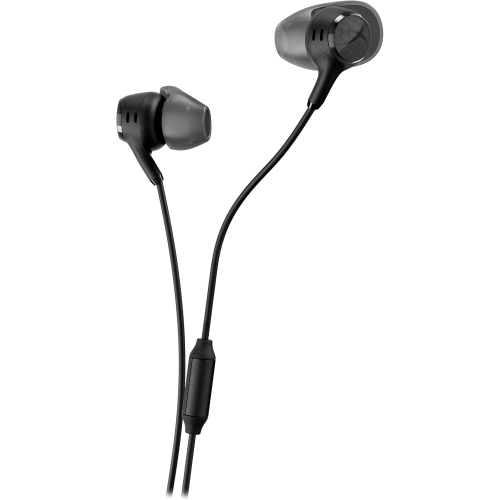
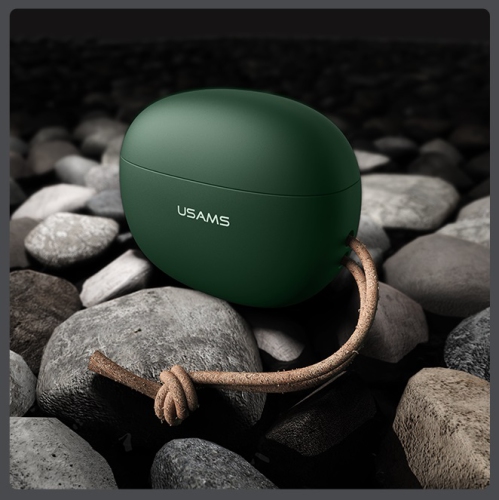
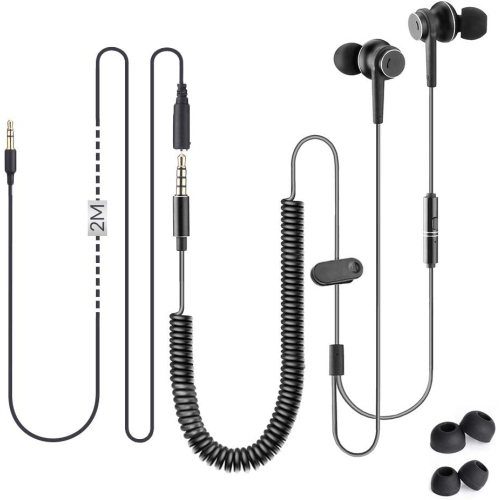
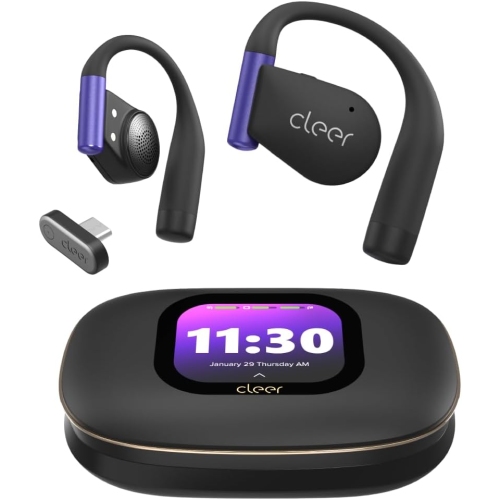






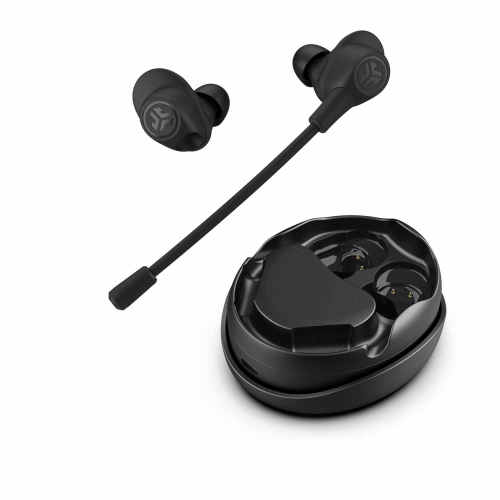
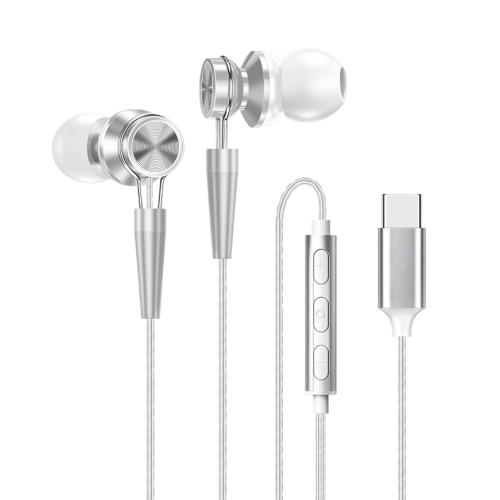
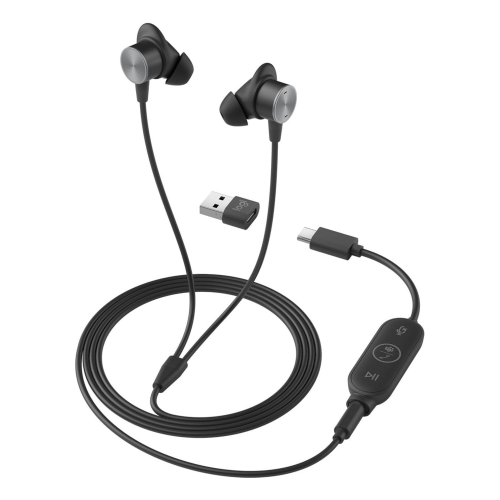

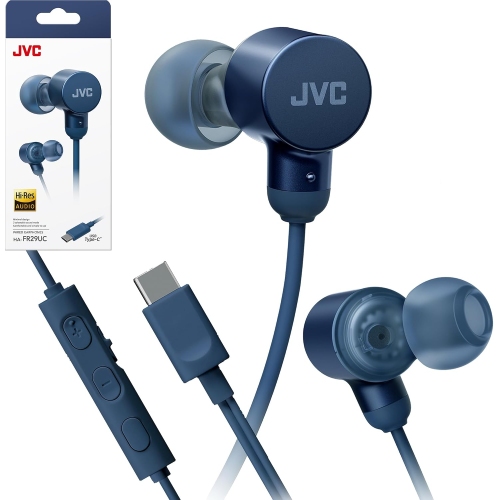

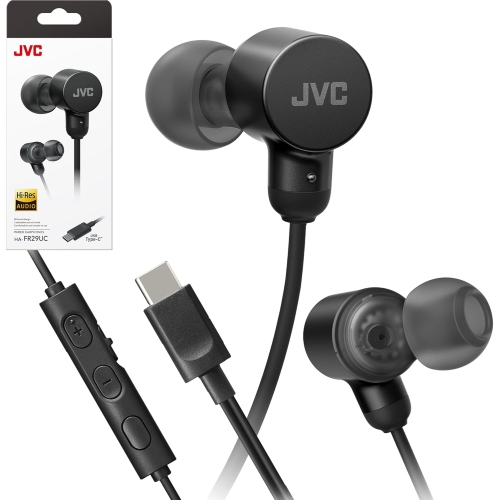
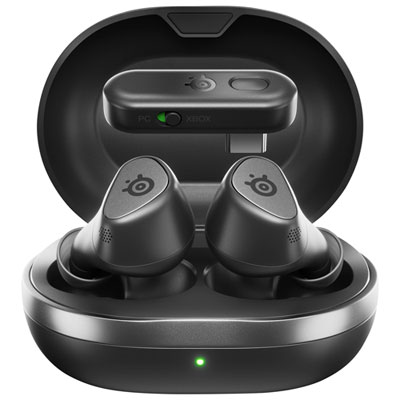

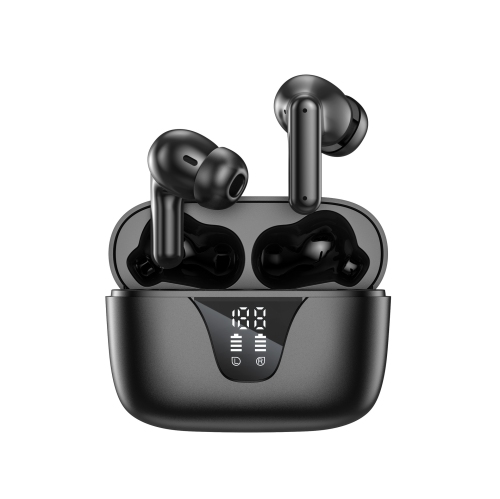
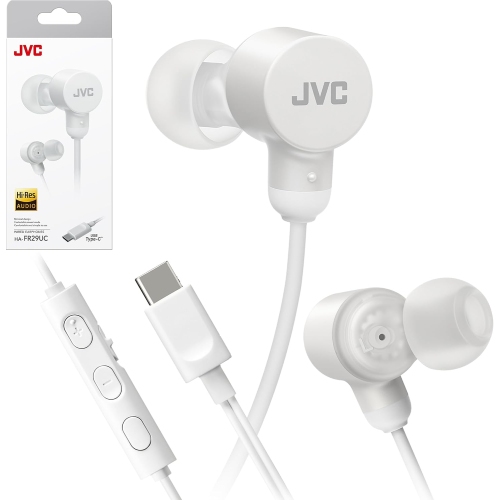
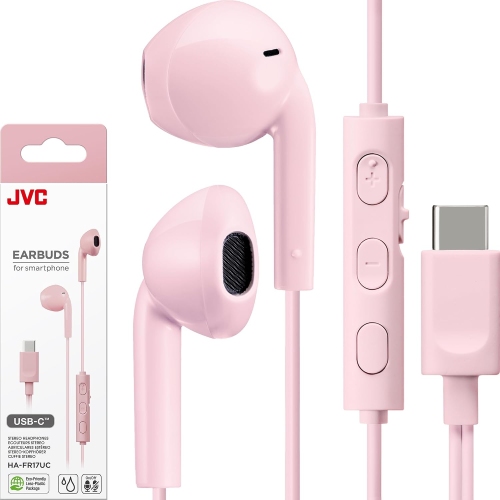
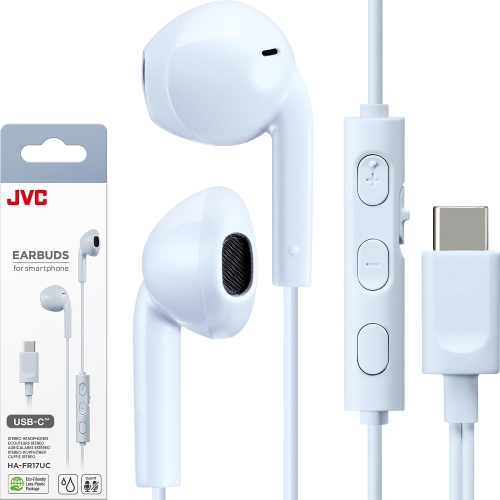

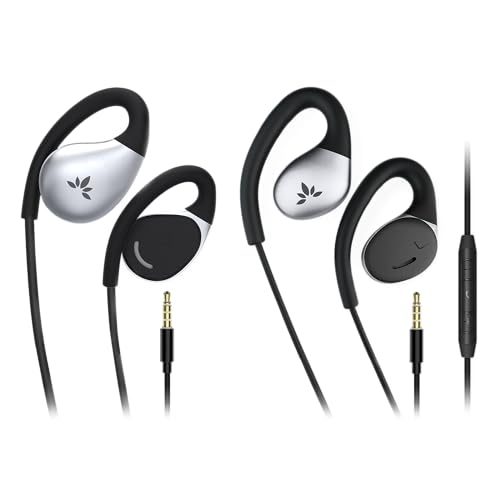


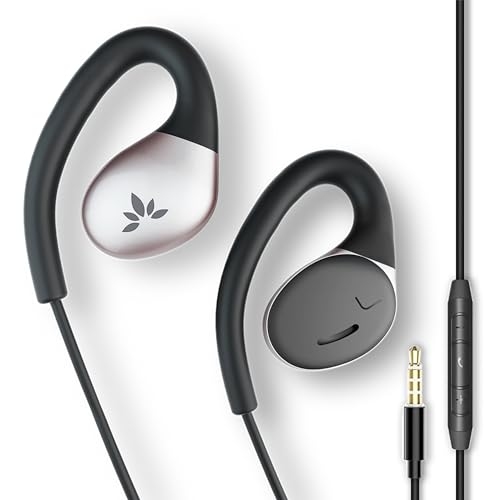
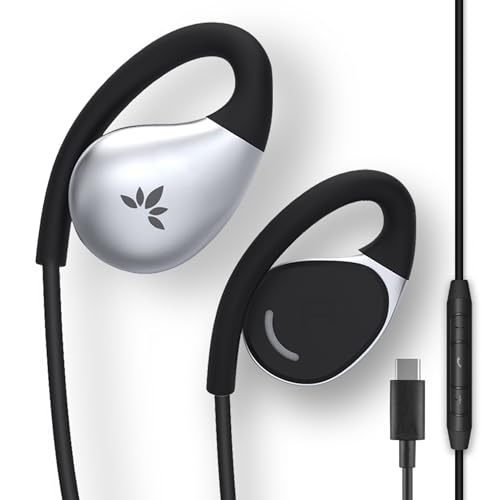
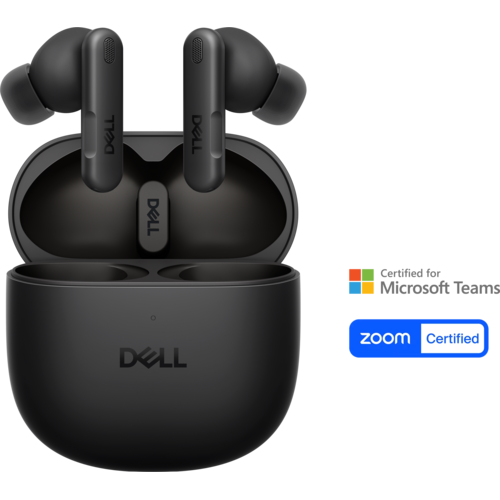

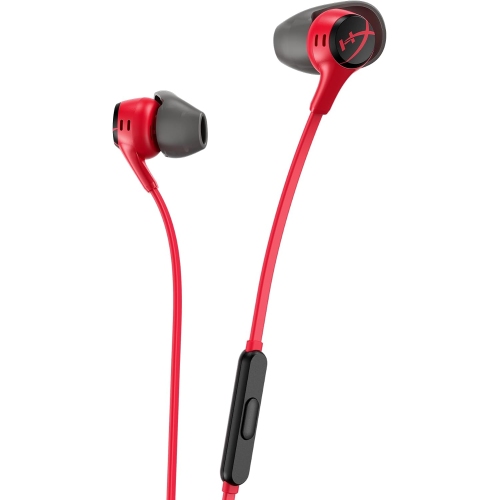
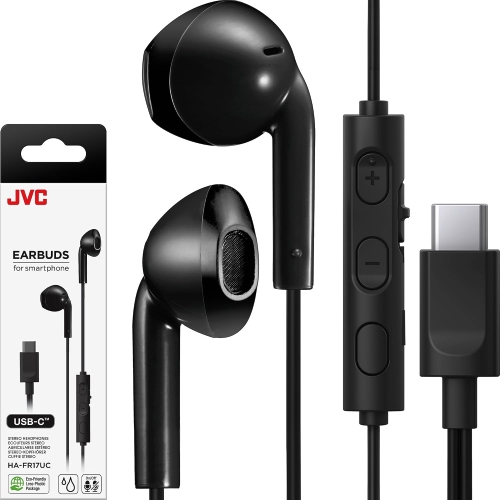

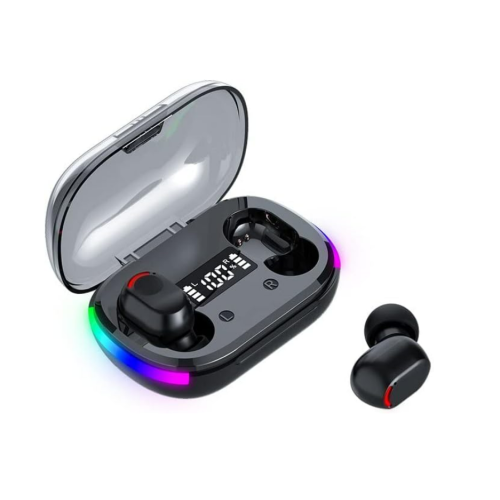


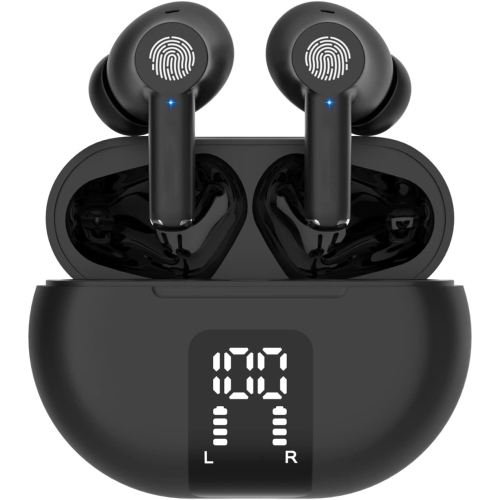
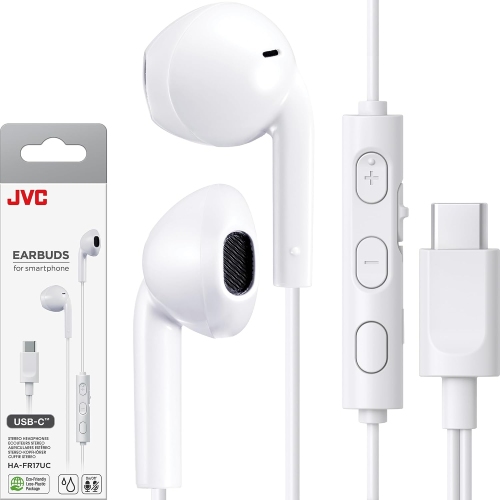
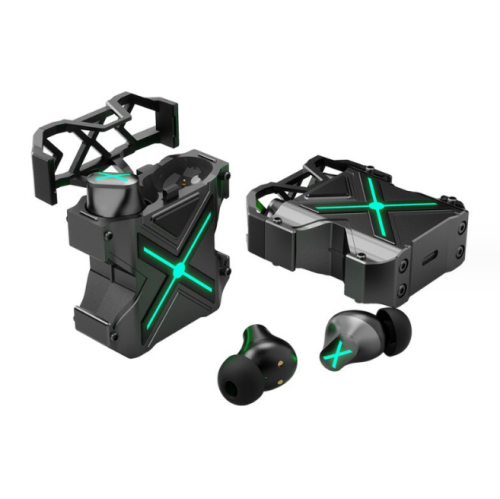
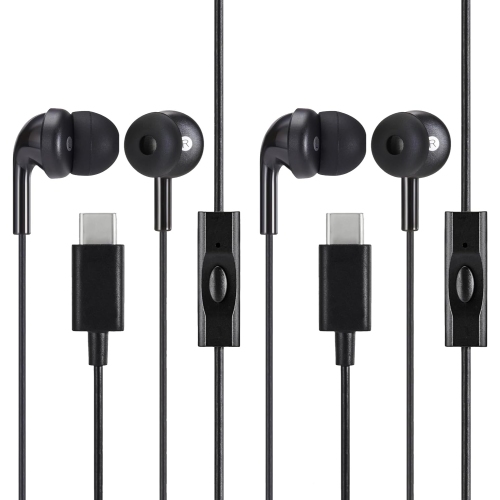

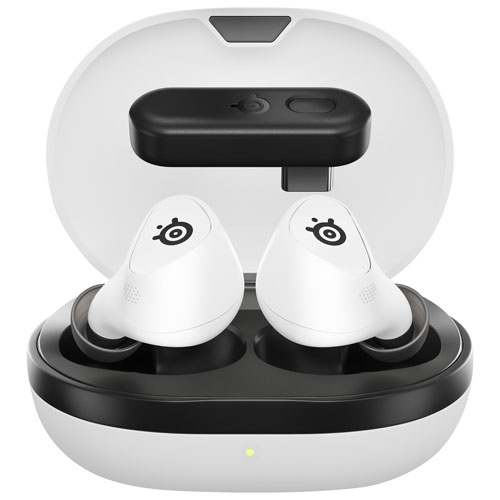


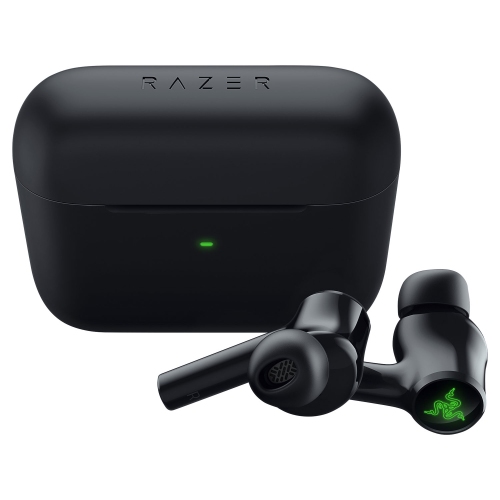
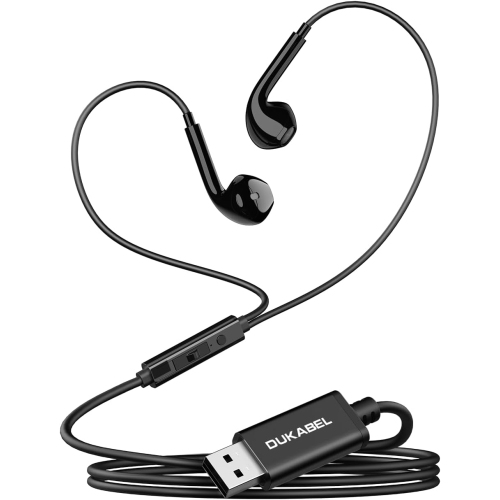
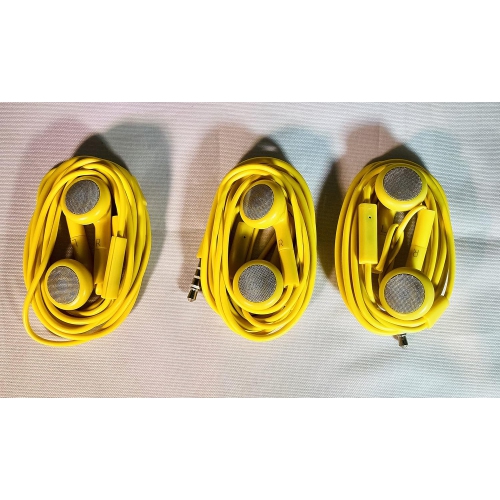
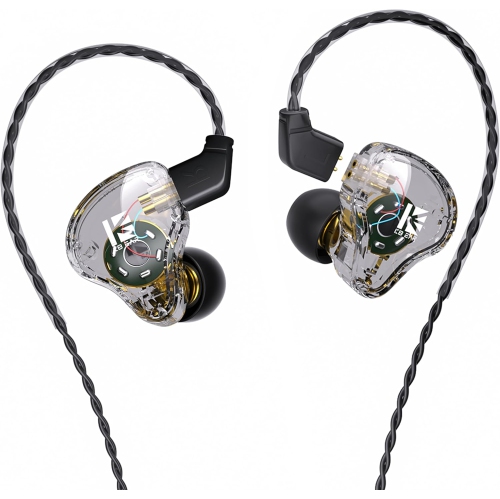

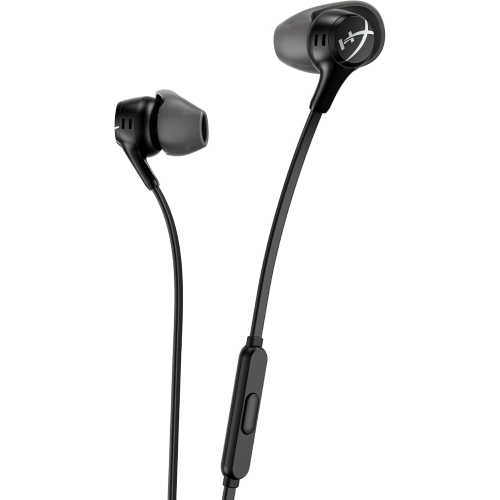

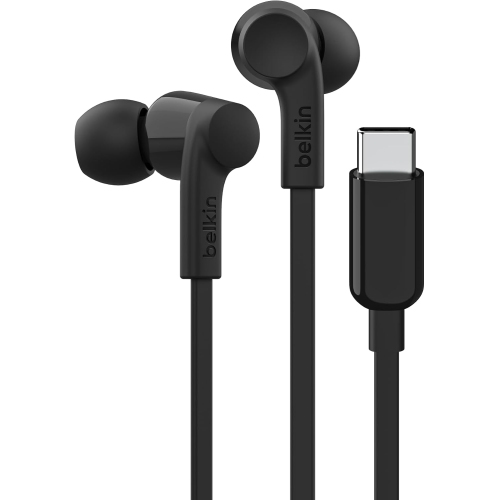

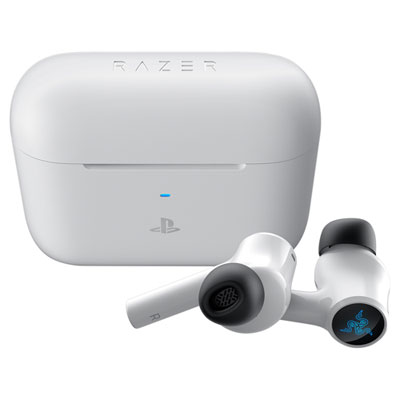
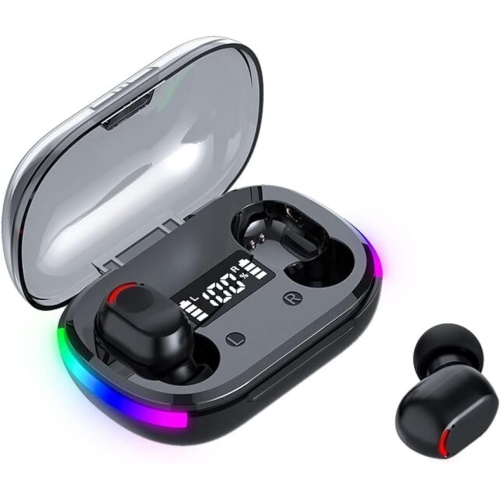

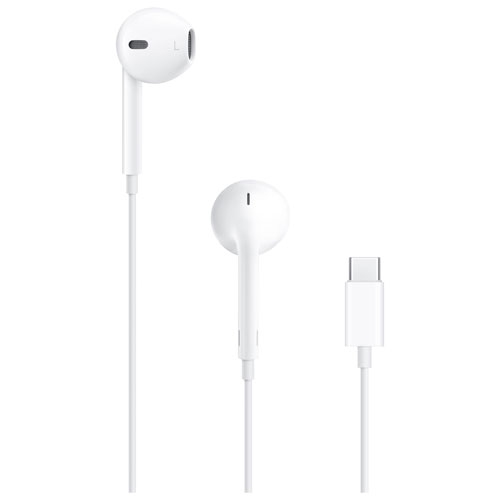

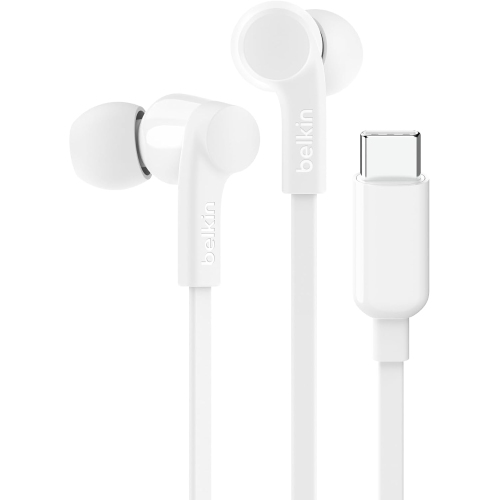








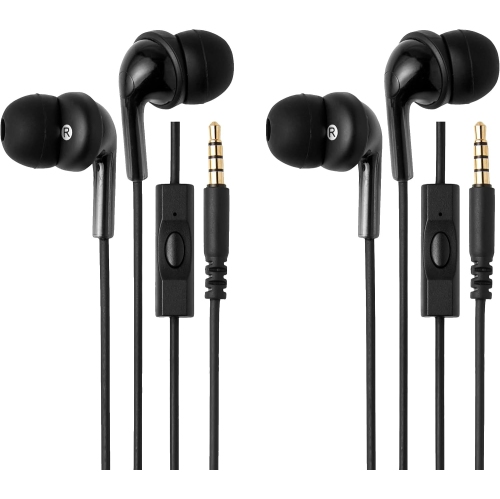
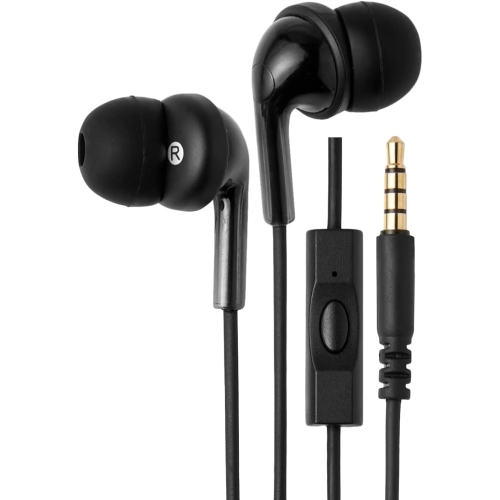
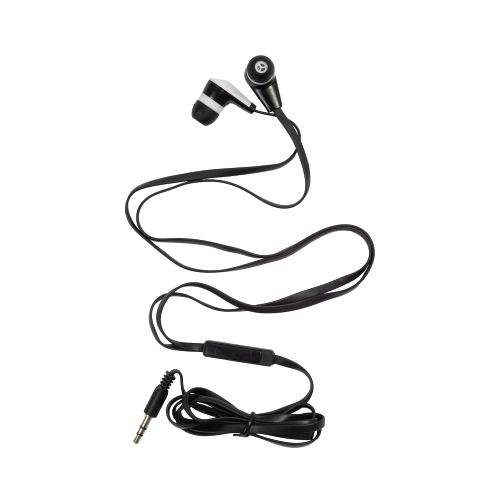
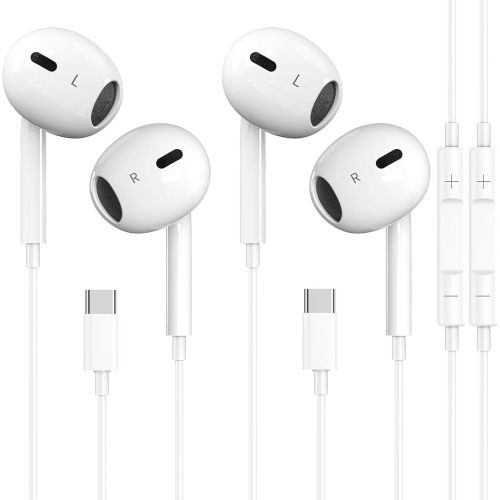






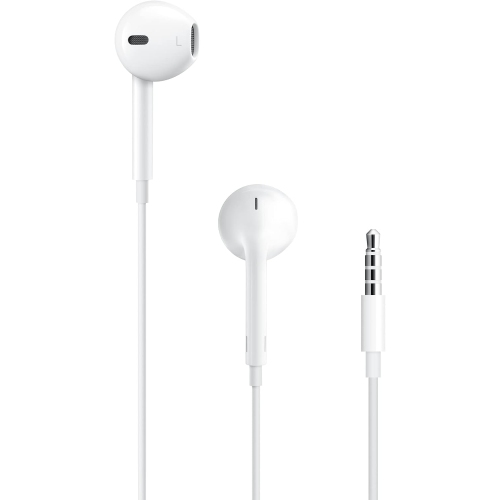

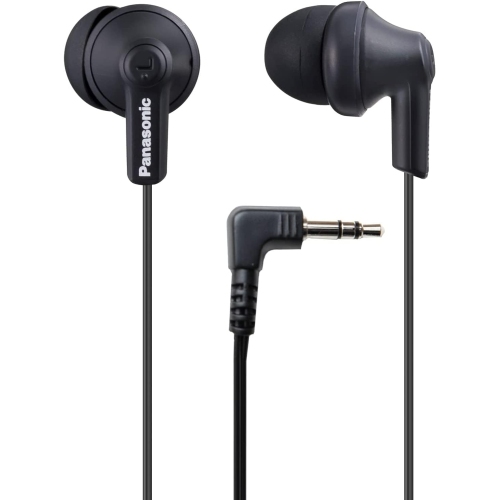
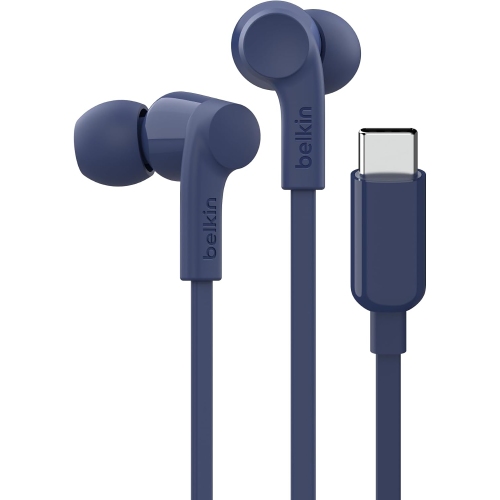
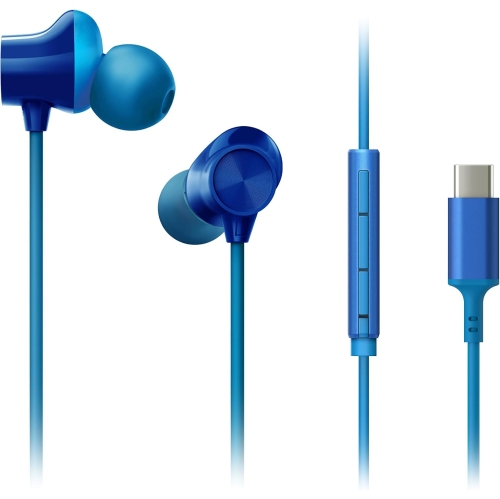





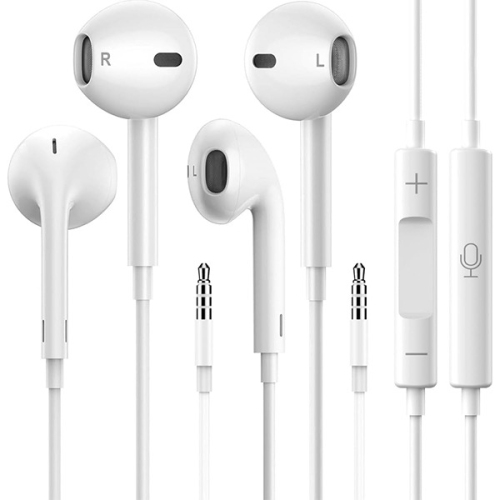


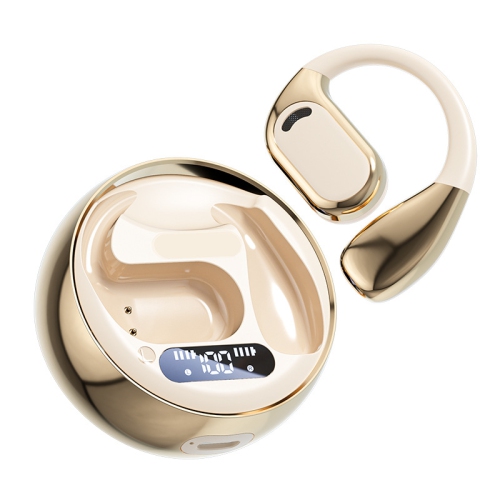


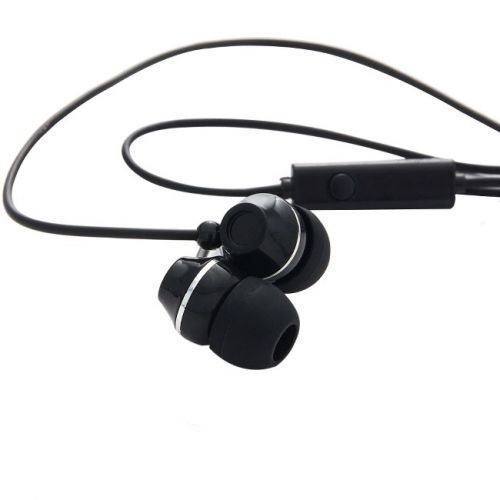


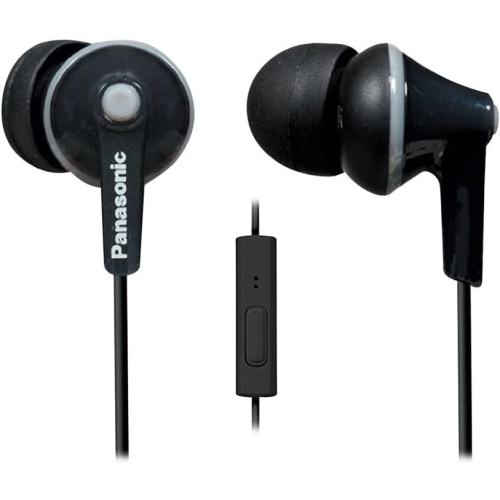

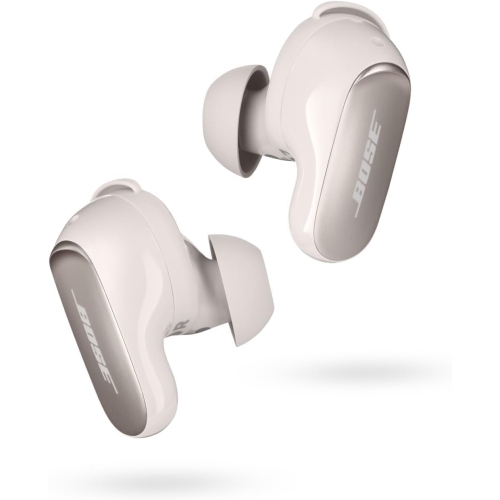


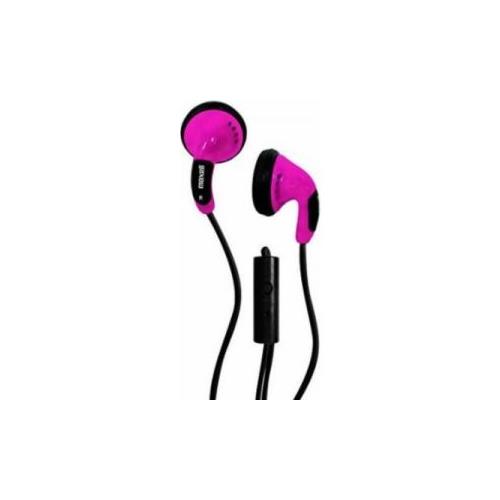



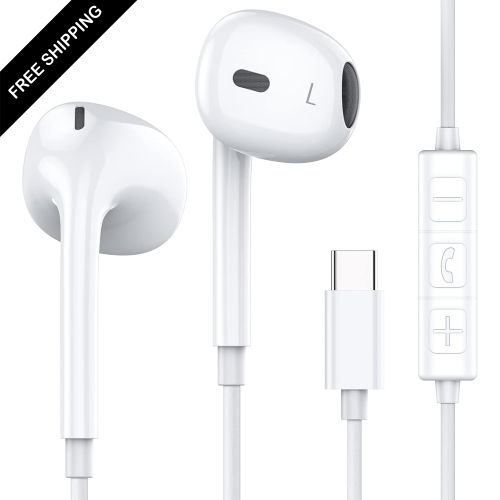


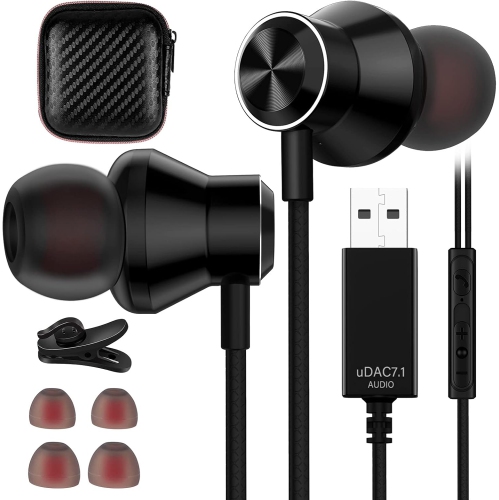
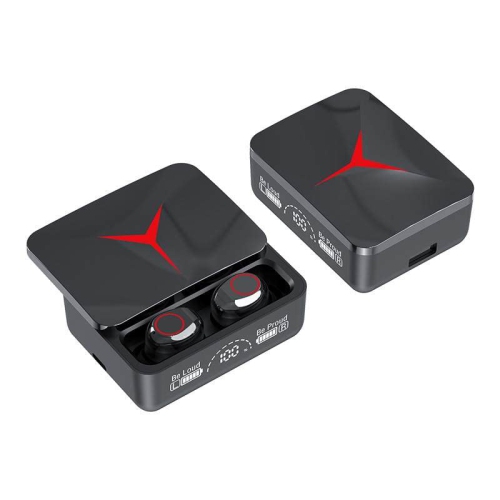


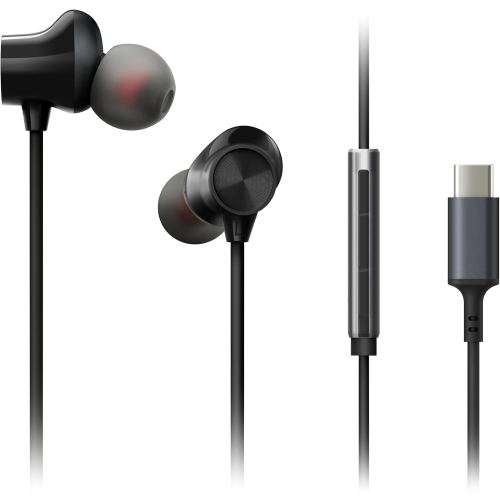

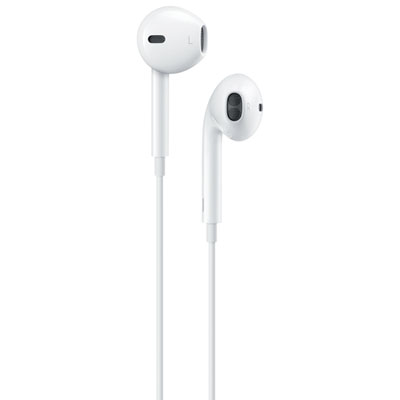


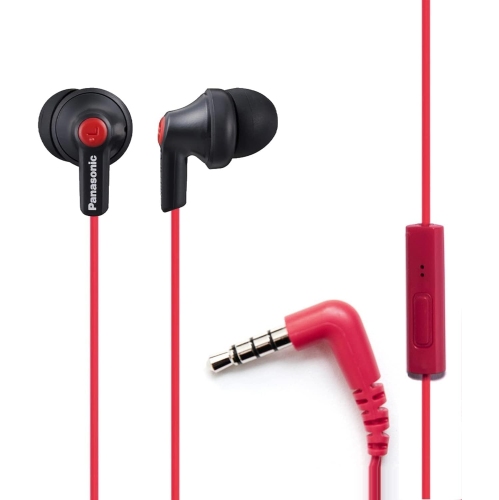


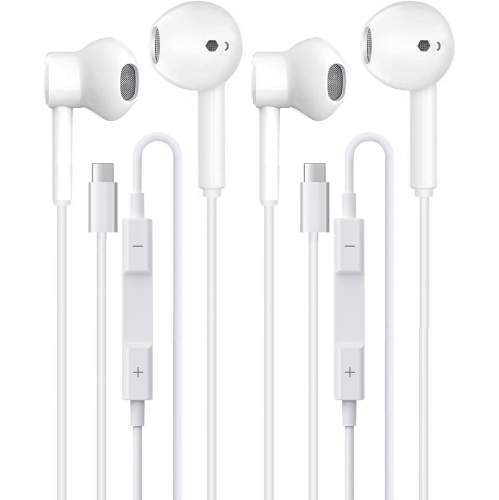


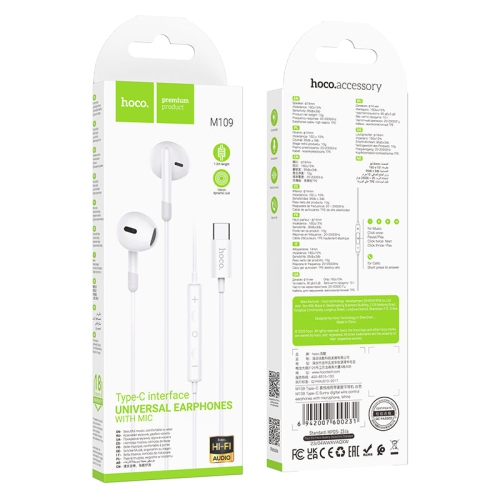
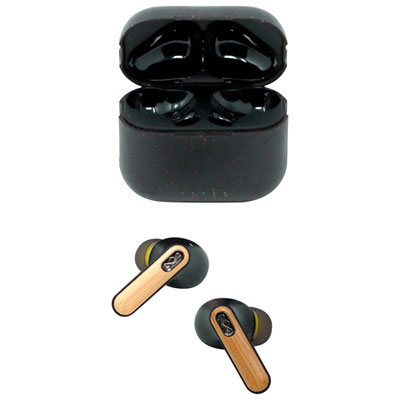
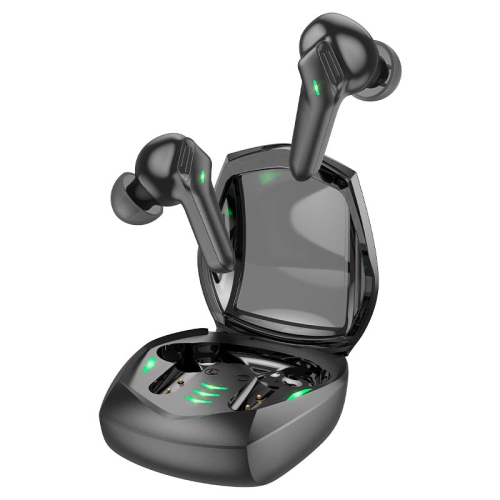


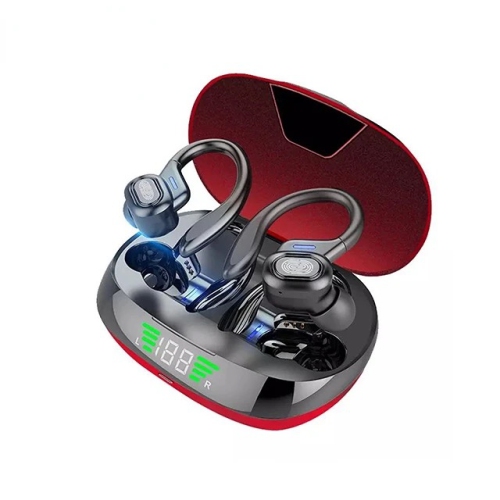
Compact audio for workdays that end with gaming
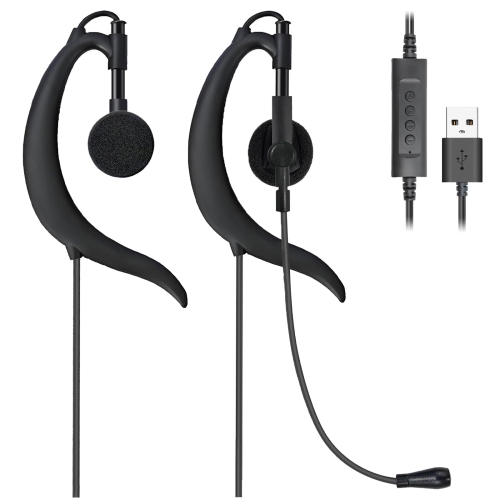
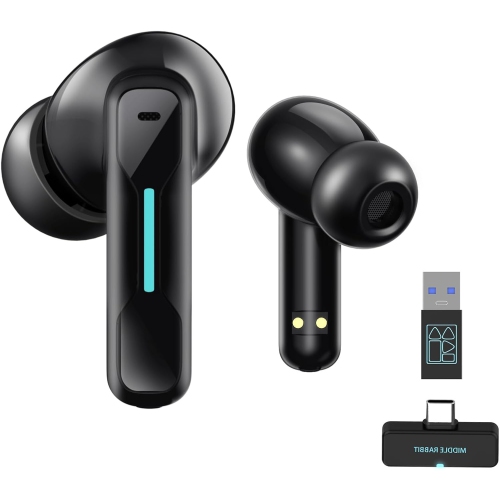
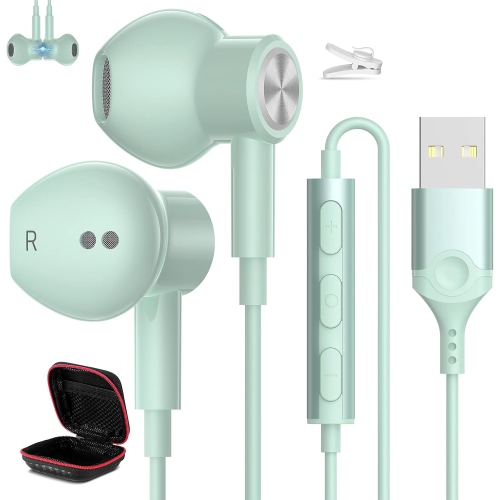
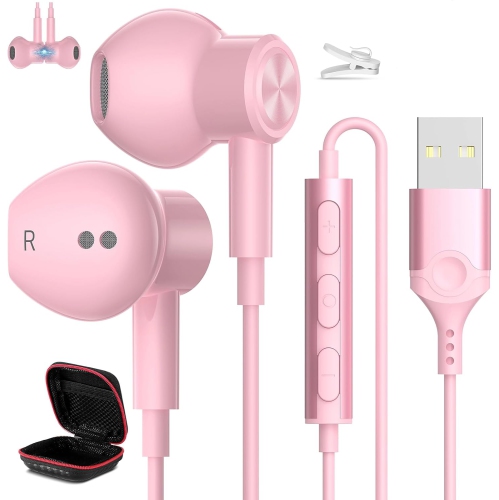
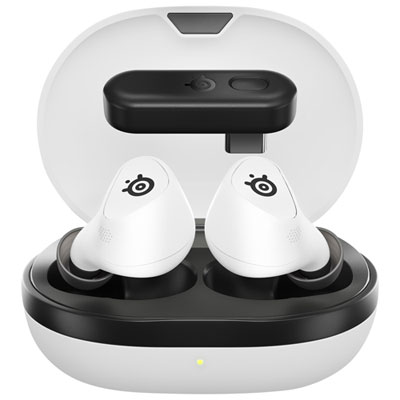
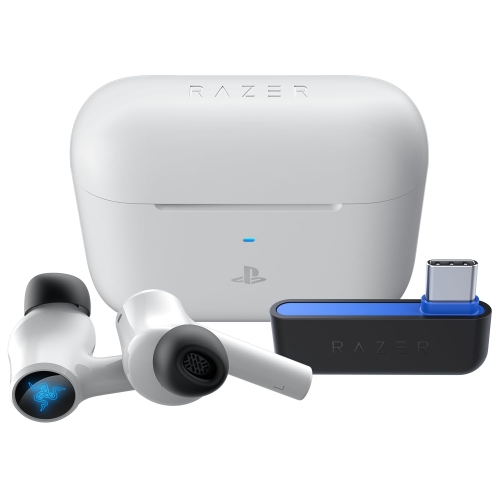
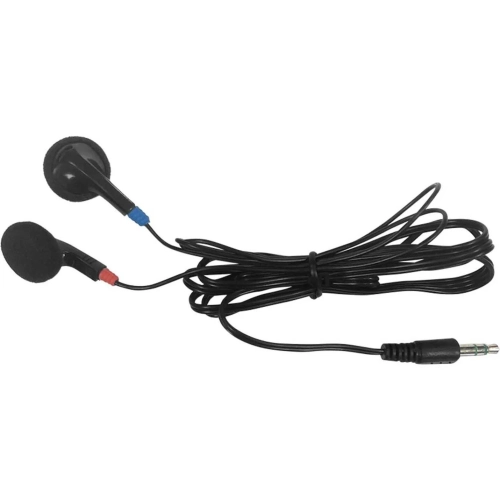
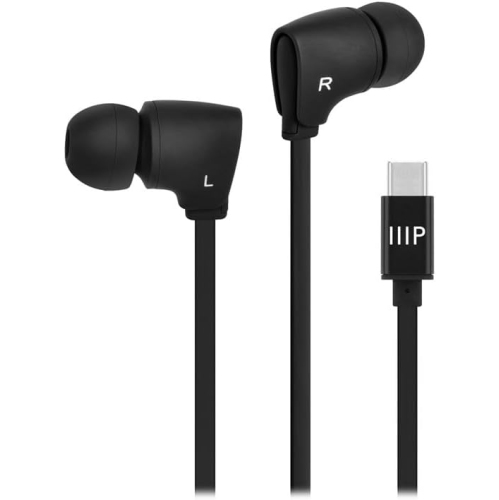
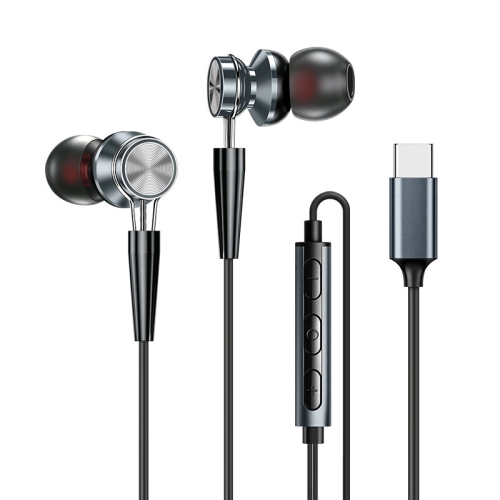
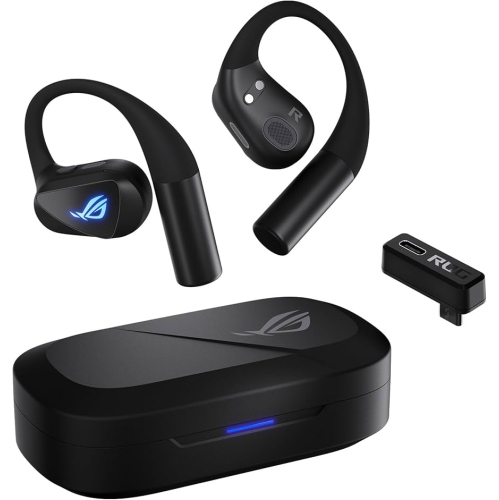
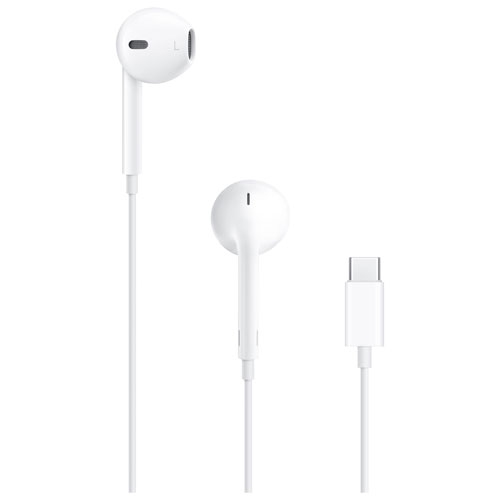
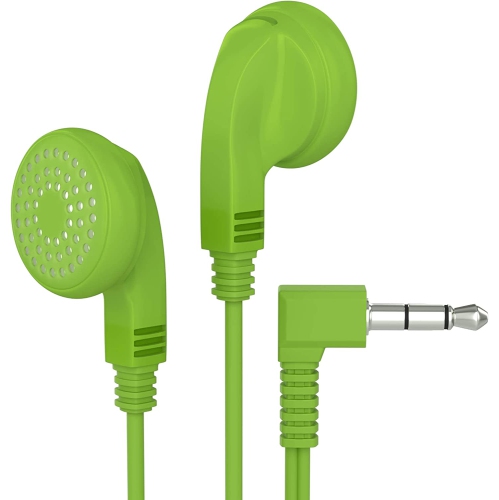
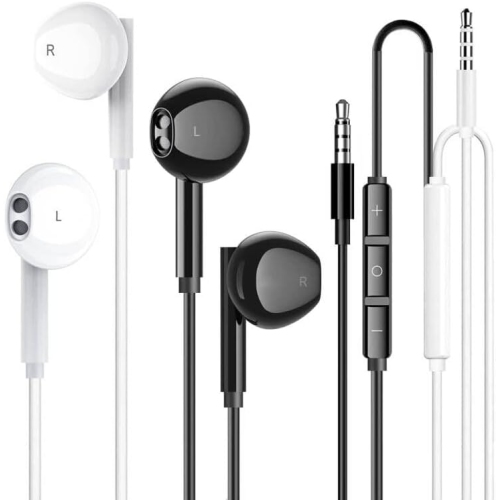
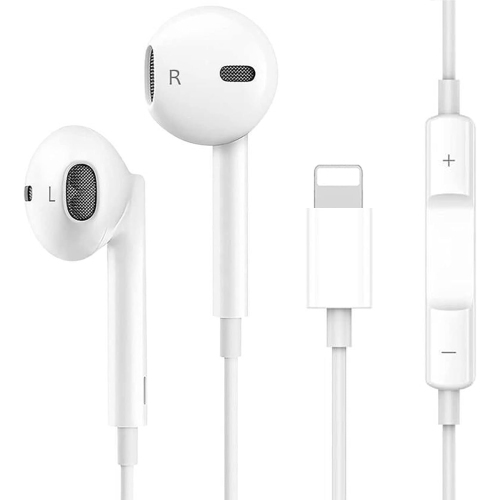
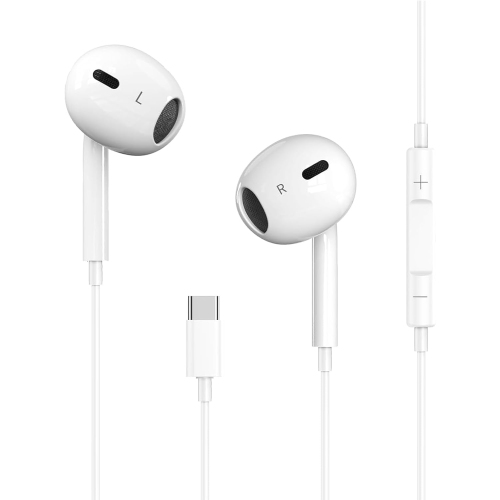
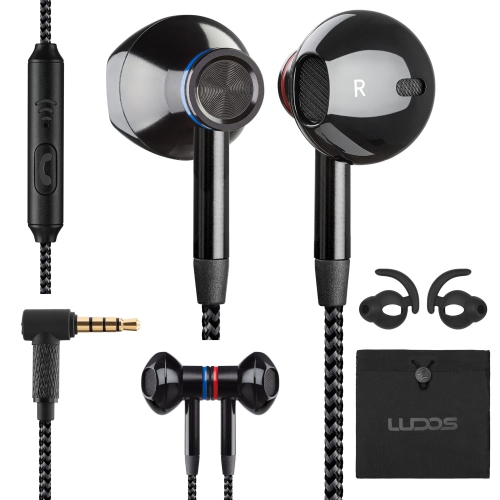
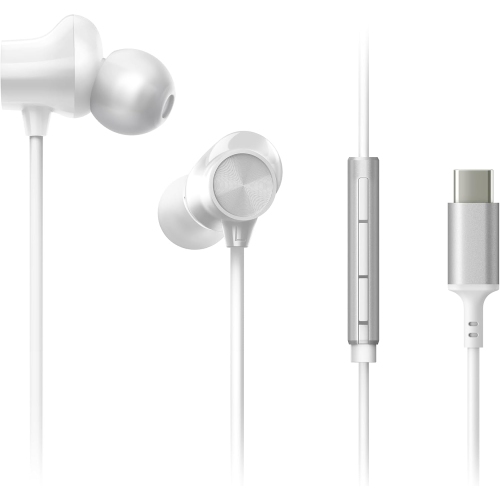
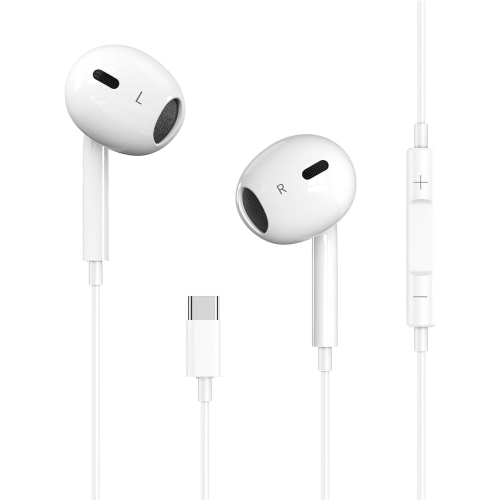
PC earbuds bring game audio, voice chat, music, and video calls into a compact format that leaves more room on the desk and avoids the headband of a full-size headset. They suit a range of computer setups, from a laptop used for online classes to a desktop shared between work and evening gaming. The connection type shapes much of the experience. Wired PC earbuds deliver sound without needing a charged battery and can be a straightforward choice for a fixed workstation. A 3.5 mm connection may carry both sound and microphone input through a single headset plug, although desktops with separate headphone and microphone sockets generally need a compatible splitter for both functions. USB earbuds connect through a digital audio interface, while wireless designs may use Bluetooth or a dedicated USB receiver. A compatible 2.4 GHz receiver is often a strong option for gaming because it can provide lower latency than a standard Bluetooth connection, helping footsteps, dialogue, and on-screen action stay closely aligned. Actual delay depends on the earbuds, connection mode, and computer setup rather than the wireless label alone. Receiver compatibility also matters: a USB-C receiver needs a suitable port or supported adapter, and its shape can affect access to neighbouring ports on a slim laptop. Bluetooth offers a cable-free connection for listening and calls, but microphone use can change audio quality depending on the computer, software, and supported Bluetooth features. Some wireless earbuds support both Bluetooth and a dedicated receiver; switching between them is not necessarily the same as hearing both sources simultaneously. For people moving between a computer and phone, supported device-switching features can be useful, while a dedicated connection may better suit someone who mainly plays at one desk. Computer compatibility includes microphone support and any companion software, not just whether sound plays through the earbuds.
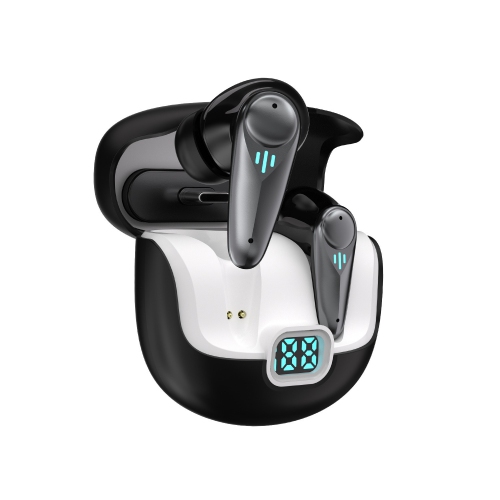
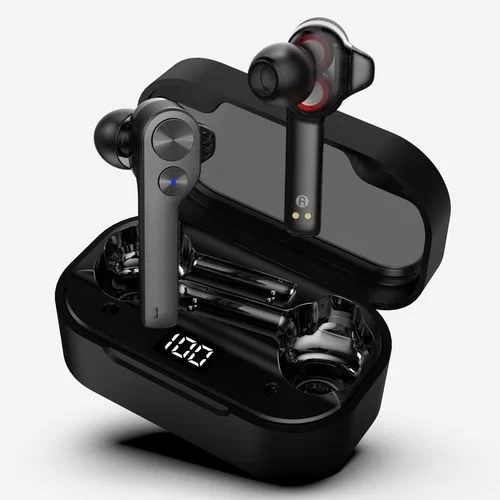
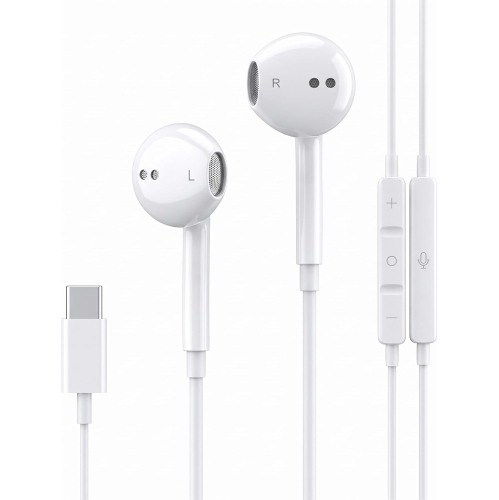
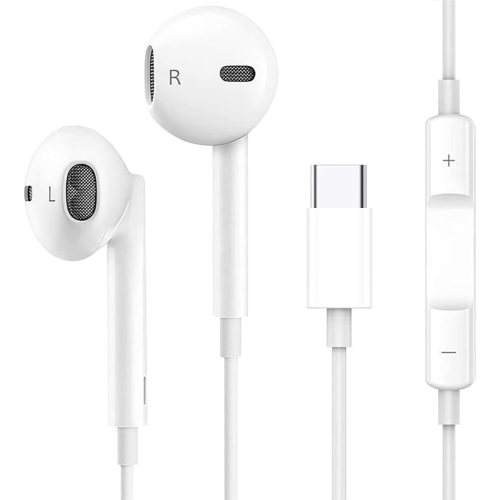
Sound quality and microphone performance matter in different ways across everyday PC use. In a game, clear dialogue and distinct sound effects can make a busy scene easier to follow without turning everything up. For music, a balanced presentation keeps vocals understandable alongside bass and percussion, while listeners who enjoy a stronger low end may prefer adjustable equalization. Driver size alone does not establish sound quality; tuning, fit, and the seal inside the ear all influence what reaches the listener. Spatial audio can add a sense of direction or distance when supported by the earbuds, computer, or game, but results vary with the recording and processing involved. Combining several surround-sound effects at once can make positioning less clear rather than more convincing. A microphone deserves similar attention, especially for group projects, multiplayer chat, or a workday filled with calls. Microphone placement and voice processing can affect how clearly speech comes through over keyboard taps or a nearby fan. Microphone noise reduction addresses what other people hear, whereas active noise cancellation reduces some of the surrounding sound heard by the wearer. Neither feature guarantees complete silence. A good ear-tip seal provides passive isolation, and active noise cancellation can further reduce certain steady background sounds. Transparency or ambient-listening modes allow more outside sound through, which can be useful when someone needs to hear a colleague or a knock at the door. For wireless PC earbuds, battery life is most useful when considered per charge, separately from the extra charges held in the case. Microphone use, listening volume, wireless mode, and active noise cancellation can all affect runtime. A case makes charging between sessions convenient, but it does not extend an uninterrupted call while the earbuds are being worn. Controls for volume, playback, and microphone muting can also make a difference during a meeting or match, particularly when their operation is easy to distinguish by touch.
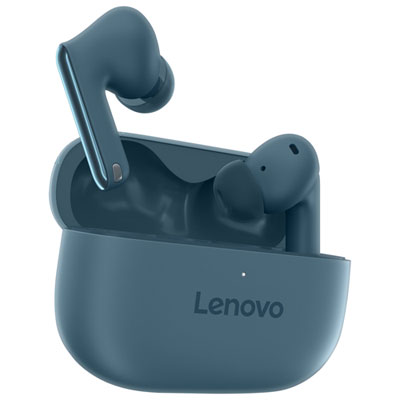
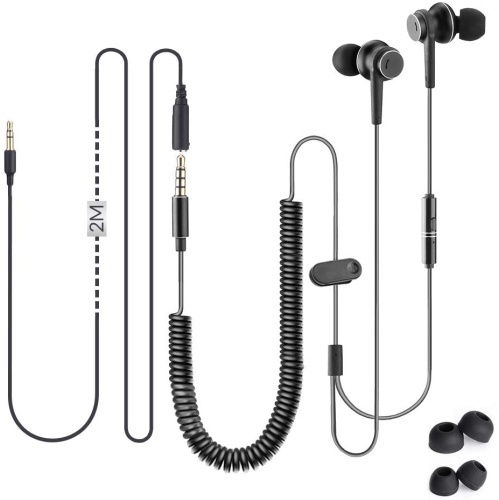
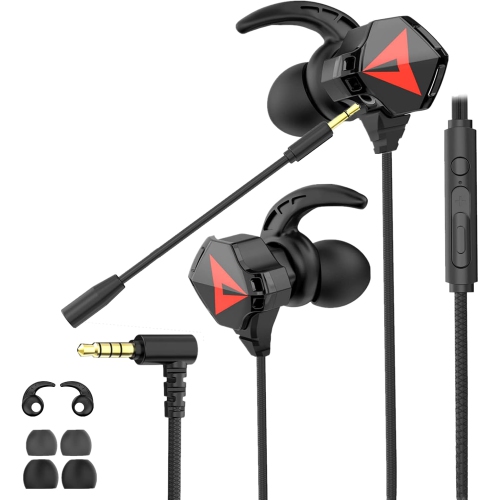
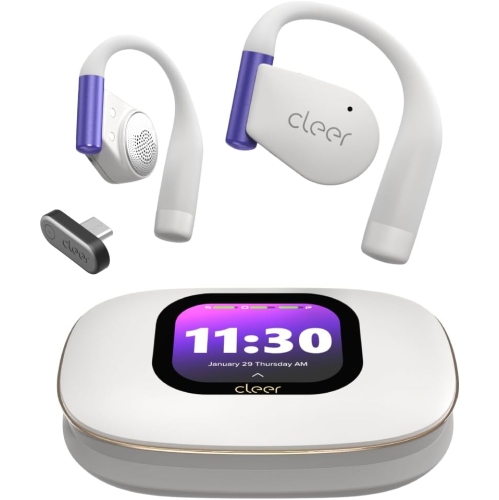
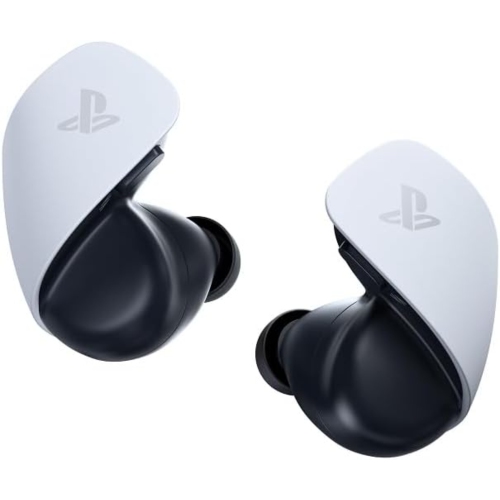
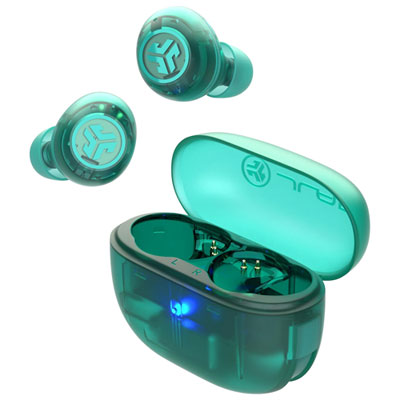
Comfort often becomes the deciding factor once earbuds have been worn through a long document, a lecture, or several rounds of a game. In-ear designs typically use replaceable tips to create a seal, while open-fit shapes rest nearer the entrance of the ear canal and provide a different balance of awareness, isolation, and bass response. Soft silicone tips are easy to wipe clean, and foam tips can conform to the ear, although foam generally needs gentler care and replacement as it wears. Ear size and shape vary, so the most comfortable tip may differ between the left and right ear. A secure fit should not depend on forcing an oversized tip into place. For listeners who prefer added support, Over Ear Earbuds offer another fit style to consider alongside compact in-ear shapes. Earbuds can also appeal to people who wear glasses, since there is no headset cushion pressing the arms against the sides of the head. Lightweight housings and smooth edges help reduce pressure, while accessible touch or button controls limit the need to repeatedly adjust the fit. With wired designs, cable length affects how comfortably the connection reaches a desktop tower, and strain relief near the plug and earpieces helps protect areas exposed to repeated bending. A cable routed away from chair wheels and desk drawers is less likely to snag during everyday use. Wireless designs remove that cable, but their small size makes a charging case useful for both storage and protection. Routine care includes removing surface debris with a soft, dry cloth and cleaning detachable tips according to the manufacturer's directions. Moisture resistance, where specified, is not permission to rinse the earbuds or charging case; charging contacts should be dry before use. PC earbuds can make a thoughtful gift for a student, remote worker, gamer, or music listener whose computer is part of daily life. The recipient's ports, preferred fit, microphone needs, and typical listening sessions are more useful starting points than appearance alone. Comfortable fit, dependable connections, and clear communication give these small audio accessories a practical role well beyond a single game or call.
Sound quality and microphone performance matter in different ways across everyday PC use. In a game, clear dialogue and distinct sound effects can make a busy scene easier to follow without turning everything up. For music, a balanced presentation keeps vocals understandable alongside bass and percussion, while listeners who enjoy a stronger low end may prefer adjustable equalization. Driver size alone does not establish sound quality; tuning, fit, and the seal inside the ear all influence what reaches the listener. Spatial audio can add a sense of direction or distance when supported by the earbuds, computer, or game, but results vary with the recording and processing involved. Combining several surround-sound effects at once can make positioning less clear rather than more convincing. A microphone deserves similar attention, especially for group projects, multiplayer chat, or a workday filled with calls. Microphone placement and voice processing can affect how clearly speech comes through over keyboard taps or a nearby fan. Microphone noise reduction addresses what other people hear, whereas active noise cancellation reduces some of the surrounding sound heard by the wearer. Neither feature guarantees complete silence. A good ear-tip seal provides passive isolation, and active noise cancellation can further reduce certain steady background sounds. Transparency or ambient-listening modes allow more outside sound through, which can be useful when someone needs to hear a colleague or a knock at the door. For wireless PC earbuds, battery life is most useful when considered per charge, separately from the extra charges held in the case. Microphone use, listening volume, wireless mode, and active noise cancellation can all affect runtime. A case makes charging between sessions convenient, but it does not extend an uninterrupted call while the earbuds are being worn. Controls for volume, playback, and microphone muting can also make a difference during a meeting or match, particularly when their operation is easy to distinguish by touch.
Comfort often becomes the deciding factor once earbuds have been worn through a long document, a lecture, or several rounds of a game. In-ear designs typically use replaceable tips to create a seal, while open-fit shapes rest nearer the entrance of the ear canal and provide a different balance of awareness, isolation, and bass response. Soft silicone tips are easy to wipe clean, and foam tips can conform to the ear, although foam generally needs gentler care and replacement as it wears. Ear size and shape vary, so the most comfortable tip may differ between the left and right ear. A secure fit should not depend on forcing an oversized tip into place. For listeners who prefer added support, Over Ear Earbuds offer another fit style to consider alongside compact in-ear shapes. Earbuds can also appeal to people who wear glasses, since there is no headset cushion pressing the arms against the sides of the head. Lightweight housings and smooth edges help reduce pressure, while accessible touch or button controls limit the need to repeatedly adjust the fit. With wired designs, cable length affects how comfortably the connection reaches a desktop tower, and strain relief near the plug and earpieces helps protect areas exposed to repeated bending. A cable routed away from chair wheels and desk drawers is less likely to snag during everyday use. Wireless designs remove that cable, but their small size makes a charging case useful for both storage and protection. Routine care includes removing surface debris with a soft, dry cloth and cleaning detachable tips according to the manufacturer's directions. Moisture resistance, where specified, is not permission to rinse the earbuds or charging case; charging contacts should be dry before use. PC earbuds can make a thoughtful gift for a student, remote worker, gamer, or music listener whose computer is part of daily life. The recipient's ports, preferred fit, microphone needs, and typical listening sessions are more useful starting points than appearance alone. Comfortable fit, dependable connections, and clear communication give these small audio accessories a practical role well beyond a single game or call.
Top selling and popular products
-
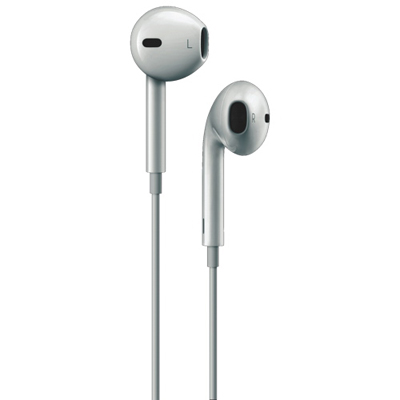 Your price for this item is $25.99
-
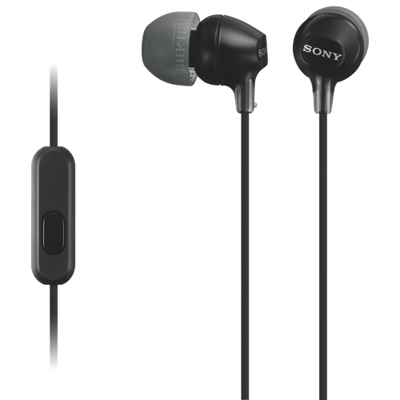 Your price for this item is $15.98
-
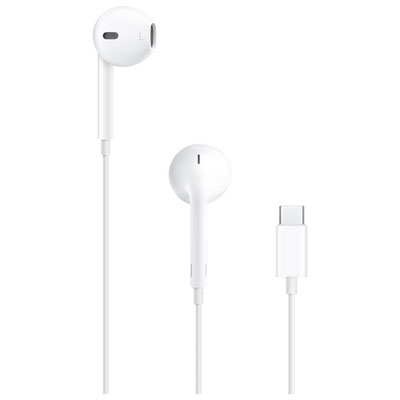 Your price for this item is $25.99
-
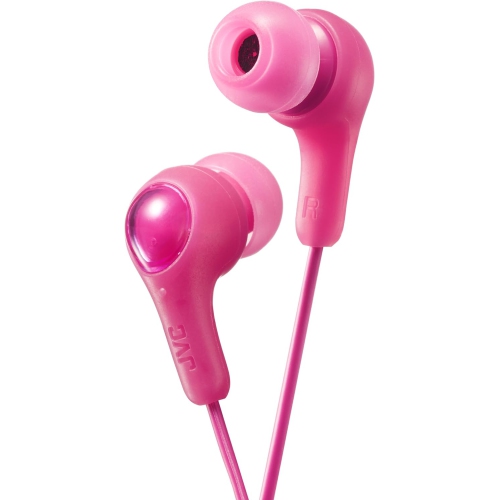 Your price for this item is $25.98
-
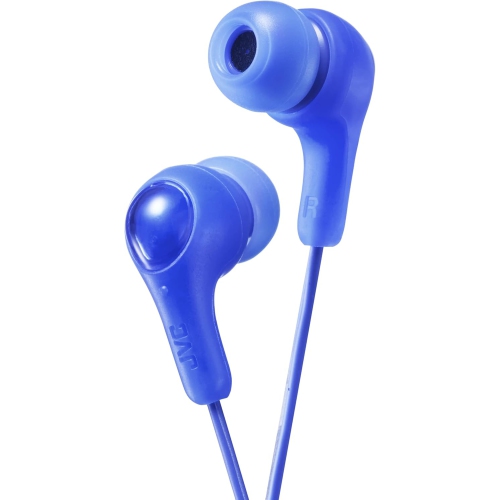 Your price for this item is $25.98
-
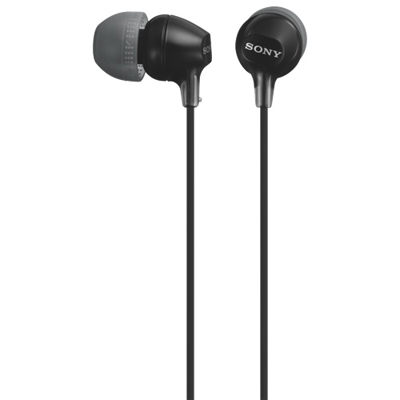 Your price for this item is $12.99
-
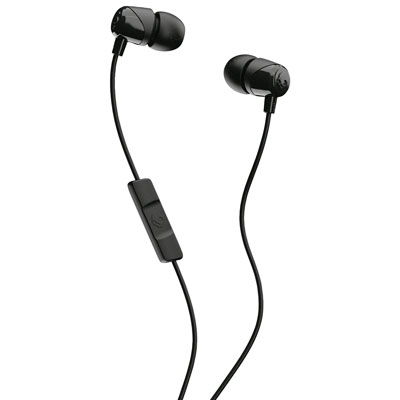 Your price for this item is $14.99
-
 Your price for this item is $19.99
Discover more categories related to Pc Earbuds


Top Collections:
Best Black Friday Deals This Year, Best Black Friday Deals On Electronics, Kindle Devices, Pokemon Centers, Best Black Friday Deals On Apple Products, Best Cameras for Sports Photography, Dyson Airwrap, Pokémon 30th Celebration Cards, Apple iPhone 17 Pro, Canon G7X Cameras
Some products may be subject to Environmental Handling Fees
(EHF) depending on your province.
Learn more about EHFs.