PC Headphones
Discover the ultimate audio experience with this diverse selection of PC headphones, designed to elevate your gaming, work, and entertainment sessions. Whether you're diving into an immersive game world, joining a virtual meeting, or simply enjoying your favorite tunes, finding the right pair is essential for clear sound and comfort. This range of PC headphones caters to all preferences and budgets, ensuring you can find the perfect fit for your needs. Explore options that combine style and functionality to enhance every moment spent in front of your computer.
Sort
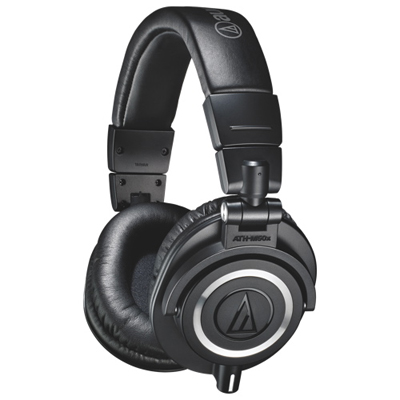
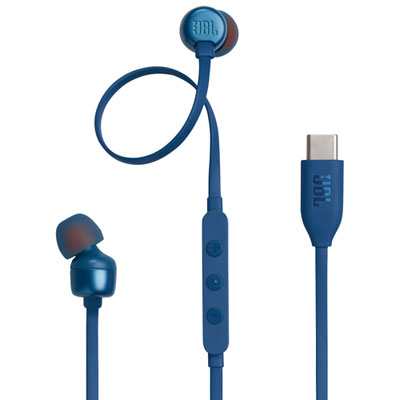
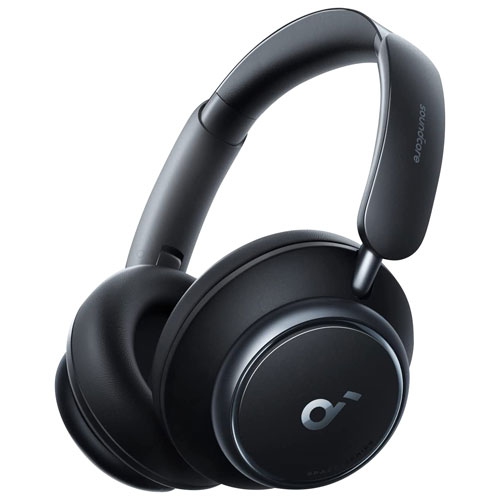
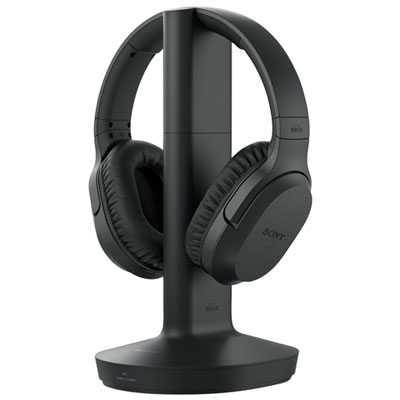
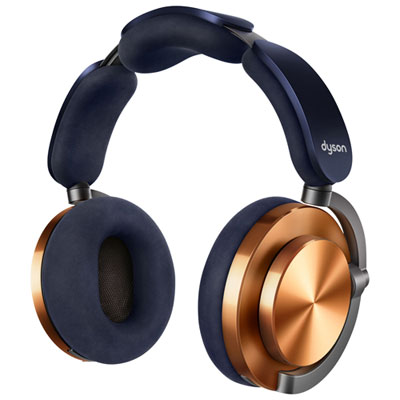
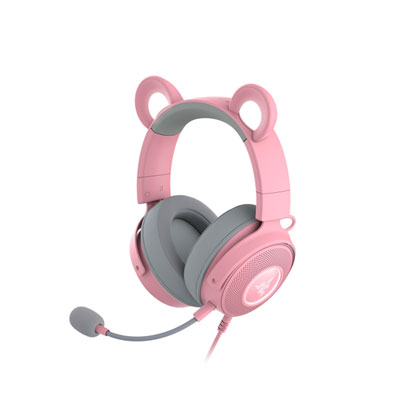
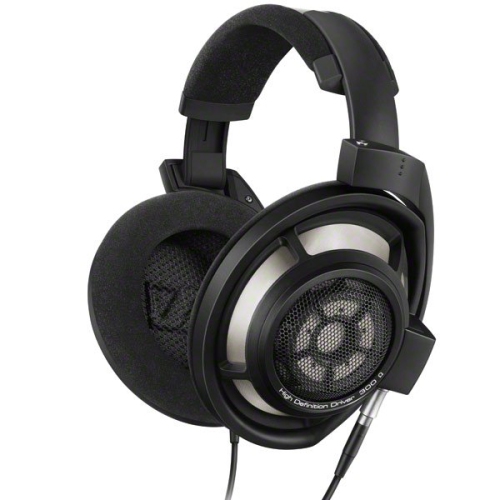
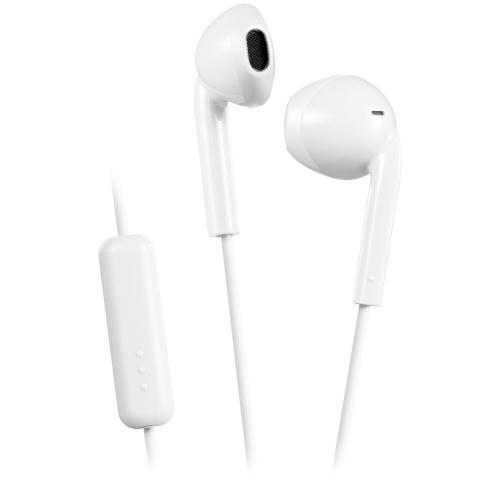

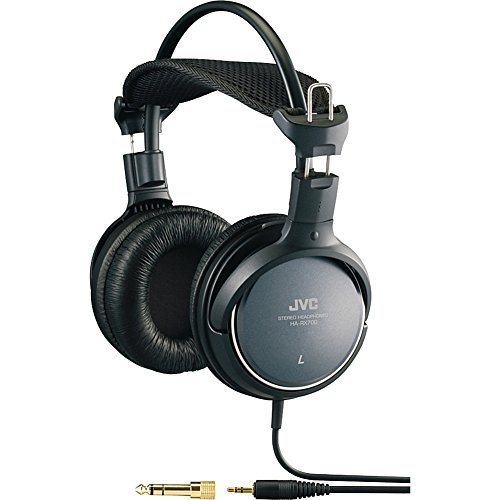
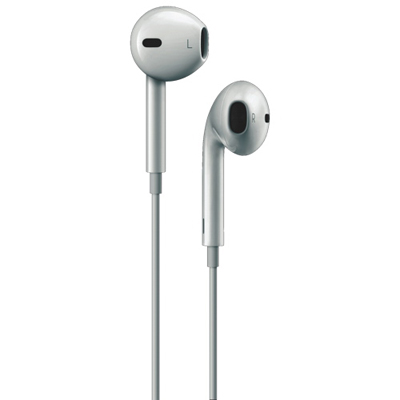
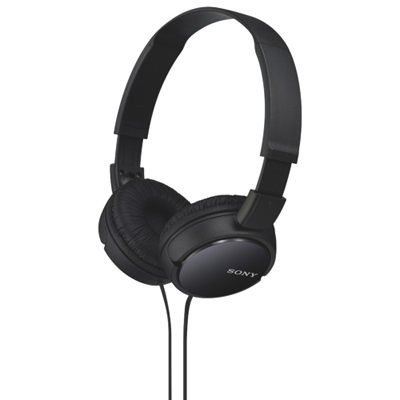
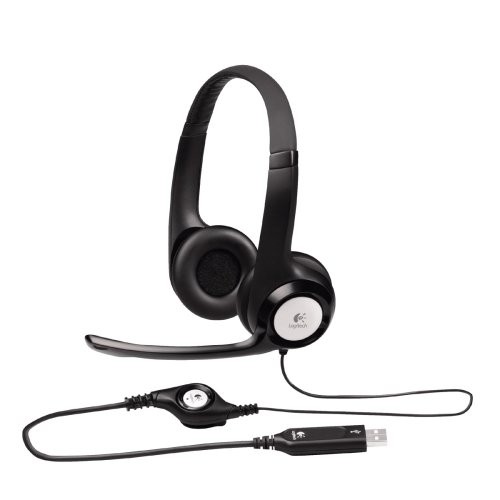
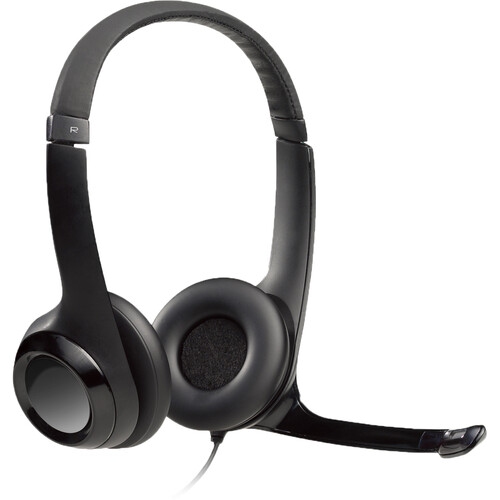
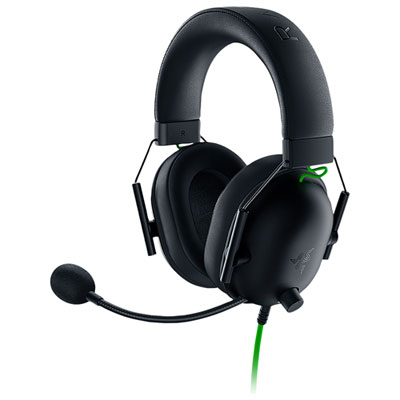

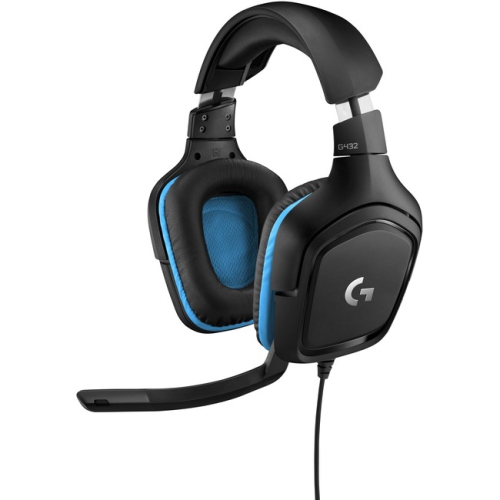
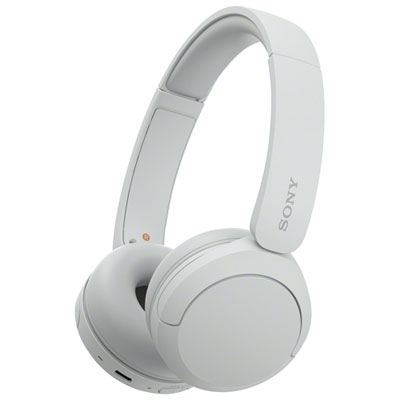
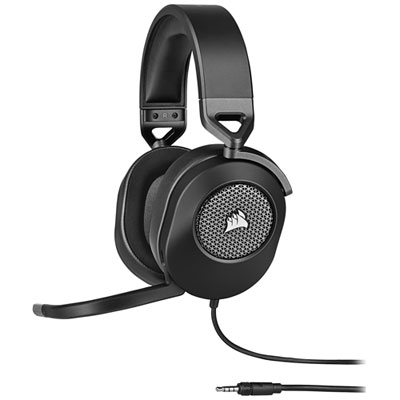
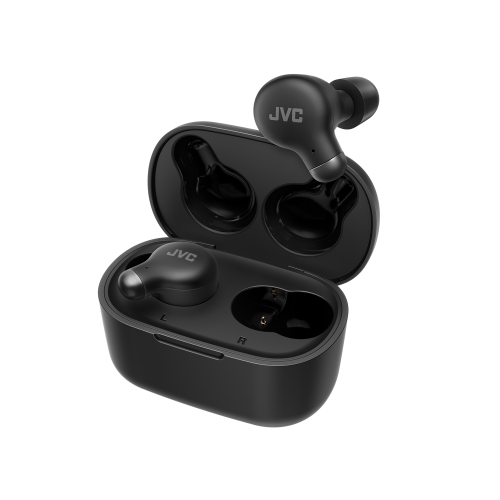
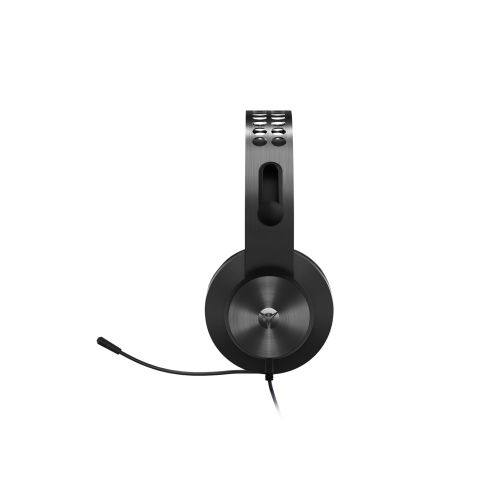
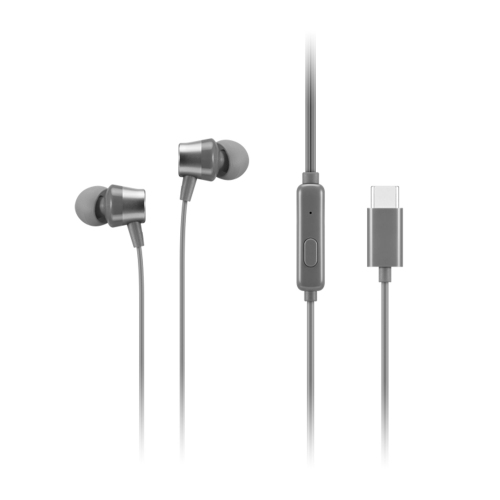
Clear calls and comfortable listening start with the details
PC headphones bring computer audio closer, whether the sound is a teammate’s voice, a recorded lecture, a film soundtrack, or music playing beside an open spreadsheet. The best fit depends on how they will be used: clear speech and a dependable microphone matter for calls, low audio delay helps with gaming, and a comfortable, balanced sound suits long listening sessions. Headphones handle listening, while a PC headset combines headphones with a microphone for two-way communication. Either setup can work well at a desk; separate headphones and a desktop microphone offer flexibility, while an integrated headset keeps the workspace simpler. Wired PC headphones provide a direct connection without a battery to charge, making them practical for a permanent workstation or lengthy gaming sessions. A 3.5 mm connection carries analogue audio, but microphone support depends on the plug and the computer’s ports. Some desktops have separate headphone and microphone sockets, so a headset with a single combined plug may need a compatible splitter. USB headsets typically handle their own audio conversion and can be convenient for computers without a suitable analogue connection, although connector type and operating system compatibility still matter. Wireless PC headphones offer more freedom to stand, stretch, or move away from the desk within their connection range. Bluetooth can suit everyday listening and calls, while a compatible dedicated USB wireless receiver often provides lower latency for gaming. Performance varies by implementation, and some Bluetooth connections change playback quality when the microphone is active. Battery life, charging time, and whether listening is possible while charging all affect day-to-day convenience. A detachable audio cable can add flexibility, but a charging port does not necessarily support wired audio. For shoppers whose computer use centres on conversation, Best Headsets for PC brings the focus to listening and voice communication in one setup.
Comfort becomes especially noticeable when a short call turns into an afternoon of meetings or a game runs longer than planned. Over-ear PC headphones surround the ears with cushions, distributing contact across a larger area, while on-ear designs rest against the ears and may take up less space in a bag. Neither shape guarantees a better fit: ear cup depth, headband adjustment, overall weight, and clamping pressure all influence how a pair feels after several hours. Glasses wearers may notice pressure where cushion edges meet the arms of their frames, particularly with a firm headband. Memory foam can conform to the head, fabric coverings tend to feel more breathable, and leatherette surfaces are often easier to wipe clean. Cushion materials also affect the seal around the ear, which can change bass response and how much outside sound reaches the listener. Closed-back headphones help contain sound and reduce some surrounding noise through their physical design, making them useful near a shared workspace or family living area. Open-back headphones allow more sound to pass in both directions and can create a more spacious listening impression, but they are less suited to calls beside someone who needs quiet. Active noise cancellation uses microphones and processing to reduce certain external sounds, particularly steady background noise; it does not remove every voice or sudden interruption. This is different from microphone noise reduction, which aims to make speech clearer for people on the other end of a call. Sound preferences matter just as much as construction. Strong bass can add impact to action games, while well-defined midrange helps dialogue and vocals remain intelligible. Clear stereo positioning can make movement in a game easier to follow without requiring a surround mode. Virtual surround sound and equalizer settings can offer another way to shape the experience, though their usefulness depends on the game, software, and listener. Driver size alone is not a reliable measure of sound quality. For study, entertainment, or detailed listening, an even sound balance and a comfortable fit often matter more than a long list of audio effects.
The details used every day often determine how naturally PC headphones fit into a routine. A boom microphone can keep the pickup point close to the mouth, helping speech remain consistent when the listener turns towards another screen. Positioning it slightly to the side rather than directly in front of the lips can reduce breath noise during a presentation or multiplayer conversation. Flip-to-mute designs, physical mute buttons, and accessible volume controls make it easier to manage a call without searching through an application. A visible mute indicator can be particularly helpful when switching between speaking and listening, although headset controls and meeting software do not always stay synchronized. Detachable or retractable microphones suit people who alternate between calls and music, while a separate microphone can make sense for recording or streaming. For shared computers, adjustable headbands and straightforward controls help different users settle in without extensive setup. Durability depends on more than a sturdy-looking exterior: reinforced hinges, secure adjustment mechanisms, strain relief around cable connections, and replaceable ear cushions all contribute to continued use. Detachable cables can simplify replacement if a cord becomes damaged, provided the replacement has the correct connectors and wiring. At a desk, enough cable length allows comfortable movement, but loose loops near chair wheels are vulnerable to snags. Between sessions, a stand or protective case keeps ear cushions from being compressed beneath other equipment. Routine care is usually simple: follow the manufacturer’s cleaning directions, wipe suitable surfaces with a soft cloth, keep moisture away from openings, and let cleaned cushions dry fully before use. Pulling a cable by its connector rather than the cord helps protect the connection. Students attending online lessons, remote workers moving between meetings, gamers coordinating with friends, and people sharing a home can all put PC headphones to regular use. They can also make a thoughtful gift when the recipient’s computer connections, microphone needs, and preferred fit are known. Comfortable volume levels and regular listening breaks help make those everyday sessions more manageable, whether the task is reviewing course material or settling into a favourite album.
Comfort becomes especially noticeable when a short call turns into an afternoon of meetings or a game runs longer than planned. Over-ear PC headphones surround the ears with cushions, distributing contact across a larger area, while on-ear designs rest against the ears and may take up less space in a bag. Neither shape guarantees a better fit: ear cup depth, headband adjustment, overall weight, and clamping pressure all influence how a pair feels after several hours. Glasses wearers may notice pressure where cushion edges meet the arms of their frames, particularly with a firm headband. Memory foam can conform to the head, fabric coverings tend to feel more breathable, and leatherette surfaces are often easier to wipe clean. Cushion materials also affect the seal around the ear, which can change bass response and how much outside sound reaches the listener. Closed-back headphones help contain sound and reduce some surrounding noise through their physical design, making them useful near a shared workspace or family living area. Open-back headphones allow more sound to pass in both directions and can create a more spacious listening impression, but they are less suited to calls beside someone who needs quiet. Active noise cancellation uses microphones and processing to reduce certain external sounds, particularly steady background noise; it does not remove every voice or sudden interruption. This is different from microphone noise reduction, which aims to make speech clearer for people on the other end of a call. Sound preferences matter just as much as construction. Strong bass can add impact to action games, while well-defined midrange helps dialogue and vocals remain intelligible. Clear stereo positioning can make movement in a game easier to follow without requiring a surround mode. Virtual surround sound and equalizer settings can offer another way to shape the experience, though their usefulness depends on the game, software, and listener. Driver size alone is not a reliable measure of sound quality. For study, entertainment, or detailed listening, an even sound balance and a comfortable fit often matter more than a long list of audio effects.
The details used every day often determine how naturally PC headphones fit into a routine. A boom microphone can keep the pickup point close to the mouth, helping speech remain consistent when the listener turns towards another screen. Positioning it slightly to the side rather than directly in front of the lips can reduce breath noise during a presentation or multiplayer conversation. Flip-to-mute designs, physical mute buttons, and accessible volume controls make it easier to manage a call without searching through an application. A visible mute indicator can be particularly helpful when switching between speaking and listening, although headset controls and meeting software do not always stay synchronized. Detachable or retractable microphones suit people who alternate between calls and music, while a separate microphone can make sense for recording or streaming. For shared computers, adjustable headbands and straightforward controls help different users settle in without extensive setup. Durability depends on more than a sturdy-looking exterior: reinforced hinges, secure adjustment mechanisms, strain relief around cable connections, and replaceable ear cushions all contribute to continued use. Detachable cables can simplify replacement if a cord becomes damaged, provided the replacement has the correct connectors and wiring. At a desk, enough cable length allows comfortable movement, but loose loops near chair wheels are vulnerable to snags. Between sessions, a stand or protective case keeps ear cushions from being compressed beneath other equipment. Routine care is usually simple: follow the manufacturer’s cleaning directions, wipe suitable surfaces with a soft cloth, keep moisture away from openings, and let cleaned cushions dry fully before use. Pulling a cable by its connector rather than the cord helps protect the connection. Students attending online lessons, remote workers moving between meetings, gamers coordinating with friends, and people sharing a home can all put PC headphones to regular use. They can also make a thoughtful gift when the recipient’s computer connections, microphone needs, and preferred fit are known. Comfortable volume levels and regular listening breaks help make those everyday sessions more manageable, whether the task is reviewing course material or settling into a favourite album.
Top selling and popular products
-
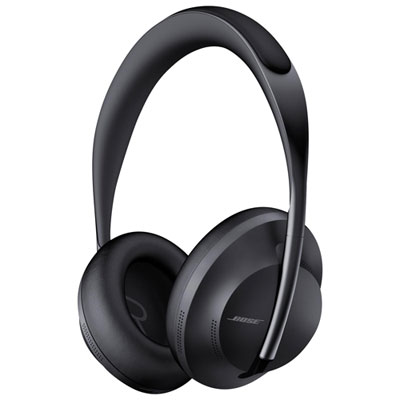 Your price for this item is $479.97
 -
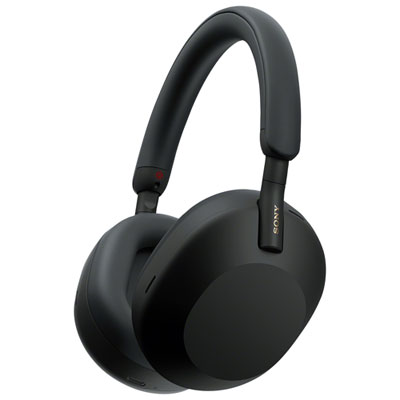 Your price for this item is $348
 -
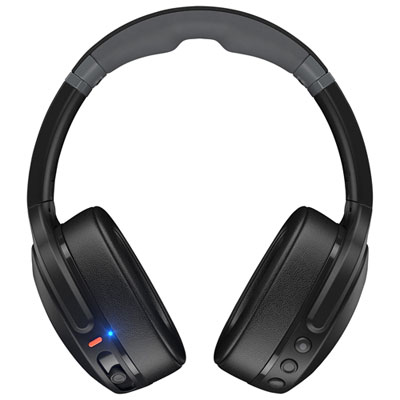 Your price for this item is $199.99
 -
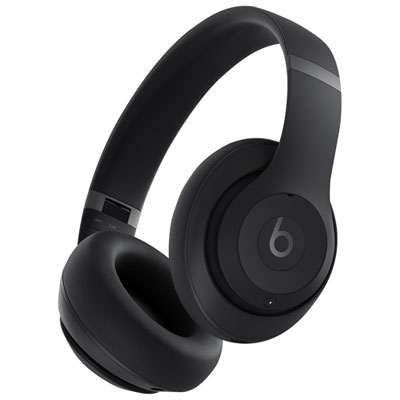 Your price for this item is $229.99
 -
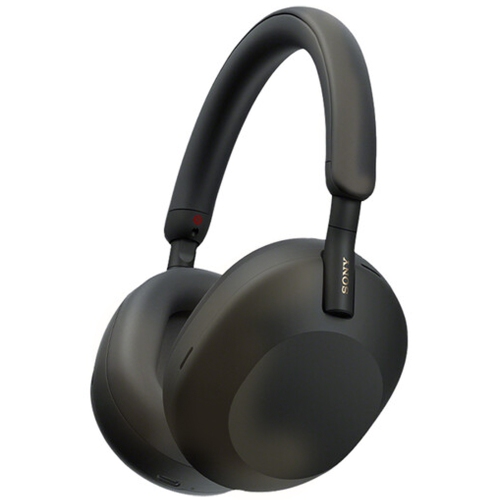 Your price for this item is $438
 -
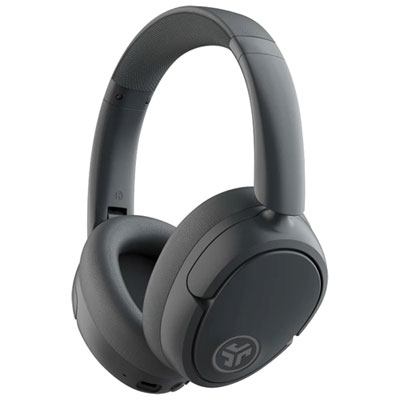 Your price for this item is $79.99
 -
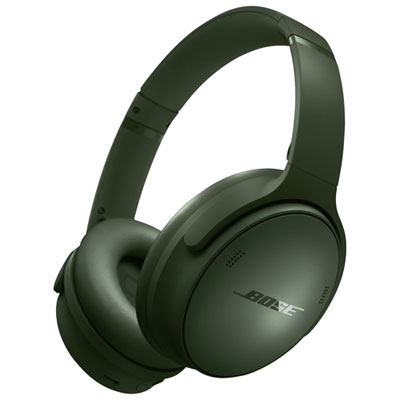 Your price for this item is $479.99
 -
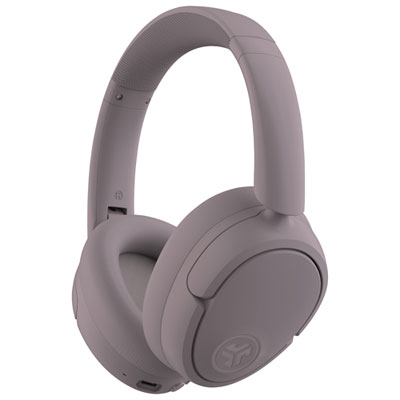 Your price for this item is $79.99
Discover more categories related to PC Headphones
Top Collections:
Pokemon Centers, Kindle Devices, Best Budget Office Chairs, Apple iPhones 16, Best Laptops for Writers, iPhone 15 Apple, Canon G7X Cameras, Refurbished Apple Laptops, Alarm Clock, Motorola Razr Phones
Some products may be subject to Environmental Handling Fees
(EHF) depending on your province.
Learn more about EHFs.