BEBCARE Monitors
Discover peace of mind with a BEBCARE monitor, designed to help you stay connected to your little one at all times. Whether you’re in another room or on the go, these monitors offer reliable performance for parents seeking convenience and reassurance. Explore a variety of options to find the perfect BEBCARE monitor that fits your family’s needs and lifestyle. Make every moment easier and more comfortable with trusted solutions for baby monitoring.
Sort
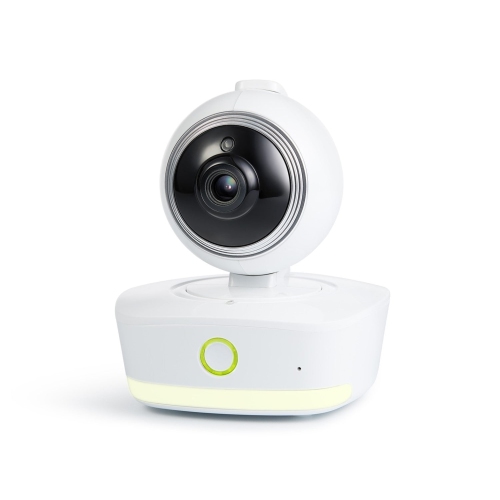
How monitor connections fit your family’s daily routine
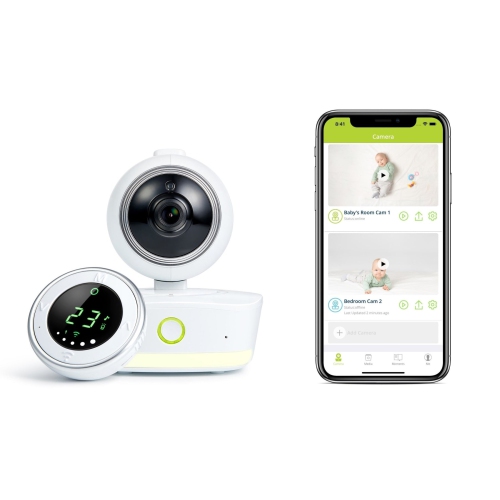
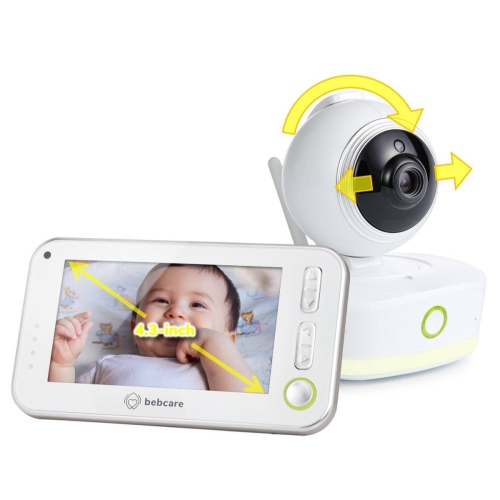
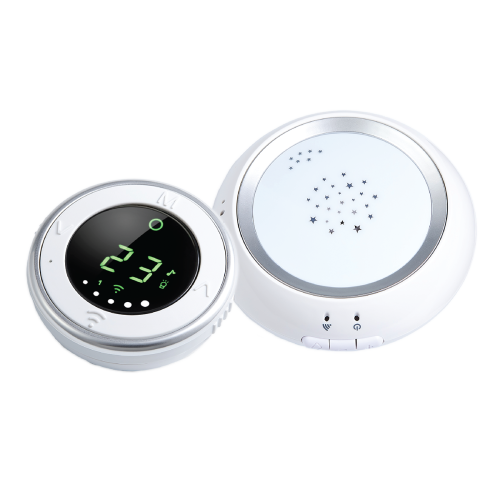
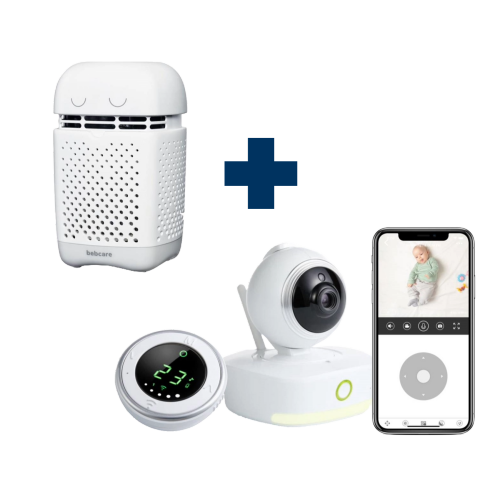
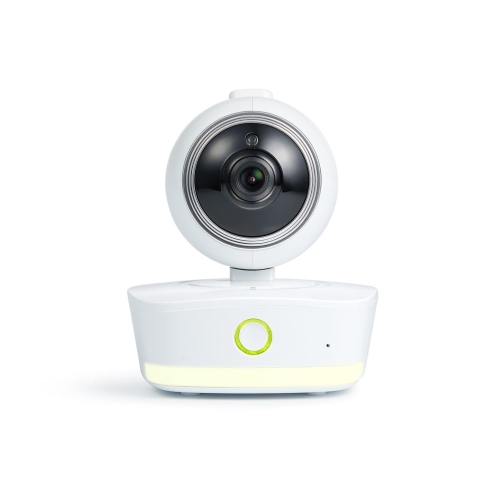
Baby monitors help parents and caregivers stay aware of nursery sounds and, with video models, see their baby while spending time elsewhere in the home. The main choices are audio-only monitors, video monitors with a dedicated parent screen, and Wi-Fi monitors that connect to a compatible smartphone app. Each suits a different kind of household routine. An audio monitor can be a straightforward choice for someone who wants to hear a baby stirring without keeping a screen nearby. A video monitor adds a view of the cot, making it easier to distinguish a brief shuffle from a baby who is awake and looking for company. App-connected options may offer viewing away from home, depending on the monitor, internet connection, and account settings. Browsing Baby Monitors with those differences in mind helps narrow the choice to features that will actually get used. Picture an ordinary evening: the baby is settling, supper dishes are waiting, and one parent is folding a small mountain of sleepers down the hall. Clear sound, a dependable connection, and controls that are easy to find matter more in that moment than a long list of extras. Some families also prefer monitors designed to limit wireless emissions. When comparing low-emission models, look for a clear explanation of how the wireless connection works, whether transmission changes when the nursery is quiet, and which settings affect its operation. Terms such as low-emission or low-radiation describe design claims; they should not be taken as proof that a monitor delivers better health outcomes. The practical goal is to choose a device that fits your preferences while providing reliable alerts and understandable status indicators. For a first nursery, simplicity can be particularly welcome, while families with more than one young child may value support for additional nursery units or cameras. Check compatibility before assuming that a system can expand, since the number of supported units and the way they share sound or screen space vary.
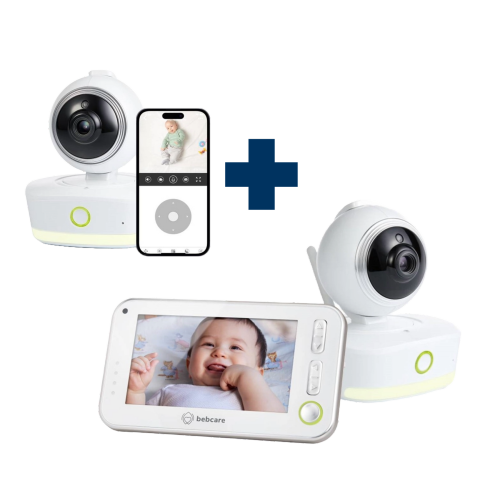
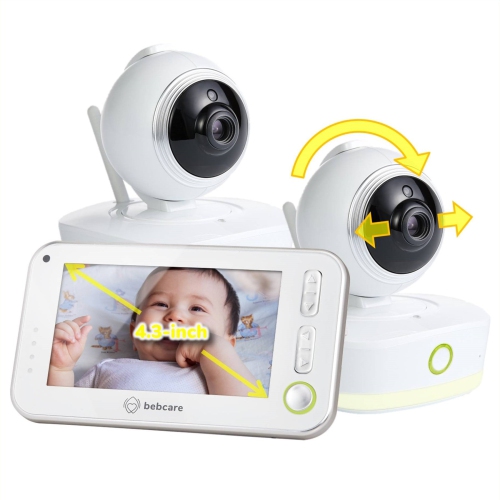
Connection type and usable range deserve close attention because a monitor needs to work where your family actually spends time. A dedicated non-Wi-Fi monitor links its nursery unit to a parent unit without relying on the household internet connection. That can appeal to caregivers who want a separate screen, physical buttons, and no need to use a phone for routine checks. A Wi-Fi monitor uses a home network and compatible software, so phone compatibility, account access, and internet reliability become part of the purchase decision. Hybrid systems may combine a dedicated parent unit with app access, but the available functions should be checked for each model. For connected monitors, review privacy settings, software support, and whether features require a paid subscription. Use a strong, unique password and enable additional account protection where available. Advertised wireless range also needs context: an open-space measurement does not guarantee the same coverage through floors, thick walls, or a detached garage. Testing reception in the bedroom, kitchen, and other usual spots is more useful than judging by the maximum distance alone. Battery specifications need similar care. Standby time can be much longer than operating time with a video screen illuminated, sound playing, or frequent alerts arriving. Look at how the parent unit charges, whether a low-battery warning is clear, and whether the nursery unit requires continuous mains power. For video, screen size, night vision, camera positioning, and viewing controls all influence everyday use. A larger display may make details easier to see, while a compact parent unit can be easier to carry between rooms. Remote pan, tilt, and zoom can help adjust the view when supported, though a thoughtfully positioned camera may need little adjustment. During the cooler months, when family life often gathers indoors, reliable reception between the nursery and shared living spaces can be especially useful. An out-of-range alert is worth checking for, since silence alone should never be assumed to mean that everything is working normally.
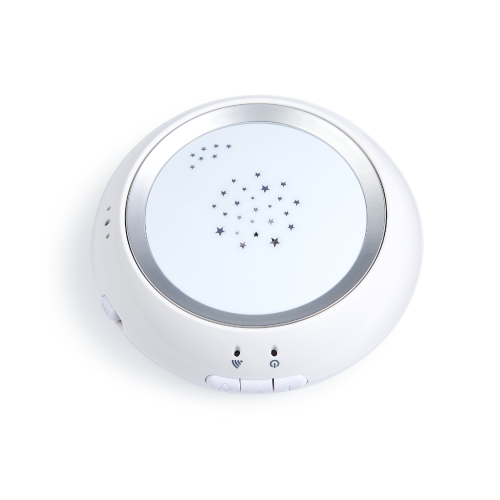
Comfort features are most useful when they match an established routine rather than adding more settings to manage. Adjustable sound sensitivity can help caregivers hear meaningful changes without amplifying every faint rustle, while sound-level lights may draw attention when the room around the parent unit is noisy. If a monitor offers sound-activated operation, check what triggers an alert and whether audio or video pauses between sounds. Two-way talk lets a caregiver speak through the nursery unit, although some babies settle to a familiar voice and others become more alert when they hear it. Built-in lullabies, white noise, or a night light may be convenient, but their usefulness depends on placement, volume control, and how your child responds. A room-temperature display can provide another reference point, especially when household heating is running, but its reading reflects conditions near the sensor rather than every part of the room. Setup deserves just as much thought as features. Keep the monitor, mounting hardware, and all cords out of a child’s reach, follow the manufacturer’s placement instructions, and never place a camera or loose accessories inside the cot. A baby monitor supports awareness; it does not replace adult supervision or safe sleep practices. Optional movement-sensing accessories also require careful compatibility and installation checks, and consumer monitoring devices should not be relied on to prevent sudden infant death syndrome or diagnose a medical concern. For grandparents or other regular caregivers, an easy-to-read display and familiar controls can make a monitor more useful than extensive app functions. As a baby shower gift or a practical present for expectant parents, a monitor is best chosen with the family’s preferences in mind, particularly their choice between a phone connection and a dedicated receiver. Before purchasing, check what comes in the box, whether mounting accessories are needed, and which warranty and support options apply. The strongest choice is one that slips naturally into daily life: easy to hear during household chores, clear enough to check in a dim bedroom, and simple to operate when everyone is tired.
Connection type and usable range deserve close attention because a monitor needs to work where your family actually spends time. A dedicated non-Wi-Fi monitor links its nursery unit to a parent unit without relying on the household internet connection. That can appeal to caregivers who want a separate screen, physical buttons, and no need to use a phone for routine checks. A Wi-Fi monitor uses a home network and compatible software, so phone compatibility, account access, and internet reliability become part of the purchase decision. Hybrid systems may combine a dedicated parent unit with app access, but the available functions should be checked for each model. For connected monitors, review privacy settings, software support, and whether features require a paid subscription. Use a strong, unique password and enable additional account protection where available. Advertised wireless range also needs context: an open-space measurement does not guarantee the same coverage through floors, thick walls, or a detached garage. Testing reception in the bedroom, kitchen, and other usual spots is more useful than judging by the maximum distance alone. Battery specifications need similar care. Standby time can be much longer than operating time with a video screen illuminated, sound playing, or frequent alerts arriving. Look at how the parent unit charges, whether a low-battery warning is clear, and whether the nursery unit requires continuous mains power. For video, screen size, night vision, camera positioning, and viewing controls all influence everyday use. A larger display may make details easier to see, while a compact parent unit can be easier to carry between rooms. Remote pan, tilt, and zoom can help adjust the view when supported, though a thoughtfully positioned camera may need little adjustment. During the cooler months, when family life often gathers indoors, reliable reception between the nursery and shared living spaces can be especially useful. An out-of-range alert is worth checking for, since silence alone should never be assumed to mean that everything is working normally.
Comfort features are most useful when they match an established routine rather than adding more settings to manage. Adjustable sound sensitivity can help caregivers hear meaningful changes without amplifying every faint rustle, while sound-level lights may draw attention when the room around the parent unit is noisy. If a monitor offers sound-activated operation, check what triggers an alert and whether audio or video pauses between sounds. Two-way talk lets a caregiver speak through the nursery unit, although some babies settle to a familiar voice and others become more alert when they hear it. Built-in lullabies, white noise, or a night light may be convenient, but their usefulness depends on placement, volume control, and how your child responds. A room-temperature display can provide another reference point, especially when household heating is running, but its reading reflects conditions near the sensor rather than every part of the room. Setup deserves just as much thought as features. Keep the monitor, mounting hardware, and all cords out of a child’s reach, follow the manufacturer’s placement instructions, and never place a camera or loose accessories inside the cot. A baby monitor supports awareness; it does not replace adult supervision or safe sleep practices. Optional movement-sensing accessories also require careful compatibility and installation checks, and consumer monitoring devices should not be relied on to prevent sudden infant death syndrome or diagnose a medical concern. For grandparents or other regular caregivers, an easy-to-read display and familiar controls can make a monitor more useful than extensive app functions. As a baby shower gift or a practical present for expectant parents, a monitor is best chosen with the family’s preferences in mind, particularly their choice between a phone connection and a dedicated receiver. Before purchasing, check what comes in the box, whether mounting accessories are needed, and which warranty and support options apply. The strongest choice is one that slips naturally into daily life: easy to hear during household chores, clear enough to check in a dim bedroom, and simple to operate when everyone is tired.
Top selling and popular products
-
 Your price for this item is $429.99
 -
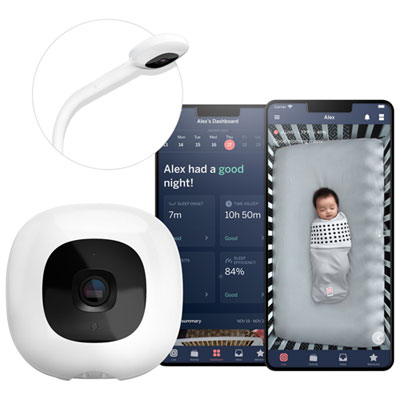 Your price for this item is $499.99
 -
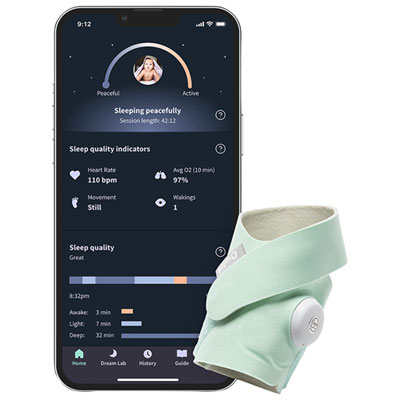 Your price for this item is $449.99
 -
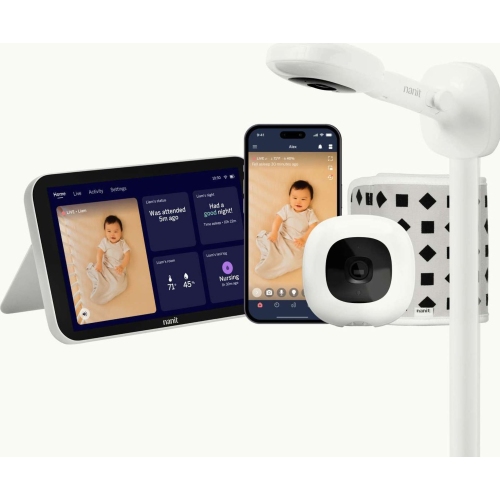 Your price for this item is $679.99
 -
 Your price for this item is $539.99
 -
 Your price for this item is $74.95
 -
 Your price for this item is $119.99
 -
 Your price for this item is $199.99
Discover more categories related to BEBCARE Monitors
Top Collections:
Pokemon Centers, Best Cameras for Sports Photography, Kindle Devices, Samsung Galaxy Phones, Canon G7X Cameras, Pokémon 30th Celebration Cards, Refurbished Apple Laptops, iPhone 15 Apple, Laptops for Students, Budget Smartphones
Some products may be subject to Environmental Handling Fees
(EHF) depending on your province.
Learn more about EHFs.