Back To School Note Taking Devices

Find back-to-school note-taking devices for capturing lecture notes, organizing coursework, and reviewing study materials. Explore laptops, tablets, and digital notebooks, with attention to portability, battery life, and keyboard or stylus support to suit how you work in class and on the go.


Read More

Sort

Back To School Note Taking Devices

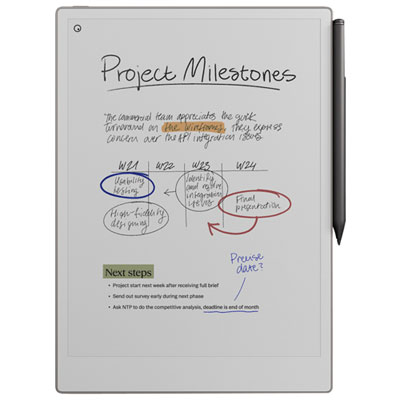
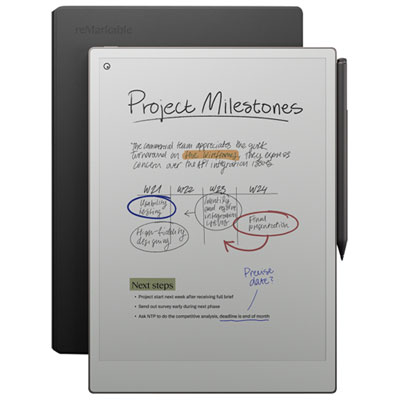
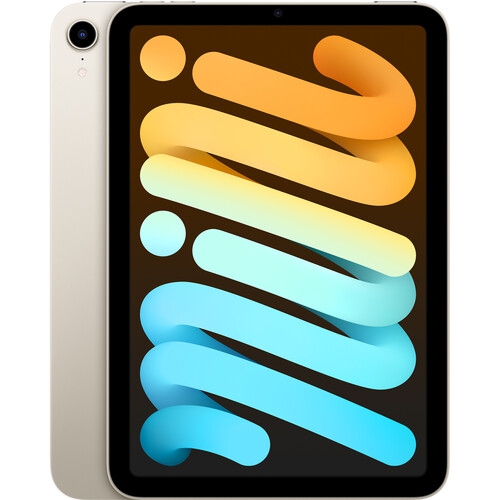
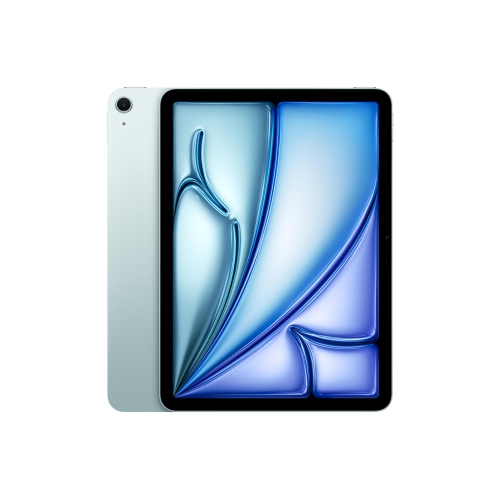
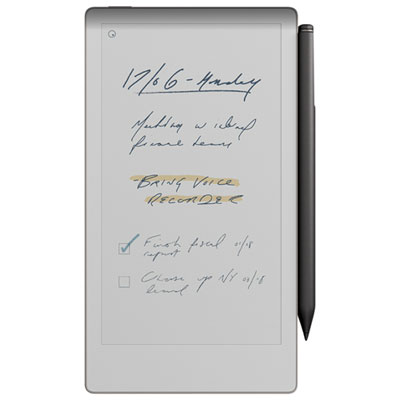
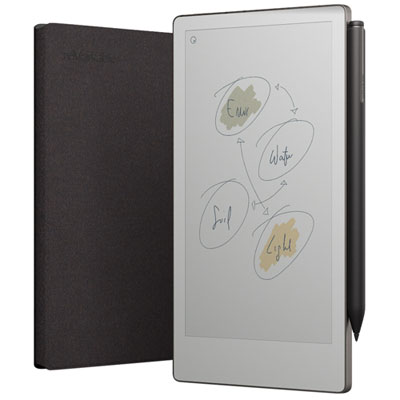
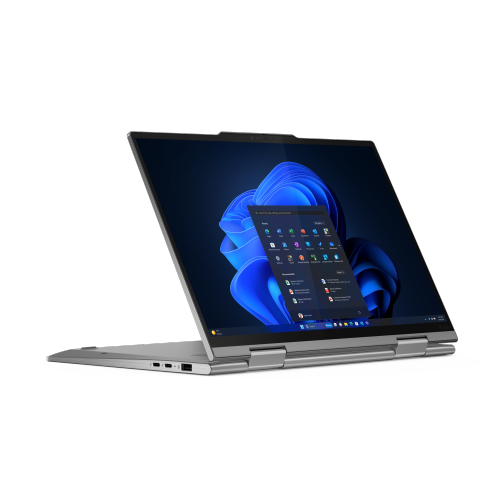
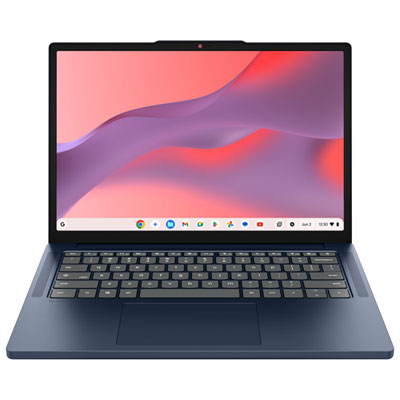
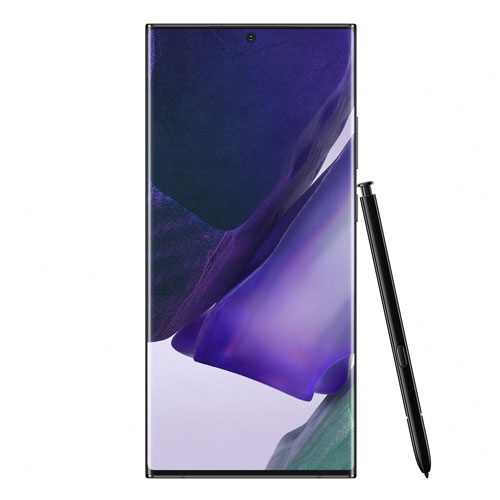
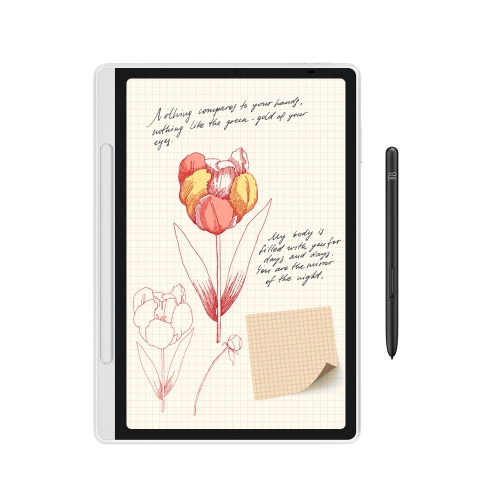
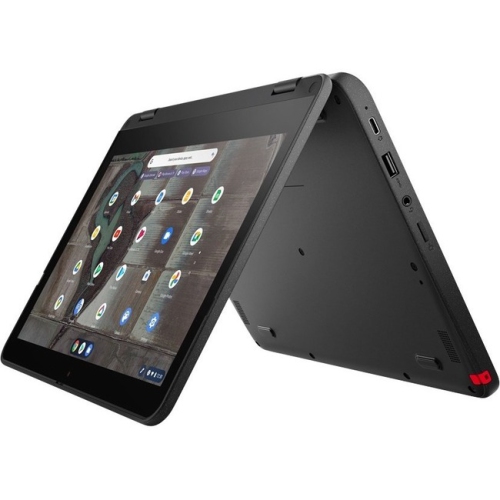
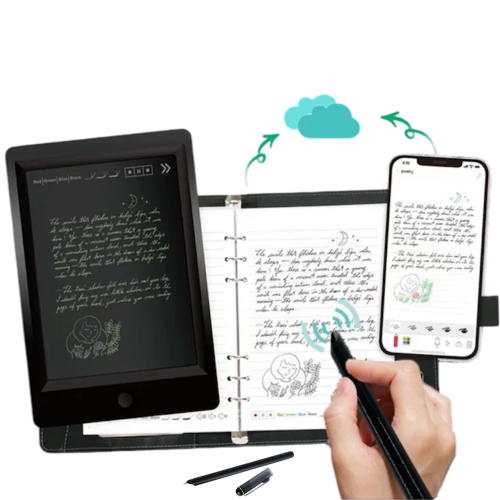
Back To School Note Taking Devices bring together practical tools for capturing ideas, organizing coursework, and keeping class materials close at hand. From a laptop for typing lecture notes to a tablet for annotating readings or a digital notebook for handwritten equations, the right choice depends on how a student learns and what their courses demand. In a busy lecture hall, a comfortable keyboard can make it easier to keep up with a fast-moving discussion. At a library desk, a responsive stylus can be more useful for sketching a diagram, marking up a PDF, or working through a calculation line by line. Students who move between those tasks may appreciate a device that supports both typing and handwriting, while those who already have a dependable computer might prefer a dedicated companion for reading and handwritten notes. Think about the everyday routine rather than the feature list alone: the best fit should feel just as useful during a ten-minute review before class as it does through an afternoon of studying.

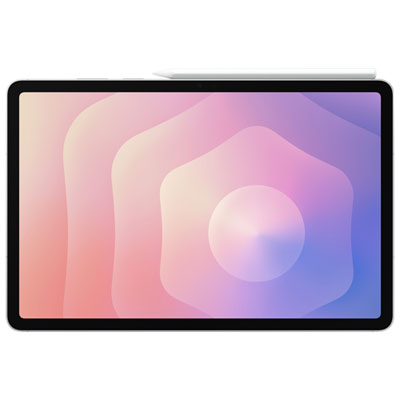
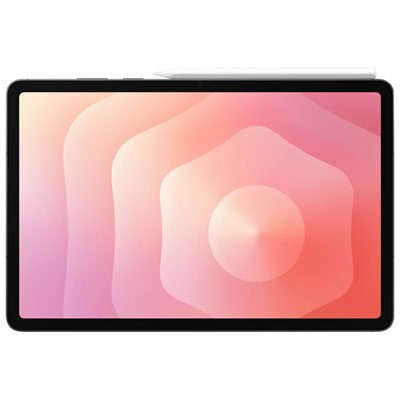
Comfort, portability, and battery life deserve a close look when choosing a note-taking device for school. A larger screen offers more room to view a textbook beside a page of notes, but a compact, lightweight design is easier to carry between classrooms and use on a narrow lecture-hall desk. For typed notes, keyboard spacing, key feel, and a steady base can make long sessions more comfortable. For handwriting, check stylus compatibility, palm rejection, and whether the pen is included or sold separately. A securely stored stylus is a small detail that matters when a student is packing up quickly at the end of class. Display brightness and glare handling are worth considering, too, particularly for students who study near windows or move between different lighting conditions. Compare stated battery life with the likely school-day workload, remembering that video calls, high brightness, and running several apps can increase power use. A convenient charging connection and a charger that fits easily into a backpack can help keep the daily setup manageable.

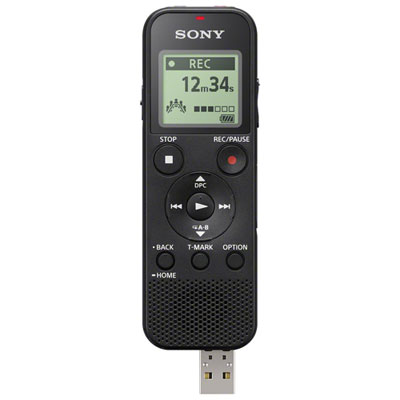
Software compatibility is just as important as the device itself. Before choosing, check the school’s requirements and confirm that essential note-taking apps, learning platforms, document formats, and any course-specific software are supported. Some devices are well suited to reading and annotation but are not intended to replace a full computer for assignments. Features such as searchable handwriting, PDF markup, folders, tags, and audio recording can make it easier to revisit material, though availability varies by device and app, and recording should follow school policies and have any required permission. Offline access is especially helpful when Wi-Fi is unavailable: students should be able to open the materials they need without relying on a constant connection. It is also worth checking how notes are backed up, whether they can be exported in common formats, and whether useful features require a paid subscription. The aim is a dependable workflow, with lecture notes, readings, and assignment outlines easy to find when deadlines start to overlap.

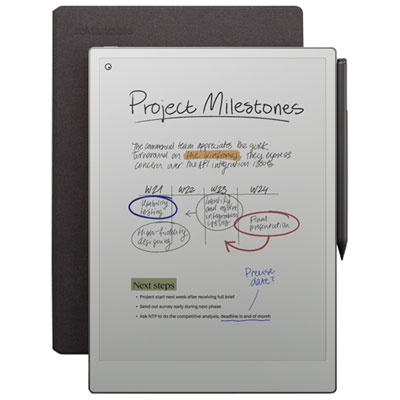
These devices can be useful for secondary school students building study habits, post-secondary students managing several courses, and adults returning to the classroom alongside work or family commitments. They can also make a thoughtful back-to-school gift, particularly when chosen around the recipient’s existing setup and preferences. Someone who fills paper margins with arrows and sketches may value handwriting support more than a keyboard, while a student who drafts essays between classes may need a device that handles both notes and longer assignments. If the purchase is a gift, checking course requirements and accessory compatibility first can prevent an otherwise promising choice from falling short. Leave room in the budget for essentials such as a protective case, a compatible pen, or a keyboard if they are not included. A well-matched device will not do the studying, but it can help keep the small pieces of a school day together—from a diagram drawn in the morning to the notes pulled up for an evening review.

Read More

FAQ

Some products may be subject to Environmental Handling Fees (EHF) depending on your province. Learn more about EHFs.