Best Chromebook for High School Students
Finding the best Chromebook for high school students starts with everyday needs, from taking notes and researching assignments to joining online classes. Look for a comfortable keyboard, a portable design, and enough battery life to get through the school day. Ranked by user review ratings, this list helps you compare options for homework, group projects, and study sessions.
What to look for in Chromebooks for High School Students
1. Performance and Storage
2. School Software Compatibility
3. Battery Life and Portability
4. Connectivity and Update Support
-
1
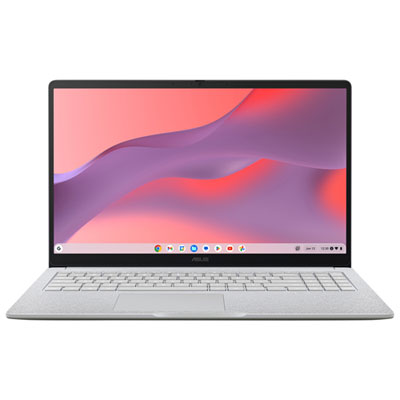
ASUS CX15 15.6" Chromebook, - Intel N50 - 8GB LPDDR5 - 128GB eMMC - ChromeOS - Pure Grey
About this product
A pure grey Chromebook featuring an Intel N50 processor, 8GB RAM, and a Full HD anti-glare display.
What customers like
(189)$429.99Your price for this item is $429.99SAVE $70 -
2
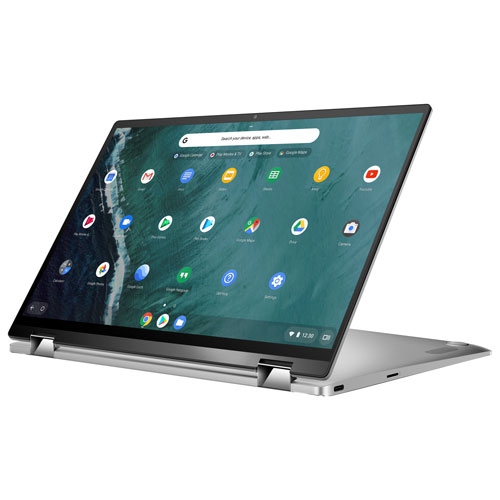
ASUS Refurbished (Good) - Chromebook Flip 14" Touchscreen 2-In-1 - Intel Cm3-8100Y - 4GB Lpddr3 - 64GB Emmc - Chrome Os - In Silver
About this product
A versatile 2-in-1 laptop with a 14" touchscreen, Intel CM3-8100Y, 64GB eMMC, and 4GB RAM.
What customers like
(60)$1,006.68Your price for this item is $1006.68SAVE $15 -
3
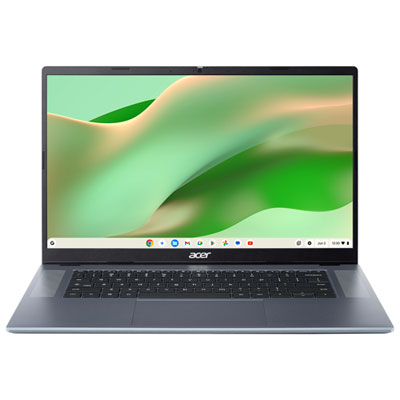
Acer Chromebook 315 15.6" - MediaTek Kompanio 540 - 8GB LPDDR5X - 128GB eMMC - ChromeOS - Silver
About this product
A sleek silver laptop with a 15.6" Full HD display, MediaTek Kompanio 540, and 8GB RAM.
(8)$649.99 Your price for this item is $649.99 -
4
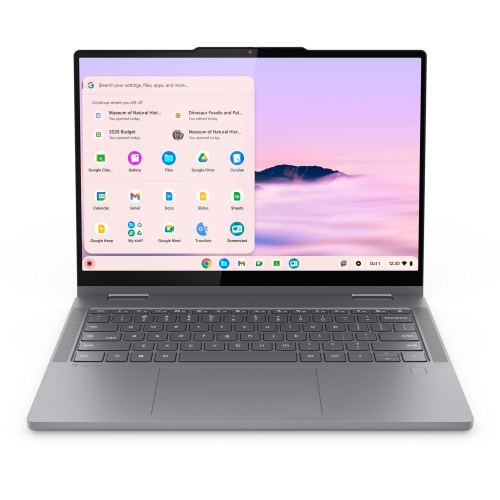
LENOVO Chromebook Plus 2-In-1 Laptop, 14" Ips Glass, Intel Core 3 N355, 8GB, 128GB
About this product
A versatile 2-in-1 laptop with a 14" IPS glass display, Intel Core 3 N355, 8GB RAM, and 128GB storage.
(3)$1,099.99 Your price for this item is $1099.99 -
5
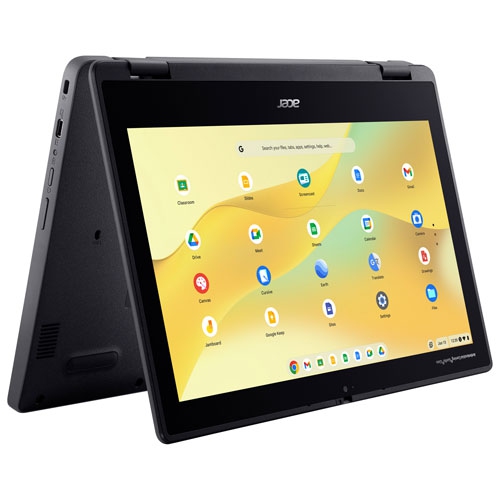
ACER - 11.6" Touchscreen 2-In-1 Chromebook Laptop (Mediatek Kompanio 528/8GB Ram/128GB Emmc)
About this product
A versatile 2-in-1 Chromebook with an 11.6" touchscreen, 8GB RAM, and 128GB eMMC storage.
(2)$274.99Your price for this item is $274.99SAVE $55 -
6
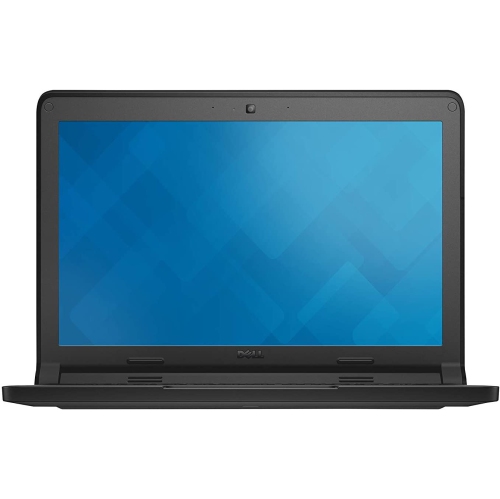
DELL Refurbished (Good) - Chromebook 11 11.6" Student Chromebook - Intel N2840 - 2GB Ddr3L - 16GB SSD - Chromeos - In Blue
About this product
A refurbished Chromebook with an 11.6" display, Intel N2840 processor, 2GB DDR3L RAM, and Chrome OS.
(1)$142.00 Your price for this item is $142 -
7
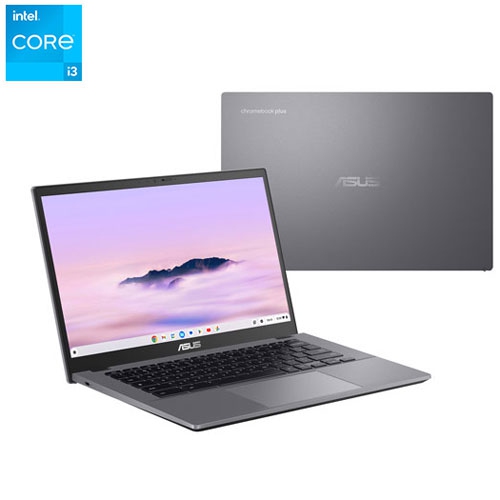
ASUS - Cx34 14" Touchscreen Chromebook Plus - Intel Core I3-1315U - 8GB Lpddr5X - 128GB Ufs - Chromeos - Rocky In Grey
About this product
A portable touchscreen Chromebook with Intel Core i3 processor, 8GB RAM, and 128GB UFS storage.
(1)$519.95Your price for this item is $519.95SAVE $80 -
8
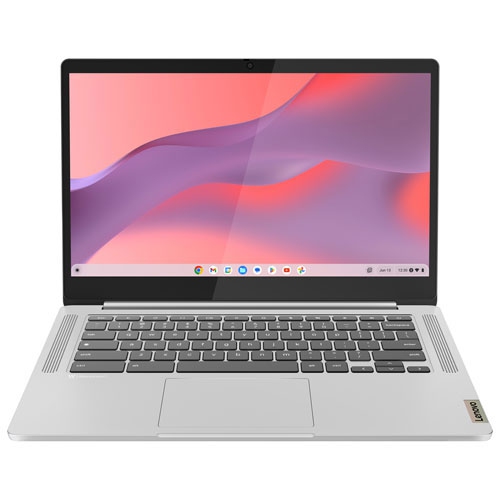
LENOVO Refurbished (Excellent) - Slim 3 14" Touchscreen Chromebook Laptop - (Mediatek Kompanio 520/8GB Ram/128GB Emmc)
About this product
A refurbished Chromebook featuring a 14" full HD touchscreen, MediaTek processor, 8GB RAM, and 128GB storage.
(1)$284.97Your price for this item is $284.97SAVE $75 -
9
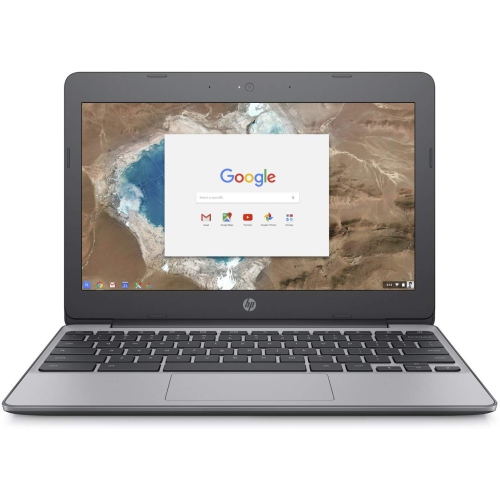
HP Refurbished (Good) - 11.6" Chromebook 11 - Intel Celeron N3060 - 4GB - 16GB Emmc - Chromeos
About this product
A portable Chromebook with Intel Celeron N3060, 4GB RAM, and 16GB eMMC storage for everyday tasks.
(1)$145.00 Your price for this item is $145 -
10
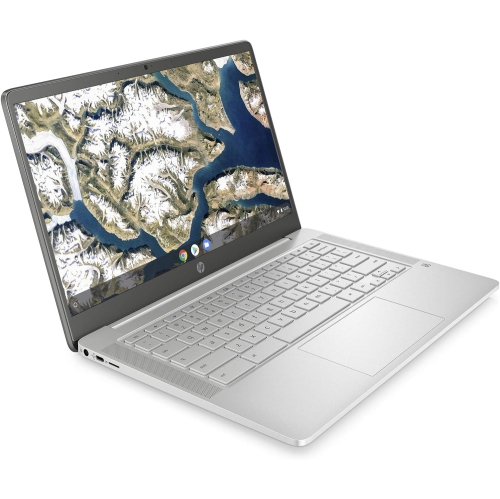
HP - 14" Chromebook - Intel Celeron N4000 - 4GB Lpddr4 - 64GB Emmc - Chromeos - Mineral In Silver
About this product
A sleek silver Chromebook featuring an Intel Celeron processor, 4GB RAM, and 64GB eMMC storage.
What customers like
(0)$400.00 Your price for this item is $400
FAQ
Look for a comfortable keyboard, battery life suited to a school day, a built-in webcam for virtual classes, and ports for classroom accessories. Check that the Chromebook supports your school’s required apps and has an automatic update period that covers your planned years of use.
Chromebooks support Google Classroom and browser-based tools such as Google Docs, Sheets, and Slides. Students can also use web versions of Microsoft 365 apps, although features may differ from their desktop counterparts. Access to some services depends on the school’s account permissions and subscriptions.
Students can complete certain tasks offline, such as editing supported documents and viewing downloaded files. Offline access for Google Docs, Sheets, and Slides must be enabled beforehand. An internet connection is needed to sync changes, submit assignments online, and use services that require a connection.
Students can use the Files app to manage downloaded documents, external storage, and files in Google Drive. Creating folders by subject, assignment, or term can keep coursework organized. Cloud storage allowances and access to shared folders depend on the student’s account and school settings.
A standard Chromebook has a traditional laptop design, while a 2-in-1 model can switch between laptop and tablet modes through a folding hinge or detachable keyboard. Touch input can be useful for reading and annotating class materials. For handwritten notes or drawing, check for compatible stylus support, as not every touchscreen Chromebook supports an active pen.
Top selling and popular products
Discover more categories related to Best Chromebook for High School Students


Some products may be subject to Environmental Handling Fees (EHF) depending on your province. Learn more about EHFs.