Google Chromebooks for Students
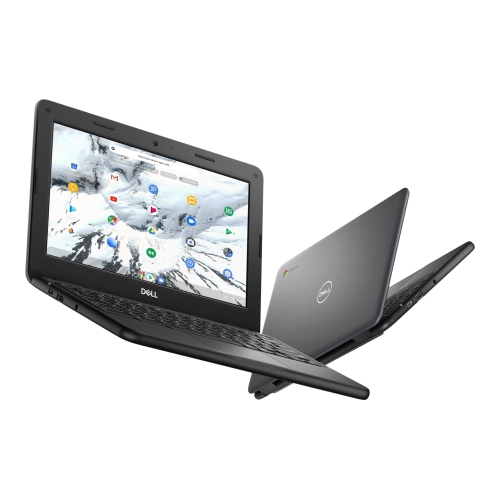
Google Chromebooks for students offer a laptop option for coursework, online research, and everyday study. Browse the selection and compare screen size, memory, storage, and battery life to find a fit for classes and homework. Check your school’s software requirements before choosing, as Chromebooks run ChromeOS rather than Windows or macOS.




FAQ
Chromebooks run ChromeOS, Google’s operating system. Students can access websites through the Chrome browser, use web-based tools and manage files through the Files app. A Google Account connects services such as Gmail, Google Drive and Google Docs.
Students can use web apps for writing, presentations, spreadsheets and class communication. Supported Chromebooks also offer Android apps through the Google Play Store, although school administrators may restrict access. Windows and macOS desktop programs do not install directly on ChromeOS, so check course software requirements before choosing a Chromebook.
Students can save assignments in Google Drive, in local storage or on compatible external storage devices. Google Drive files are linked to the signed-in account, while locally saved files remain on the Chromebook unless moved or uploaded. Some apps also let students make selected files available offline.
Students can generally sign in with a school-issued Google Account if their school permits it. Schools may manage account features, app access and device settings. A school-managed Chromebook may also limit personal accounts, so check the school’s device and account requirements.
Depending on its connections, a Chromebook can work with compatible mice, keyboards, headsets, webcams and external displays. Accessories may connect through USB, Bluetooth or a display adapter. Check the Chromebook’s ports and the accessory’s ChromeOS compatibility, particularly for accessories that require special software.
Top selling and popular products
Discover more categories related to Google Chromebooks for Students
Some products may be subject to Environmental Handling Fees (EHF) depending on your province. Learn more about EHFs.