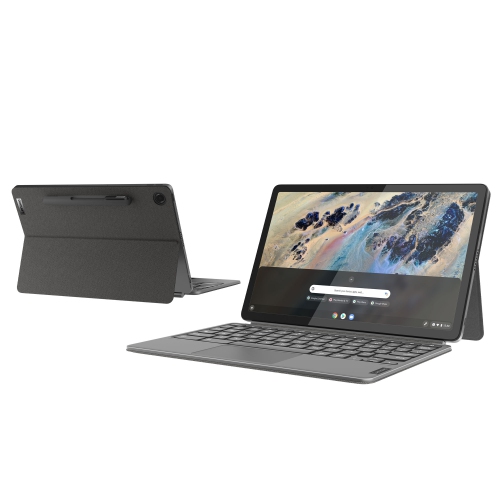
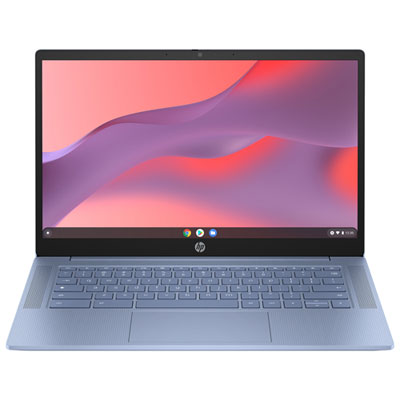
Chromebook Laptops For Students
Chromebook Laptops for Students are designed to support learning, productivity, and everyday tasks in and out of the classroom. With their lightweight designs and user-friendly interfaces, these laptops offer students a reliable way to complete assignments, collaborate with classmates, and stay connected. Explore a variety of Chromebook Laptops for Students that combine portability with essential features to help meet academic goals at every grade level.
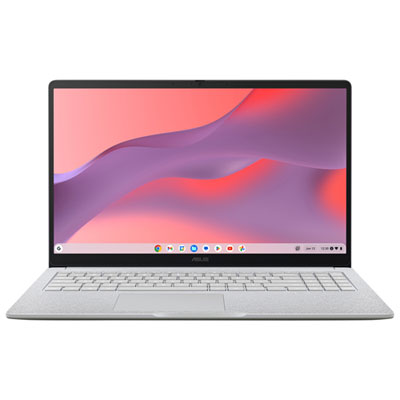
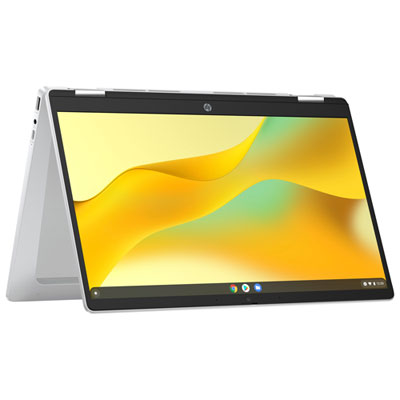
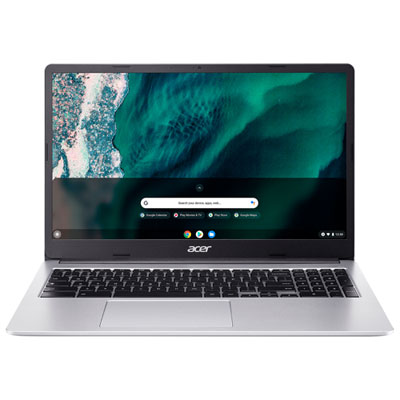

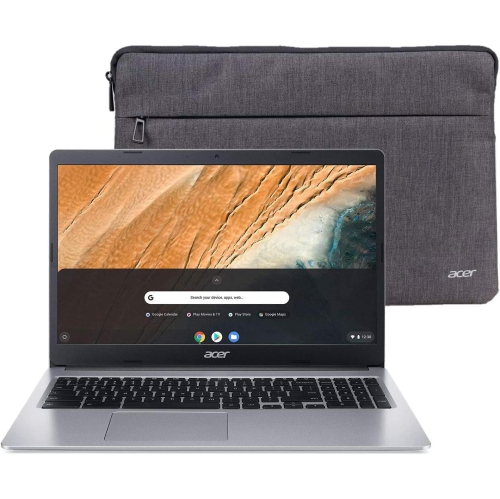
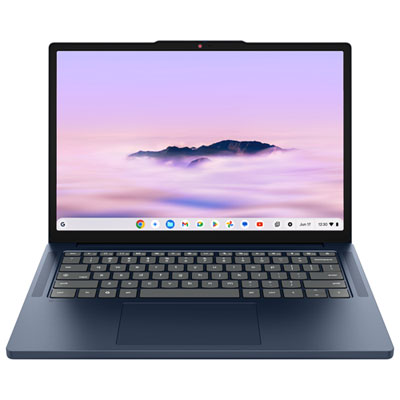
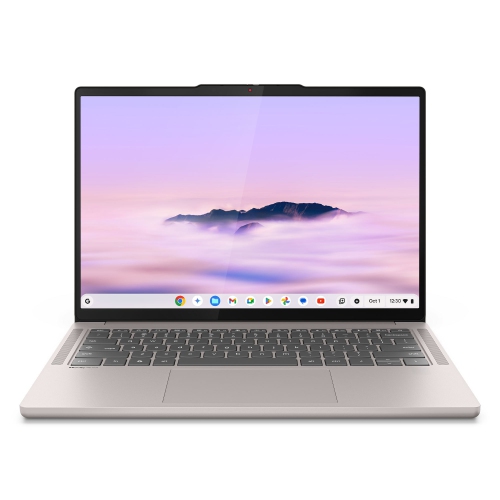
Practical features that support learning from class to campus
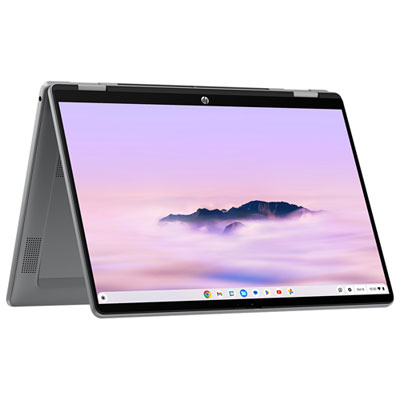
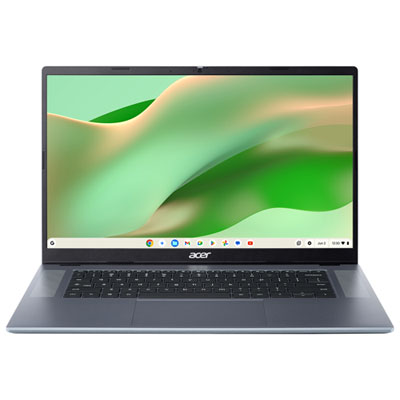
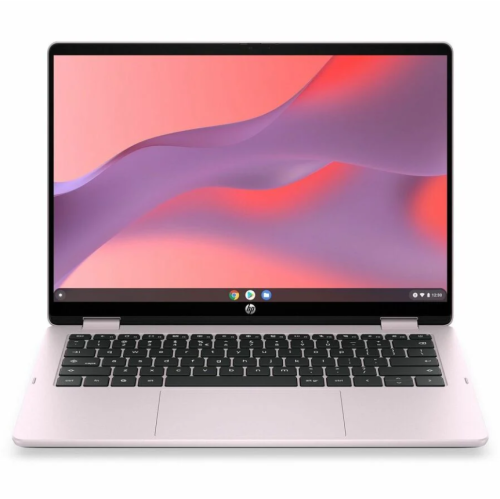
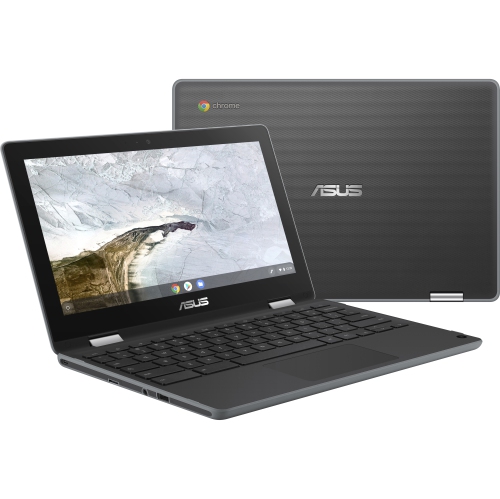
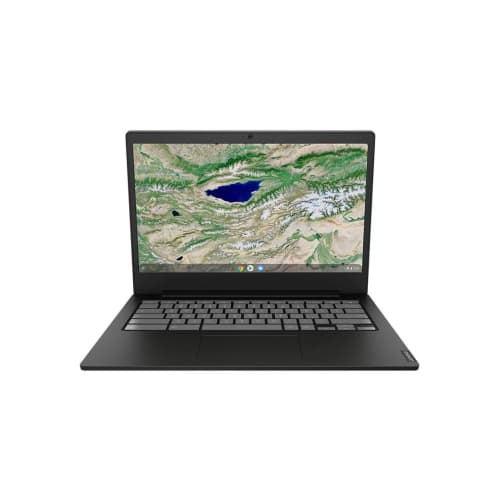
When considering which Chromebook laptop to choose, it’s important to think about the specific needs of the student. For those who spend long hours in lectures or libraries, models with extended battery life and comfortable keyboards are invaluable. Younger students might benefit from rugged designs that can handle the occasional bump or spill, while older students may appreciate larger screens for multitasking or creative projects. Features like touchscreen functionality or convertible designs can add versatility, allowing a Chromebook to double as a tablet for drawing, note-taking, or presentations. Storage needs can vary as well—cloud-based file management is standard with Chromebooks, but some users may want extra onboard space for offline access to assignments and media. The range of chromebook laptop price points means there’s something for every budget, from cost-effective options for basic browsing and homework to more advanced models capable of handling demanding applications. As the weather warms and students transition from classroom to outdoor study spots, the portability and durability of a Chromebook make it easy to keep up with schoolwork on the go, whether at a local café, park, or library.
Shopping for a Chromebook laptop is about more than just specs—it’s about finding a device that fits seamlessly into a student’s daily routine. Parents often look for dependable devices that can withstand the rigours of school life, while students themselves may prioritize speed, screen quality, or the ability to customize with apps from the Google Play Store. For those navigating their first independent study sessions or group projects, the collaborative features of a Chromebook—like real-time document editing and video conferencing—ensure everyone stays connected, no matter where they are. If you’re exploring options for the upcoming school season or searching for a practical gift, you’ll find an extensive selection of devices designed with students in mind on the Chromebooks for Students page. With the right Chromebook, students can stay organized, productive, and inspired, making every school day a little bit easier and a lot more enjoyable.
FAQ
What are the main benefits of using a Chromebook laptop for students?
Chromebook laptops offer fast startup times, long battery life, and seamless integration with Google Workspace tools like Docs, Sheets, and Classroom. They are lightweight, easy to use, and designed for cloud-based learning, making them ideal for students.
Can Chromebooks run educational apps and software commonly used in schools?
Yes, Chromebooks support a wide range of educational apps available through the Google Play Store and Chrome Web Store. Many popular learning platforms and productivity tools are optimized for Chrome OS.
Are Chromebooks suitable for both online and offline schoolwork?
Chromebooks are designed primarily for cloud-based tasks but also offer offline capabilities. Students can access Google Docs, Sheets, Slides, and other select apps without an internet connection by enabling offline mode.
How do Chromebooks help with student collaboration and group projects?
Chromebooks make it easy for students to collaborate in real time using Google Workspace tools. Multiple users can work on documents simultaneously, share files instantly, and communicate through built-in video conferencing features.
What kind of parental controls or supervision features do Chromebooks offer?
Chromebooks support Family Link and other parental control options that allow guardians to manage screen time, set app restrictions, monitor activity, and help keep students focused while using their devices.
Top selling and popular products
-
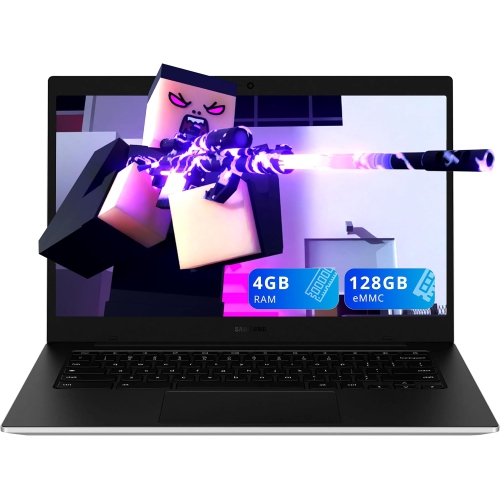 Your price for this item is $299.99
 -
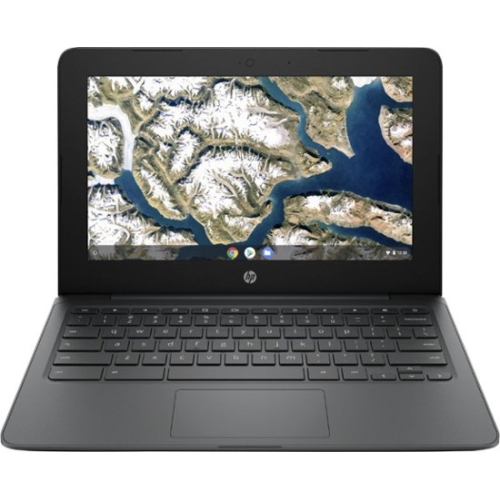 Your price for this item is $199.99
 -
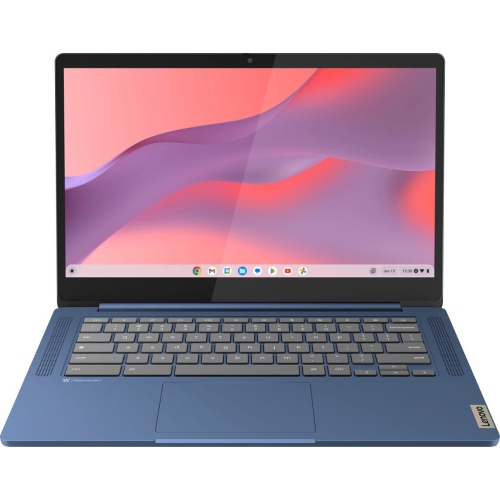 Your price for this item is $449
 -
 Your price for this item is $406.99
 -
 Your price for this item is $499.99
 -
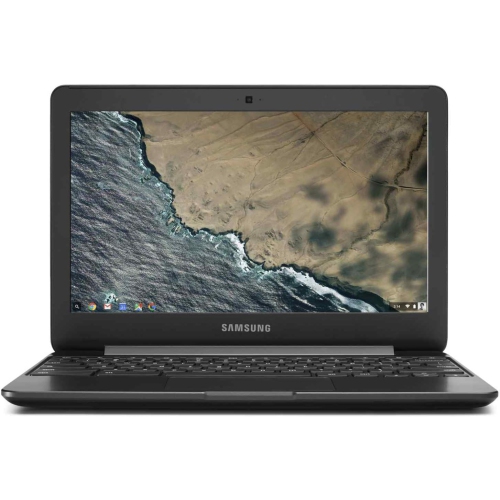 Your price for this item is $248
 -
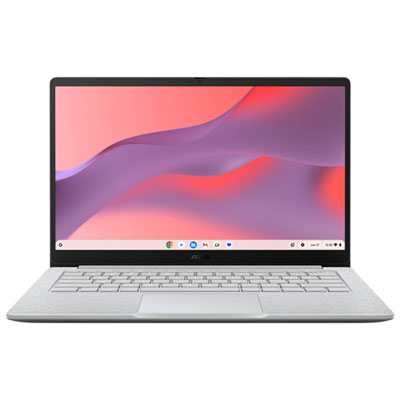 Your price for this item is $369.99
 -
 Your price for this item is $349.99