Best Keyboards for iPad
Find the best keyboards for iPad to make typing, studying, and working on the go more comfortable. Ranked by user review ratings, this list highlights options to help you compare features such as key layout, connectivity, and portability. Whether you’re taking notes or drafting documents, explore keyboards that suit your iPad model and the way you use it.
What to look for in keyboards for iPad
1. iPad Compatibility
2. Typing Comfort and Controls
3. Connectivity and Power
4. Portability and Viewing Angles
-
1
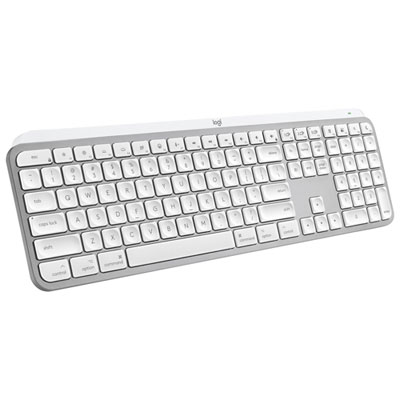
Logitech MX Keys S Wireless Backlit Keyboard for Mac/Ipad - Pale Grey - Only at Best Buy
About this product
A wireless backlit keyboard in pale grey, designed for Mac and iPad with customizable smart actions.
What customers like
(21)$159.99Your price for this item is $159.99SAVE $10 -
2
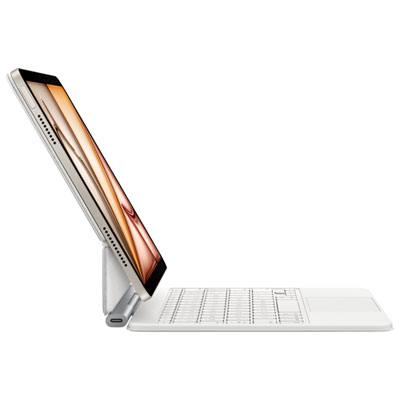
Apple Magic Keyboard for iPad Air 11" (M2/M3/M4) - English - White
About this product
A sleek white keyboard with a glass trackpad, adjustable viewing angles, and front and back protection.
What customers like
(273)$353.98Your price for this item is $353.98SAVE $26 -
3
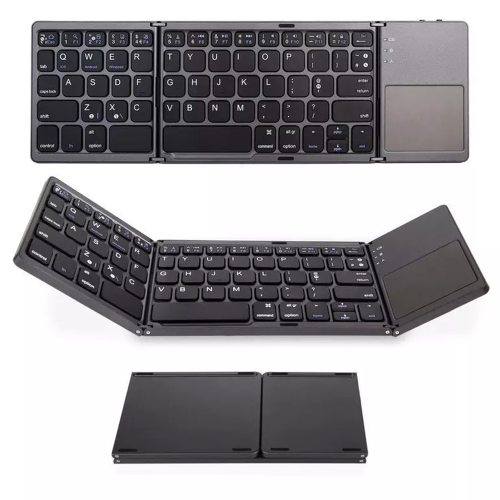
WINOMART Ultra Slim Foldable Bluetooth Keyboard w Touch Pad Tri-Folding Portable Wireless Pocket Mini Keyboard w Touchpad Compatible w Iphone Ipad
About this product
An ultra-slim, tri-folding wireless keyboard with integrated touchpad, compatible with iOS 13.3 and above.
(2)$39.99Your price for this item is $39.99SAVE $50 -
4
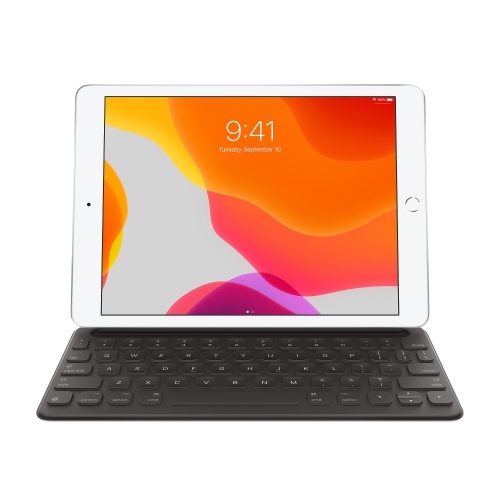
APPLE Smart Keyboard for Ipad (7Th Gen), Ipad Air (3Rd Gen) & Ipad Pro 10.5" - - English In Black
About this product
A sleek black keyboard that connects seamlessly to select iPad models for comfortable typing and productivity.
(1)$149.99Your price for this item is $149.99SAVE $70 -
5
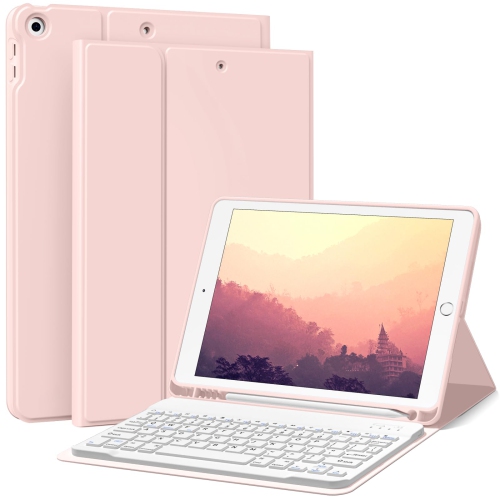
HLD New Ipad 9Th/8Th/7Th Generation Case Keyboard 10.2", Magnetically Wireless Bluetooth Keyboard Case w Pencil Holder, Auto Wake/sleep Cover For
About this product
A pink wireless Bluetooth keyboard case with pencil holder and auto wake/sleep cover for iPad 10.2".
(1)$59.99Your price for this item is $59.99SAVE $40 -
6
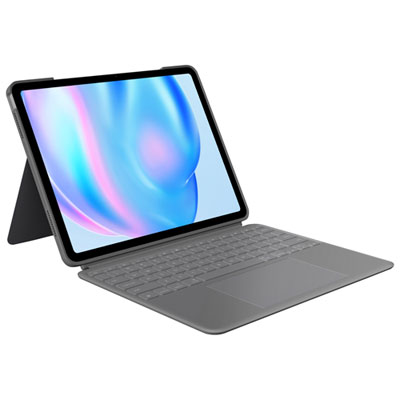
Logitech Combo Touch Keyboard Case with Trackpad for iPad Air 13" (M2/M3/M4), iPad Air (5th gen) - Oxford Grey - Eng
About this product
An Oxford grey keyboard case with trackpad, detachable keyboard, and kickstand for enhanced iPad productivity and protection.
What customers like
(234)$299.99 Your price for this item is $299.99 -
7
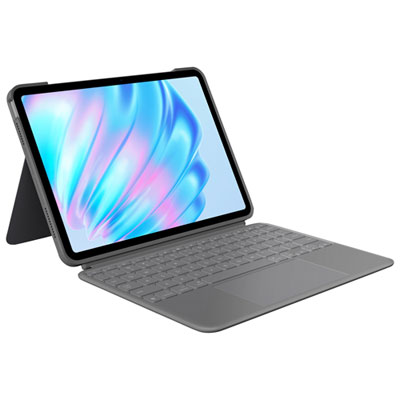
Logitech Combo Touch Keyboard Case with Trackpad for iPad Air 11" (M2, M3 & M4), iPad Air (5th gen) - Oxford Grey - Eng
About this product
An Oxford Grey keyboard case with trackpad and kickstand, offering versatile protection and enhanced productivity.
What customers like
(325)$269.99 Your price for this item is $269.99 -
8
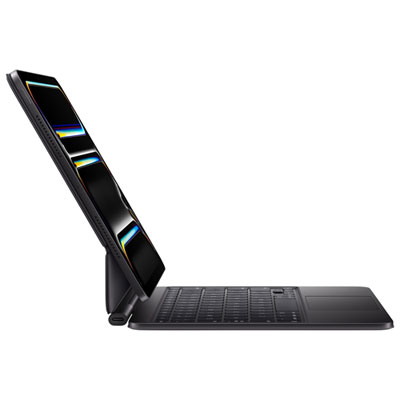
Apple Magic Keyboard for iPad Pro 11" (M4) - English - Black
About this product
A sleek black keyboard with aluminum palm rest, trackpad, function row, and adjustable floating cantilever design.
What customers like
(489)$399.99 Your price for this item is $399.99 -
9
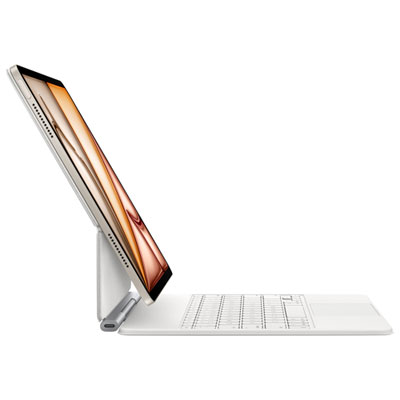
Apple Magic Keyboard for iPad Air 13" (M2/M3/M4) - English - White
About this product
A sleek white keyboard with trackpad, function row, and adjustable design for enhanced iPad productivity.
What customers like
(174)$373.98 Your price for this item is $373.98 -
10
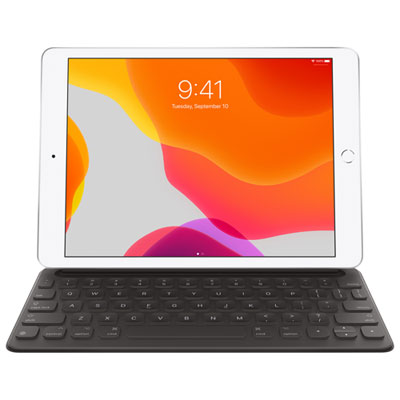
Apple Smart Keyboard for iPad (8th/7th Gen), iPad Air (3rd Gen) & iPad Pro 10.5" - Black - English
About this product
A portable black keyboard that connects instantly to compatible iPad models and folds into a slim cover.
What customers like
(1,341)$218.97 Your price for this item is $218.97
FAQ
Look for compatibility with your iPad model, a comfortable key layout, and iPadOS shortcut keys. Backlit keys can make typing in dim lighting more convenient, while a built-in trackpad adds pointer controls. A keyboard case combines typing with a stand, while a separate keyboard offers more flexibility in how you arrange your workspace.
Many keyboards connect through Bluetooth and use a rechargeable battery or replaceable batteries. Compatible Smart Connector keyboards draw power from the iPad and connect without Bluetooth pairing. Wired keyboards may also work through the iPad’s port, though an adapter may be required depending on the keyboard and iPad model.
Check the keyboard’s compatibility list against your iPad’s model name and generation, which you can find in Settings under General and About. Keyboard cases and Smart Connector keyboards typically require specific iPad models. Bluetooth keyboards often support a broader range of iPads, but some shortcuts and trackpad features may require a particular iPadOS version.
A keyboard case attaches to your iPad and usually includes a way to hold it upright, making it convenient to carry the two together. A standalone keyboard stays separate, so you can position it independently and use your preferred iPad stand. Some standalone keyboards also let you switch between multiple paired devices.
Yes. Compatible keyboards support common shortcuts such as Command-C to copy and Command-V to paste. In many apps, holding the Command key displays available shortcuts. A compatible trackpad adds pointer navigation and gestures, though available controls depend on the accessory, app, and iPadOS version.
Top selling and popular products
Discover more categories related to Best Keyboards for iPad


Some products may be subject to Environmental Handling Fees (EHF) depending on your province. Learn more about EHFs.