Portable iPad Keyboards
Enhance your productivity on-the-go with our selection of portable iPad keyboards. Designed for convenience and efficiency, these keyboards are the perfect companion for your iPad, allowing you to type comfortably and accurately wherever you are. Whether you're working from a coffee shop, traveling for business, or simply needing a compact typing solution, our range of portable iPad keyboards offers versatility and functionality to elevate your mobile computing experience. Explore our collection to find the perfect match for your needs and take your iPad usage to the next level.
Sort
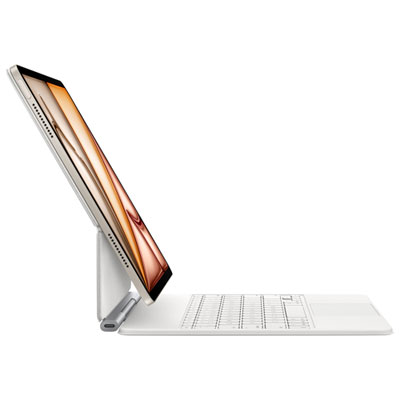
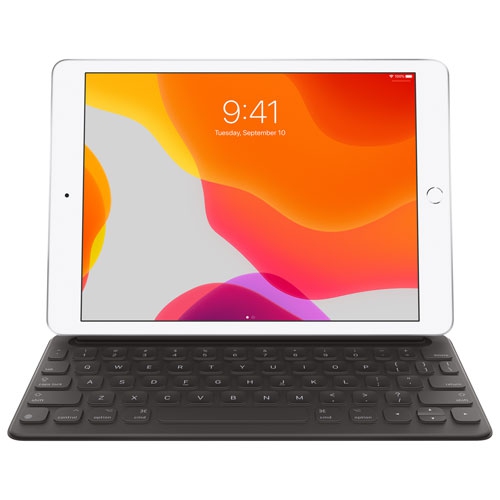
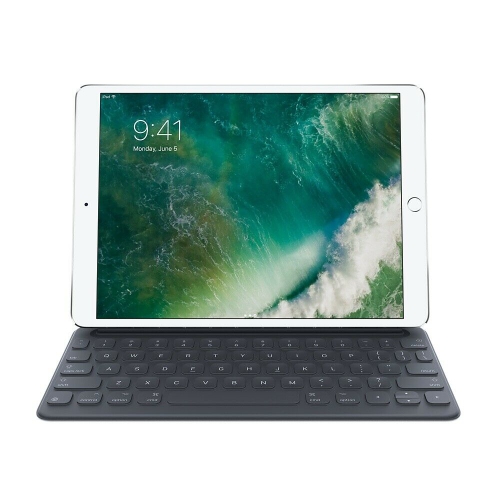
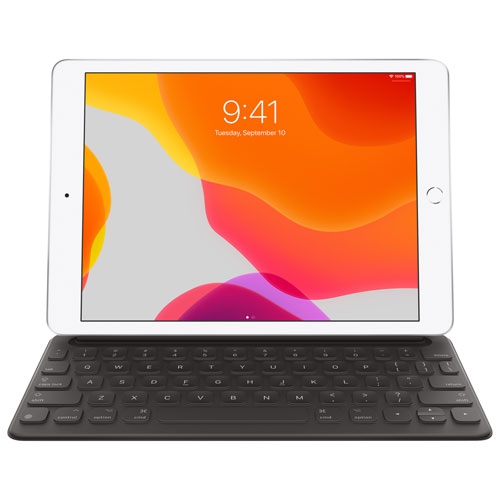
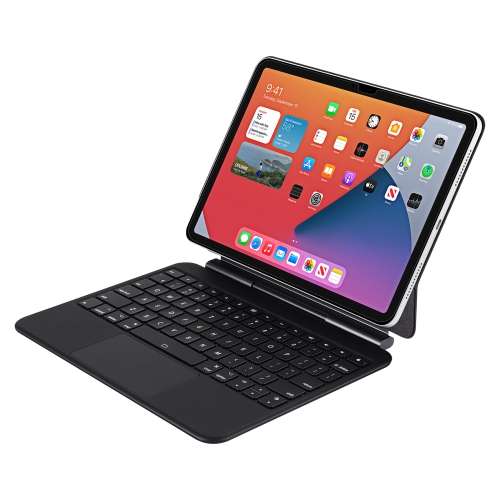
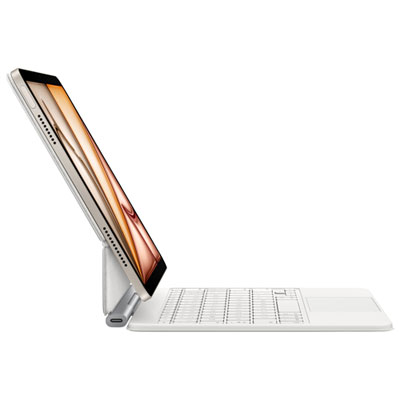
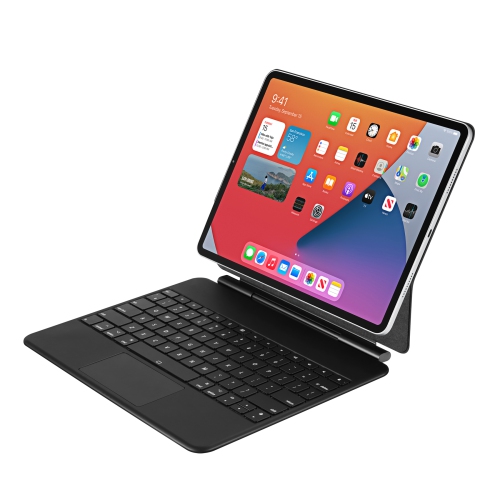
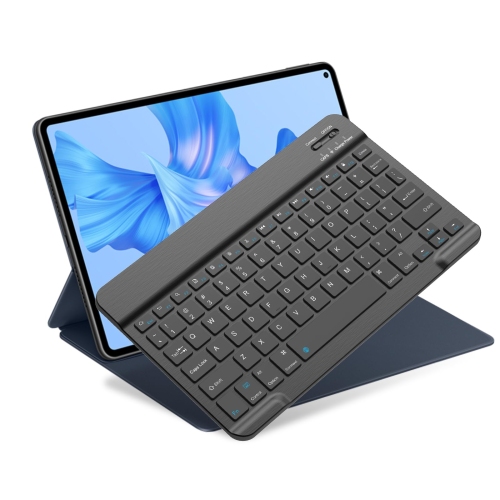


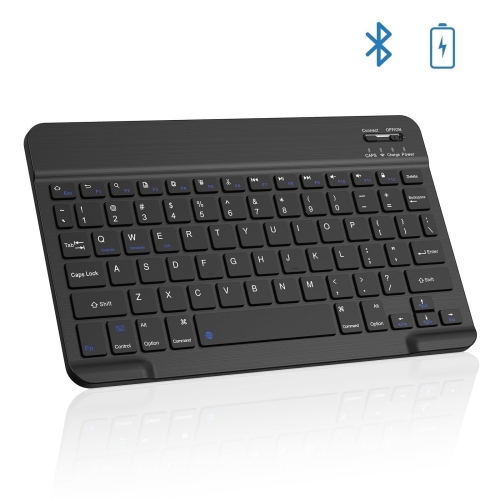
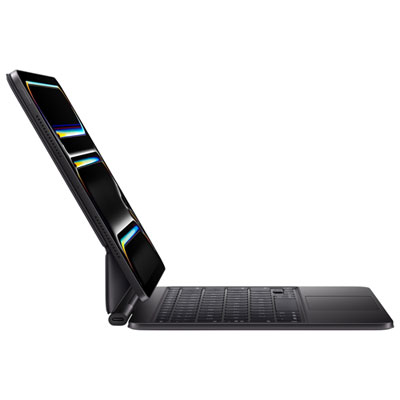
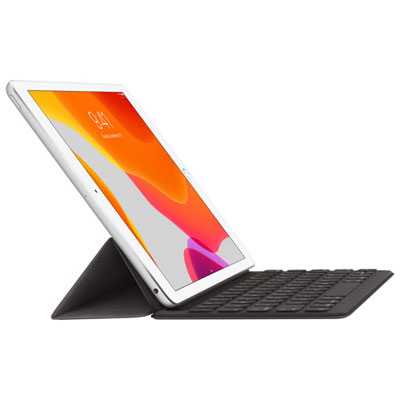
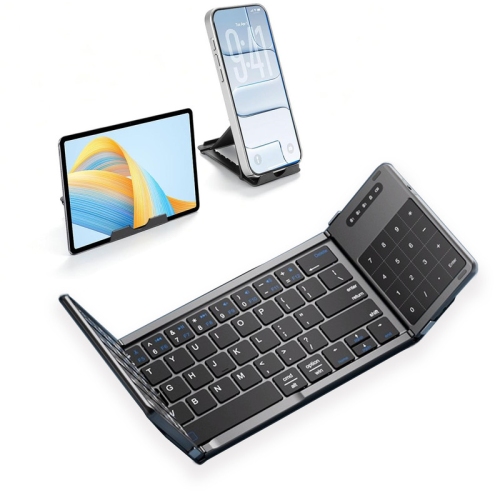
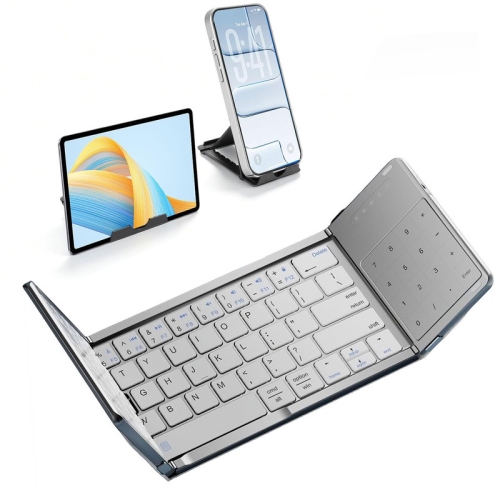
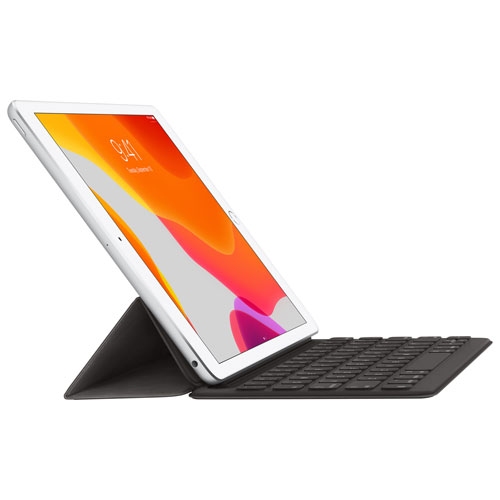
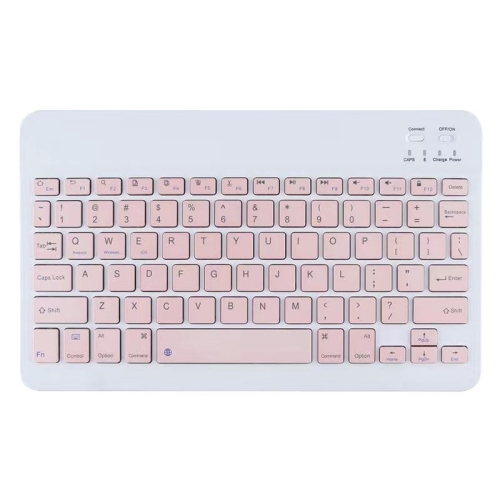
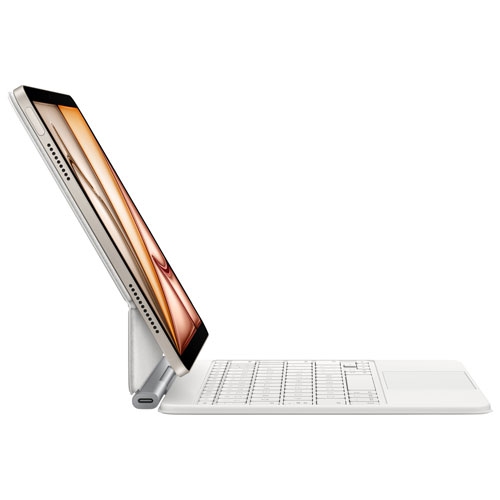
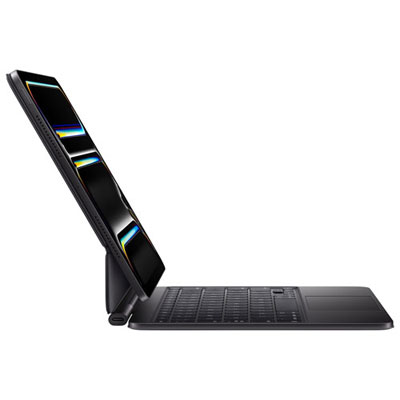
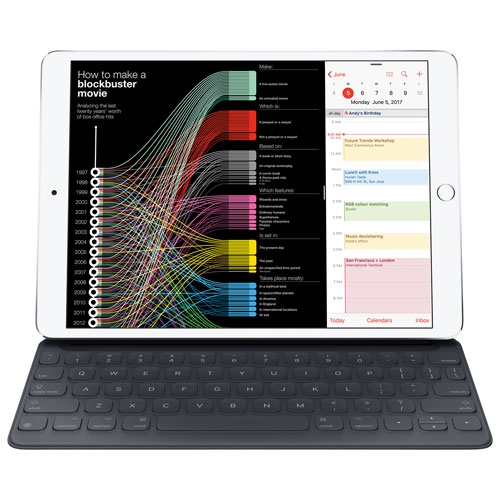
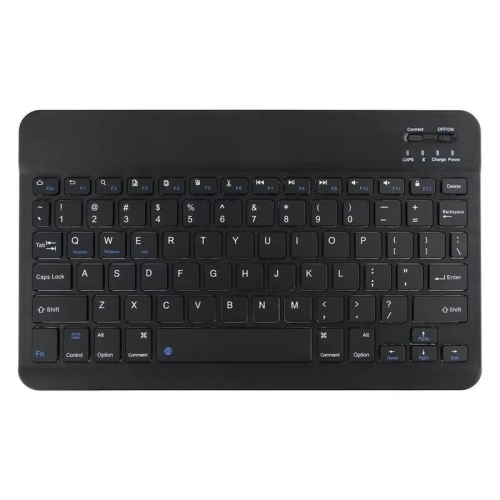
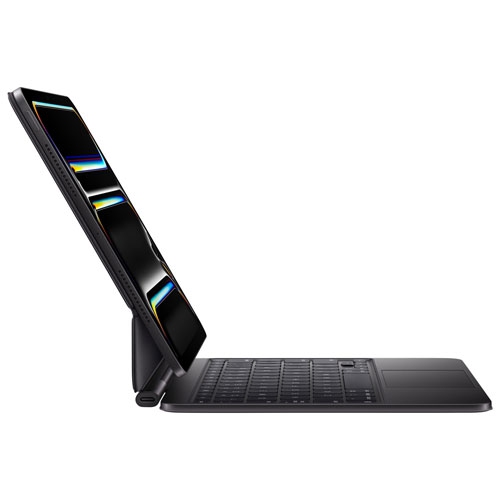
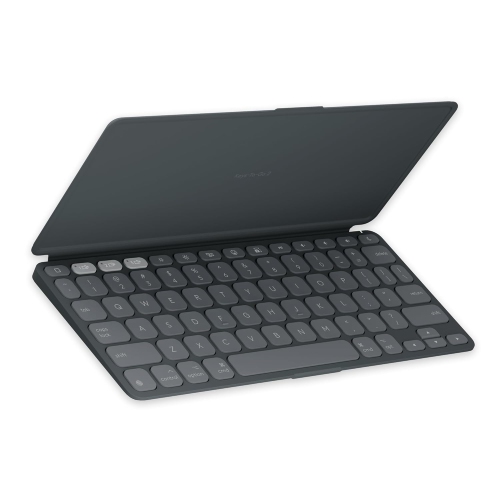
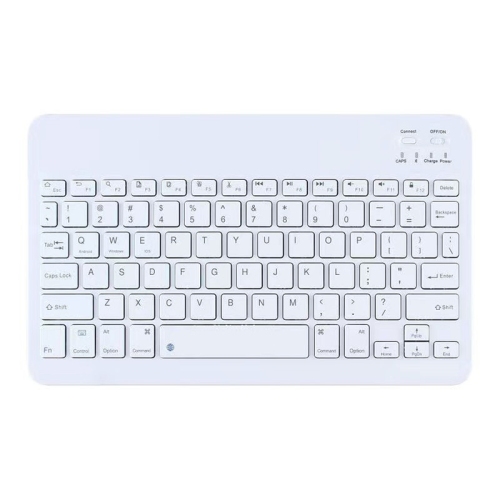
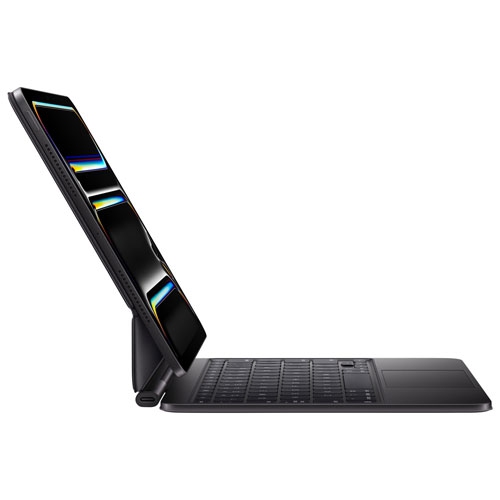
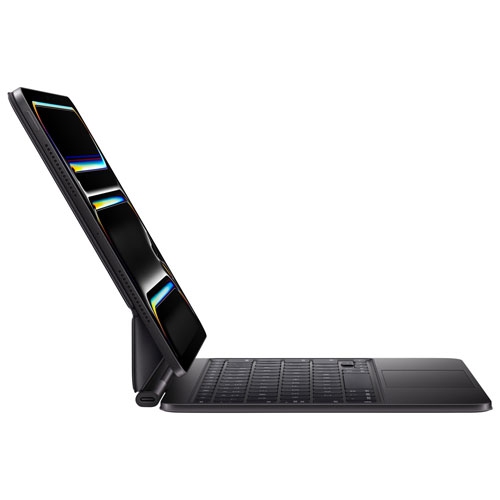
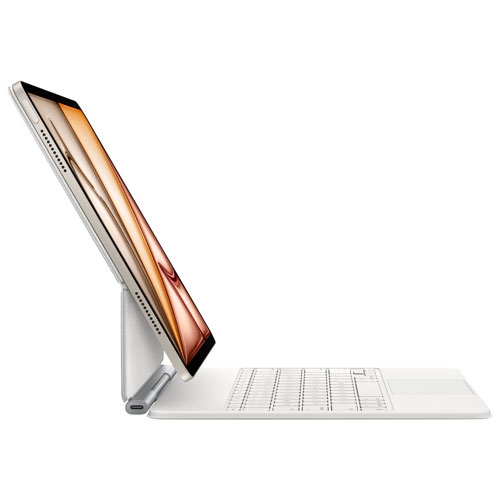
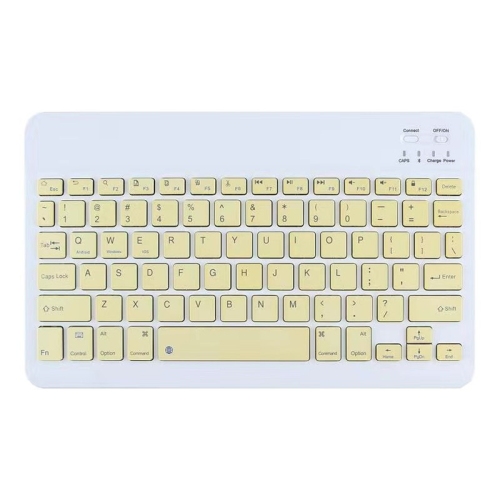
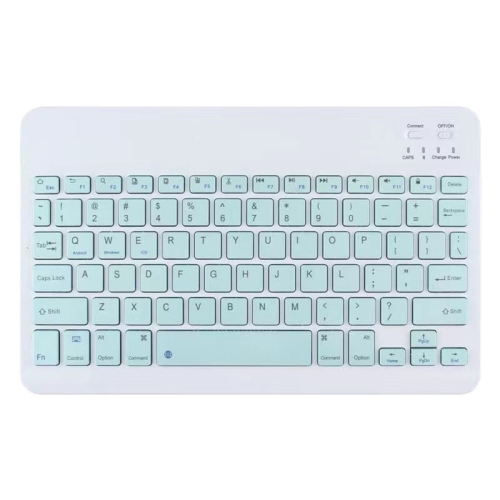
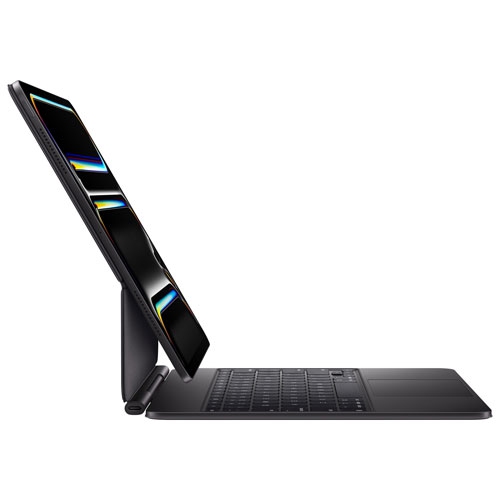
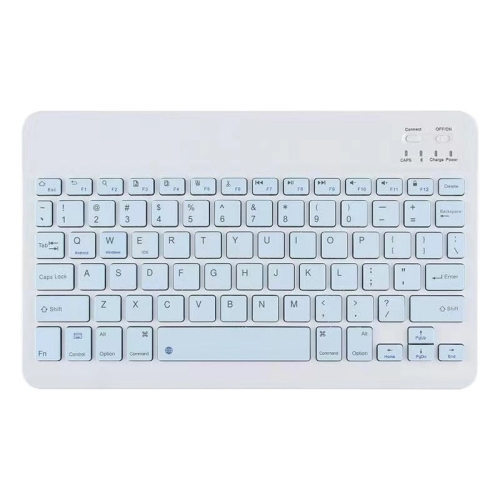
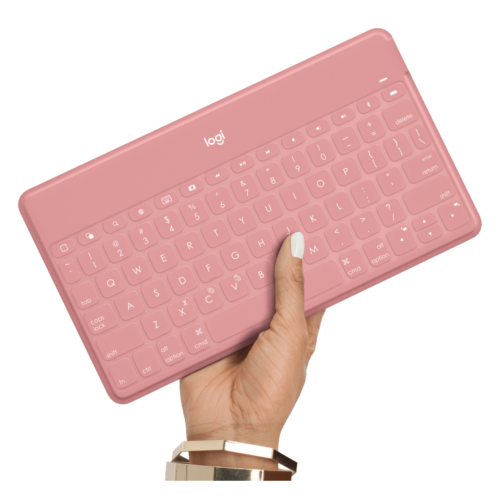
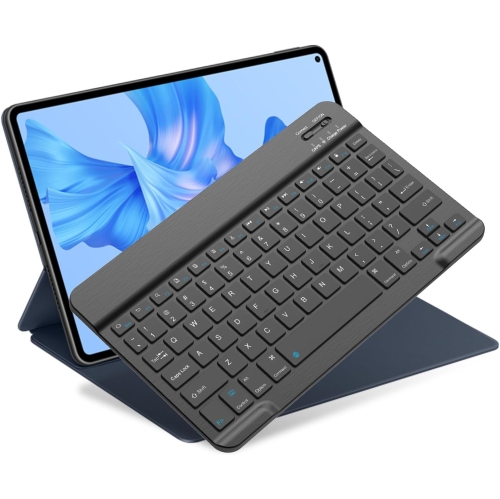
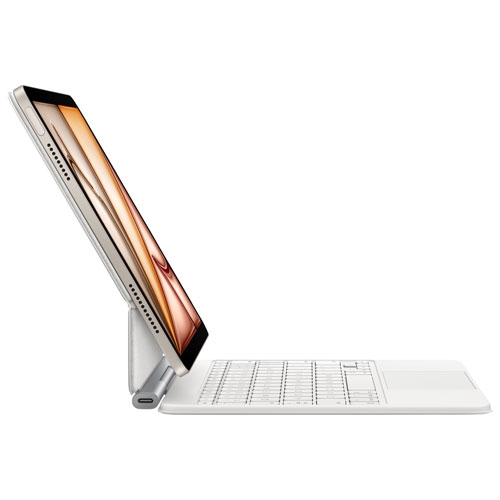
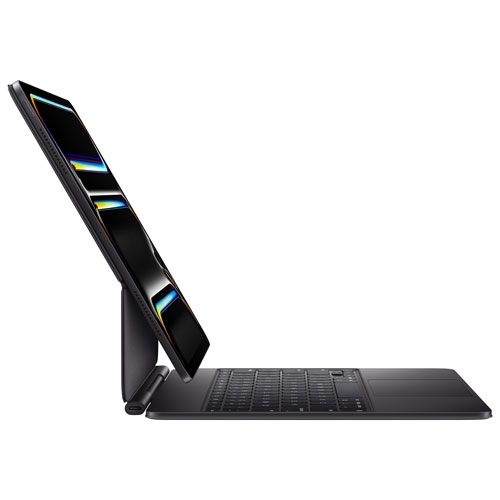
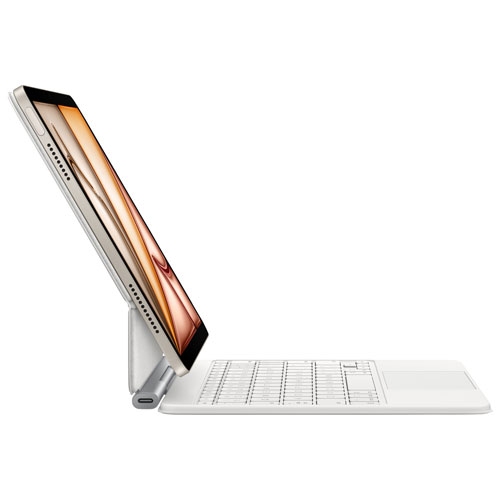
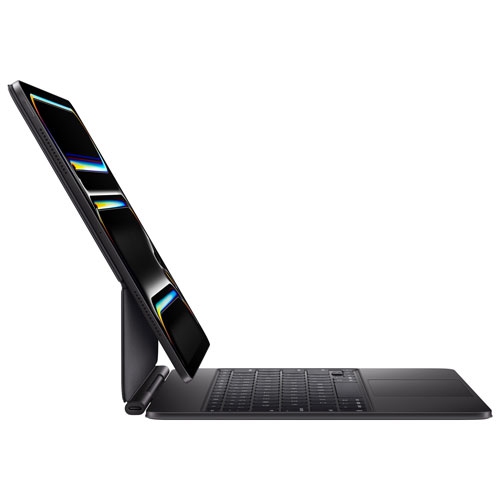
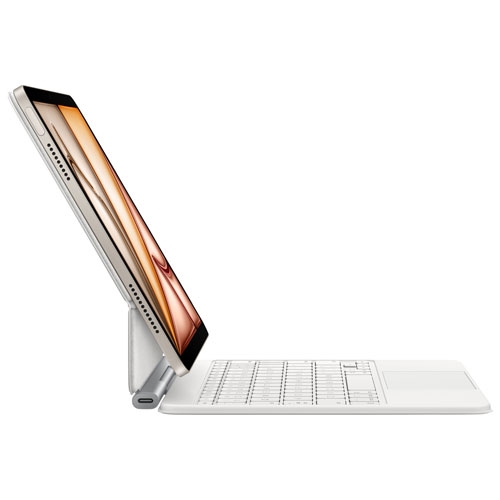
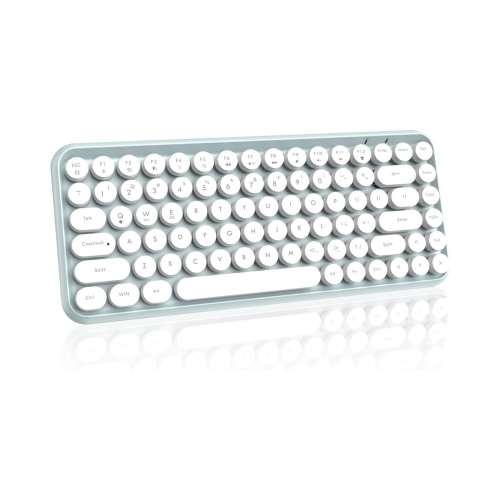
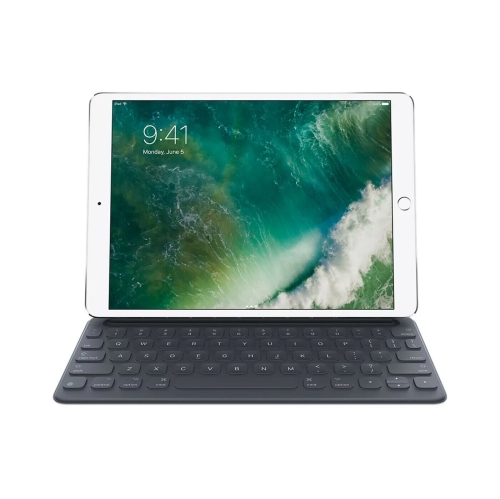
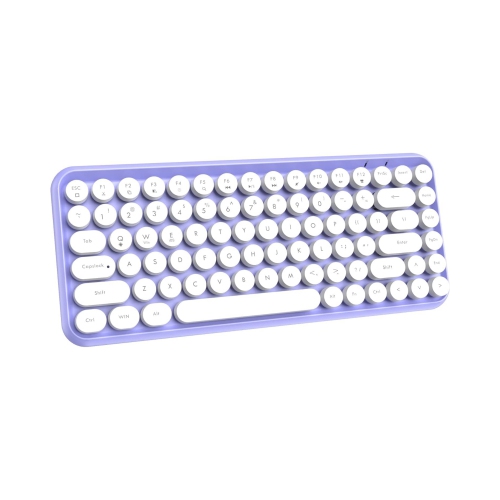
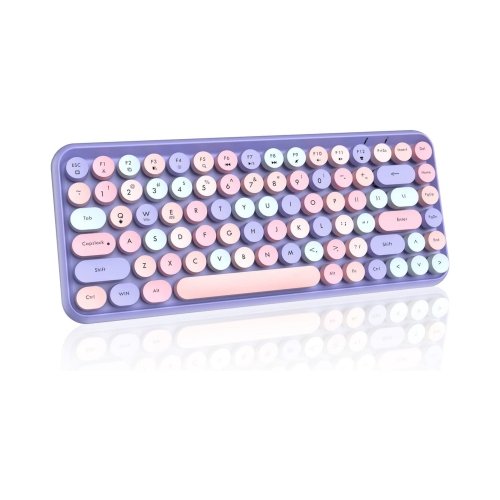
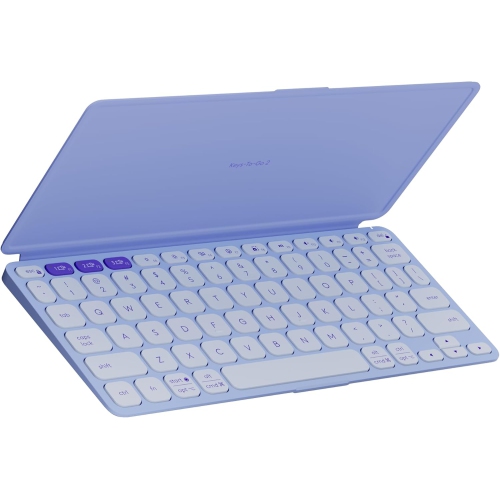
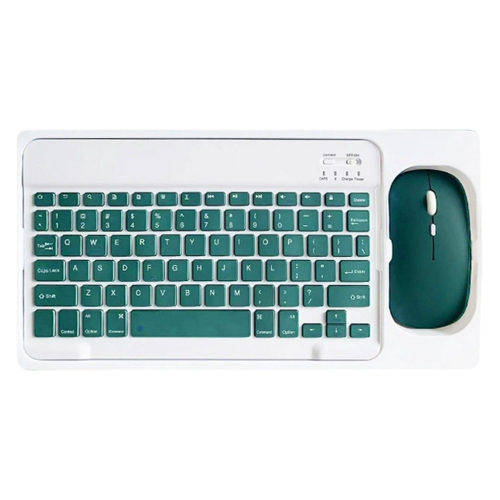
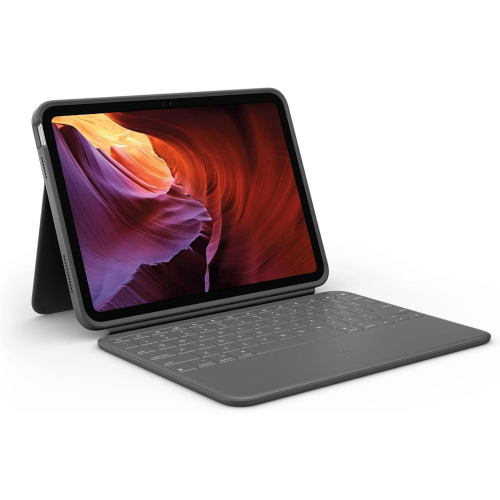
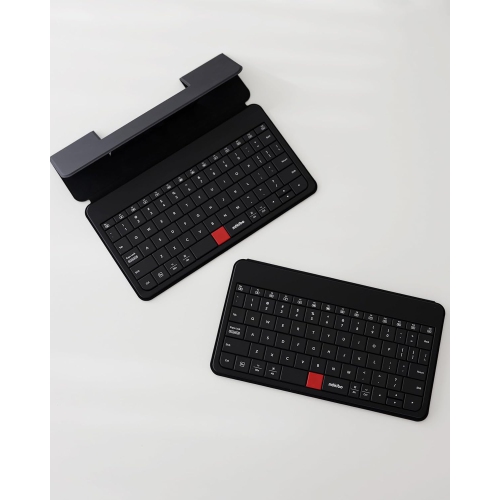


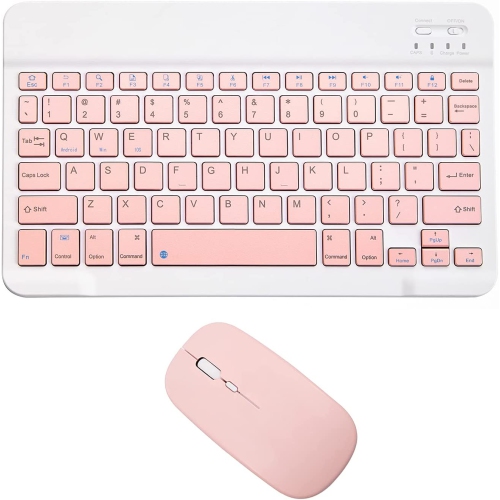
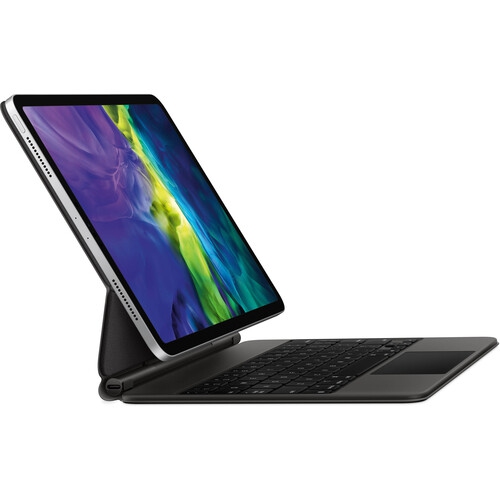
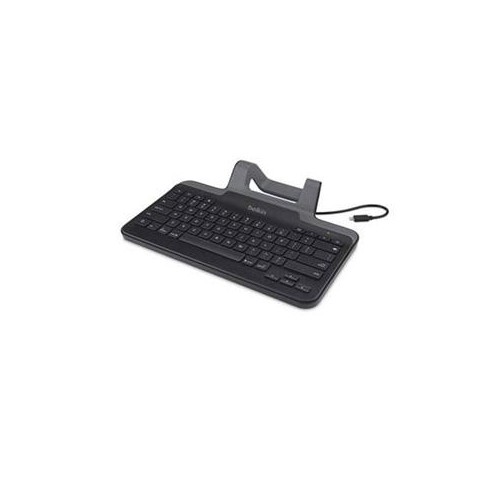
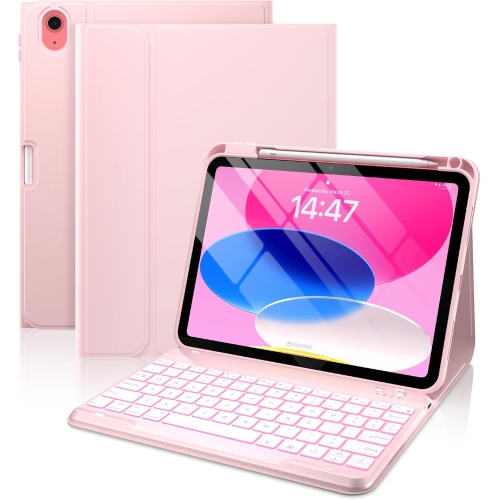
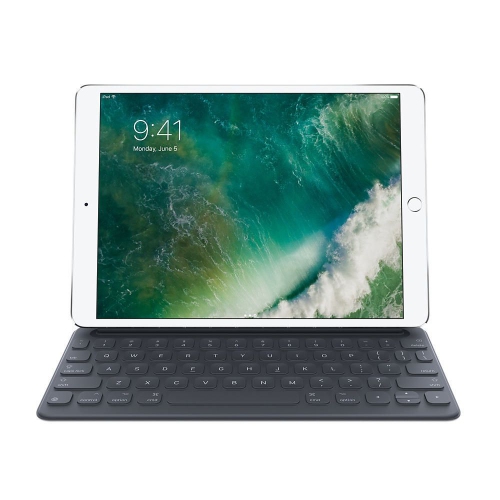
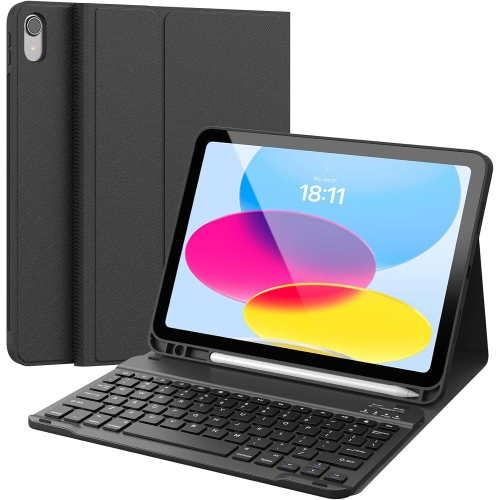
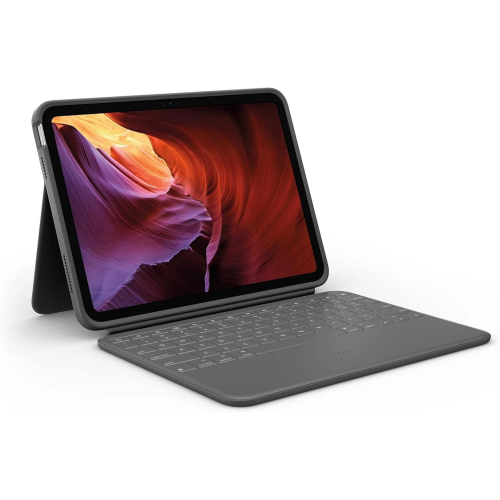
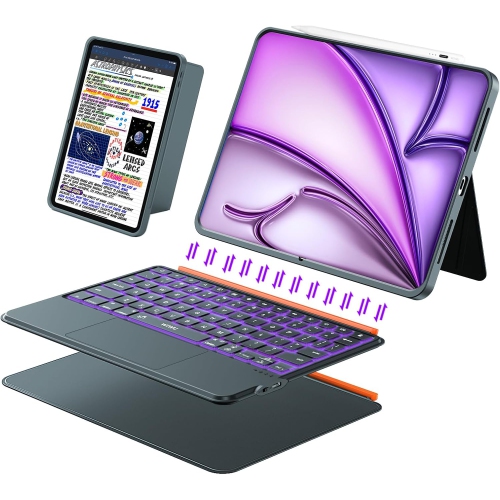
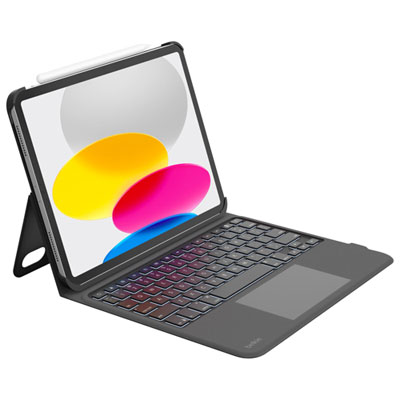
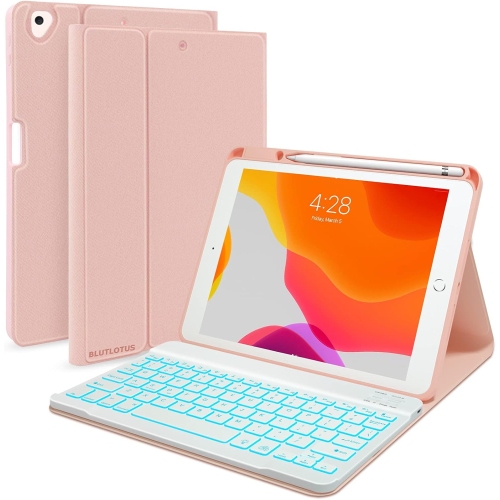
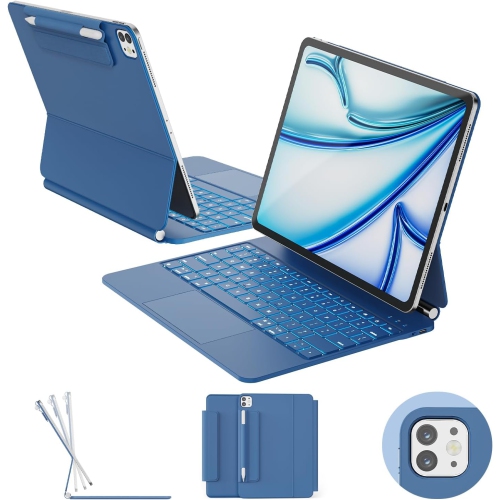
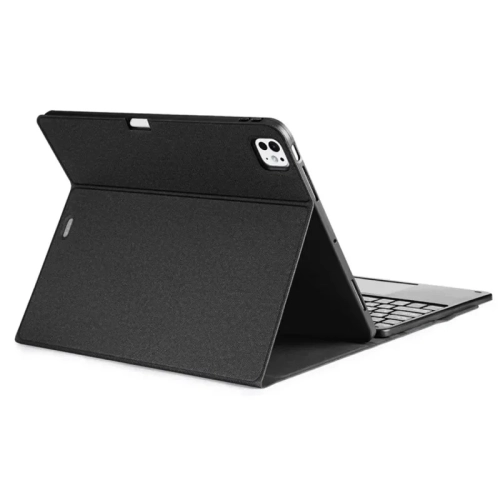
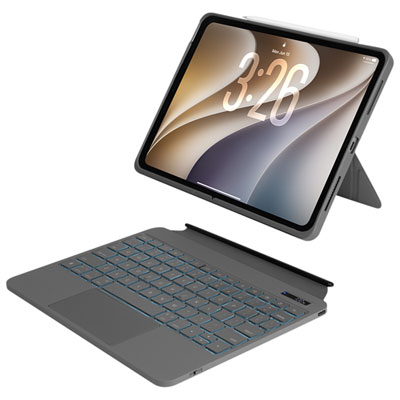
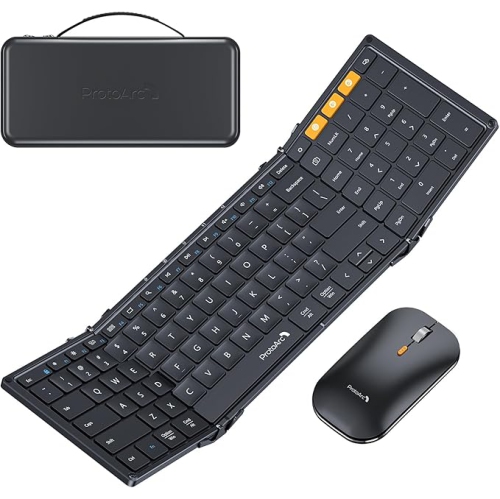
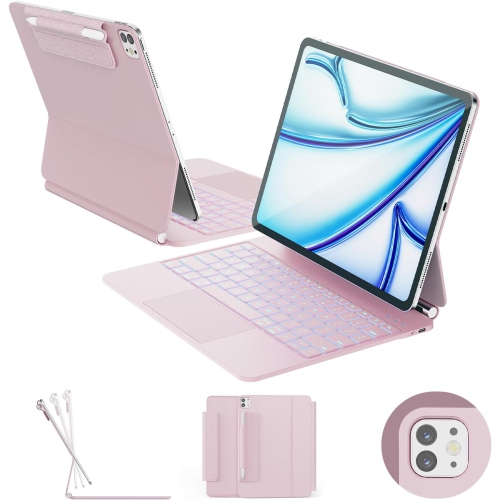
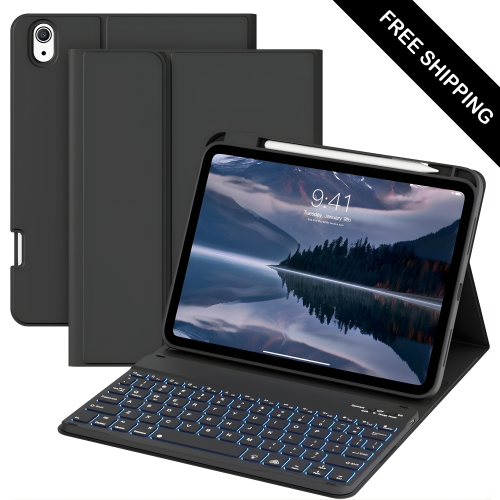
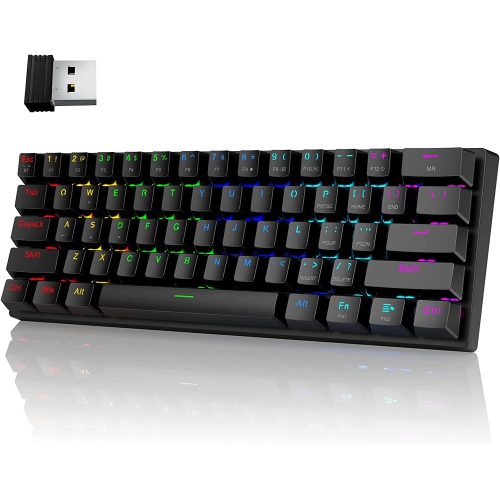
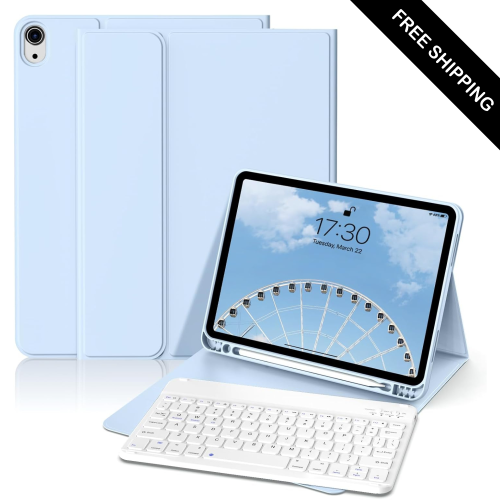
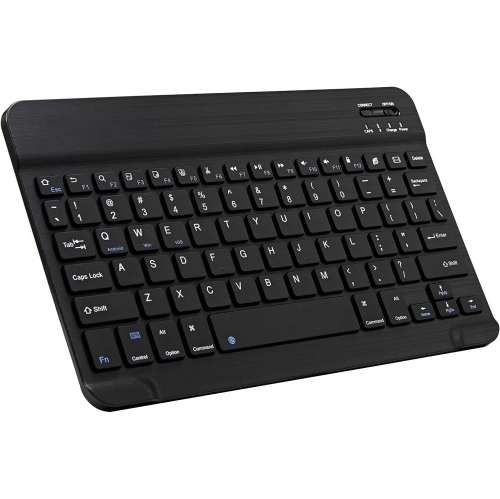
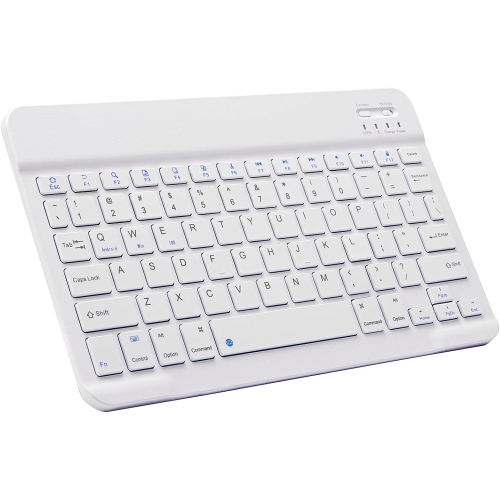
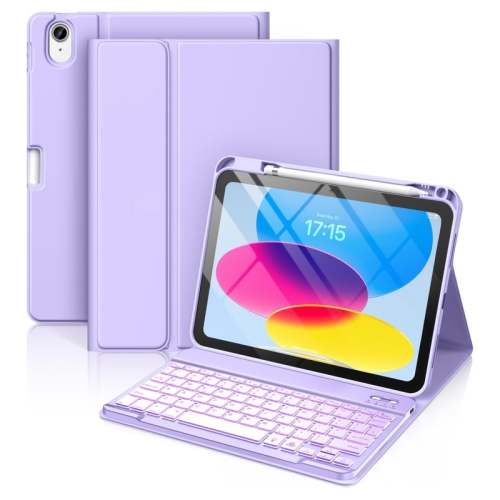
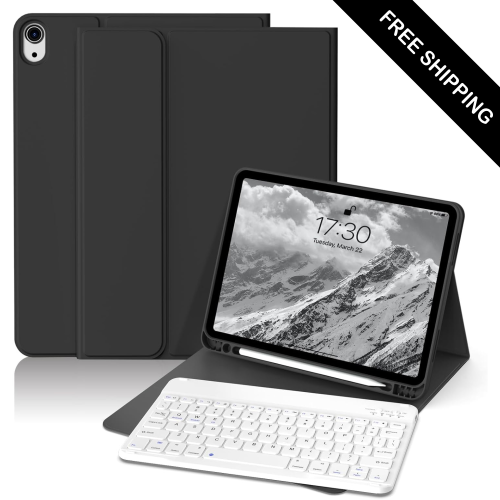
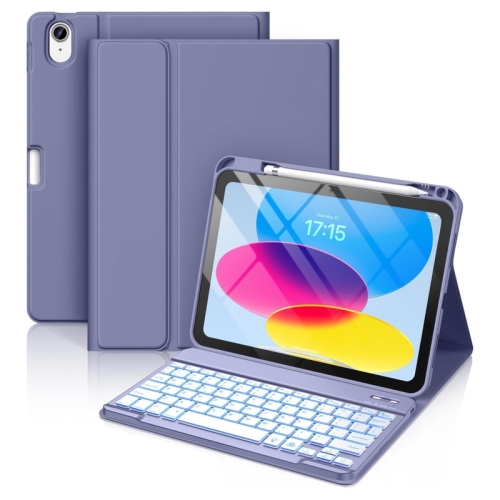
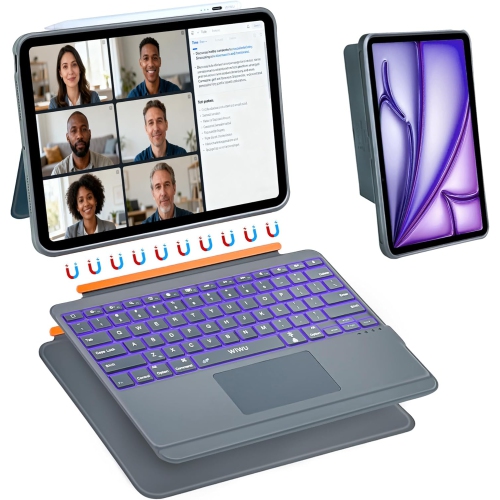
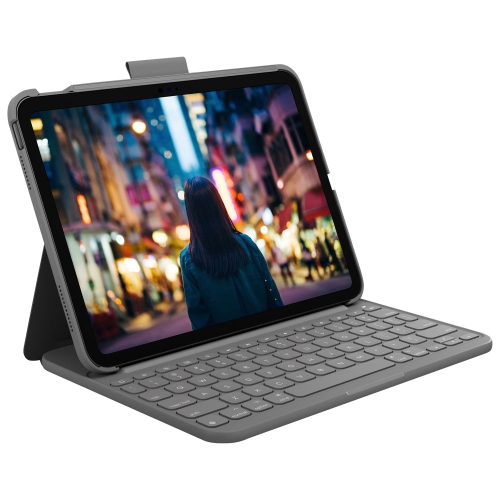
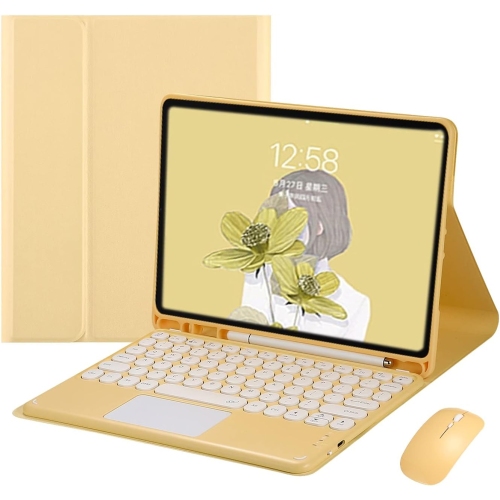
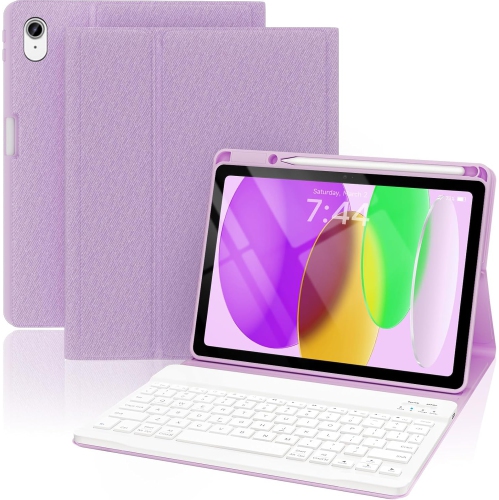
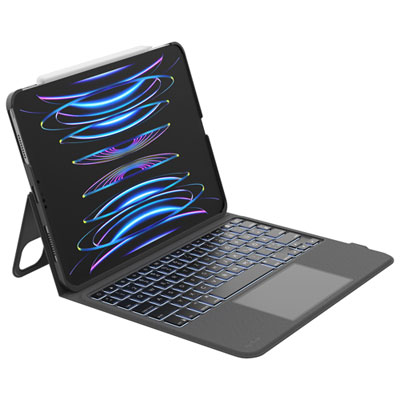
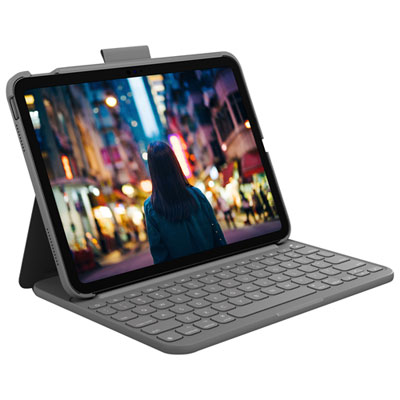
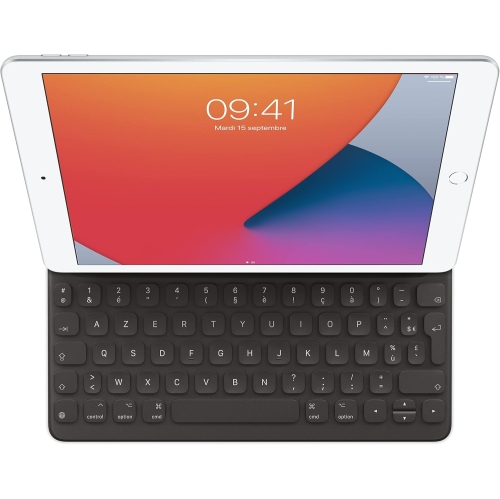
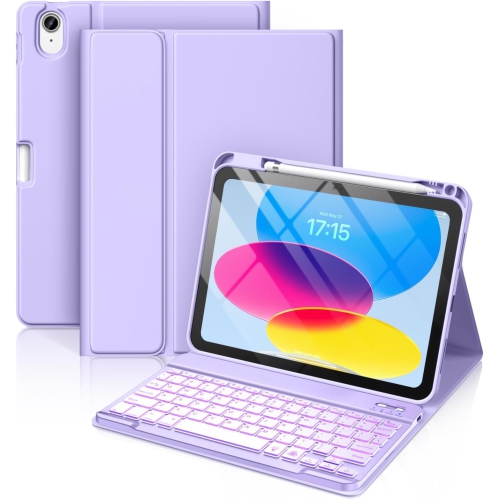
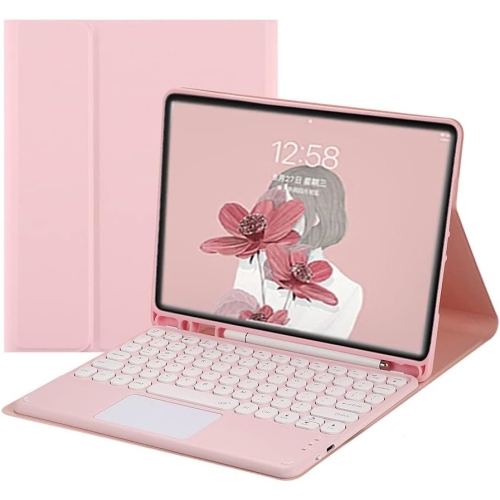
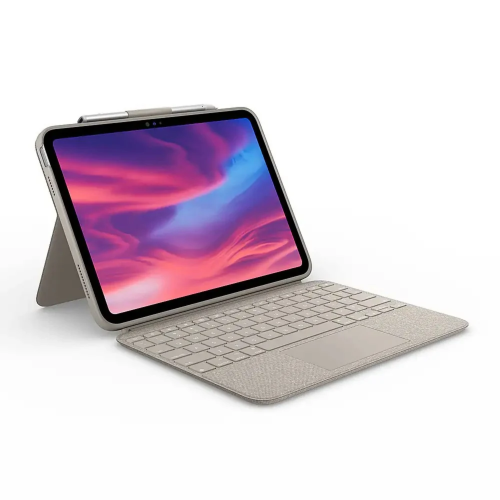
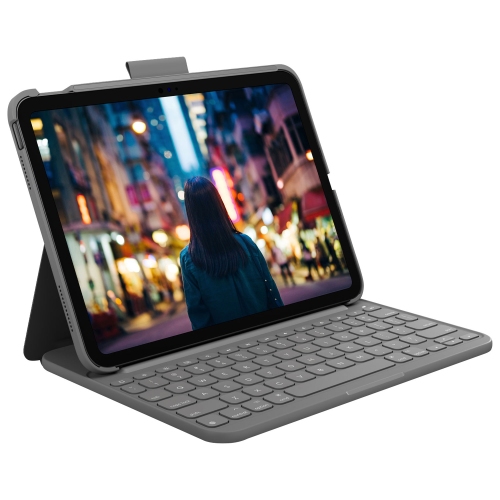
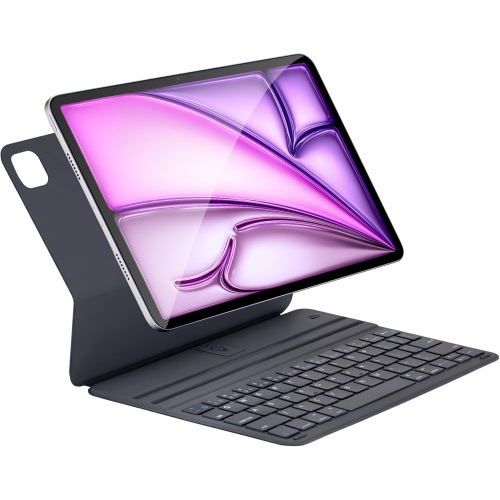
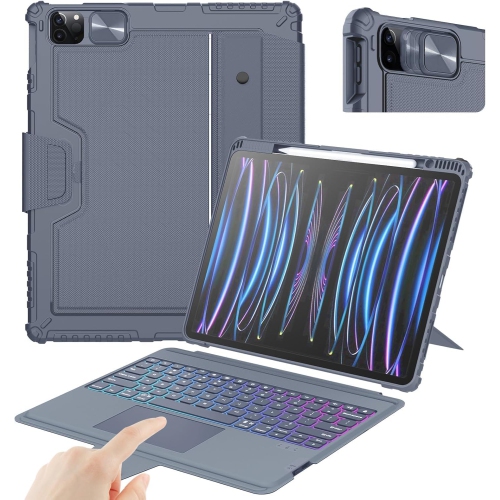
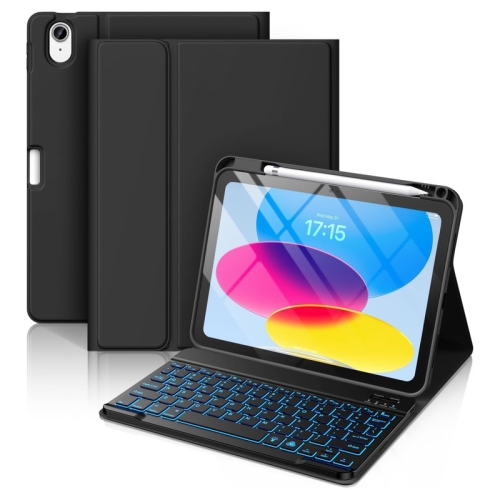
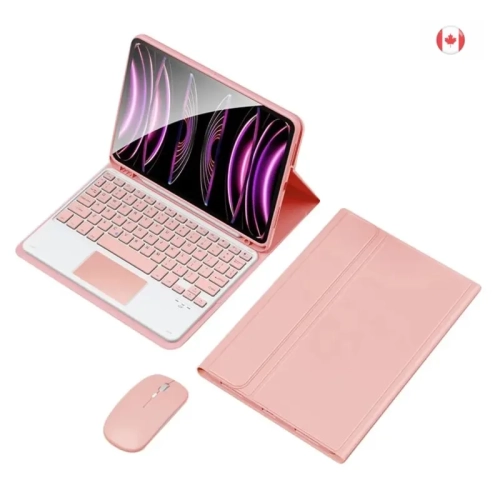
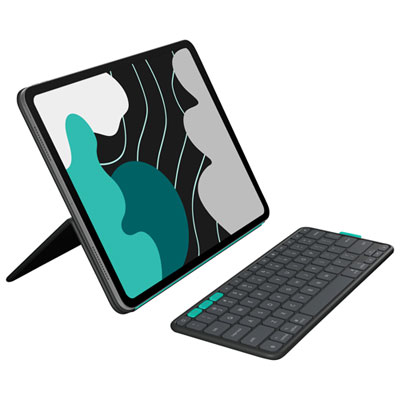
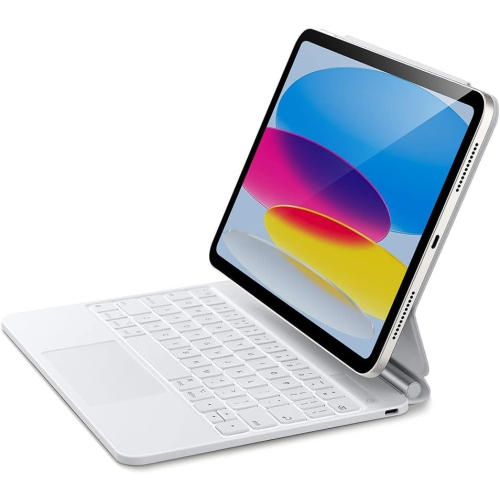
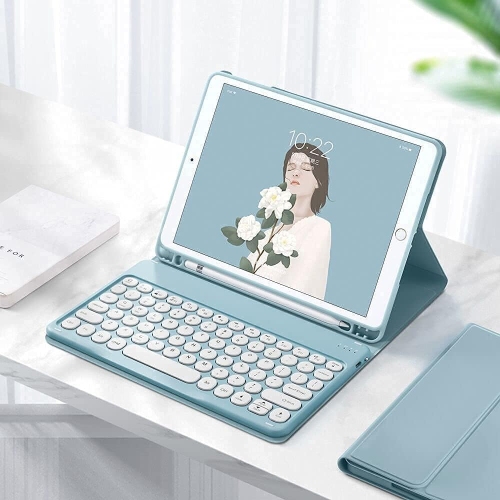
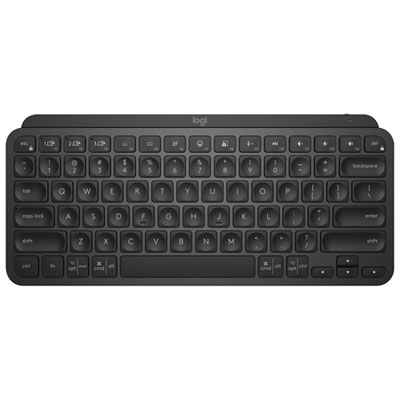
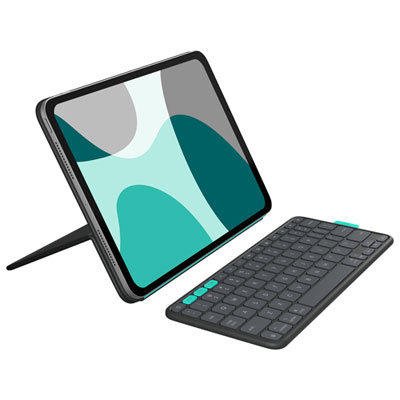
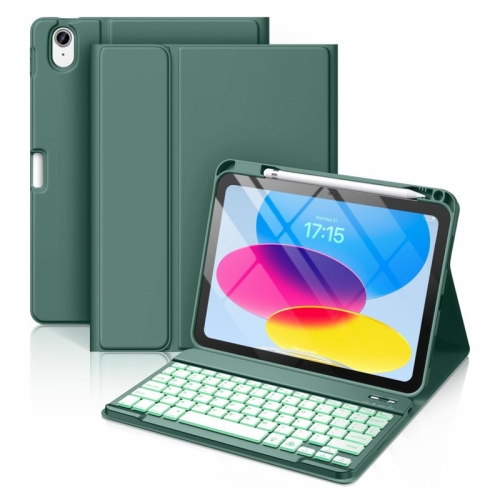
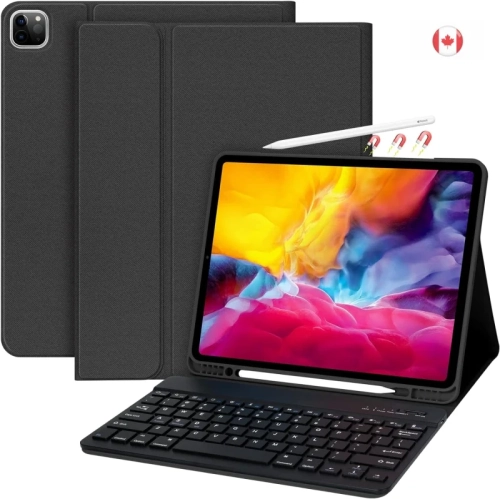
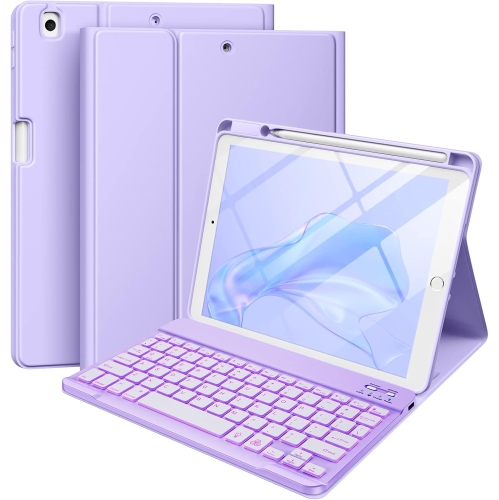
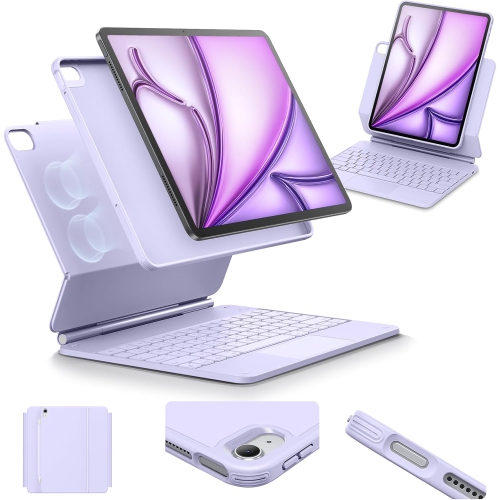
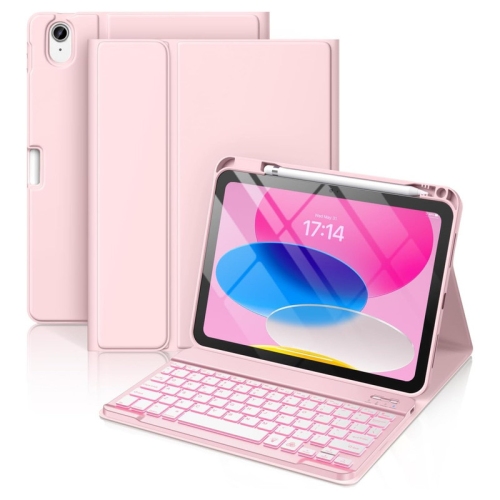
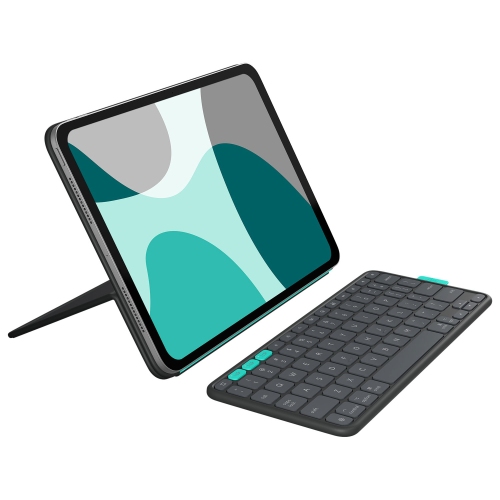
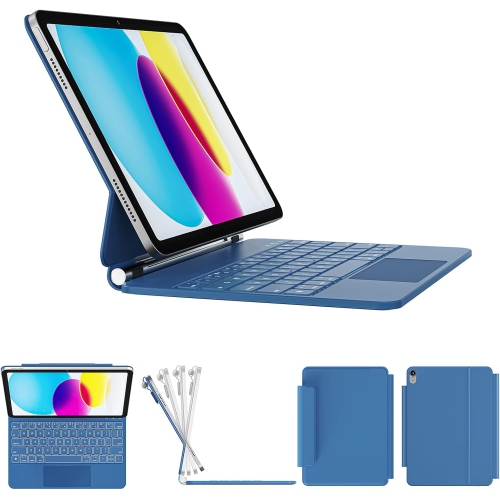
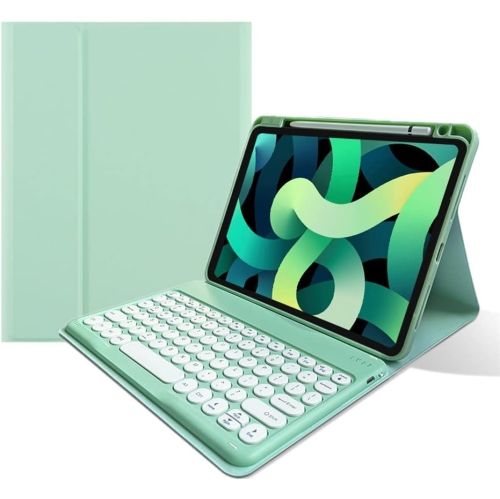
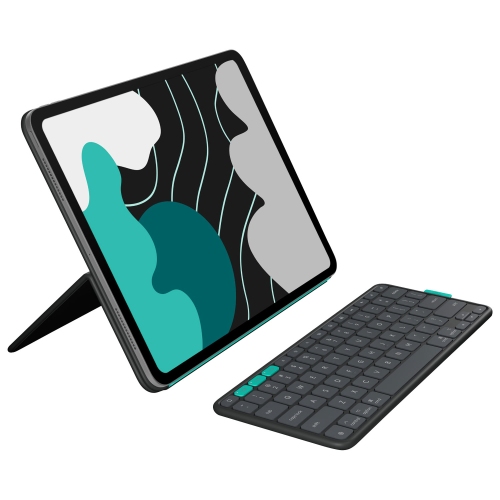

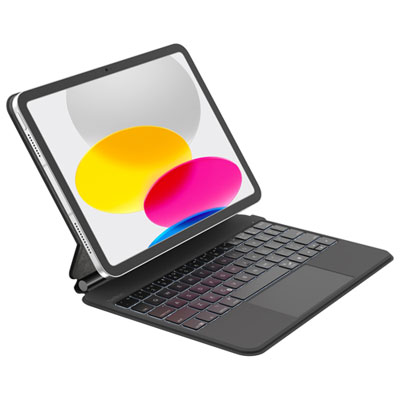
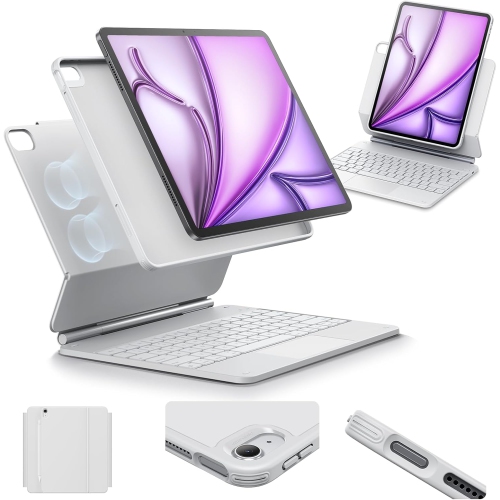
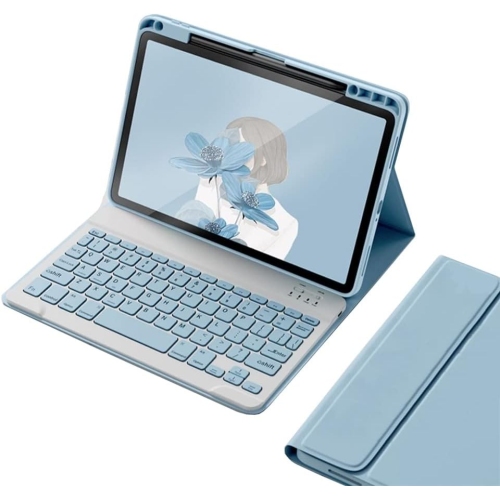
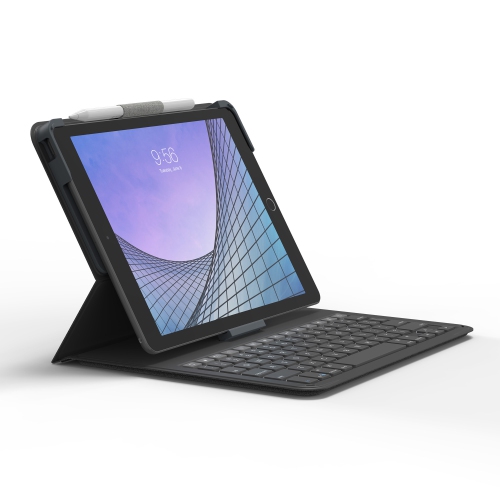
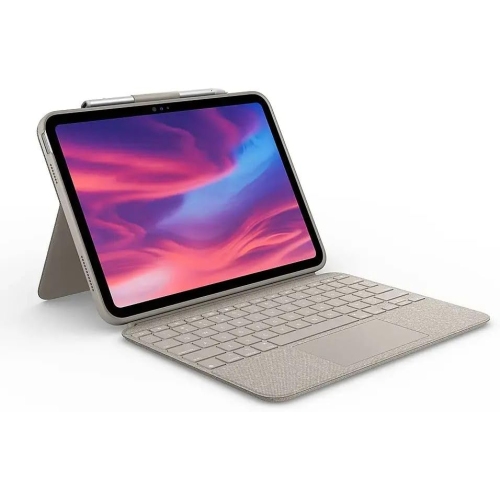
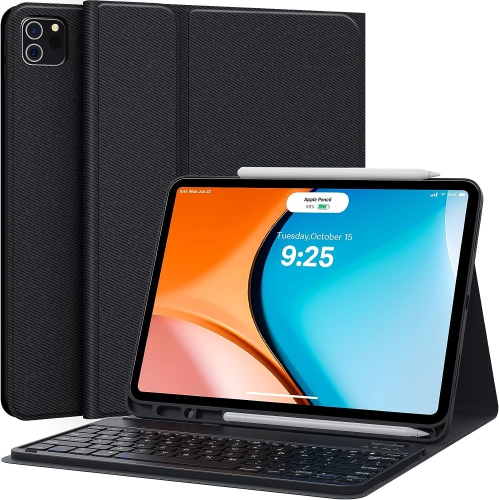
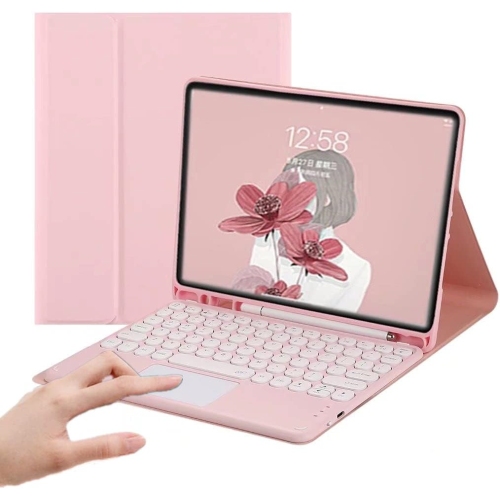
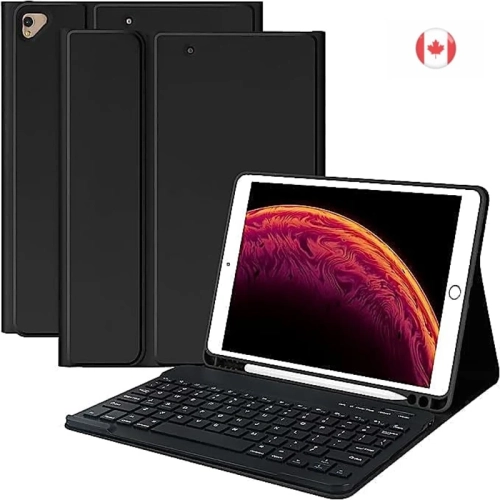
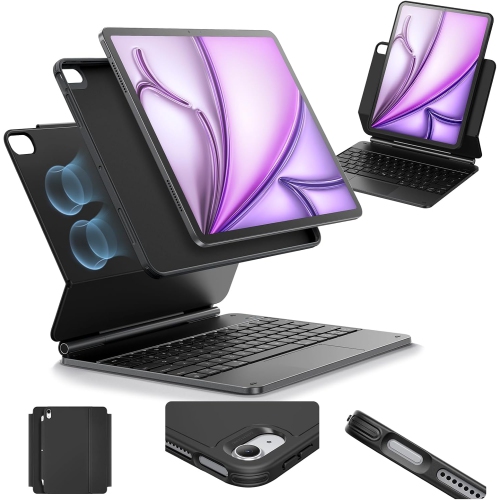
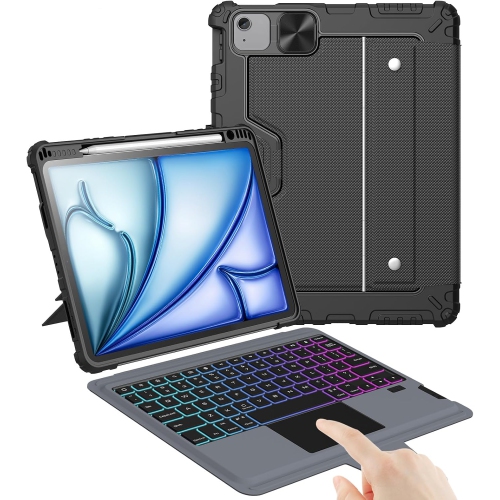
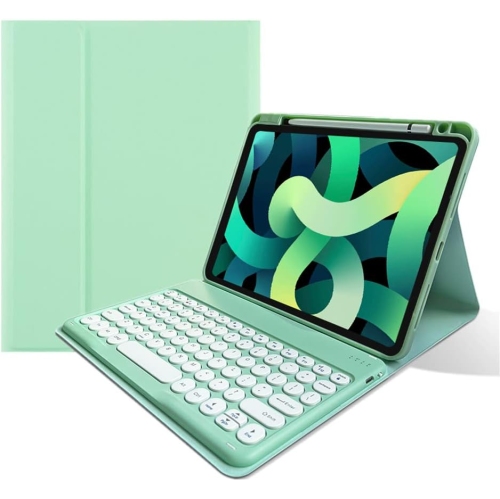
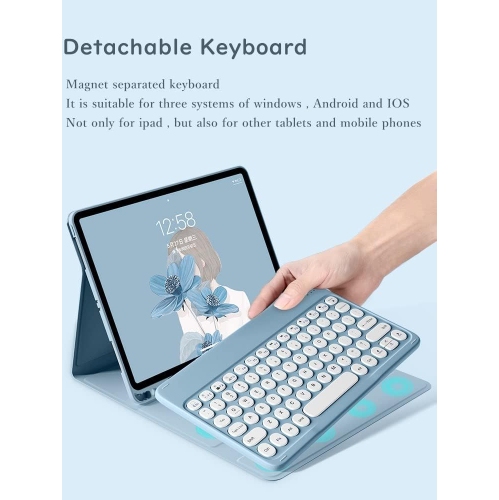
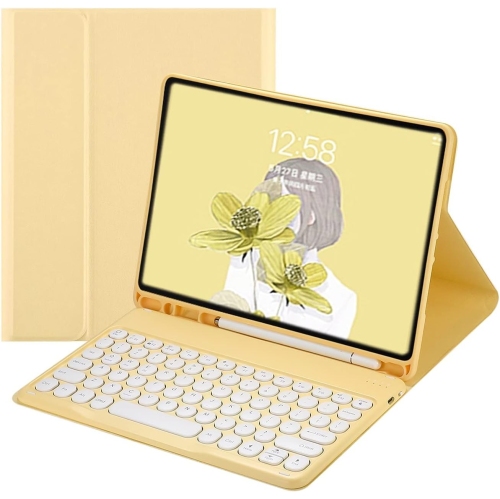
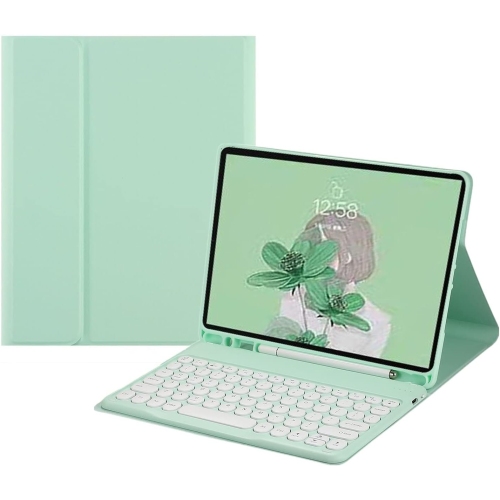
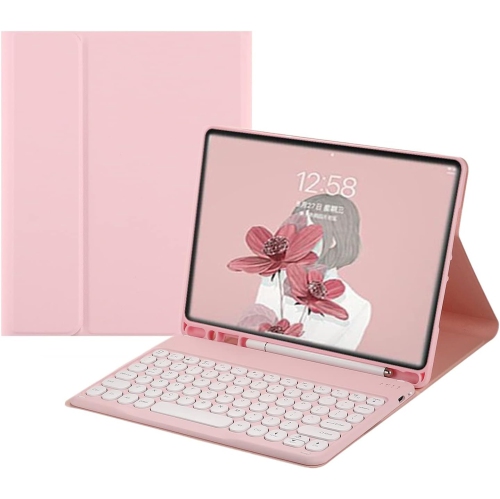
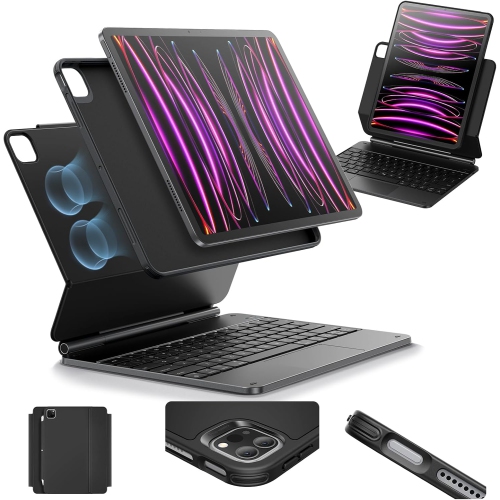
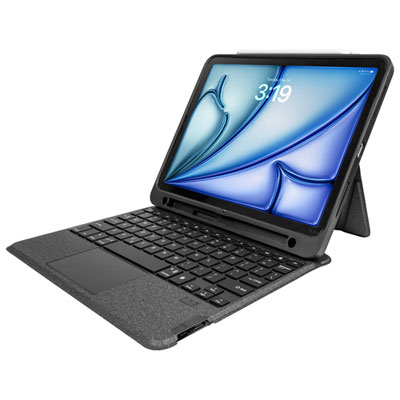
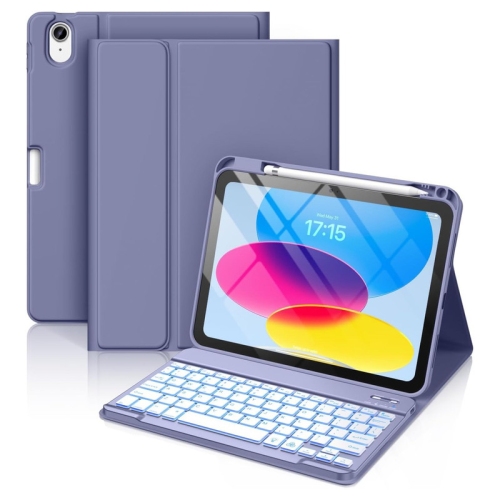
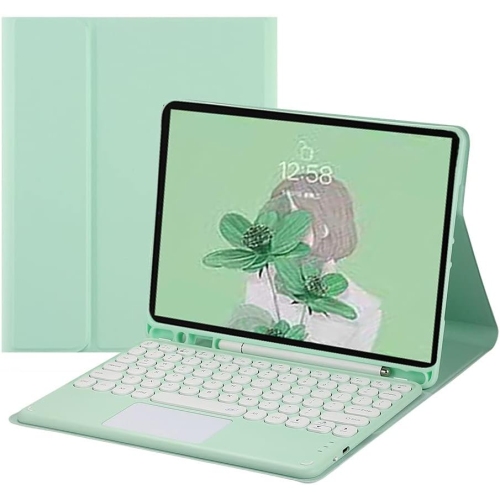
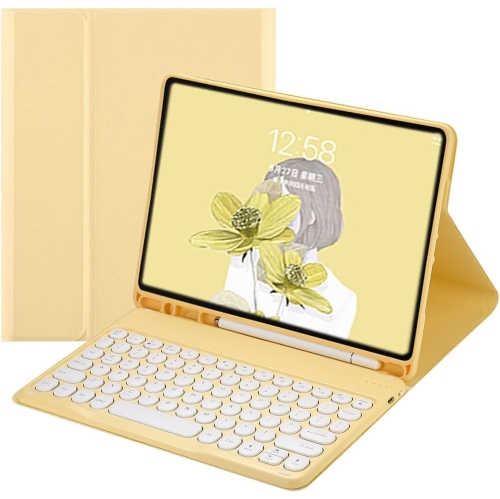

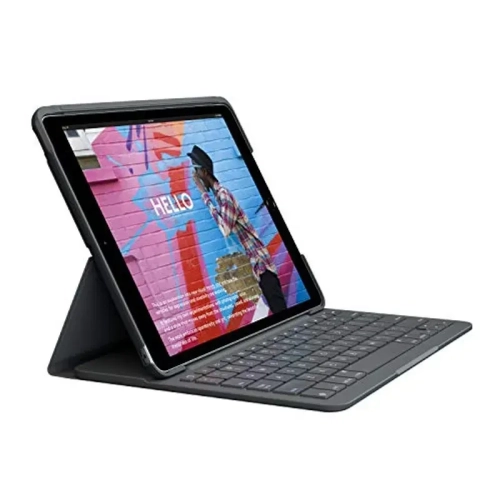
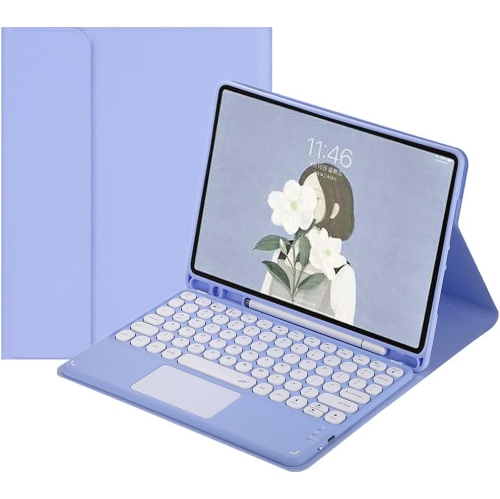
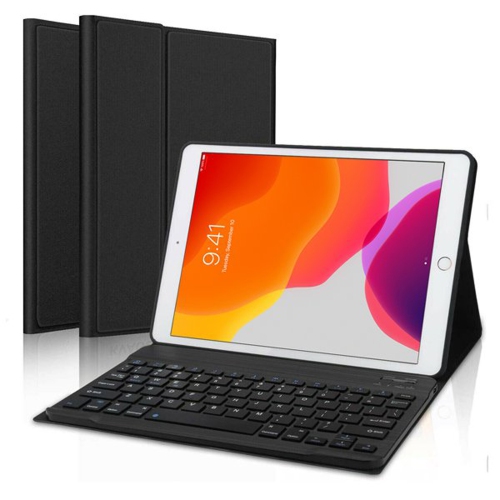
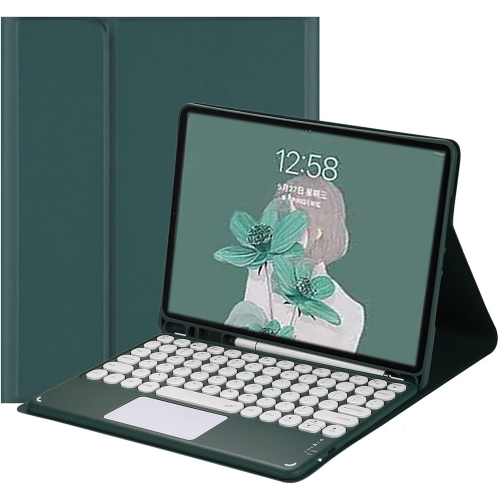
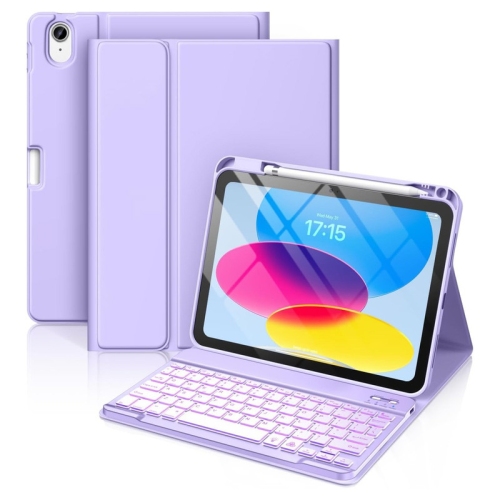
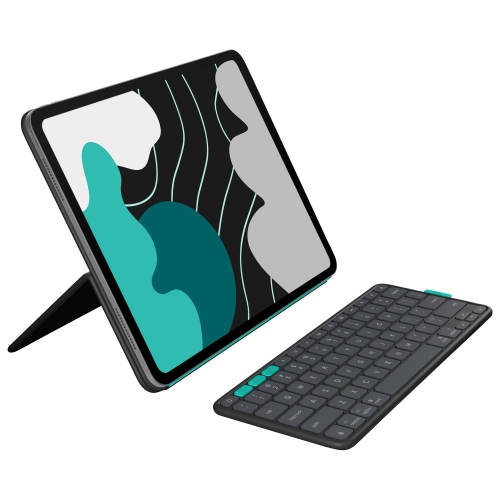
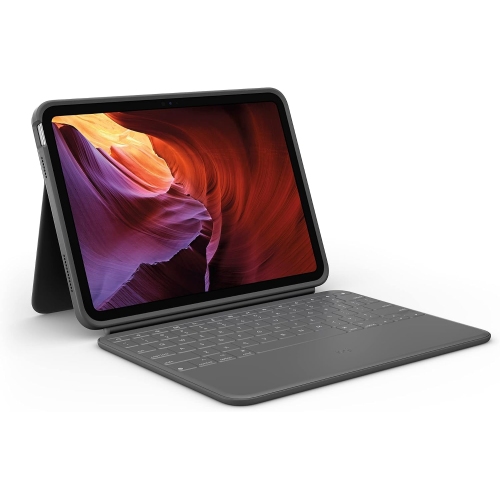
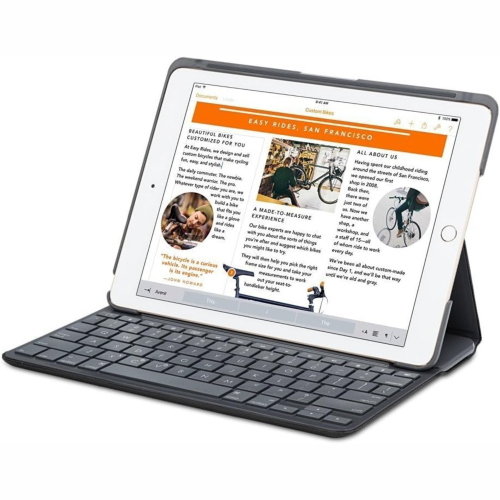
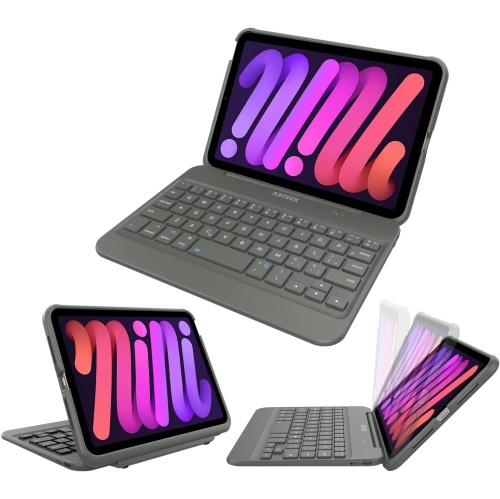
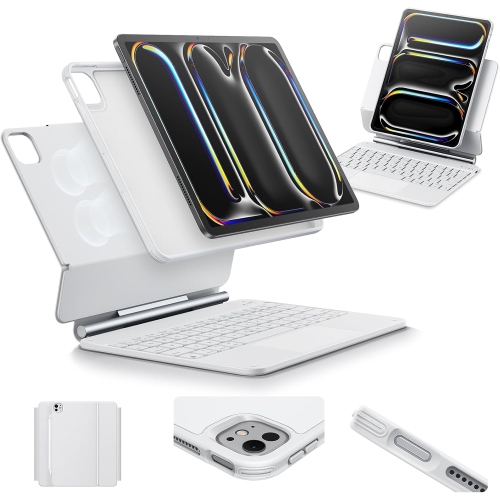
Comfortable iPad typing without the bulk of a laptop
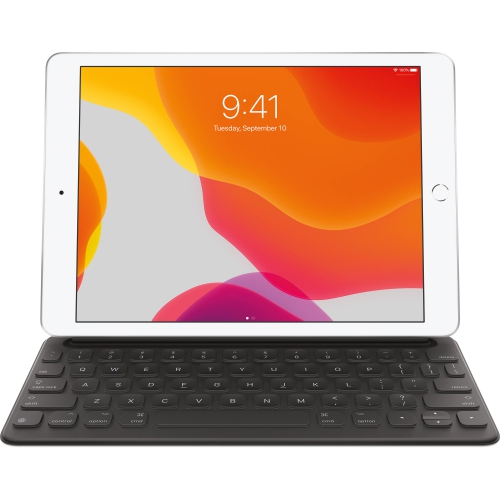
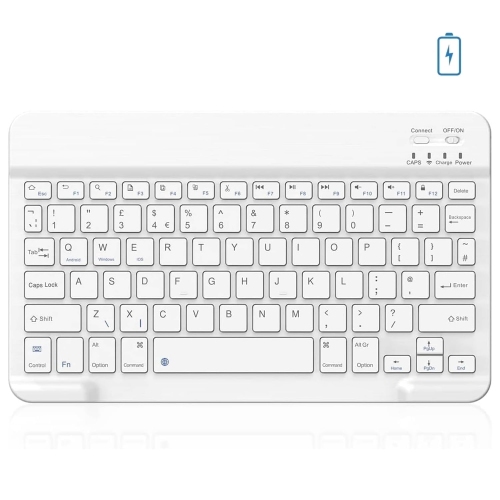
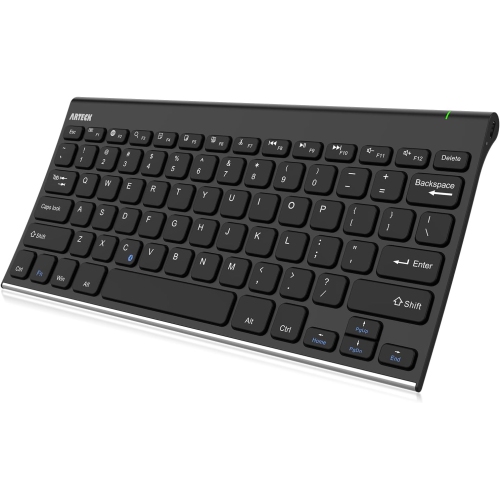
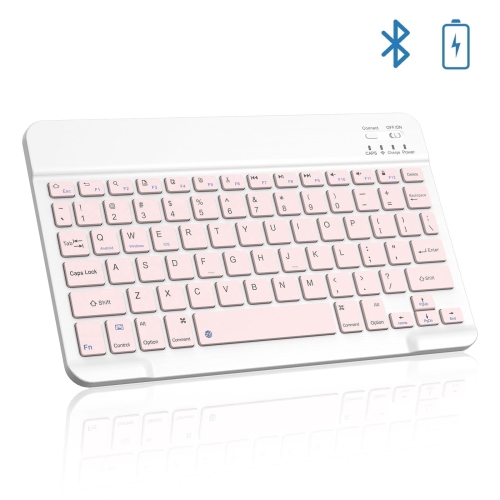
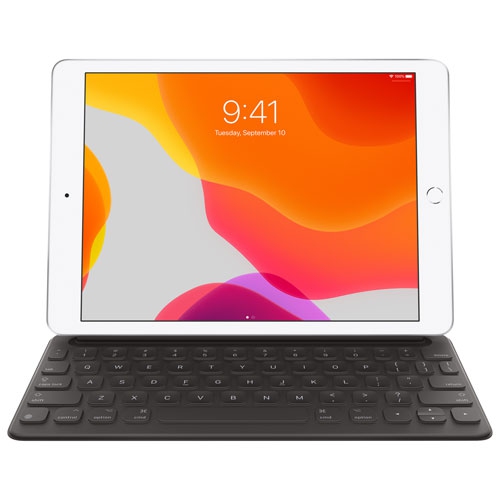
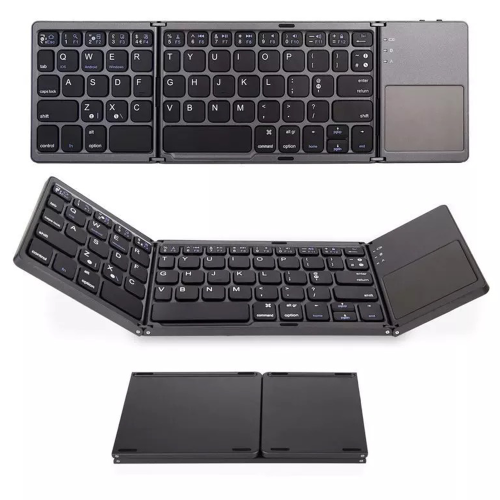
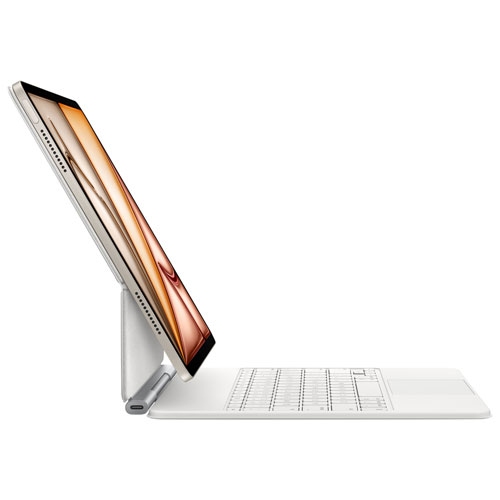
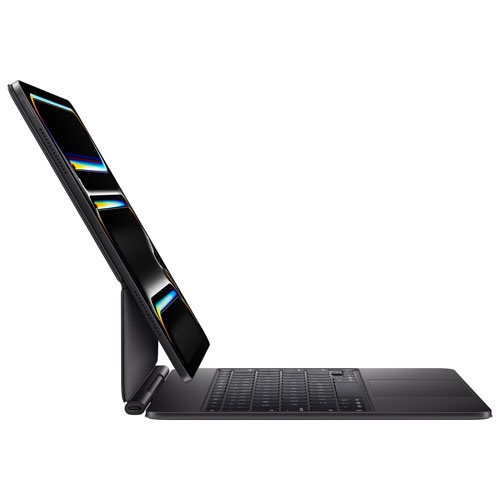
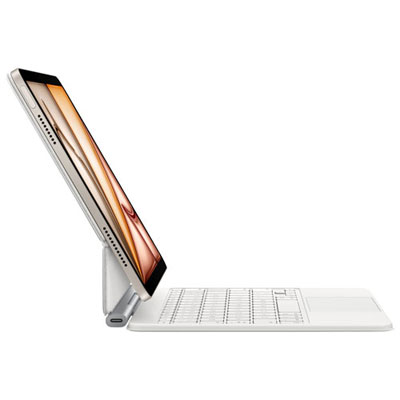
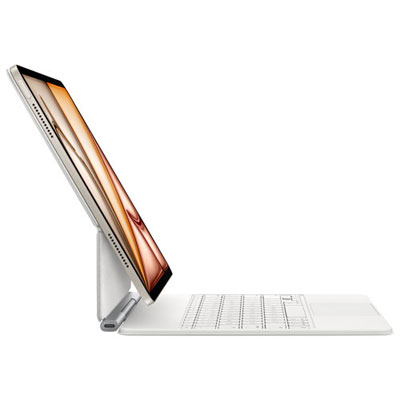
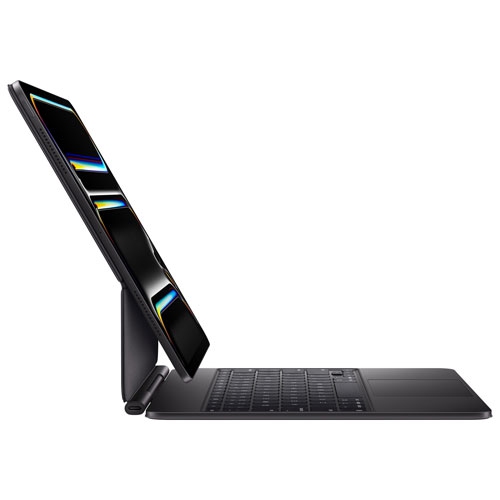
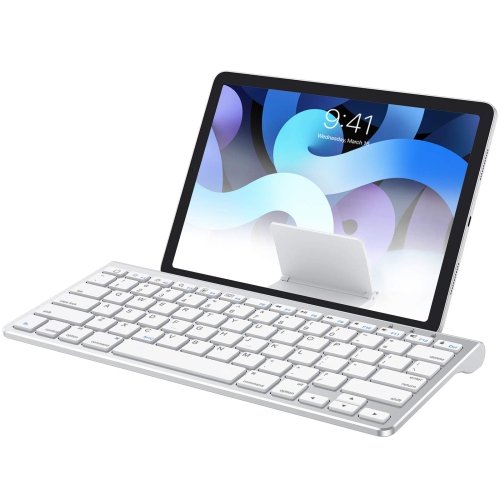
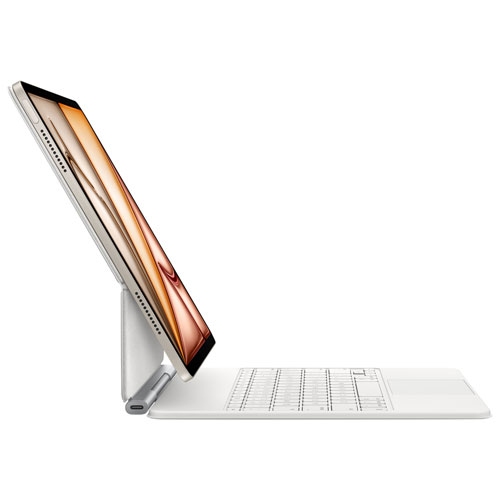
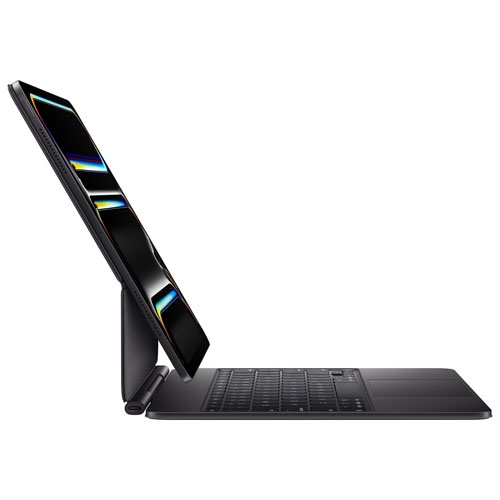
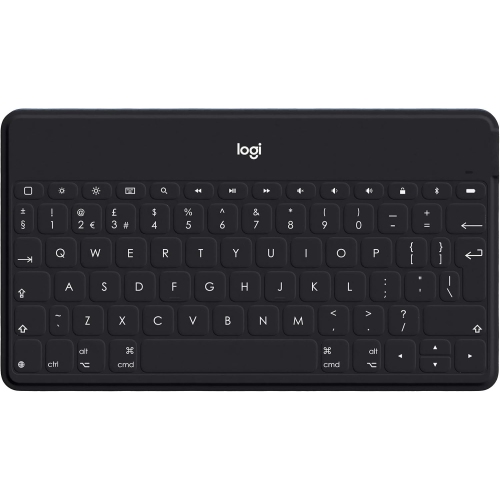
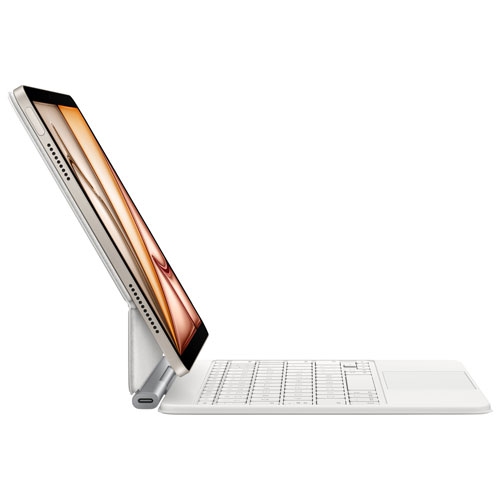
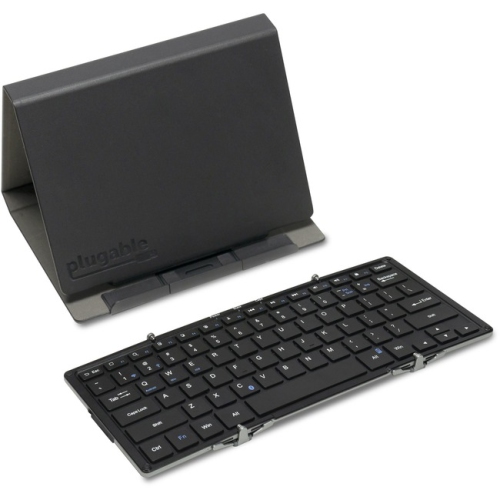
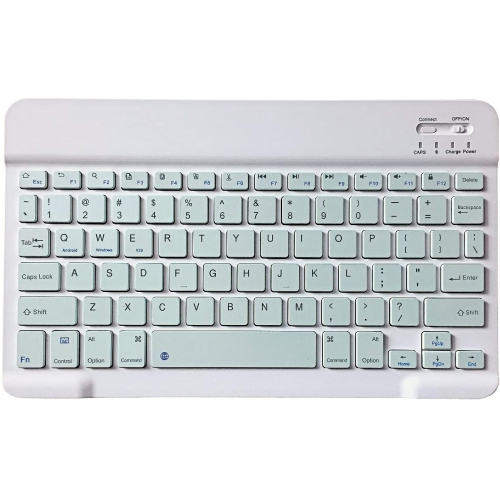
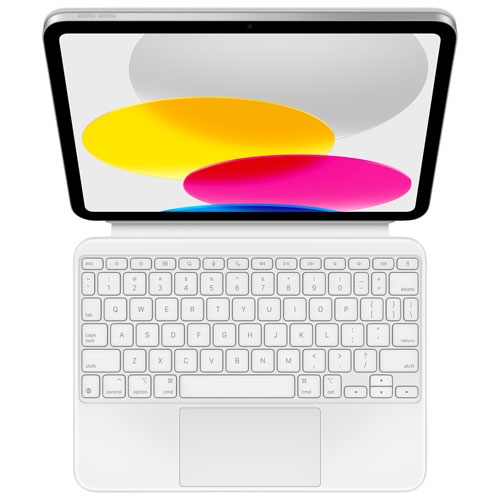
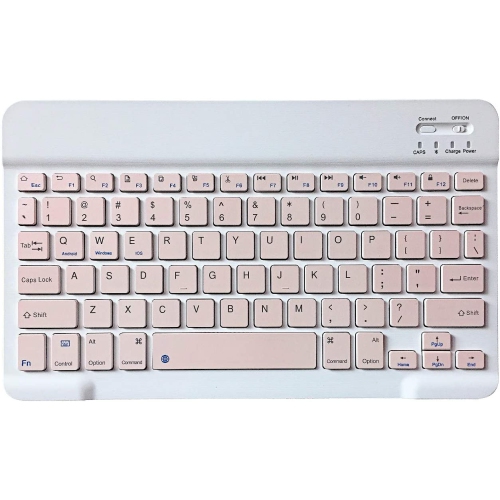
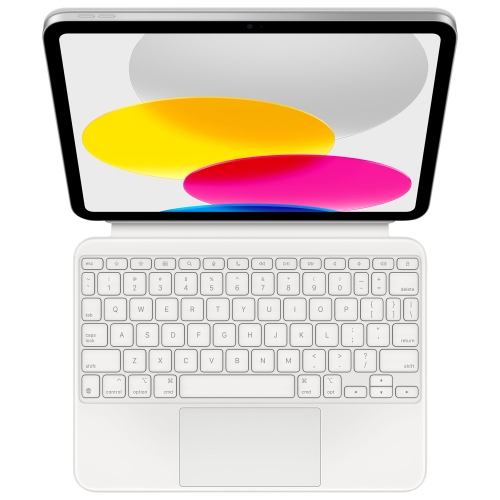
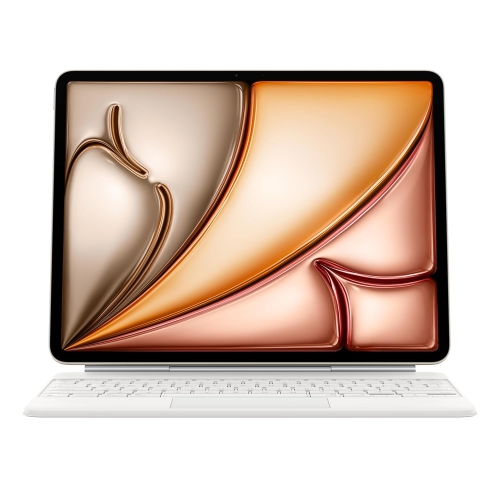
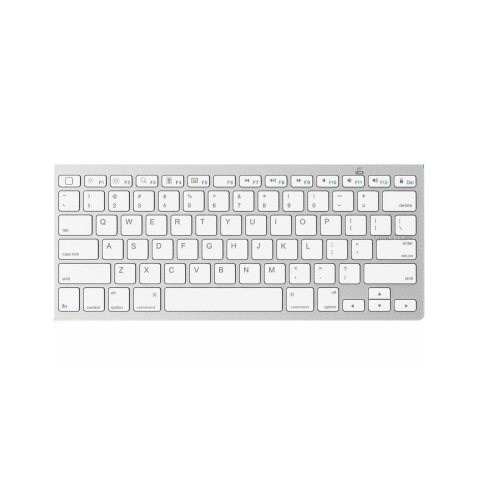
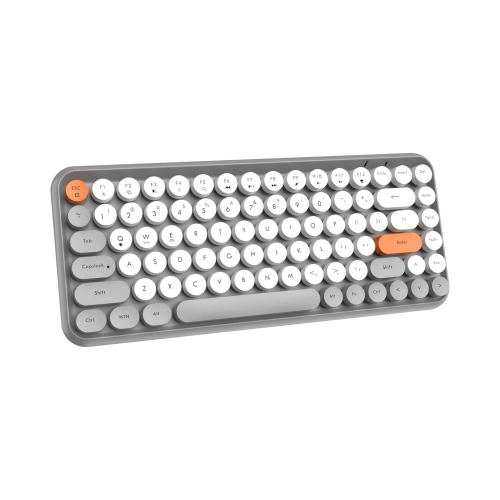
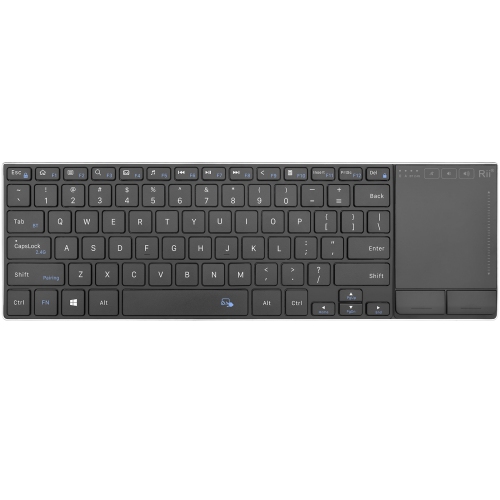
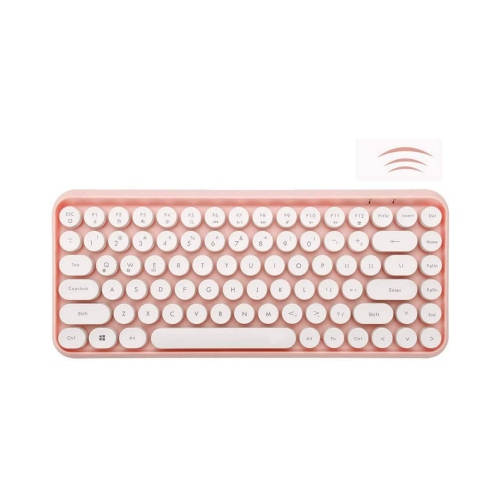
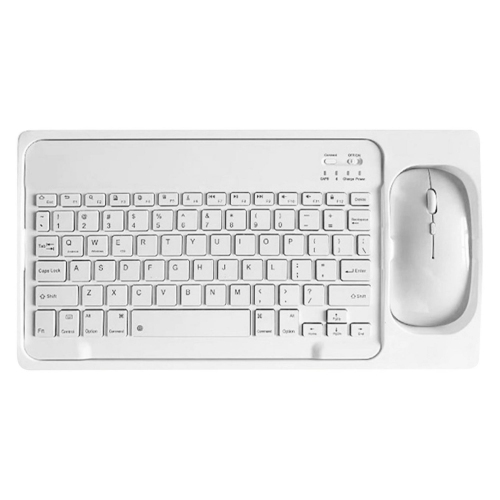
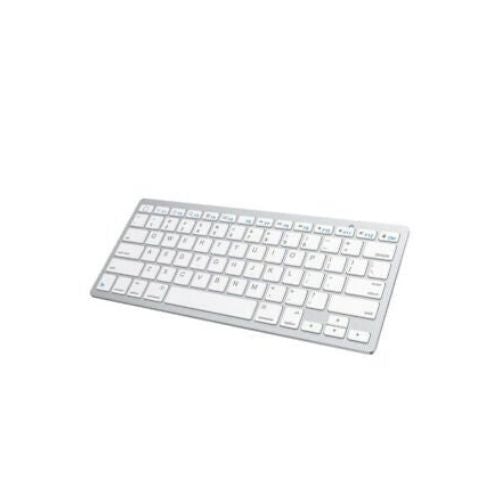
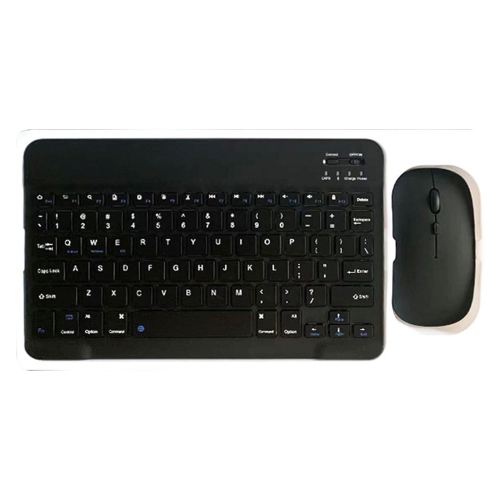
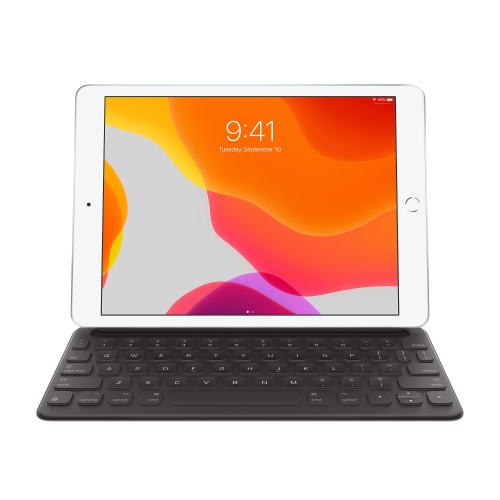
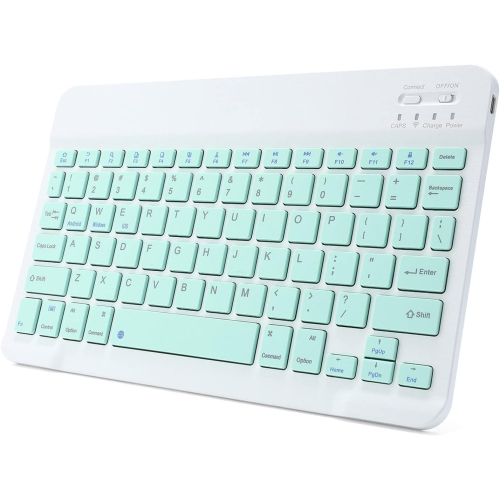
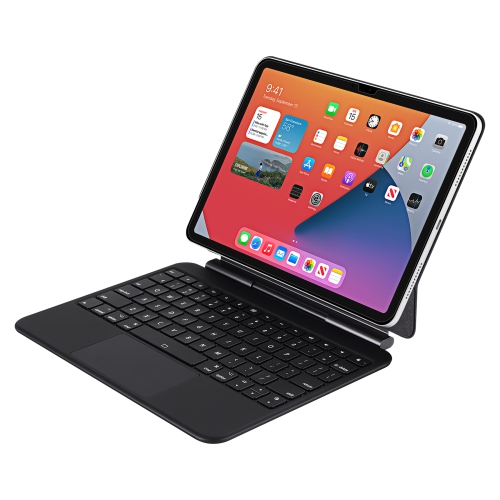
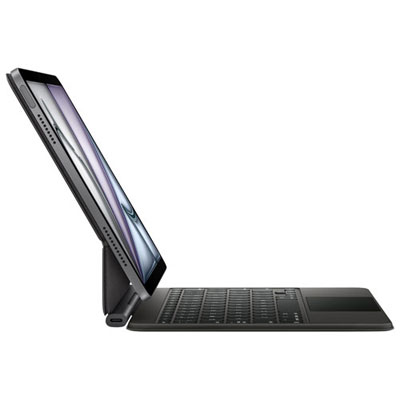
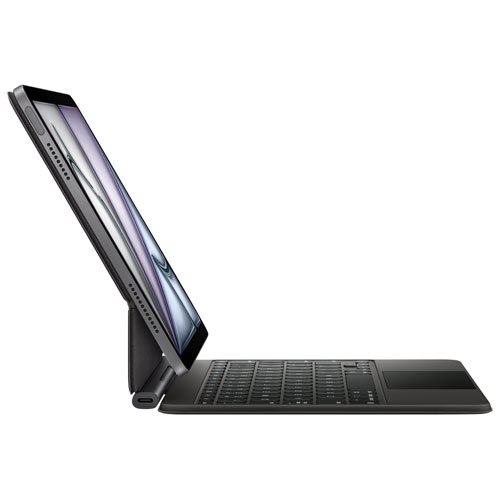
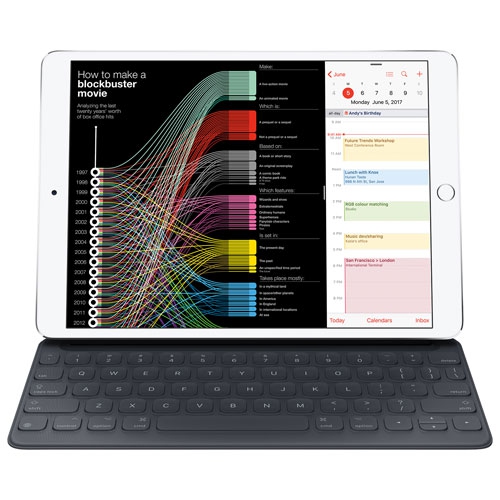
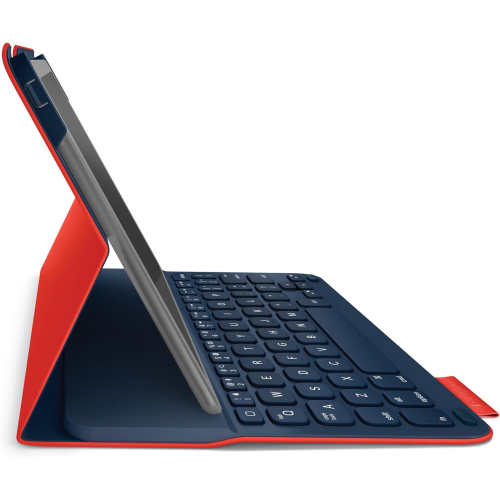
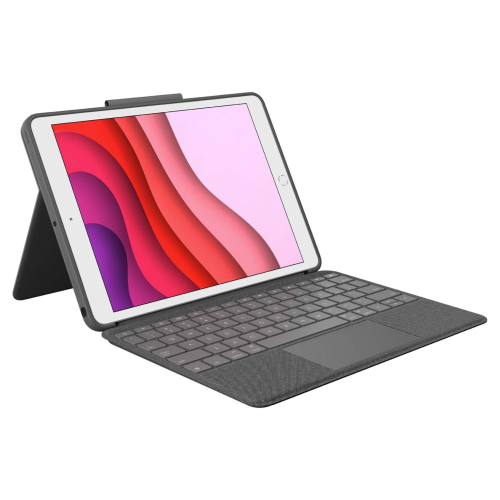
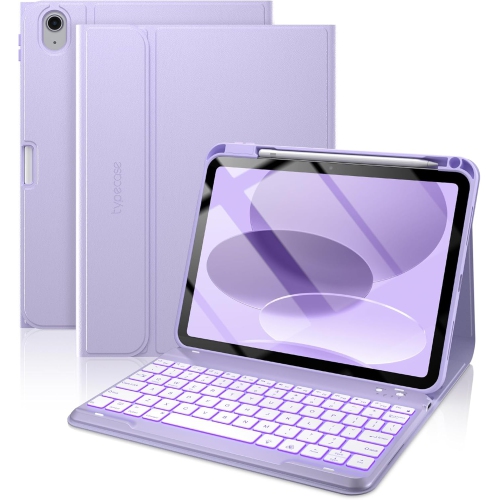
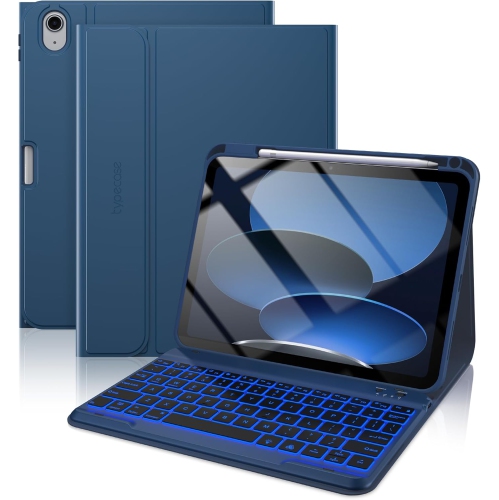
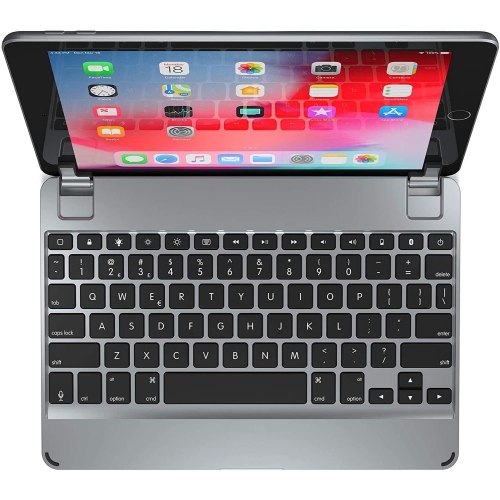
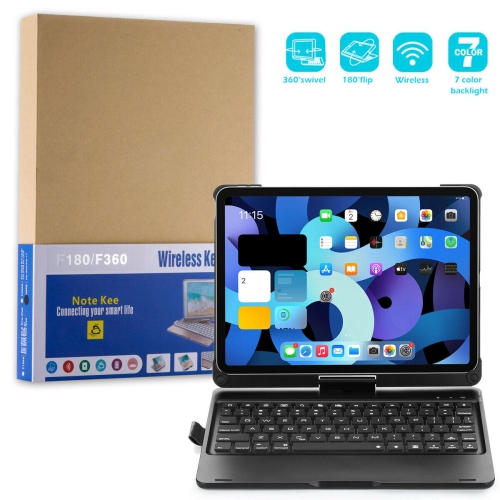
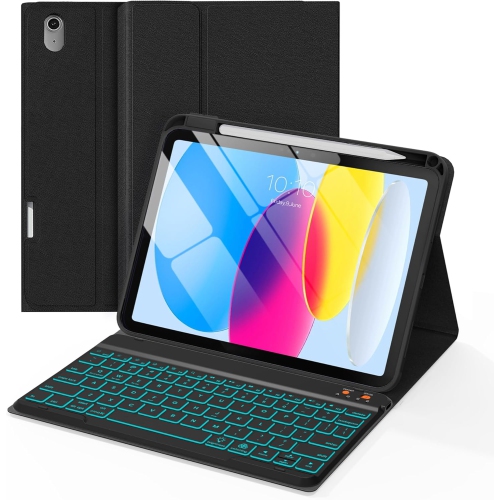
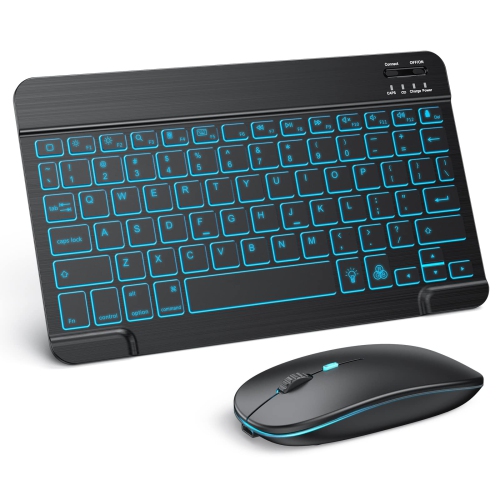
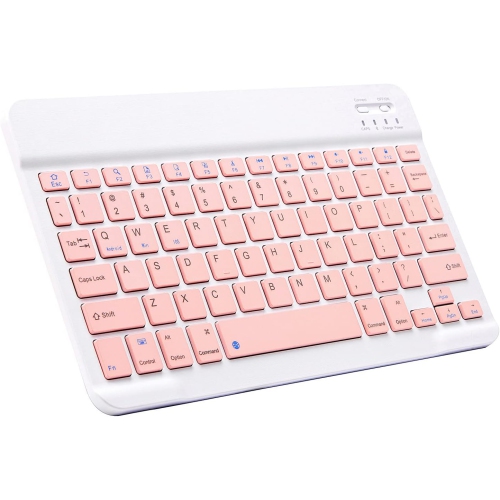
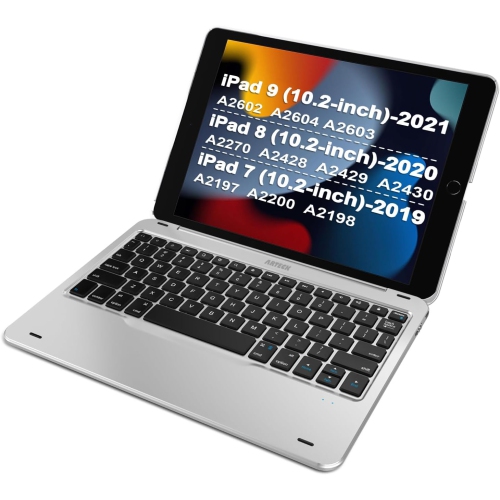
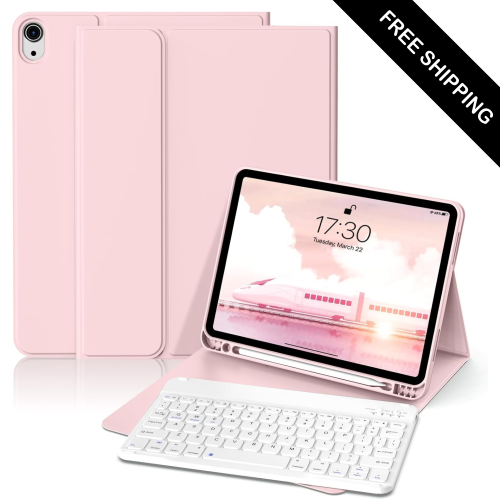
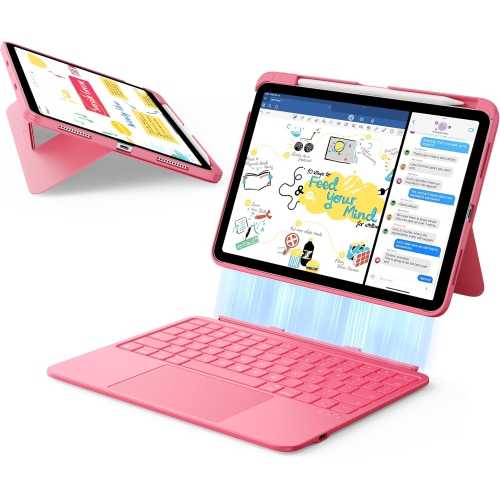
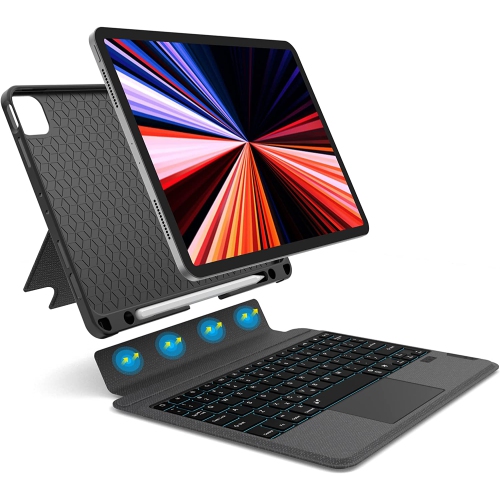
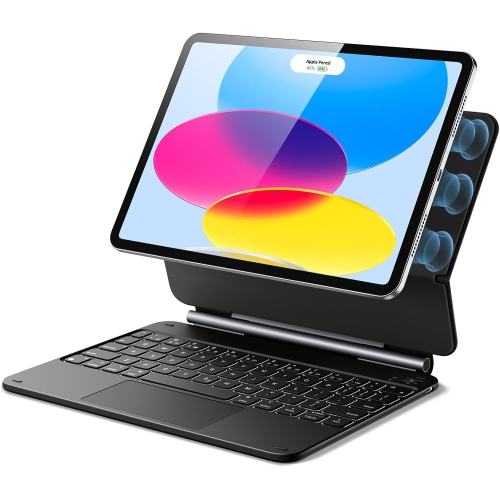
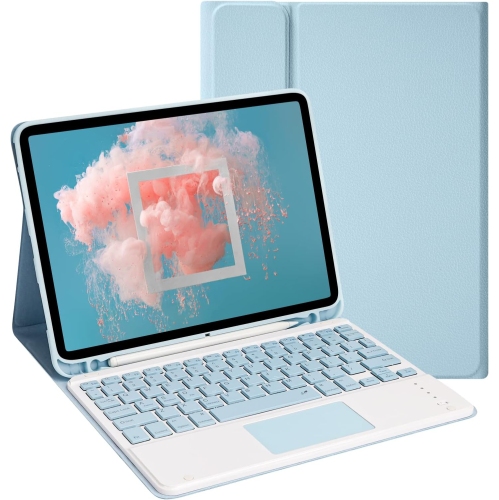
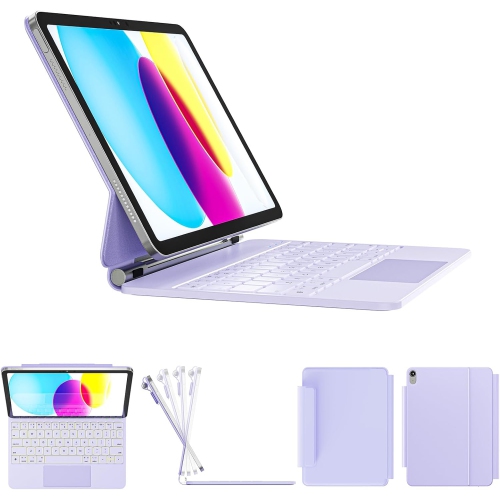
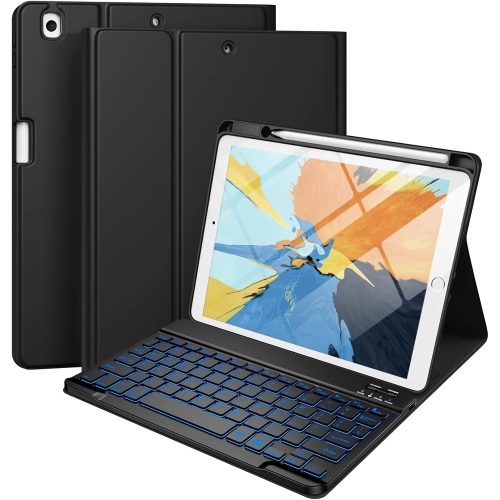
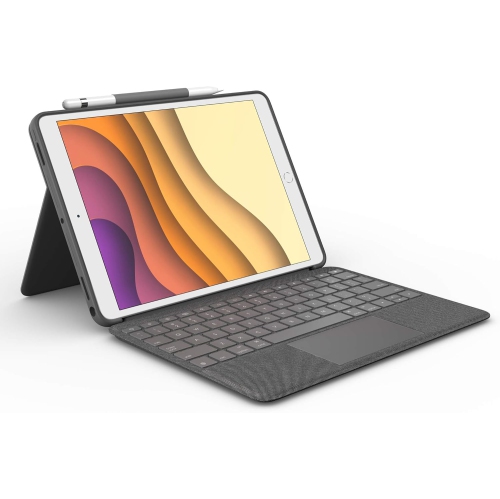
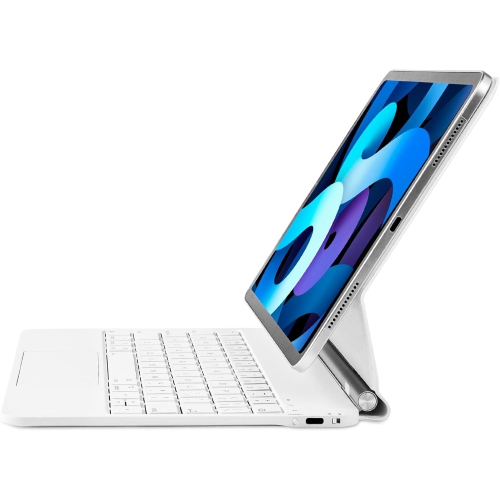
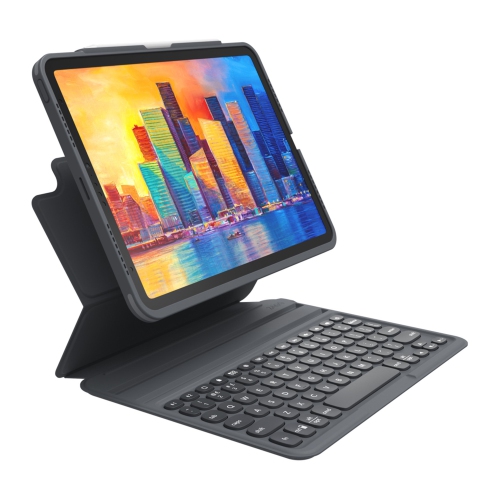
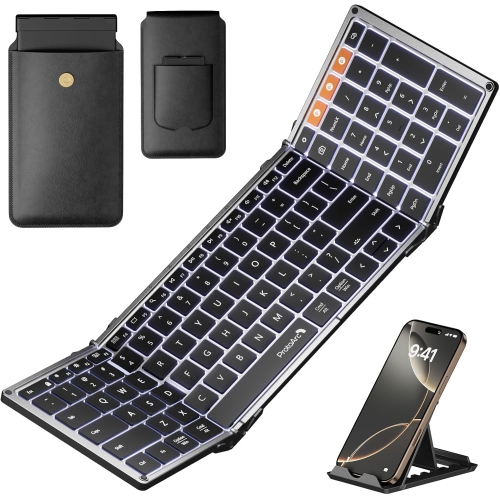
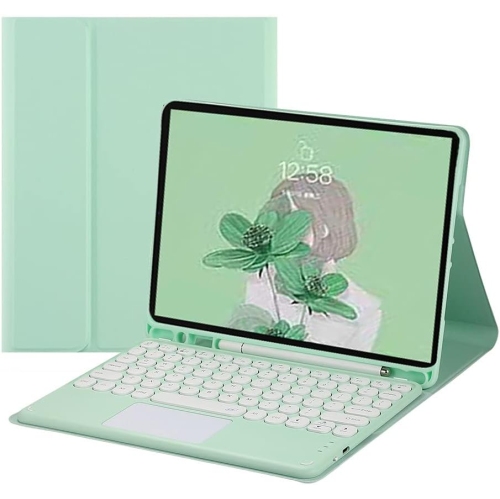
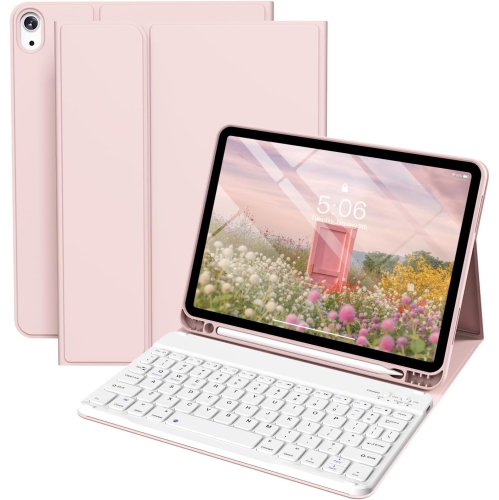
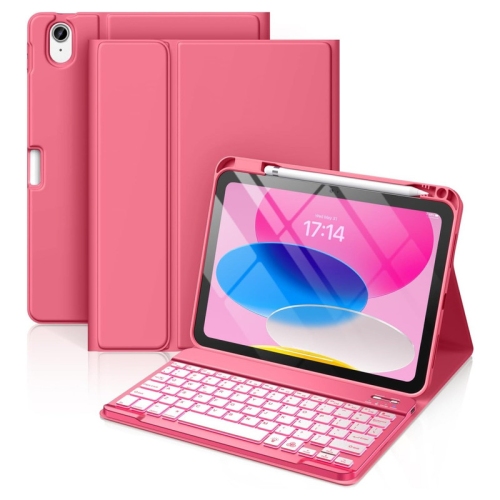
Portable iPad keyboards add physical keys to a tablet without the bulk of a separate laptop, making longer emails, lecture notes, documents, and messages more comfortable to type away from a desk. The main styles are slim standalone keyboards, folding keyboards, and keyboard cases that combine a typing surface with a fitted cover or support. Each suits a different routine. A standalone keyboard can stay in a bag while the iPad moves between a lightweight cover, a desk stand, and handheld use. A folding keyboard packs into a smaller footprint, making it practical for a crowded backpack or a travel pouch alongside charging cables. A keyboard case keeps the tablet and keyboard together, which can simplify moving between classrooms, meeting rooms, and shared workspaces. Some designs include a trackpad for navigating compatible apps, selecting text, and moving between windows without reaching for the screen. Others leave more space for the keys and rely on touch controls. Bluetooth connections offer flexibility in positioning the keyboard, while some compatible keyboard covers use the iPad’s Smart Connector for power and communication, avoiding separate keyboard charging and Bluetooth pairing. Compatibility depends on more than the screen size printed on the tablet’s packaging. Fitted keyboard cases need to match the iPad model and generation, including its dimensions, camera placement, connector position, and access to buttons and ports. Standalone Bluetooth keyboards are less dependent on the tablet’s shape, though operating system requirements and support for shortcut keys still matter. A separate stand may also be needed if the keyboard does not include a tablet holder. For someone who types a few messages between appointments, a light, compact keyboard may be sufficient. A student taking detailed notes or a frequent traveller editing documents may place greater value on familiar key spacing, a dependable support, and a layout that feels comfortable over a longer session. The most useful format is one that fits both the tablet and the places where it will actually be used.
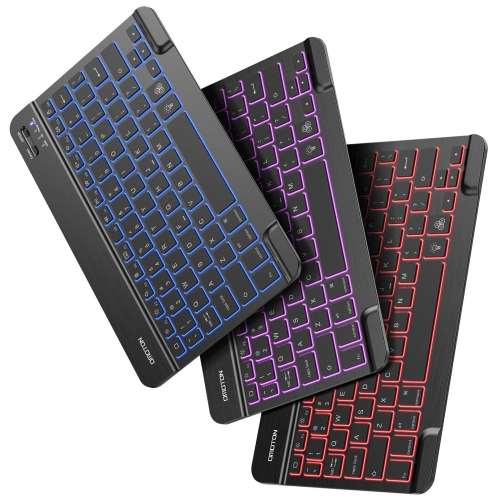
Typing comfort comes from the details that are easy to overlook when a keyboard is folded shut or tucked into a case. Key spacing, travel, and feedback affect how naturally fingers move across the layout, particularly when switching from a desktop or laptop keyboard. Compact designs may shorten certain keys, move punctuation, or combine functions, so the placement of the space bar, Shift keys, and arrow keys can make a noticeable difference during everyday writing. Folding keyboards sometimes place a hinge or a gap near the centre of the layout; the open typing surface should feel stable, with a hinge that holds its position on a flat table. Slim keyboards often use low-profile keys to keep weight and thickness down, while a slightly deeper design may offer a more pronounced key press. Neither approach suits everyone, and typing feel is separate from overall size. Dedicated shortcuts for volume, screen brightness, search, and media playback can reduce interruptions, provided those functions are supported by the iPad and its software. Backlit keys can make the lettering easier to see in a dim lecture hall or on an evening flight, although lighting also draws on battery power. Trackpads add another layer of convenience for text selection and supported gestures, but their size and responsiveness matter, especially when working in spreadsheets or moving through a long document. Materials also shape everyday handling. Rigid plastic keeps many designs light, metal panels can add firmness, and fabric or synthetic covers can make a closed keyboard more comfortable to carry. A protective cover helps shield keys from contact with other belongings, but it does not automatically make the keyboard resistant to spills or impact. For keyboard cases, the attachment, hinge, and viewing angles influence stability as much as the outer material. A setup that feels secure on a desk may behave differently on a lap or a narrow tray table. Space for the iPad, keyboard, and any separate stand is part of portability too: a small packed footprint does not always mean a small working footprint.
Battery life and charging arrangements affect how easily a portable keyboard fits into a regular routine. Rechargeable Bluetooth keyboards need occasional charging, and the interval depends on use, lighting settings, and power-saving features rather than a single figure that applies to every design. USB-C charging can simplify packing when other devices use the same connector, although the keyboard’s charging requirements and included cable still need to be checked. Keyboards with replaceable batteries offer a different approach to power management, while compatible connector-powered cases draw power from the iPad. Automatic sleep functions can help limit battery use between typing sessions, and a clear power switch can prevent accidental key presses inside a bag. Multi-device pairing is useful for someone who moves between an iPad and another compatible device, but the number of saved connections and the method for switching vary. For a work routine centred on longer documents, frequent shortcuts, and pointer control, Professional Productivity iPad Keyboards offers a related focus on typing-intensive tasks. Everyday care helps preserve the feel of the keys and the condition of covers and hinges. Loose crumbs and dust can be removed gently, and outer surfaces can usually be wiped with a soft cloth according to the manufacturer’s cleaning directions. Liquid should not be sprayed directly onto the keyboard, and charging ports should remain dry. Folding mechanisms benefit from careful opening and closing without forcing the hinges, while detachable keyboards are better carried in a sleeve or covered compartment than loose beside objects that could catch beneath the keys. A portable iPad keyboard can also be a thoughtful gift for a student, a writer, a commuter, or someone who prefers physical keys for everyday correspondence. The recipient’s exact iPad model is especially important for a fitted case; a standalone design allows more flexibility when the tablet model is uncertain, subject to connection and software compatibility. Across these different uses, lasting convenience comes from a balanced combination of comfortable typing, manageable packed size, suitable tablet support, and care that fits naturally into daily use.
Top selling and popular products
-
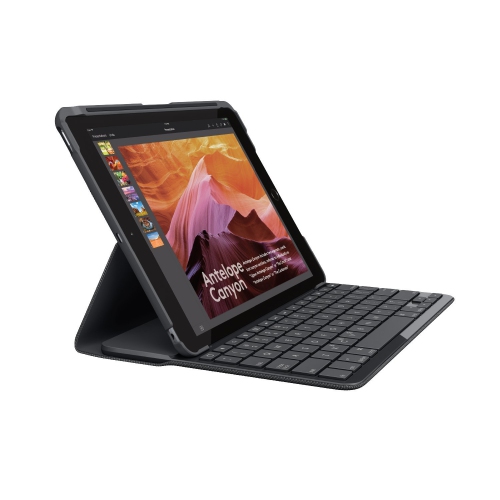 Your price for this item is $89.99
-
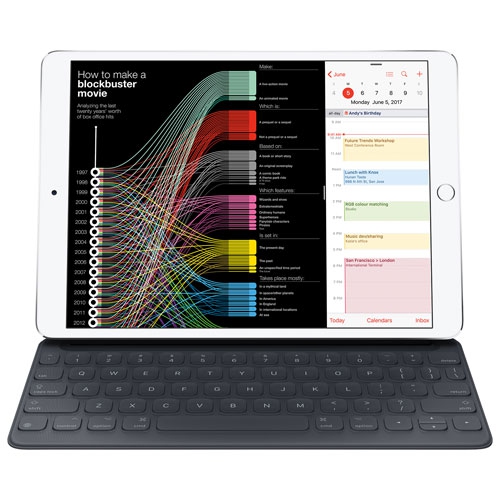 Your price for this item is $49.99
-
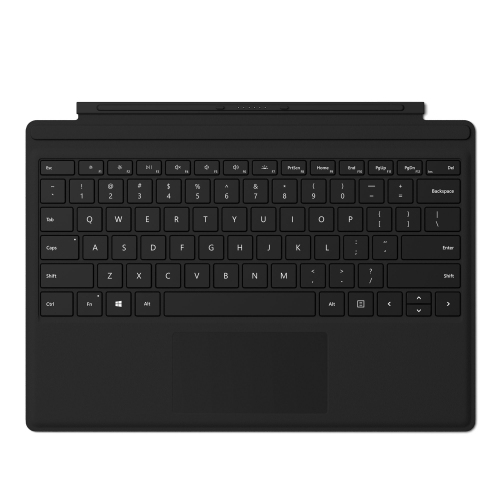 Your price for this item is $159.99
-
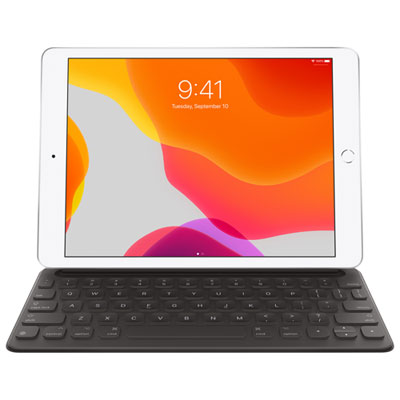 Your price for this item is $218.97
-
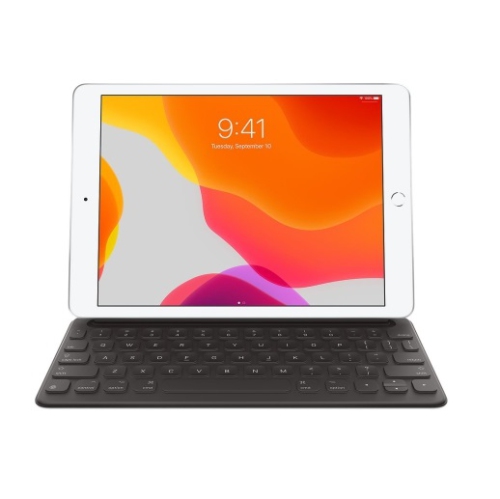 Your price for this item is $149
-
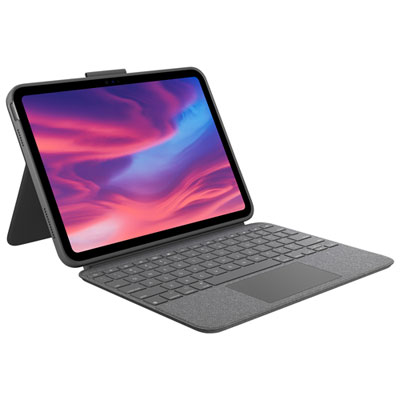 Your price for this item is $219.99
-
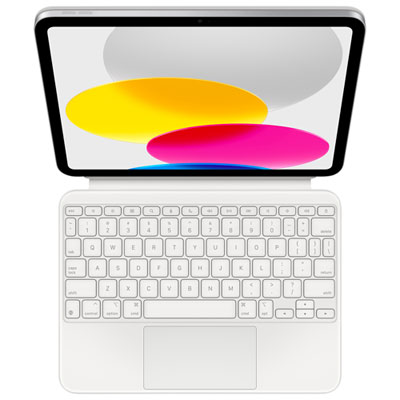 Your price for this item is $329.99
-
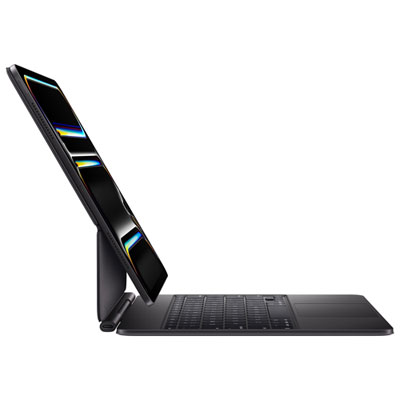 Your price for this item is $449.99
Discover more categories related to Portable iPad Keyboards
Top Collections:
Best Black Friday Deals This Year, Best Black Friday Deals On Electronics, Kindle Devices, Pokemon Centers, Best Black Friday Deals On Apple Products, Best Cameras for Sports Photography, Dyson Airwrap, Pokémon 30th Celebration Cards, Apple iPhone 17 Pro, Canon G7X Cameras
Some products may be subject to Environmental Handling Fees
(EHF) depending on your province.
Learn more about EHFs.