Best Routers for Smart Home

Keep your connected devices running smoothly with the best routers for smart homes, ranked by customer review ratings. Whether you’re streaming, managing smart lights or checking security cameras, find Wi-Fi routers with features to help support reliable coverage and multiple connections. Compare top-rated options to find the right fit for your home’s layout and connected needs.

Read More

What to look for in routers for smart homes

1. Device Capacity

Look for a router designed to handle many connected devices at once, from smart lights to security cameras. Wi-Fi 6 or newer models can help manage busy networks, though the benefits depend on your devices’ compatibility.

2. Coverage and Placement

Consider your home’s size, layout, and wall construction when comparing coverage. A mesh system can extend Wi-Fi across multiple floors or into rooms where a single router struggles to reach.

3. Smart Device Compatibility

Many smart home devices require a 2.4 GHz connection, so make sure your router supports that band. Check whether its setup options accommodate devices that need your phone connected to the same band during pairing.

4. Security and Network Controls

Look for automatic firmware updates, WPA3 security, and options to create a separate network for smart devices. Check compatibility with older devices and whether advanced security features require a paid subscription.
Citrus catapult arrow
  1. 1

    Google Nest WiFi Pro Wi-Fi 6E Router - Snow

    About this product

    A sleek snow-colored router delivering fast, stable Wi-Fi 6E connectivity with dual 1Gbps Ethernet ports.

    What customers like

    • Easy and quick setup
    • Sleek and modern design
    • Wide coverage and strong signal
    • Seamless integration with Google ecosystem
    • Fast and reliable Wi-Fi 6E speeds
    (2,021)
    $189.99
    SAVE $80
    Your price for this item is $189.99
  2. 2

    NETGEAR Nighthawk X6 R8000 Ieee 802.11Ac Ethernet Wireless Router

    About this product

    A high-performance wireless router offering fast 802.11ac speeds and reliable Ethernet connectivity for your network.

    What customers like

    • Fast speeds and improved performance
    • Advanced features and customization options
    • Easy and user-friendly setup
    • Strong and reliable signal strength
    • Tri-band technology for multiple devices
    (11,118)
    $219.00 Your price for this item is $219
  3. 3

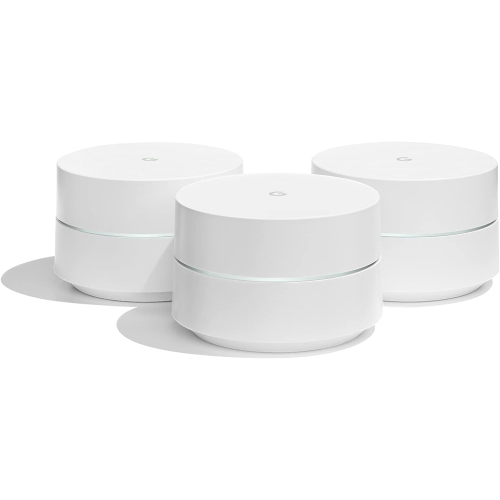
    GOOGLE Whole Home Mesh Wi-Fi System - Set Of 3 ( )

    About this product

    A mesh Wi-Fi system that delivers seamless, reliable wireless coverage throughout your entire home.

    What customers like

    • Easy and quick setup
    • Strong and reliable whole-home coverage
    • Attractive and compact design
    • User-friendly and effective app control
    (10,447)
    $279.99
    SAVE $50
    Your price for this item is $279.99
  4. 4

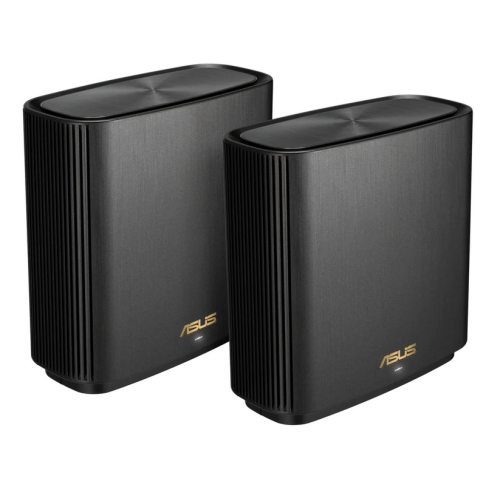
    ASUS Zenwifi Xt9 Ax7800 Tri-Band Wi-Fi 6 Mesh System - - 2 Pack In Black

    About this product

    A tri-band Wi-Fi 6 mesh system in black delivering fast, reliable, and secure wireless connectivity.

    What customers like

    • Fast speeds and improved performance
    • Easy setup and installation
    • Strong and reliable Wi-Fi coverage
    • Advanced features and security options
    • User-friendly app and controls
    (162)
    $465.68 Your price for this item is $465.68
  5. 5

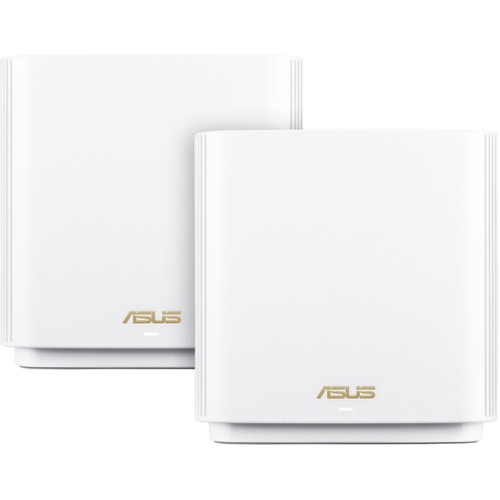
    ASUS Et8 (W-2-Pk) Et8 (W-2-Pk) Wireless Router (Et8 (W-2-Pk))

    About this product

    A Wi-Fi 6 mesh system with six internal antennas, 2.5Gb Ethernet, and VPN support.

    What customers like

    • Easy setup and installation
    • Comprehensive parental controls and security features
    • Excellent coverage and strong signal
    • Support for latest Wi-Fi standards and future-proofing
    • Fast speeds and reliable performance
    (89)
    $449.99 Your price for this item is $449.99
  6. 6

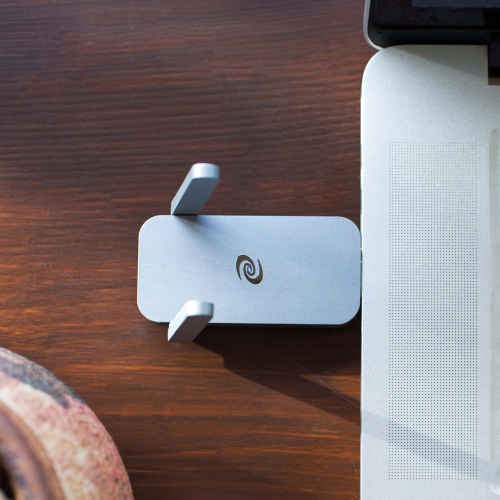
    DEEPER NETWORK Deeper Connect Air -This Vpn Router Is Like Your Vpn, But Better(And Cheaper), No Monthly Fees, The Ability to Connect Up to All

    About this product

    A compact VPN router offering military-grade encryption, ad blocking, and fast, secure, decentralized browsing for five devices.

    (12)
    $479.00 Your price for this item is $479
  7. 7

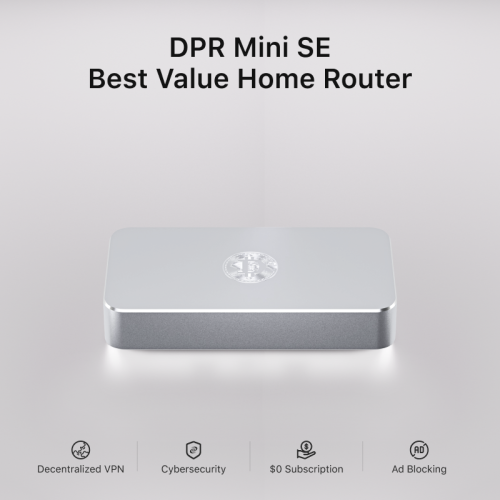
    DEEPER NETWORK Dpr Mini Se - Best Value Smart Router With Powerful Decentralized Vpn (Dpn), 500Mbps Max Bandwidth

    About this product

    A smart router with decentralized VPN, 500Mbps bandwidth, ad blocker, parental controls, and 7-layer firewall.

    (7)
    $409.00 Your price for this item is $409
  8. 8

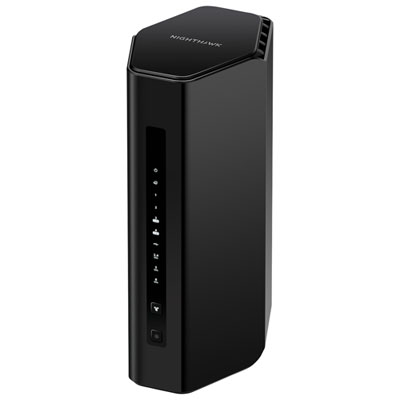
    NETGEAR Nighthawk RS300 Tri-Band Wi-Fi 7 Router

    About this product

    A tri-band router offering Wi-Fi 7 speeds up to 9.3Gbps and support for up to 100 devices.

    (6)
    $314.99 Your price for this item is $314.99
  9. 9

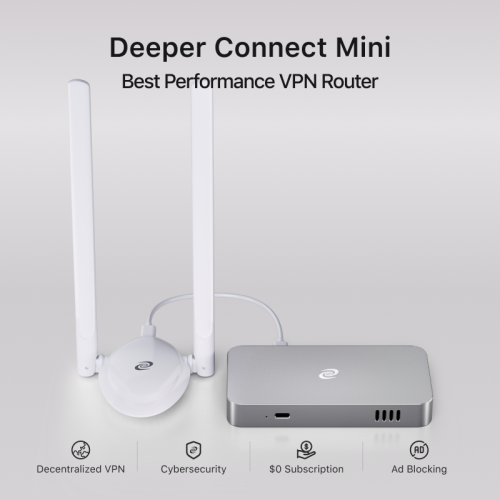
    DEEPER NETWORK Deeper Connect Mini - Best Performance Decentralized Vpn w A 7-Layer Enterprise-Grade Firewall. Lifetime Free Vpn Router for Home

    About this product

    A decentralized VPN router with a 7-layer firewall, ad blocking, parental controls, and lifetime free service.

    (5)
    $549.00 Your price for this item is $549
  10. 10

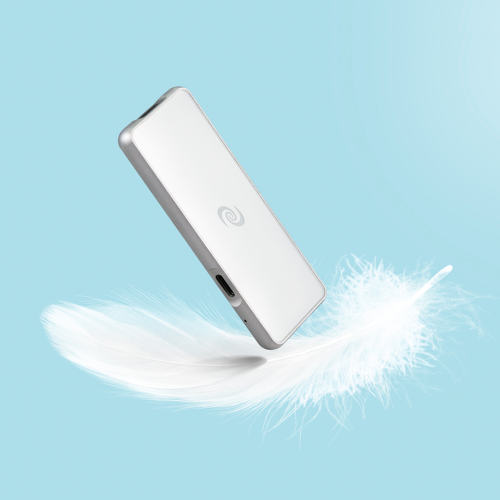
    DEEPER NETWORK Deeper Connect Pico Set- Incredibly Thin, Light Decentralized Vpn & Smart Vpn Router, Secure Surfing At Home And On The Go, $0

    About this product

    An ultra-thin, portable VPN router offering enterprise-grade cybersecurity, encrypted data, ad blocking, and parental controls.

    (1)
    $409.00 Your price for this item is $409

Why smart home connections need more than speed

The best routers for a smart home balance dependable 2.4 GHz connections, coverage that suits the layout of the home, and enough capacity for devices that stay connected throughout the day. A smart doorbell sending a motion alert, a speaker playing music in the kitchen, and a thermostat adjusting its schedule do not all need the same amount of bandwidth, but they all benefit from a stable network. That makes consistency just as important as the maximum speed printed on a router’s packaging. Many smart plugs, bulbs, locks, and household sensors use the 2.4 GHz band, which generally reaches farther than higher-frequency bands but can face more interference from nearby networks and household equipment. Dual-band routers pair that connection with 5 GHz Wi-Fi, giving compatible phones, computers, and televisions access to a band better suited to higher-bandwidth activities at shorter distances. Tri-band and quad-band designs add capacity through additional bands, although the particular mix varies by model. Wi-Fi 6 supports more efficient communication with compatible devices on busy networks, while Wi-Fi 6E adds access to the 6 GHz band for devices that support it. Wi-Fi 7 brings further improvements, including features that can use multiple bands with compatible equipment. These newer standards do not make an older smart bulb faster or give it access to a band it cannot use; their value often lies in making room for the rest of the household’s traffic. For homes combining connected lighting and security devices with video meetings, streaming, and gaming, High Speed Routers for Smart Home brings together a closely related type of networking equipment. The right fit still depends on the internet connection, the devices in use, and the demands placed on the network. A higher advertised speed cannot raise an internet plan’s speed limit, and a large supported-device count is not a guarantee that every device can perform demanding tasks simultaneously.

Coverage is where the differences between a standalone router and a mesh Wi-Fi system become especially relevant to a connected home. A well-positioned standalone router may comfortably serve an apartment or a compact house, particularly when it sits in an open, central location rather than behind a television or inside a cabinet. A larger home, multiple floors, or a long layout can leave a doorbell at the front entrance or a camera near a rear doorway struggling to maintain its connection. Mesh systems use a main router and additional nodes to extend coverage under a coordinated network, helping compatible devices move between access points without manually switching network names. Results depend on placement and construction materials: concrete, brick, metal, and some wall finishes can weaken signals, and adding nodes cannot remove those physical limits. A node needs a strong connection back to the network, so placing it partway towards a weak area is often more effective than putting it at the farthest edge of coverage. Backhaul is the connection that carries traffic between mesh nodes and the main router. A dedicated wireless backhaul band can reduce competition with household devices, while Ethernet backhaul uses wired connections between compatible nodes to leave more wireless capacity for everyday use. Neither feature is universal, making supported connection types an important distinction between systems. Ethernet ports also provide a practical home for stationary equipment such as a television, game console, or smart home hub, reducing the number of devices sharing Wi-Fi airtime. Multi-gigabit ports are most useful when the internet service or local wired equipment can take advantage of them. For a household with cameras uploading video while someone works in a spare bedroom, balanced coverage and sufficient upload speed may matter more than a headline download figure. Advertised coverage areas are useful starting points, but room arrangement, interference, and the position of the internet connection all affect how a router performs in a particular home.

Smart home router features also shape the experience after the initial setup. Clear app controls or a browser-based dashboard can make it easier to identify devices, notice an unfamiliar connection, and manage household access. A separate network for connected household devices can help limit access to personal computers and files when the router supports appropriate isolation. However, guest-network isolation may also prevent a phone from discovering a speaker, controlling a light locally, or casting to a television, so compatibility with those everyday tasks matters. Some smart devices are easier to set up when a router offers separate band names or a temporary 2.4 GHz setup mode, though many work well with a combined network name. Security features deserve similar attention: WPA3 support is useful for compatible equipment, while older devices may need an appropriate compatibility mode. Automatic firmware updates, a clear update-support policy, and a strong administrator password contribute to ongoing protection. Built-in Thread border router or Zigbee hub functions can simplify certain setups, but they are separate capabilities rather than standard features of every Wi-Fi router. Matter support also does not mean every accessory connects directly over Wi-Fi; Thread accessories still need a suitable Thread border router. For everyday ownership, physical design matters in quieter ways. Routers commonly use lightweight plastic housings, with internal or external antennas and vents that need unobstructed space. A stable shelf with room for cables and access to a power outlet is a better fit than a tightly packed storage compartment. Exterior care generally involves a dry, soft cloth and following the manufacturer’s cleaning directions, without spraying liquid into ports or openings. Long-term usefulness depends on reliable software support and sufficient capacity as much as the casing itself. For someone setting up a first connected home, simplicity and straightforward management can be valuable; for a household adding cameras, sensors, and work devices, flexible network controls and compatible expansion options may carry more weight. The strongest match is a router that keeps ordinary routines running smoothly, from checking the entrance camera to turning off the lights at bedtime.
Read More

FAQ

Some products may be subject to Environmental Handling Fees (EHF) depending on your province. Learn more about EHFs.