High Speed Routers for Smart Home
Upgrade your connected lifestyle with a high speed router for smart home setups. Designed to support multiple devices and seamless streaming, these routers help keep your network running smoothly as you enjoy everything from smart TVs to home security systems. Whether you're working, gaming, or managing your smart appliances, a reliable high speed router for smart home use ensures consistent connectivity throughout your space. Discover options that can handle the demands of modern living and make it easy to stay connected in every room.
Sort
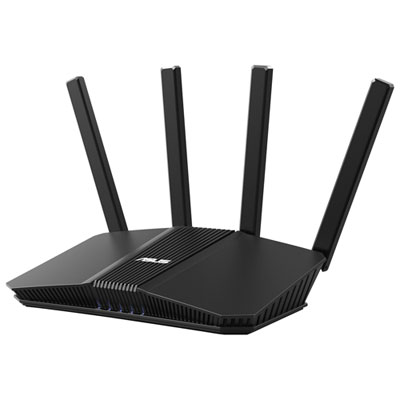
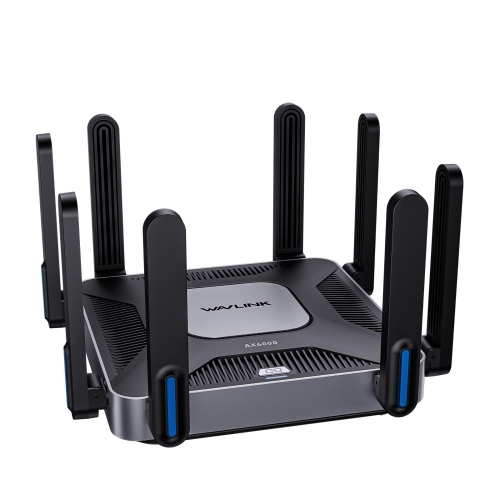
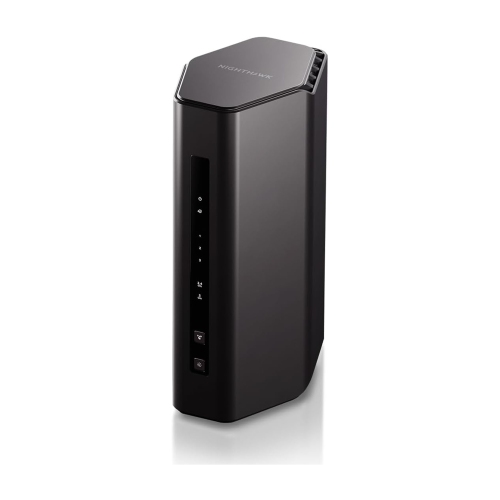
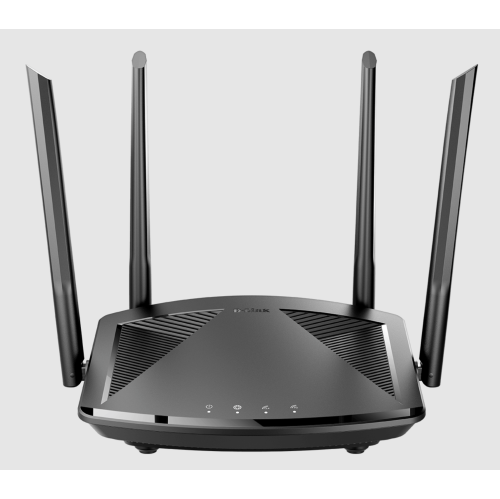
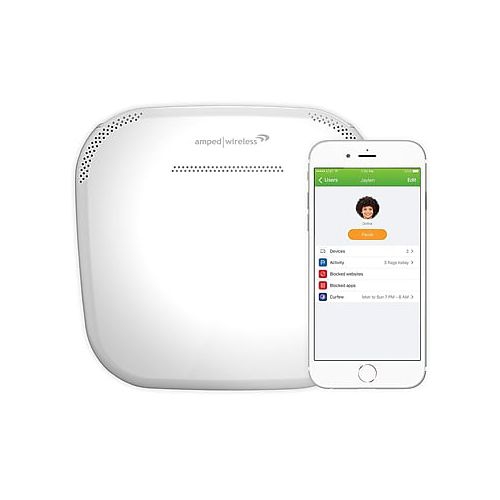
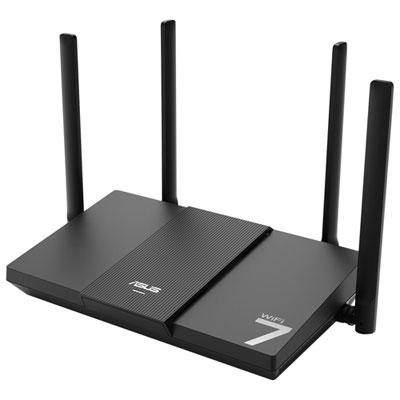
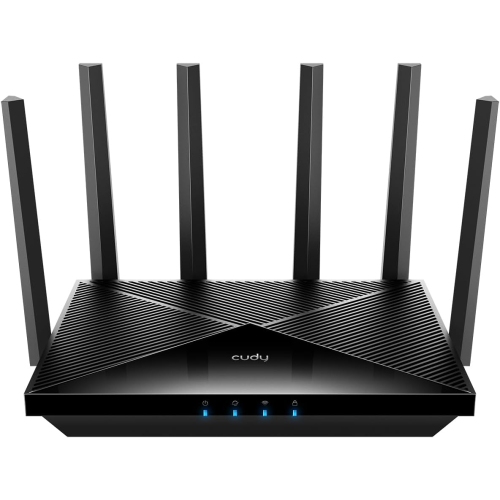
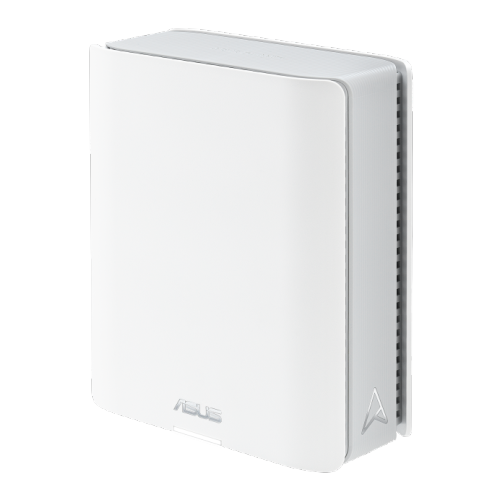
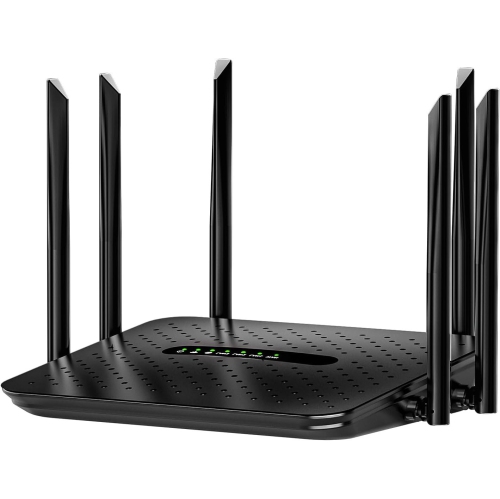
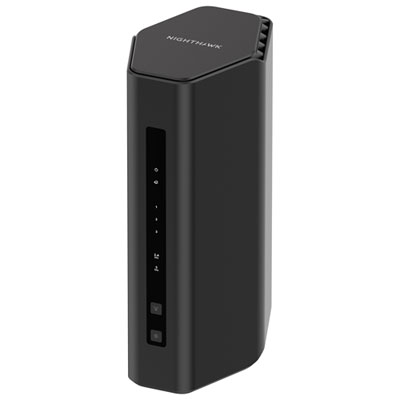
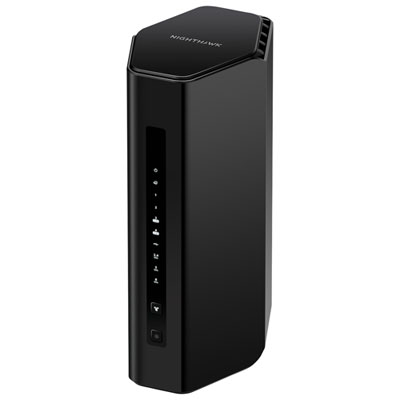

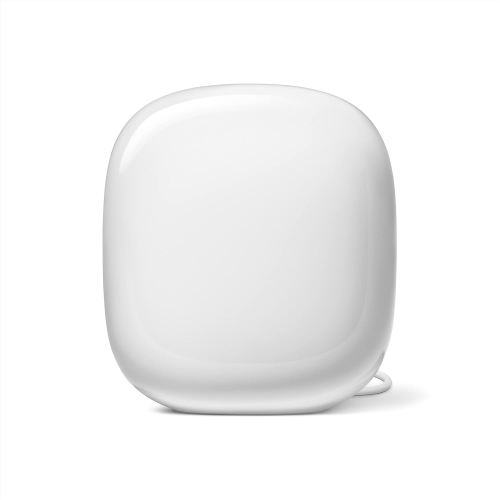
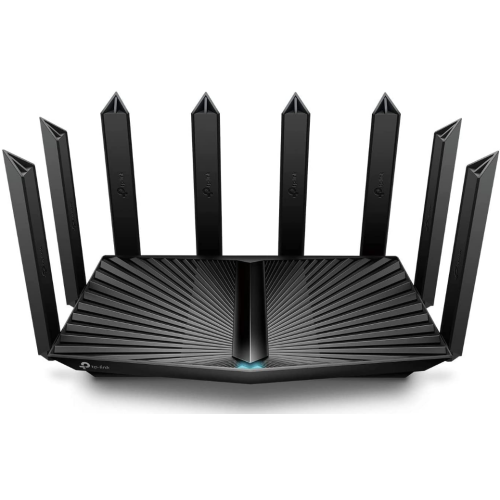
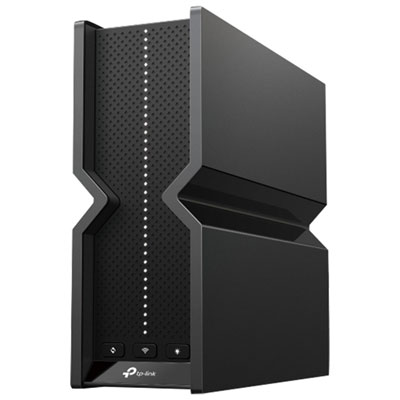
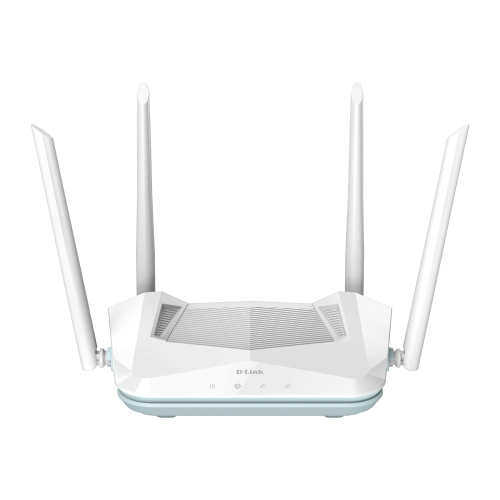
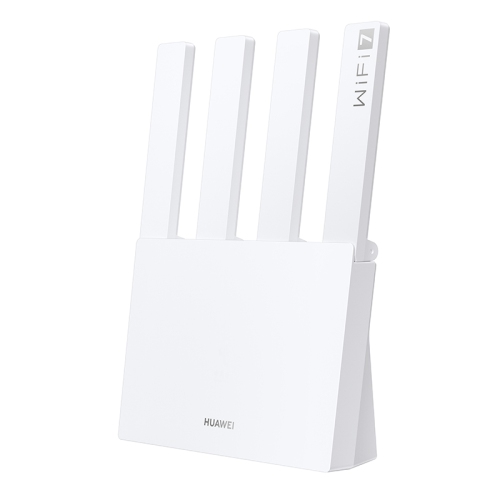
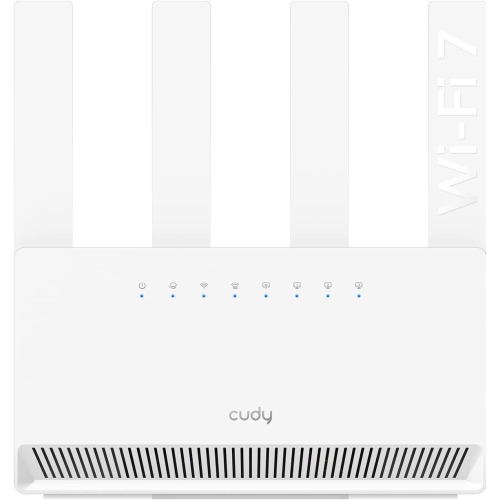
Reliable smart home connections take more than speed
High-speed routers for smart homes help keep everyday connections responsive when lights, cameras, thermostats, speakers, computers and televisions share the same network. The right fit depends on the size and layout of the home, the number of active devices and the activities happening at the same time. A household with several video calls, 4K streams and security camera feeds places different demands on a router than a smaller apartment with a few connected plugs and one television. Raw speed is only part of the picture: consistent coverage, efficient traffic handling and dependable connections matter just as much. Wi-Fi 6 routers support features that help compatible devices share wireless capacity efficiently, making them a practical option for busy households. Wi-Fi 6E adds access to the 6 GHz band, while Wi-Fi 7 can offer further improvements in capacity and responsiveness with compatible devices. Features such as Multi-Link Operation depend on support from both the router and the connected device. Older smart home accessories can still connect through supported earlier Wi-Fi standards, but they do not gain every benefit of a newer standard. Advertised wireless speeds generally represent combined theoretical maximums across bands, rather than the speed a single device will receive. Actual performance depends on the internet plan, device capabilities, distance, interference and building materials. Coverage is especially important when a doorbell sits outside an exterior wall or a connected appliance occupies a room far from the router. A standalone router can suit a compact home with a central placement point, while a mesh system uses multiple nodes to extend a shared network through larger or multi-storey layouts. Thick masonry, concrete floors and long hallways can make coverage more challenging even in homes with modest floor space. Matching the router to the layout helps avoid situations where a fast connection reaches the living room but struggles at a bedroom desk or front entrance.
Smart home connectivity also depends on compatibility, not simply on choosing the newest wireless standard. Many bulbs, plugs, sensors and other accessories use the 2.4 GHz band because it generally reaches farther and passes through obstacles more effectively than higher-frequency bands. The 5 GHz and 6 GHz bands can provide more capacity for compatible computers, phones and entertainment devices, though their reach through walls is typically shorter. Dual-band routers provide 2.4 GHz and 5 GHz connections; tri-band configurations vary, so the bands included are worth checking rather than assuming every tri-band router supports 6 GHz. Some routers combine multiple bands under one network name and steer devices automatically, while others offer separate network names or a dedicated smart device network. Clear band controls can be useful when setting up an accessory that requires a phone to connect through 2.4 GHz during pairing. A separate smart device network may also offer isolation controls, although the settings need to allow any communication required for local control, casting or discovery. Connected accessories that use other wireless protocols may still require a compatible hub or Thread border router; a conventional Wi-Fi router does not automatically replace that hardware. Security features are another important distinction. WPA3 support can strengthen protection for compatible connections, while some older accessories may require a supported WPA2 configuration. Automatic firmware updates, clear security settings and continued manufacturer support help a router remain useful as networking needs change. Guest networks can keep visitors’ devices separate from household equipment, and parental controls may provide schedules or access settings for family devices. The depth of these features varies, and some advanced services require a subscription. For households with numerous connected accessories, straightforward device naming and connection status displays make it easier to distinguish a hallway sensor from a streaming player. A router with a well-organized app or browser interface can make those everyday checks less frustrating without requiring detailed networking knowledge.
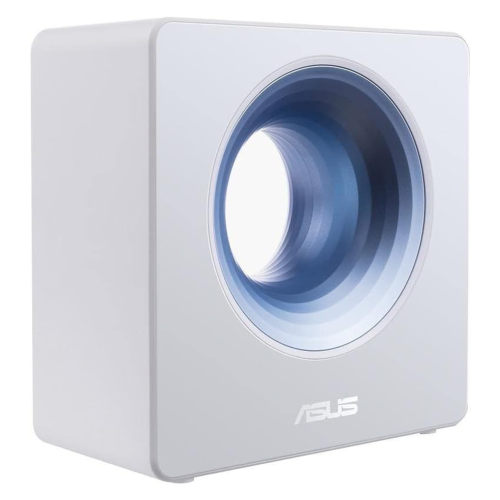
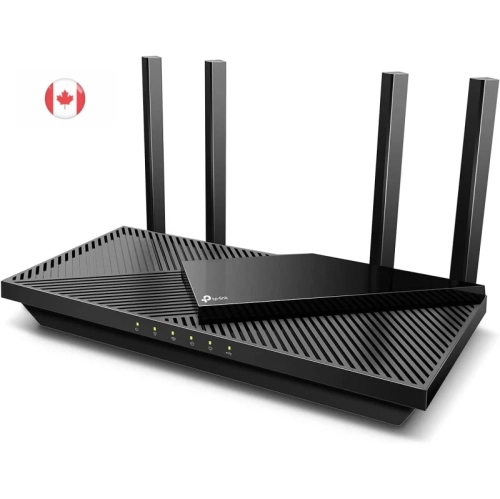
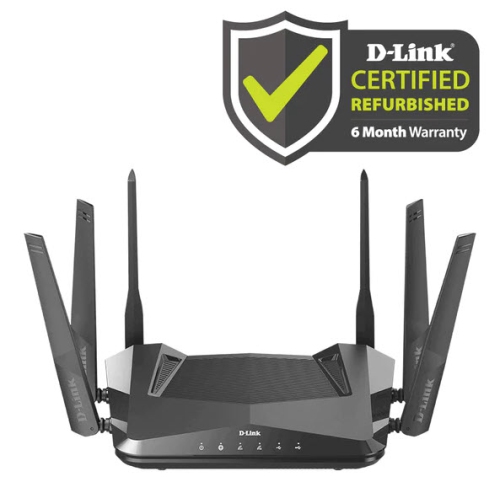
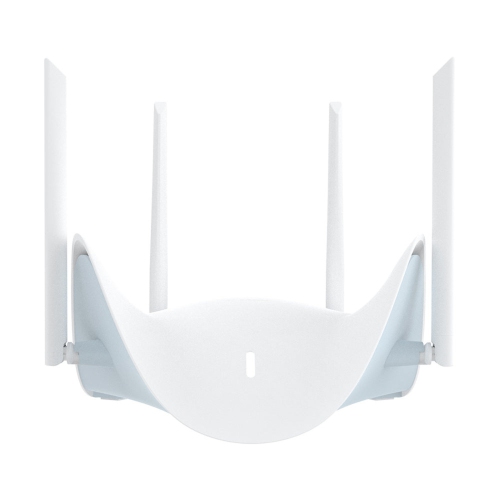
Wired connections remain valuable in a smart home, even when most accessories use Wi-Fi. Ethernet ports can connect a desktop computer, gaming console, television or smart home hub directly to the router, leaving more wireless capacity for mobile devices and accessories that need it. Gigabit Ethernet suits many household connections, while multi-gigabit ports can support faster internet plans or compatible local network equipment. Both the internet-facing port and the ports serving individual devices affect the speeds a wired setup can deliver. Port counts matter too, particularly around a media centre where several devices may benefit from a cable. Mesh systems can use wireless links between nodes, but compatible systems with Ethernet backhaul can carry that traffic over cabling instead. This can be useful when floors or thick walls weaken the wireless connection between nodes. Where cabling is not practical, mesh hardware with additional wireless capacity may help, though the way that capacity is shared differs by system. Traffic prioritization features can help manage competing activities, such as a video meeting happening while another device downloads a large file, but they cannot create more bandwidth than the internet connection provides. Physical design also affects day-to-day suitability. Router housings commonly use lightweight plastic with ventilation openings, and designs range from compact units with internal antennas to larger models with adjustable external antennas. Neither appearance alone nor antenna count guarantees better coverage. Dimensions, cable clearance and access to power are practical considerations for a shelf or work surface. Open placement away from large metal objects generally supports better wireless performance than a closed cabinet. Clear vents and gentle exterior cleaning with a dry cloth help prevent dust buildup; liquids and covered ventilation openings can damage equipment or affect operation. The Best Routers for Home collection provides a broader view of home networking options. For a connected household, the most useful combination is reliable reach, compatible smart device connections, appropriate wired capacity and controls that remain straightforward as more devices join the network.
Top selling and popular products
-
 Your price for this item is $189.99
-
 Your price for this item is $189.99
-
 Your price for this item is $219
-
 Your price for this item is $899.99
-
 Your price for this item is $299.99
-
 Your price for this item is $139.99
-
 Your price for this item is $499.99
-
 Your price for this item is $349.99
Discover more categories related to High Speed Routers for Smart Home
Top Collections:
Best Black Friday Deals This Year, Best Black Friday Deals On Electronics, Kindle Devices, Pokemon Centers, Best Black Friday Deals On Apple Products, Best Cameras for Sports Photography, Dyson Airwrap, Pokémon 30th Celebration Cards, Apple iPhone 17 Pro, Canon G7X Cameras
Some products may be subject to Environmental Handling Fees
(EHF) depending on your province.
Learn more about EHFs.