Best Stylus
Find the best styluses for taking notes, sketching ideas, and navigating compatible touchscreens with precision. Ranked by customer review ratings, this selection makes it easy to compare highly rated options for work, study, and creative projects. Explore features such as pressure sensitivity, palm rejection, and device compatibility to find a stylus that suits your needs.
What to look for in the best styluses
1. Device Compatibility
2. Writing and Drawing Precision
3. Comfort and Controls
4. Battery Life and Charging
-
1

Apple Pencil Pro for iPad - White
About this product
A white stylus offering advanced features for intuitive note-taking, markup, and creative tasks on iPad.
What customers like
(4,972)$169.00 Your price for this item is $169 -
2
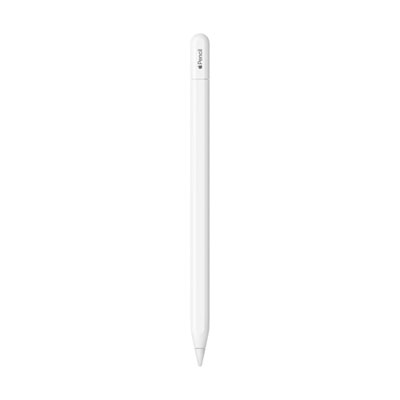
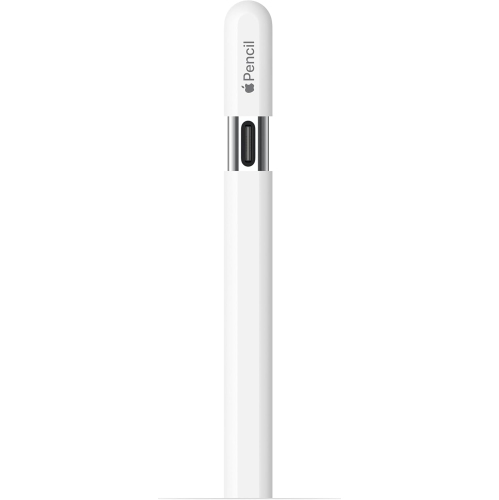
Apple Pencil (USB-C) (3rd Generation) for iPad - White
About this product
A white stylus offering pixel-perfect precision, low latency, and tilt sensitivity for natural writing and drawing.
What customers like
(4,345)$109.00 Your price for this item is $109 -
3
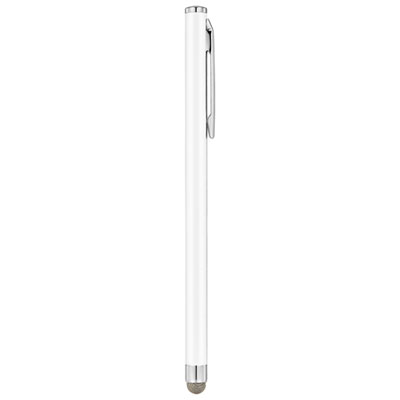
Insignia Slim Stylus (NS-STYLW-C) - White - Only at Best Buy
About this product
A white slim stylus featuring a sensitive fibre tip for precise typing and drawing on touchscreens.
What customers like
(271)$9.99 Your price for this item is $9.99 -
4
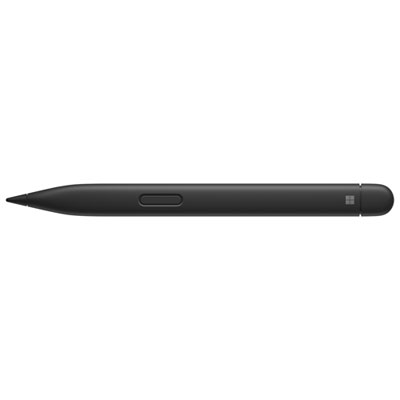
Microsoft Surface Slim Pen 2
About this product
A rechargeable black stylus offering tilt support, pressure sensitivity, and fluid Zero-Force Inking for precise creativity.
What customers like
(750)$189.99 Your price for this item is $189.99 -
5
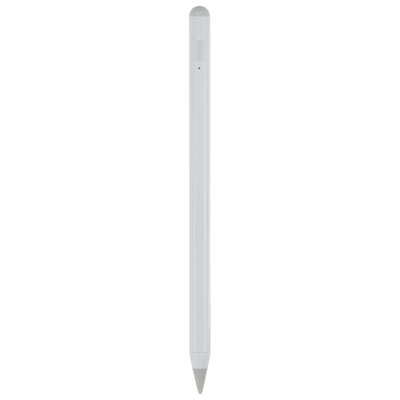
LOGiiX Precision Pencil for iPad (2023) - White
About this product
A white stylus with a tilt-sensitive tip and 10-hour rechargeable battery for precise iPad writing and drawing.
(2)$69.99 Your price for this item is $69.99 -
6
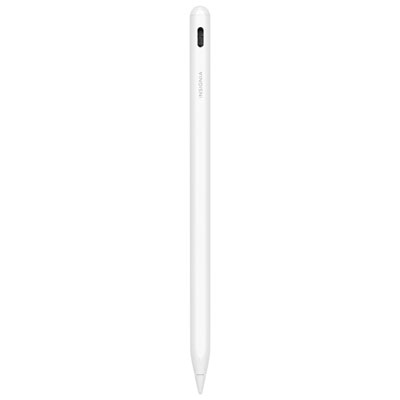
Insignia Active Stylus for iPad - White - Only at Best Buy
About this product
A white metal stylus offering precise, lag-free writing, tilt sensitivity, palm rejection, and fast USB-C charging.
(4)$59.99 Your price for this item is $59.99 -
7
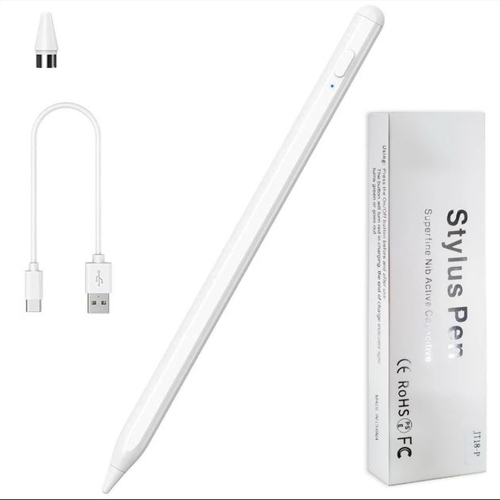
SUPERSHIELD Stylus Pen, Stylist Compatible for Ios/android Touchscreens/phones, Rechargeable Stylus Pen w High Precise Tip, Stylus Pencil For
About this product
A rechargeable stylus pen with a high-precision tip, compatible with iOS and Android touchscreens.
(1)$14.97Your price for this item is $14.97SAVE $15 -
8
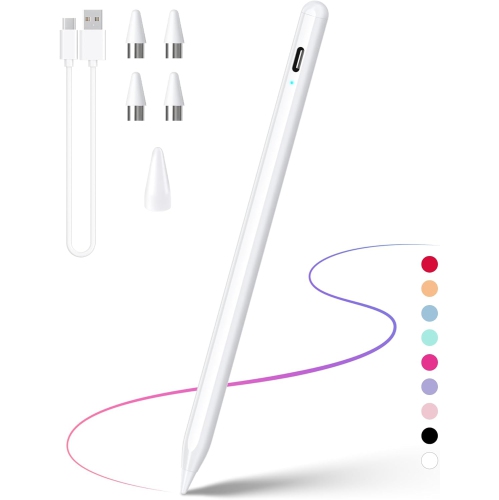
DRYMOKINI Stylus Pen, Stylist Compatible for Ios/android Touchscreens/phones, Rechargeable Stylus Pen With High Precise
About this product
A rechargeable stylus pen with a high-precision tip, compatible with iOS and Android touchscreens.
$20.79Your price for this item is $20.79SAVE $5 -
9
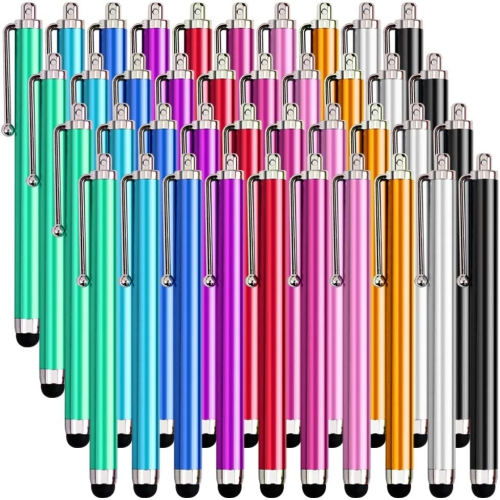
DOLAER Homedge Stylus Pen, 40 Packs Stylus for Touch Screen, Compatible With Ipad, Iphone, Smart Phone And Tablet With Capacitive Touch Screen
About this product
A pack of 40 stylus pens with soft tips for precise writing and drawing on capacitive touch screens.
$17.99Your price for this item is $17.99SAVE $17 -
10
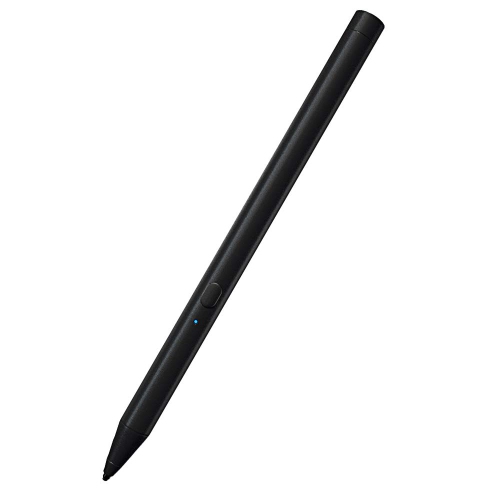
HLD Awinner Stylus Pens for Touch Screens, Fine Point Stylist Pen Pencil Compatible With Apple Ipad 9.7-Inch (2018)
About this product
A fine point stylus pen designed for precise input on 2018 iPad 9.7-inch touch screens.
$51.96Your price for this item is $51.96SAVE $11
FAQ
An active stylus uses powered electronics and may support features such as pressure sensitivity, tilt input and shortcut buttons on compatible devices. A passive capacitive stylus works like a fingertip on a capacitive touchscreen and does not require charging.
Check the stylus compatibility list against your device’s exact model and generation. Active styluses use specific pen technologies, so a touchscreen or Bluetooth connection alone does not guarantee compatibility.
Common drawing features include pressure sensitivity, tilt support and customizable shortcut buttons. Support varies by stylus, device and app, so check all three when comparing options.
Passive capacitive styluses do not need power. Powered active styluses may use replaceable batteries, USB charging or magnetic charging, while some compatible pen systems draw power from the device’s display without an internal battery.
Many styluses have replaceable tips, also called nibs, while others have fixed tips. Replacement nibs must match the stylus model and may come in different materials that change the writing feel.
Top selling and popular products
Discover more categories related to Best Stylus
Some products may be subject to Environmental Handling Fees (EHF) depending on your province. Learn more about EHFs.