Best Stylus for Android

Finding the best stylus for Android can make writing notes, sketching, navigating apps, and editing documents more precise and comfortable. This selection highlights highly rated options based on user review ratings, with choices for different needs, devices, and creative styles. Compare features such as compatibility, pressure sensitivity, palm rejection, battery life, and ergonomic design to find the right stylus for your Android tablet or smartphone.

Read More

What to look for in Android Styluses

1. Device Compatibility

Check that the stylus is compatible with your Android phone, tablet or touchscreen laptop. Some styluses work across many devices, while others are designed for specific brands or models.

2. Pressure Sensitivity

Pressure sensitivity lets the stylus detect how firmly you press, which can help create more natural lines and strokes. This feature is especially useful for drawing, sketching and handwritten notes.

3. Palm Rejection

Palm rejection allows you to rest your hand on the screen while writing or drawing without making unwanted marks. Look for this feature if you plan to use the stylus for extended note-taking or creative work.

4. Battery Life and Charging

Consider how long the stylus can operate between charges and how it recharges. A replaceable battery or USB-C charging can help reduce interruptions during use.
Citrus catapult arrow
  1. 1

    About this product

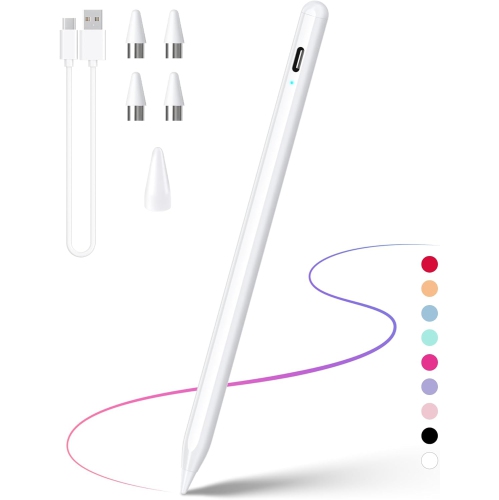
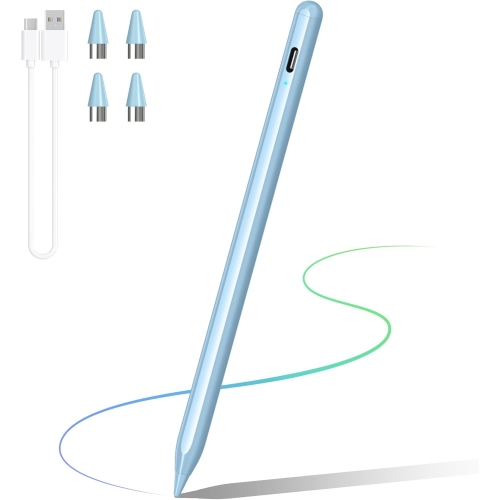
    An ergonomic graphite grey stylus with a premium aluminum body and replaceable high-quality tip for precise control.

    An ergonomic graphite grey stylus with a premium aluminum body and replaceable high-quality tip for precise control.

    (2)
    $14.99 Your price for this item is $14.99
  2. 2

    About this product

    A slim grey tablet featuring a 10.9" display, Exynos 1380 processor, S Pen, and Galaxy AI.

    A slim grey tablet featuring a 10.9" display, Exynos 1380 processor, S Pen, and Galaxy AI.

    What customers like

    • Smooth and fast performance
    • Long-lasting battery life
    • Great value for the price
    • Included S Pen enhances creativity and note-taking
    • High-quality display and video
    (801)
    $579.99 Your price for this item is $579.99
  3. 3

    About this product

    A sleek graphite tablet with 256GB storage and S-Pen, ideal for productivity and entertainment.

    A sleek graphite tablet with 256GB storage and S-Pen, ideal for productivity and entertainment.

    What customers like

    • High-quality OLED display
    • Versatile and smooth S Pen functionality
    • Ample and expandable storage
    • Excellent battery life
    • Fast performance and quick processor
    (276)
    $949.00
    SAVE $251
    Your price for this item is $949
  4. 4

    About this product

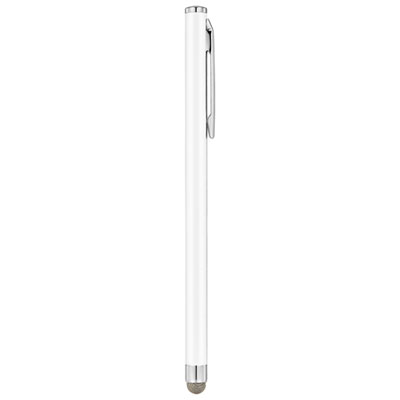
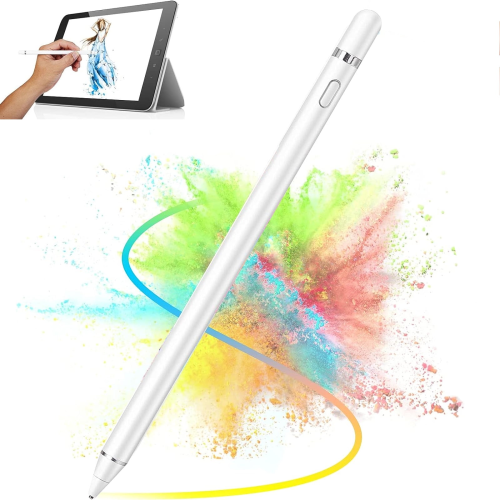
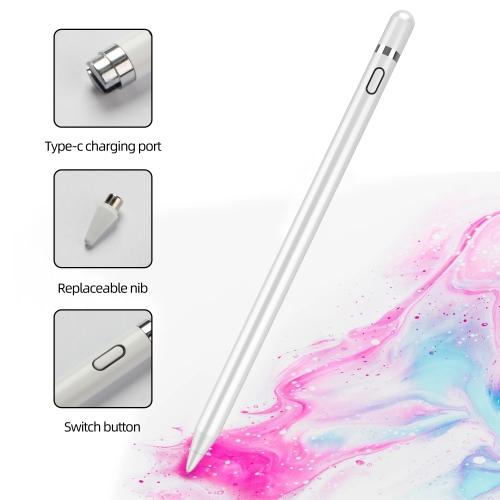
    A white slim stylus featuring a sensitive fibre tip for precise typing and drawing on touchscreens.

    A white slim stylus featuring a sensitive fibre tip for precise typing and drawing on touchscreens.

    What customers like

    • Great value for the price
    • Accurate and precise performance
    • Smooth and responsive touch
    • Durable and reliable build
    • Comfortable slim design
    (265)
    $9.99 Your price for this item is $9.99
  5. 5

    About this product

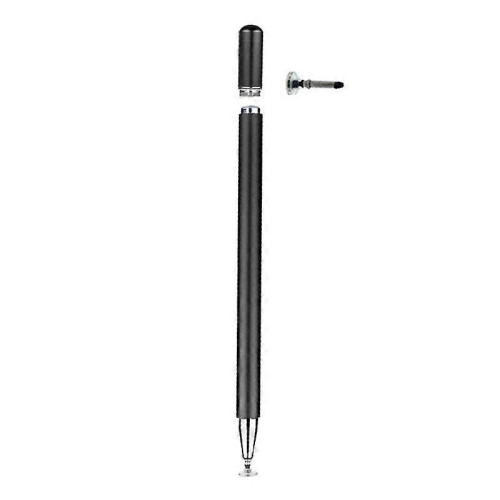
    A black magnetic stylus offering precise control and easy attachment to your device for convenient portability.

    A black magnetic stylus offering precise control and easy attachment to your device for convenient portability.

    What customers like

    • Comfortable and easy to grip
    • Versatile compatibility with multiple devices
    • Magnetic attachment is strong and convenient
    • Lightweight and portable design
    • Glides smoothly for writing and drawing
    (49)
    $14.99 Your price for this item is $14.99
  6. 6

    About this product

    A versatile stylus with a soft, durable rubber tip for accurate typing, note-taking, and drawing on tablets.

    A versatile stylus with a soft, durable rubber tip for accurate typing, note-taking, and drawing on tablets.

    What customers like

    • Wide compatibility with various devices
    • Smooth and accurate performance
    • Comfortable and lightweight design
    • Affordable price
    • Easy to use for all ages
    (49)
    $21.99 Your price for this item is $21.99
  7. 7

    About this product

    An advanced eReader with a 10.3" screen, stylus for note-taking, ComfortLight PRO, and 32GB storage.

    An advanced eReader with a 10.3" screen, stylus for note-taking, ComfortLight PRO, and 32GB storage.

    (5)
    $499.99 Your price for this item is $499.99
  8. 8

    About this product

    A versatile drawing tablet featuring 16,384 pressure levels, 60° tilt support, and Android compatibility.

    A versatile drawing tablet featuring 16,384 pressure levels, 60° tilt support, and Android compatibility.

    (2)
    $62.99
    SAVE $27
    Your price for this item is $62.99
  9. 9

    About this product

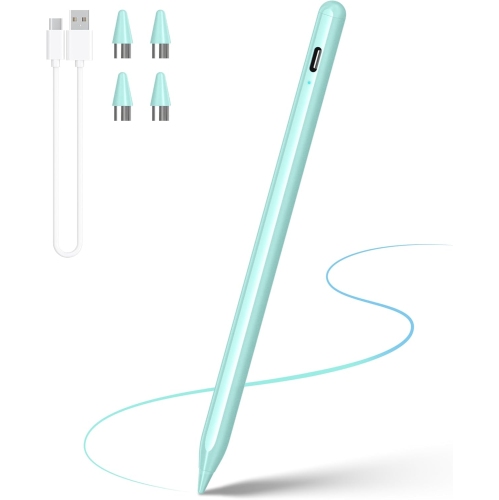
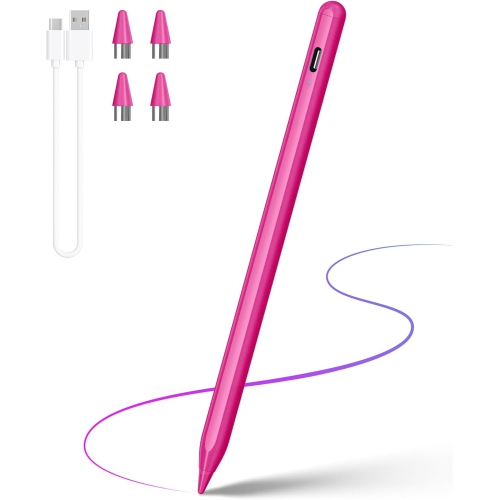
    A rechargeable stylus featuring a 1.5 mm precise tip, tilt sensitivity, and broad touchscreen compatibility.

    A rechargeable stylus featuring a 1.5 mm precise tip, tilt sensitivity, and broad touchscreen compatibility.

    (1)
    $24.99
    SAVE $40
    Your price for this item is $24.99
  10. 10

    About this product

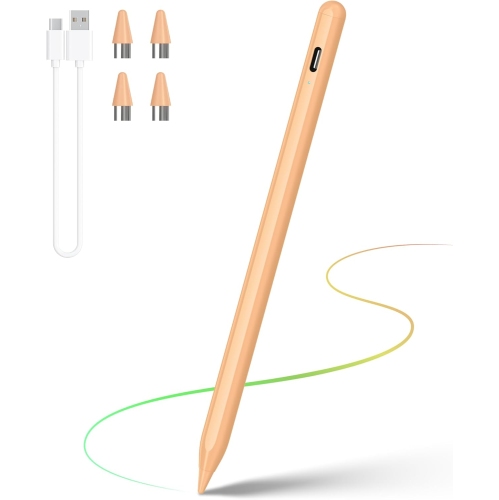
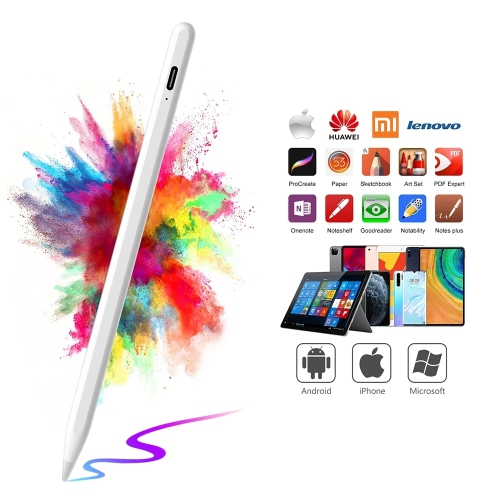
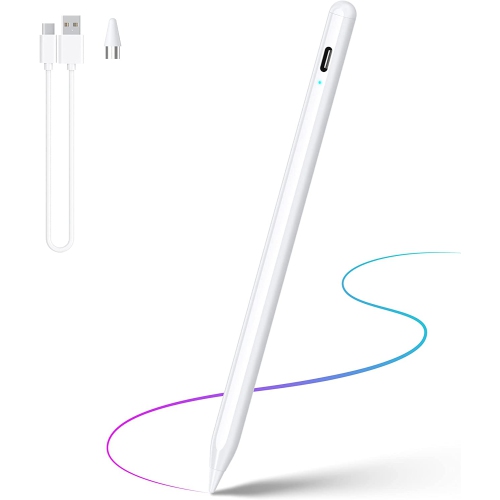
    A rechargeable stylus pen with a high-precision tip, compatible with iOS and Android touchscreens.

    A rechargeable stylus pen with a high-precision tip, compatible with iOS and Android touchscreens.

    (1)
    $14.97
    SAVE $15
    Your price for this item is $14.97

Compatibility and intended use shape the right stylus choice

Choosing the best stylus for Android starts with matching the pen to the screen and the way you plan to use it. Android phones and tablets do not all respond to styluses in the same way, so compatibility is the first detail to check before comparing features. Some tablets support a dedicated active pen system built into the display, often using electromagnetic resonance (EMR) technology. These styluses can provide precise tracking, pressure sensitivity, palm rejection, and very low latency without requiring a separate battery or Bluetooth connection. They are well suited to supported Android tablets used for handwritten notes, sketching, marking up documents, and detailed creative work. Other devices work best with an active capacitive stylus, which communicates with the touchscreen through a powered tip and may connect through Bluetooth for additional functions. Universal capacitive styluses can also be a practical choice for Android phones, tablets, and touchscreen devices that do not support a dedicated pen system. They are generally designed for tapping, scrolling, signing forms, navigating apps, and making quick notes, although they may not offer the same pressure control or palm rejection as a native pen. Before selecting a stylus, confirm the exact model of the Android device, including its generation and screen size, and review whether the display supports active pen input, EMR, Bluetooth, or only ordinary capacitive touch. A pen that feels excellent on one tablet may register only as a basic touch tool on another, making compatibility more important than appearance alone.

The intended use also helps narrow the selection. For digital artists, illustrators, and students who draw diagrams, pressure sensitivity can make a noticeable difference by allowing line weight, shading, and brush intensity to change naturally with the amount of pressure applied. A comfortable grip, balanced weight, replaceable tips, and a responsive point can make longer drawing sessions feel more controlled. For note-taking, look for accurate tracking, palm rejection, a fine tip, and a shape that remains comfortable during lectures, meetings, or study sessions. Palm rejection is especially useful because it allows the side of your hand to rest on the display while writing, rather than creating stray marks or unwanted taps. Someone who mainly navigates menus, scrolls through recipes, selects small icons, or signs digital paperwork may prefer a simple capacitive stylus that is ready to use without pairing or charging. An active stylus may be worth considering when shortcuts, pressure control, tilt recognition, or a more precise writing experience are important. Battery life and charging method matter for active models, particularly for people who carry a pen between classes, offices, cafés, and home. USB charging, a replaceable battery, magnetic attachment, and a built-in storage solution each offer different conveniences. It is also helpful to consider tip replacement, included accessories, button placement, and whether the stylus can attach securely to the tablet. Small details often become significant during everyday use: a pen that rolls off a desk, loses its charge during a presentation, or has a slippery grip can quickly become frustrating, while a reliable stylus can feel as natural as a familiar ballpoint pen.

A stylus can be a thoughtful gift for a student, remote worker, artist, planner, traveller, or anyone who prefers writing by hand but wants the convenience of digital storage. It can turn an Android tablet into a more useful space for handwritten to-do lists, annotated reading, calendar planning, recipe notes, language practice, and brainstorming. During the cooler months, a tablet and stylus can be useful for organizing projects at home, following a digital lesson, or making sketches while travelling without packing notebooks, pens, and folders. The right choice depends on whether the recipient has a compatible Samsung tablet, a different Android tablet, or an Android phone, so checking the device model is a considerate step before giving a stylus as a gift. Shoppers comparing options may also want to explore Best Stylus for Samsung Tablet when their needs centre on a supported Samsung tablet and its native pen features. For broader Android compatibility, focus on active capacitive or universal capacitive designs and confirm the supported operating systems and screen types. For advanced creative work, prioritize pressure sensitivity, tilt support, palm rejection, low latency, and a precise tip. For casual use, simple touch response, comfort, durability, and easy storage may matter more than advanced controls. Whether it is used to sketch a quick idea, highlight a document, sign a form, or jot down a shopping list, a well-matched stylus can make an Android touchscreen feel more natural, precise, and personal.
Read More

FAQ

Some products may be subject to Environmental Handling Fees(EHF) depending on your province. Learn more about EHFs.