USB C Dock HDMIs
Upgrade your workspace and streamline connectivity with a USB C Dock HDMI. Perfect for home offices, remote work, or entertainment setups, these versatile docking stations offer seamless integration for your devices. Whether you want to connect additional monitors, transfer data efficiently, or charge your electronics, a USB C Dock HDMI provides the flexibility and convenience to enhance productivity and simplify your daily routine. Explore a range of options to find the ideal solution for your needs.
Sort
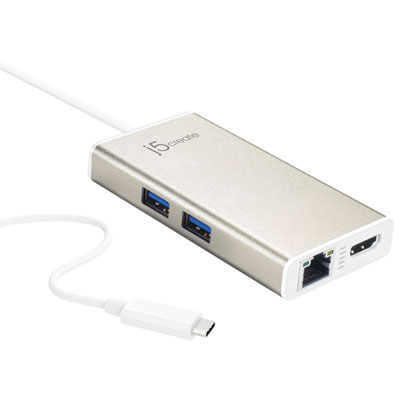
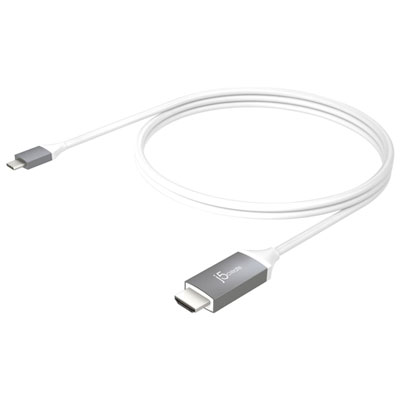
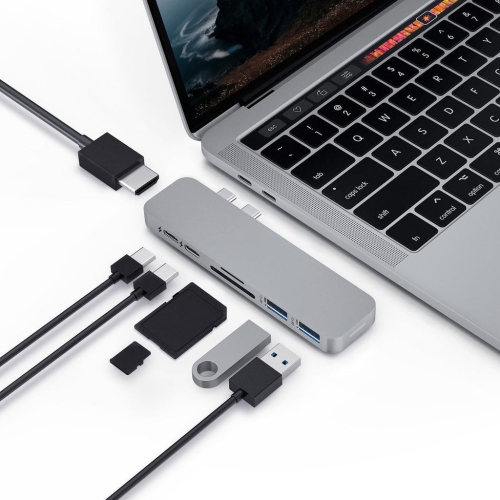
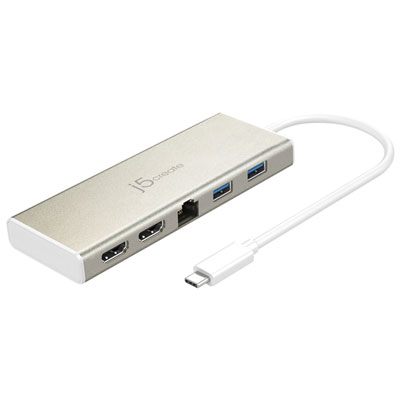
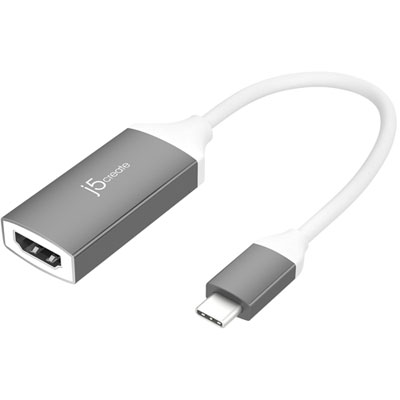
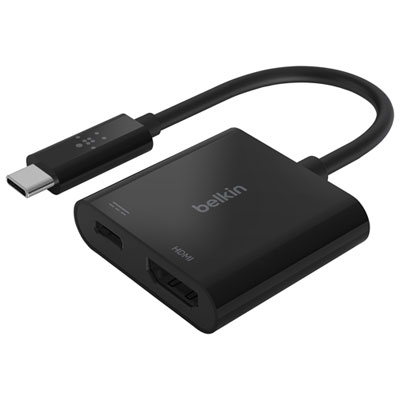
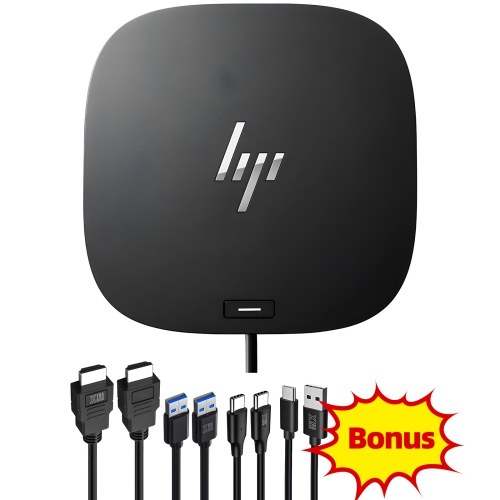
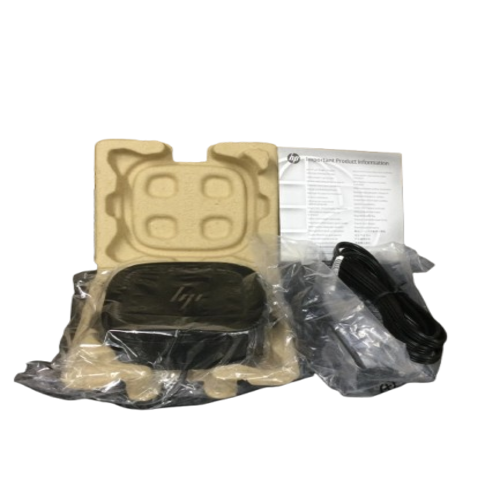
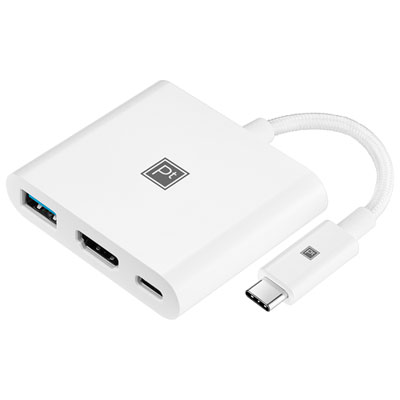
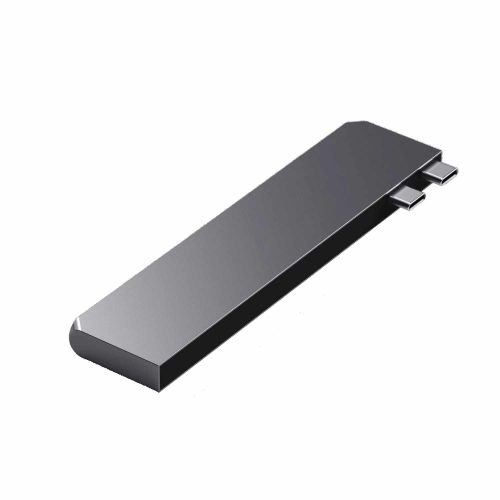
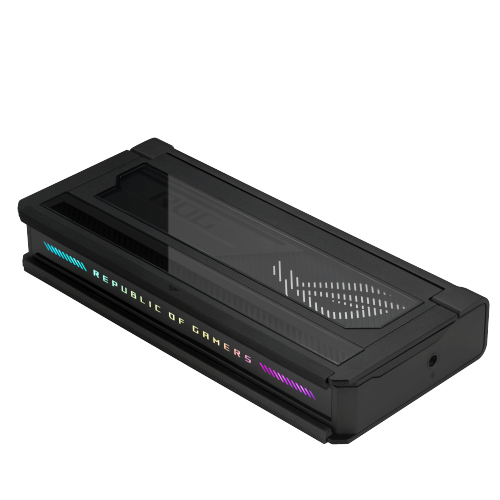
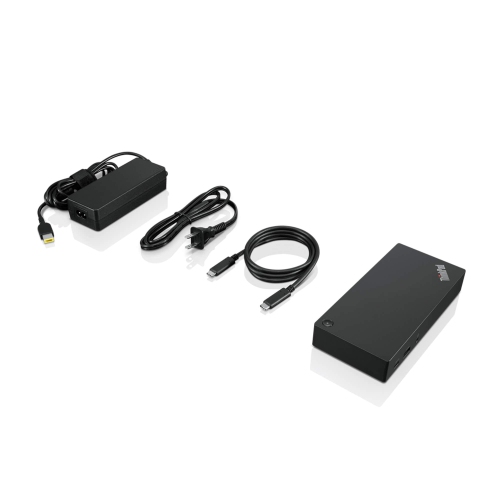
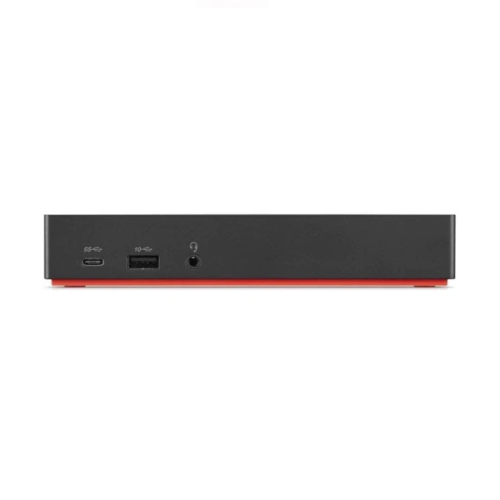
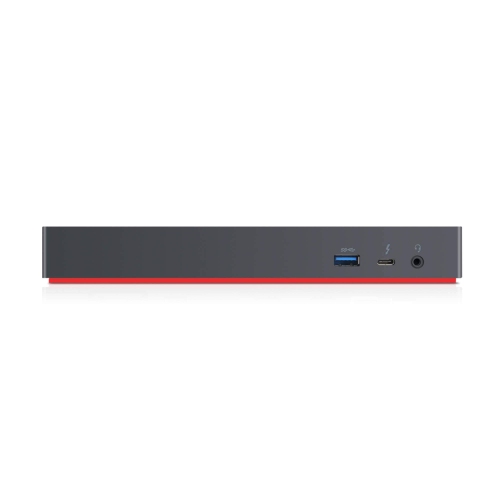
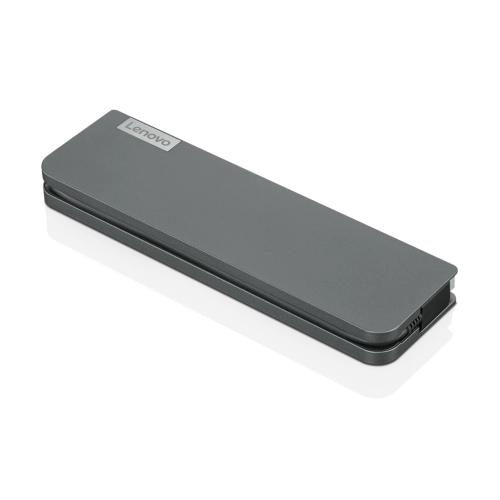
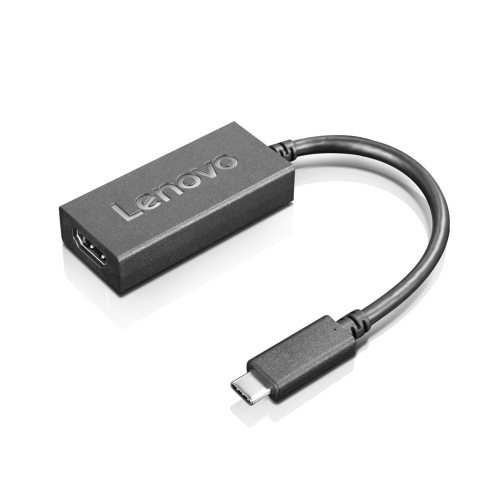

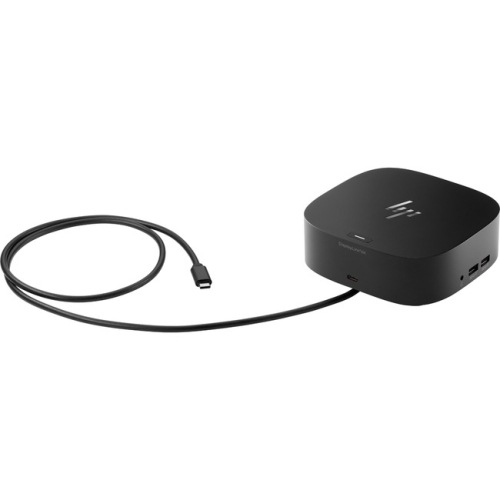
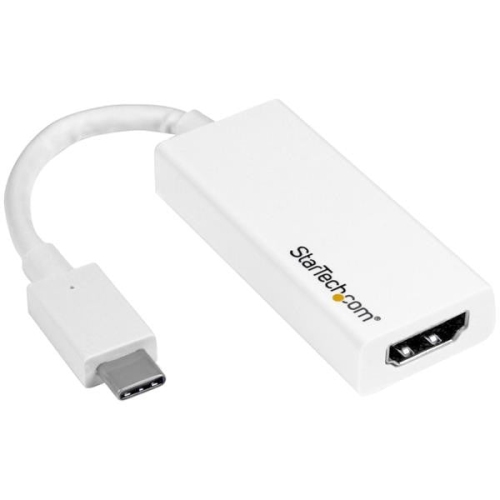
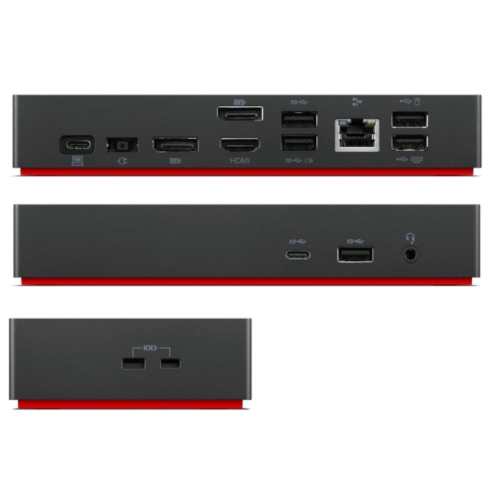
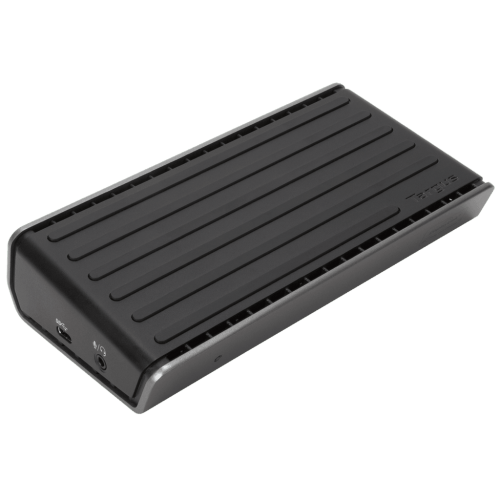
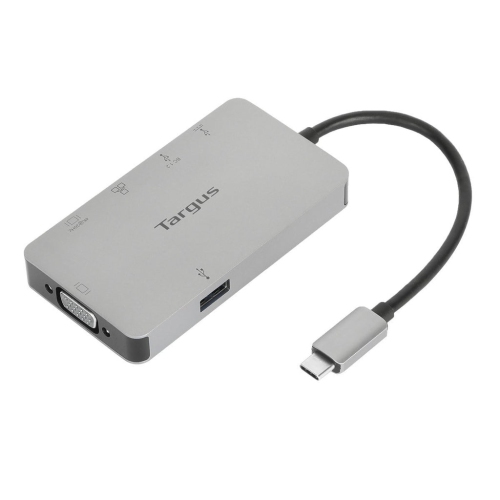
One connection for displays, peripherals, and everyday productivity
When it comes to maximizing productivity and streamlining your workspace, a USB C dock with HDMI connectivity brings a world of convenience for both professionals and everyday users. As remote work, hybrid offices, and flexible learning environments continue to shape how we use our devices, these docks have become essential tools for anyone looking to connect laptops, tablets, or even select smartphones to larger displays, projectors, or multiple monitors. Whether you’re setting up a home office to tackle spreadsheets, editing high-resolution photos and videos, or simply enjoying your favourite streaming content on a bigger screen during the chilly February evenings, the versatility of a HDMI USB dock makes it a must-have accessory. With the ability to connect everything from external hard drives and keyboards to printers and SD card readers, these docks help reduce cable clutter and keep your workspace tidy—something that’s especially appreciated when winter’s shorter days make indoor organization feel even more important.
Choosing the right USB C dock with HDMI output involves considering your unique setup and needs. For students and professionals who frequently move between locations, a compact, travel-friendly dock fits easily into a laptop bag and offers reliable plug-and-play functionality whether you’re in a campus library, a co-working space, or a client’s boardroom. For those working from a dedicated desk, a multi-port hub can transform a single USB C port into a command centre, supporting dual displays for multitasking, crystal-clear video calls, and seamless presentations. These docks also make thoughtful gifts for anyone upgrading their tech—think of a university student heading into a new semester, a friend launching a home-based business, or a family member who loves to game or create digital art. The ability to connect to multiple screens with ease is a game-changer for productivity and entertainment alike, and with so many devices now supporting USB C, compatibility is rarely an issue. If your setup calls for even greater display flexibility, you can explore options like the USB C Dual HDMI page to discover solutions that support two HDMI monitors at once.
No matter your level of tech experience, setting up a USB C dock with HDMI is straightforward and rewarding. Picture yourself on a snowy February afternoon, seamlessly switching from work emails on one screen to a video call on another, all while charging your laptop and transferring files from a USB drive—without fumbling with multiple adapters or tangled cables. These docks are designed to simplify your workflow, support high-resolution displays, and provide stable connections for all your essential devices. For creative professionals, the ability to mirror or extend your desktop across multiple monitors makes photo editing, graphic design, and coding projects more efficient and immersive. For families, it means sharing holiday photos or streaming movies on the living room TV with just a single connection. As technology evolves, the HDMI USB dock stands out as a reliable, future-ready accessory that adapts to your changing needs, making it a smart addition to any tech toolkit.
Choosing the right USB C dock with HDMI output involves considering your unique setup and needs. For students and professionals who frequently move between locations, a compact, travel-friendly dock fits easily into a laptop bag and offers reliable plug-and-play functionality whether you’re in a campus library, a co-working space, or a client’s boardroom. For those working from a dedicated desk, a multi-port hub can transform a single USB C port into a command centre, supporting dual displays for multitasking, crystal-clear video calls, and seamless presentations. These docks also make thoughtful gifts for anyone upgrading their tech—think of a university student heading into a new semester, a friend launching a home-based business, or a family member who loves to game or create digital art. The ability to connect to multiple screens with ease is a game-changer for productivity and entertainment alike, and with so many devices now supporting USB C, compatibility is rarely an issue. If your setup calls for even greater display flexibility, you can explore options like the USB C Dual HDMI page to discover solutions that support two HDMI monitors at once.
No matter your level of tech experience, setting up a USB C dock with HDMI is straightforward and rewarding. Picture yourself on a snowy February afternoon, seamlessly switching from work emails on one screen to a video call on another, all while charging your laptop and transferring files from a USB drive—without fumbling with multiple adapters or tangled cables. These docks are designed to simplify your workflow, support high-resolution displays, and provide stable connections for all your essential devices. For creative professionals, the ability to mirror or extend your desktop across multiple monitors makes photo editing, graphic design, and coding projects more efficient and immersive. For families, it means sharing holiday photos or streaming movies on the living room TV with just a single connection. As technology evolves, the HDMI USB dock stands out as a reliable, future-ready accessory that adapts to your changing needs, making it a smart addition to any tech toolkit.
Top selling and popular products
-
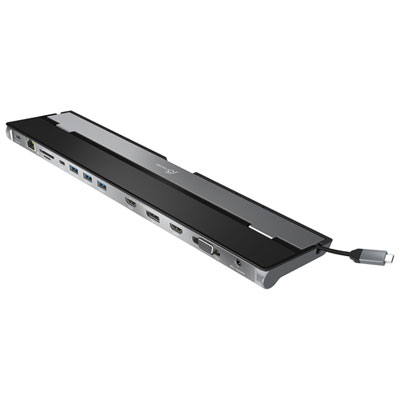 Your price for this item is $149.99
 -
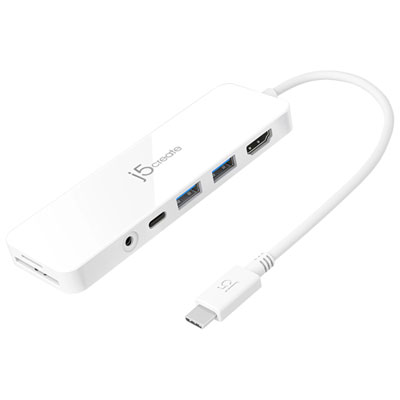 Your price for this item is $69.99
 -
 Your price for this item is $35
 -
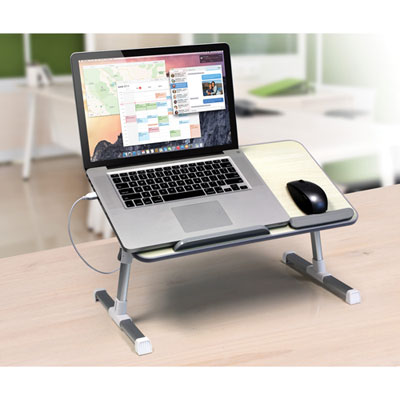 Your price for this item is $59.99
 -
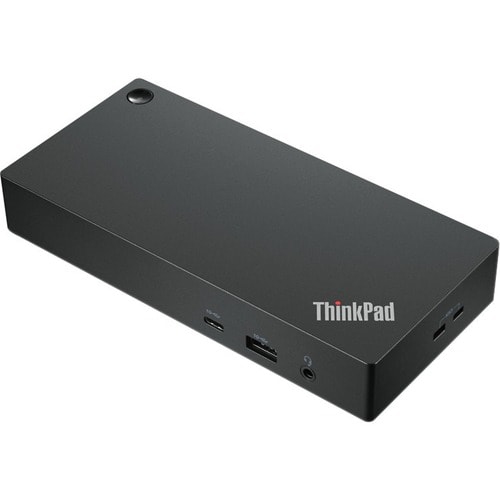 Your price for this item is $179.99
 -
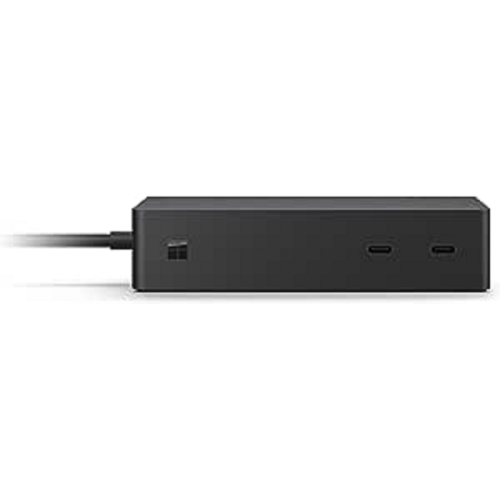 Your price for this item is $209.99
 -
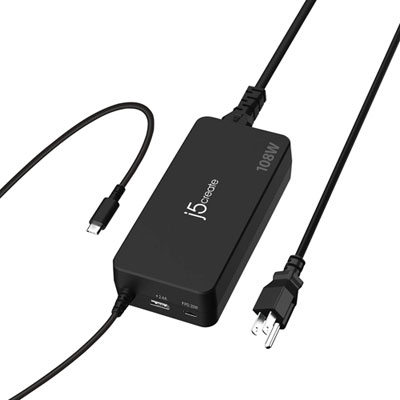 Your price for this item is $89.99
 -
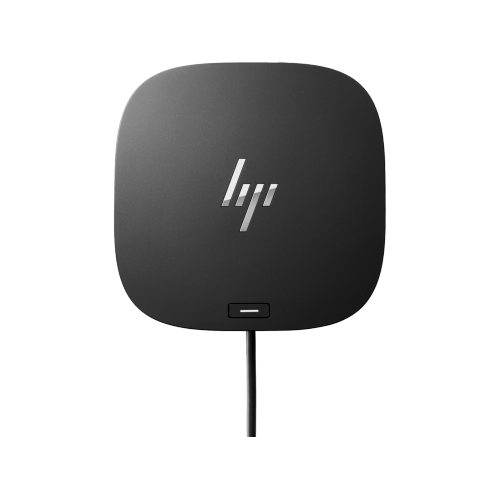 Your price for this item is $154.99
Discover more categories related to USB C Dock HDMIs
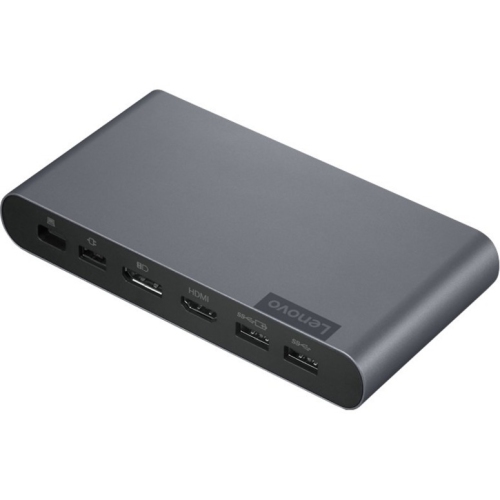
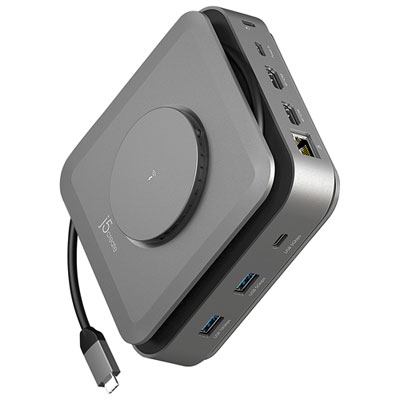

Top Collections:
Pokemon Centers, Kindle Devices, Best Budget Office Chairs, Apple iPhones 16, Best Laptops for Writers, iPhone 15 Apple, Canon G7X Cameras, Refurbished Apple Laptops, Alarm Clock, Motorola Razr Phones
Some products may be subject to Environmental Handling Fees
(EHF) depending on your province.
Learn more about EHFs.