Best Ultrawide Monitors for Movies

Bring movie night to life with the best ultrawide monitors for movies, ranked by user review ratings. With expansive screens that give films a cinematic feel, ultrawide monitors can be a great fit for enjoying widescreen favourites. Explore top-rated options and compare resolution, contrast, and aspect ratio to find the right display for your viewing setup.

Read More

What to look for in ultrawide monitors for movies

1. Screen Size and Aspect Ratio

Choose a screen size that suits your viewing distance and available space. A 21:9 ultrawide monitor can display many widescreen films with smaller black bars than a 16:9 screen, though the fit depends on the film’s aspect ratio and playback app.

2. Resolution and Picture Quality

Look for a resolution of 3440 × 1440 or higher for crisp detail on a large ultrawide screen. Strong contrast, accurate colours and capable HDR performance can bring out more detail in bright highlights and dark scenes, but HDR support alone does not guarantee a noticeable improvement.

3. Panel Type and Viewing Angles

OLED panels offer deep blacks, while VA panels typically provide strong contrast for watching in a dim room. IPS panels generally maintain consistent colours at wider viewing angles, which is useful when sharing the screen with others.

4. Connectivity and Audio

Check for ports that match your computer or streaming device, such as HDMI, DisplayPort or USB-C with video support. Many streaming devices output a 16:9 picture rather than ultrawide, so confirm playback compatibility and look for built-in speakers or an audio connection for external speakers or headphones.
  1. 1

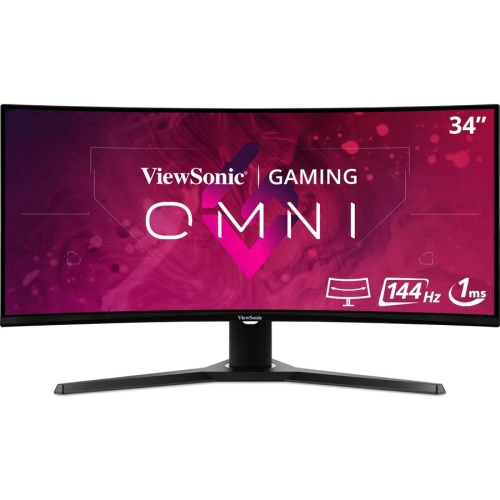
    VIEWSONIC Omni 34" Ultrawide Curved 1440P Uwqhd Led Gaming Monitor (Vx3418-2Kpc) - Freesync Premium - 144Hz

    About this product

    An ultrawide curved LED monitor featuring 1440p resolution, 1ms response, 144Hz refresh, and FreeSync Premium.

    (10)
    $453.68
    SAVE $45
    Your price for this item is $453.68
  2. 2

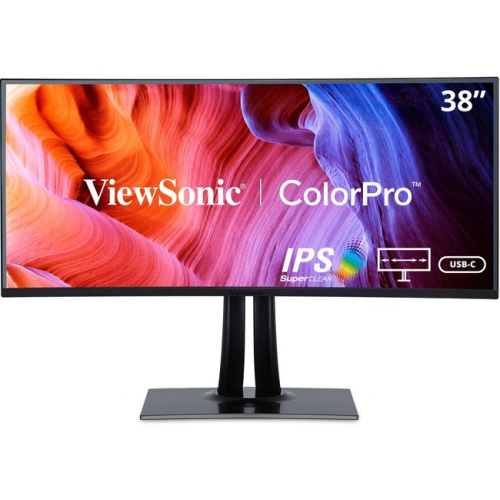
    VIEWSONIC Colorpro Vp3881A 38" Ultrawide Curved Wqhd+ Ips Lcd Monitor (Vp3881A) - HDr10 - 100% Srgb/rec 709

    About this product

    A 38" IPS display with 3840 x 1600 resolution from ViewSonic, currently on sale.

    (1)
    $1,742.99
    SAVE $321
    Your price for this item is $1742.99
  3. 3

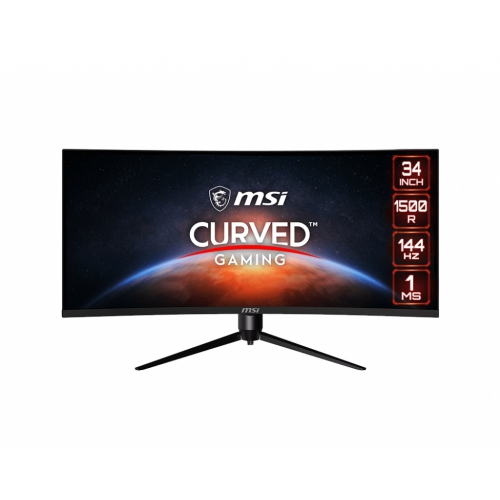
    MSI Optix 34" Ultrawide Curved Uwqhd Va Lcd Gaming Monitor (Mag342Cqr) - Adaptive-Sync - 1Ms Gtg - 144Hz

    About this product

    A 34" curved monitor with UWQHD resolution, 144Hz refresh rate, Adaptive-Sync, and customizable RGB LED.

    What customers like

    • Sharp image quality and vibrant colors
    • Versatile for both work and gaming
    • Immersive ultrawide curved display
    • Great value for the price
    • Excellent gaming performance with 144Hz refresh rate
    (20)
    $680.68 Your price for this item is $680.68
  4. 4

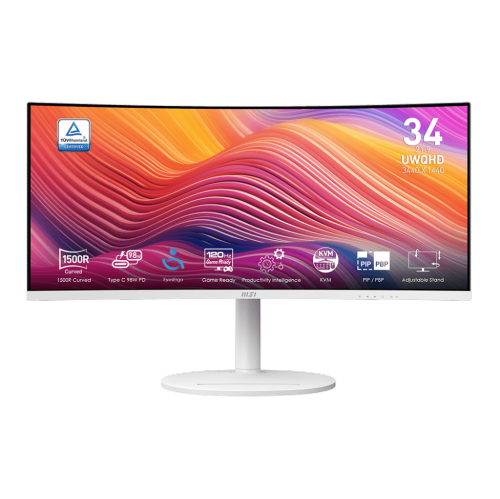
    MSI Modern 34" Ultrawide Curved Uwqhd Va Led Monitor (Md342Cqpw) - 120Hz - HDr Ready - Freesync Premium - In White

    About this product

    A white curved UWQHD monitor with 120Hz refresh rate, 1ms response, USB-C 98W power delivery, and speakers.

    (5)
    $489.99 Your price for this item is $489.99
  5. 5

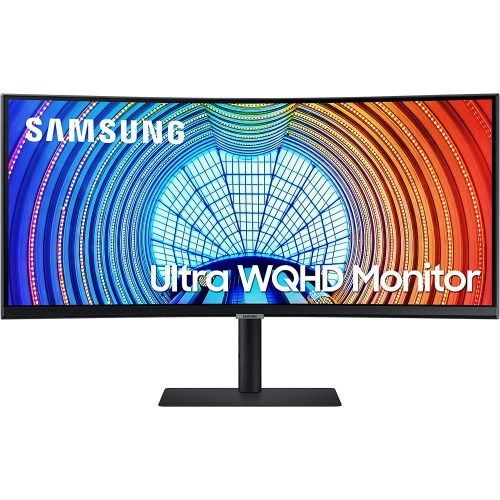
    Samsung 34" Ultrawide UWQHD Curved Monitor (LS34A654UBNXGO) - HDR10 - FreeSync

    About this product

    An ultrawide curved black monitor delivering WQHD resolution, 21:9 aspect ratio, and 90W USB-C charging.

    (13)
    $660.99 Your price for this item is $660.99
  6. 6

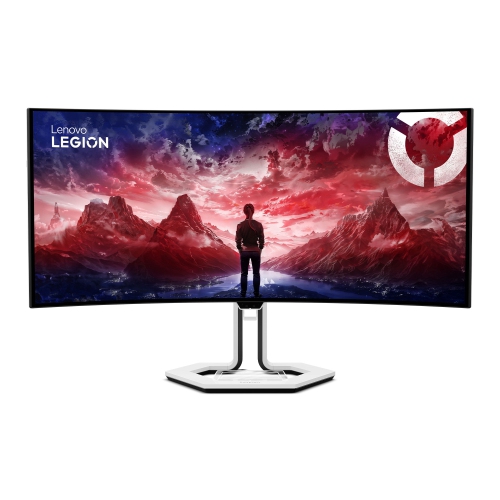
    LENOVO Legion Pro 34" Ultrawide Curved Uwqhd Oled Gaming Monitor (34Wd-10) - Freesync Premium Pro - 0.03Ms Gtg - 240Hz

    About this product

    An immersive curved OLED gaming monitor with WQHD resolution, 240Hz refresh rate, and USB-C docking support.

    (11)
    $1,679.99 Your price for this item is $1679.99
  7. 7

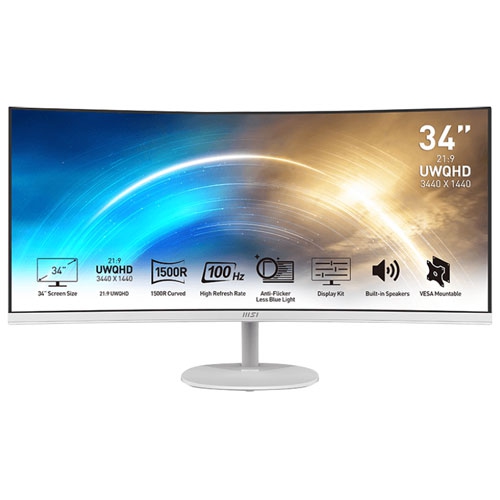
    MSI Pro 34" Ultrawide Curved Uwqhd Va Led Freesync Gaming Monitor (Mp341Cqw) - Freesync - 100Hz - HDr Ready - Matte In White

    About this product

    A curved ultra-wide monitor with 3440x1440 resolution, 100Hz refresh rate, and built-in speakers.

    What customers like

    • Great value for the price
    • Easy setup and user-friendly
    • Excellent picture and image quality
    • Immersive curved ultra-wide design
    • Versatile for gaming, work, and movies
    (70)
    $419.12
    SAVE $41
    Your price for this item is $419.12
  8. 8

    LG Ultrawide 26" 1080P HD Ips Lcd Monitor (26Wq500-B) - HDr10 - Amd Freesync - 75Hz

    About this product

    An ultrawide IPS monitor with HDR10, AMD FreeSync, 2560 x 1080 resolution, and 75Hz refresh rate.

    What customers like

    • Easy setup and user-friendly controls
    • Sharp, vibrant display with accurate colours and deep blacks
    • Wide screen and ultrawide aspect ratio enhance multitasking
    • Solid build quality and sleek, modern design
    • Great value for money and suitable for both work and gaming
    (144)
    $219.99
    SAVE $50
    Your price for this item is $219.99
  9. 9

    SAMSUNG 34" Ultrawide Curved 1440P Wqhd Va Monitor (Ls34A654Ubnxgo) - 100Hz - HDr10 - Freesync - 3 Year Warranty

    About this product

    An ultrawide curved WQHD monitor with 21:9 aspect ratio and USB-C 90W charging for immersive viewing.

    (13)
    $596.68
    SAVE $59
    Your price for this item is $596.68
  10. 10

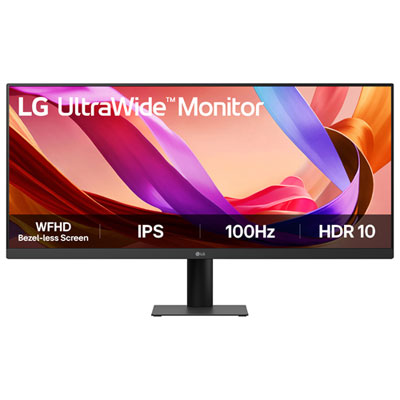
    LG 29" UltraWide 1080p HD IPS LED Monitor (29U511A-B) - Flicker-Free/Blue Light - 100Hz - HDR10

    About this product

    An ultrawide black IPS LED monitor offering Full HD resolution, 100Hz refresh rate, and multitasking features.

    What customers like

    • Excellent value for money
    • Good compatibility and features
    • Great for multitasking
    • Wide and vibrant display
    • Easy setup and use
    (133)
    $259.99 Your price for this item is $259.99

Why wider screens don’t always mean fewer black bars

Ultrawide monitors for movies bring a cinema-inspired shape to a desk, giving sweeping landscapes, tightly framed conversations, and elaborate action scenes more room to unfold. The best ultrawide monitors for movies combine a suitable aspect ratio with strong contrast, accurate colour, and connections that work with the intended playback device. A 21:9 screen is especially well suited to films presented in widescreen formats such as 2.35:1 or 2.39:1, although the exact fit depends on the film and how the video is delivered. Compared with a conventional 16:9 display of similar height, that extra width can make a desert horizon or a sprawling city skyline feel more expansive without requiring a separate television setup. Not every movie fills an ultrawide screen, however. Films and shows produced in 16:9 normally retain black bars at the sides when displayed without stretching or cropping, while some streaming videos contain built-in letterboxing that leaves borders on all four sides. Player support for ultrawide playback therefore matters as much as the screen’s proportions. A 32:9 super-ultrawide monitor offers even more horizontal space, but most films cannot fill it without substantial cropping or distortion; its added width often serves multitasking better than movie viewing alone. Resolution also shapes the experience. A common 3440 × 1440 ultrawide panel provides useful detail for films and everyday computing, but it is not a native 4K display. Higher-resolution ultrawide panels can show finer detail when the source supports it, particularly at closer seating distances. Screen size is most meaningful alongside desk depth and viewing position: a broad display should fit comfortably within the viewer’s field of vision rather than require constant head movement. For someone who watches films at the same desk used for studying, creative work, or general computing, an ultrawide monitor can serve as both a practical daily screen and a dedicated place to settle into a favourite story.

Panel technology has a noticeable effect on how those stories look, especially in scenes with both bright highlights and deep shadows. OLED monitors control light at the pixel level, allowing black areas to remain dark beside illuminated objects. That precision helps preserve the contrast between a star-filled sky and the darkness around it, without the backlight glow associated with LCD panels. Mini-LED monitors take a different approach, using many small backlights arranged into dimming zones behind an LCD panel. They can deliver strong brightness and convincing contrast, but they do not switch off each image pixel independently, and a faint halo may appear around subtitles or bright objects against dark backgrounds. For viewing in a room with substantial ambient light, brightness and reflection handling deserve attention alongside black levels. A matte screen surface helps diffuse reflections, while a glossy surface may offer a clearer-looking image when nearby light sources are controlled; neither finish eliminates the effect of a lamp reflected directly in the screen. High dynamic range, or HDR, can add depth to bright clouds, metallic reflections, and illuminated signs when the monitor, source, and playback software all support it. An HDR label alone does not establish image quality: effective dimming, sustained brightness, and good handling of shadow detail make a more visible difference. Wide coverage of the DCI-P3 colour gamut supports the richer palette used in much HDR film content, while accurate picture modes help keep skin tones believable rather than overly saturated. Motion handling matters too, although a very high refresh rate is not essential for watching movies. Support for displaying 24-frame-per-second films at an evenly matched refresh rate can reduce uneven judder when correctly configured. OLED’s fast pixel response keeps moving edges clear, but it can also make the stepped motion of slow cinematic pans easier to notice. Balanced picture settings often suit film viewing better than maximum sharpness or exaggerated colour.

The physical design and everyday features of an ultrawide monitor help determine how comfortably it fits into a viewing space. Curved panels can make the edges feel more naturally positioned for a person seated near the centre, whereas a flat display may be easier to accommodate when two people regularly watch together. Viewing-angle performance remains important in either case, since colour and contrast can change from an off-centre seat. A height-adjustable stand, useful tilt range, and stable base make it easier to position the image without stacking objects underneath the screen. Slim plastic housings keep many designs manageable, while metal stand components can add rigidity; the complete assembly and base footprint matter more than the finish alone. A compatible monitor arm can free desk space, provided its weight capacity and mounting pattern suit the display. HDMI, DisplayPort, and USB-C connections vary in their supported resolutions and refresh rates, and USB-C carries video only when both the monitor and connected device support that function. Streaming services may also impose resolution or HDR limits based on the app, browser, subscription, and copy-protection support, so a capable panel does not guarantee the highest-quality stream. Built-in speakers are convenient for casual viewing, but separate speakers or headphones can make dialogue easier to follow and give soundtracks more presence. For a setup shared between films and interactive entertainment, Best Ultrawide Monitors for Gaming offers a related selection where motion performance and gaming features may carry more weight. Long-term care is straightforward: use a clean, soft microfibre cloth and follow the manufacturer’s cleaning directions rather than spraying liquid onto the panel. OLED owners should also use supported panel-care features and avoid leaving static desktop elements displayed for extended periods, since repeated static content can contribute to permanent image retention. As a gift for a film enthusiast or student with a multipurpose desk, an ultrawide monitor is most useful when its dimensions, connections, and viewing style suit the recipient’s existing setup.
Read More

FAQ

Some products may be subject to Environmental Handling Fees (EHF) depending on your province. Learn more about EHFs.