Boxing Day Deals Coming Soon
Our Boxing Day Sale returns in December 2026. In the meantime, shop our current top deals below.

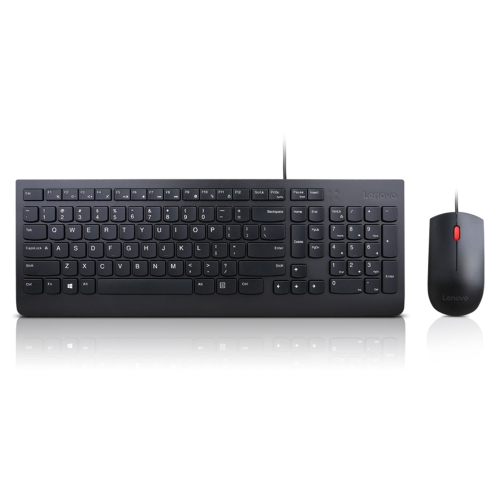
Boxing Day Sale On Keyboards
Get ready to upgrade your workspace or gaming setup with unbeatable deals during the Boxing Day Sale on keyboards. Discover incredible discounts on a wide selection of keyboards designed to suit every need, from home offices to creative studios and gaming stations. Whether you’re looking for enhanced productivity or a more comfortable typing experience, now is the perfect time to find the right keyboard at a price you’ll love. Don’t miss out—shop the Boxing Day Sale on keyboards and take advantage of these limited-time offers before they’re gone! Remember, our Low Price Guarantee means you can shop confidently knowing that you'll find the best price at Best Buy, all year round. We encourage you to check our website frequently for the most up-to-date information on our latest offers and savings opportunities.






Why keyboard layout matters beyond desk space
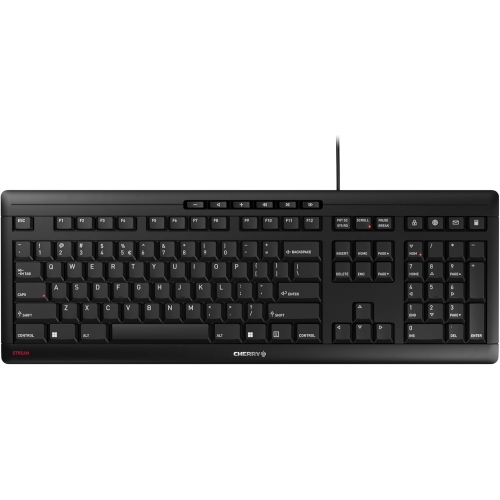
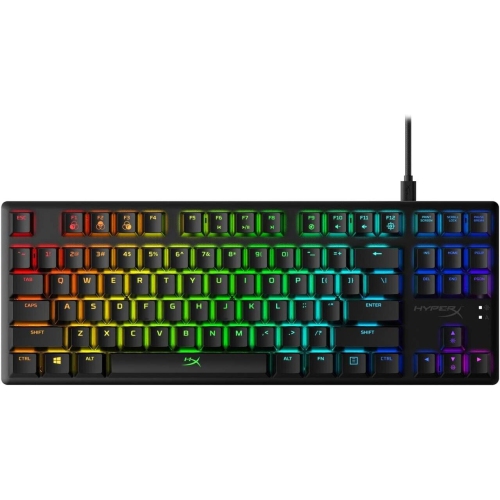
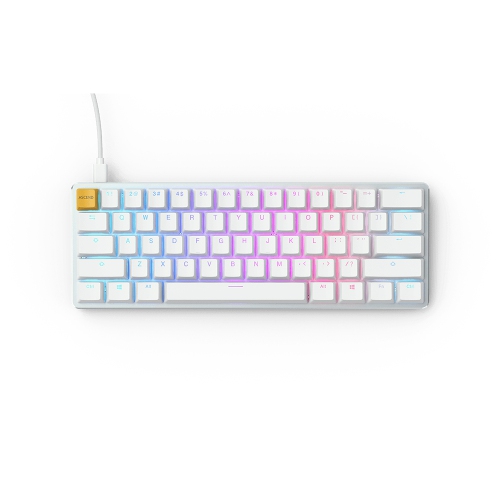
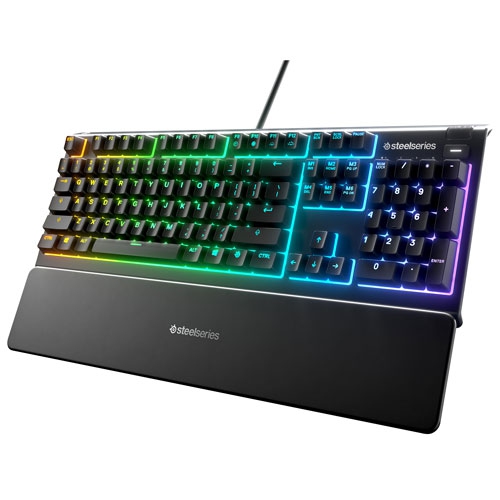
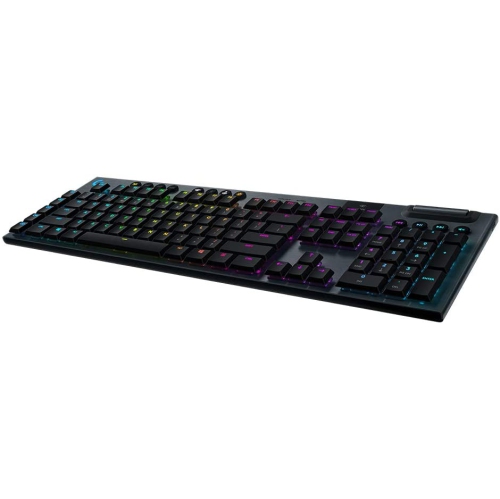
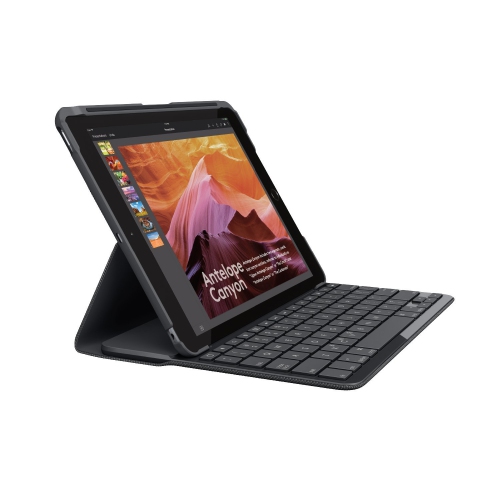
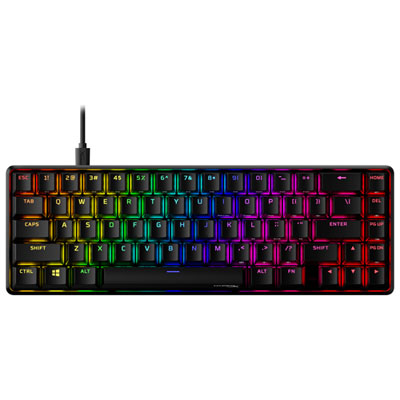
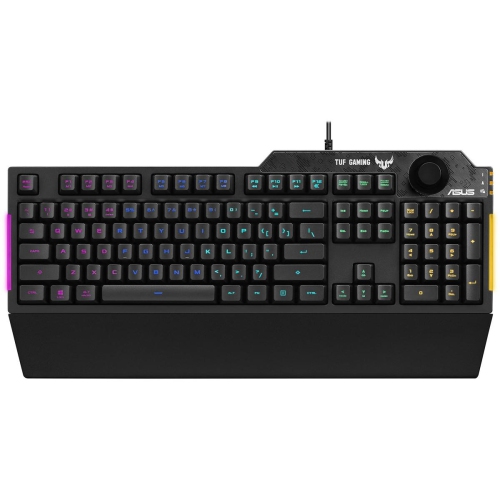
The typing experience comes from several parts working together, including the switches, keycaps, stabilizers, and case. Mechanical keyboards use individual switches beneath the keys, with different designs offering different sensations. Linear switches move smoothly through the press, tactile switches add a noticeable bump, and clicky switches produce a distinct audible click. Mechanical does not automatically mean loud or faster: switch design, typing technique, and the keyboard’s construction all affect the result. Membrane keyboards typically use a flexible layer beneath the keys and often have a softer feel, while scissor mechanisms are common in low-profile designs with shorter key travel. Someone accustomed to a laptop may appreciate shallow keys, whereas another typist may prefer the depth and feedback of a taller keyboard. Actuation force, the pressure needed to register a keystroke, also influences comfort and control. A lighter touch can feel effortless but may register unintended presses for someone who rests their fingers heavily on the keys. For gaming, reliable registration of simultaneous key presses is useful when moving, using an ability, and issuing another command together. Features described as rollover or anti-ghosting address aspects of this behaviour, though implementation varies. Programmable keys can put repeated commands within easier reach, provided the necessary software supports the connected computer. Construction affects both sound and durability. Plastic cases can keep weight manageable, while metal top plates or frames can add rigidity and heft. ABS and PBT are common keycap plastics; PBT often retains its surface texture longer, although quality, finish, and use all influence wear. Double-shot legends are formed from separate pieces of plastic, helping the characters resist wearing away. Backlighting can make legends easier to see, but its usefulness depends on whether light passes through the markings and how evenly they are illuminated. Clear contrast, stable larger keys, and a case that stays put on the desk can matter more in daily use than elaborate lighting effects.
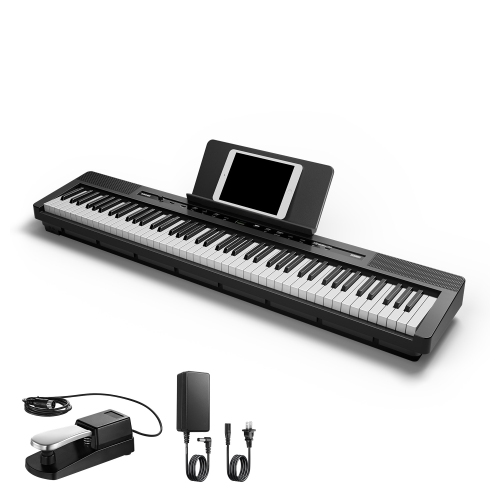
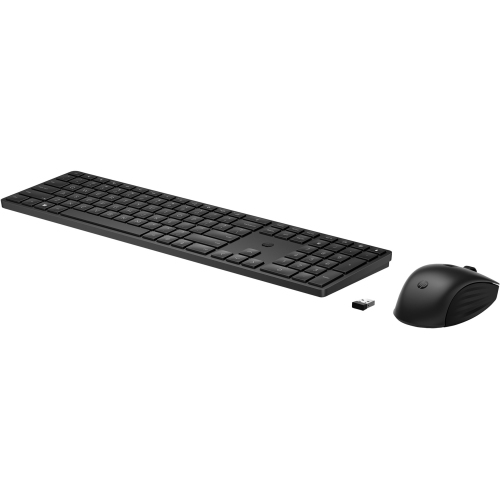
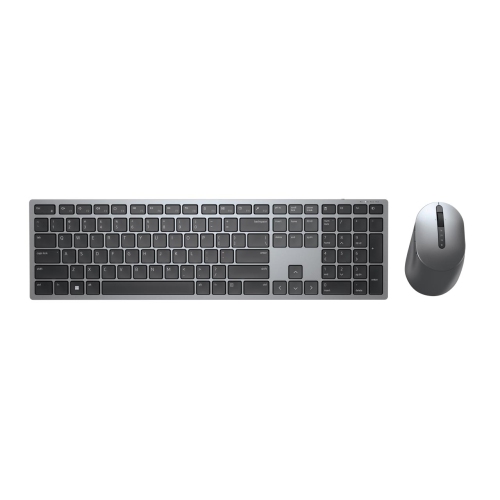
Connections, positioning, and care complete the picture, whether the keyboard sits at a permanent workstation or travels between a home desk and a classroom. A wired USB connection avoids battery management and can keep a stationary setup straightforward, but the cable needs enough length to reach the computer without pulling across the work surface. Wireless keyboards may connect through Bluetooth or a dedicated USB receiver. Bluetooth can be convenient for switching among compatible devices, while a receiver requires a suitable port and a safe place to keep the small adapter when travelling. Multi-device switching is helpful for moving between a work computer and a personal laptop, though shortcut behaviour and function keys can differ between operating systems. For gaming, wireless performance depends on the connection method and implementation rather than the wireless label alone. Battery life also varies with lighting, connection settings, and usage; rechargeable designs need occasional charging, while replaceable-battery designs require the specified battery type. Physical fit remains important whichever connection is chosen. Keeping the keyboard close enough to avoid reaching, with shoulders relaxed and wrists in a comfortable position, can make long sessions more manageable. A narrower layout may help bring the mouse closer, while split or curved designs offer different hand positions but can involve an adjustment period. Raising the rear feet is not automatically more comfortable, since a steep angle can increase wrist extension. Routine care helps preserve the feel of the keys: disconnect or switch off the keyboard before cleaning, keep liquids away from openings, and follow the manufacturer’s directions for removing dust or wiping surfaces. Keycaps should only be removed when the design permits it, particularly around larger keys with stabilizers. Spill resistance should not be treated as waterproofing. These details help distinguish a computer keyboard for typing and gaming from a musical keyboard, despite the shared name. For a gift intended for practising melodies, learning chords, or playing with both hands, digital pianos for Boxing Day are the relevant category instead. Computer keyboards serve a different purpose: making written work, communication, and play feel more natural at the desk.
Top selling and popular products
-
 Your price for this item is $39.99
 -
 Your price for this item is $49.72
 -
 Your price for this item is $159
 -
 Your price for this item is $219.99
 -
 Your price for this item is $199.99
 -
 Your price for this item is $44.69
 -
 Your price for this item is $29.99
 -
 Your price for this item is $169.99