Boxing Day Deals Coming Soon
Our Boxing Day Sale returns in December 2026. In the meantime, shop our current top deals below.

Boxing Day Sale On Laser Printers
Take your home or office printing to the next level with unbeatable deals during the Boxing Day sale on laser printers. Discover a wide selection of high-performance options designed to deliver sharp, professional results for all your documents and projects. Whether you’re upgrading your workspace or looking for a reliable addition to your setup, now is the perfect time to find great savings on the latest laser printers. Don’t miss out—shop the Boxing Day sale on laser printers and enjoy exceptional value while supplies last. Remember, our Low Price Guarantee means you can shop confidently knowing that you'll find the best price at Best Buy, all year round. We encourage you to check our website frequently for the most up-to-date information on our latest offers and savings opportunities.

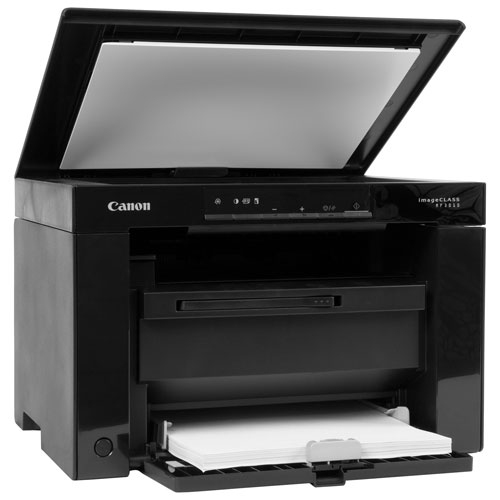

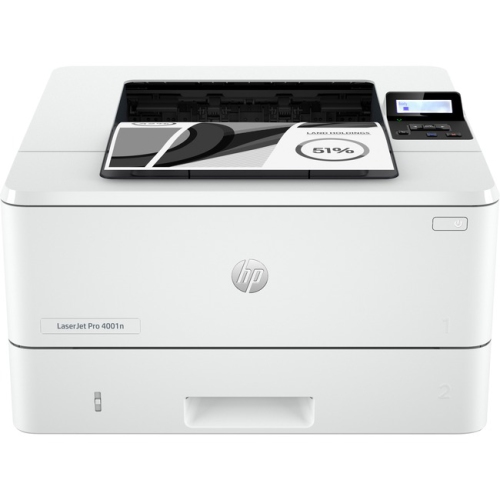
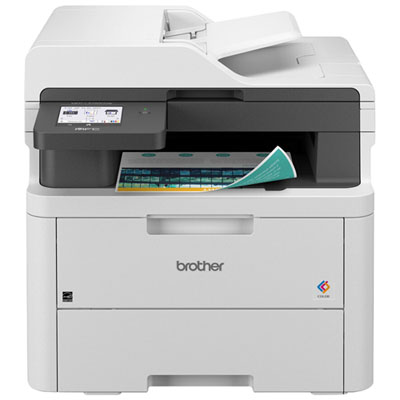
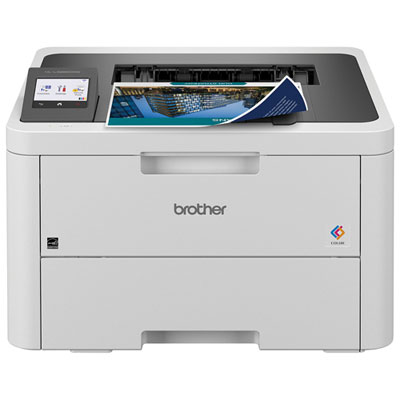
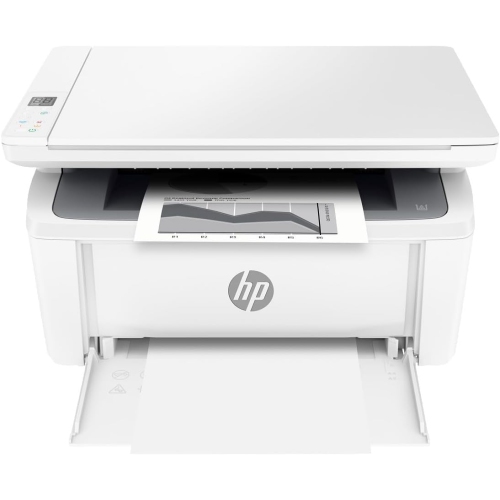
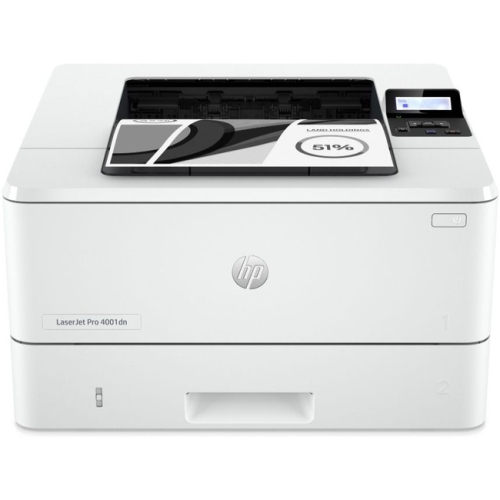
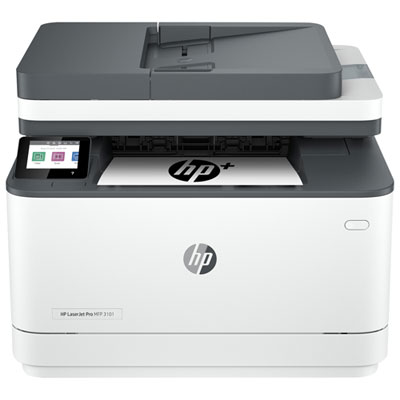
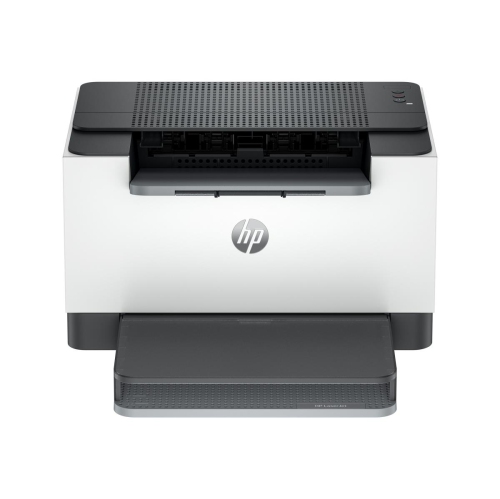
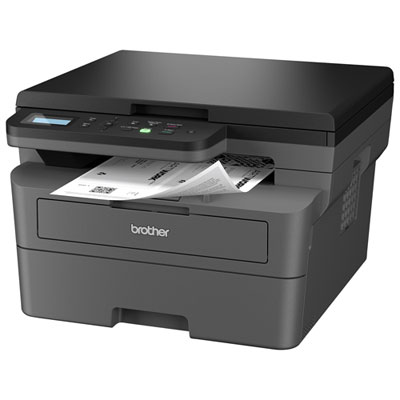
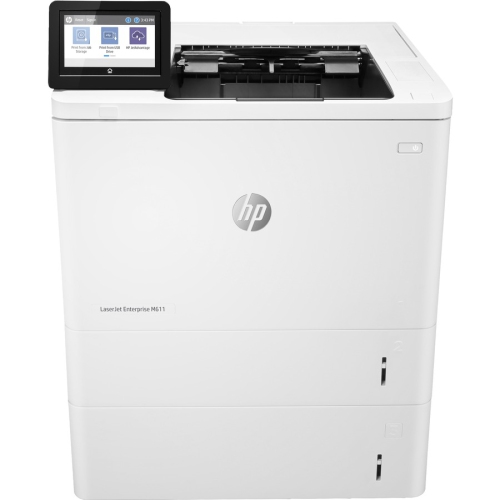
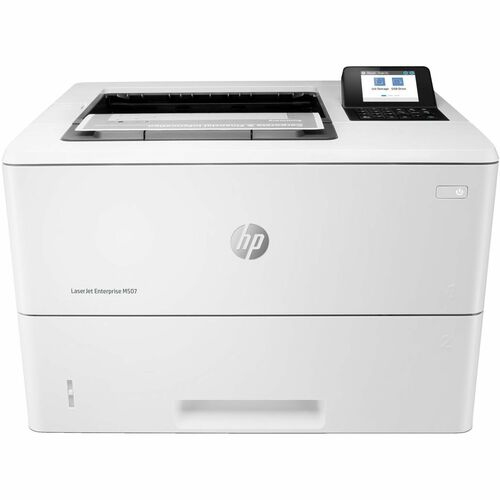
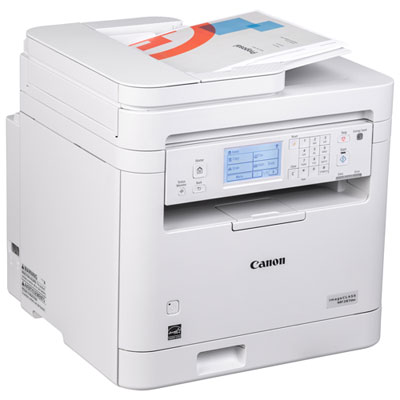
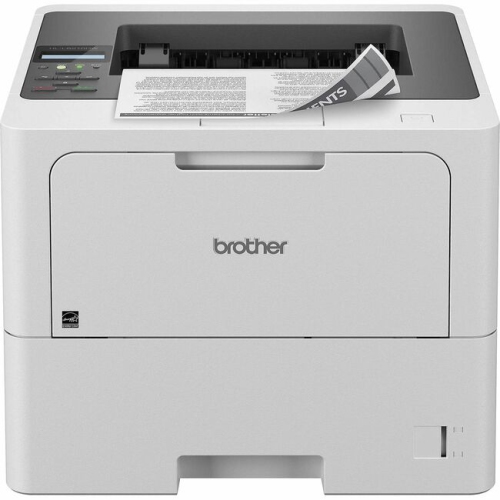
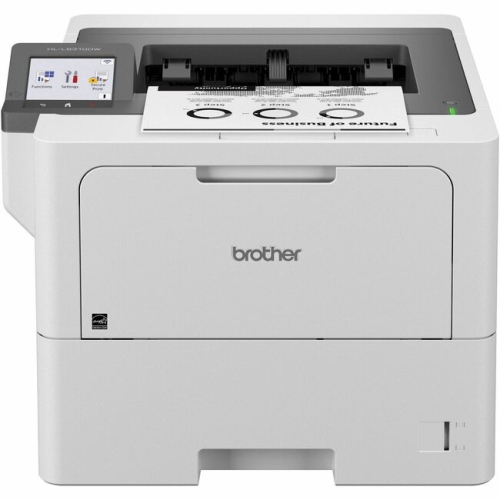
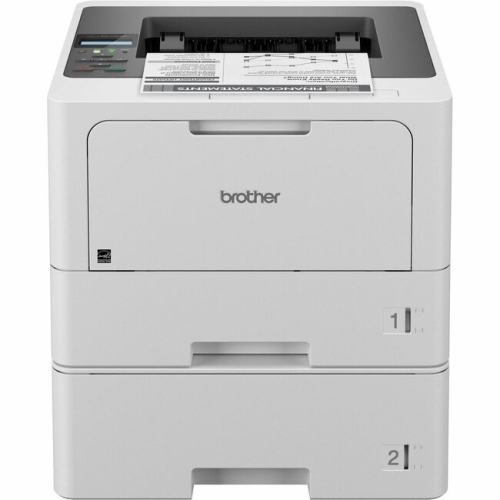
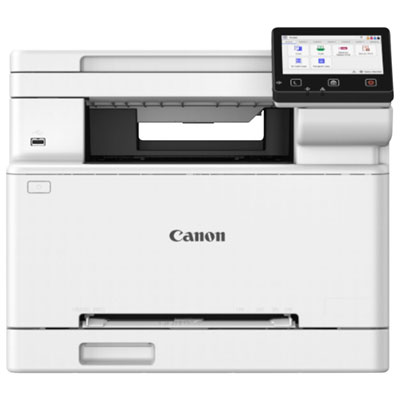
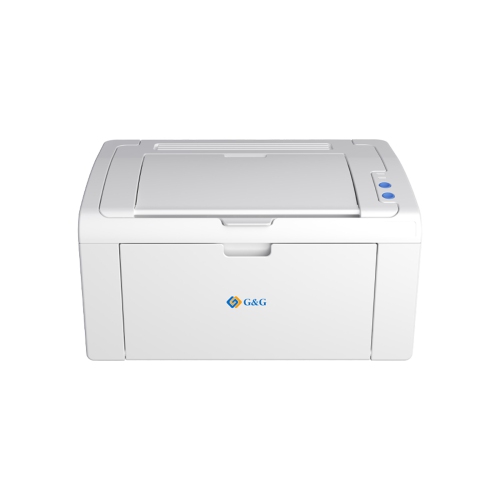
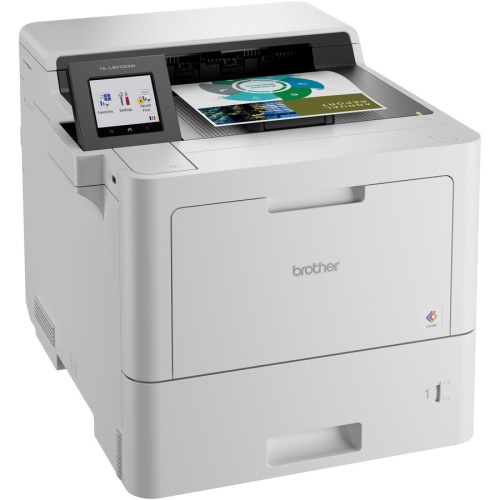
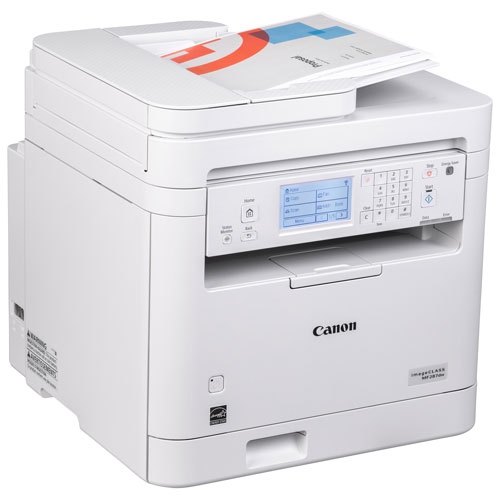
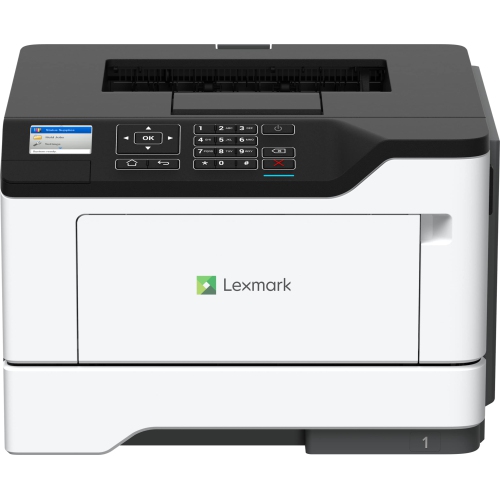
Laser printers that fit your paperwork and workspace
Physical fit involves more than the printer’s width on a shelf. Paper trays may extend beyond the main housing, output supports need room to open, and scanner lids require clearance above the machine. A compact footprint can suit a shared desk, but access to toner compartments and paper paths is equally important when the printer sits inside a cabinet or beneath shelving. Sturdy tray guides help keep paper aligned, while accessible controls make routine tasks less awkward. Connection options shape how naturally the printer fits into daily work. USB supports a direct connection to a compatible computer, Ethernet can provide a wired network connection, and Wi-Fi allows supported devices to share a printer without a cable running to each workstation. Mobile printing depends on the printer’s supported services, apps, and operating systems, so phone and tablet compatibility deserves attention alongside computer compatibility. Wi-Fi Direct, where included, offers a separate way to connect a device directly to the printer; it is not the same as joining a household wireless network. For shared spaces, automatic two-sided printing keeps multi-page documents together in a familiar book-like format, while manual two-sided printing requires someone to turn and reload the sheets. Scanning features have similar distinctions. A flatbed suits single sheets, book pages, and delicate originals, while an automatic document feeder handles a stack of loose pages. Not every feeder scans both sides automatically, and scanning speed is separate from printing speed. Searchable scanned files may also depend on compatible text-recognition software. In everyday use, these details are noticeable: a signed agreement can become a readable digital file, a set of lesson notes can become neatly ordered copies, and a shared printer can serve several family members without constant cable changes. Where sensitive documents are involved, supported security settings and features such as PIN-protected print release can help control access. For a desk close to a bedroom or meeting area, operating noise and quiet-mode options may also matter, particularly when longer print jobs run alongside calls or focused work.
Long-term suitability depends on workload, maintenance, and how easily routine supplies can be replaced. Advertised print speed usually describes pages per minute under specified conditions, whereas first-page-out time indicates how quickly the first sheet appears after a job begins. A person printing one form at a time may notice that initial wait more than the speed of a long document run. For heavier use, recommended monthly print volume is a more useful reference than treating the maximum duty cycle as an everyday target. Input capacity and output capacity also affect how often someone needs to refill paper or clear the finished stack. Toner yield is an estimate based on standardized testing, not a promise that every cartridge will produce the same number of real-world pages. Dense graphics, large areas of colour, and document coverage affect how much toner a job uses. Cartridge arrangements vary as well: some designs combine toner and drum components, while others use separate parts with different replacement schedules. Colour printers generally require separate toner supplies for black, cyan, magenta, and yellow. Straightforward access to these components can make regular upkeep easier, especially in a workspace where several people share responsibility for the printer. Durable use also relies on suitable paper and sensible handling. Dry, flat sheets feed more reliably than curled or damp paper, adjustable guides should sit against the stack without bending it, and trays should not be filled beyond their marked limits. Labels and specialty media need to be rated for the heat of laser printing. Cleaning and clearing jams should follow the manufacturer’s directions, with care around hot internal parts and sensitive imaging components. Keeping ventilation openings clear and allowing the required operating space helps the printer function as intended. For document tasks that extend beyond laser printing, the broader Boxing Day Sale On Printers & Scanners & Fax page brings related equipment into view. Whether the routine involves occasional household paperwork or regular business documents, a well-matched laser printer supports clear pages, manageable upkeep, and a comfortable fit within the workspace.
Top selling and popular products
-
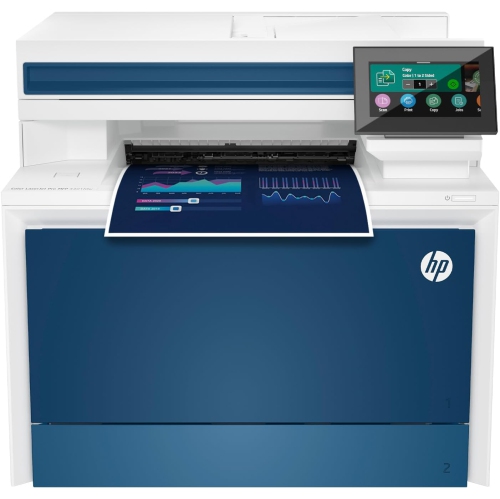 Your price for this item is $714.99
-
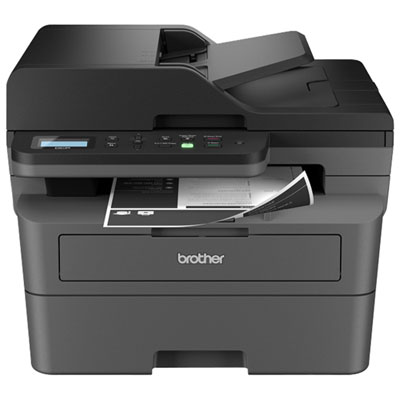 Your price for this item is $319.99
-
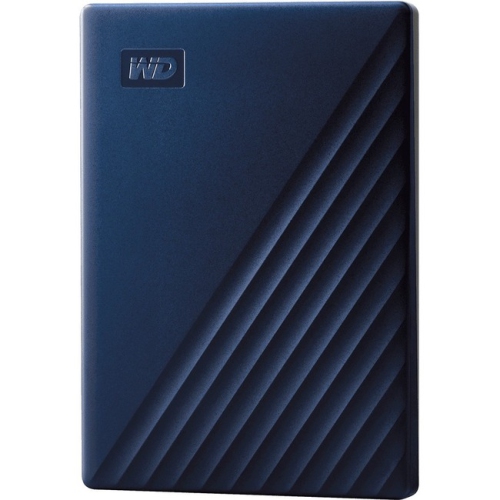 Your price for this item is $477.68
-
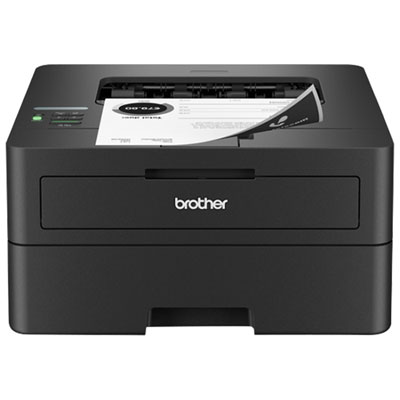 Your price for this item is $179.99
-
 Your price for this item is $249.99
-
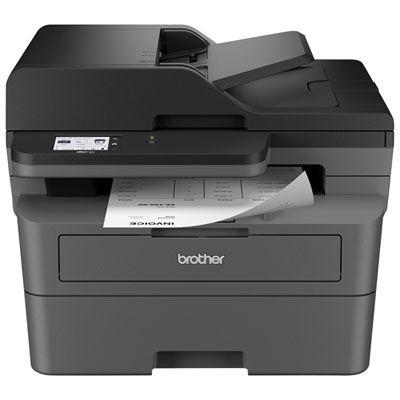 Your price for this item is $379.99
-
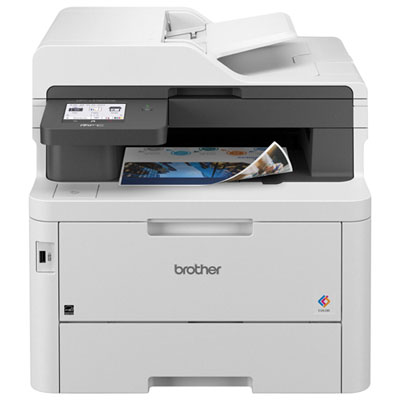 Your price for this item is $779.99
-
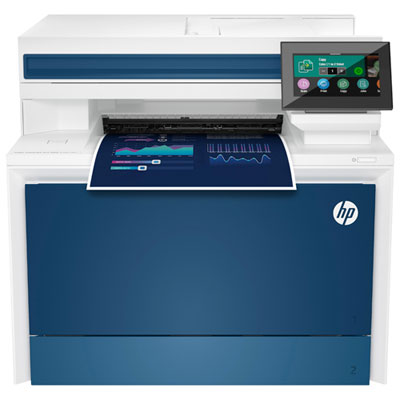 Your price for this item is $869.99