Boxing Day Deals Coming Soon
Our Boxing Day Sale returns in December 2026. In the meantime, shop our current top deals below.

Boxing Day Sale On Printers & Scanners & Fax
Discover unbeatable savings during our Boxing Day Sale on printers, scanners, and fax machines. Whether you're setting up a home office or upgrading your business essentials, this is the perfect opportunity to find high-quality devices at incredible prices. From versatile all-in-one models to specialized machines that meet your specific needs, our selection ensures you'll find exactly what you need to streamline your workflow. Don't miss out on these limited-time offers to enhance productivity and efficiency while staying within budget. Dive into the deals now and transform your workspace with top-notch technology. Remember, our Low Price Guarantee means you can shop confidently knowing that you'll find the best price at Best Buy, all year round. We encourage you to check our website frequently for the most up-to-date information on our latest offers and savings opportunities.
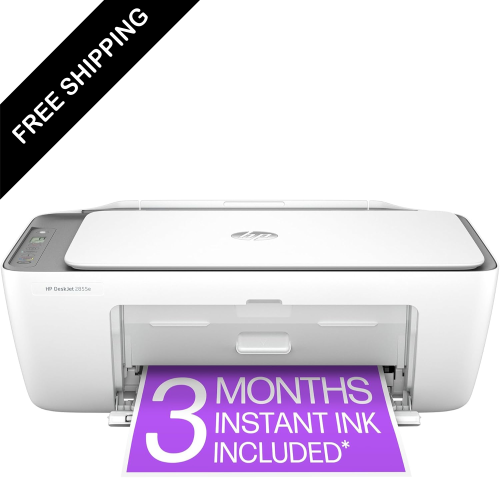
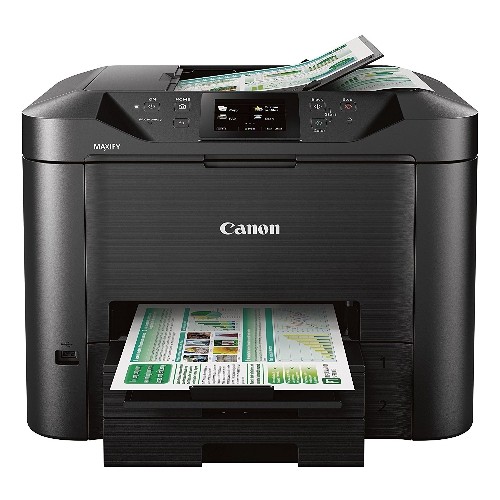
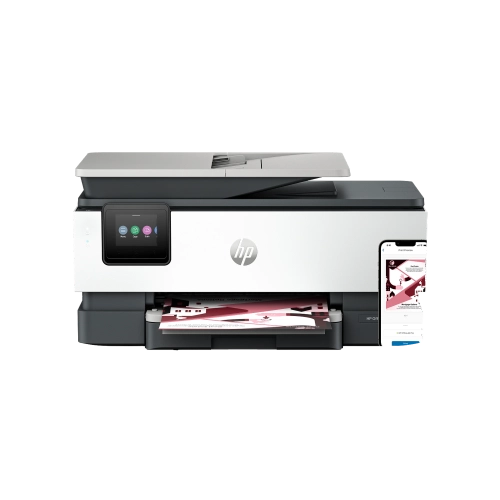
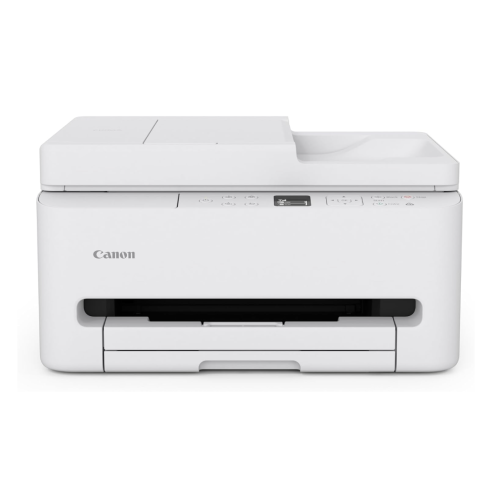
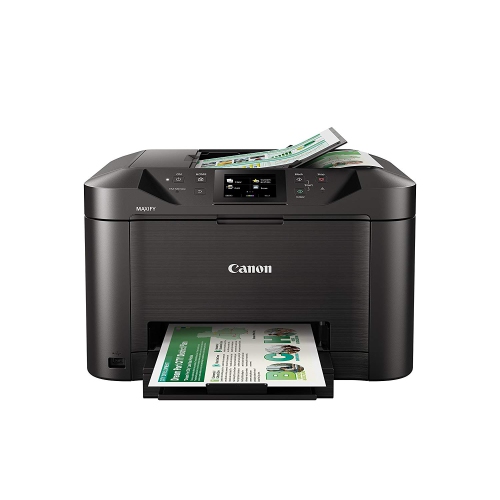
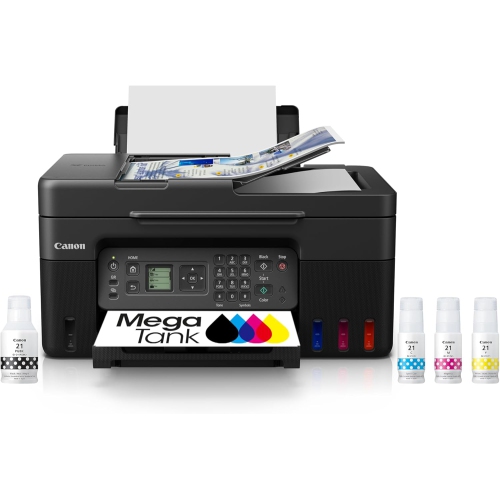
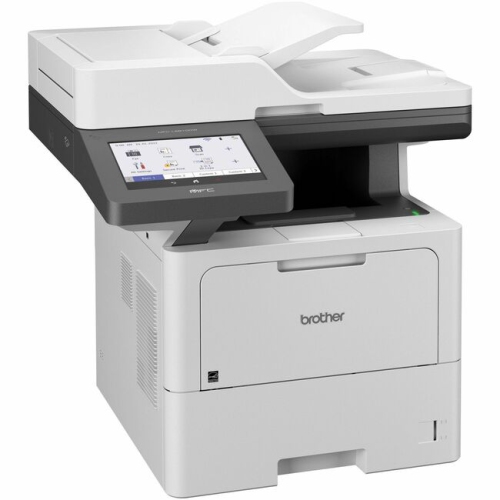

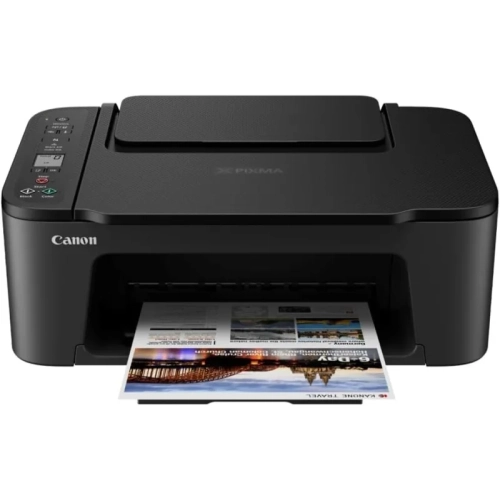

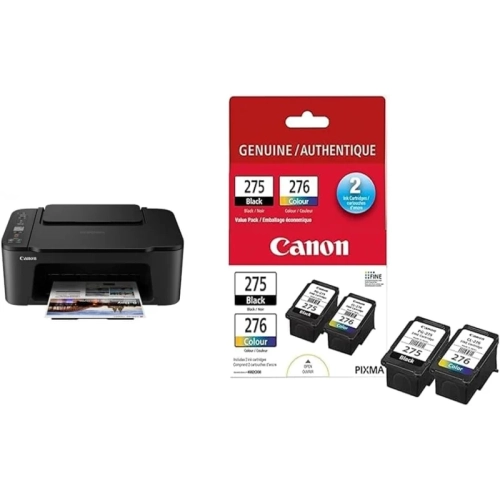
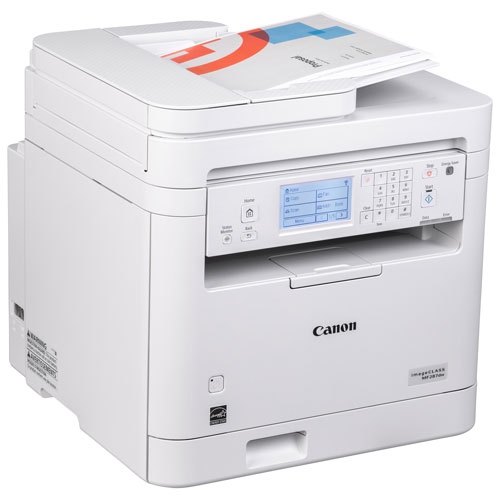
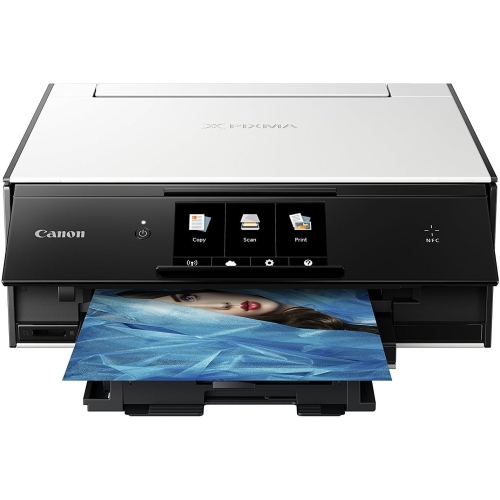
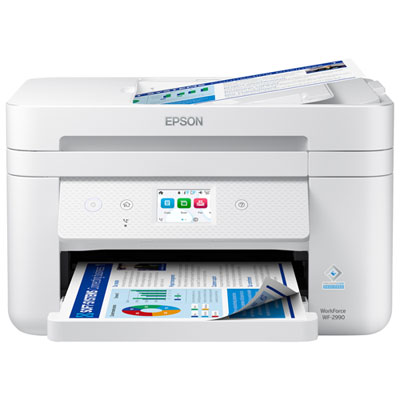
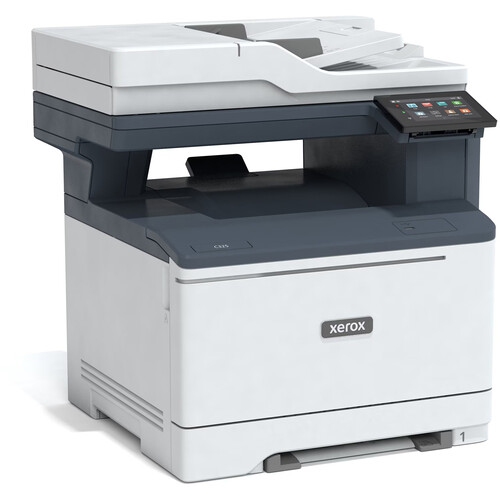
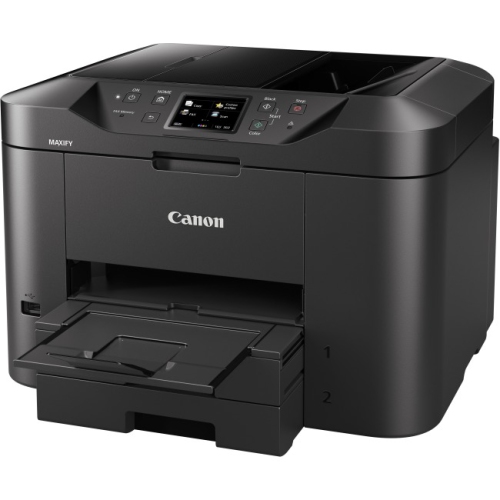

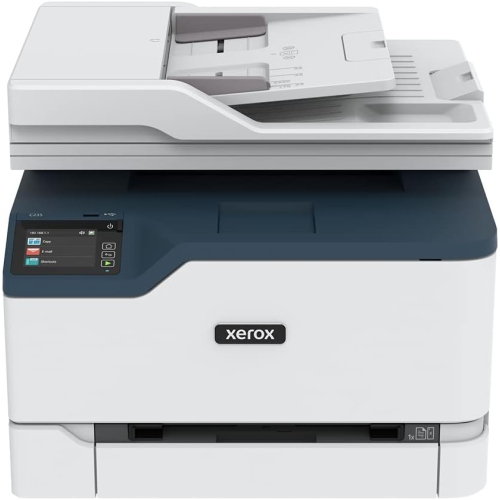
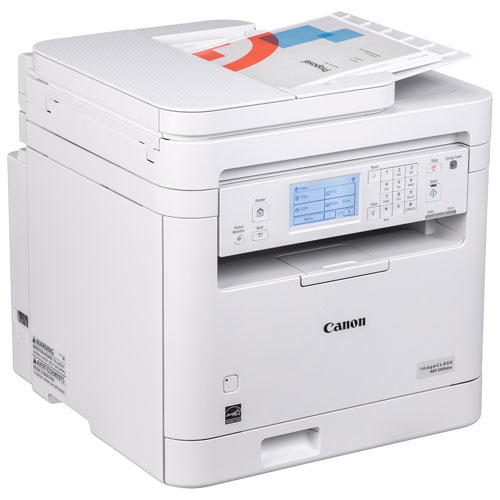
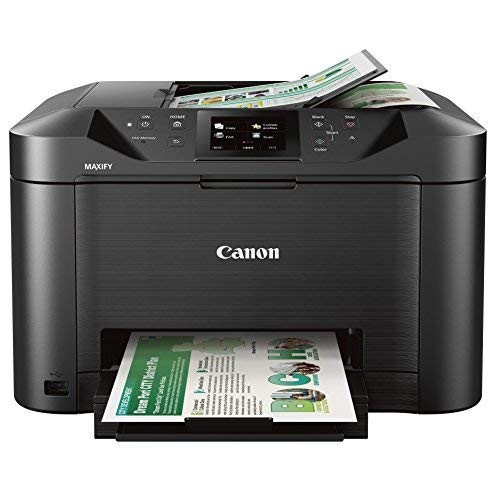
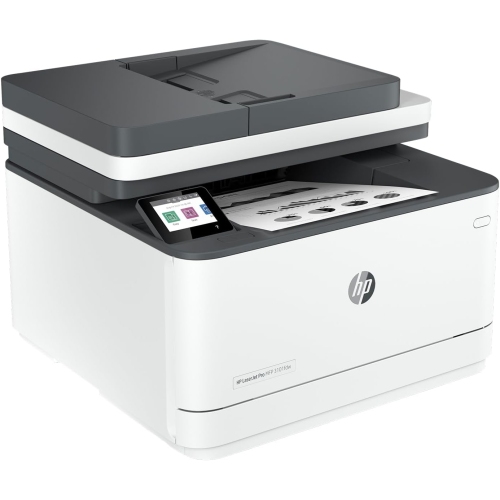
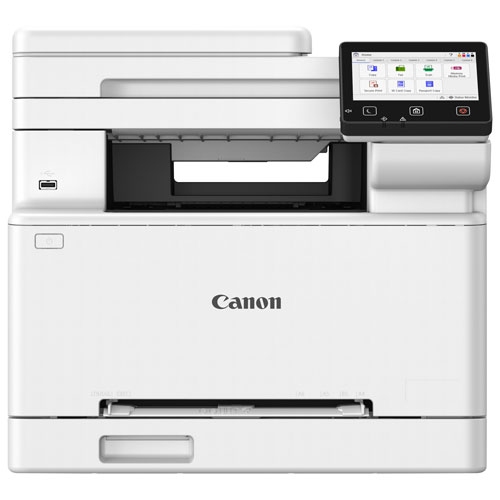
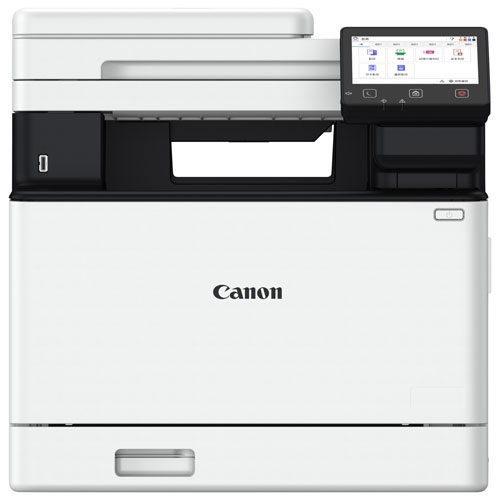

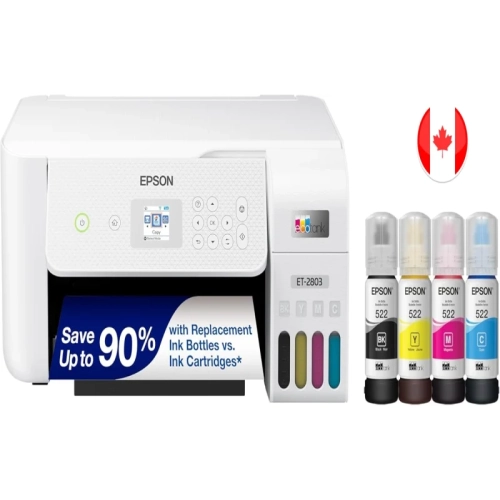
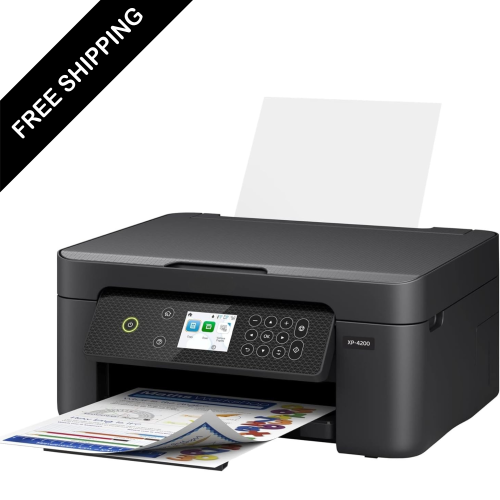
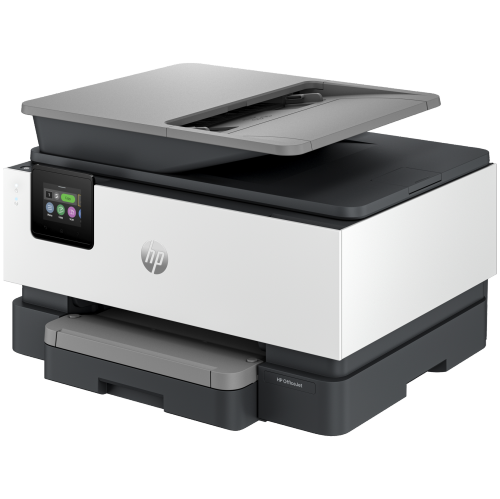
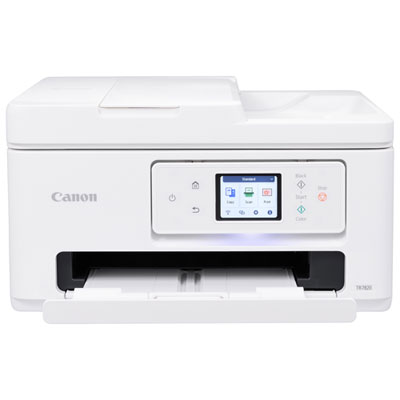
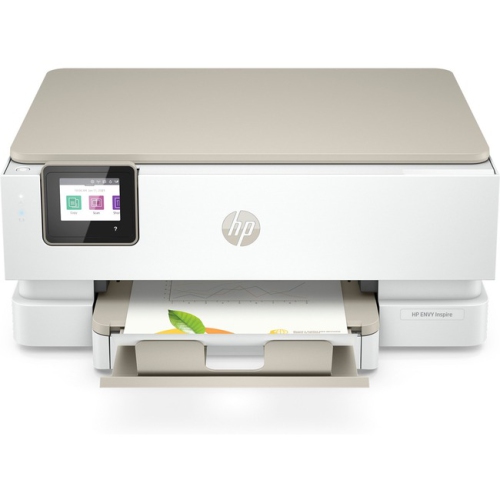
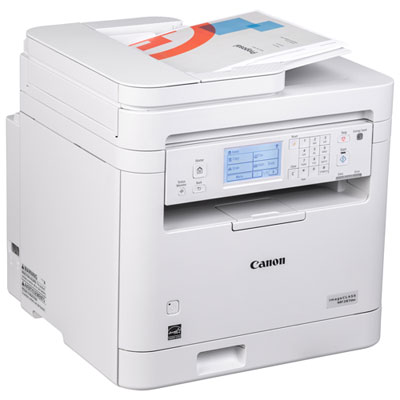
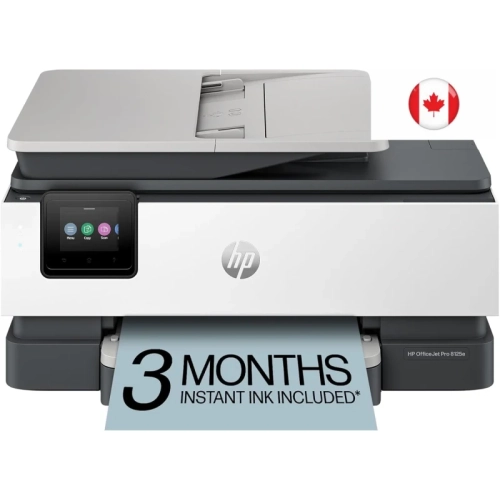
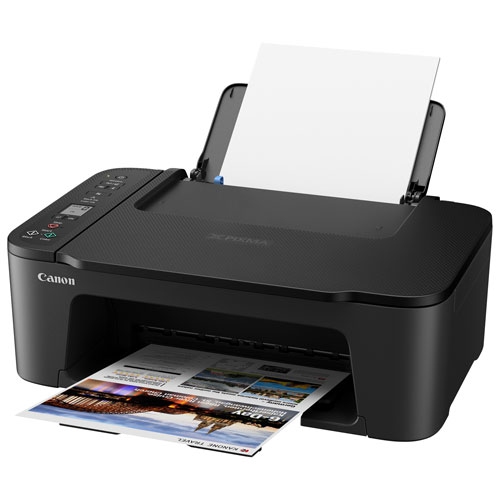
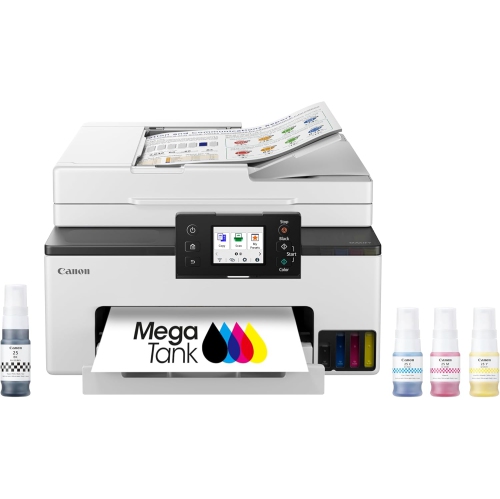
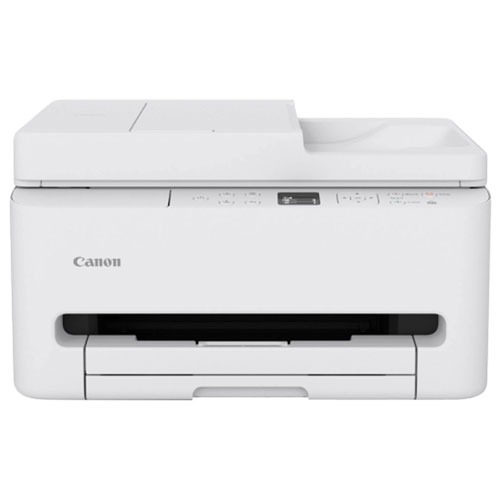
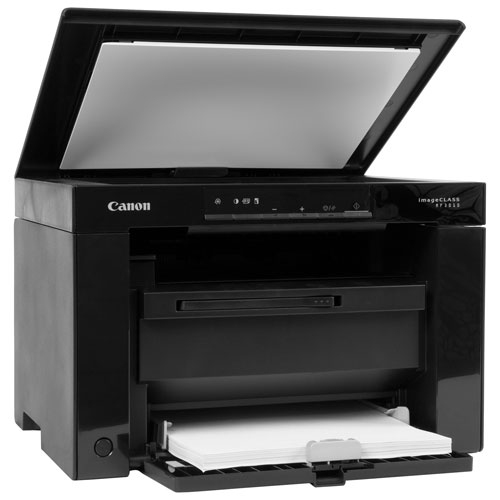
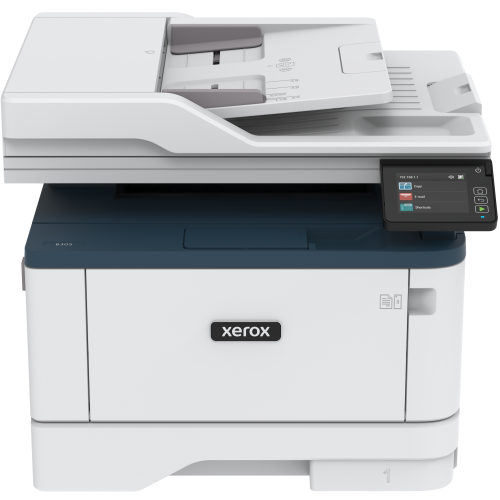
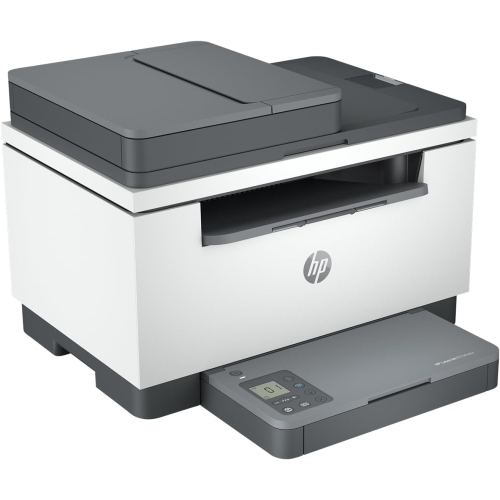




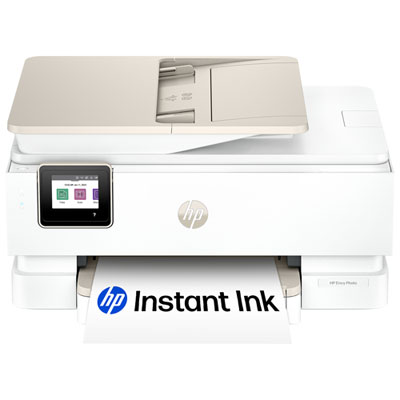
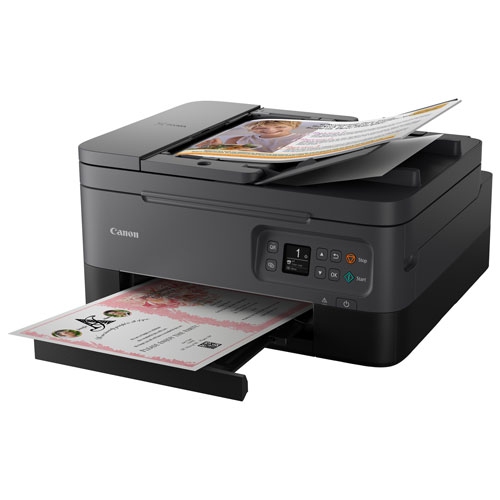
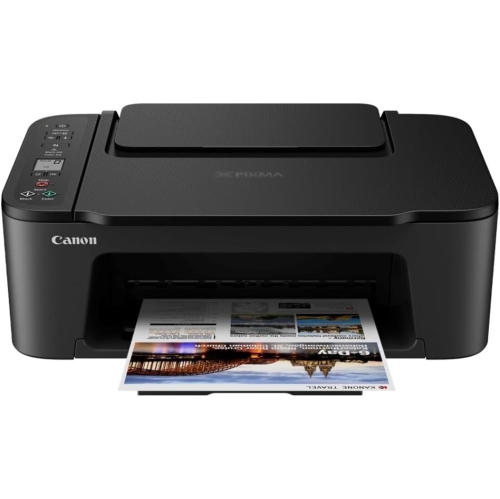
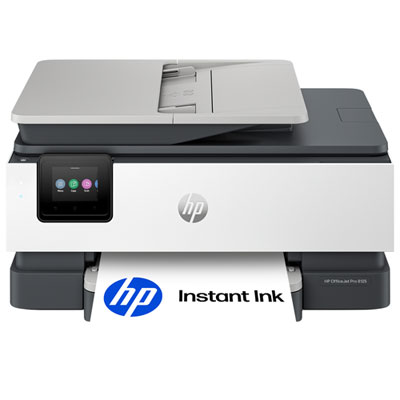
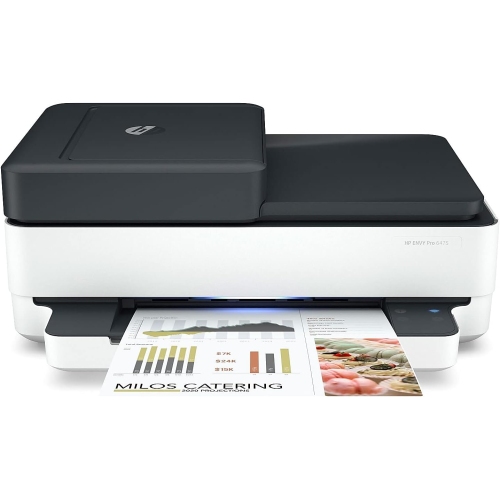
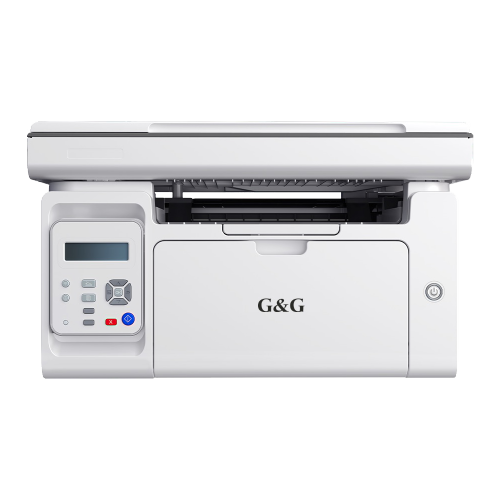
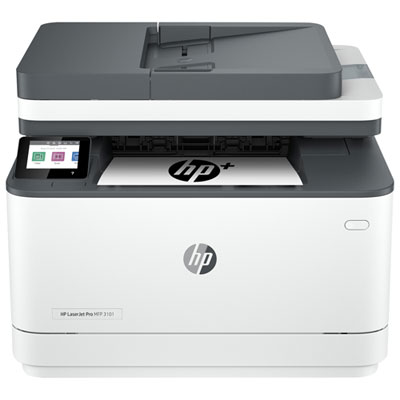
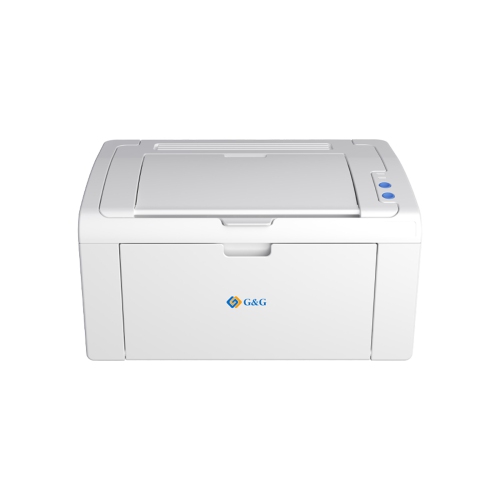

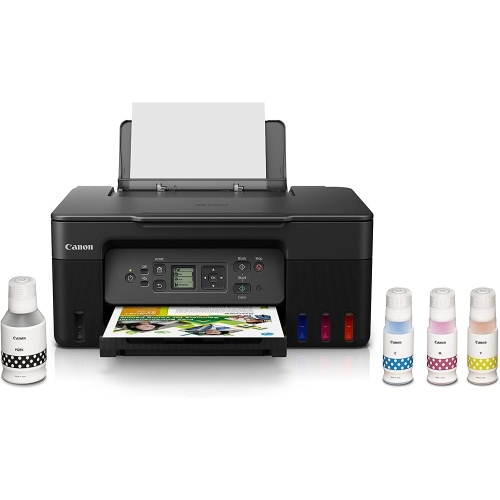
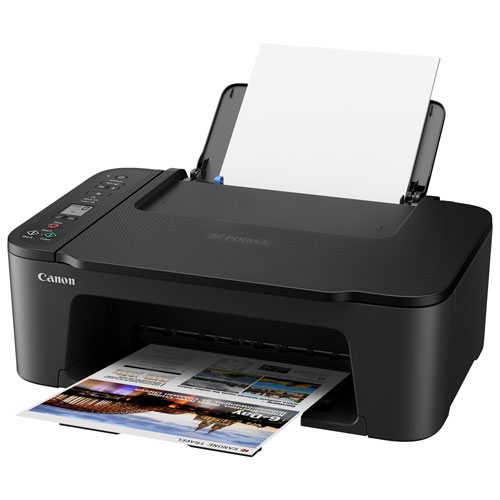
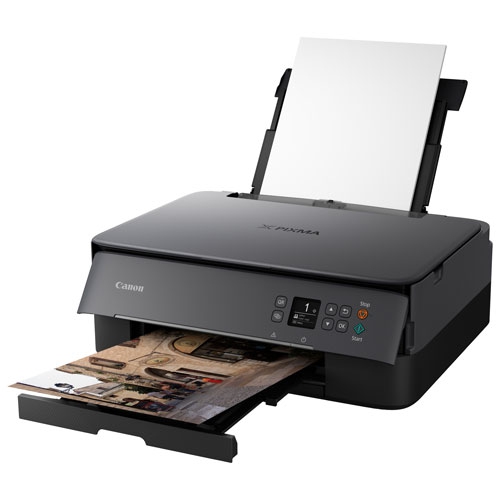
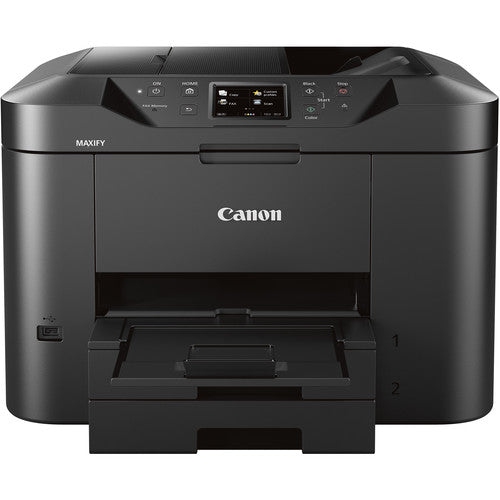
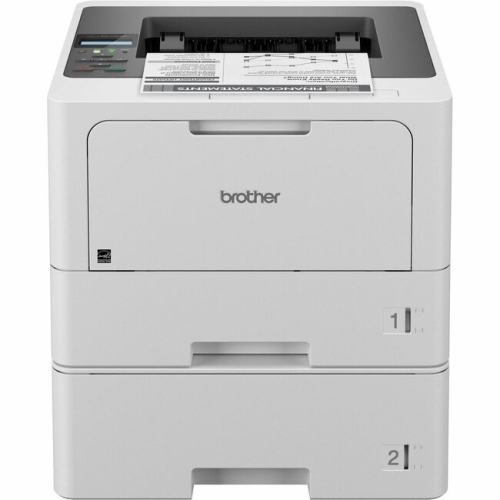
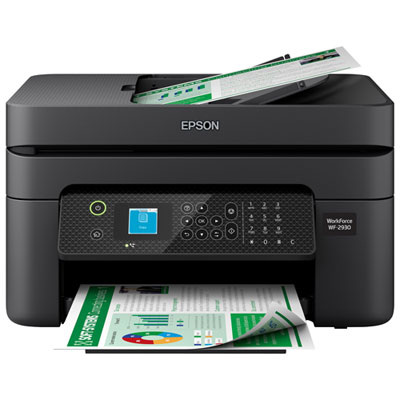
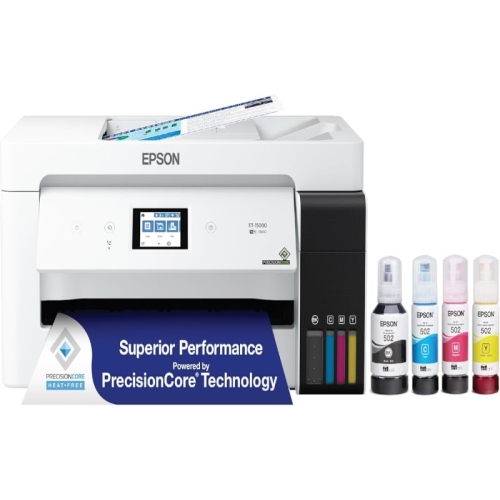
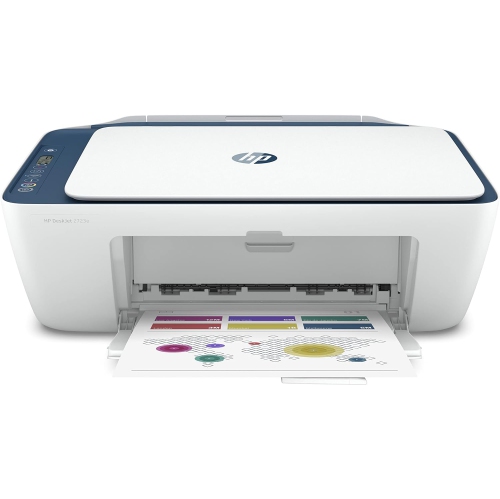
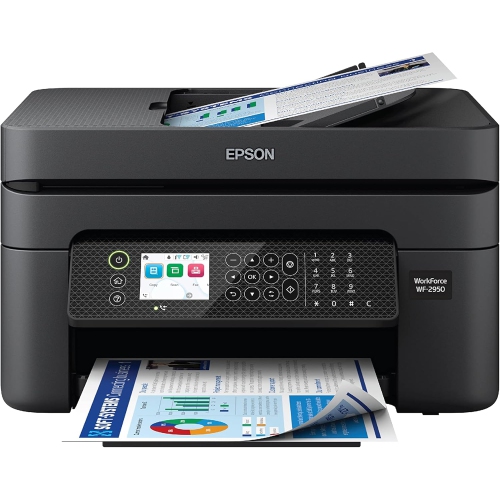
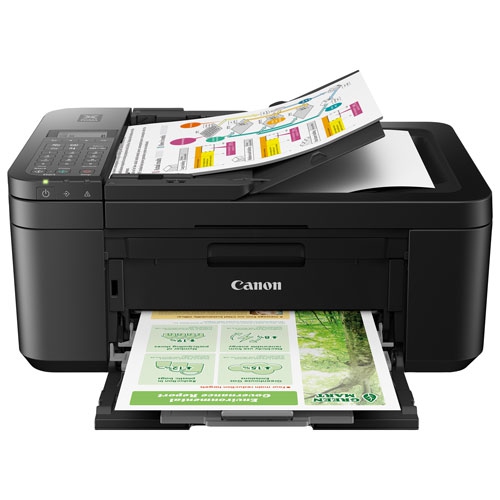

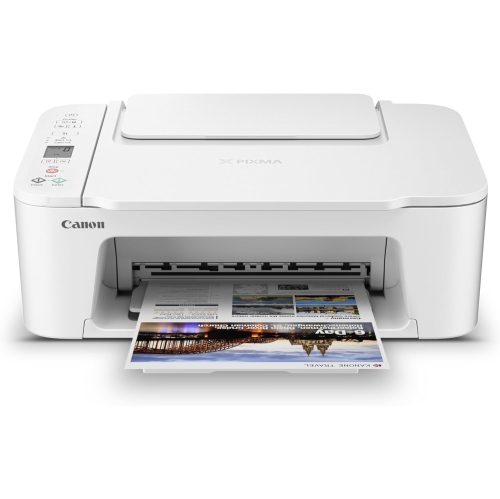
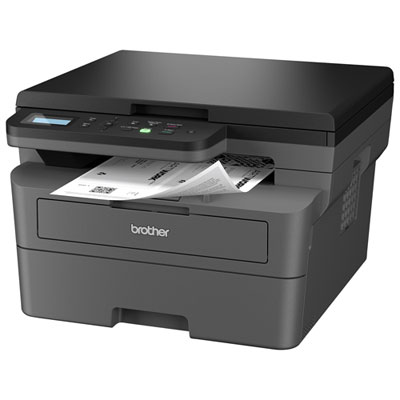
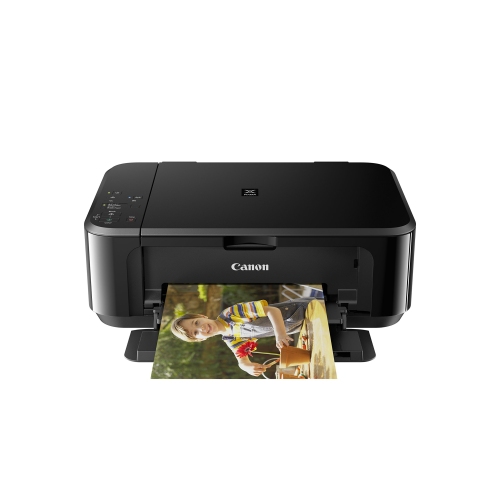
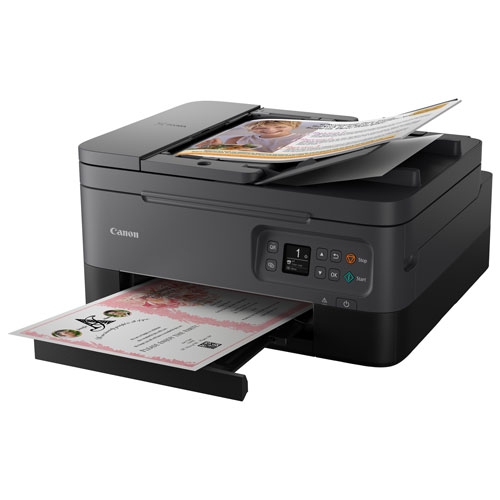
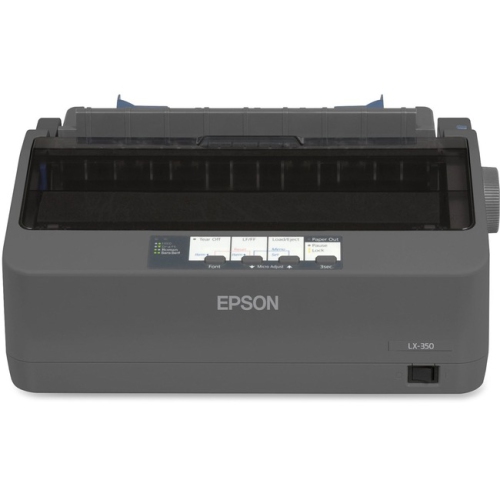
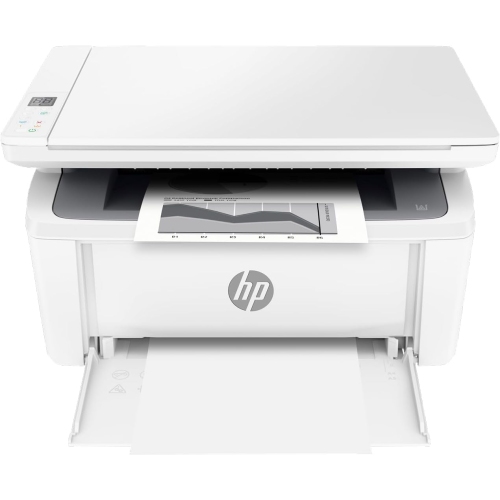
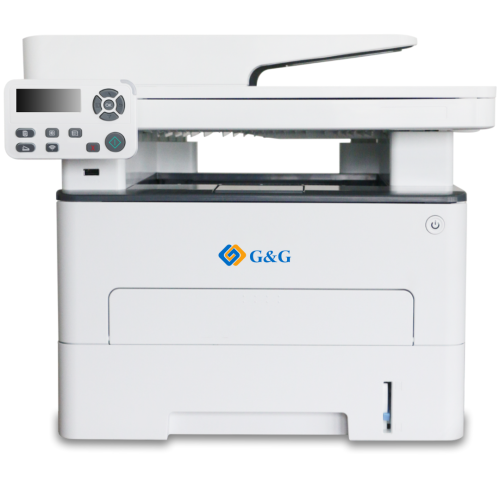
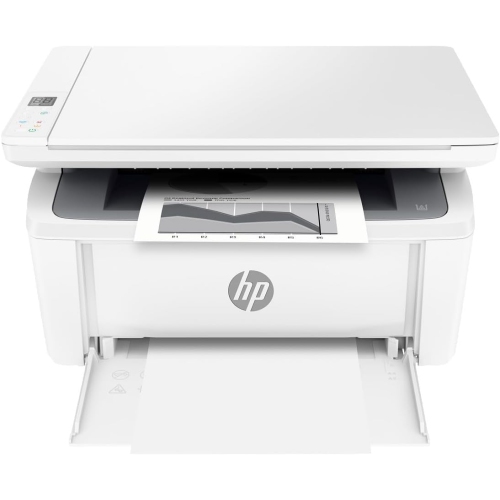
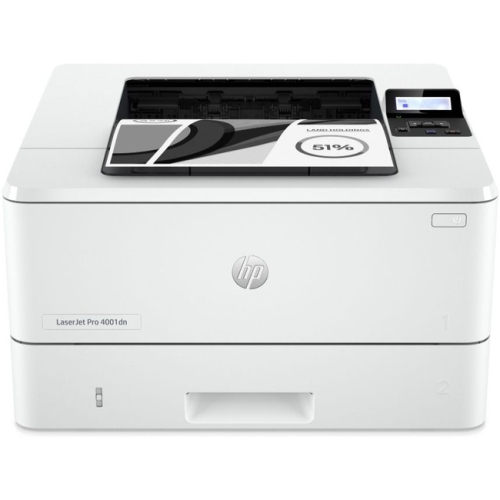
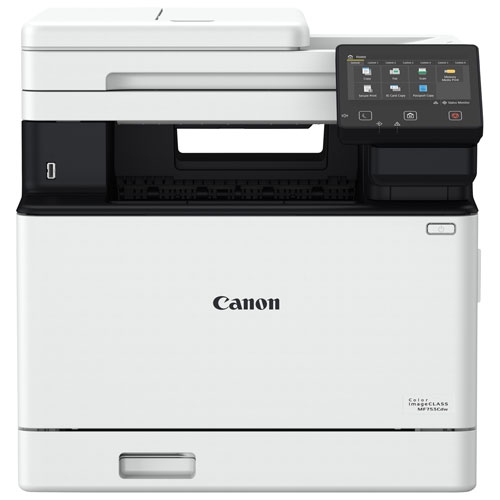
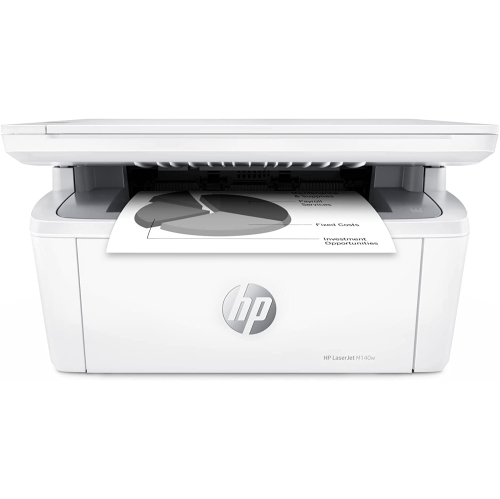

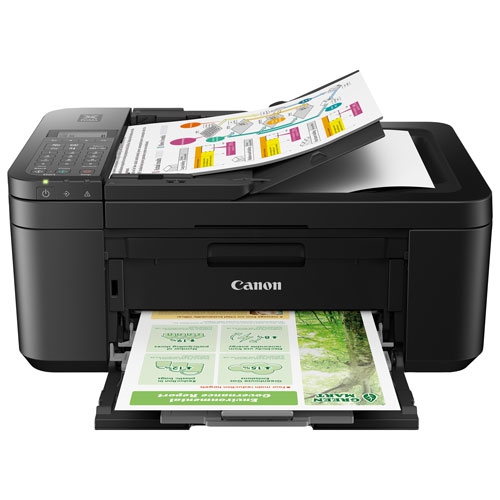
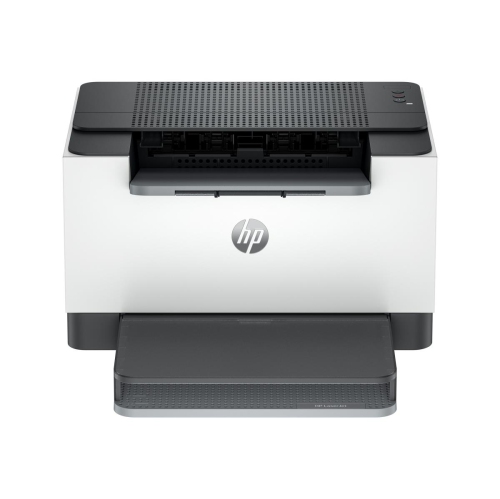
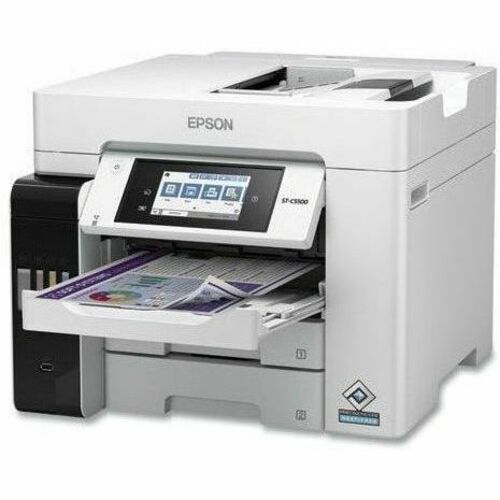
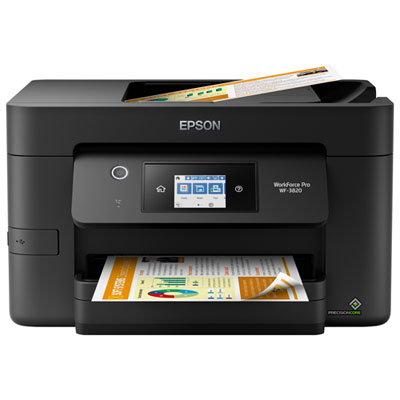


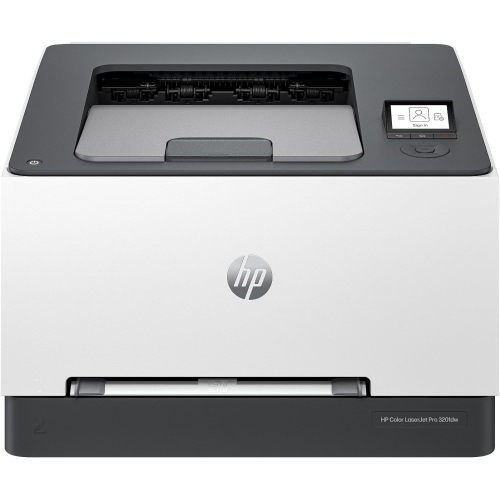
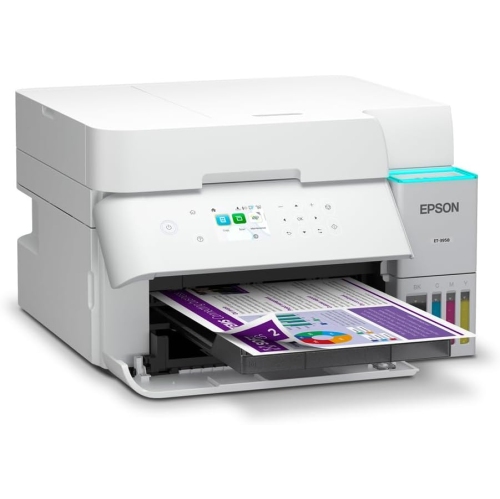
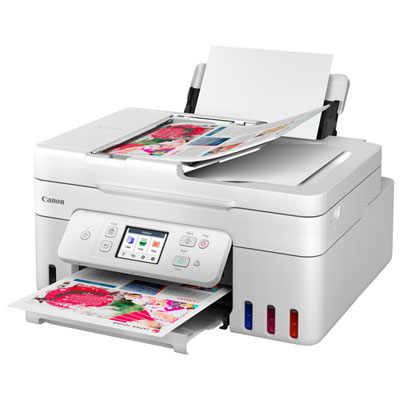
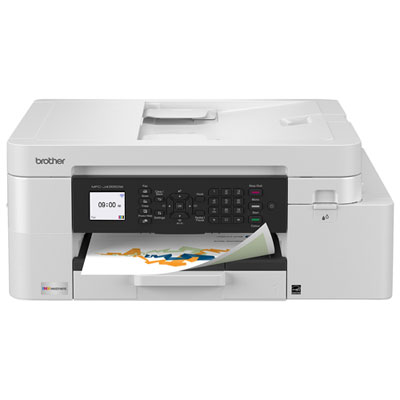
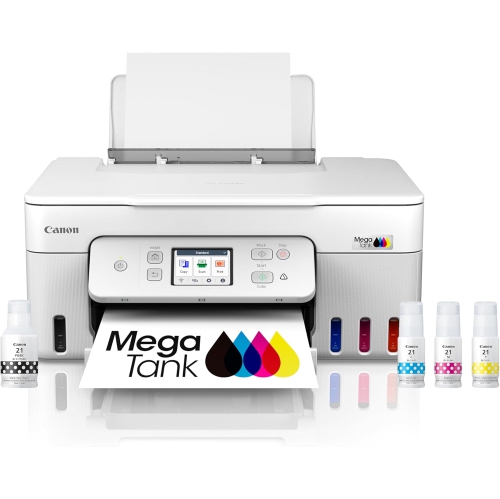
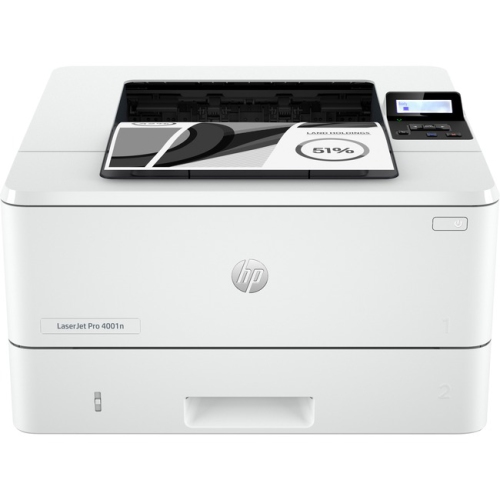

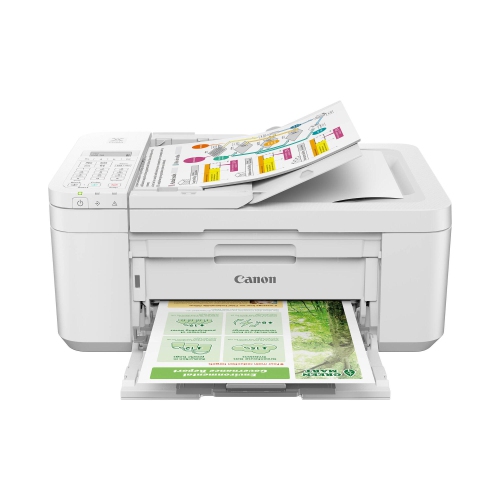

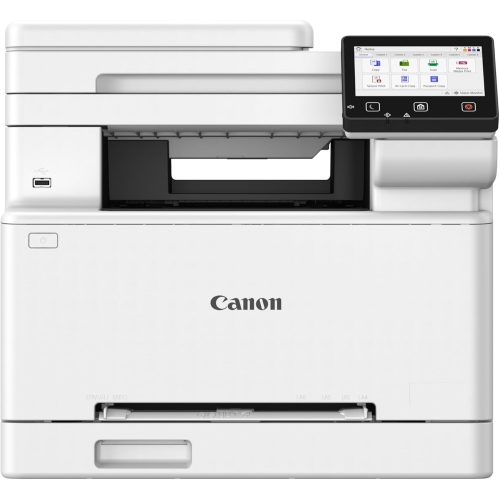
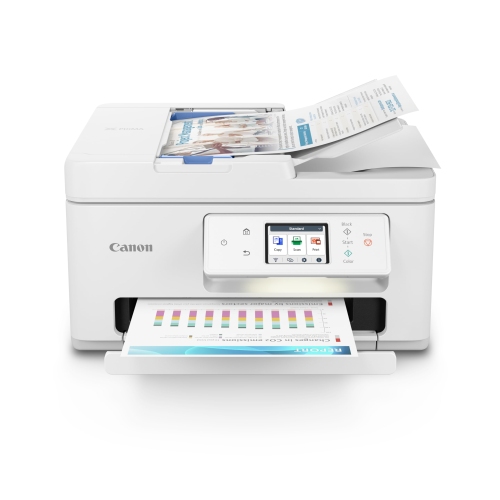
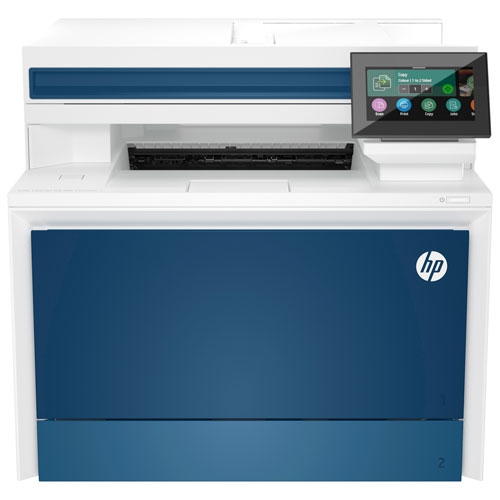
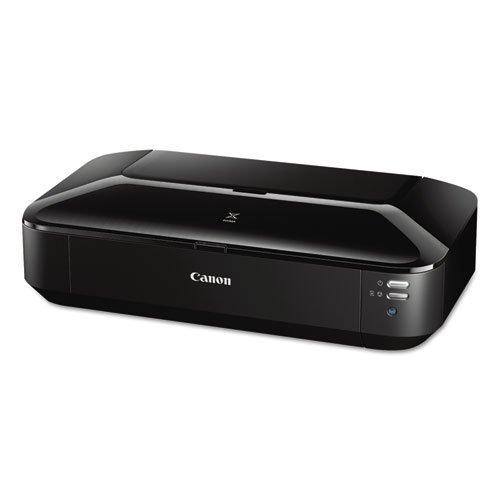


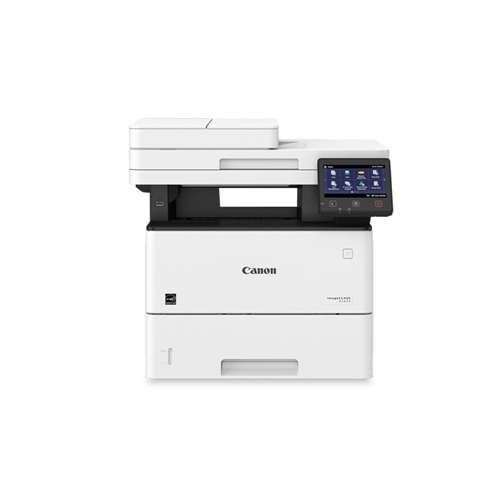
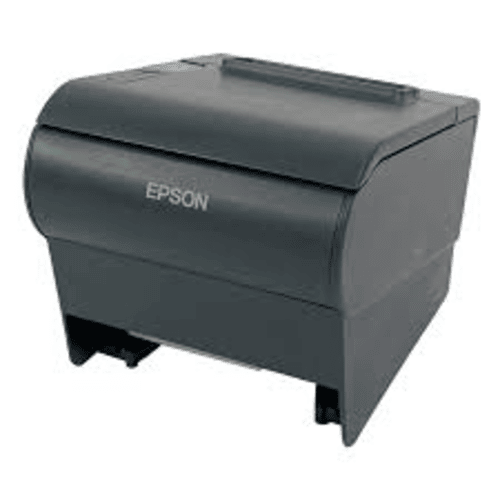
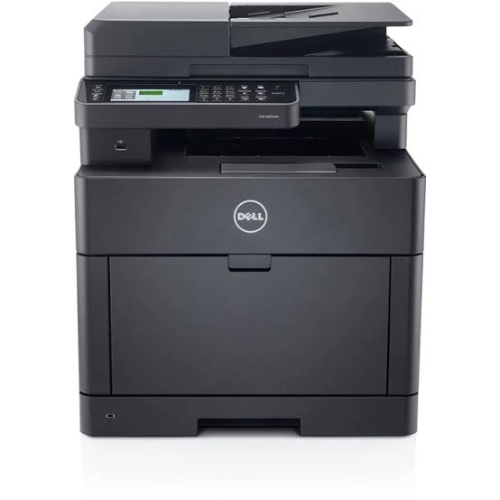

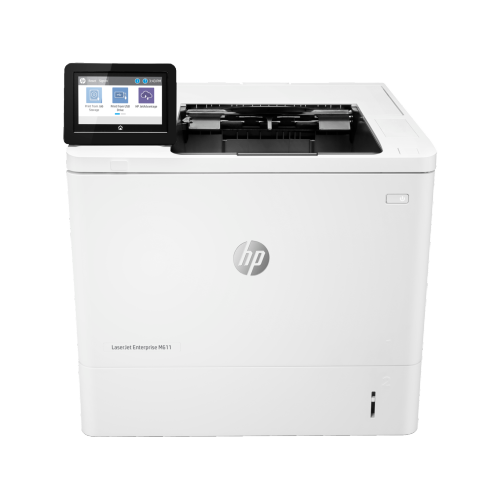


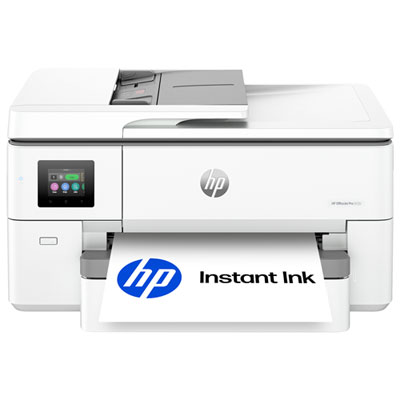
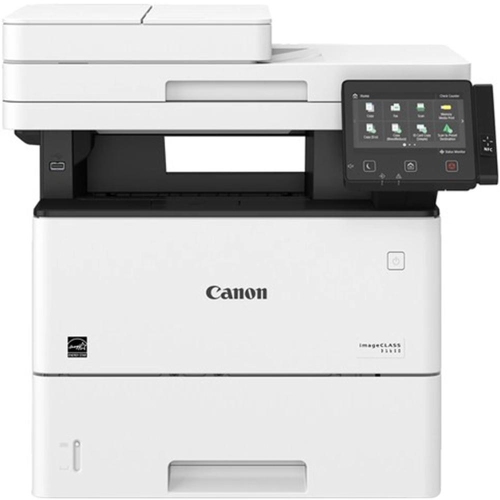
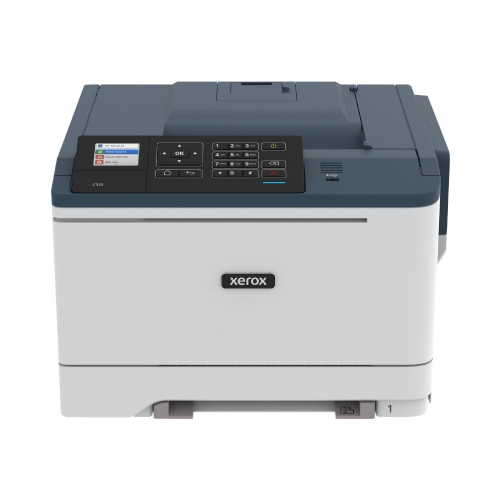
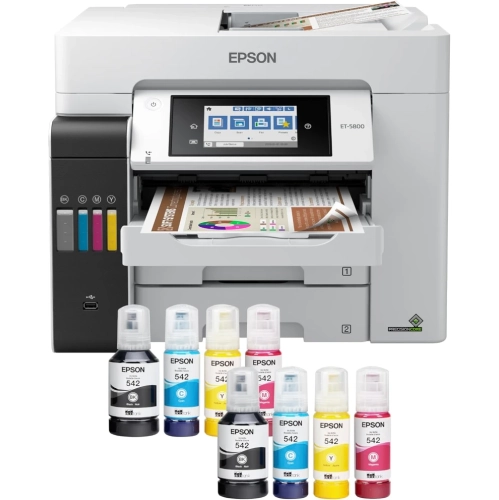
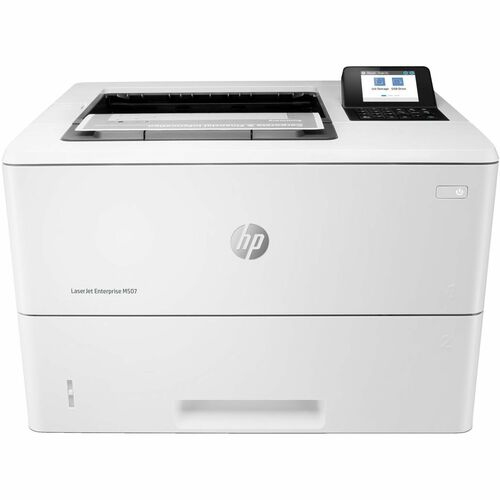
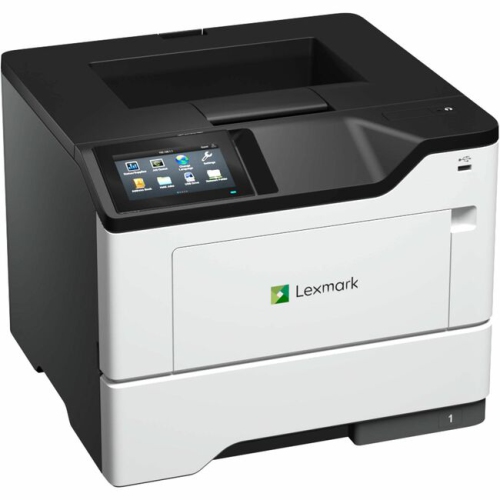
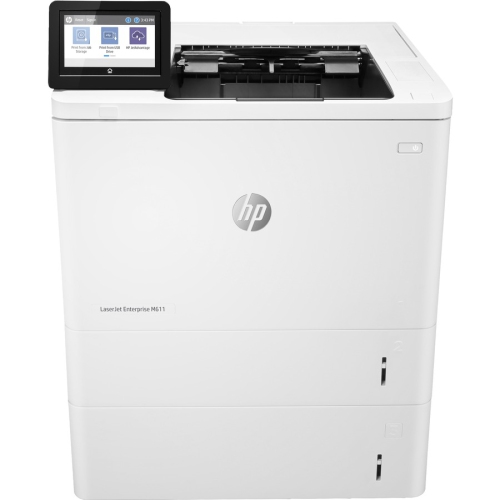
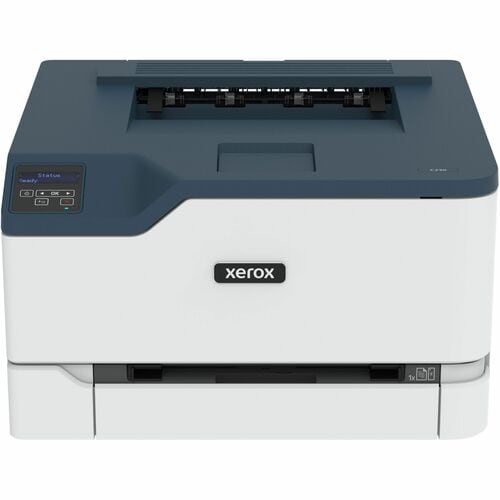




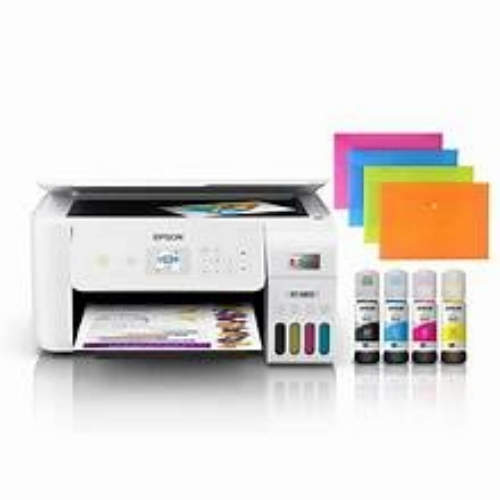
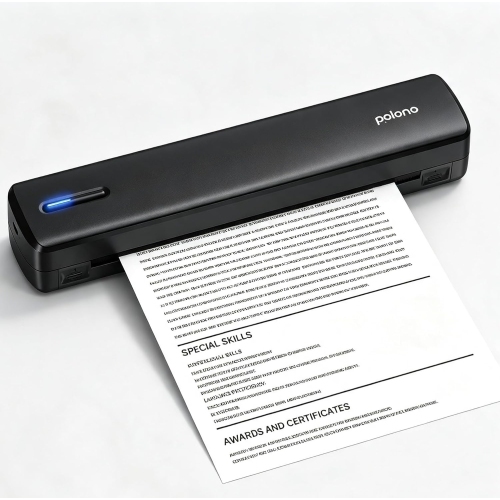
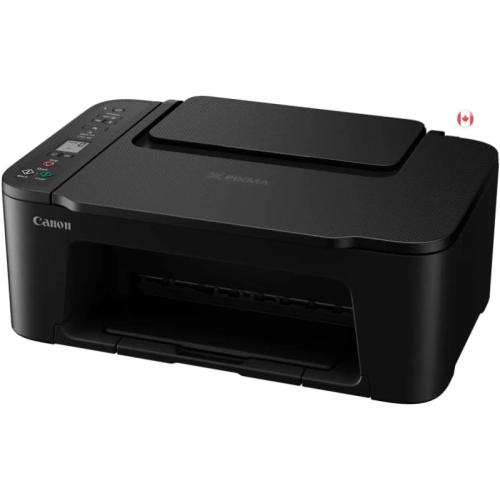
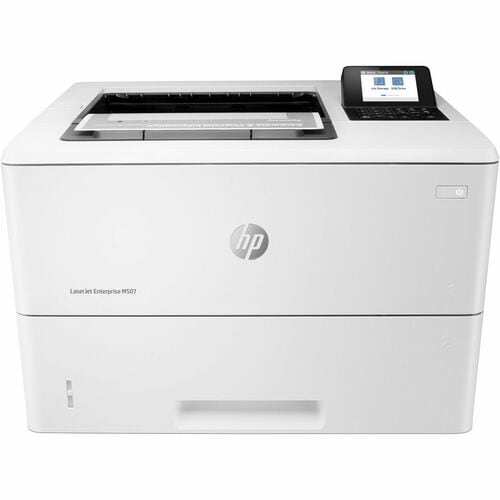


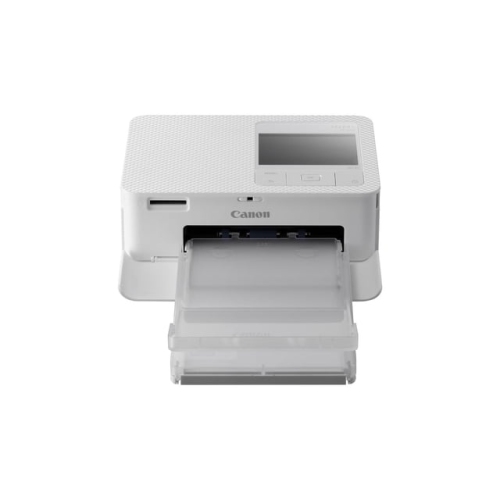
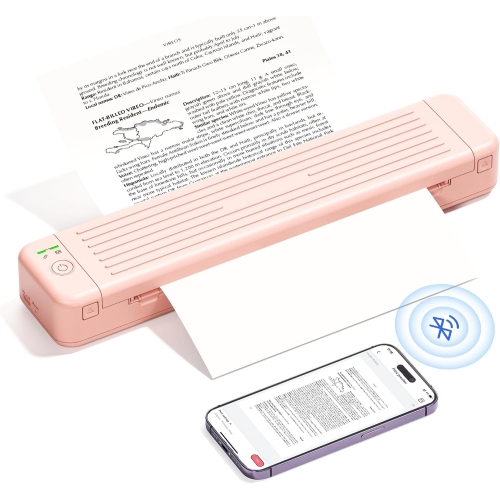
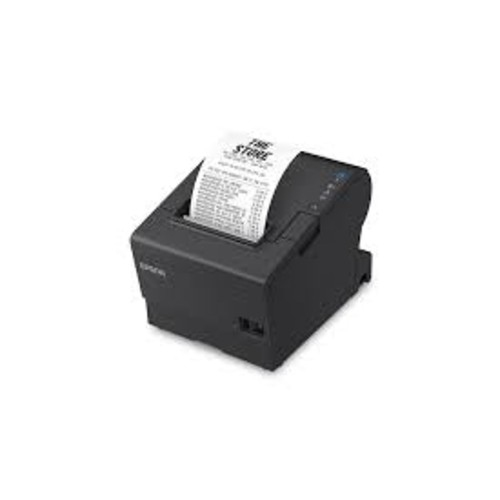
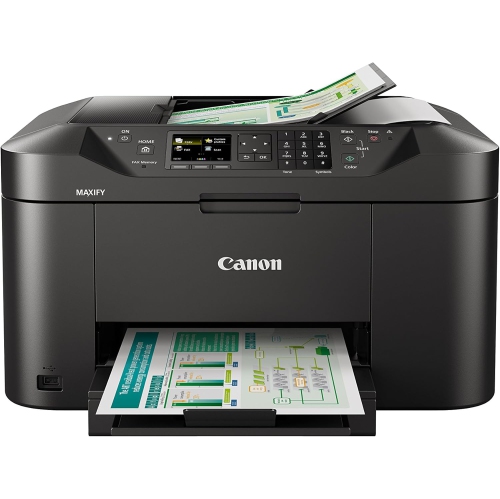
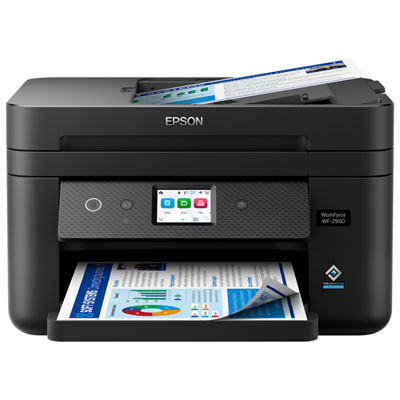



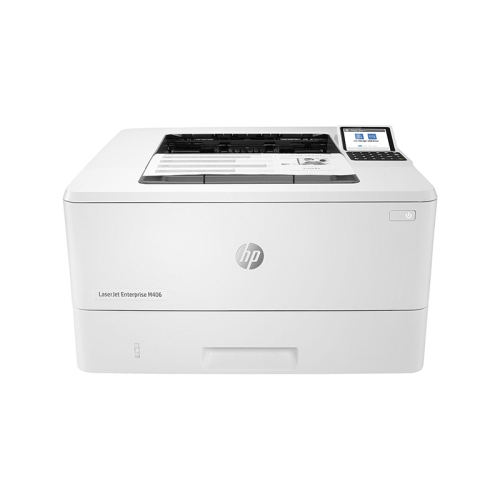
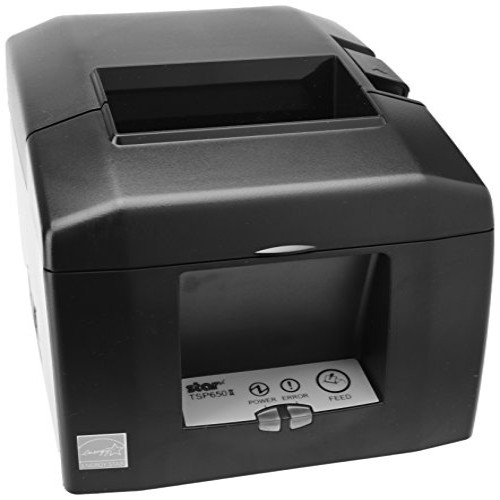
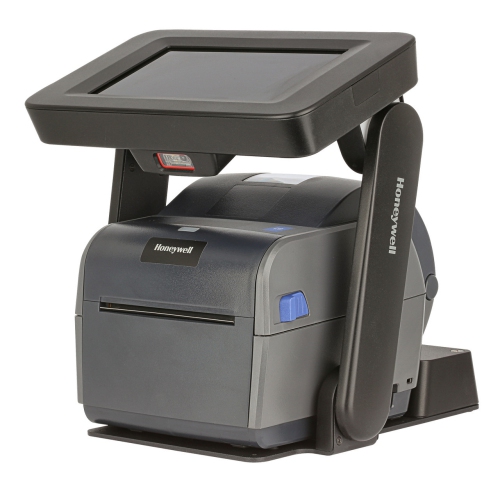

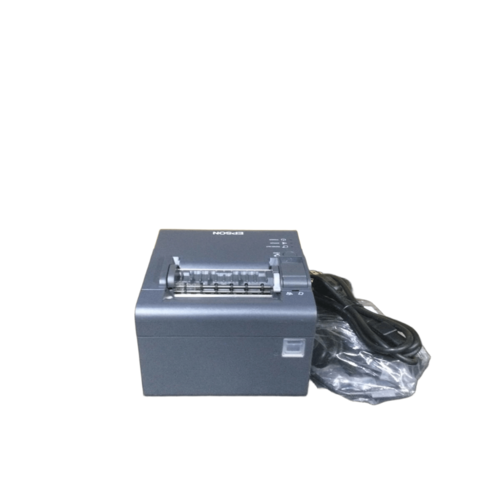
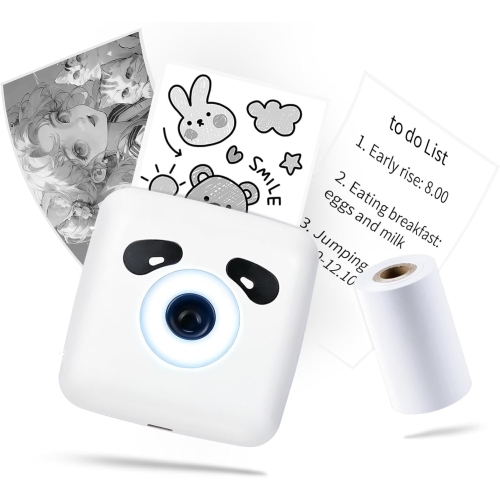
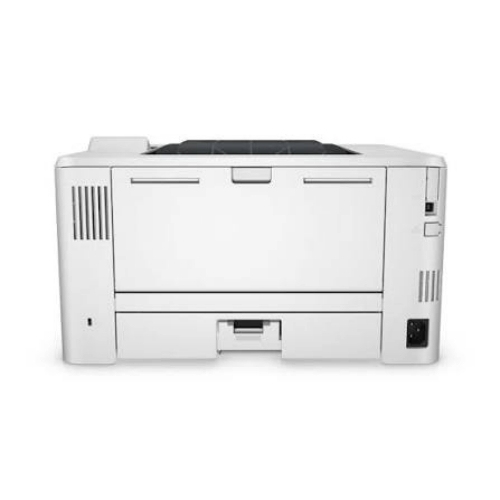
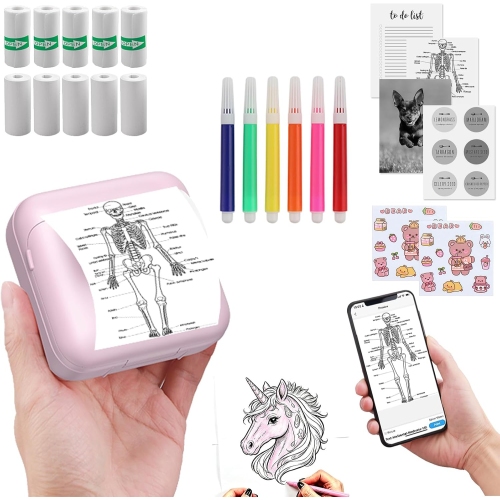

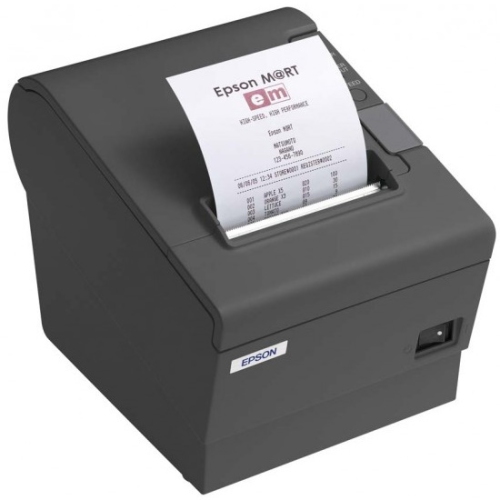
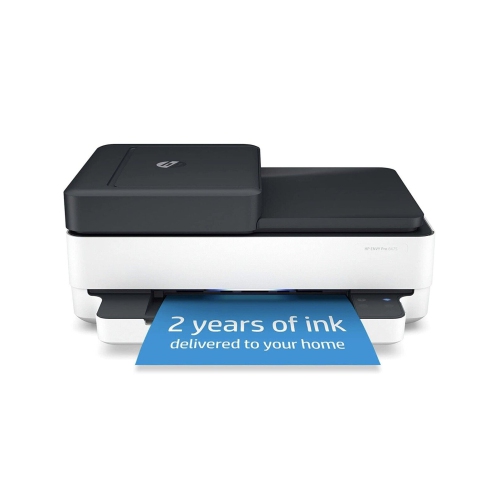

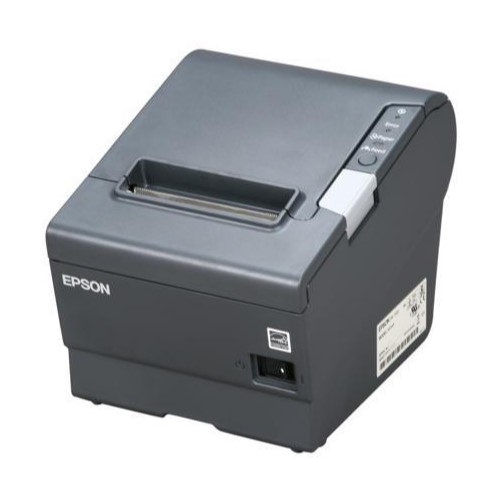
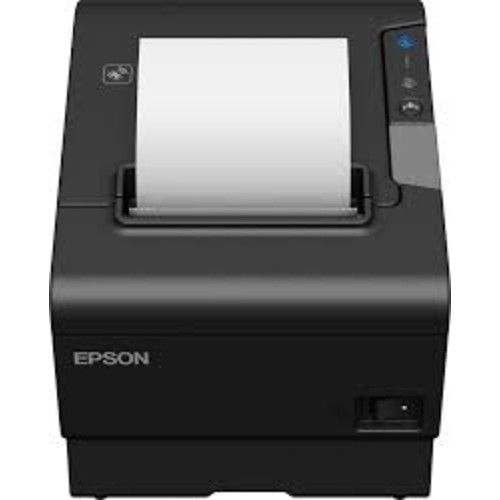
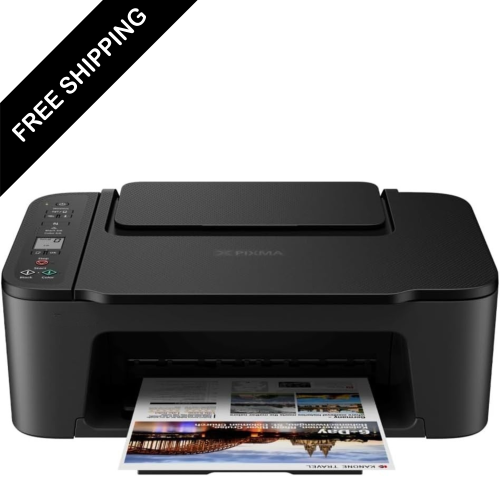
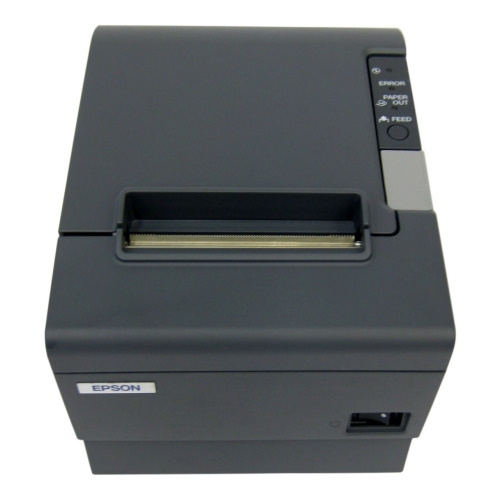
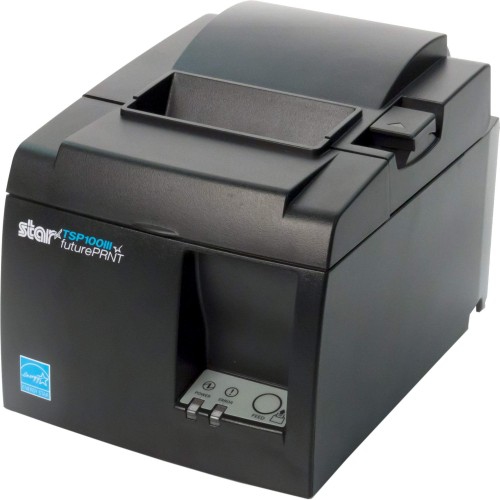
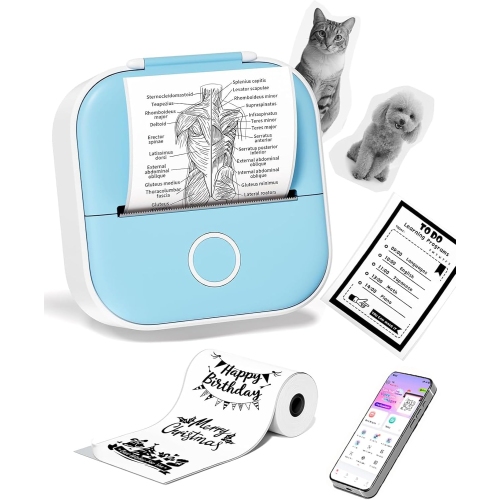

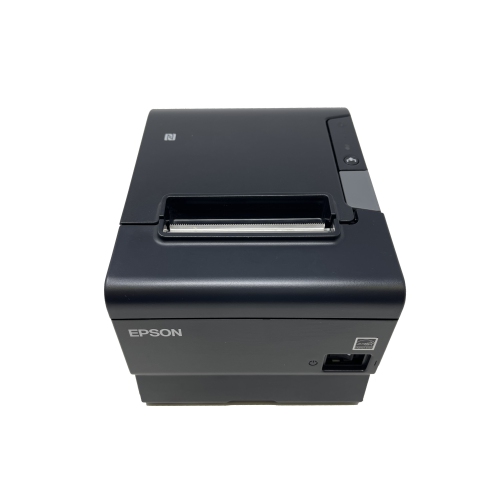
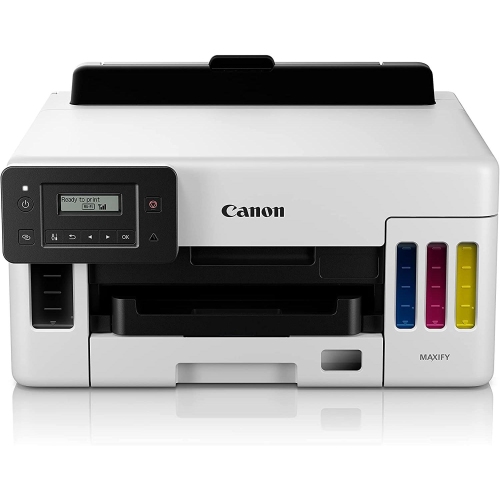
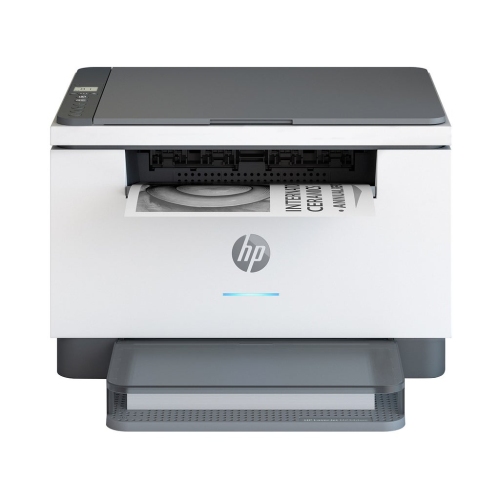
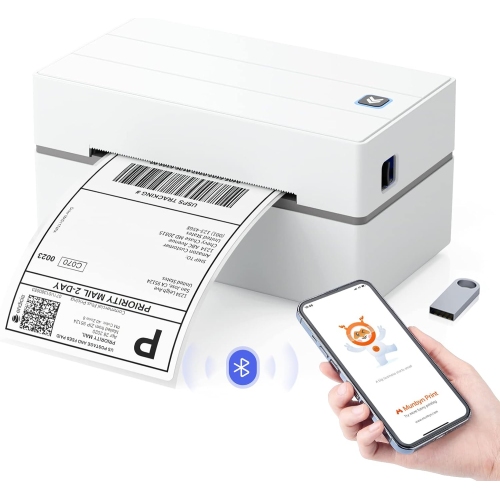
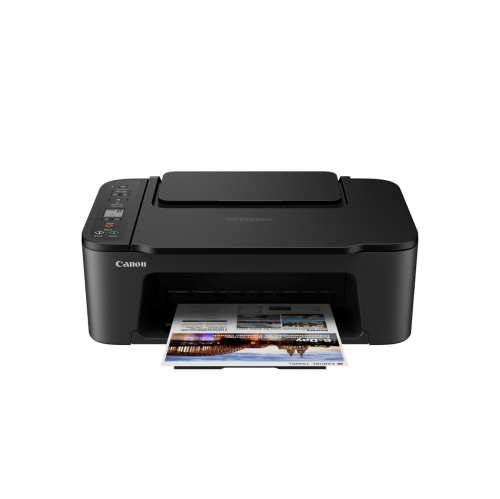
The right printing setup starts with your paperwork
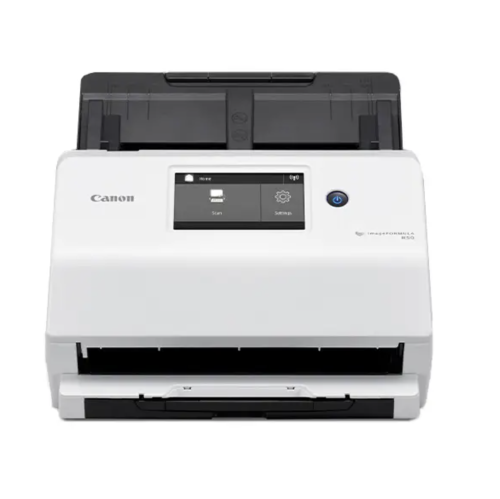
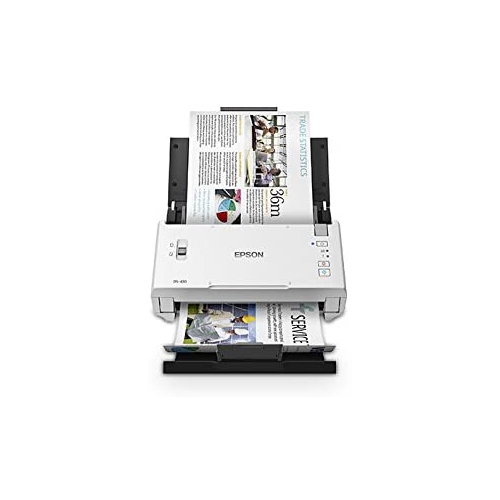
Scanners are useful wherever paper needs to become searchable, shareable, or easier to organize. Receipts for tax records, signed forms, handwritten notes, and older family photographs each place different demands on the scanning process. Flatbed scanners hold an original against a glass surface and are well suited to photographs, book pages, and documents that should not pass through rollers. Sheet-fed scanners move loose pages through a paper path, making them practical for stacks of standard paperwork. An automatic document feeder reduces the need to place each page individually, while duplex scanning captures both sides of a sheet when that feature is supported. Automatic two-sided printing and automatic two-sided scanning are separate capabilities, so an all-in-one machine may offer one without the other. Resolution describes the level of detail captured, but a higher setting is not always necessary for routine text and can create larger files. Fine print, small photographs, and images intended for enlargement may call for more detail than a basic reference copy. Colour accuracy, page alignment, and the handling of faint marks also affect how faithfully an original is preserved. Optical character recognition software can turn scanned text into searchable or editable content, although results depend on the clarity of the page, its layout, and the languages supported by the software. Searchable PDFs are particularly useful for filing invoices or finding a name within a lengthy document. Fragile photographs and valuable originals benefit from careful handling and a scanning method suited to their condition; tightly bound books also need enough lid clearance without forcing the binding flat. The Boxing Day Sale On Scanners page provides a focused place to explore this category. For everyday use, the destination matters as much as the scan itself: saving to a computer, a supported online service, or another location should fit the way documents are organized. Compatibility with the intended operating system and any required scanning software helps keep that process straightforward.
Fax machines and fax-enabled all-in-one printers serve a distinct role when a recipient requires documents by fax rather than email or file upload. A conventional fax connection generally relies on a compatible telephone service, and operation over an internet-based phone connection can depend on the provider and equipment. Wi-Fi connectivity for printing does not, by itself, provide traditional fax capability. Likewise, an all-in-one printer that prints, copies, and scans does not necessarily include fax functions. For workplaces that regularly send signed forms or receive multipage documents, an automatic feeder, clear transmission reports, and accessible controls can make routine handling more convenient. Confidential paperwork also calls for thoughtful placement, since printed pages may remain in an output tray until someone collects them. Connectivity across the wider printer and scanner setup deserves similar attention. USB offers a direct connection to a compatible computer, Ethernet can connect supported equipment to a wired network, and Wi-Fi allows supported devices to share access without a printer cable at each workstation. Mobile printing depends on the phone, tablet, app, and printer working together, rather than wireless connectivity alone. Long-term usability also comes down to ordinary care. Clean scanner glass helps prevent marks from appearing in digital copies, while dust-free paper and correctly adjusted paper guides support reliable feeding. Cleaning methods, maintenance cycles, and suitable supplies should follow the manufacturer’s directions. Inkjet equipment may need periodic use and maintenance to keep print heads working properly; laser equipment has its own consumables and service requirements. Paper weight, size, and finish must suit the machine, especially for envelopes, labels, or heavier sheets. Tray hinges, lid supports, and feeder rollers benefit from gentle handling rather than overfilling or forcing jammed paper. For a student setting up a study space, a relative organizing family records, or someone establishing a home office, document equipment can be a useful gift when its size, connections, and functions match an actual routine. A comfortable fit with everyday tasks matters more than a long list of features that rarely get used.
Top selling and popular products
-
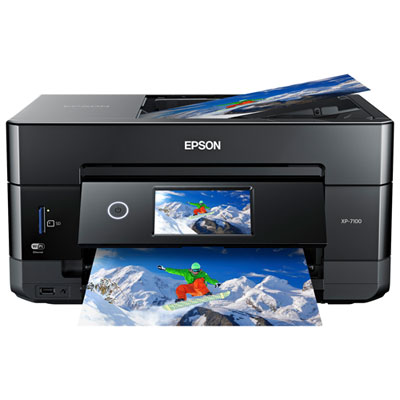 Your price for this item is $199.99
-
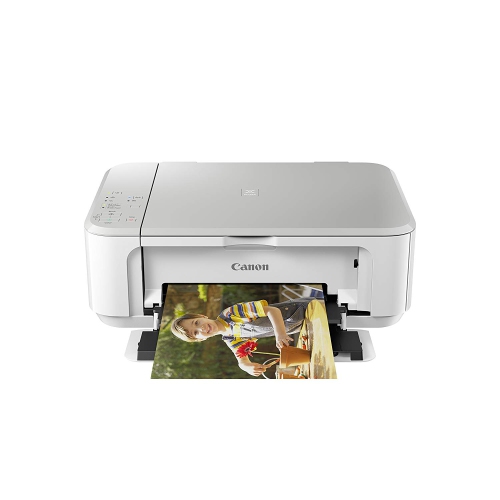 Your price for this item is $75
-
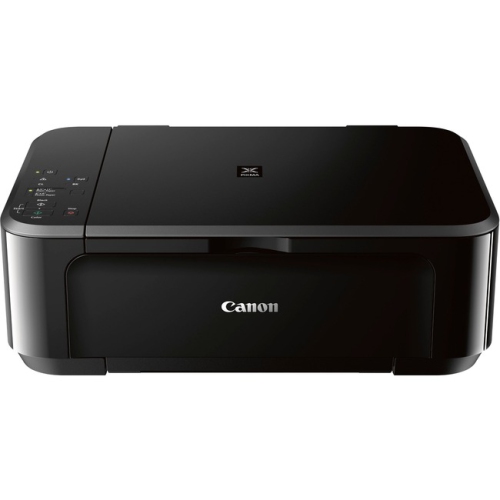 Your price for this item is $65
-
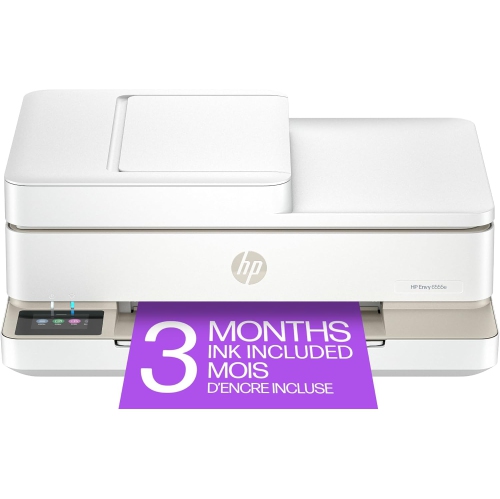 Your price for this item is $214.79
-
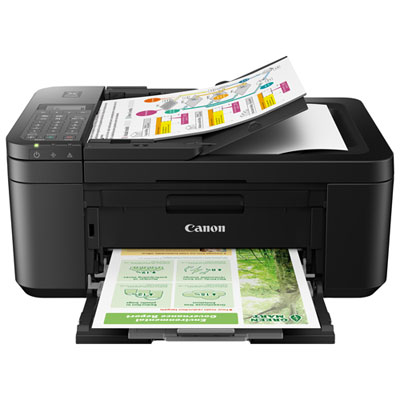 Your price for this item is $79.99
-
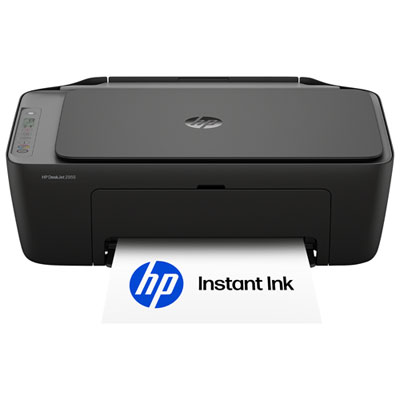 Your price for this item is $49.99
-
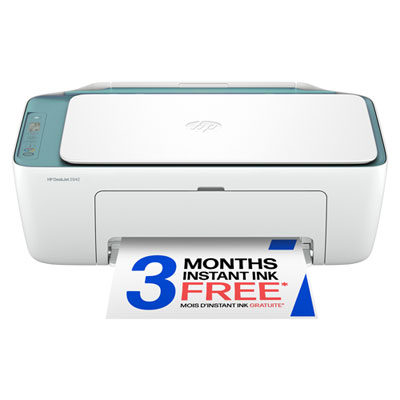 Your price for this item is $49.99
-
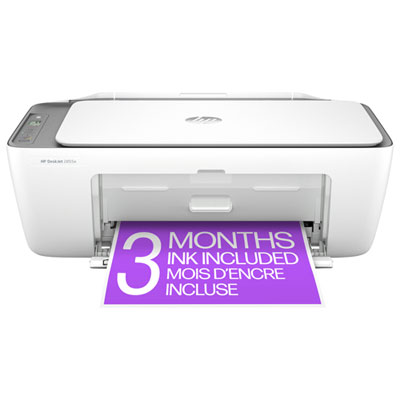 Your price for this item is $59.97