Boxing Day Deals Coming Soon
Our Boxing Day Sale returns in December 2026. In the meantime, shop our current top deals below.

Boxing Day Sale On Scanners
Boxing Day is here, and it's the perfect opportunity to upgrade your office or home setup with incredible savings on scanners. Whether you're looking to digitize important documents, preserve cherished memories, or streamline your workflow, our Boxing Day sale offers a wide range of options to suit your needs. Discover unbeatable deals on top-quality scanners that combine advanced technology with user-friendly features, ensuring you get the best performance and value. Remember, our Low Price Guarantee means you can shop confidently knowing that you'll find the best price at Best Buy, all year round. We encourage you to check our website frequently for the most up-to-date information on our latest offers and savings opportunities.
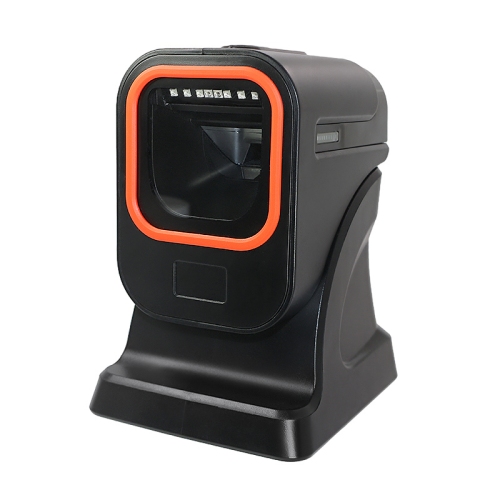
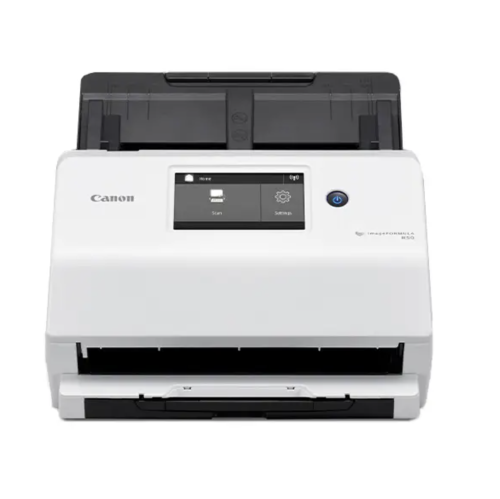
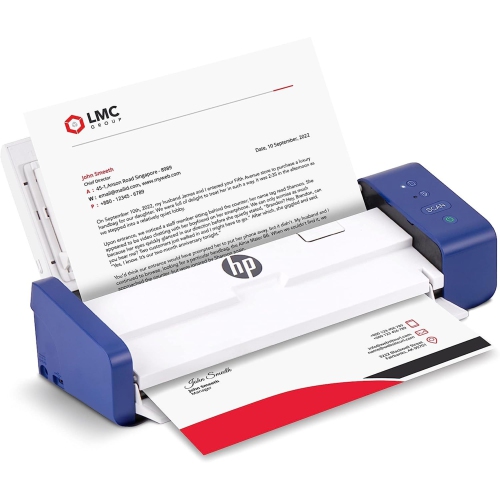
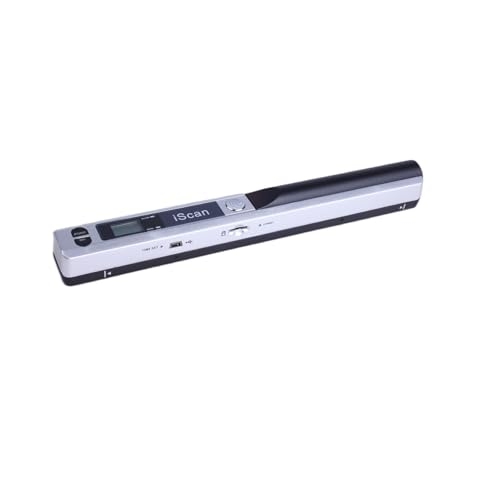

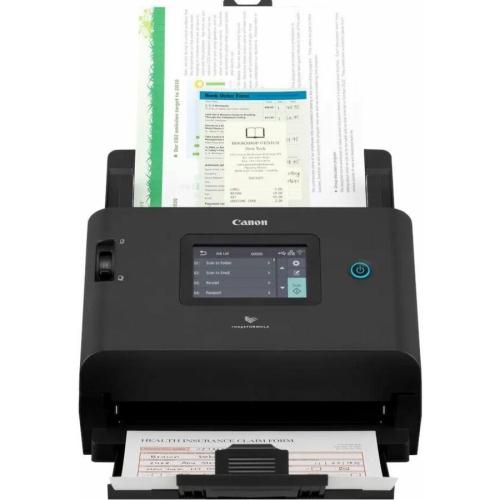
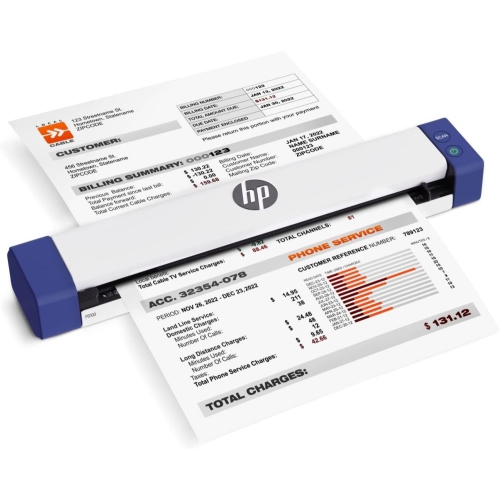
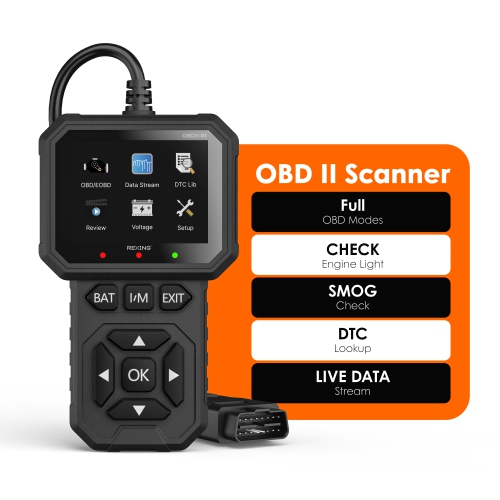
The right scanner starts with what you scan
Image quality and file handling shape the experience long after the initial scan. Optical resolution describes the detail the scanner captures directly, while an interpolated resolution relies on software processing and should not be treated as equivalent. Around 300 dpi is a common starting point for readable office documents; photographs intended for enlargement or detailed cropping can benefit from higher settings, depending on the original and the intended output. Higher resolution also creates larger files and can increase processing time, so maximum settings are not automatically necessary for every task. Colour scanning preserves highlighted passages, coloured annotations, and the tones in photographs, while greyscale can suit many text-based records. PDF is convenient for keeping several document pages together, JPEG is widely used for sharing photographs, and TIFF can suit image workflows where retaining detail without lossy compression is important. Supported formats depend on the scanner software. Optical character recognition, often called OCR, can add searchable text to scanned documents or produce editable text, although accuracy varies with print quality, language support, page layout, and handwriting. A crisp typed invoice is generally a simpler task than a faded receipt or a handwritten note. For larger batches, feeder capacity, supported paper sizes, and double-sided handling influence how much attention each session requires. Speed figures also need context: pages per minute and images per minute are not interchangeable, because a two-sided sheet contains two page images. Features such as automatic cropping, blank-page removal, and double-feed detection may reduce repetitive work when supported, but important scans still deserve a quick check for missing pages, clipped edges, or faint text. A small business saving signed agreements may prioritize clear multipage PDFs, while a family archiving photographs may value colour adjustment and image previews. Software that makes file naming and folder selection straightforward can be just as useful as scanning speed, especially when a growing collection needs to remain easy to navigate.
Physical fit, connection options, and routine care help determine how comfortably a scanner becomes part of everyday life. A compact body still needs enough clearance for cables, an open lid, and any extended input or output trays. On a shared desktop or work surface, the full operating footprint matters more than the dimensions with everything folded away. Flatbed lids need room above them, while sheet-fed designs need space for paper to enter and exit without curling against a wall or monitor stand. USB connections can suit a single computer, while Wi-Fi or Ethernet support may make sense for a shared workspace, depending on the scanner and its software. Operating system compatibility, mobile scanning support, and any required accounts or software subscriptions are worth checking before adding equipment to an established setup. Wireless capability does not necessarily mean every function works independently of a computer. For private paperwork, useful considerations include where scanned files are saved, who can access shared folders, and whether optional online services match the household’s or business’s requirements. Durability involves more than the outer casing: hinges, paper guides, feed rollers, and the scanning surface all experience regular handling. Supported paper weights and recommended scanning volumes help indicate whether a design suits occasional forms or repeated batches. Staples, adhesive notes, torn edges, and curled receipts can interrupt feeding or damage originals, so fragile material is often better handled on a flatbed. Clean glass helps prevent streaks, while clean rollers support consistent paper movement; care should follow the manufacturer’s directions, without spraying liquid directly onto the equipment. File organization matters too. Consistent names, dated folders, and a separate backup make scanned records easier to find, while keeping important originals remains sensible when an institution requires them. Scanners can complement the equipment featured in Boxing Day sale on laser printers, particularly in workspaces that regularly move between paper copies and digital records. Together, suitable hardware and a manageable filing routine can make paperwork less cumbersome without adding unnecessary steps.
Top selling and popular products
-
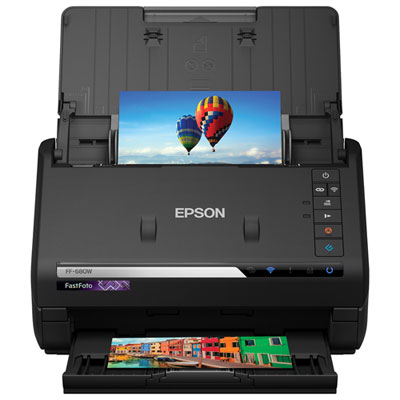 Your price for this item is $849.99
-
 Your price for this item is $107.99
-
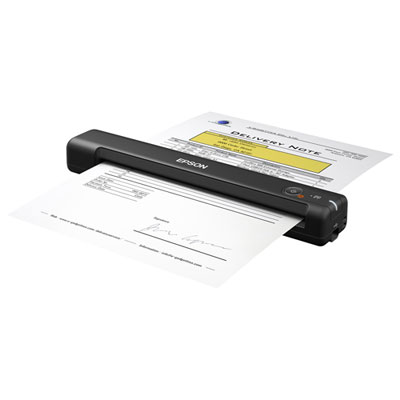 Your price for this item is $149.99
-
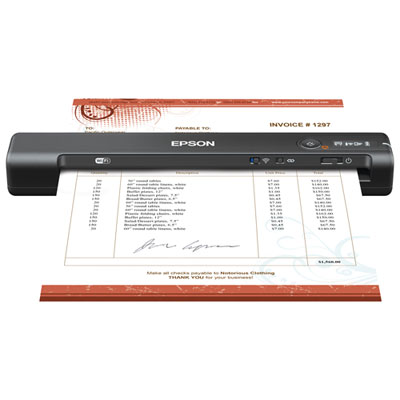 Your price for this item is $239.99
-
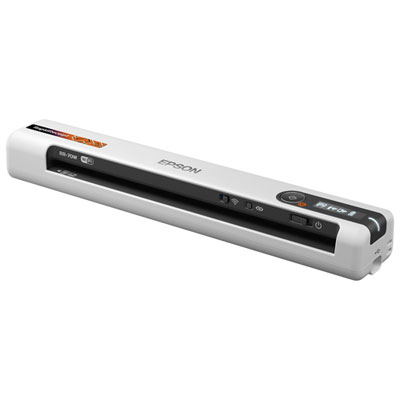 Your price for this item is $369.99
-
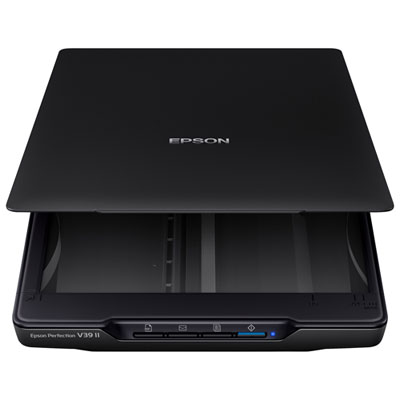 Your price for this item is $129.99
-
 Your price for this item is $199.99
-
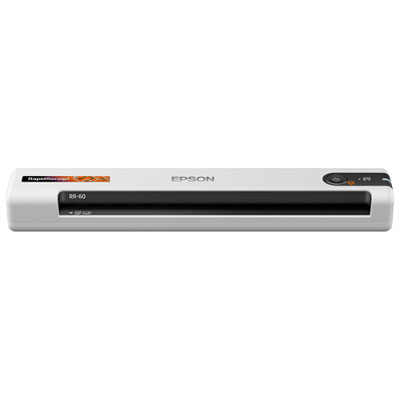 Your price for this item is $219.99