Cameras for Video Production
If you're a video journalist, a budding filmmaker, or just want to capture your kids' soccer games, you'll need a camera that can handle the job. These cameras are designed to be versatile and durable enough to withstand the rigors of daily use while still delivering high-quality footage. Here are some of the best cameras for video production.
Sort
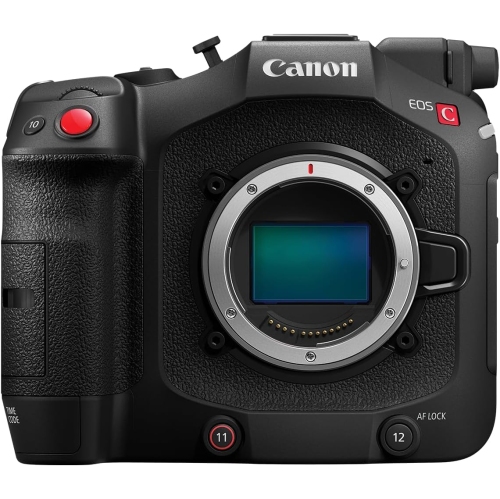
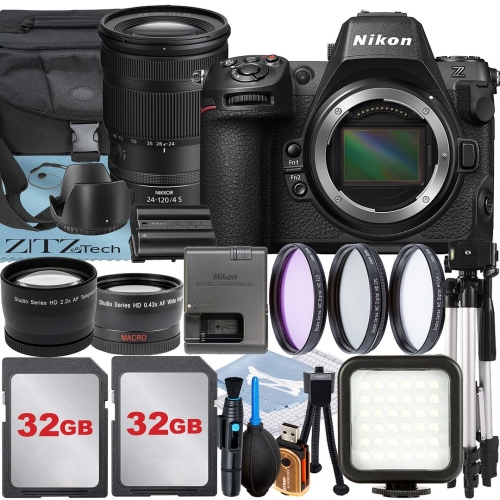
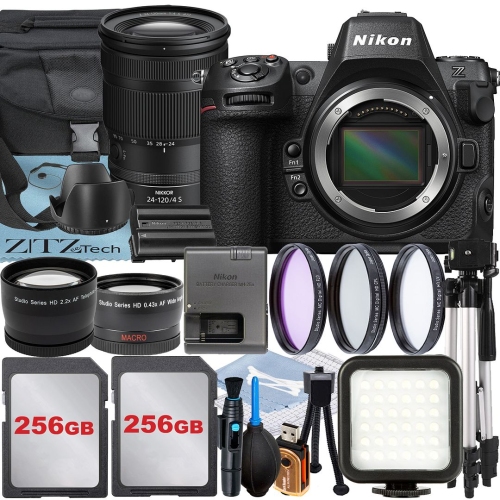
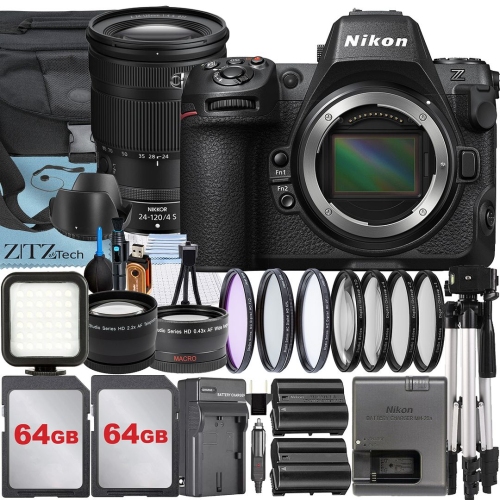
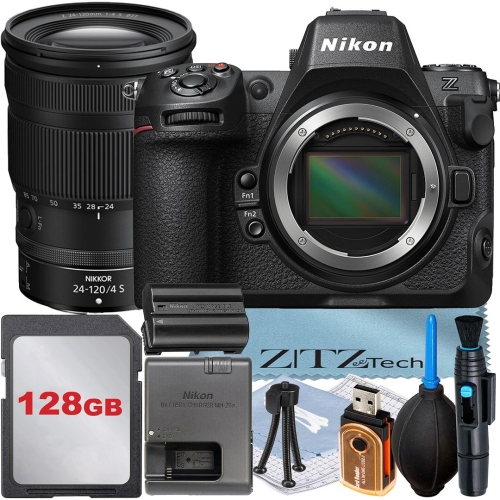
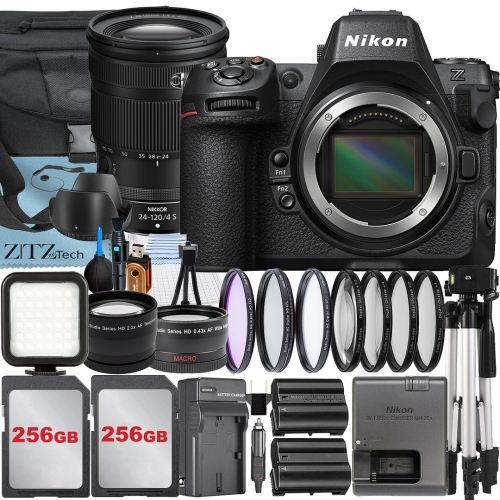
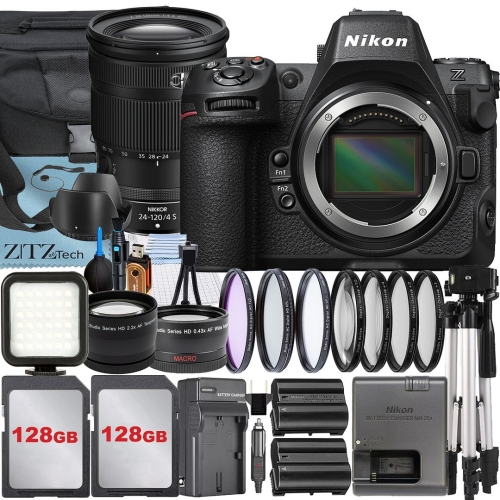
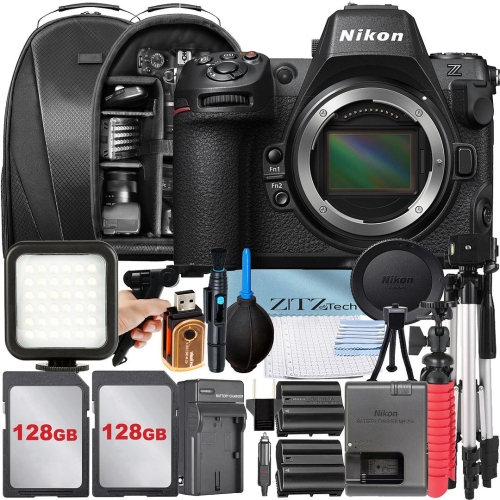
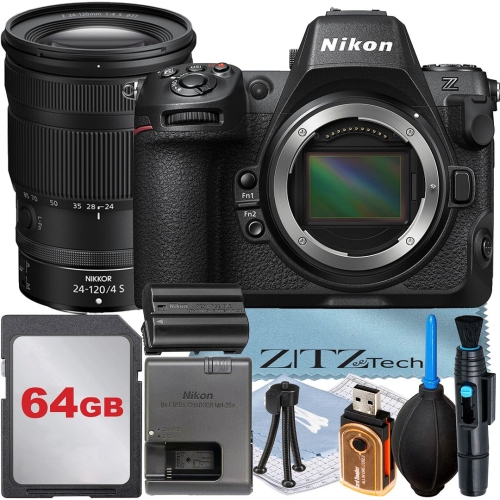
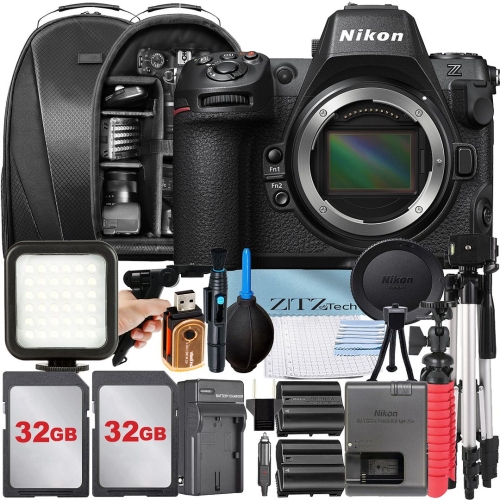
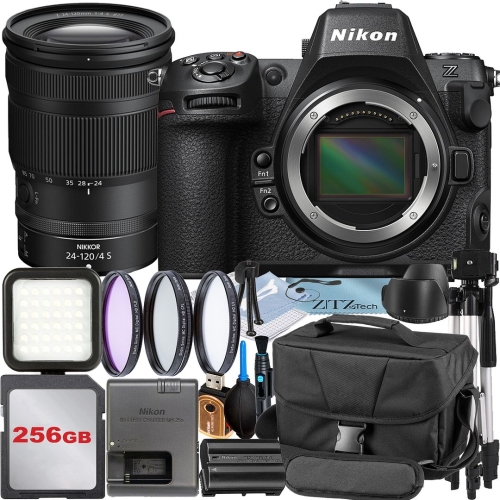
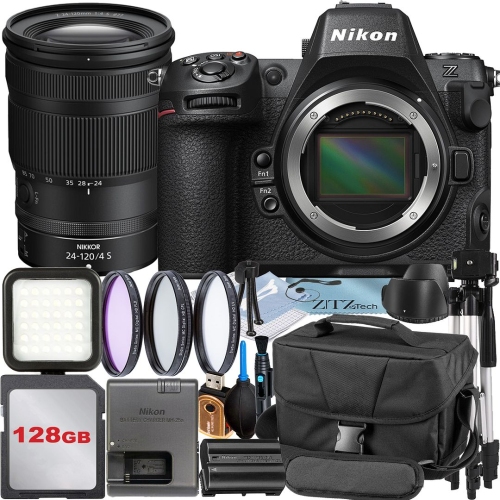
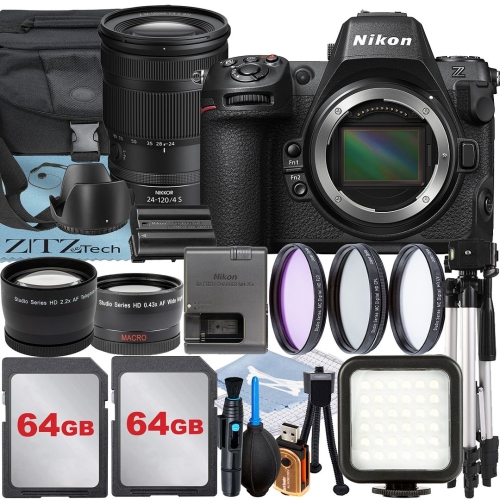
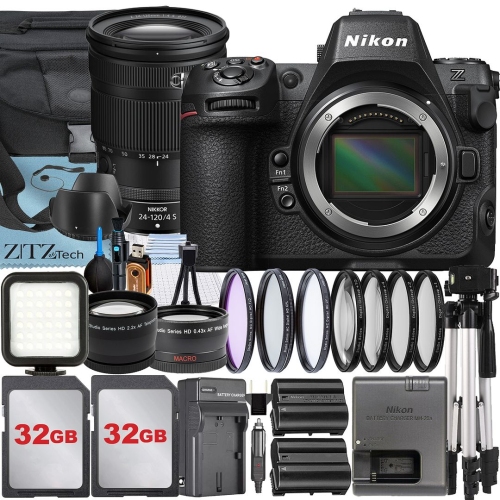
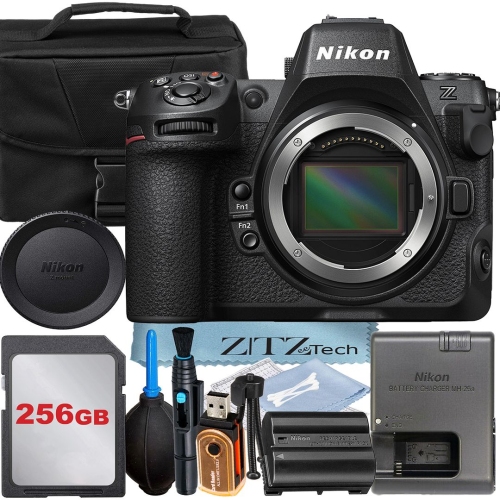
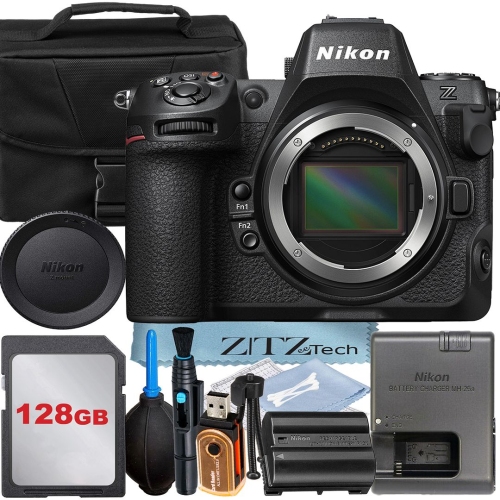
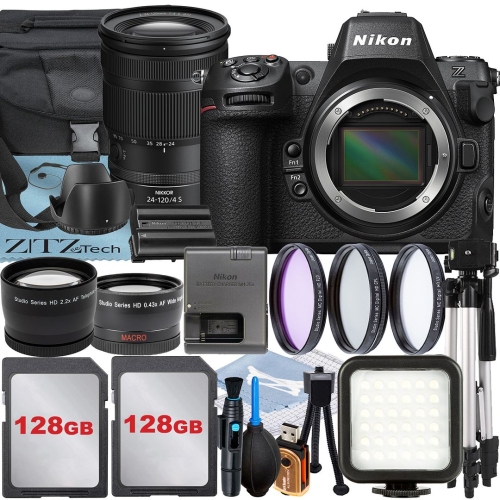
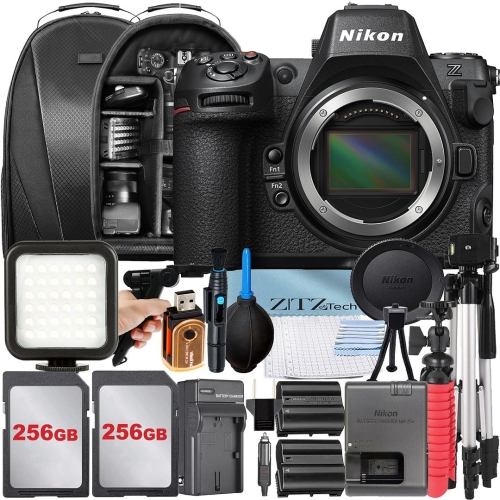
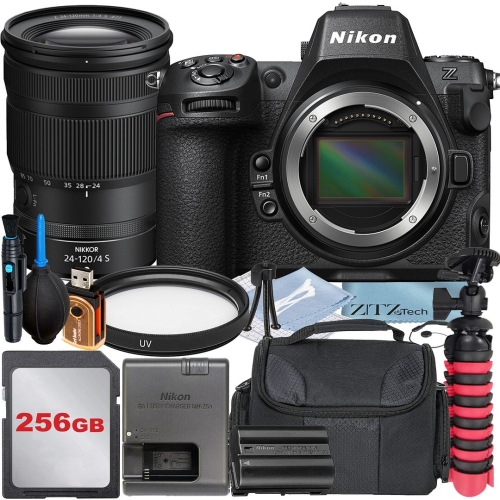
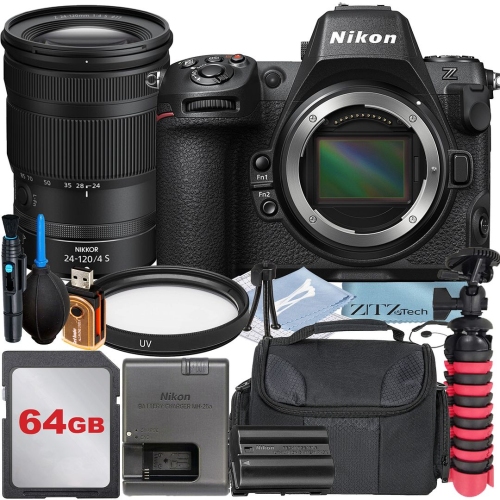
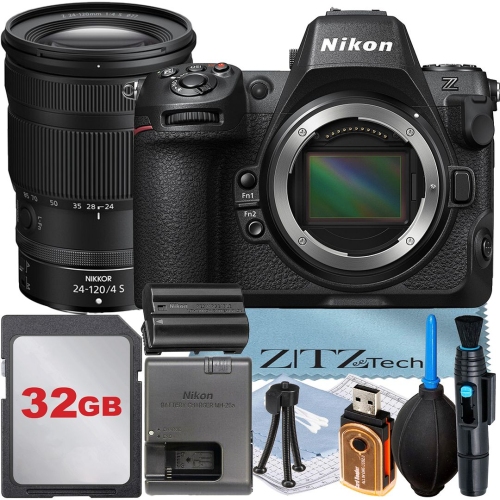
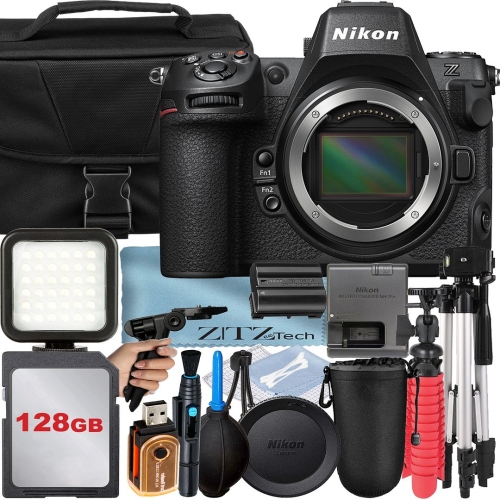
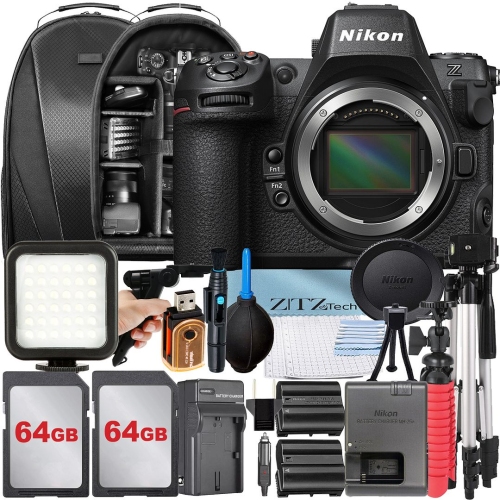
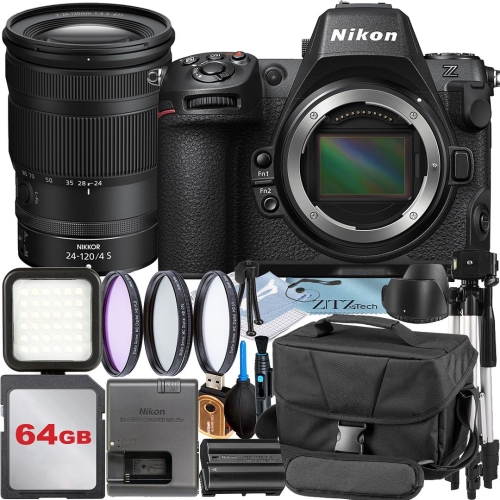
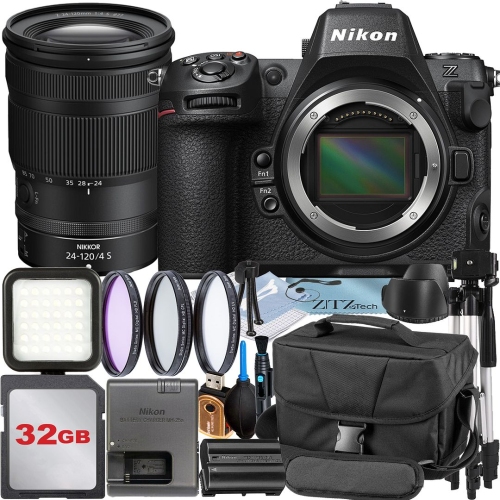
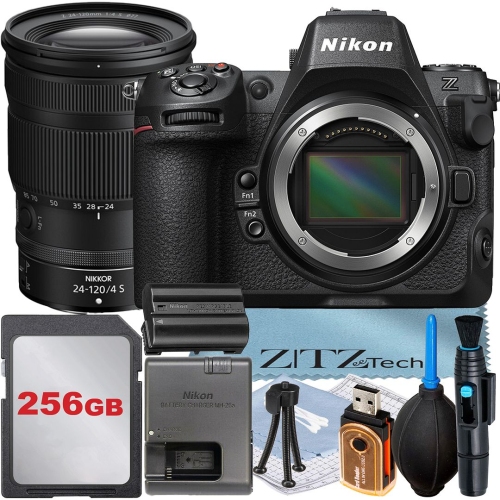
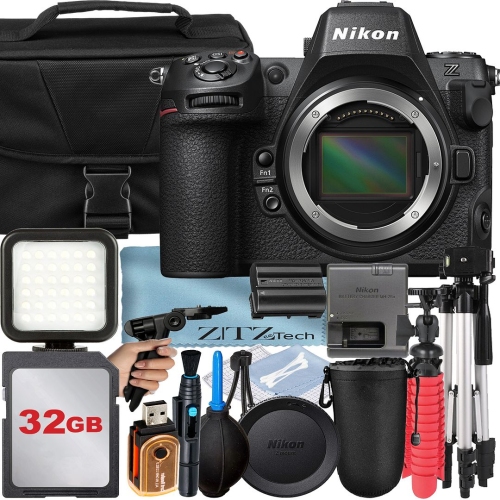
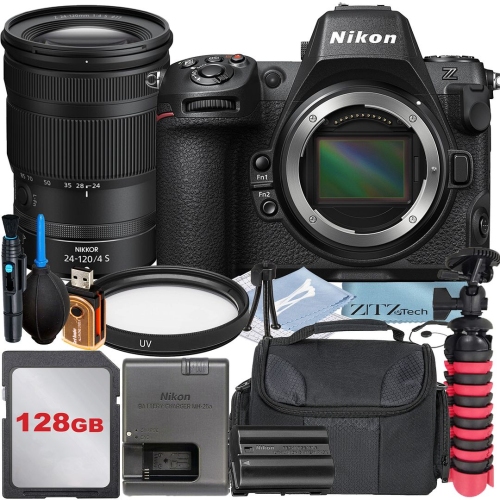
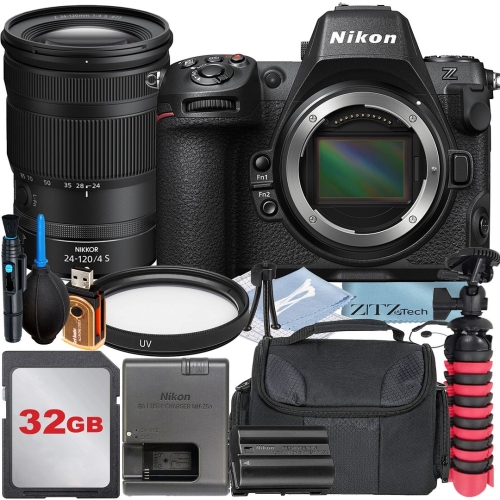
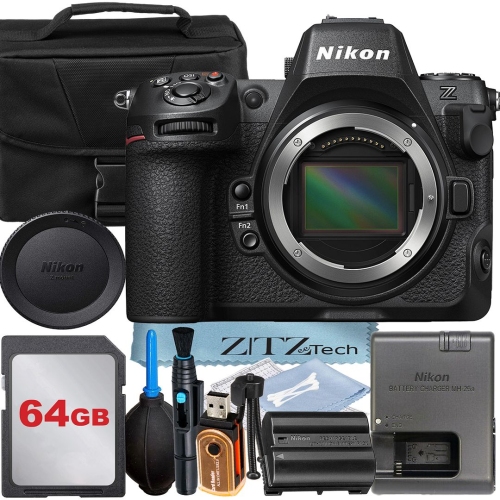
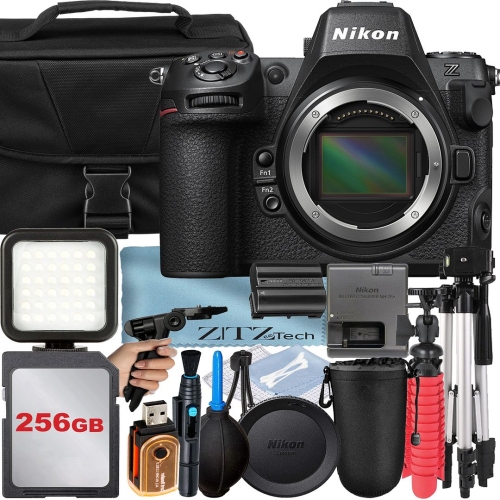
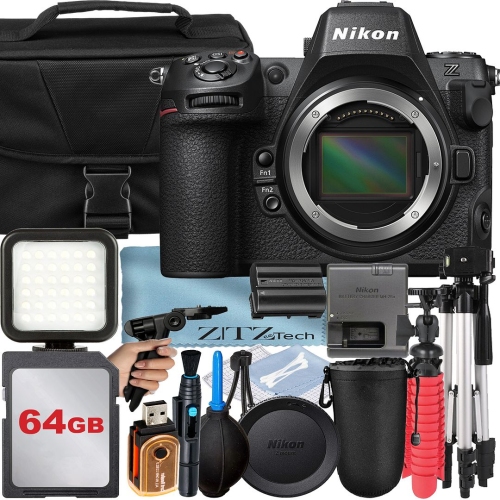
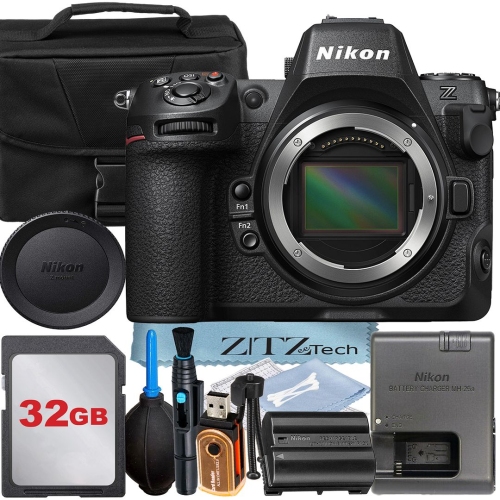
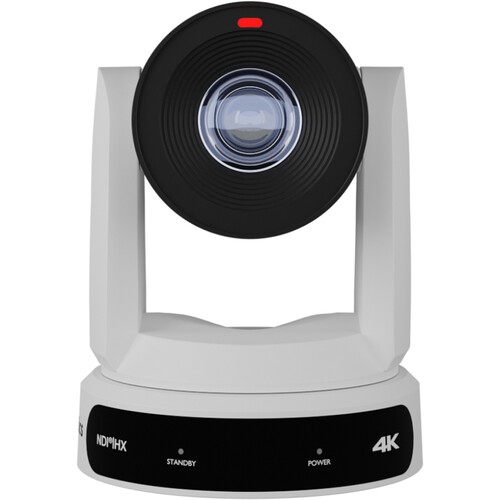
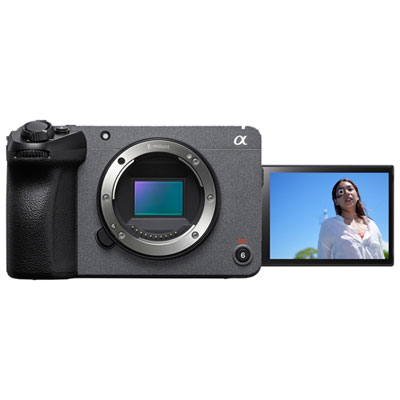
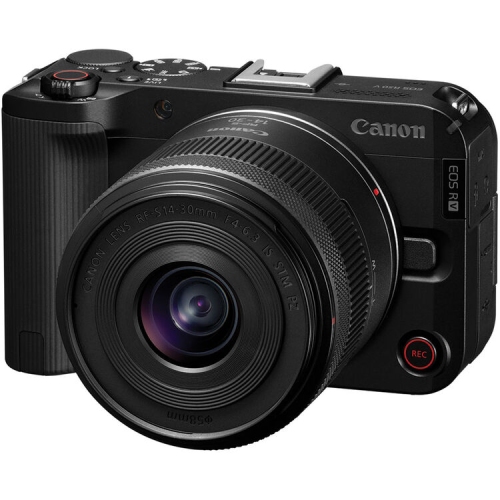
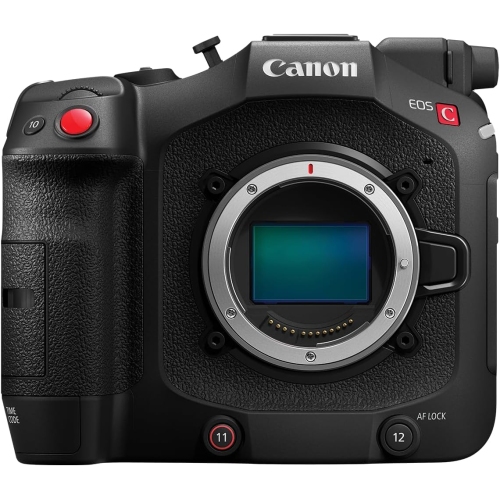
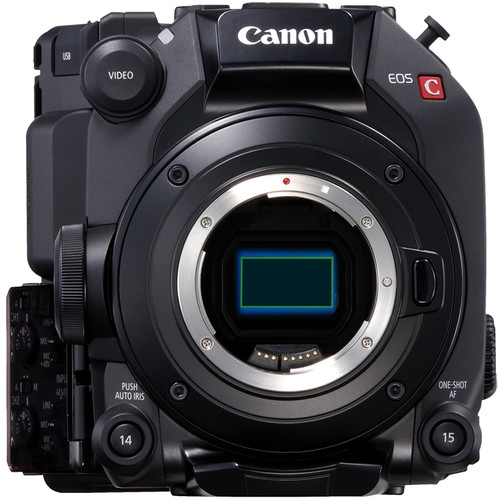
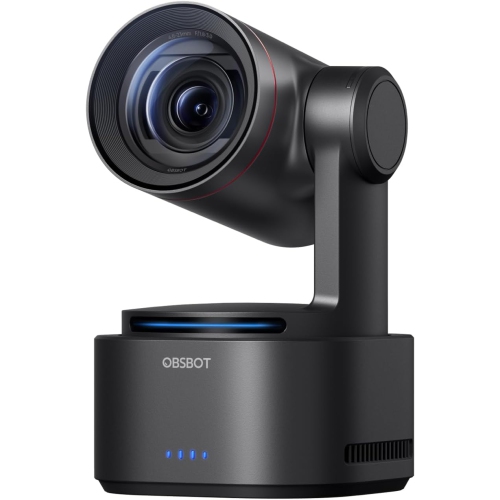
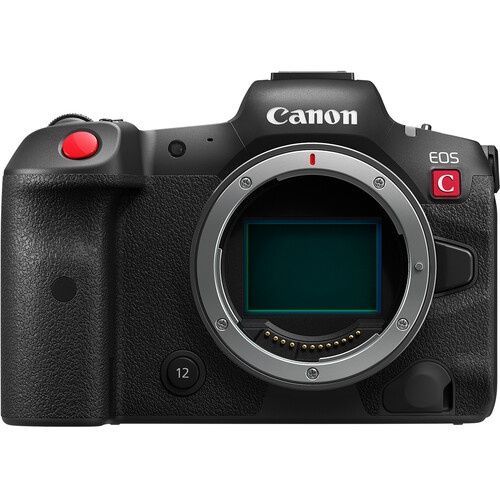
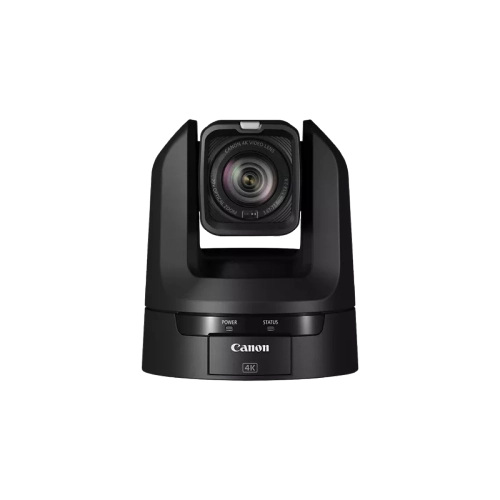
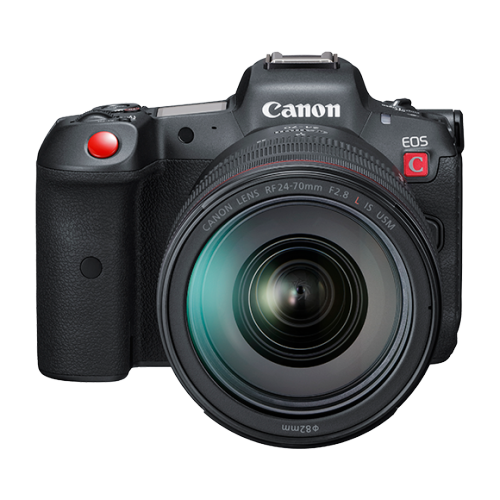
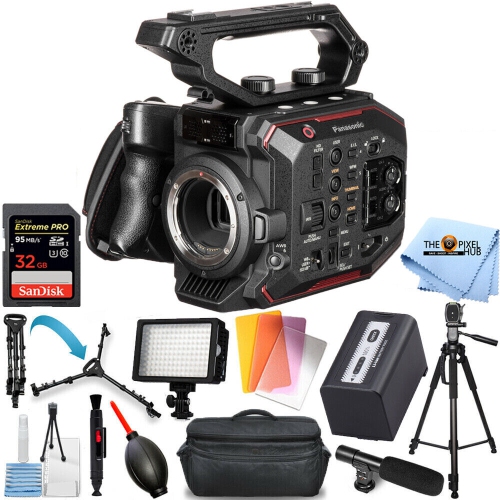
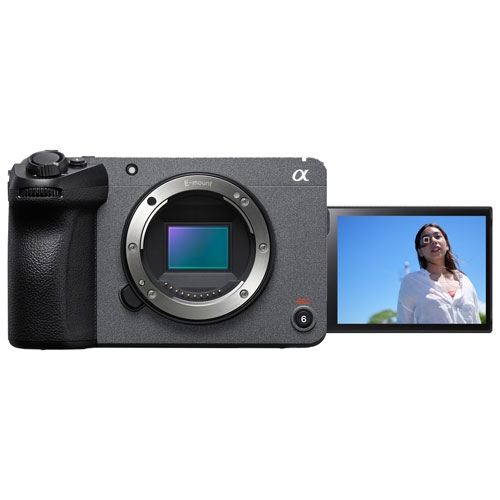
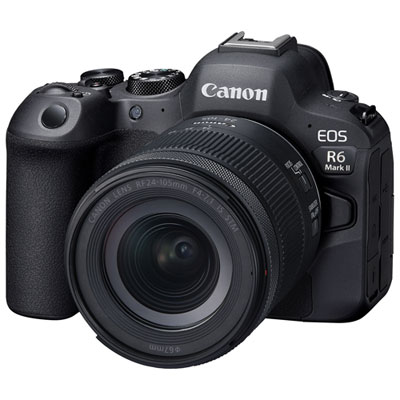
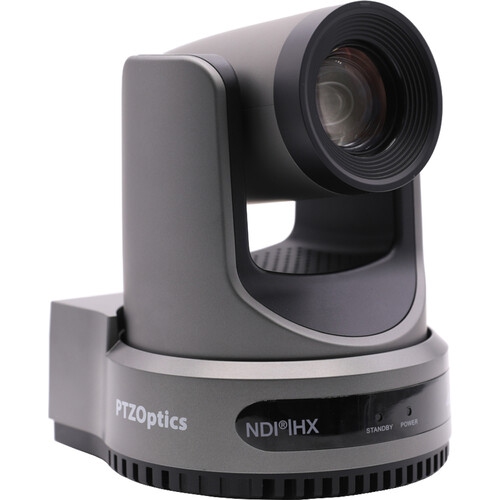
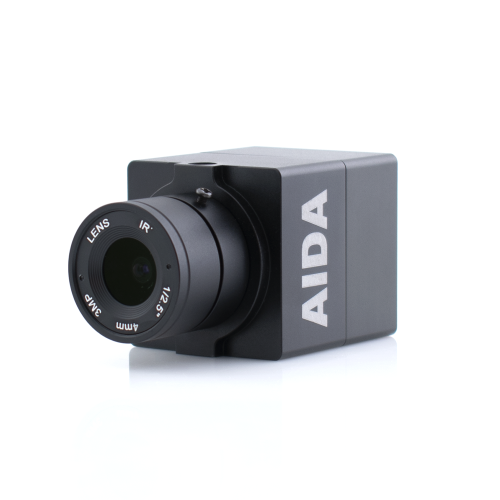
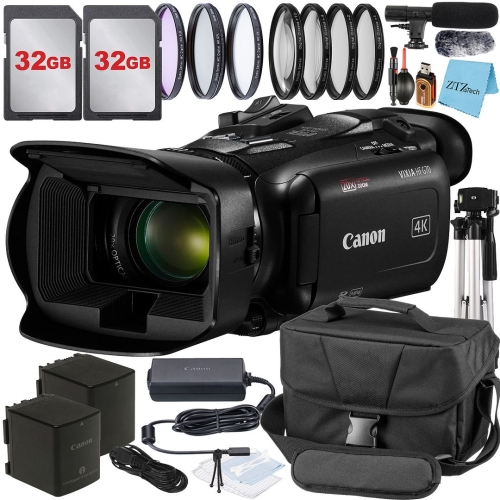
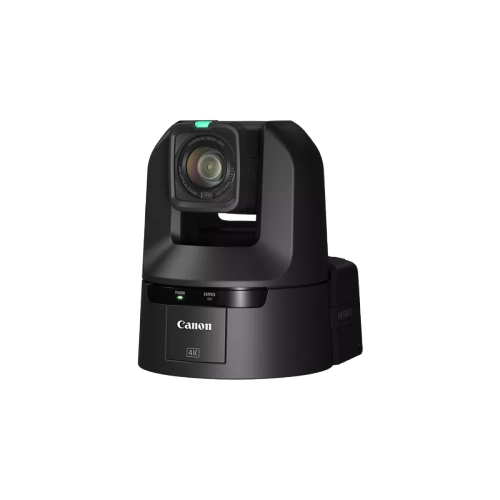
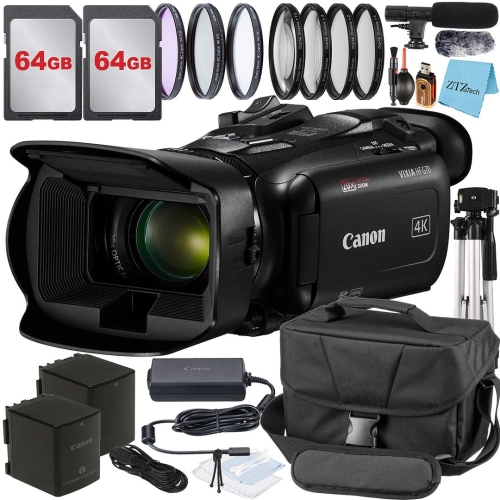
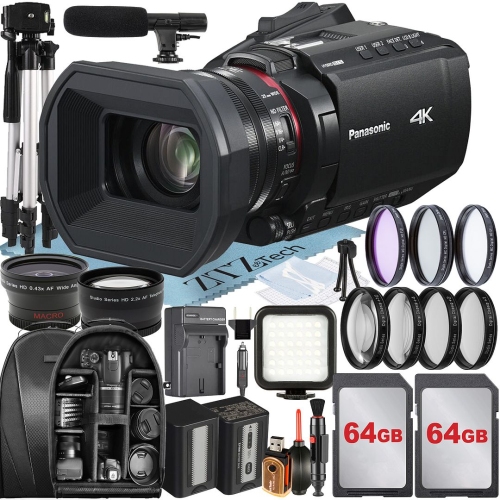
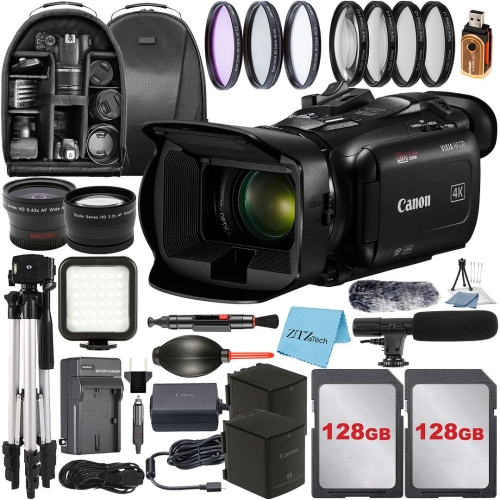
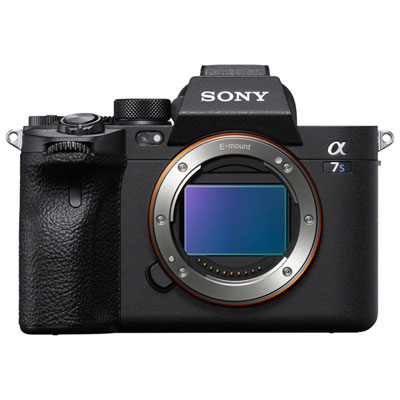
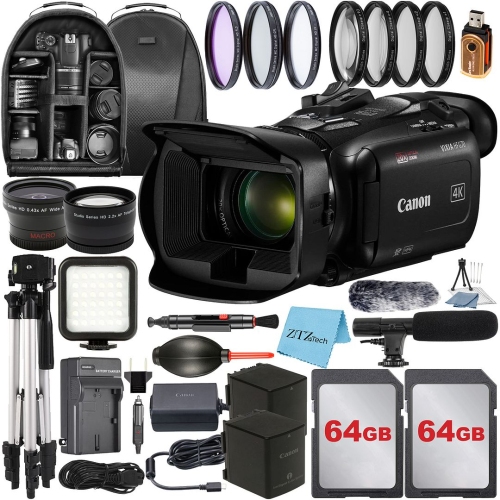
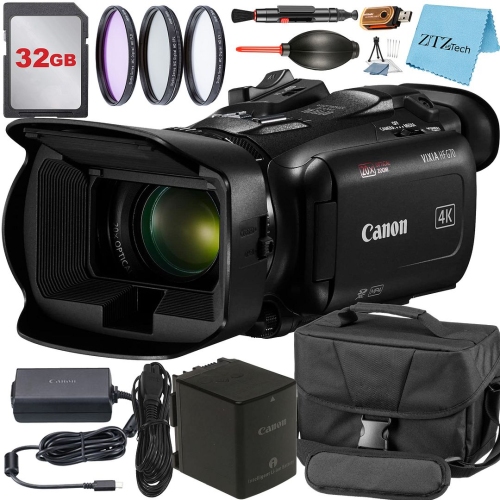
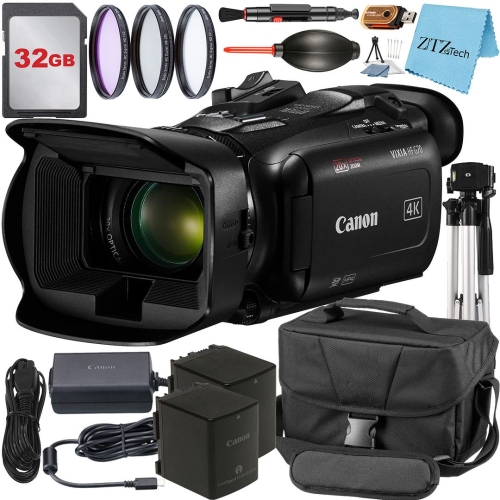
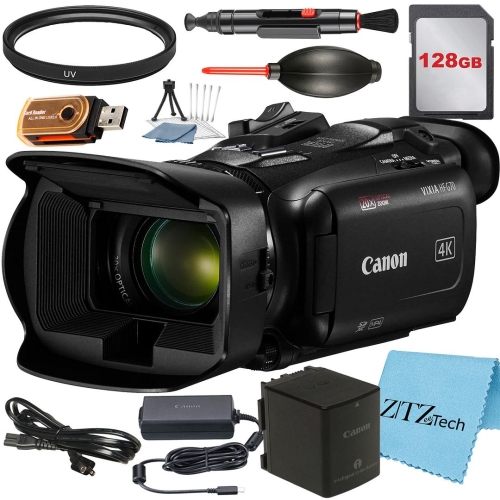
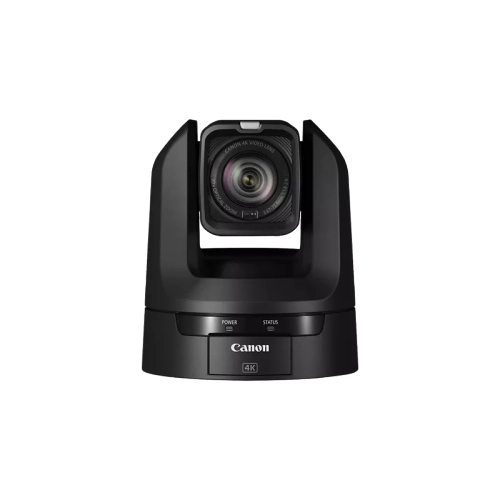
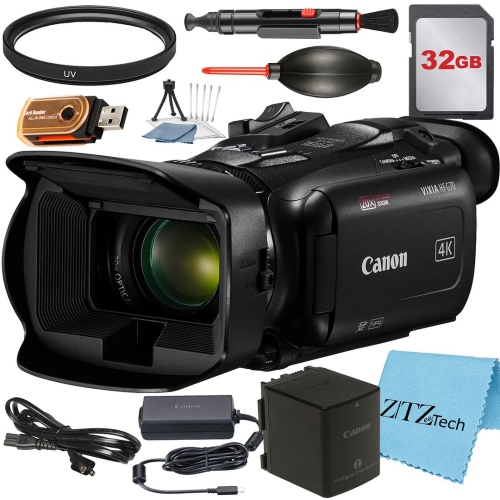
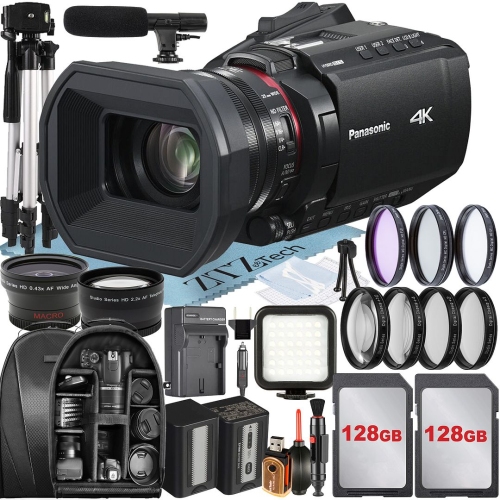
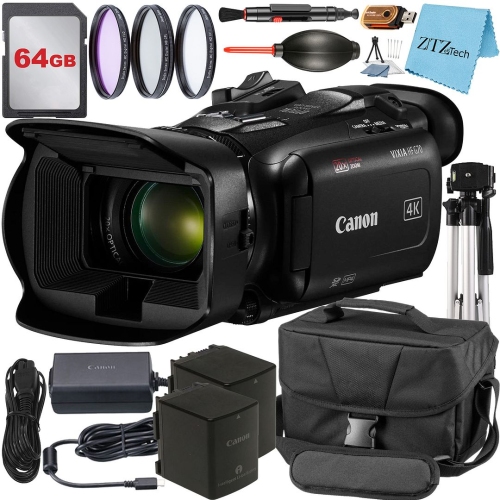
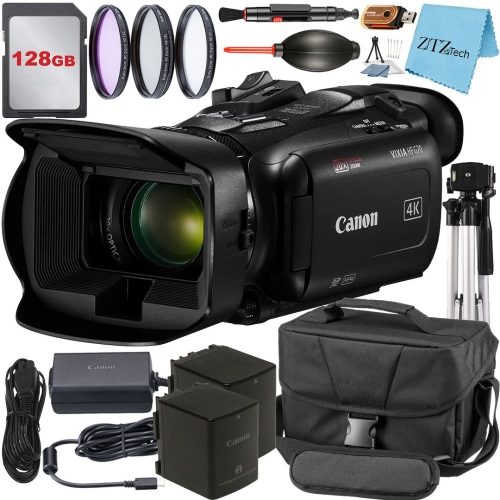
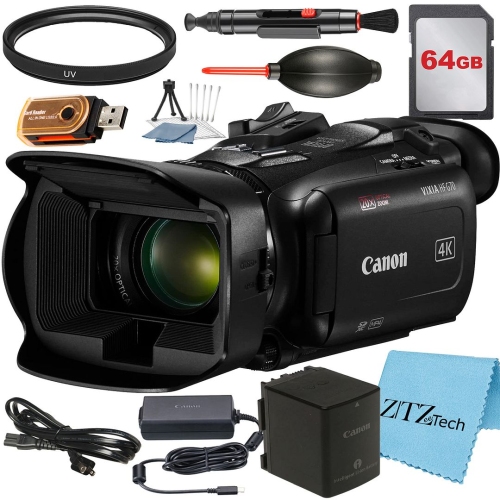
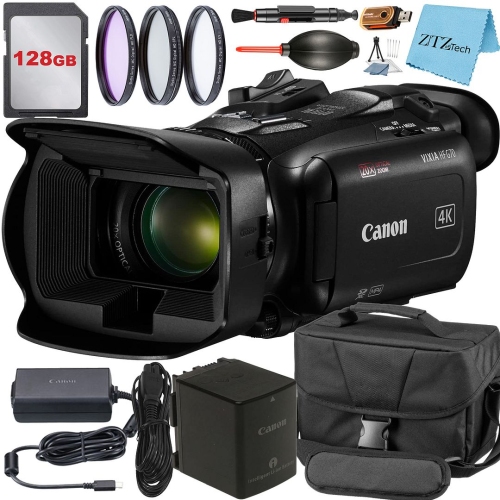
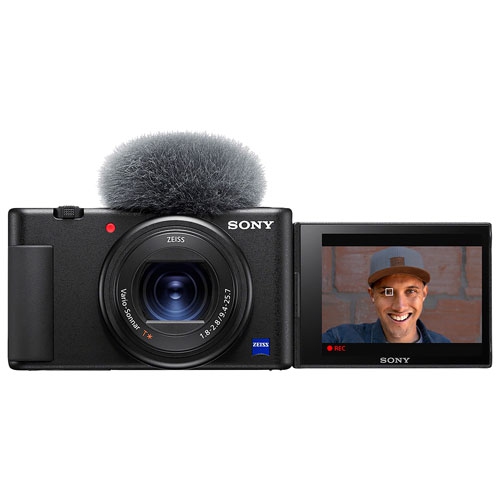
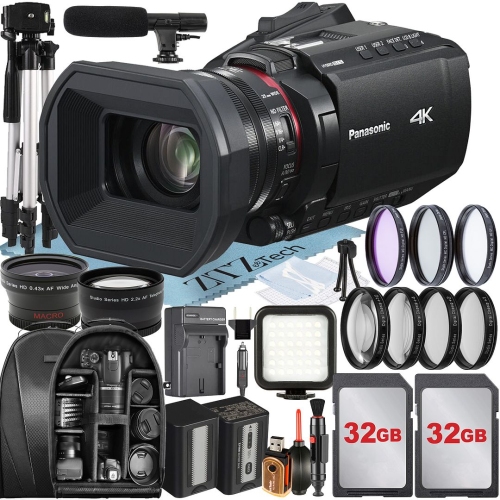
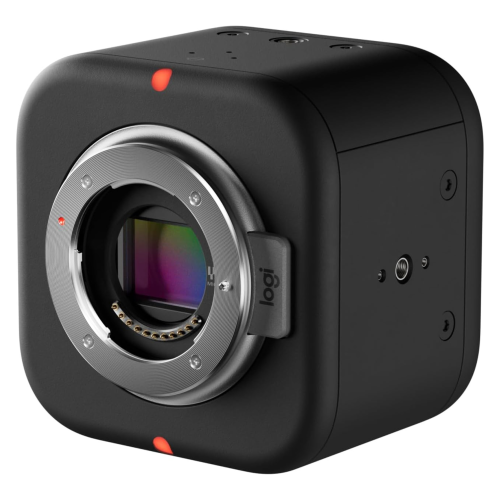
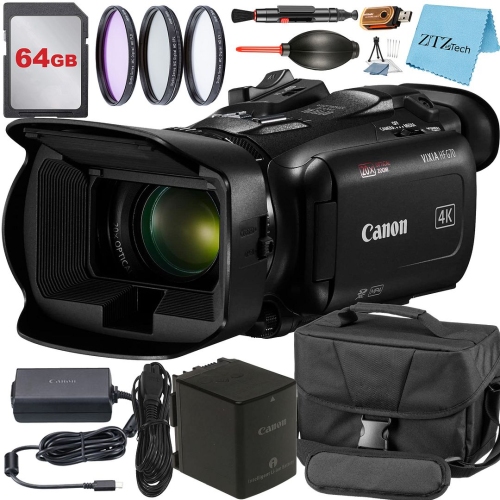
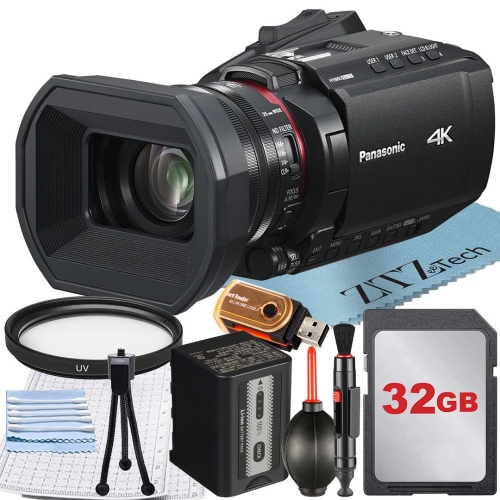
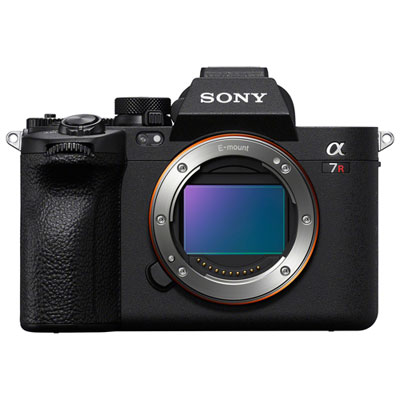
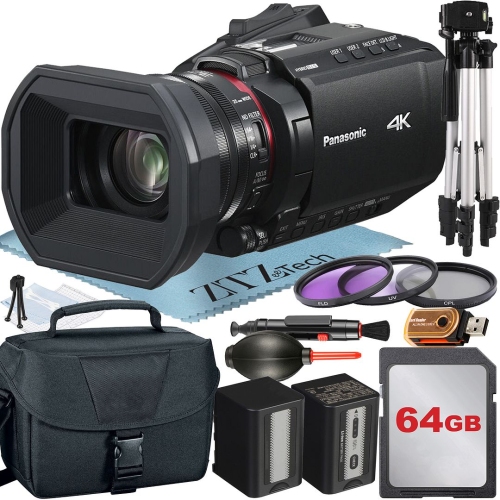
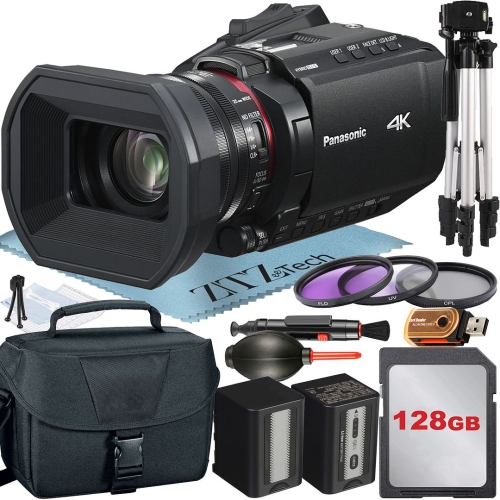
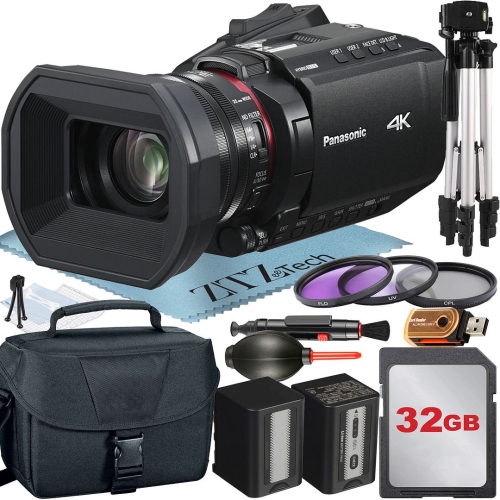
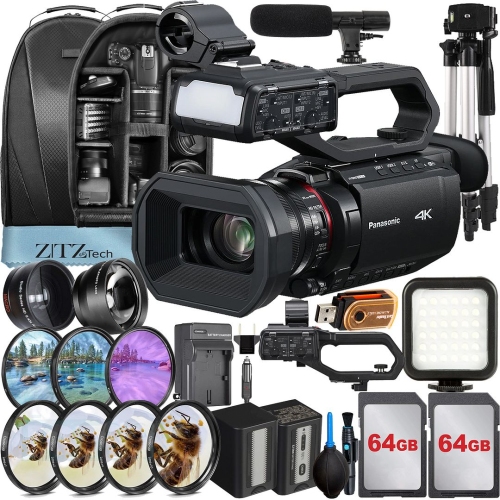
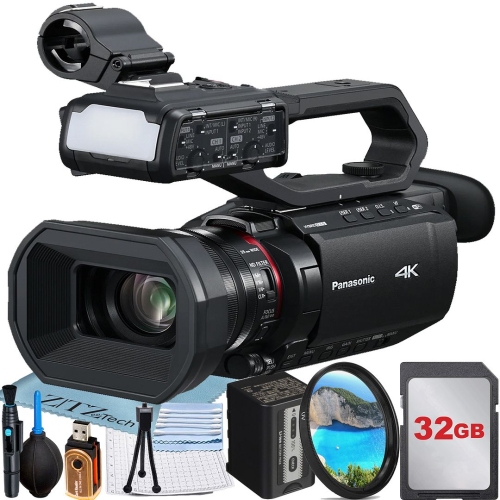
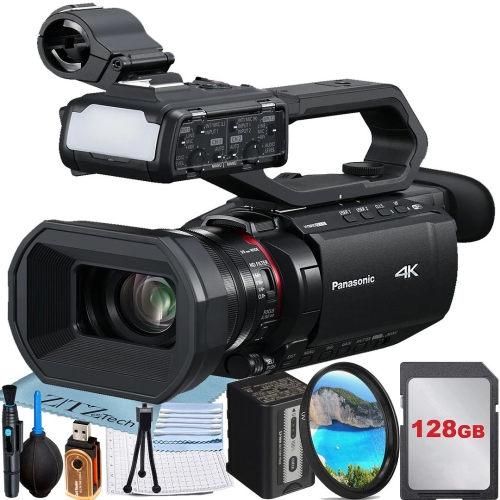
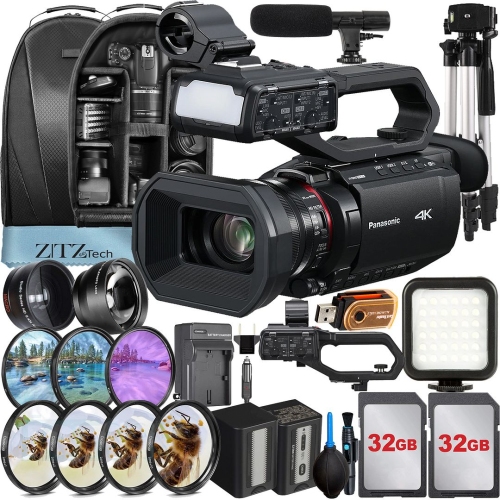
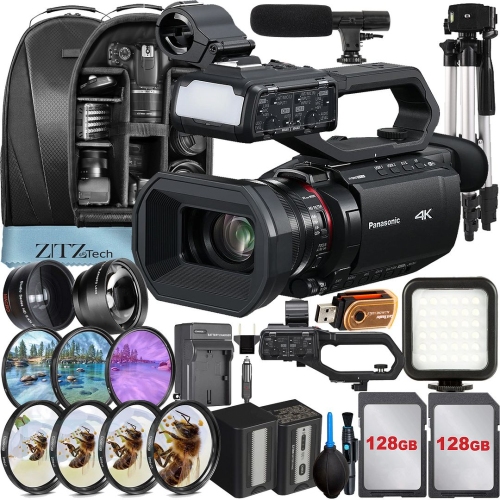
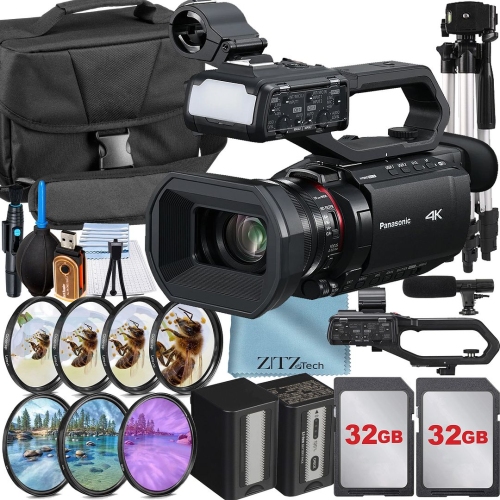
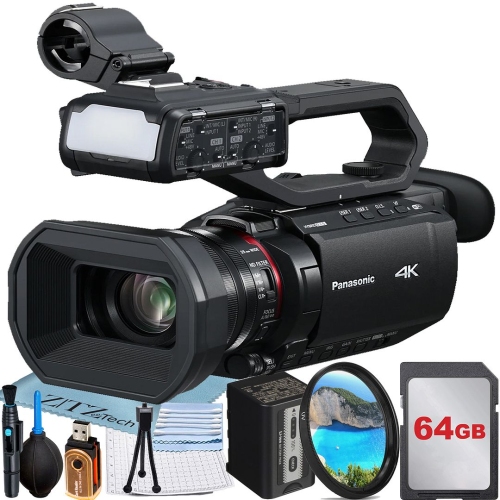
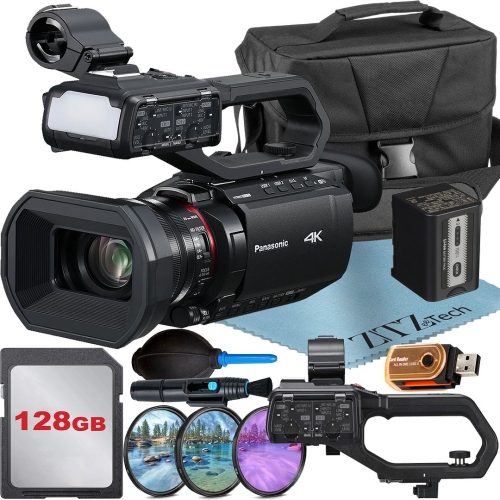
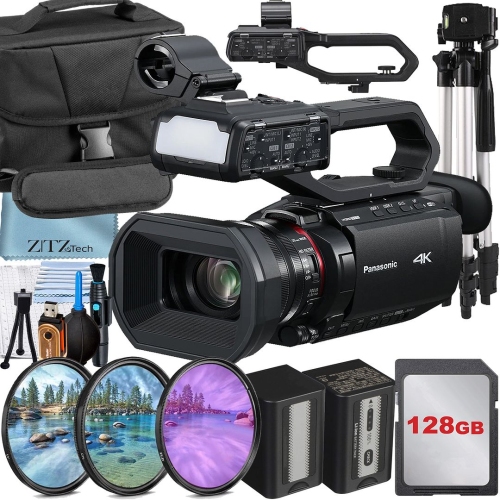
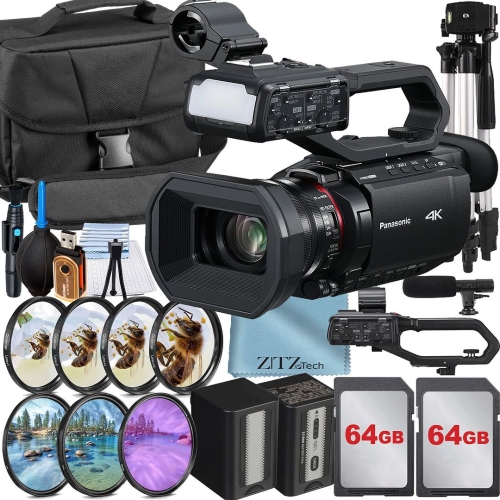
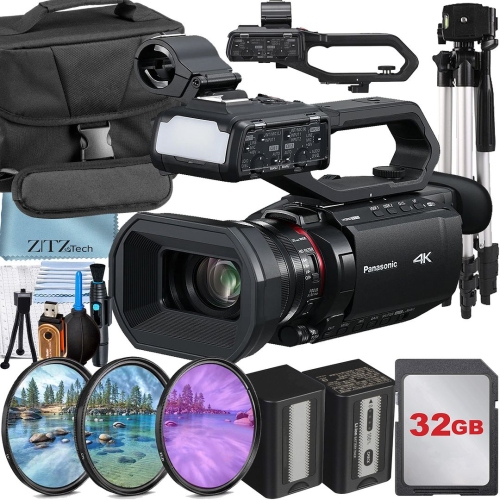
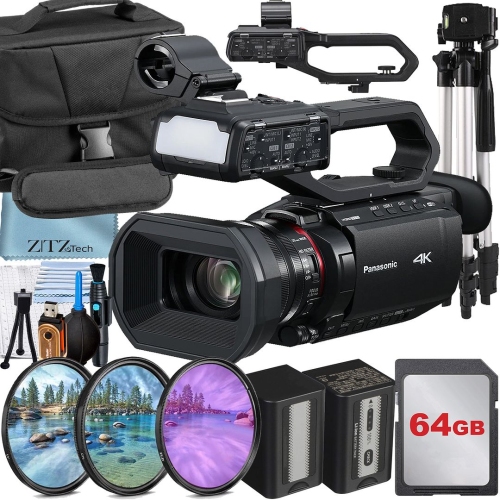
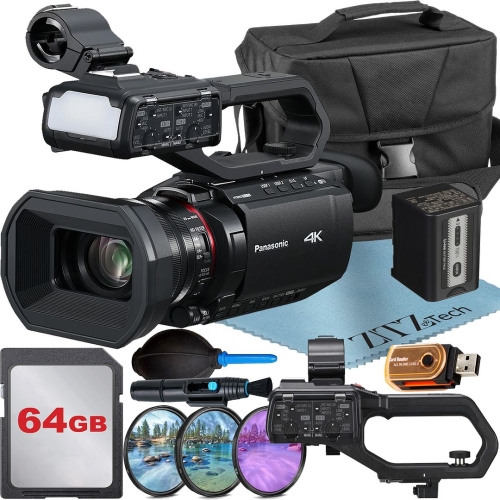
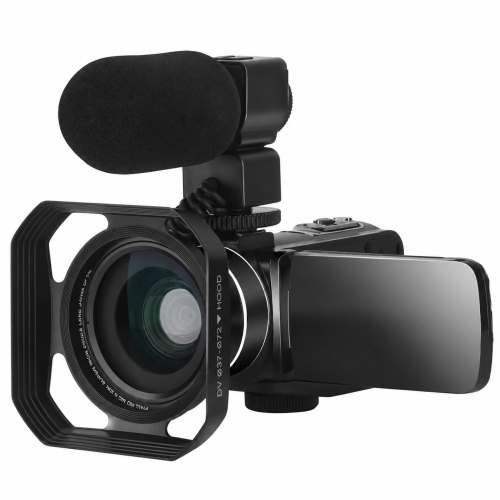
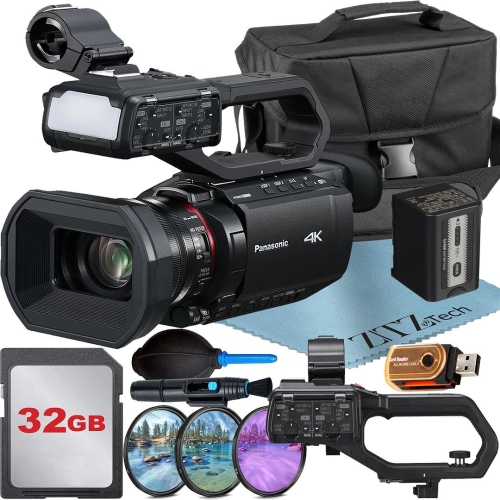
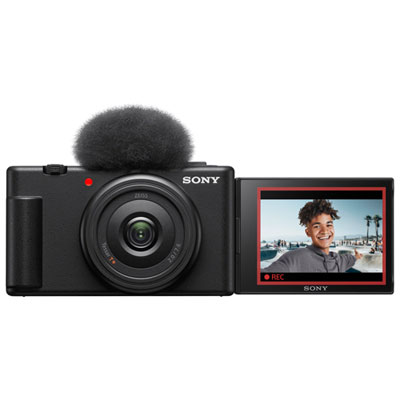
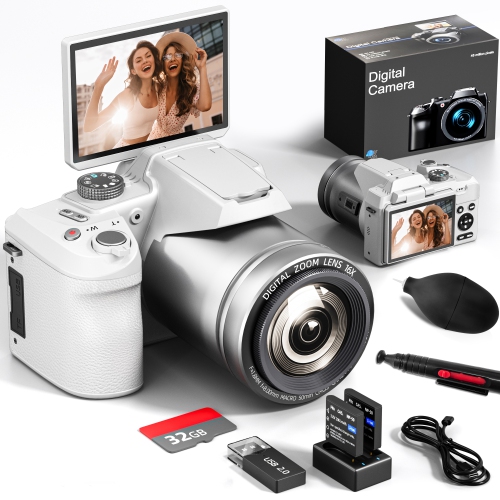
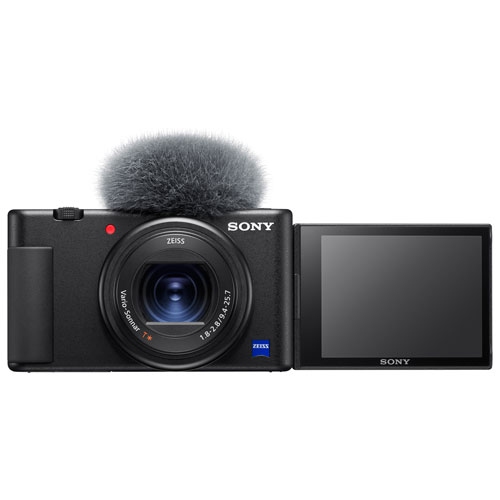
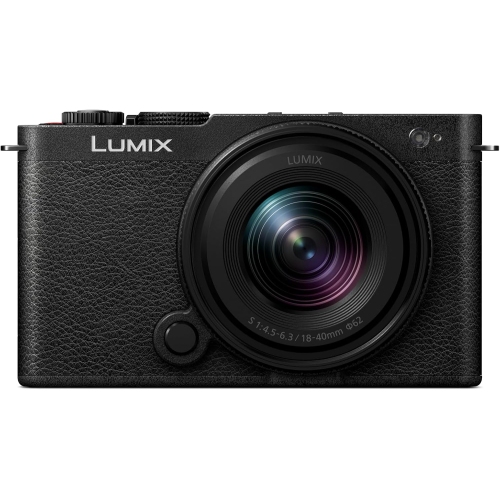
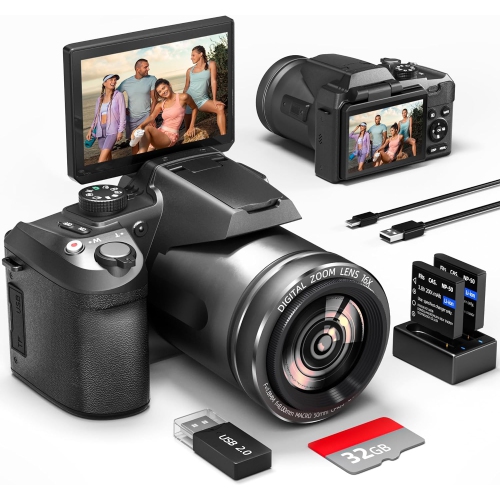
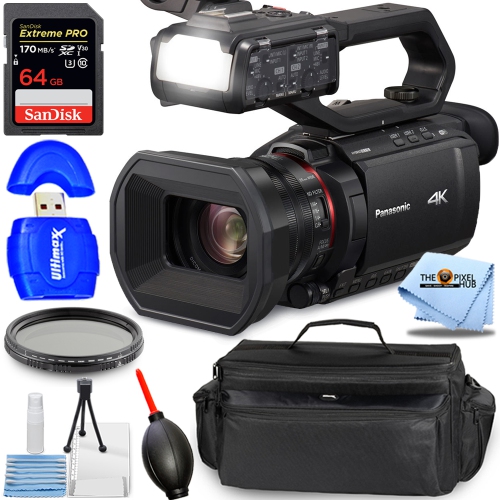
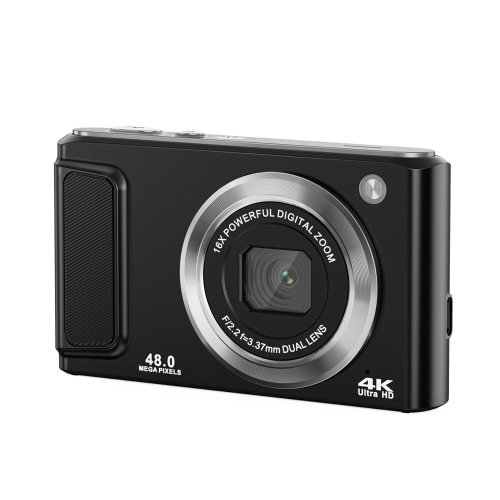
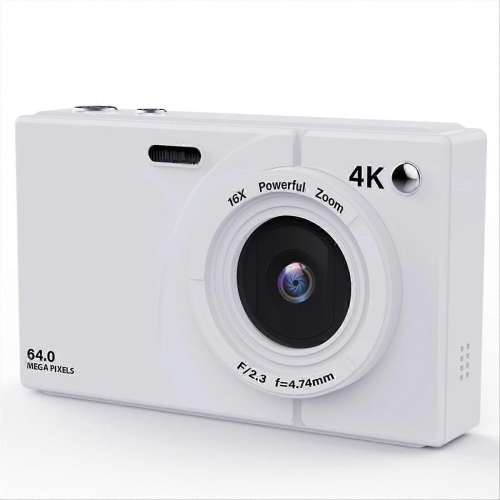
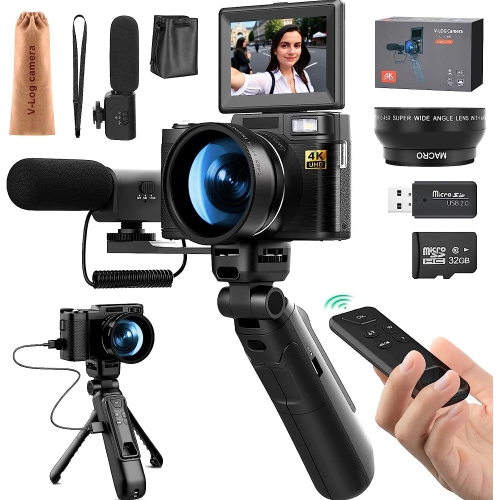
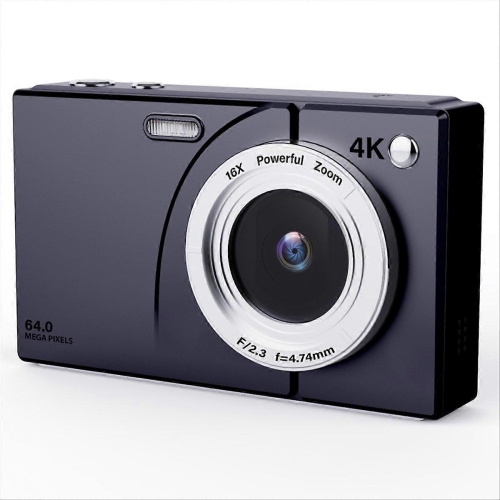
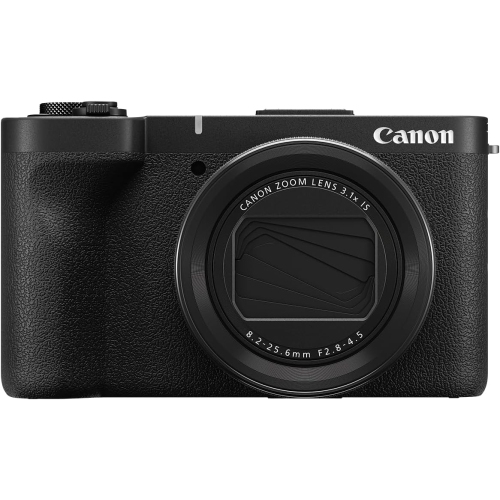
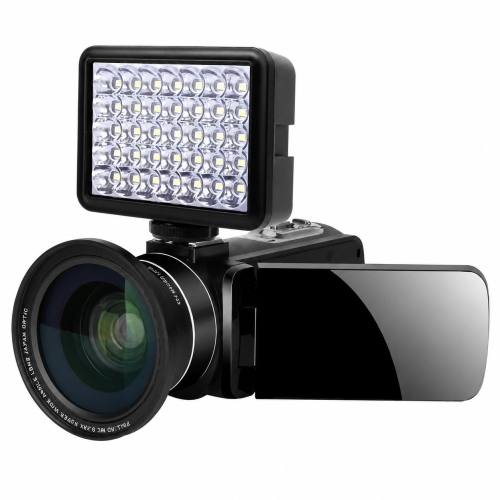
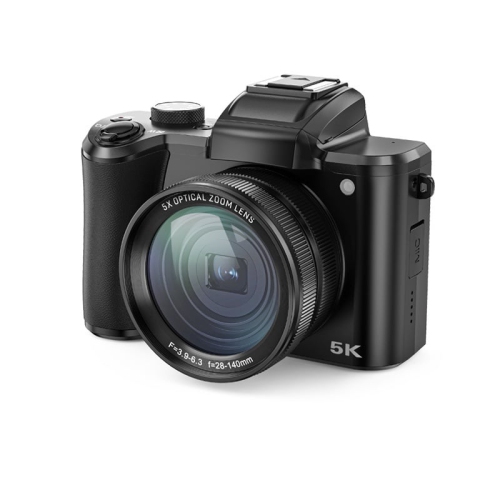
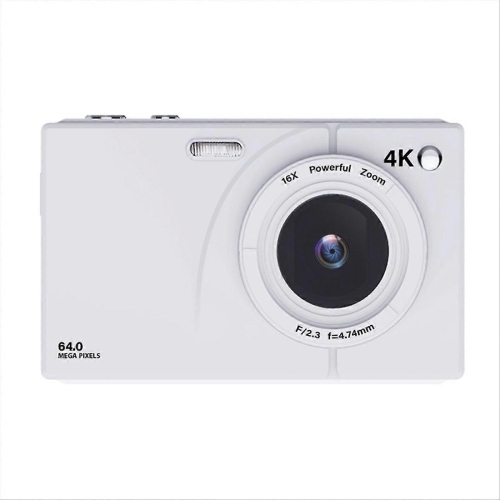

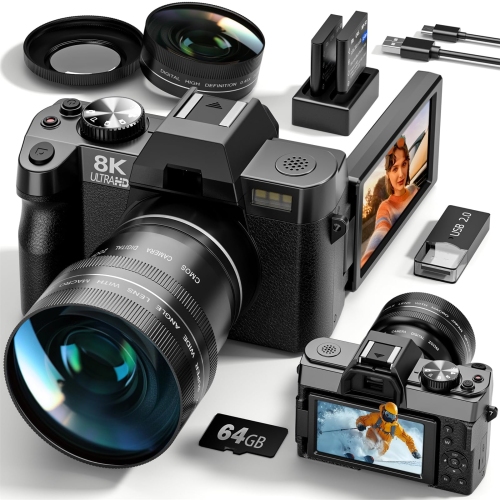
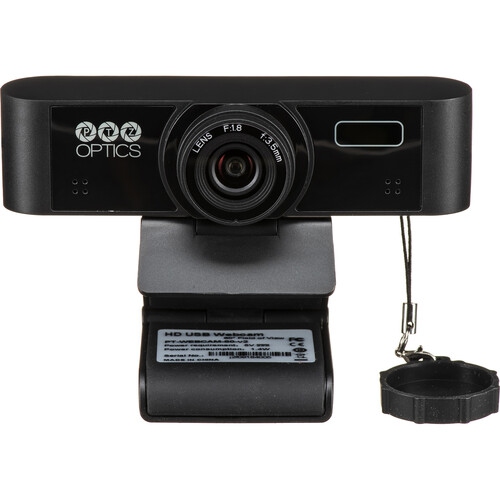

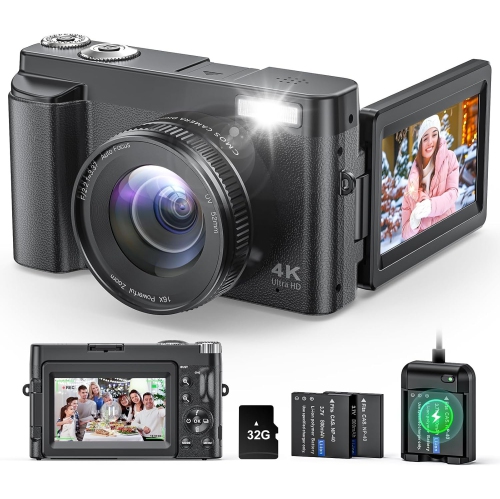
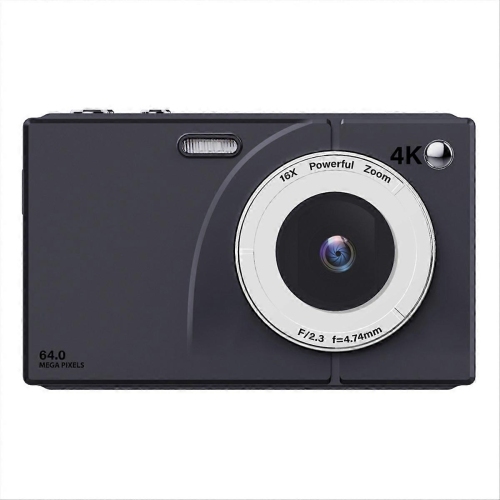

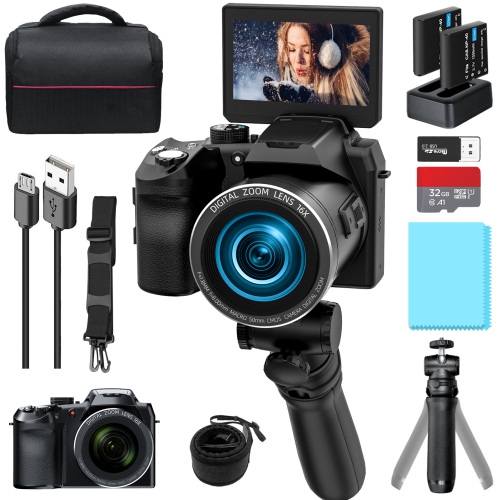
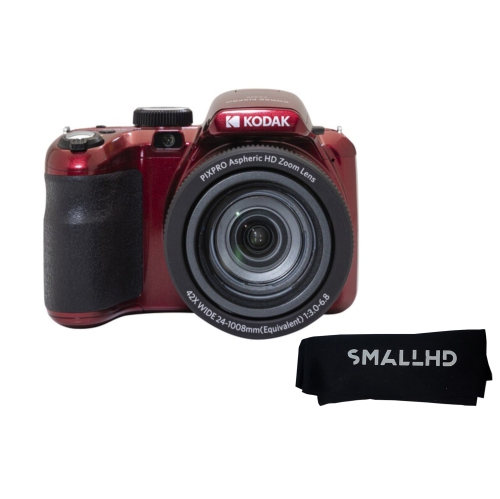
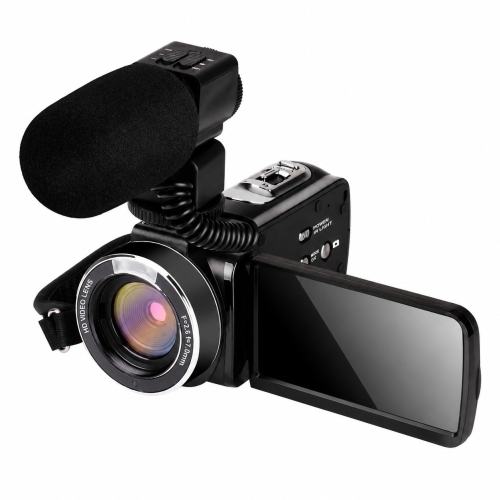
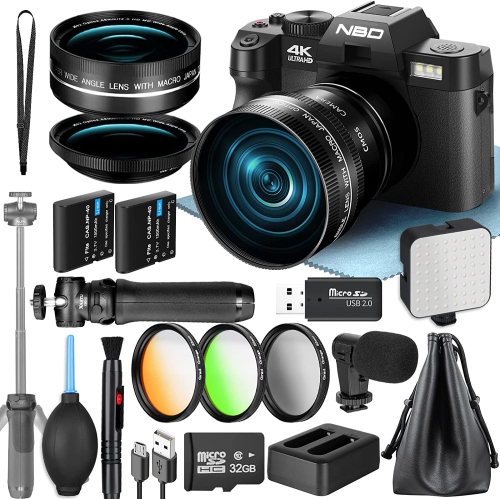
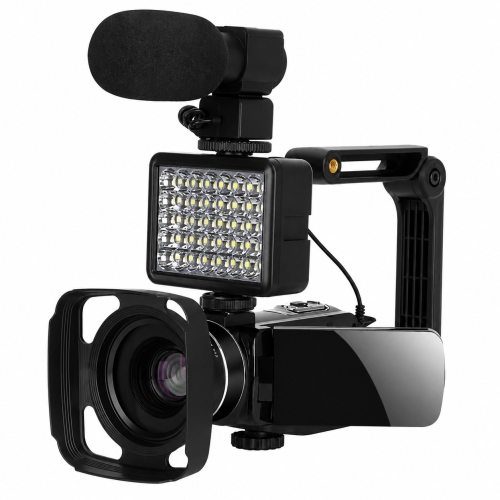
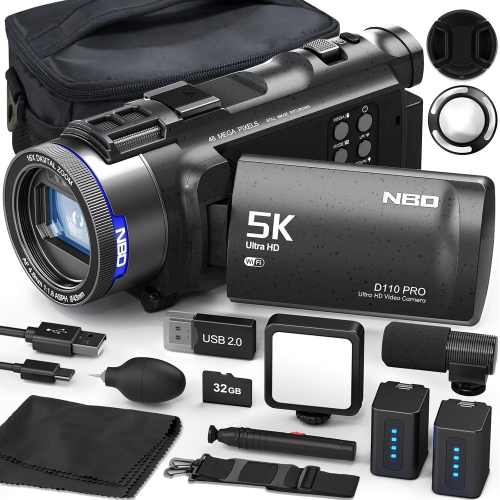
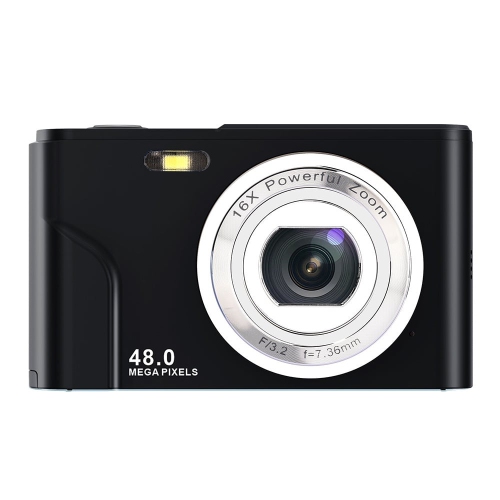
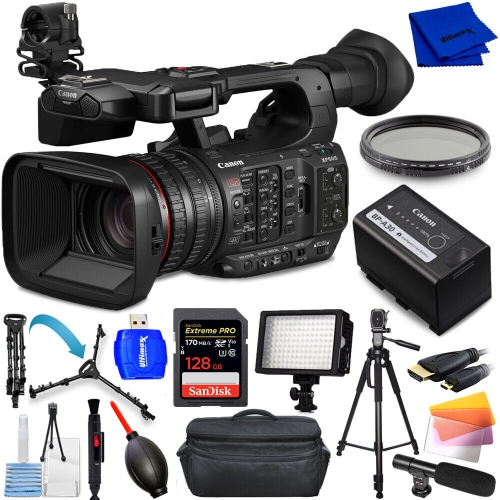
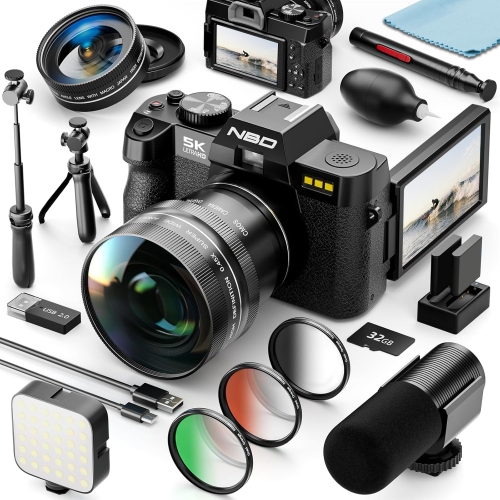
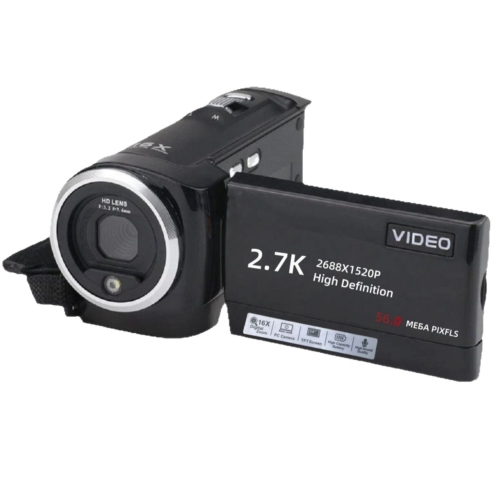
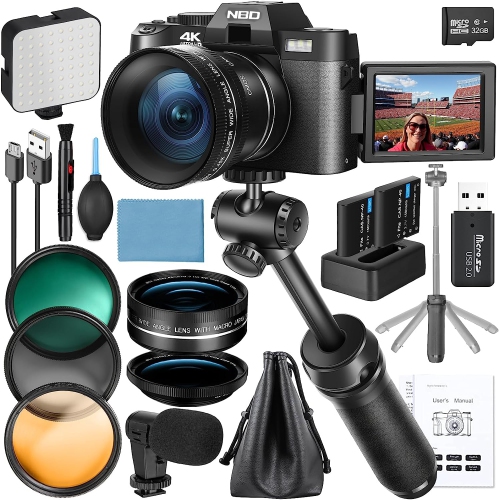
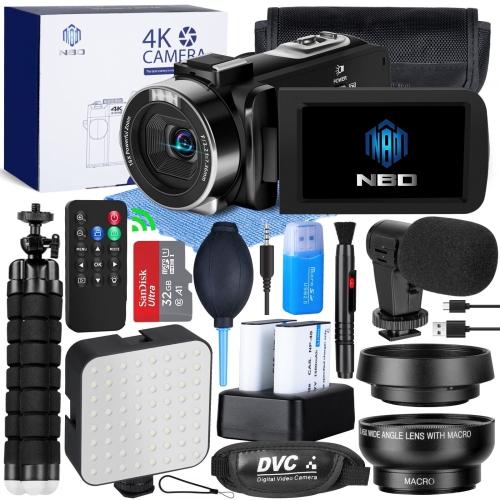
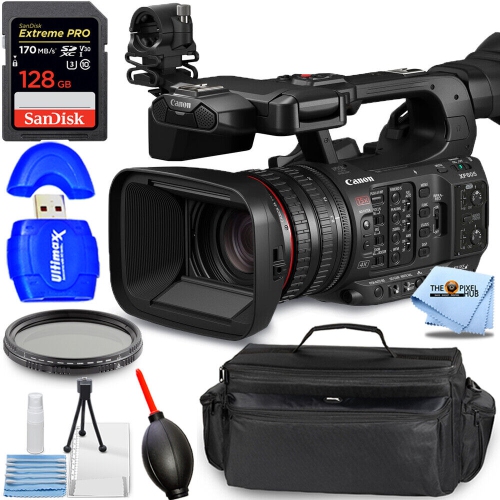
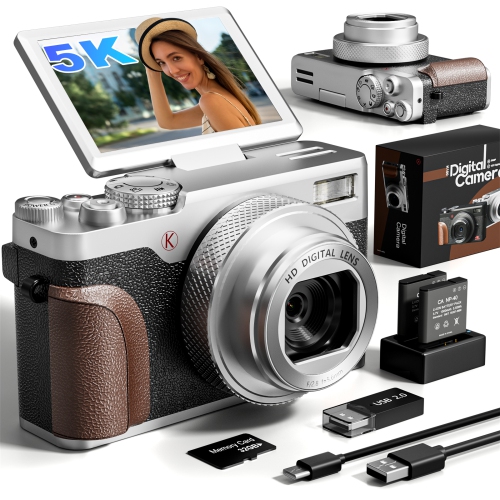
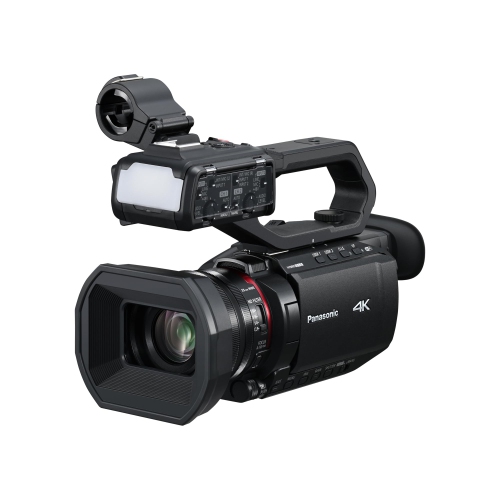
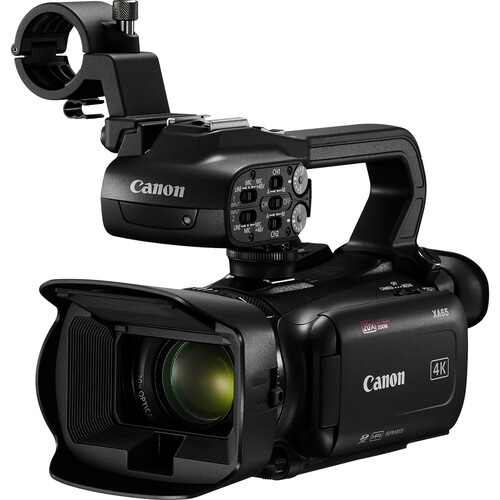

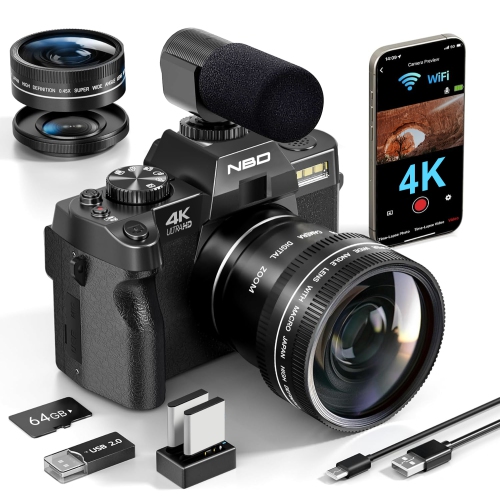
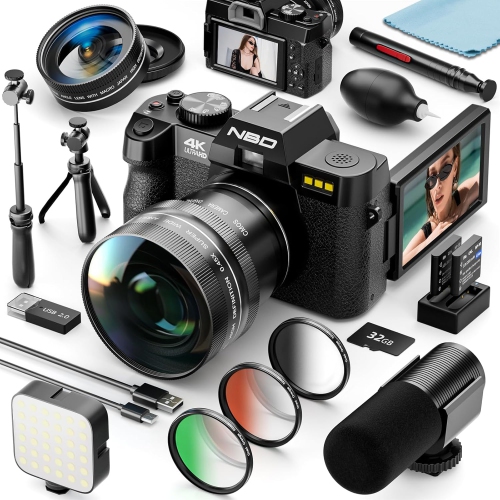
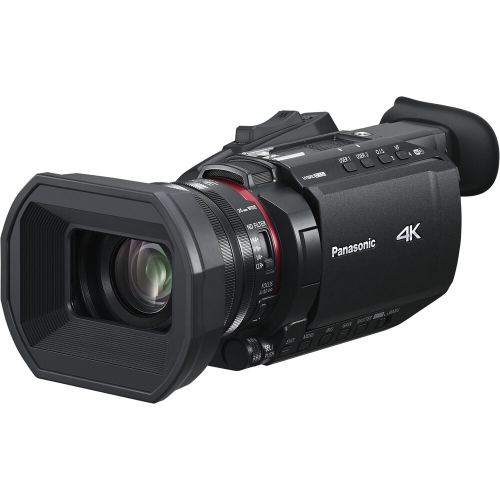
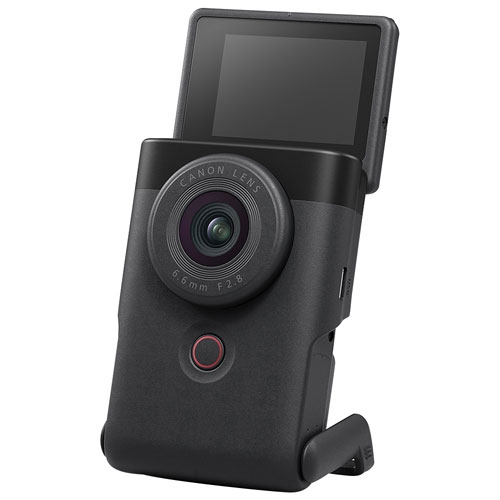
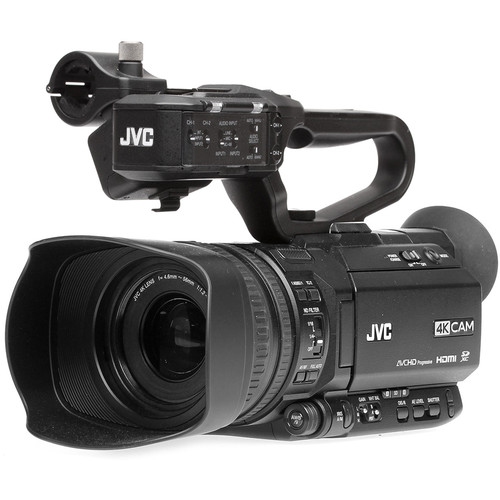
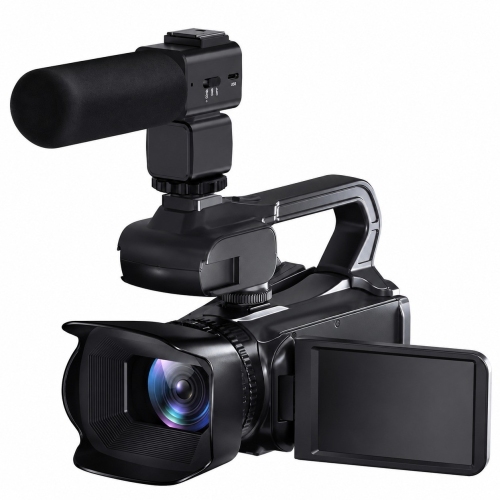
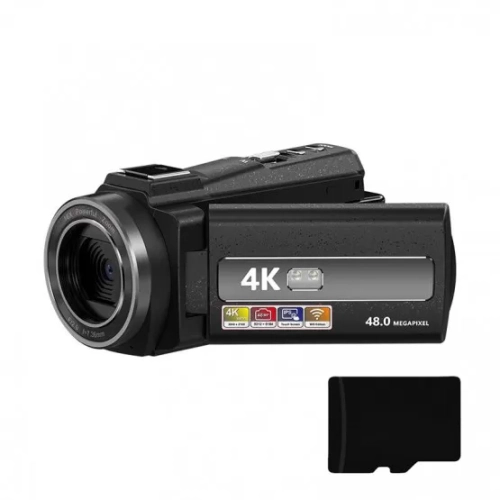
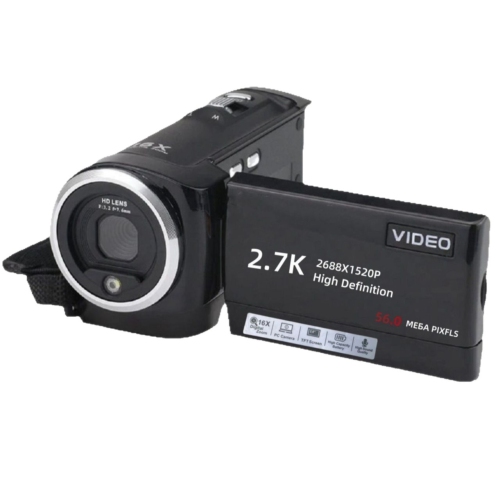
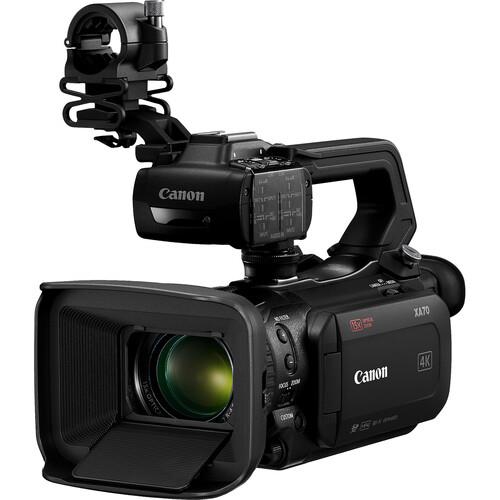
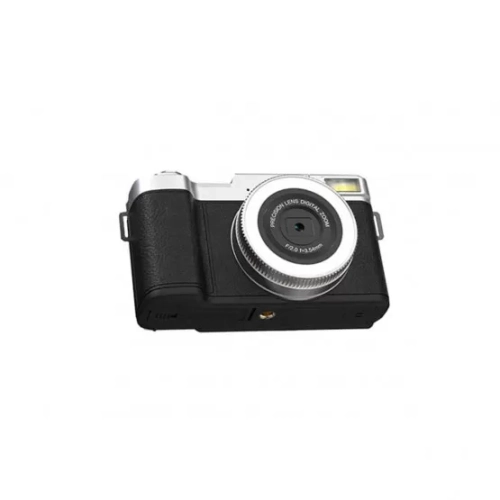
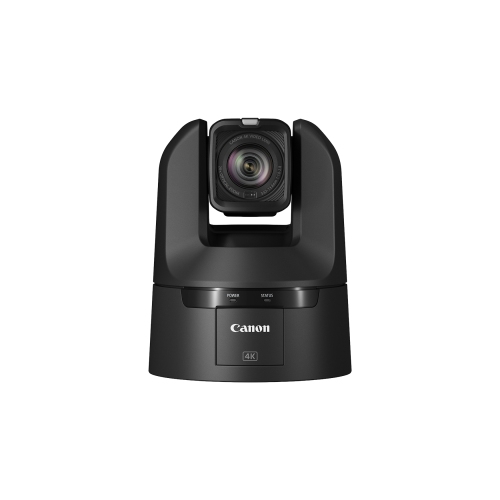
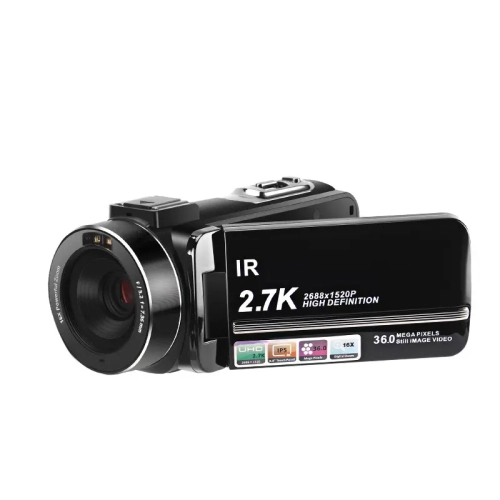
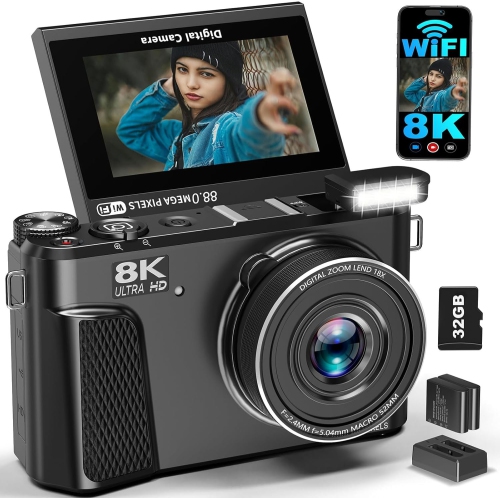
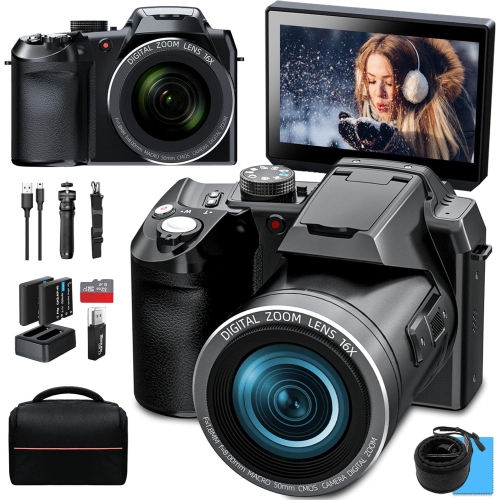
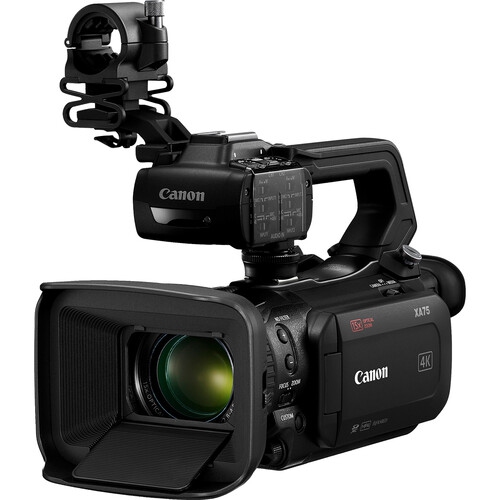
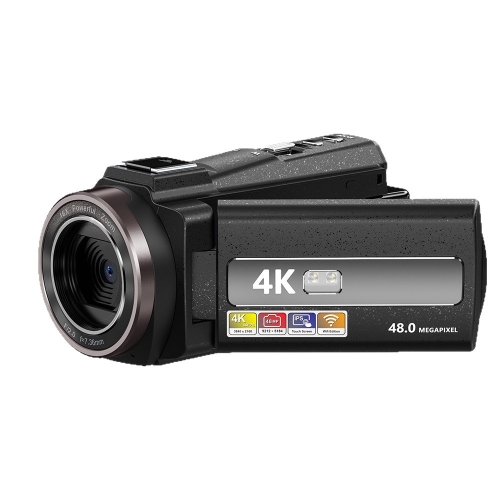
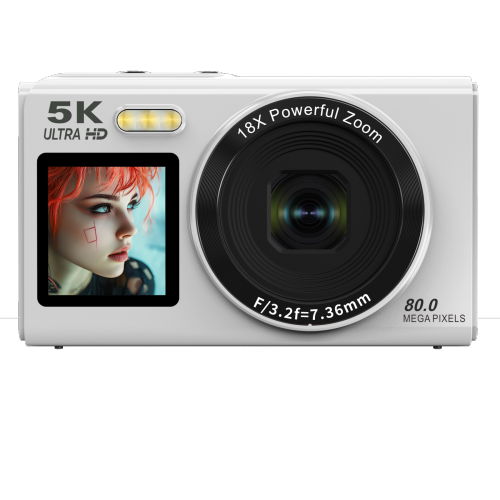
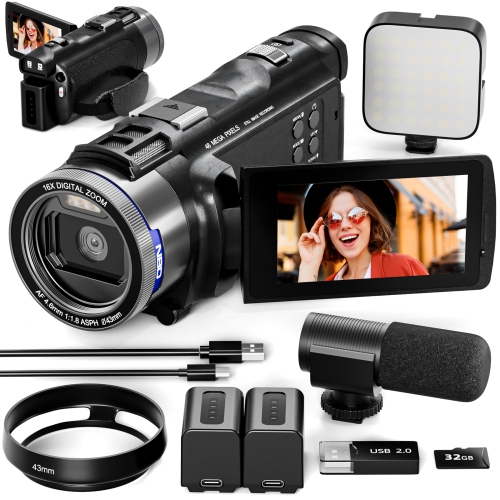
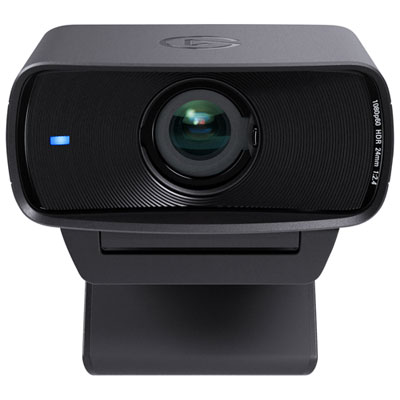
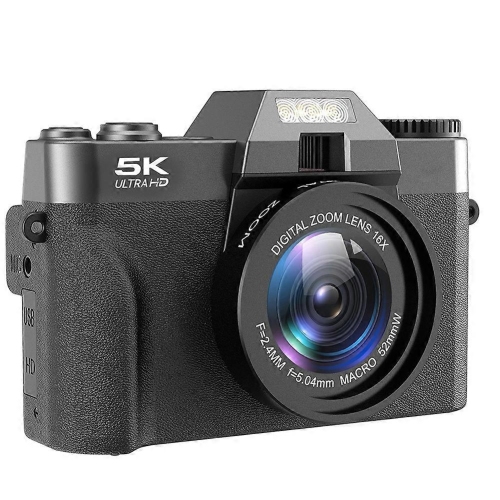
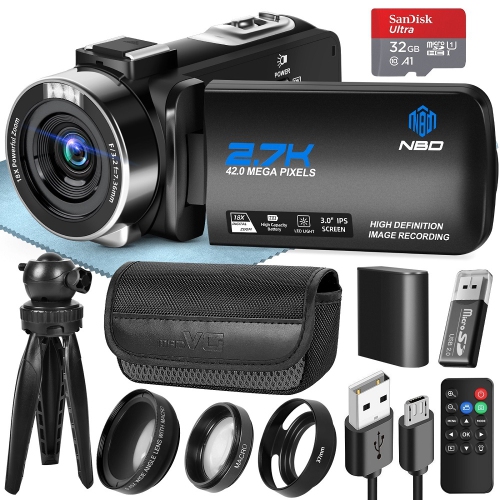
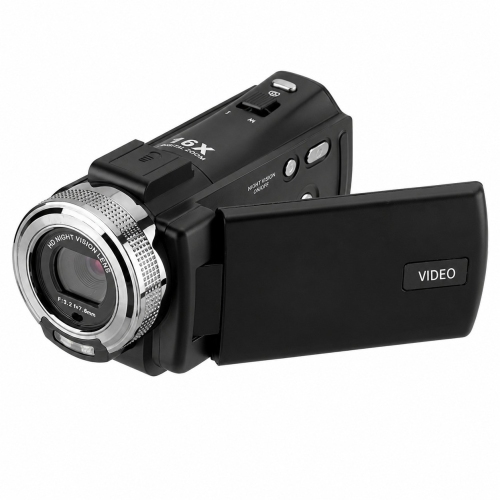
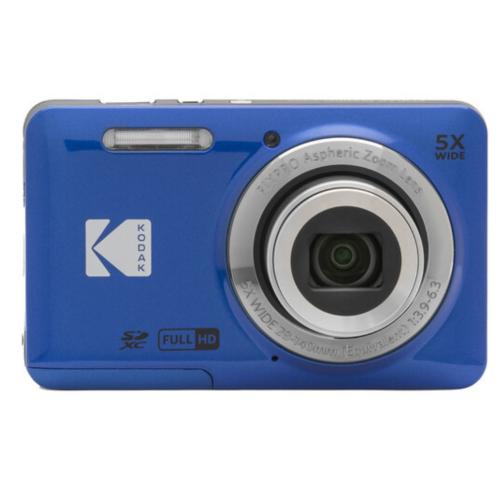
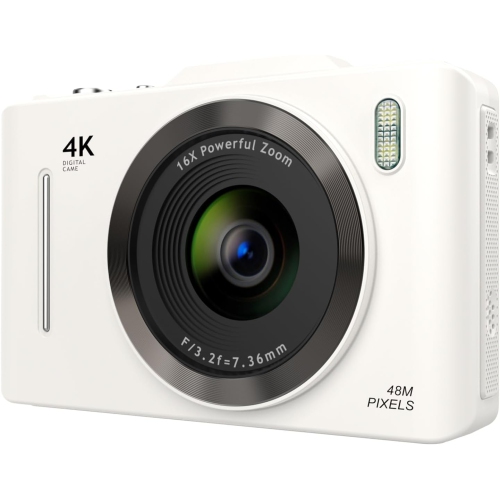
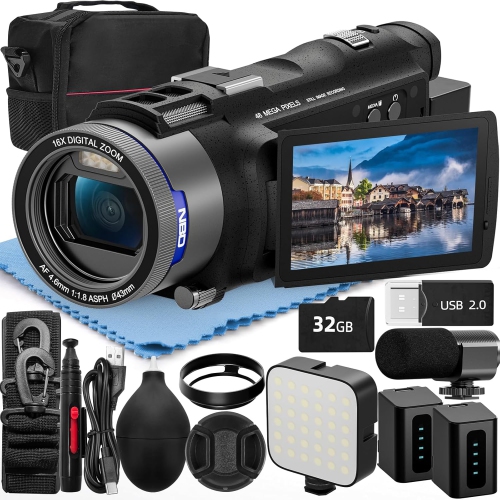
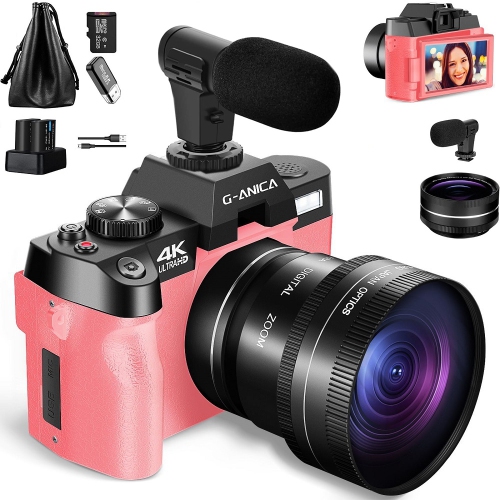
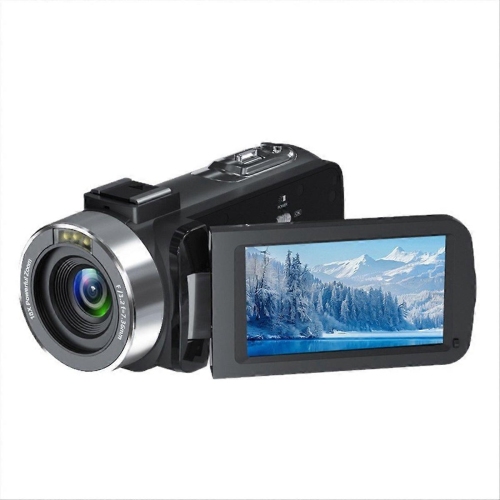
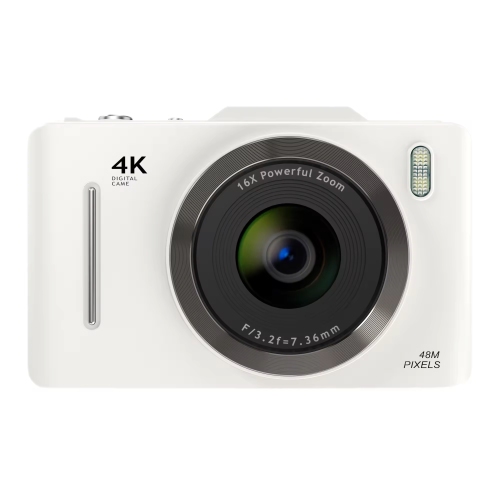
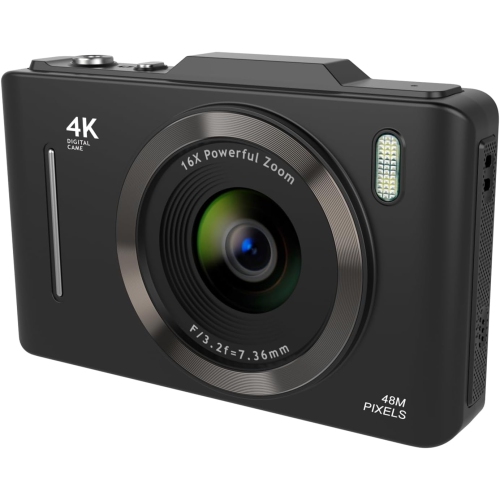
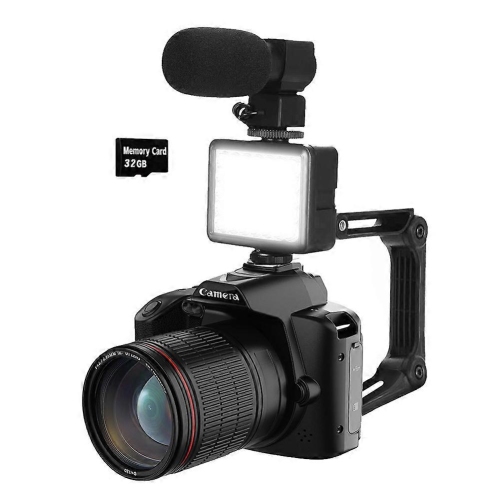
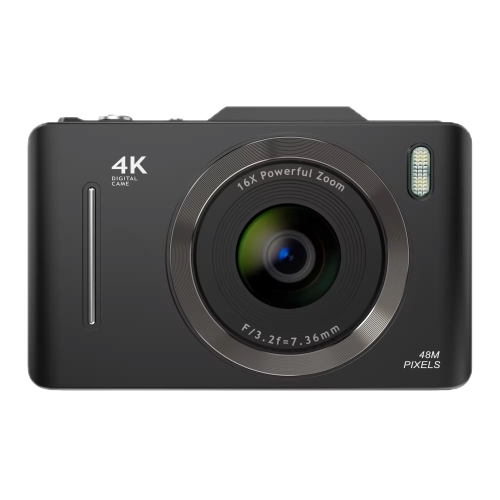
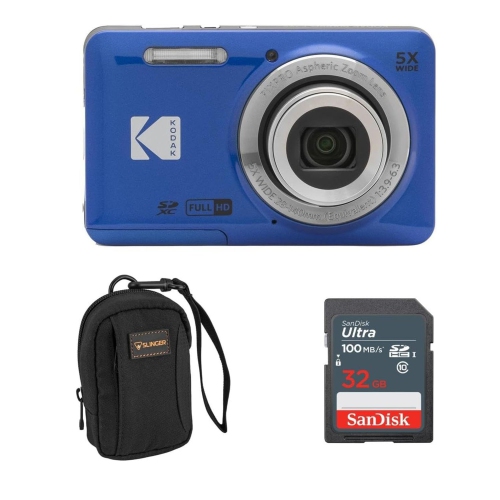
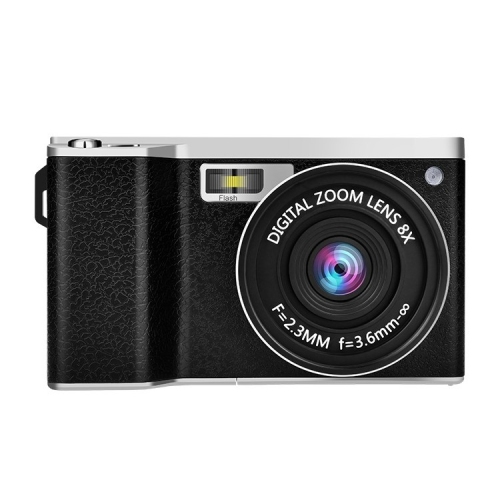
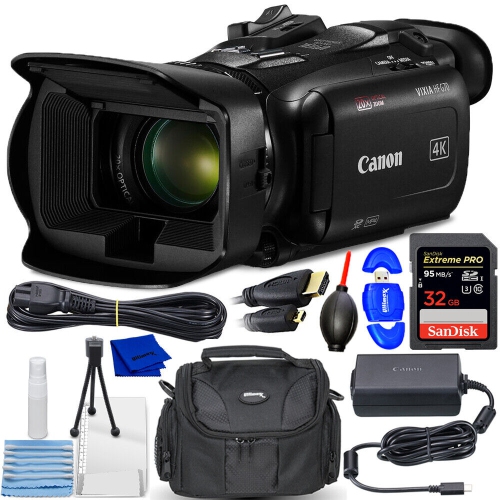
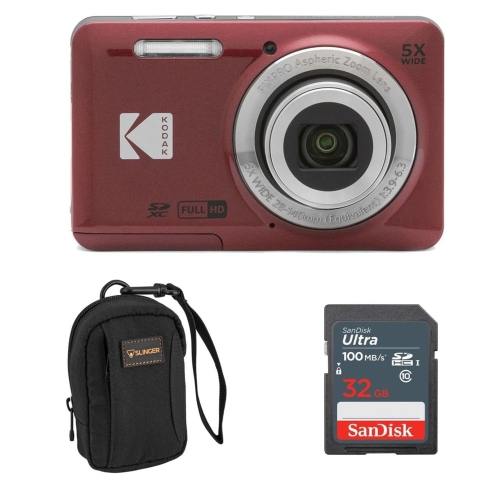
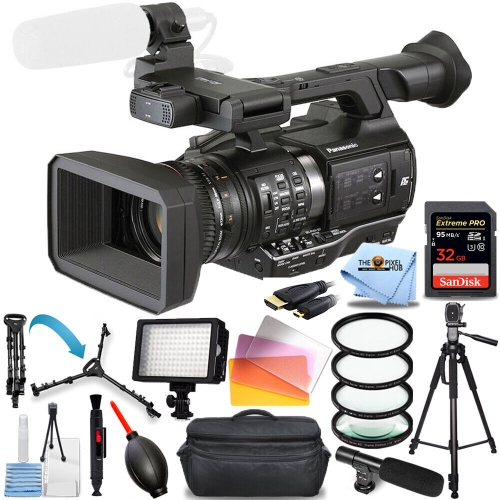
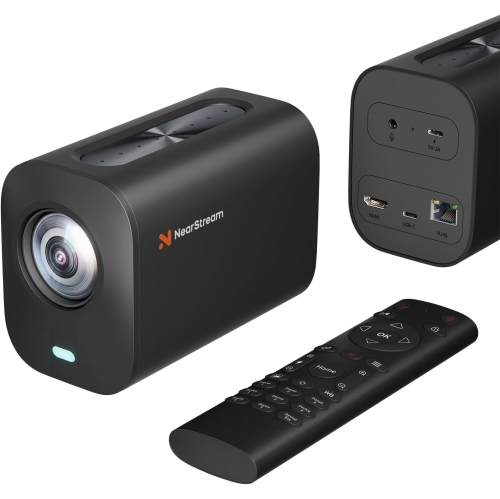
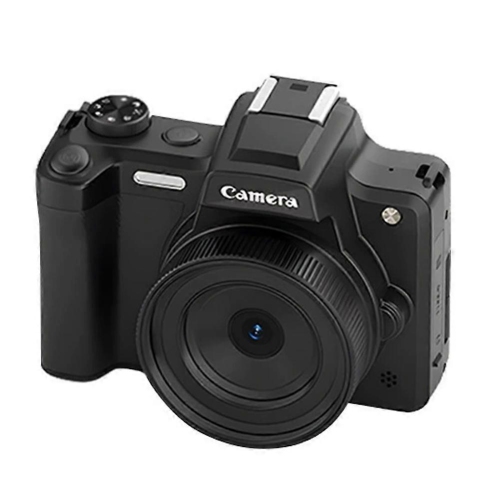
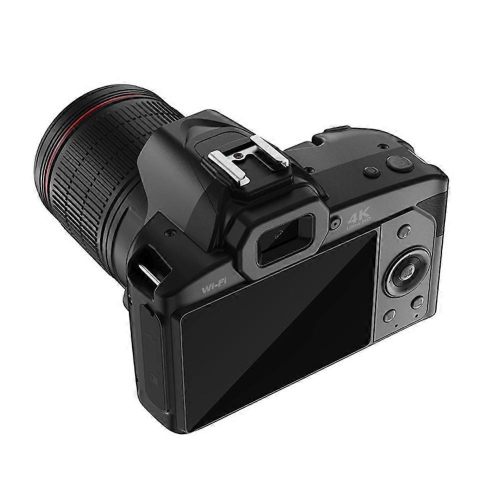
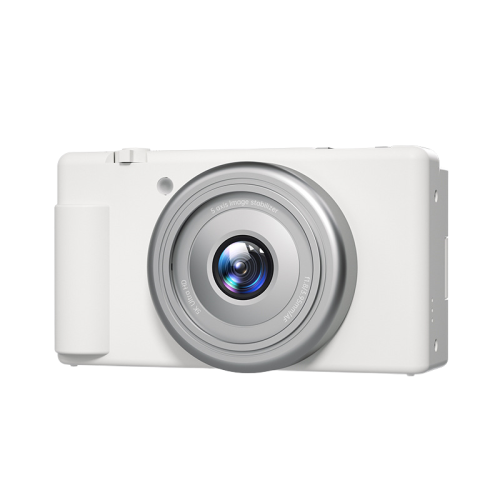
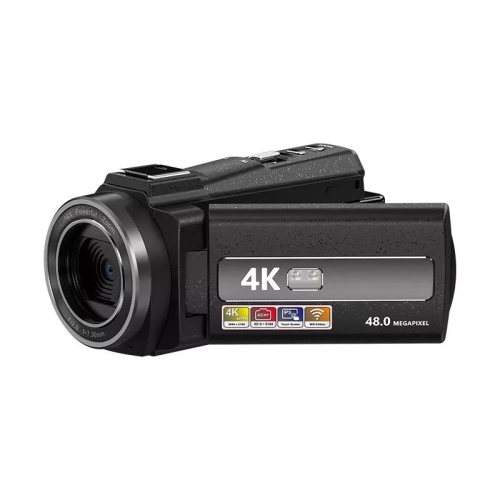
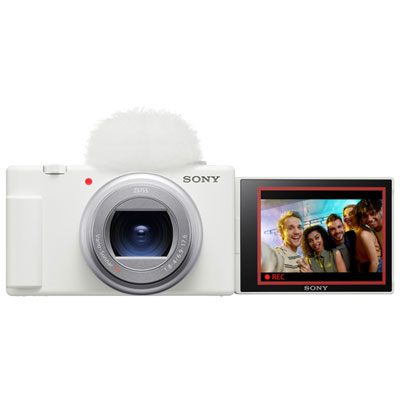
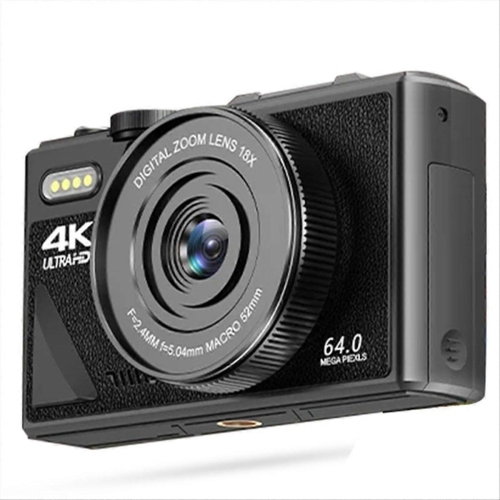
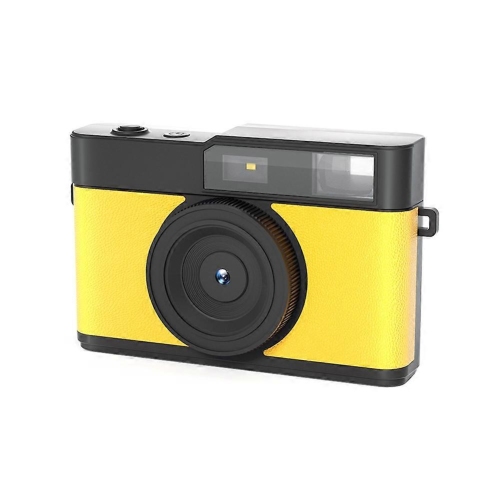
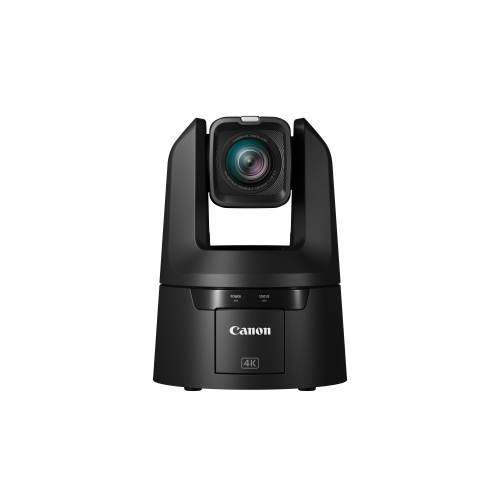
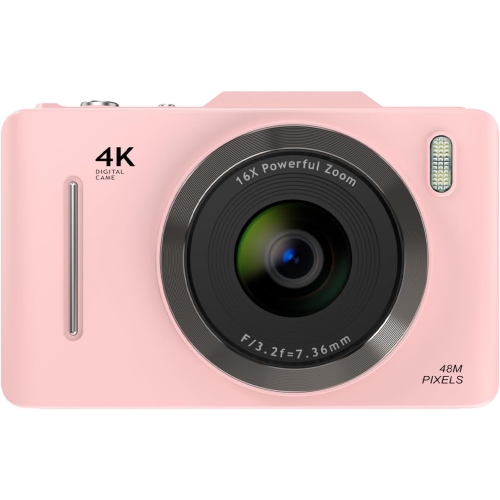

The right setup supports every stage of production
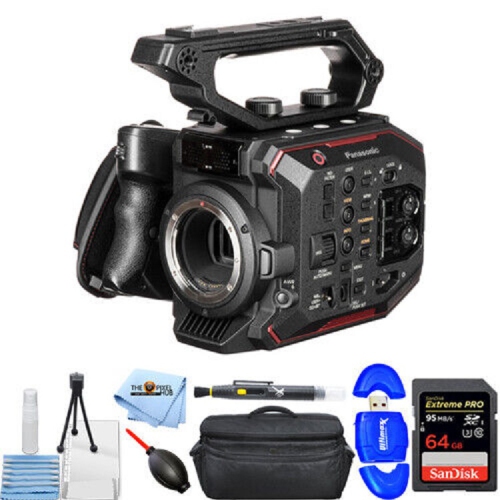
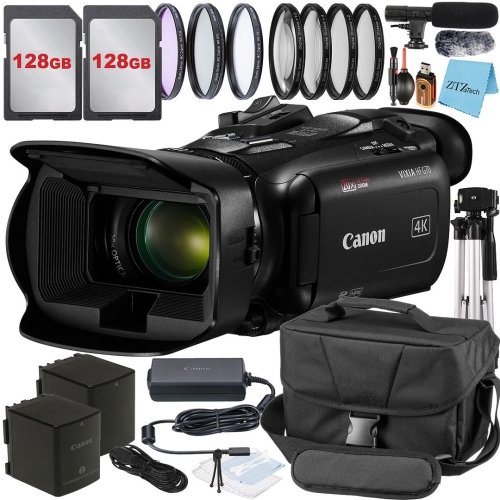
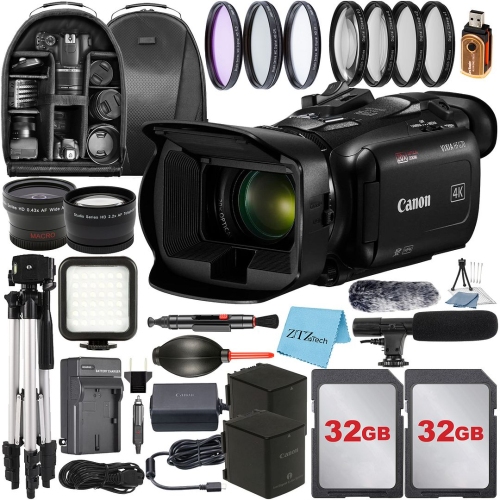
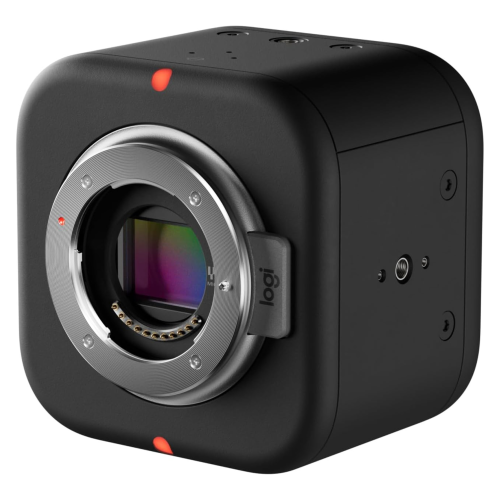
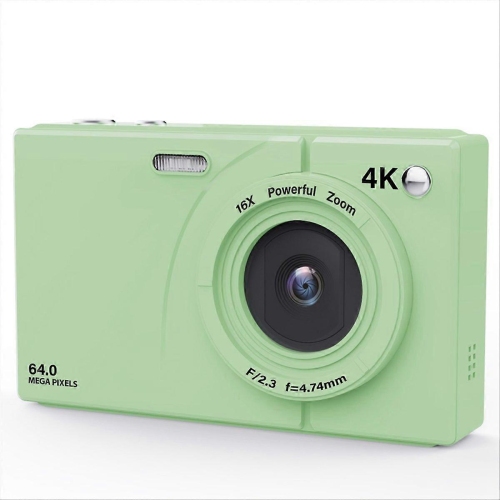
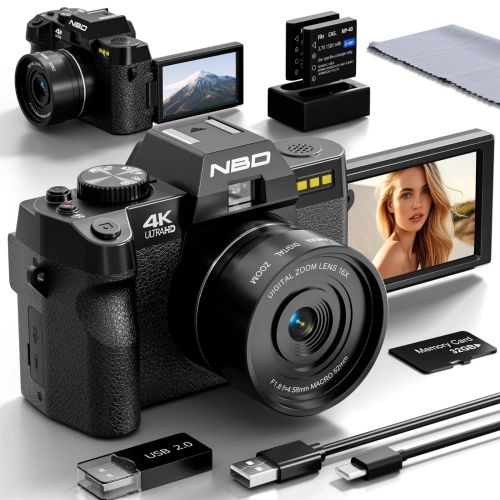
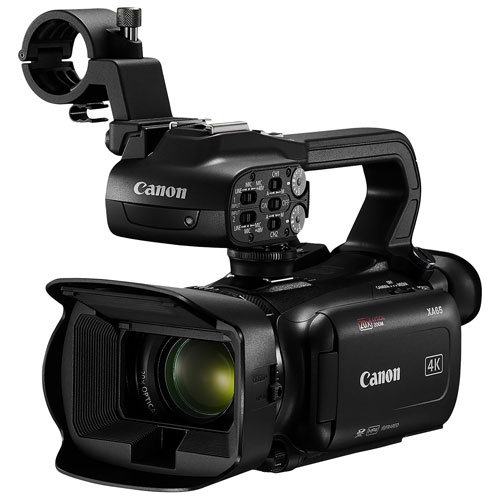
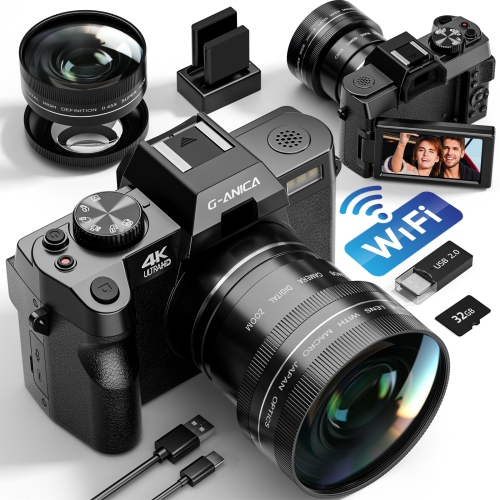
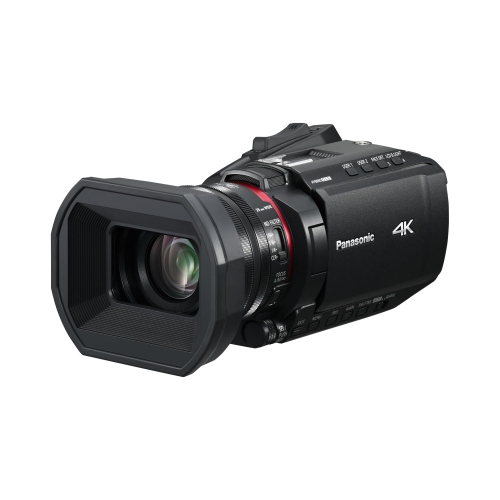
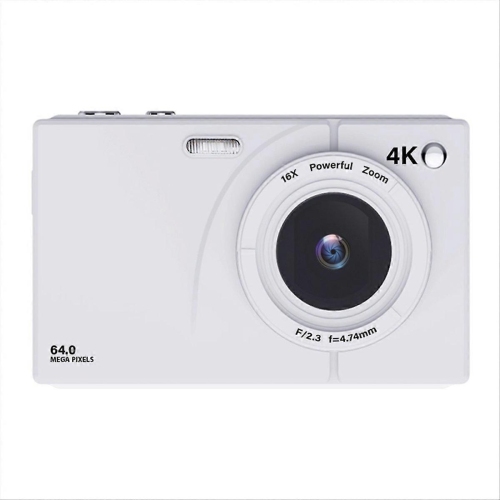
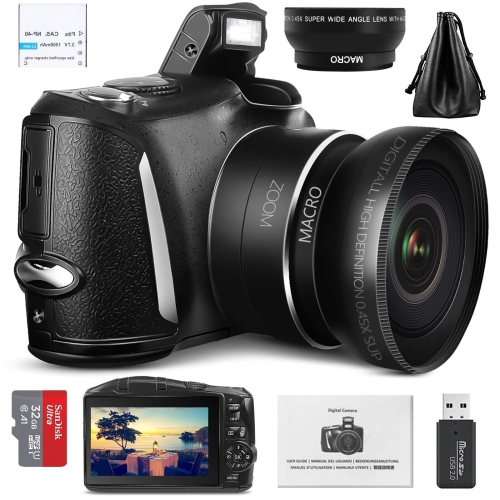
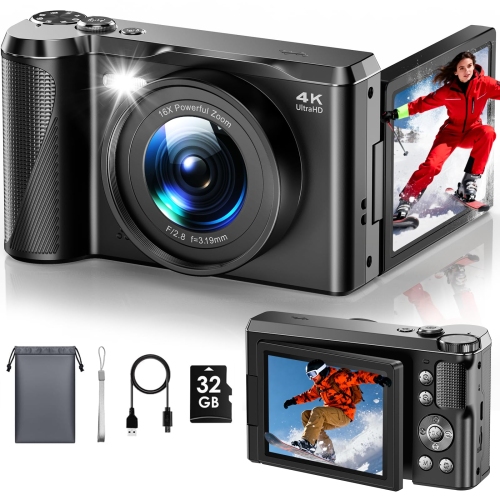
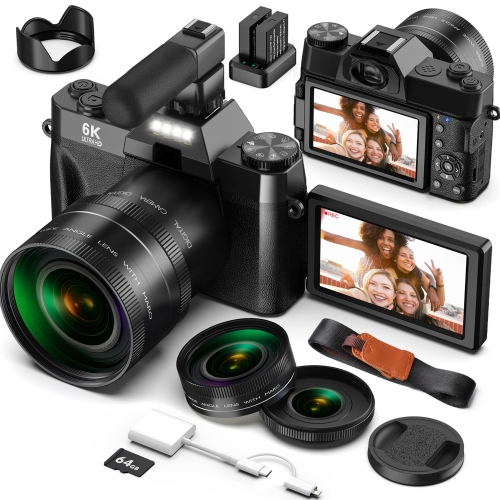
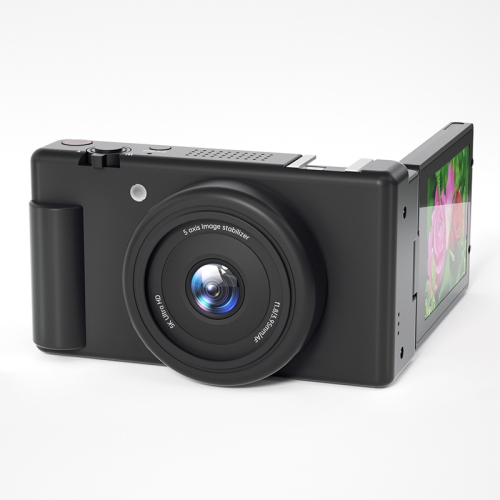
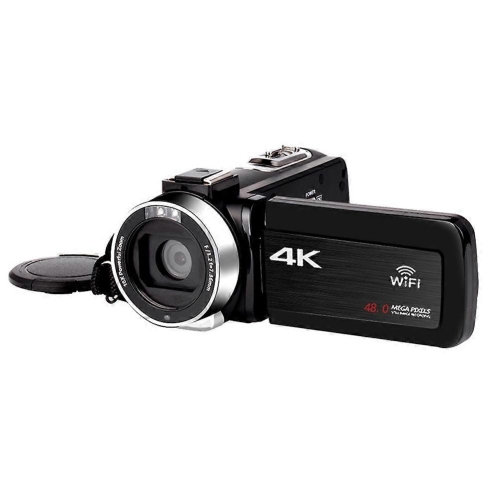
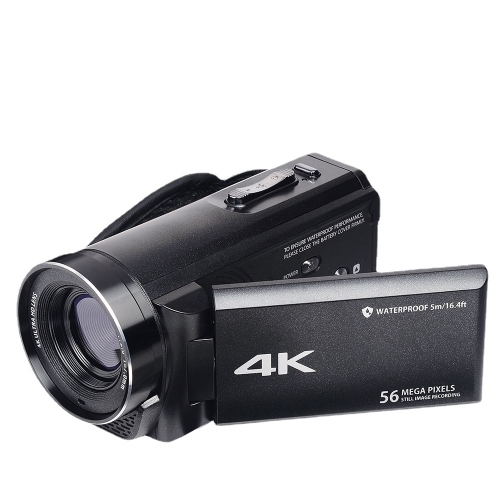
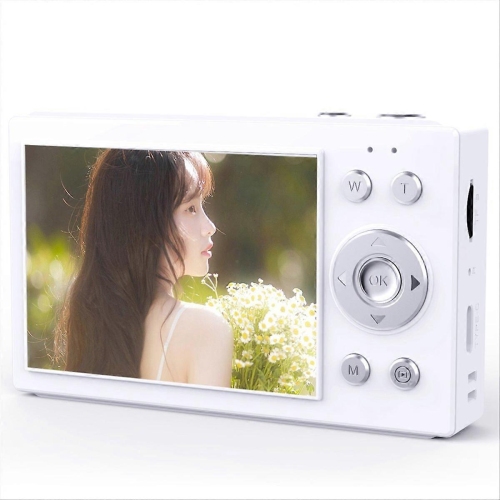
Cameras for video production are designed to help creators capture polished, engaging footage for films, documentaries, interviews, events, social media, online courses, business presentations and more. The right camera depends on the type of production, the shooting environment and the way you plan to edit and share your finished work. Entry-level video creators often appreciate compact mirrorless cameras that combine approachable controls, interchangeable lenses and dependable autofocus in a relatively small body. These cameras can be a practical choice for vlogging, travel videos, family milestones, product demonstrations and short-form content, especially when portability matters. A creator-focused body may also include features such as a fully articulating screen, dedicated video controls, microphone connectivity, headphone monitoring, vertical shooting options and cooling designed for longer recording sessions. For anyone moving beyond a smartphone, a camera with a larger sensor can provide more detail, improved performance in dim rooms and greater control over background blur. That flexibility is useful when filming a talking-head setup near a window, capturing a wedding reception under changing light or recording outdoor scenes as the weather warms and daylight lasts longer. Mirrorless cameras also offer a broad selection of lenses, allowing one camera body to support wide establishing shots, natural-looking interviews, close-up details and distant subjects. When comparing models, look at the available recording resolutions and frame rates, since 4K footage offers room for cropping and reframing while higher frame rates can create smooth slow-motion effects. Bit depth, colour profiles and file formats are also important for editors who want to adjust exposure, colour and contrast during post-production. A simple setup may rely on the camera body, a versatile lens, a spare battery and a memory card, while more ambitious productions may call for a cage, external monitor, tripod, gimbal, lighting and an on-camera or wireless microphone.
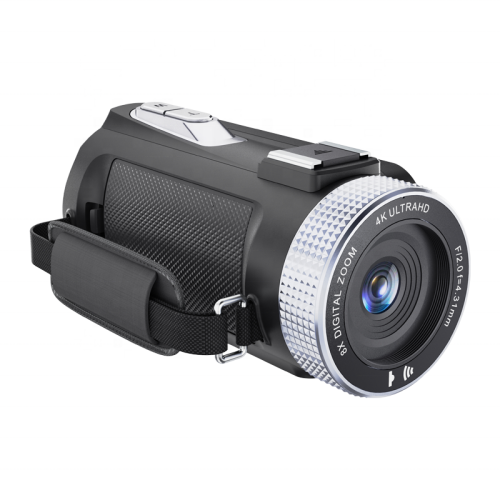
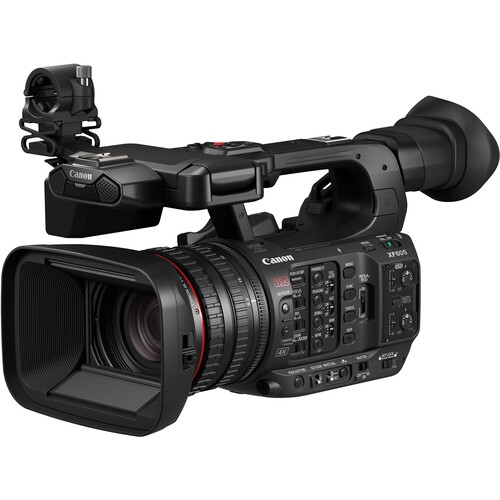
Video-first cinema cameras are built for productions where recording reliability, handling and workflow are just as important as image quality. They may offer active cooling, built-in or compatible neutral density filters, multiple mounting points, professional audio connections and controls that are easy to operate while the camera is mounted on a tripod, shoulder rig or stabilizer. Internal recording options and timecode support can make it easier to manage footage across a multi-camera shoot, while a robust body and secure media system can inspire confidence during interviews, live performances, corporate productions and narrative work. Super 35 or APS-C sensors are popular for their balance of cinematic depth of field, lens availability and manageable file sizes, while full-frame sensors can provide a wider field of view, strong low-light performance and pronounced background separation when paired with a suitable lens. Micro Four Thirds systems can be appealing for creators who want a compact kit, a wide lens selection and effective stabilization for handheld work. In-body image stabilization can help smooth walking shots and quick location changes, although a tripod or gimbal remains valuable when you need a consistently steady frame. Autofocus is another key consideration: reliable subject tracking can be helpful for solo operators, event videographers and creators who need to stay in motion, while manual focus tools may be preferred for controlled narrative scenes. Audio should receive equal attention. A camera with a microphone input can improve sound over a built-in mic, and headphone monitoring helps identify wind noise, handling sounds or an unreliable connection before they affect an entire take. For longer shoots, check battery life, charging options, heat management, media compatibility and whether the camera can record continuously for the duration of your planned scenes. These practical details are easy to overlook when focusing on resolution, but they can make the difference between a smooth production day and a disrupted one.
When choosing a camera for video production, start by outlining your usual subjects, locations and crew size. A solo creator filming tutorials in a home studio may value a flip-out screen, face detection and a compact lens, while a small production team working on interviews may prioritize professional audio, two memory card slots and dependable power options. Filmmakers creating narrative projects may look for broad dynamic range, log recording and a body that works comfortably with a cage and external monitor. Event shooters often benefit from fast autofocus, strong low-light capability, image stabilization and batteries that can support a full day of changing locations. If the camera is being given as a gift, consider the recipient’s existing lenses, editing computer and level of experience before choosing a body; a straightforward kit with useful accessories can be more valuable than advanced specifications they will not use. A camera for video production can also be a thoughtful gift for a student learning cinematography, a musician producing performance videos, a small business owner creating promotional content or a family member documenting trips and celebrations during the cooler months. Keep the complete system in mind, including lenses, memory cards, spare batteries, a charger, a bag and audio equipment. A versatile wide-to-standard zoom can be a strong starting point, while a fast prime lens can add attractive background blur for portraits and interviews. Review the camera’s connection options if you plan to transfer files, livestream or control the camera from a compatible mobile device, and confirm that your computer and editing software can handle the chosen recording format. For more specialized setups, explore Professional Video Cameras and compare bodies according to the complete workflow rather than a single specification. The best choice is the one that fits comfortably into your production routine, gives you the creative control you need and remains practical to carry, power, record and edit from the first take through the final cut.
Video-first cinema cameras are built for productions where recording reliability, handling and workflow are just as important as image quality. They may offer active cooling, built-in or compatible neutral density filters, multiple mounting points, professional audio connections and controls that are easy to operate while the camera is mounted on a tripod, shoulder rig or stabilizer. Internal recording options and timecode support can make it easier to manage footage across a multi-camera shoot, while a robust body and secure media system can inspire confidence during interviews, live performances, corporate productions and narrative work. Super 35 or APS-C sensors are popular for their balance of cinematic depth of field, lens availability and manageable file sizes, while full-frame sensors can provide a wider field of view, strong low-light performance and pronounced background separation when paired with a suitable lens. Micro Four Thirds systems can be appealing for creators who want a compact kit, a wide lens selection and effective stabilization for handheld work. In-body image stabilization can help smooth walking shots and quick location changes, although a tripod or gimbal remains valuable when you need a consistently steady frame. Autofocus is another key consideration: reliable subject tracking can be helpful for solo operators, event videographers and creators who need to stay in motion, while manual focus tools may be preferred for controlled narrative scenes. Audio should receive equal attention. A camera with a microphone input can improve sound over a built-in mic, and headphone monitoring helps identify wind noise, handling sounds or an unreliable connection before they affect an entire take. For longer shoots, check battery life, charging options, heat management, media compatibility and whether the camera can record continuously for the duration of your planned scenes. These practical details are easy to overlook when focusing on resolution, but they can make the difference between a smooth production day and a disrupted one.
When choosing a camera for video production, start by outlining your usual subjects, locations and crew size. A solo creator filming tutorials in a home studio may value a flip-out screen, face detection and a compact lens, while a small production team working on interviews may prioritize professional audio, two memory card slots and dependable power options. Filmmakers creating narrative projects may look for broad dynamic range, log recording and a body that works comfortably with a cage and external monitor. Event shooters often benefit from fast autofocus, strong low-light capability, image stabilization and batteries that can support a full day of changing locations. If the camera is being given as a gift, consider the recipient’s existing lenses, editing computer and level of experience before choosing a body; a straightforward kit with useful accessories can be more valuable than advanced specifications they will not use. A camera for video production can also be a thoughtful gift for a student learning cinematography, a musician producing performance videos, a small business owner creating promotional content or a family member documenting trips and celebrations during the cooler months. Keep the complete system in mind, including lenses, memory cards, spare batteries, a charger, a bag and audio equipment. A versatile wide-to-standard zoom can be a strong starting point, while a fast prime lens can add attractive background blur for portraits and interviews. Review the camera’s connection options if you plan to transfer files, livestream or control the camera from a compatible mobile device, and confirm that your computer and editing software can handle the chosen recording format. For more specialized setups, explore Professional Video Cameras and compare bodies according to the complete workflow rather than a single specification. The best choice is the one that fits comfortably into your production routine, gives you the creative control you need and remains practical to carry, power, record and edit from the first take through the final cut.
Top selling and popular products
-
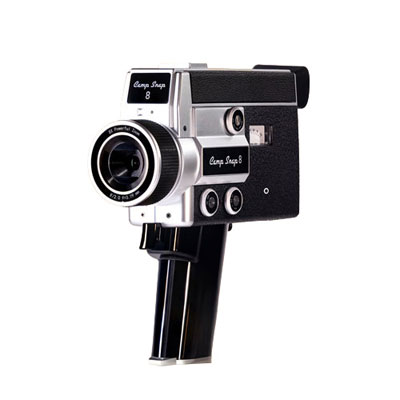 Your price for this item is $199.99
 -
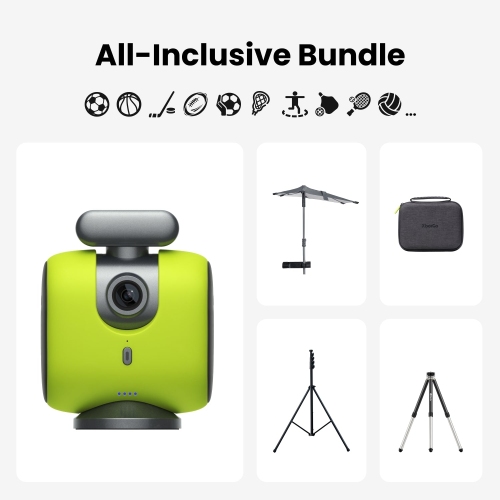 Your price for this item is $859.99
 -
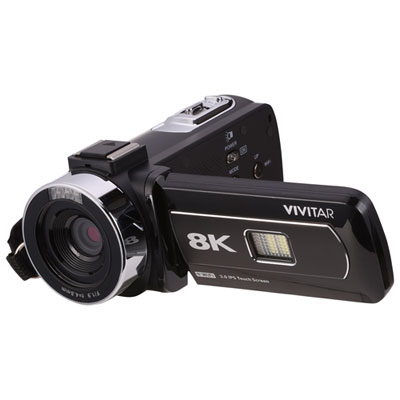 Your price for this item is $249.99
 -
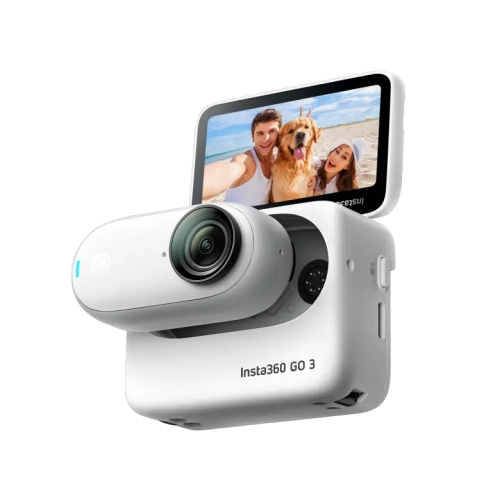 Your price for this item is $522.37
 -
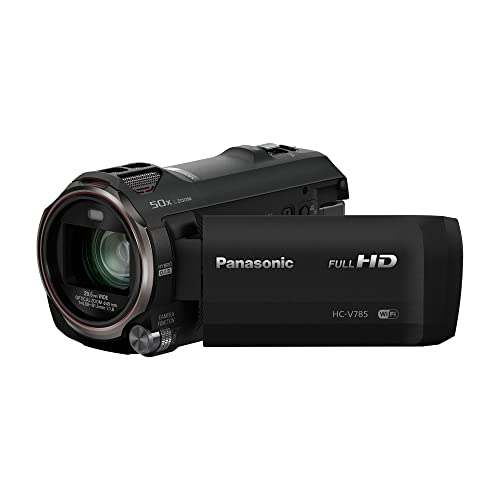 Your price for this item is $839.98
 -
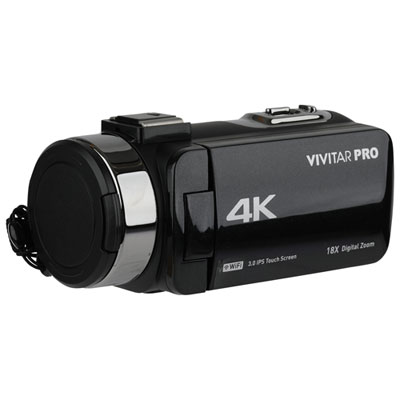 Your price for this item is $199.99
 -
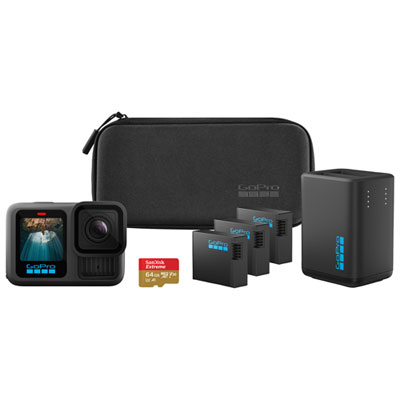 Your price for this item is $679.97
 -
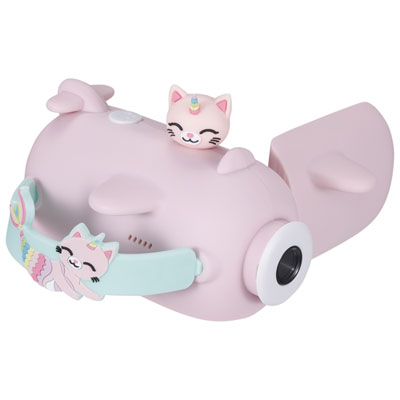 Your price for this item is $69.99
Discover more categories related to Cameras for Video Production

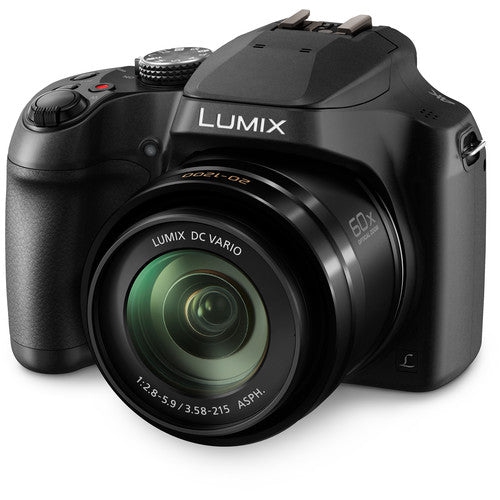
Top Collections:
Pokemon Centers, Best Cameras for Sports Photography, Kindle Devices, Samsung Galaxy Phones, Canon G7X Cameras, Pokémon 30th Celebration Cards, Refurbished Apple Laptops, iPhone 15 Apple, Laptops for Students, Budget Smartphones
Some products may be subject to Environmental Handling Fees
(EHF) depending on your province.
Learn more about EHFs.