Cameras for Youtube Channel
If you're thinking about starting a YouTube channel or if you already have one and want to improve the quality of your videos, you'll need to get a camera. The right camera can make all the difference in the world when it comes to creating high-quality videos. Here are some of our favorites.
Sort
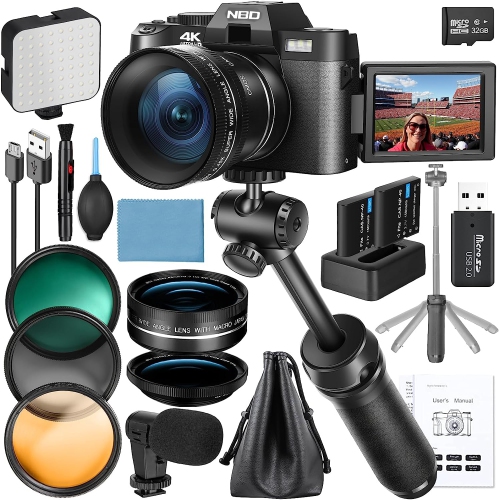
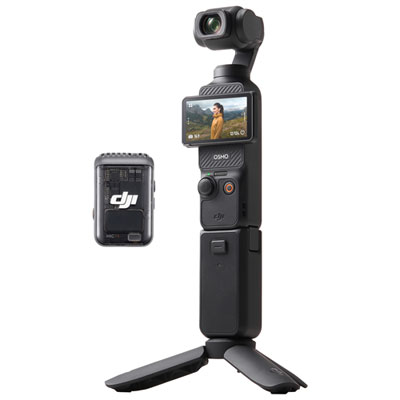

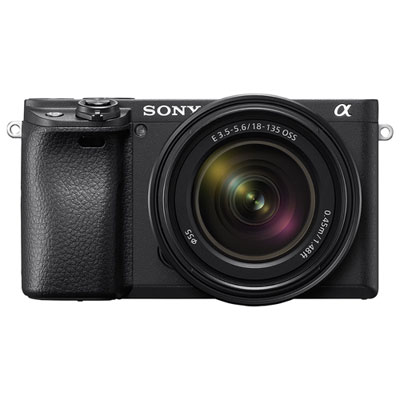
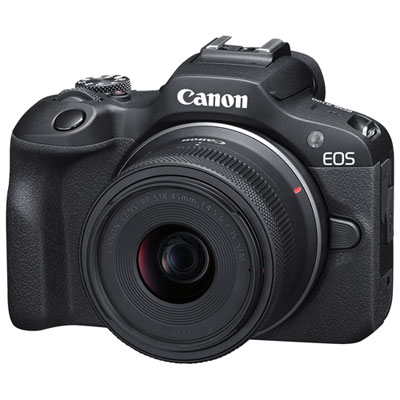
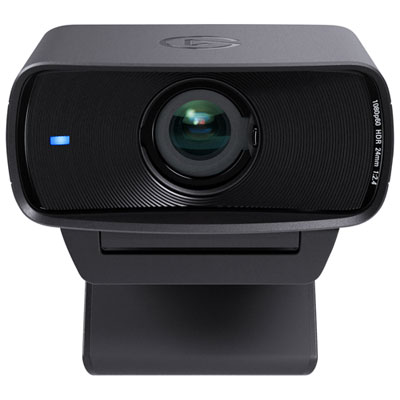
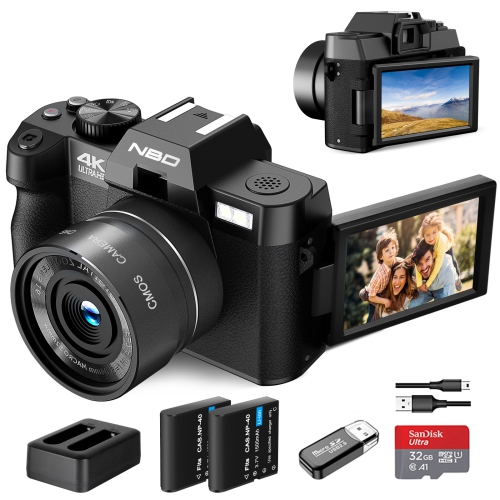
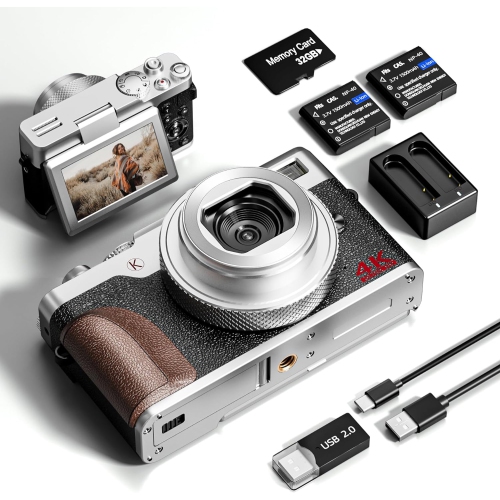
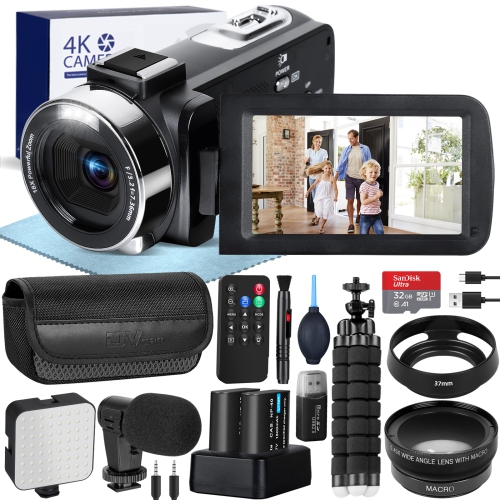
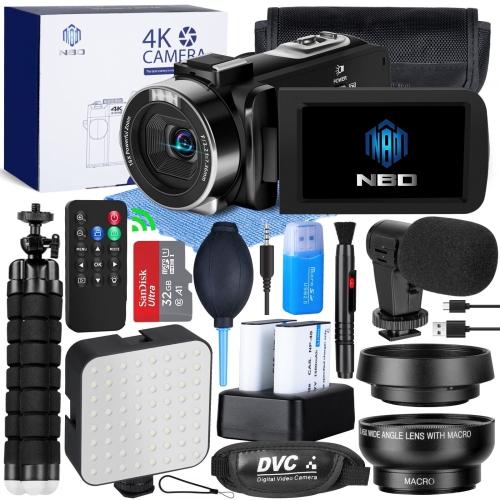
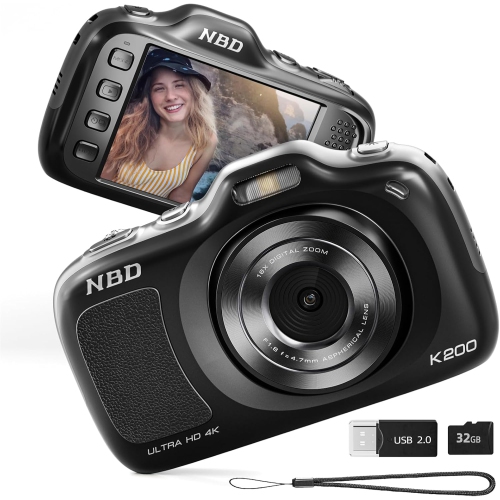
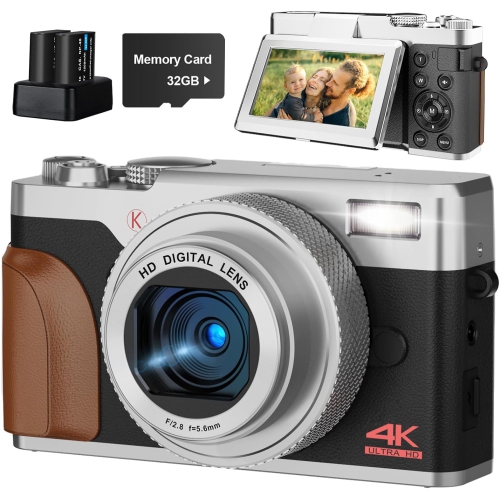
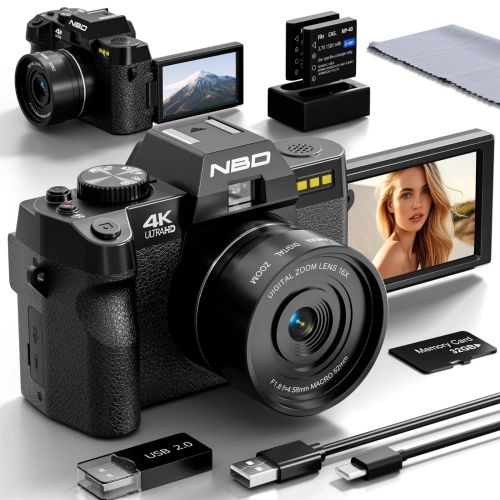
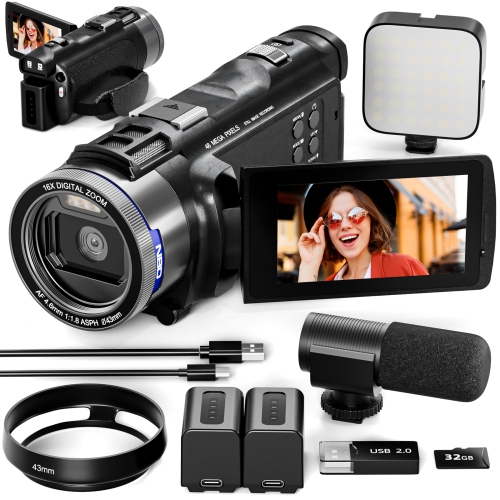
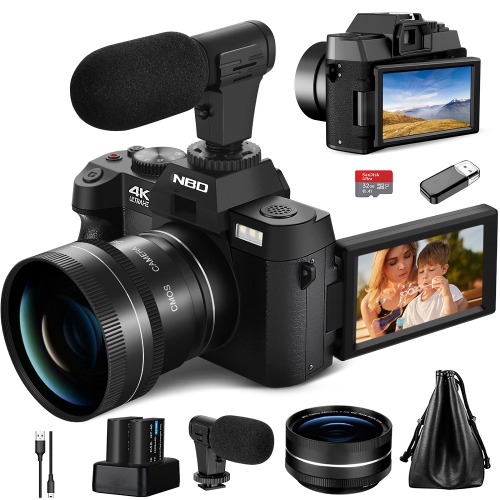
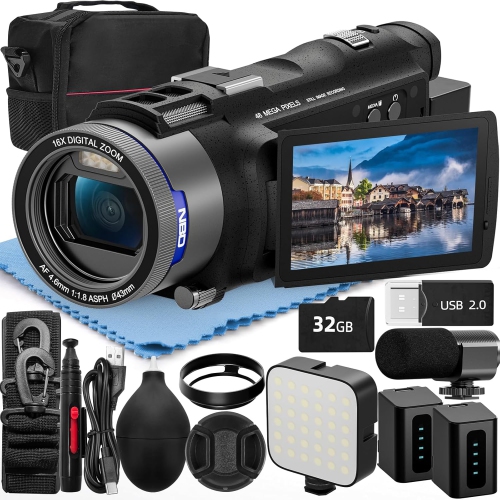
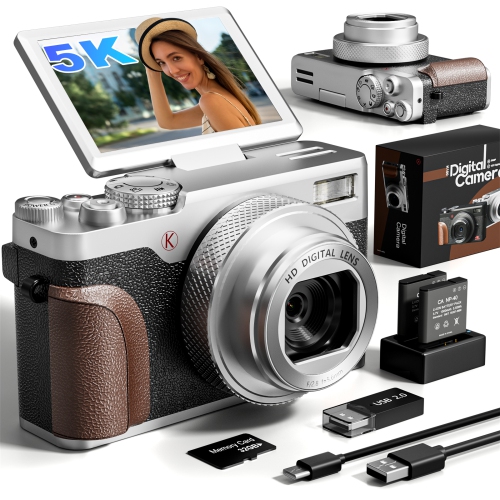
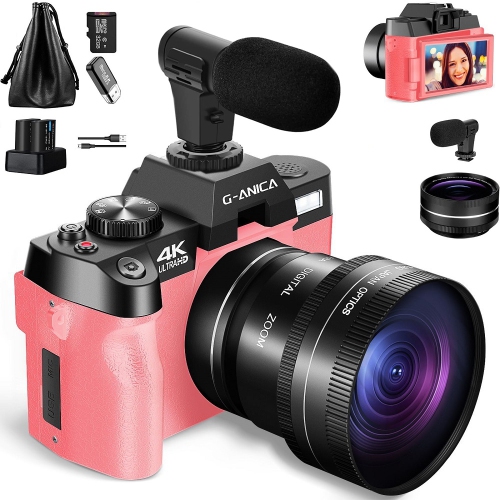
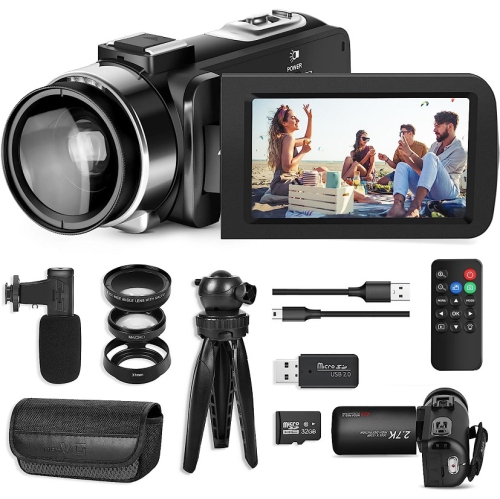
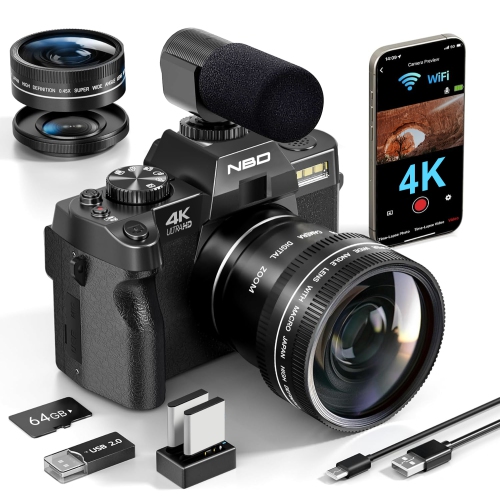
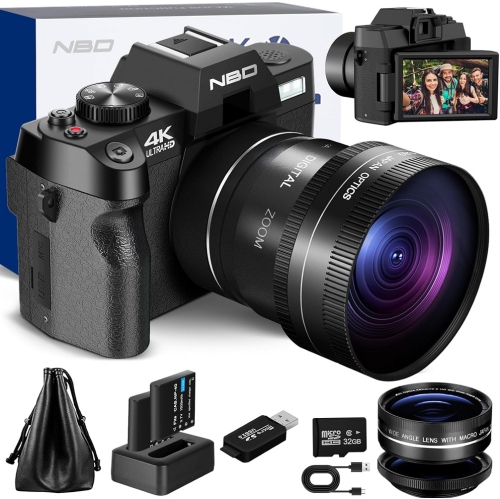
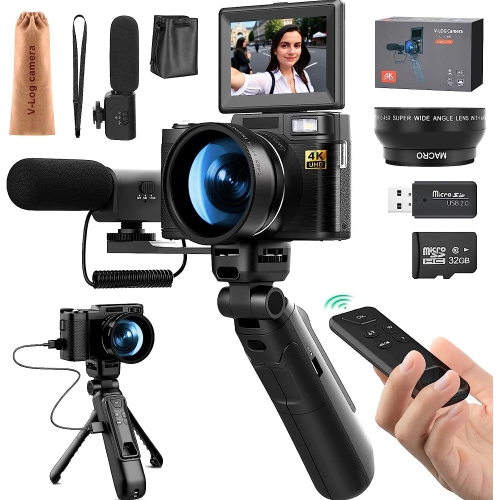
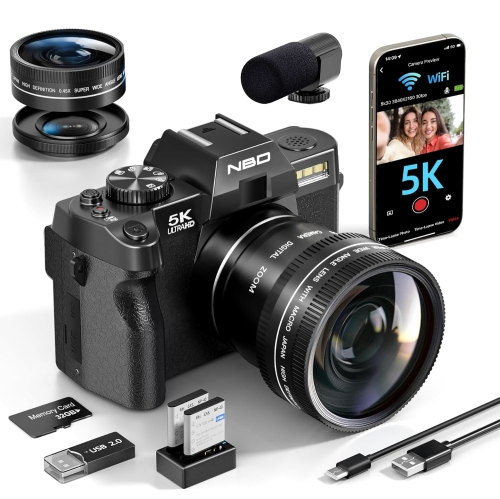
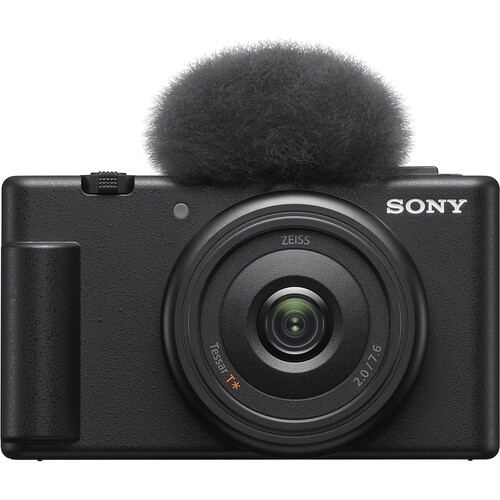
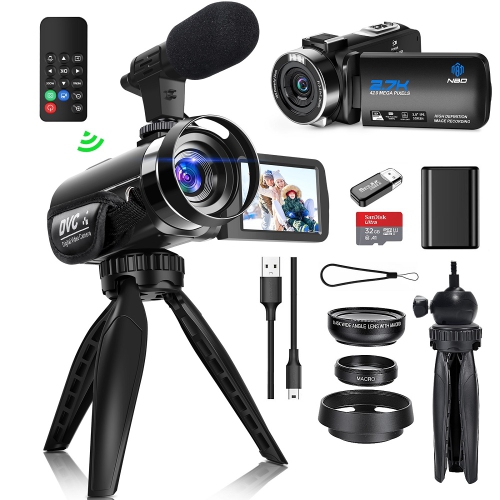
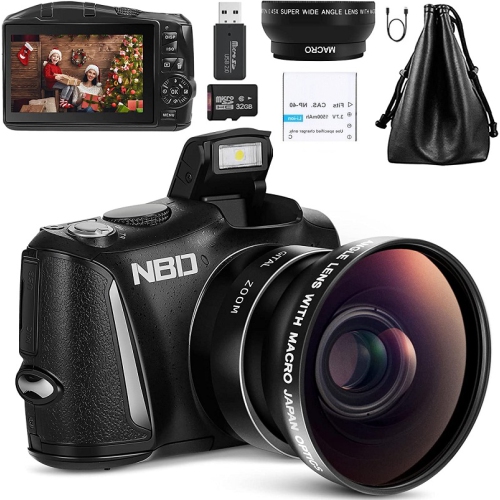
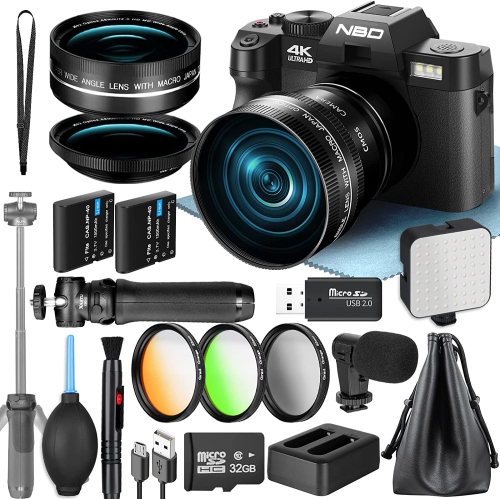
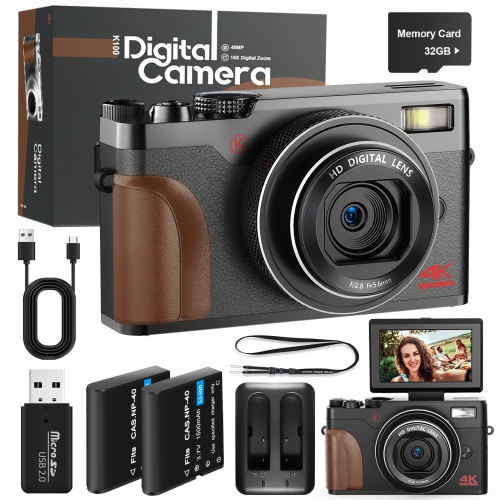
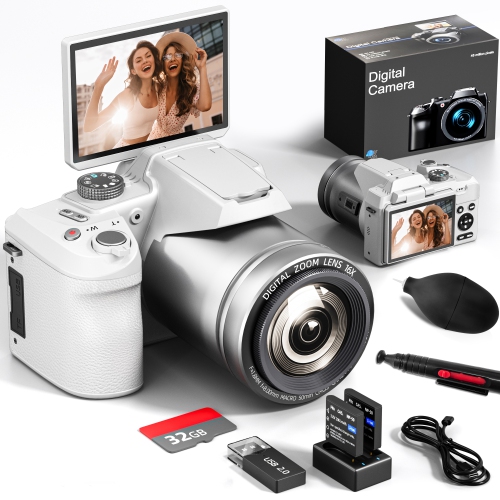
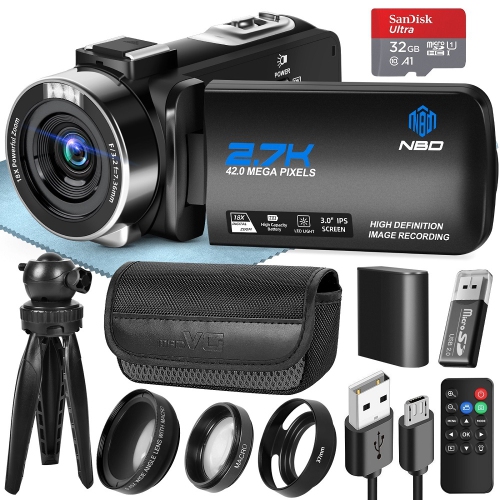
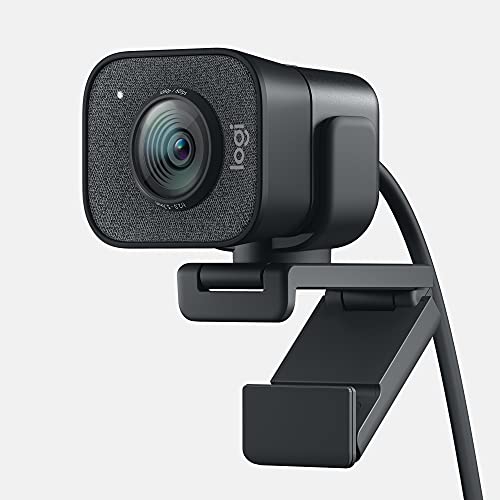
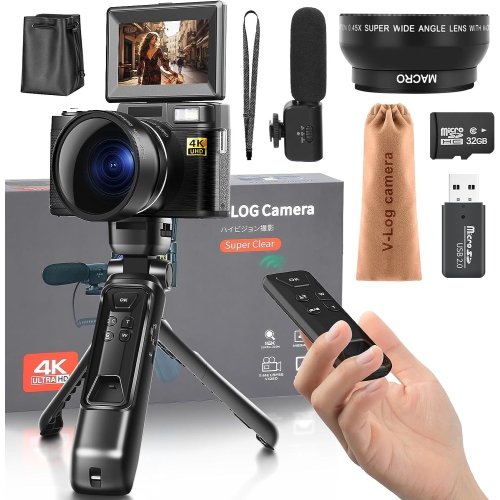
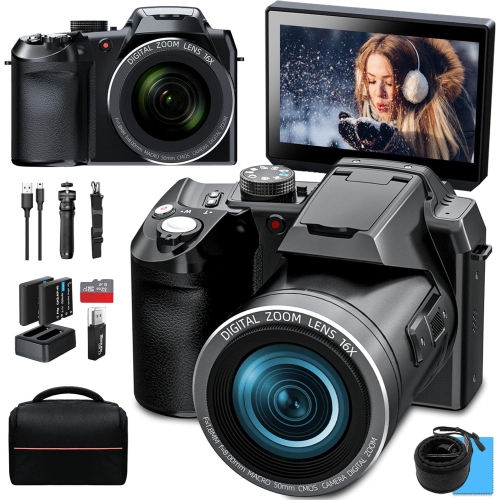
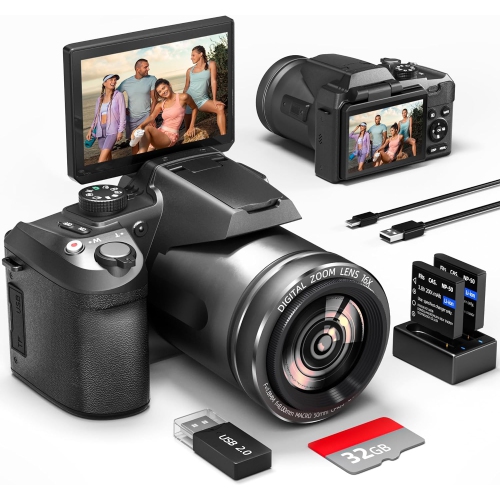
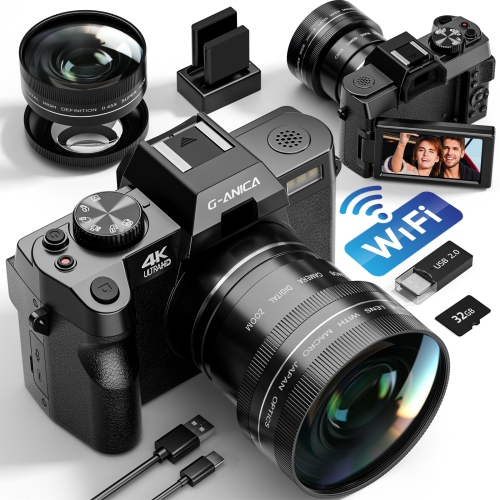
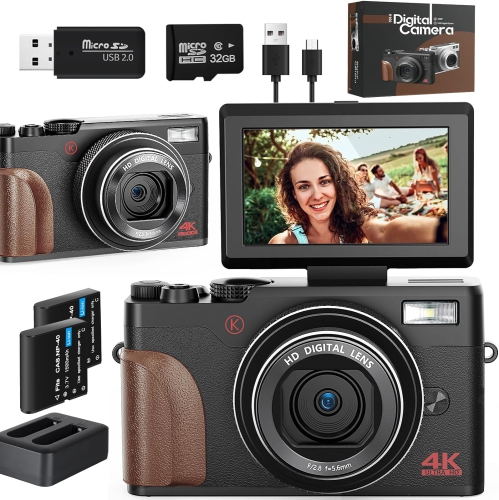
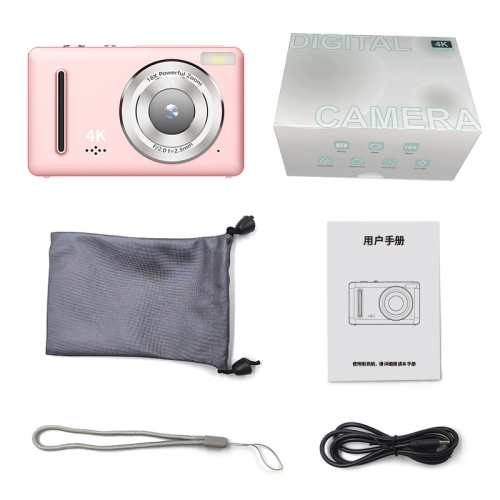
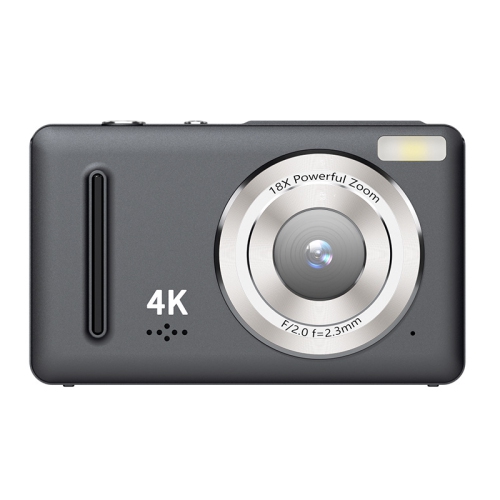
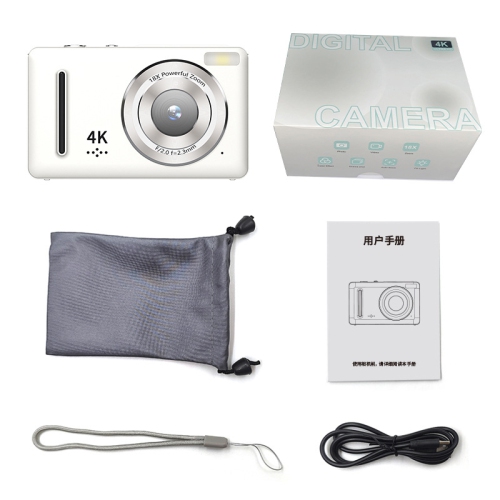
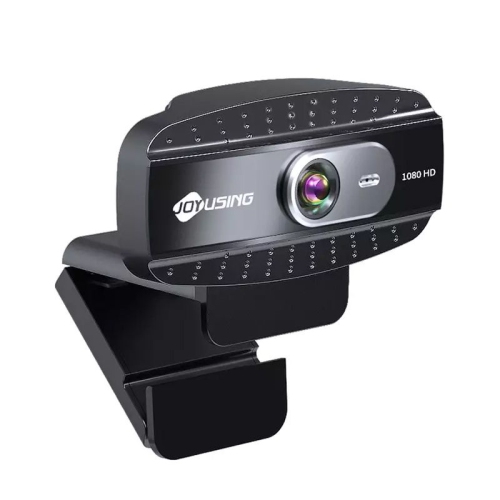
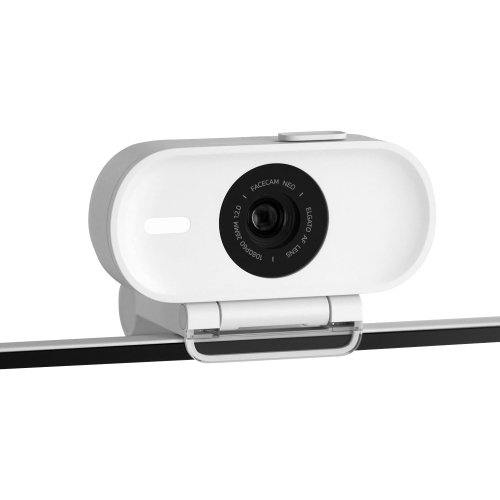
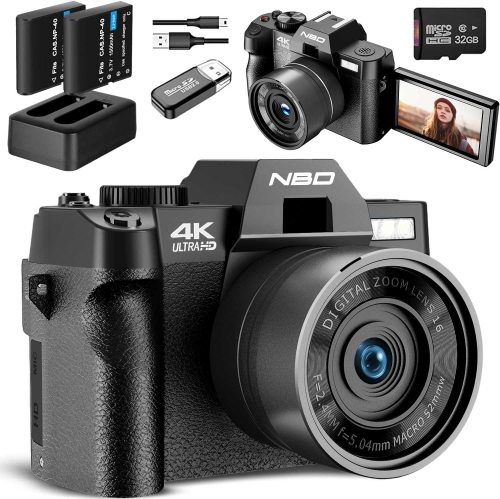
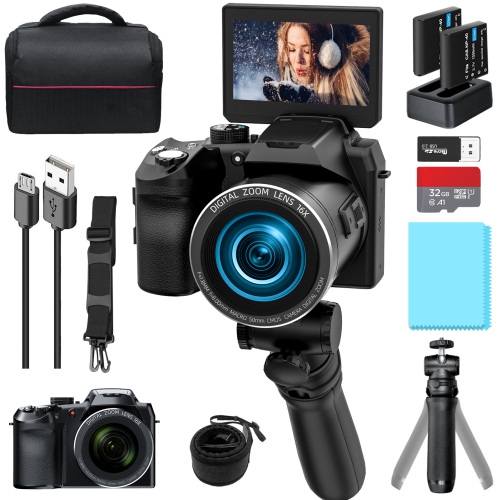
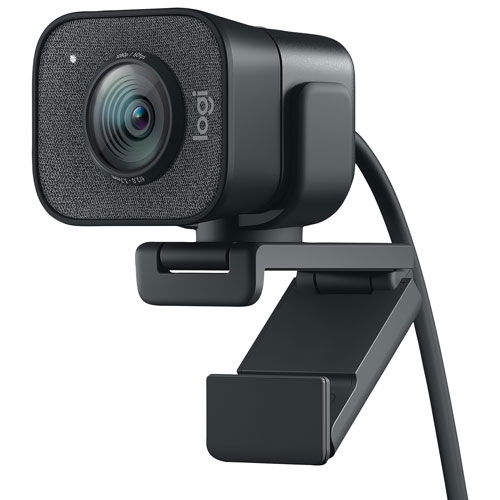
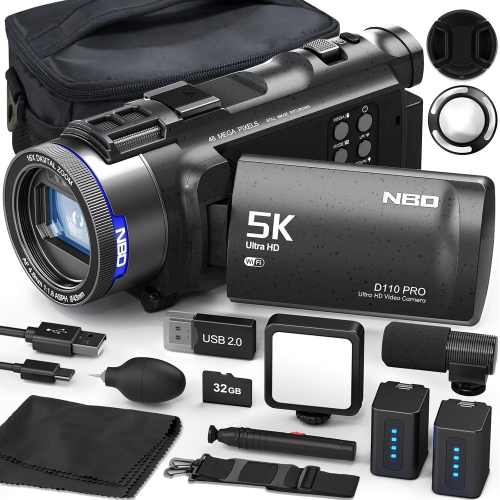
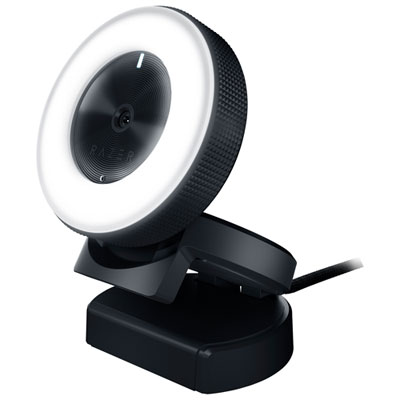
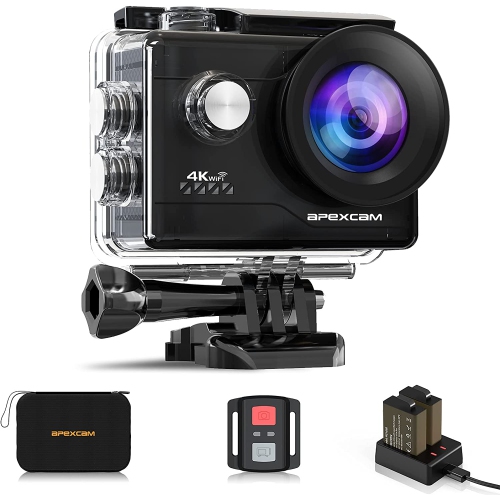
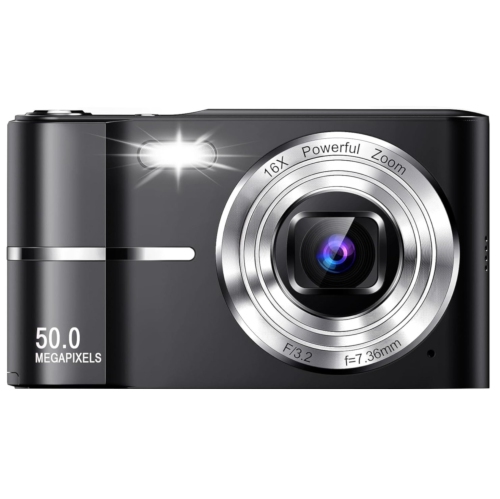
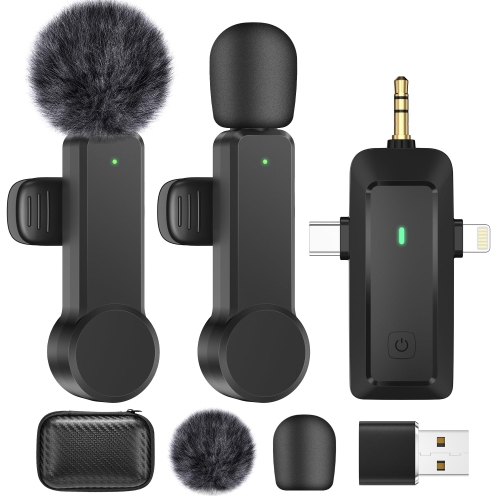
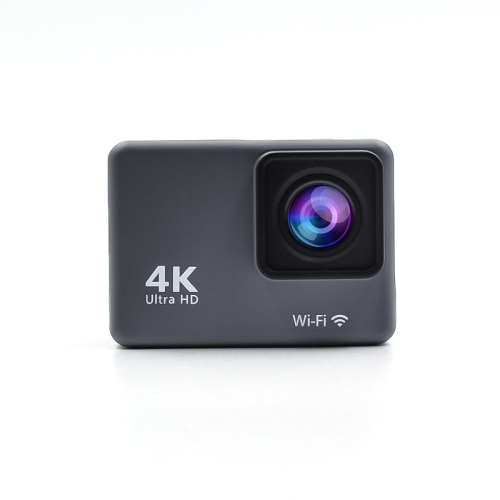
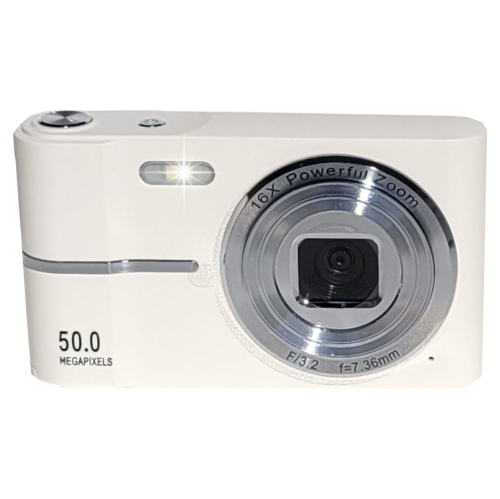
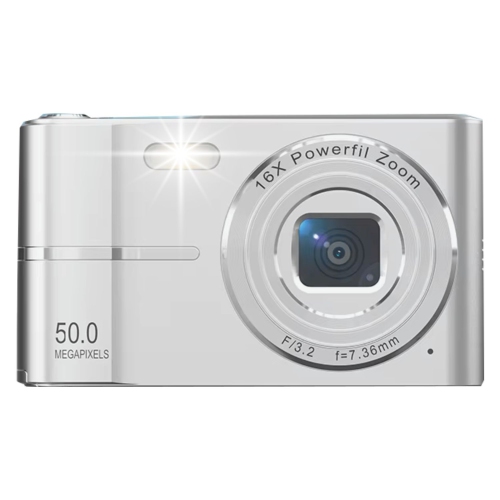
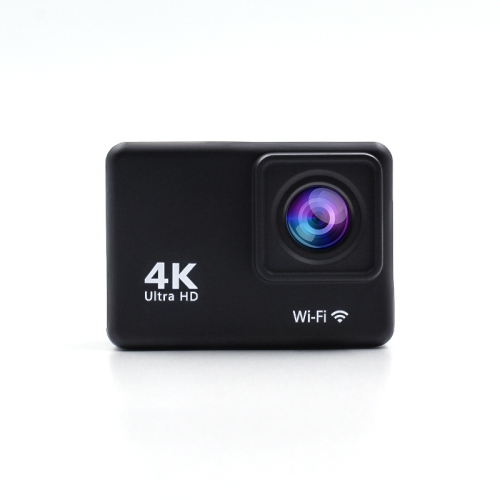

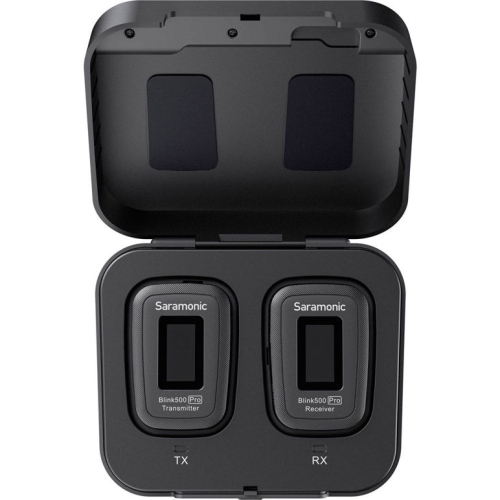
A camera setup that grows with your channel
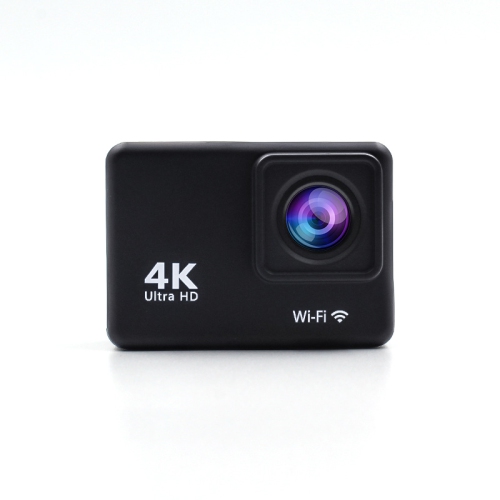
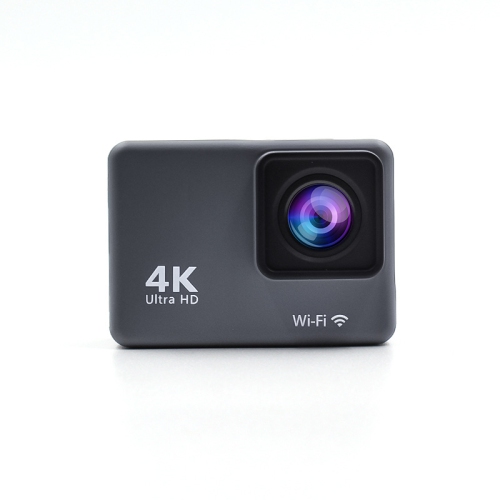
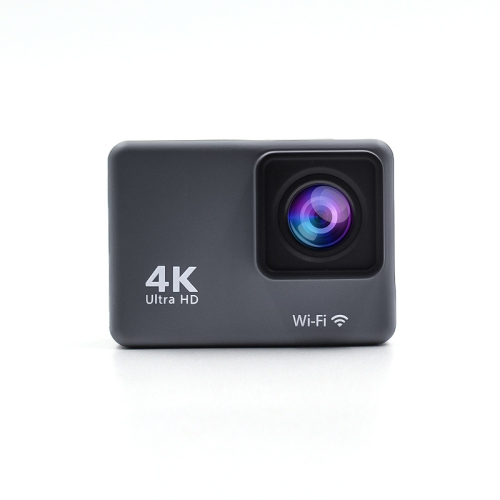
Choosing cameras for a YouTube channel starts with the kind of content you plan to create and the way you expect to work. A compact camera can be a practical choice for travel videos, daily vlogs, cooking demonstrations, product reviews, interviews, and behind-the-scenes clips because it is easy to carry and quick to set up. A mirrorless camera with interchangeable lenses gives creators more room to grow, especially when they want to change the look of a video with a wide-angle lens for room tours, a close-up lens for detailed demonstrations, or a brighter lens for soft background blur. Point-and-shoot cameras can offer a simpler experience, while action cameras are well suited to biking, hiking, sports, family outings, and other situations where a camera may be exposed to movement, rain, dust, or rough handling. Webcams and newer smartphones can also be useful for livestreams, gaming commentary, online lessons, and first videos recorded at a desk. The best choice depends less on having the most advanced specifications and more on matching the camera to your space, subject, and routine. Someone filming seated videos in a home office may value dependable autofocus, a flip-out screen, and straightforward controls, while a creator who records in different locations may prioritize a lightweight body, built-in stabilization, a strong battery, and a compact design. If your channel will include regular walking or travel footage, explore Vlogging Cameras for YouTube for options suited to filming on the move.
Video quality is shaped by more than resolution alone. A camera that records 4K video can capture fine detail in hair, fabric, food, scenery, and on-screen objects, but the result also depends on lighting, lens quality, stabilization, and how the footage will be edited or shared. Autofocus that recognizes faces and eyes can keep a presenter sharp while they move naturally through a frame, which is especially helpful when filming alone. A vari-angle or tilting screen lets you check composition from in front of the camera, above a work surface, or at a low angle, reducing the need to stop and reposition. Built-in microphones are convenient for quick recordings, although cameras with microphone inputs provide more flexibility when you want clearer speech in a busy room or outdoors. Headphone monitoring can help reveal background hum, wind noise, or an intermittent cable before an entire recording is lost. Image stabilization is useful for handheld clips, while a tripod mount is valuable for steady talking-head videos, tutorials, unboxings, and livestreams. Think about recording limits, storage requirements, battery life, charging options, and the memory cards supported by the camera as well. High-resolution video creates larger files, so a creator who records long lessons, gaming sessions, or several takes will appreciate ample storage and a simple way to transfer footage to a computer. HDMI or USB connectivity may be important for livestreaming, video calls, or using a camera as a webcam. In low-light rooms, a larger sensor and a lens with a wide aperture can help preserve detail and create a more natural-looking image, but even an advanced camera benefits from a soft light placed near the person speaking. A small desk, a bright window, and a quiet corner can often make a bigger difference than a complicated setup.
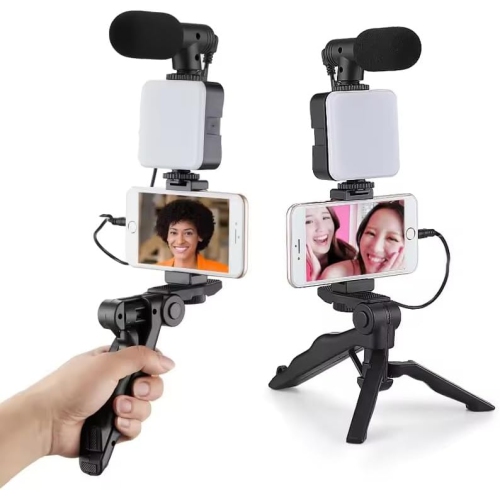
Cameras for YouTube channels can suit beginners, experienced creators, families, educators, small businesses, musicians, artists, and anyone who wants to share a point of view through video. A first-time creator may prefer an approachable camera with automatic modes and clear menus, then gradually learn manual exposure, colour settings, and lens selection as the channel develops. A more experienced videographer may look for higher frame rates for smooth slow motion, 10-bit recording for colour grading, interchangeable lenses, extended recording support, or a larger sensor for a cinematic look. Creators who film interviews or collaborative projects may also want a hot shoe or accessory mount for a light, microphone, or monitor. A camera can make a thoughtful gift for a new graduate documenting a creative project, a family member launching a cooking or craft channel, a student recording performances, or a traveller collecting stories from the road. Before choosing, consider whether the recipient already owns compatible lenses, batteries, tripods, or microphones, since those accessories can affect the overall value of a camera system. It is also worth considering the weight of the complete setup rather than the camera body alone; a model that looks appealing on a shelf may be left at home if it becomes tiring to carry. During the warmer seasons and cooler months alike, a dependable camera can support indoor tutorials, outdoor adventures, community events, seasonal projects, and spontaneous moments with friends. Look for a balance of image quality, ease of use, audio support, portability, and room to expand, so the camera feels useful on the first recording and remains capable as your YouTube channel finds its voice.
Video quality is shaped by more than resolution alone. A camera that records 4K video can capture fine detail in hair, fabric, food, scenery, and on-screen objects, but the result also depends on lighting, lens quality, stabilization, and how the footage will be edited or shared. Autofocus that recognizes faces and eyes can keep a presenter sharp while they move naturally through a frame, which is especially helpful when filming alone. A vari-angle or tilting screen lets you check composition from in front of the camera, above a work surface, or at a low angle, reducing the need to stop and reposition. Built-in microphones are convenient for quick recordings, although cameras with microphone inputs provide more flexibility when you want clearer speech in a busy room or outdoors. Headphone monitoring can help reveal background hum, wind noise, or an intermittent cable before an entire recording is lost. Image stabilization is useful for handheld clips, while a tripod mount is valuable for steady talking-head videos, tutorials, unboxings, and livestreams. Think about recording limits, storage requirements, battery life, charging options, and the memory cards supported by the camera as well. High-resolution video creates larger files, so a creator who records long lessons, gaming sessions, or several takes will appreciate ample storage and a simple way to transfer footage to a computer. HDMI or USB connectivity may be important for livestreaming, video calls, or using a camera as a webcam. In low-light rooms, a larger sensor and a lens with a wide aperture can help preserve detail and create a more natural-looking image, but even an advanced camera benefits from a soft light placed near the person speaking. A small desk, a bright window, and a quiet corner can often make a bigger difference than a complicated setup.
Cameras for YouTube channels can suit beginners, experienced creators, families, educators, small businesses, musicians, artists, and anyone who wants to share a point of view through video. A first-time creator may prefer an approachable camera with automatic modes and clear menus, then gradually learn manual exposure, colour settings, and lens selection as the channel develops. A more experienced videographer may look for higher frame rates for smooth slow motion, 10-bit recording for colour grading, interchangeable lenses, extended recording support, or a larger sensor for a cinematic look. Creators who film interviews or collaborative projects may also want a hot shoe or accessory mount for a light, microphone, or monitor. A camera can make a thoughtful gift for a new graduate documenting a creative project, a family member launching a cooking or craft channel, a student recording performances, or a traveller collecting stories from the road. Before choosing, consider whether the recipient already owns compatible lenses, batteries, tripods, or microphones, since those accessories can affect the overall value of a camera system. It is also worth considering the weight of the complete setup rather than the camera body alone; a model that looks appealing on a shelf may be left at home if it becomes tiring to carry. During the warmer seasons and cooler months alike, a dependable camera can support indoor tutorials, outdoor adventures, community events, seasonal projects, and spontaneous moments with friends. Look for a balance of image quality, ease of use, audio support, portability, and room to expand, so the camera feels useful on the first recording and remains capable as your YouTube channel finds its voice.
Top selling and popular products
-
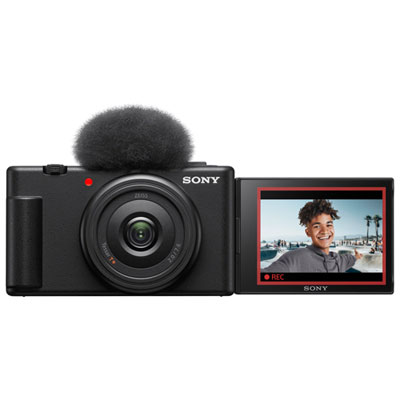 Your price for this item is $649.99
 -
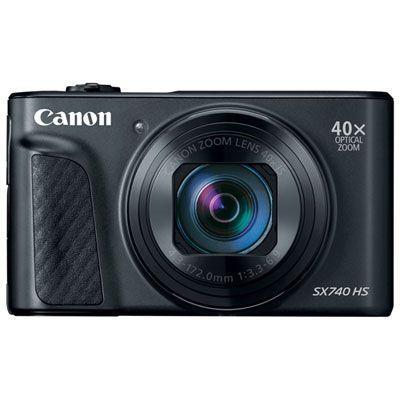 Your price for this item is $749.99
 -
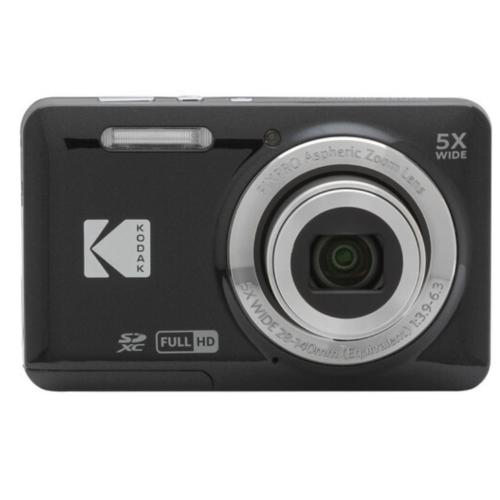 Your price for this item is $264
 -
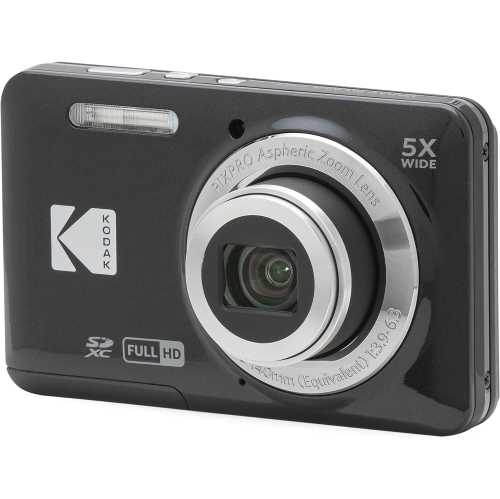 Your price for this item is $255
 -
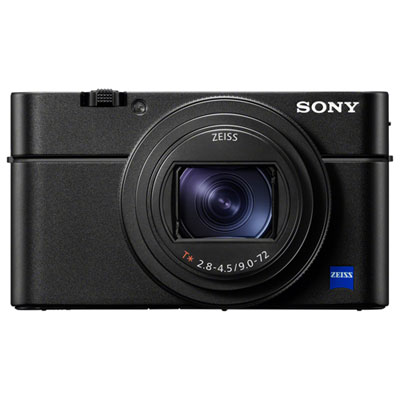 Your price for this item is $1999.99
 -
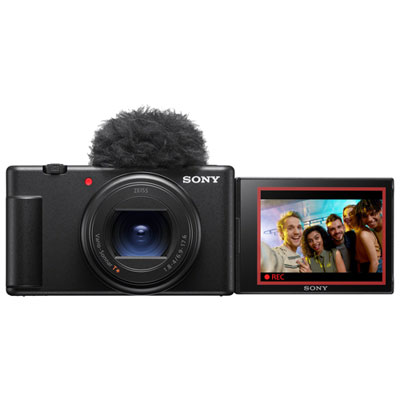 Your price for this item is $1199.99
 -
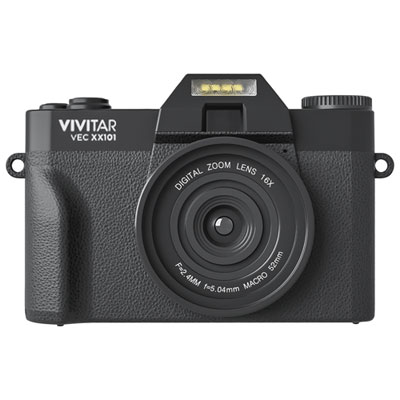 Your price for this item is $249.99
 -
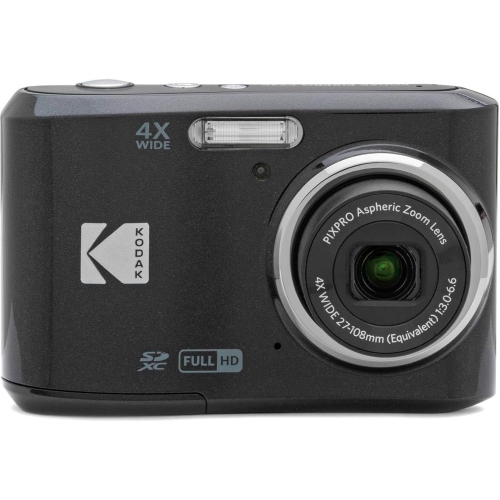 Your price for this item is $189.99
Discover more categories related to Cameras for Youtube Channel
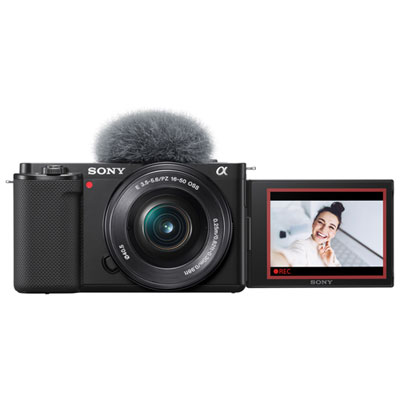
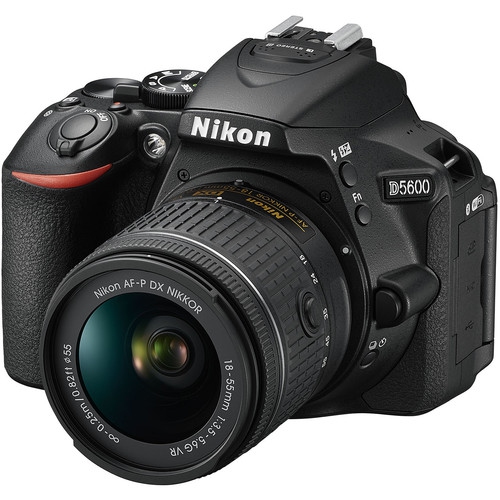
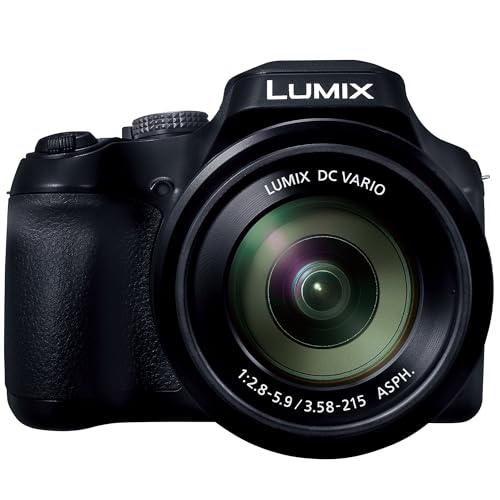
Top Collections:
Pokemon Centers, Best Budget Office Chairs, Budget 4K TVs, Kindle Devices, Best Laptops for Writers, Canon G7X Cameras, Apple iPhones 16, iPhone 15 Apple, Laptops for Business Work, Xiaomi Phones
Some products may be subject to Environmental Handling Fees
(EHF) depending on your province.
Learn more about EHFs.