Video Recording Cameras for YouTube
Capture your creativity and share your passion with the world using video recording cameras for YouTube. Whether you're a budding vlogger, a seasoned content creator, or simply looking to enhance your video production quality, finding the right camera can make all the difference. Explore our diverse selection of cameras designed to meet the unique demands of YouTube creators, offering versatile options that cater to various styles and preferences. From high-definition clarity to user-friendly features, these cameras are crafted to help you produce engaging content that captivates your audience and brings your vision to life. Dive into a world of endless possibilities and elevate your channel with the perfect video recording camera today.
Sort
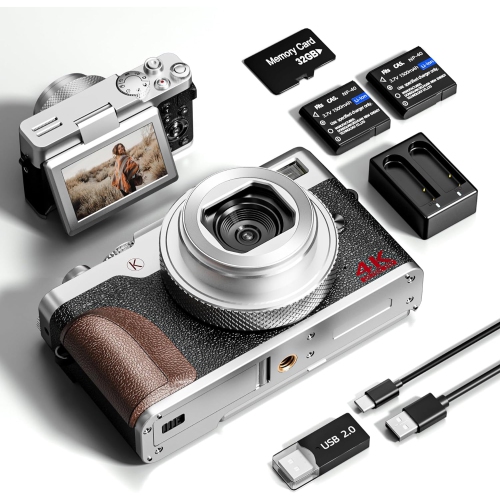
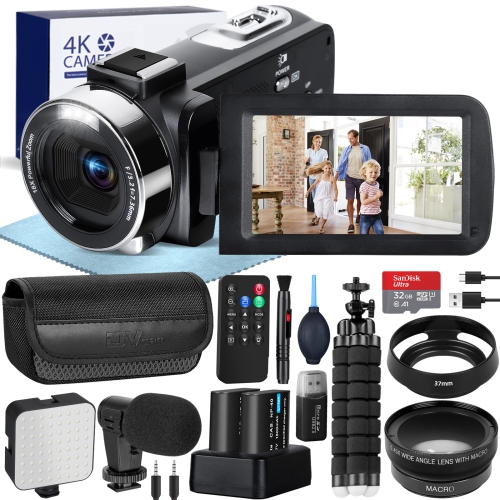
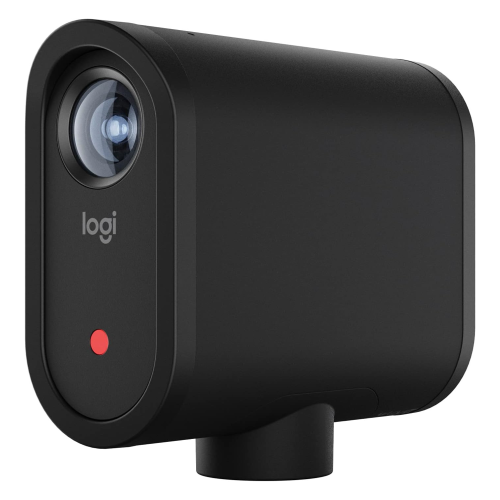
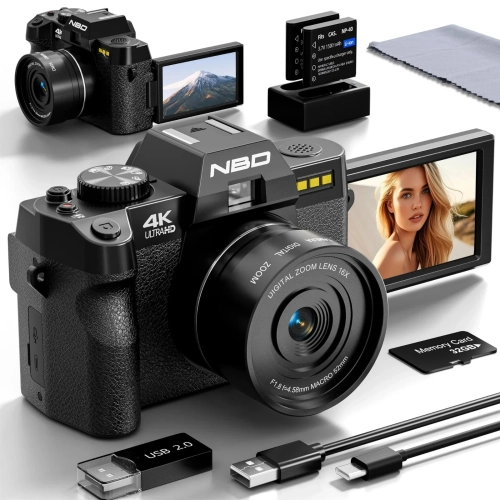
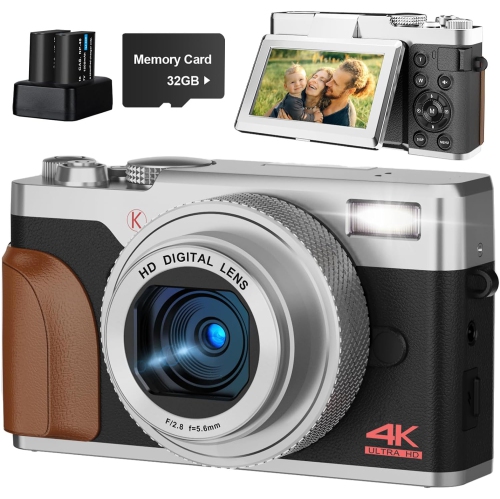
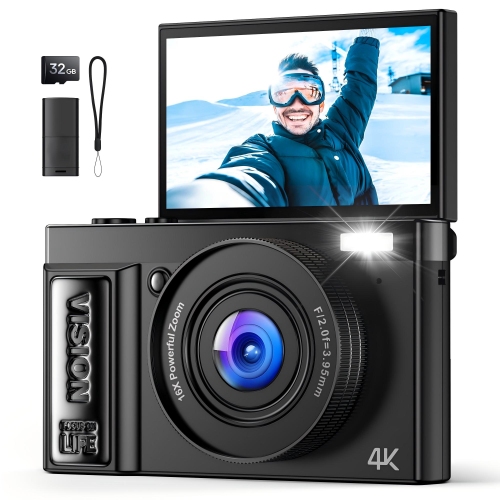
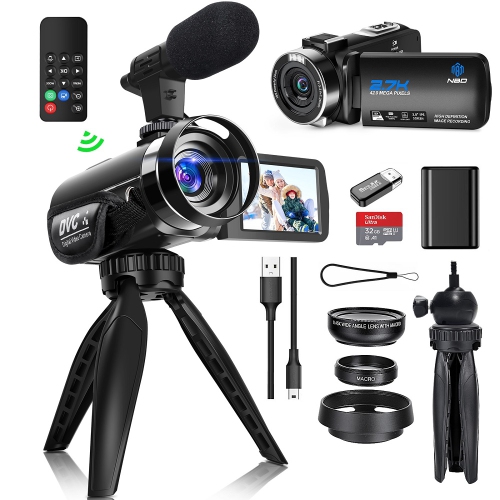
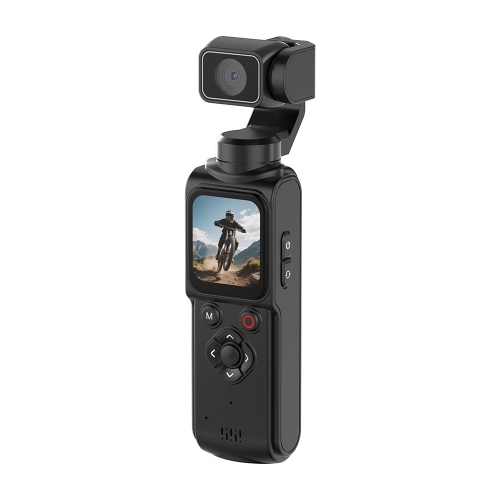
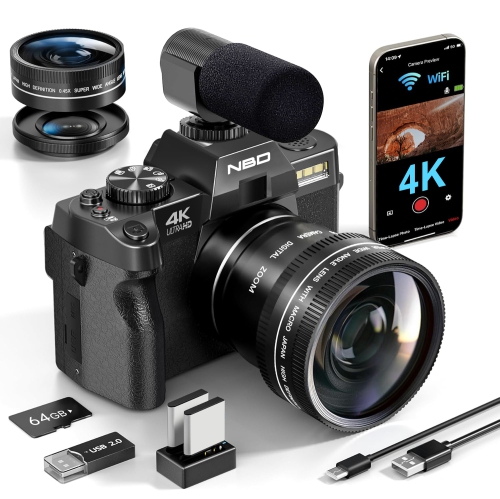
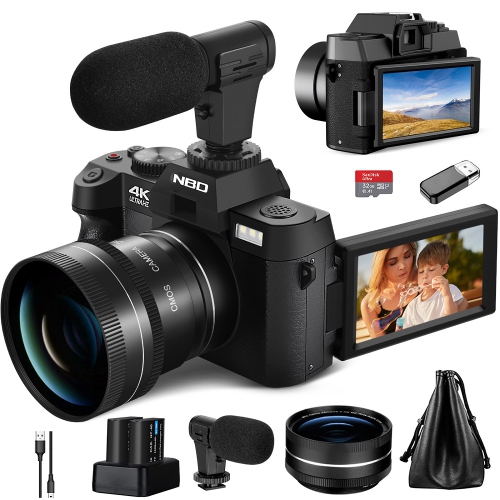
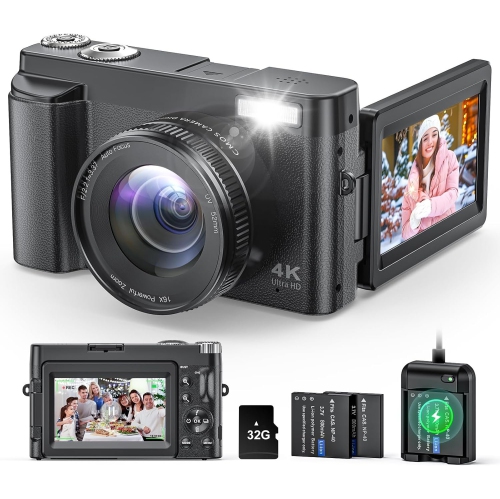
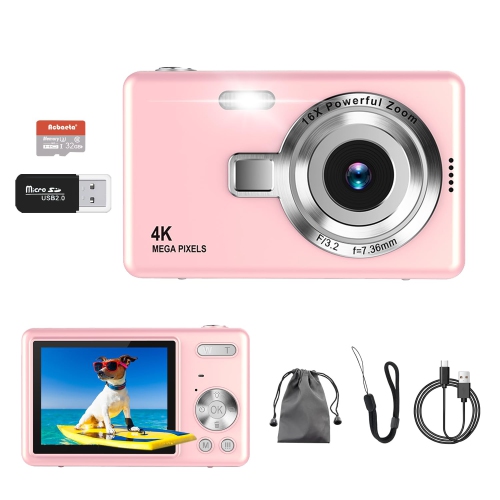
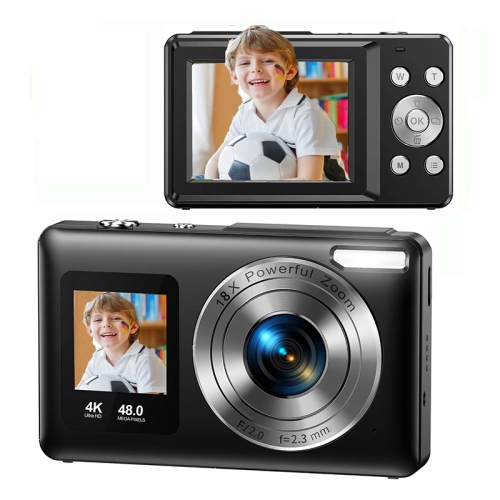
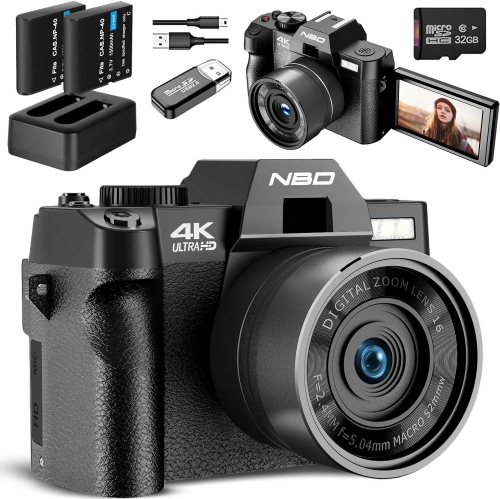
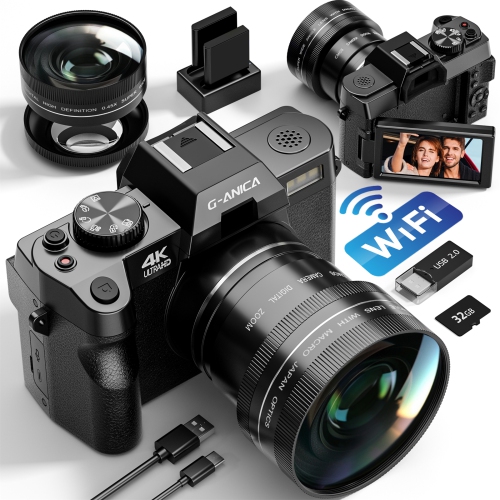
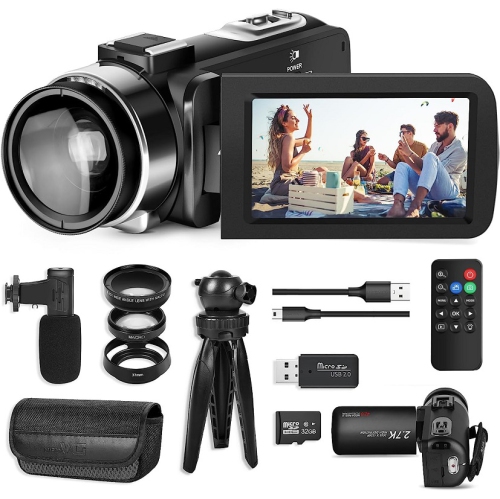
Why the right camera depends on how you film
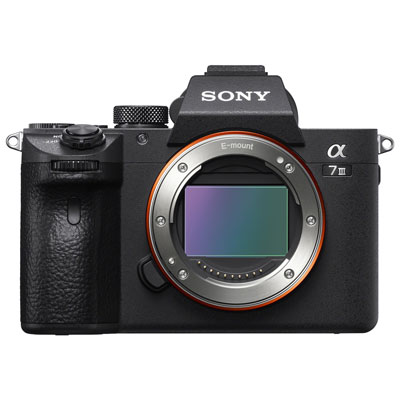
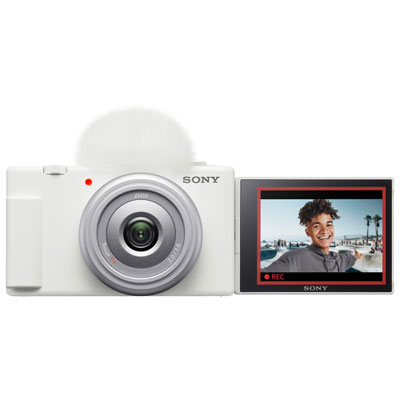
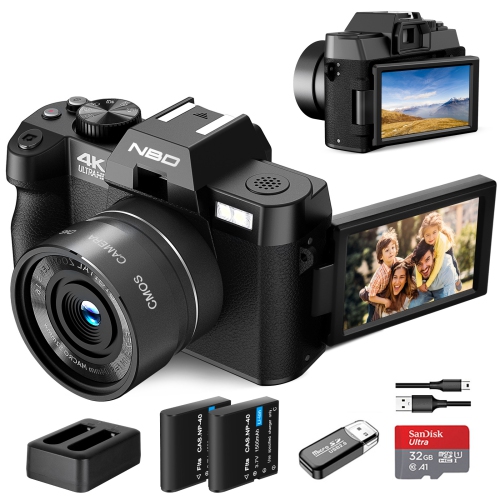
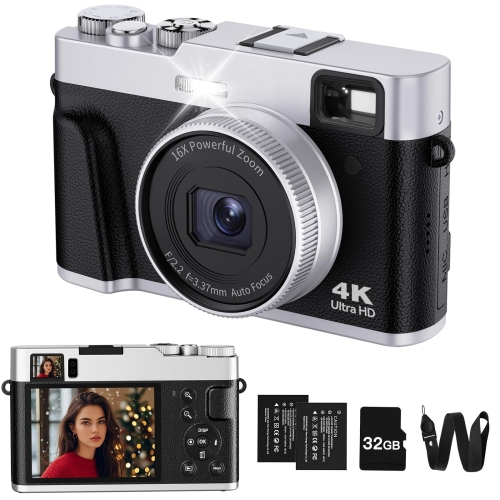
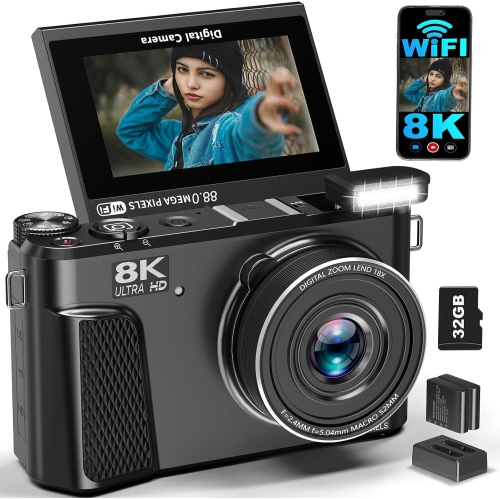
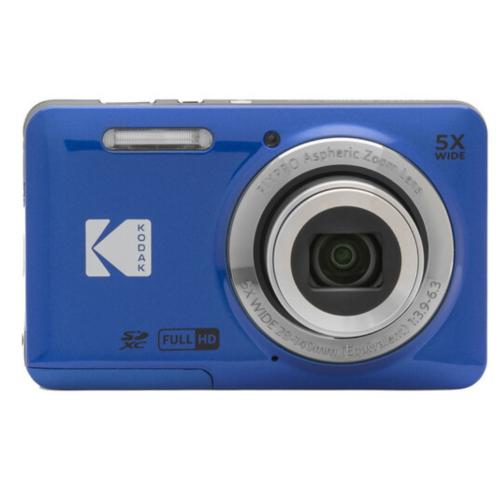
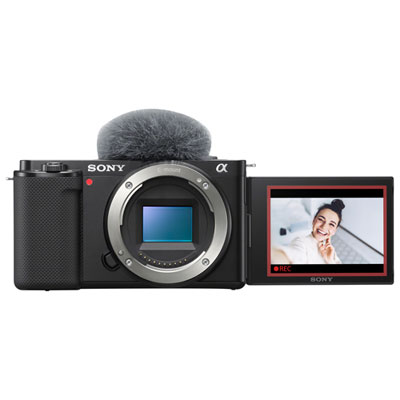
Video recording cameras for YouTube support everything from a creator’s first cooking demonstration to detailed tutorials, interviews, gaming commentary, and documentary-style storytelling. The best fit depends on how videos are filmed: a compact camera suits a lightweight, self-contained setup, an interchangeable-lens mirrorless camera offers more control over framing and background blur, and a camcorder can be practical for longer sessions with frequent zoom adjustments. Action cameras serve a different purpose, favouring secure mounting and a wide view for movement-based footage rather than a traditional seated presentation. Across these camera types, dependable autofocus, clear audio connections, and a screen visible from in front of the lens often matter as much as resolution. A camera that records in 4K can capture fine detail in a craft project or leave room to crop footage for a Full HD edit, while Full HD remains useful for straightforward presentations and manageable file sizes. Resolution alone does not determine picture quality; the lens, sensor, lighting, and processing all contribute to the finished image. Larger sensors can provide cleaner results in dimly lit rooms and greater control over background blur, although lens choice and exposure settings also play important roles. For a creator explaining a recipe at a kitchen counter, reliable face tracking helps maintain focus while they move between ingredients and the camera. For someone showing small objects close to the lens, close-focusing ability and responsive subject switching can be especially valuable. A side-opening screen makes it easier to check framing without standing behind the camera, though its position should leave space for microphone and power cables. These practical details shape how comfortably a camera fits into a regular filming routine, whether the finished videos feature a single person at a desk, a hands-on demonstration, or several people sharing a conversation. Cameras with accessible controls and predictable automatic settings also help beginners concentrate on delivery, while manual exposure and focus controls give more experienced creators room to refine a consistent visual style.
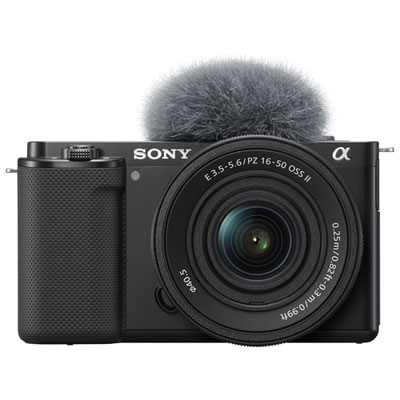
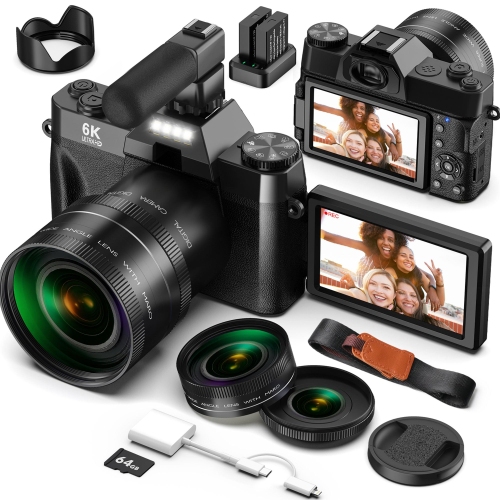
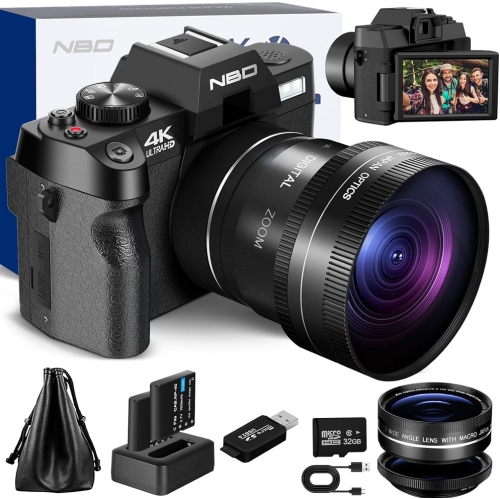
Lens coverage, stabilization, and handling influence the kinds of footage a YouTube camera can capture comfortably. A wide-angle view is useful when the camera sits close to a desk or is held at arm’s length, but an extremely wide lens can stretch faces near the edges of the frame. A more natural perspective often suits interviews and seated commentary, provided there is enough room between the camera and the subject. Fixed-lens cameras keep the setup straightforward, while interchangeable-lens bodies allow different optics for broad room views, close-up details, or a softly blurred background. Lens compatibility matters because mounts are not universal, and adapters may introduce limitations. Optical or in-body stabilization can reduce the appearance of small hand movements; electronic stabilization may crop the image, and none of these systems guarantees perfectly smooth footage while walking. Creators whose videos centre on handheld storytelling can also explore Vlogging Cameras for YouTube for that filming style. For tabletop demonstrations, a secure tripod connection and a balanced camera-and-lens combination are often more useful than the lightest possible body. Grip shape, button placement, and total weight affect comfort during longer takes, especially when a microphone or larger lens is attached. Camera bodies commonly combine engineered plastics, metal components, and textured grip surfaces, with construction varying by model and intended use. A reinforced chassis can support frequent handling, but careful transport still matters: a padded compartment, lens cap, and protection for exposed screens help prevent everyday knocks and scratches. Dust on a lens is best addressed with a suitable blower and clean lens cloth rather than clothing or household cleaners. Changing lenses in a clean area and keeping unused mounts capped helps limit dust inside the camera. For students, hobbyists, and aspiring creators receiving a camera as a gift, a comfortable design and compatibility with existing lenses or accessories can make the choice more useful than a long list of advanced features they may never need.
Sound, recording limits, and file handling complete the picture for a camera intended for regular YouTube use. Built-in microphones are convenient for casual clips, but they can pick up room echo, button presses, and noise from behind the camera. An external microphone input allows a microphone to sit closer to the speaker, while a headphone output, where included, makes it possible to check for interference or unwanted noise during filming. This matters for a spoken tutorial, where an attractive image cannot compensate for instructions that are difficult to hear. For interviews or lessons recorded in one sitting, battery endurance, supported continuous power, and any stated recording limits deserve attention. USB power support does not always mean a camera can operate indefinitely while recording, so the supported connection and operating requirements matter. Video settings also affect how much footage a memory card can hold and how demanding that footage is to edit. Cards need to meet the camera’s specified speed requirements for the chosen recording mode, particularly at higher bit rates. Frame rates around 24 or 30 frames per second suit many conversational videos, while 60 frames per second can render movement more smoothly or support slow-motion playback in a compatible editing workflow. Higher-frame-rate modes may come with reduced resolution, a tighter crop, or other restrictions. Features such as 10-bit capture and log profiles give experienced editors more flexibility with colour adjustments, but they also call for suitable software and a more involved finishing process. For creators who prefer minimal editing, pleasing standard colour settings and consistent automatic white balance can be more practical. Wi-Fi transfer can simplify sharing supported files, while a card reader may be preferable for moving larger recordings to a computer. Live streaming adds another consideration, since USB webcam support and clean HDMI output vary between cameras. A setup that matches the intended video format, recording length, and editing workflow helps keep the process repeatable, leaving more attention for a clear explanation, a well-framed demonstration, or a compelling story.
Top selling and popular products
-
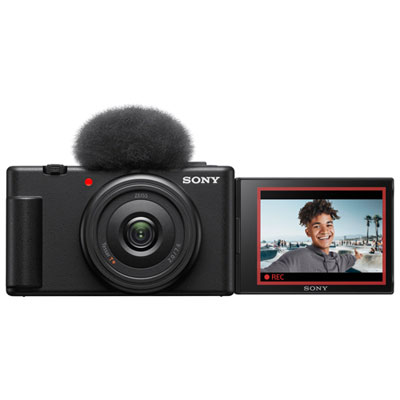 Your price for this item is $599.99
-
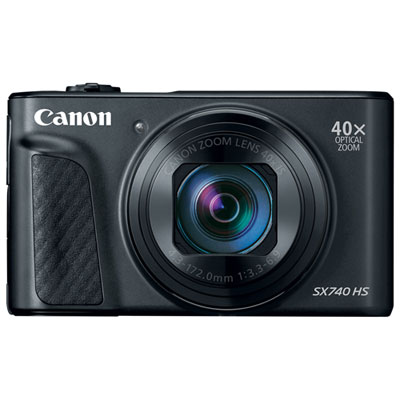 Your price for this item is $799.99
-
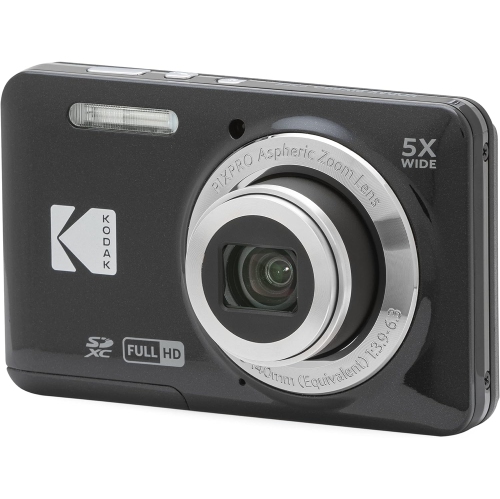 Your price for this item is $255
-
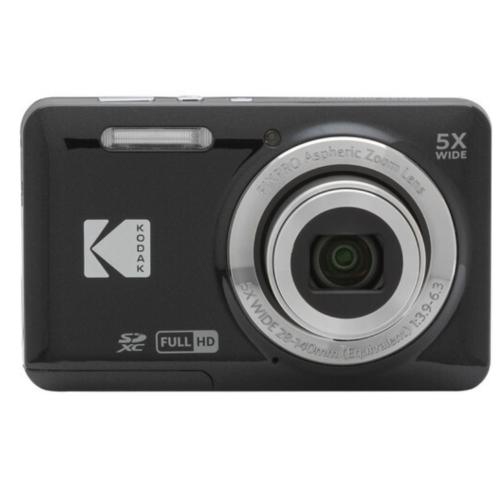 Your price for this item is $253
-
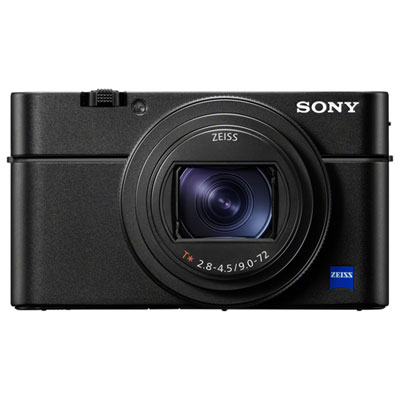 Your price for this item is $1799.99
-
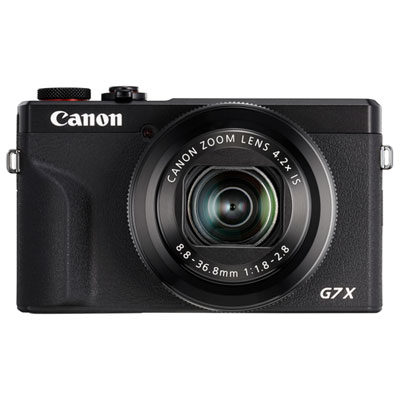 Your price for this item is $1999.99
-
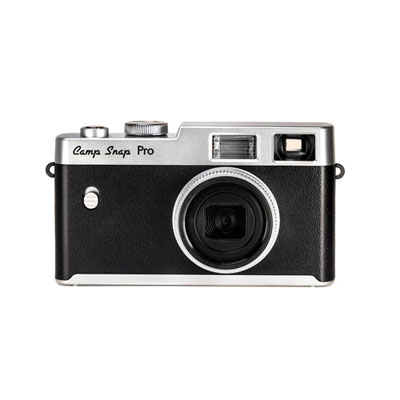 Your price for this item is $149.99
-
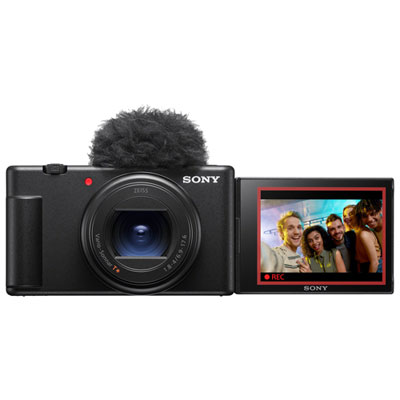 Your price for this item is $1099.99
Discover more categories related to Video Recording Cameras for YouTube
Top Collections:
Best Black Friday Deals This Year, Best Black Friday Deals On Electronics, Kindle Devices, Pokemon Centers, Best Black Friday Deals On Apple Products, Best Cameras for Sports Photography, Dyson Airwrap, Pokémon 30th Celebration Cards, Apple iPhone 17 Pro, Canon G7X Cameras
Some products may be subject to Environmental Handling Fees
(EHF) depending on your province.
Learn more about EHFs.