Card Readers for Small Business
Card Readers for Small Business make accepting payments quick and convenient, helping you streamline transactions and enhance customer experiences. Whether you run a retail shop, food truck, or service-based business, these devices offer an efficient way to handle card payments securely. Explore a range of options designed to meet the unique needs of small businesses, making it easier than ever to keep your operations running smoothly and your customers satisfied.
Sort


The right payment setup goes beyond the card reader
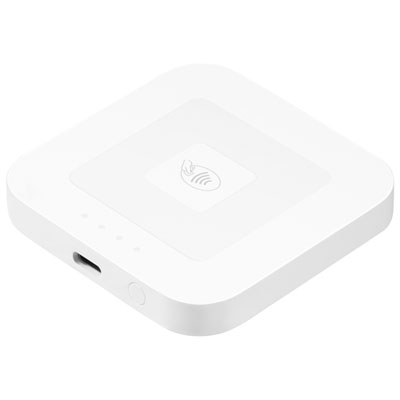
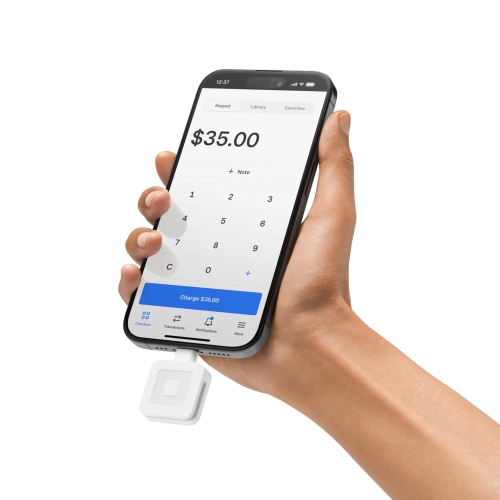
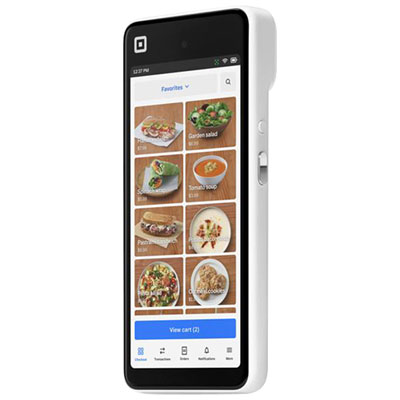
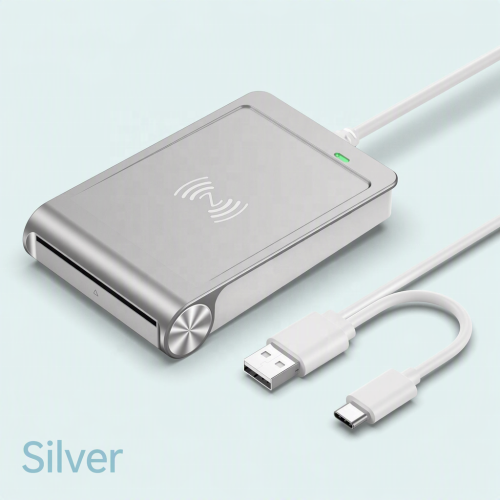
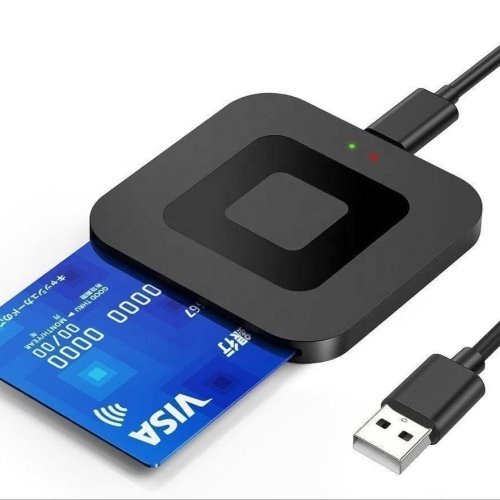
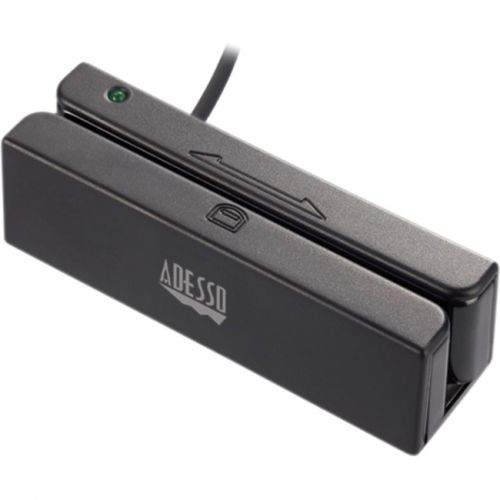
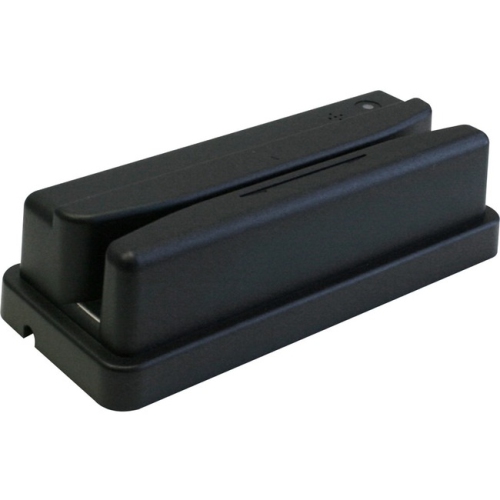
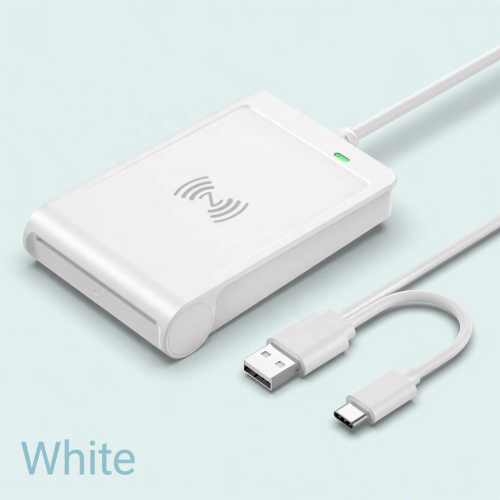
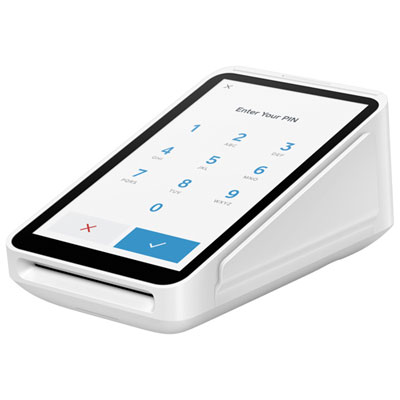
Card readers for small business help retailers, service providers and mobile sellers accept supported debit and credit card payments at a countertop or away from a fixed checkout. A suitable reader matches how a business takes payments, the devices it already uses and the payment methods its customers expect. Compact readers that connect to a smartphone or tablet can suit market vendors, appointment-based businesses and tradespeople who collect payment after completing a job. A countertop terminal offers a more permanent setup for a shop, café or reception desk, while a standalone mobile terminal may combine a display, payment controls and connectivity in one device. These formats serve different routines: a customer paying beside a display table needs a convenient place to tap, while someone settling an invoice at a service desk may need a clearly visible screen and accessible PIN entry. Compatibility involves more than the shape of a connector. Readers may rely on a supported mobile operating system, a companion payment app, Bluetooth, Wi-Fi or another connection method, and some require a separate phone or tablet to complete transactions. Others have more functions built into the terminal itself. Canadian payment support also matters, since a device designed for another market may not work with a Canadian business account or the debit payment methods customers use locally. Hardware, processing services and account activation need to work together; a reader alone does not establish a merchant account. For a business already using point-of-sale software, integration can keep the transaction amount connected to the sale rather than requiring it to be entered twice. For a new business, a straightforward interface may matter more than a large touchscreen or an extensive set of controls. The useful distinction is not simply portable versus stationary, but how naturally the reader fits the path from confirming a purchase to completing payment and providing a receipt.
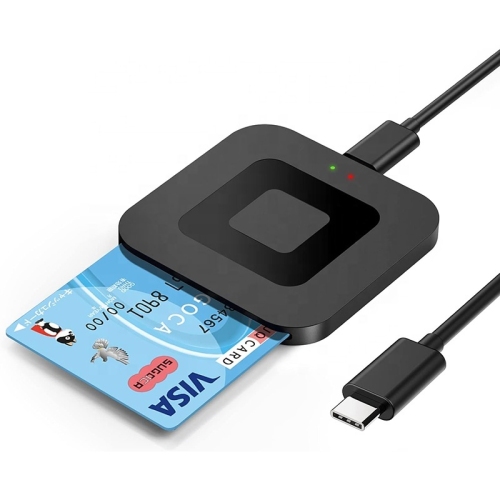
Payment acceptance shapes the checkout experience as much as the physical design of the reader. Contactless capability can let customers tap a supported card, phone or wearable, while chip-and-PIN support provides another way to complete eligible transactions. A reader with contactless functionality should not automatically be assumed to handle every debit network, digital wallet or card type; those capabilities depend on the hardware and its payment service. Support for Canadian debit payments is particularly relevant for businesses serving local customers, alongside acceptance of commonly used credit cards. Clear prompts help customers understand when to tap, insert a card or enter a PIN, and an easy-to-read transaction amount gives them a chance to confirm the total before authorizing payment. At a busy bakery counter, that might mean a reader positioned within comfortable reach without blocking the pickup area. In a salon, a cordless device can bring checkout to the reception chair rather than making the customer move around a crowded desk. Tipping, refunds, emailed receipts, texted receipts and connections to receipt printers are other functions that vary by setup. They are most useful when they reflect the business rather than adding unnecessary steps: a service appointment may call for a tip prompt, while a repair business may place greater value on a receipt that includes a clear description of the work. Reliable connectivity helps keep these interactions predictable. Wireless readers need a stable link to their host device where required, and the payment system generally needs an internet connection to authorize transactions. Any offline capability has its own restrictions and should not be treated as equivalent to a completed online authorization. Payment security is another part of everyday use. Supported encryption, required software updates and payment-service security standards all matter, along with practical habits such as keeping the reader in sight and checking it for damage or unexpected attachments. A well-organized setup also limits access to transaction controls so that staff can carry out their roles without sharing unnecessary account permissions.
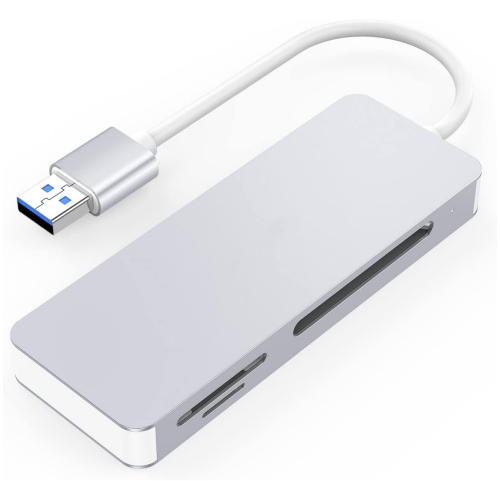
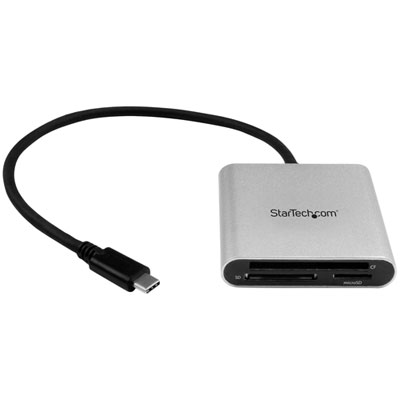
Physical construction becomes especially noticeable when a reader is handled dozens of times through a working day. Smooth housings, durable buttons and secure charging connections can make routine use easier, while a stable dock helps prevent a lightweight reader from sliding across a countertop when a customer inserts a card. The footprint matters in a small checkout area where a display, receipt printer and packaging already share limited space. Cable length and routing also affect fit: a charging lead needs to reach its power source without hanging into a walkway or pulling the reader towards the edge of a desk. For mobile work, a compact body is easier to carry between appointments, but the screen and controls still need to be comfortable to use. Battery performance depends on transaction frequency, connection settings and the device itself, so access to charging can be important during a long day away from a fixed workstation. Protective cases and docks, where supported, need to leave card slots, displays and charging points unobstructed. Portability does not necessarily mean resistance to splashes or impacts, and durability claims should be tied to the device’s stated specifications. Routine care generally involves following the manufacturer’s cleaning directions, avoiding liquid inside openings and keeping card slots free of debris. Businesses sharing a reader among employees may also benefit from an assigned storage spot and a consistent charging routine, reducing the chance of starting an appointment with an uncharged device. Payment readers are different from memory card readers, even when both connect to a tablet or use a similar-looking port. Businesses transferring product photos, project images or other files from removable storage can explore Card Readers for Tablets for that separate task. For accepting customer payments, the important fit remains the combination of supported payment methods, compatible software, dependable connections and hardware that suits the working space. Together, those details help make checkout a clear, manageable part of running a small business.
Top selling and popular products
-
 Your price for this item is $104.68
-
 Your price for this item is $429.95
-
 Your price for this item is $89.99
-
 Your price for this item is $72.49
-
 Your price for this item is $279.99
-
 Your price for this item is $439
-
 Your price for this item is $102.68
-
 Your price for this item is $128.68
Discover more categories related to Card Readers for Small Business
Top Collections:
Best Black Friday Deals This Year, Best Black Friday Deals On Electronics, Kindle Devices, Pokemon Centers, Best Black Friday Deals On Apple Products, Best Cameras for Sports Photography, Dyson Airwrap, Pokémon 30th Celebration Cards, Apple iPhone 17 Pro, Canon G7X Cameras
Some products may be subject to Environmental Handling Fees
(EHF) depending on your province.
Learn more about EHFs.