Credit Card Readers
A credit card reader is an essential tool for businesses and individuals looking to accept secure and convenient payments. Whether you run a retail shop, offer professional services, or manage events, these devices make transactions quick and easy. With a variety of options available, finding the right credit card reader can help streamline your payment process and enhance customer satisfaction. Explore the selection to discover solutions that fit your needs and help you keep your business moving forward.
Sort









How payment readers fit the way your business works
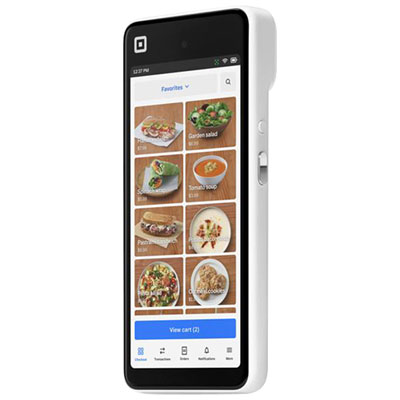
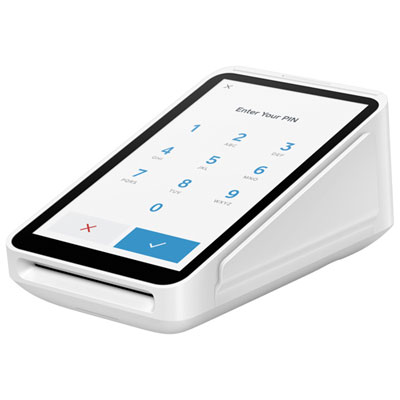
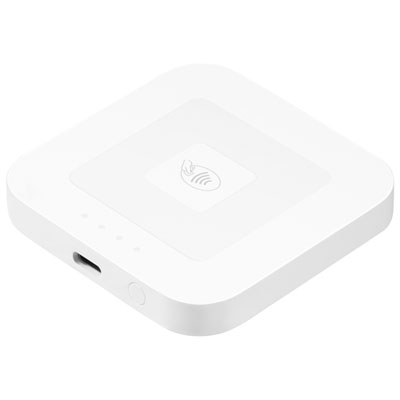
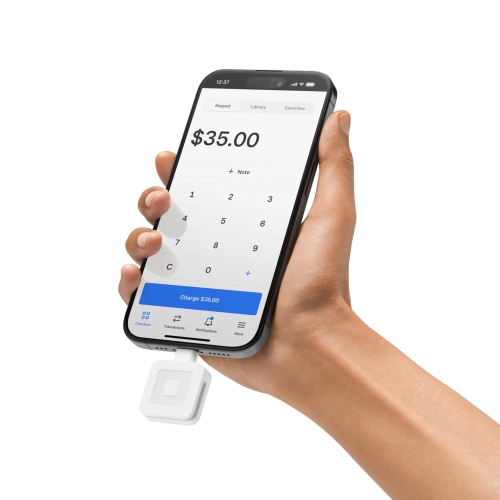
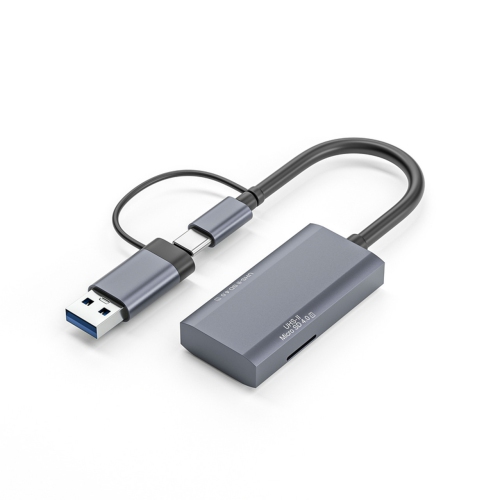
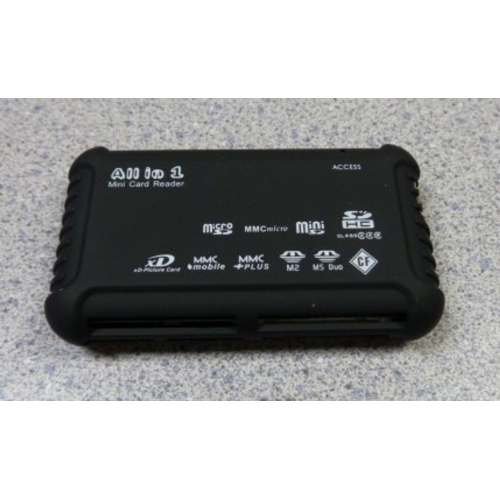
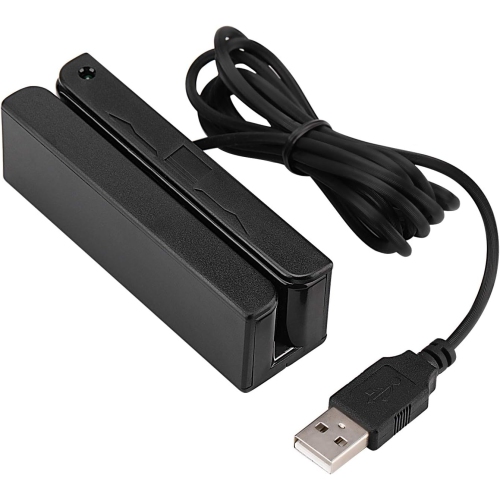
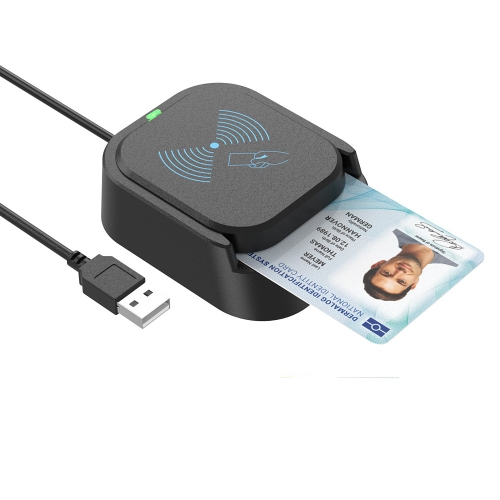
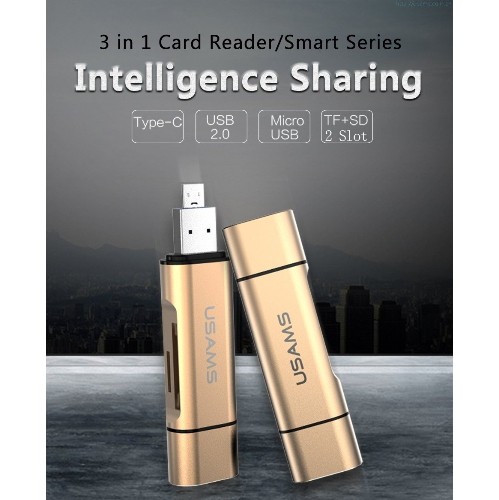
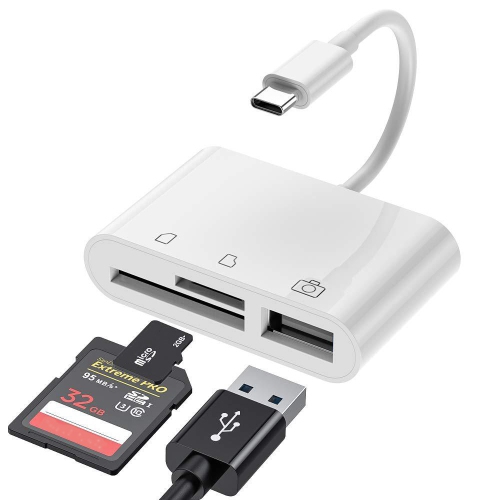
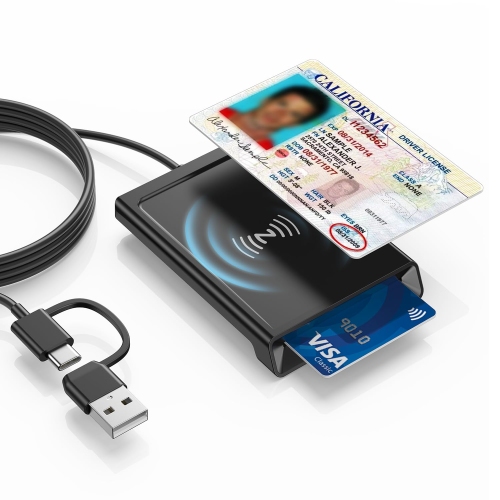
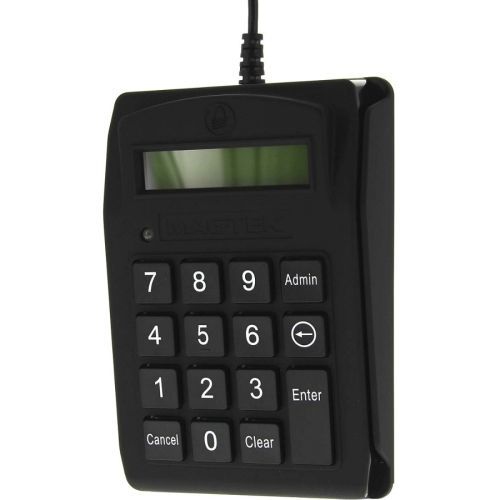
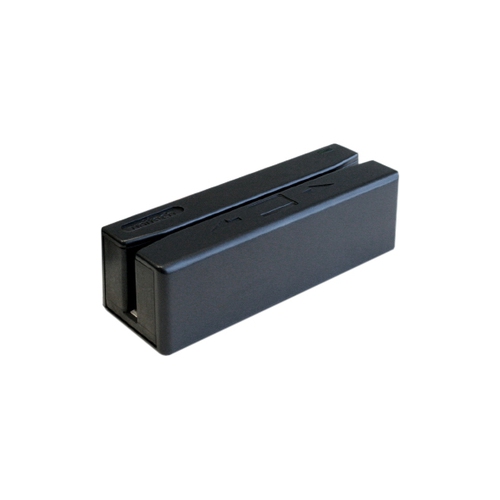
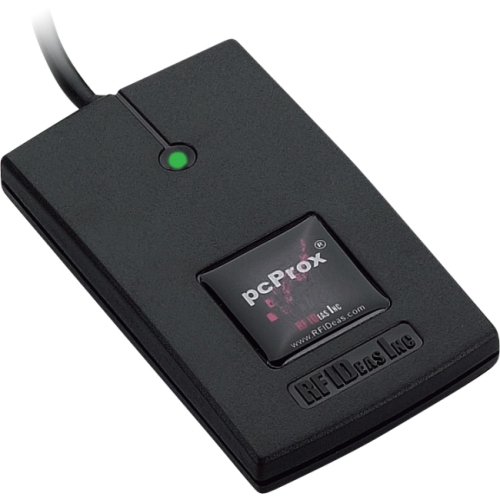
Credit card readers are payment devices that capture information from credit cards, supported debit cards, and compatible mobile wallets so a payment processor can request authorization for a transaction. They connect the physical act of paying—tapping a phone, inserting a chip card, or swiping a magnetic stripe—with the payment system used by a business. The reader collects the payment information; the connected payment service handles communication with the financial institutions involved. Depending on the design, a reader may work alongside a smartphone, tablet, or computer, or form part of a payment terminal with its own screen and controls. Contactless readers use near-field communication, commonly called NFC, to accept supported tap payments from cards and digital wallets. Chip readers use EMV technology to communicate with a card’s embedded chip, while magnetic-stripe readers capture information from the stripe on the back of a card. Support for each method varies, and a tap payment may sometimes require a different verification method or card insertion. These distinctions matter at a busy checkout, where customers may arrive with anything from a physical debit card to a wallet on a smartwatch. Compact mobile readers suit sellers who take payments away from a fixed counter, such as market vendors, tradespeople, and businesses providing appointments at a customer’s location. Countertop readers are better suited to a consistent checkout position, where a stable base and an easy-to-reach keypad can make transactions more comfortable. A café serving a queue of customers, a salon accepting payment after an appointment, and a repair business collecting payment on-site all have different requirements for portability, screen visibility, and daily handling. Some payment terminals also combine card acceptance with receipt printing or other checkout functions, although those capabilities depend on the device and its connected software. A reader that suits the pace and layout of the business helps make paying a straightforward part of the visit rather than a separate interruption.
Compatibility is central to how a credit card reader fits into an existing checkout setup. A device’s physical connection is only one part of the picture: the reader also needs support from the payment processor, merchant account arrangement, and point-of-sale software the business uses. A Bluetooth connection does not make a reader compatible with every phone, and a USB connection does not mean it will work with every checkout application. Supported operating systems, software versions, card networks, and Canadian debit acceptance all deserve attention when comparing device types. Mobile readers commonly connect to a compatible phone or tablet, which then uses Wi-Fi or cellular data to communicate with the payment service. Other terminals may connect through Ethernet, Wi-Fi, or their own supported cellular connection. The distinction matters for a seller moving between appointment locations or a counter positioned far from a network connection. Battery capacity, charging time, and whether a device can operate while connected to power also affect its usefulness over a full working day. For a mobile business, a secure connection and a dependable charging routine can be as important as the reader’s size. Offline payment features, where supported, come with processor-specific conditions and do not guarantee that a transaction will later be approved. Checkout software can add functions such as digital receipts, refunds, tipping, and transaction history, but these are not inherent features of every reader. Businesses comparing Card Readers for Small Business may find that the most suitable format depends on how payments connect with their wider workflow. A seller handling occasional appointments may need a compact setup with digital receipts, while a staffed checkout may benefit from clear transaction prompts and straightforward handoffs between employees. Security features also vary by system; encryption, supported software updates, and processor-approved setup procedures are important considerations rather than assumptions based on a reader’s appearance.
The physical construction of a credit card reader affects how comfortably it handles repeated daily use. Moulded plastic housings are common, while finishes, grip surfaces, and protective accessories vary by design. A compact body can fit neatly beside a phone or travel in a work bag, but a device carried between locations also needs protection from impacts, loose tools, and pressure against its screen or card slot. Protective cases and stands must fit the reader without covering its contactless target, blocking a chip-card opening, or interfering with charging and connections. At a fixed checkout, a stable stand can help customers see the display and enter a PIN without having to balance the device in one hand. Cable length and routing matter too: a charging lead stretched across a walkway or pulled tight behind a counter can create avoidable strain on the connector. Screen contrast, readable prompts, tactile keys where fitted, and enough space around the reader can make payment easier for customers with different accessibility needs. Positioning should allow customers to shield their PIN while keeping the device within comfortable reach. Routine care is generally simple, but cleaning methods should follow the manufacturer’s directions, particularly around touchscreens, keypads, ports, and card slots. Liquids sprayed directly onto a reader, abrasive cleaners, or sharp objects used to remove debris can damage surfaces or internal components. Spills, drops, and moisture resistance should be assessed against the device’s stated ratings rather than inferred from a sturdy-looking casing. Regular checks for loose connections, damaged cables, unfamiliar attachments, or signs of tampering are useful parts of checkout upkeep. Employees also benefit from knowing how to confirm a successful transaction, respond to a declined payment discreetly, and distinguish a connection problem from a card issue. For businesses taking payments face to face, a well-matched reader brings together reliable handling, supported payment methods, and a checkout experience that feels clear and familiar to both staff and customers.
Top selling and popular products
-
 Your price for this item is $49
-
 Your price for this item is $179.99
-
 Your price for this item is $39.68
-
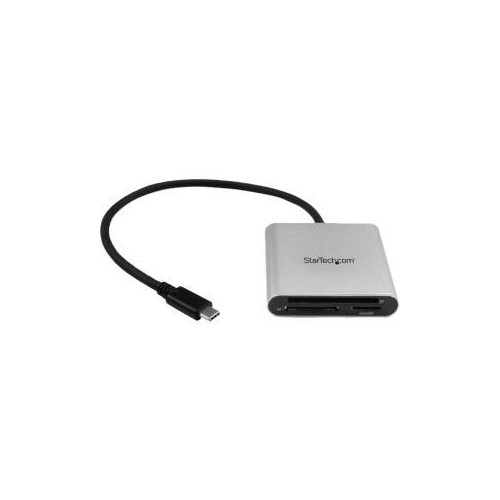 Your price for this item is $68.68
-
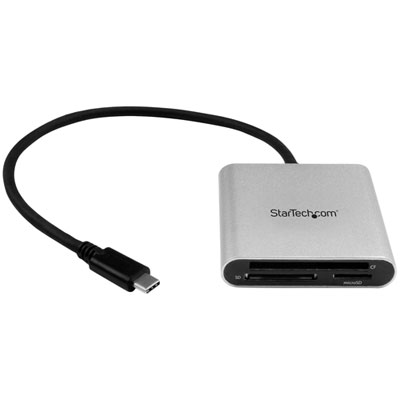 Your price for this item is $57.99
-
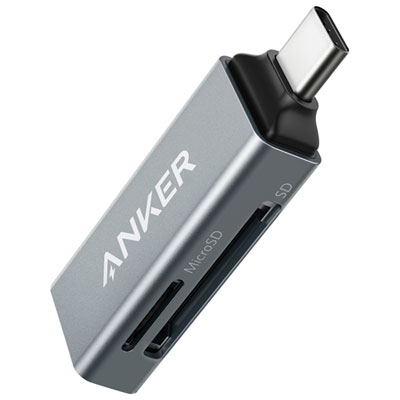 Your price for this item is $39.99
-
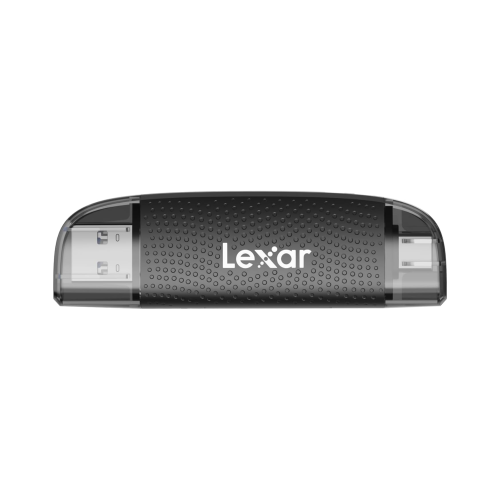 Your price for this item is $48.68
-
 Your price for this item is $13.99
Discover more categories related to Credit Card Readers
Top Collections:
Best Black Friday Deals This Year, Best Black Friday Deals On Electronics, Kindle Devices, Pokemon Centers, Best Black Friday Deals On Apple Products, Best Cameras for Sports Photography, Dyson Airwrap, Pokémon 30th Celebration Cards, Apple iPhone 17 Pro, Canon G7X Cameras
Some products may be subject to Environmental Handling Fees
(EHF) depending on your province.
Learn more about EHFs.