iPhone Tripods Under $50
Discover a wide selection of iPhone tripods under $50 designed to help you capture steady photos and videos without breaking the bank. Whether you’re recording content at home, snapping group shots on the go, or setting up for video calls, these affordable options offer practical solutions for everyday use. Explore versatile designs and convenient features that make it easy to find the right fit for your needs. Shop iPhone tripods under $50 and enjoy reliable support for your device at a budget-friendly price.
Sort
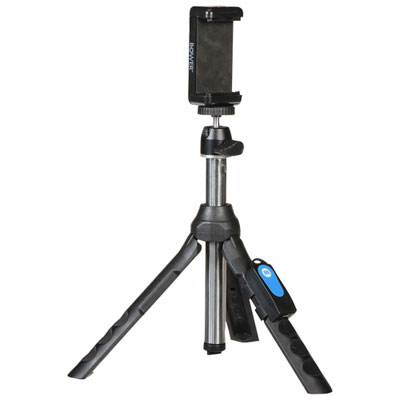

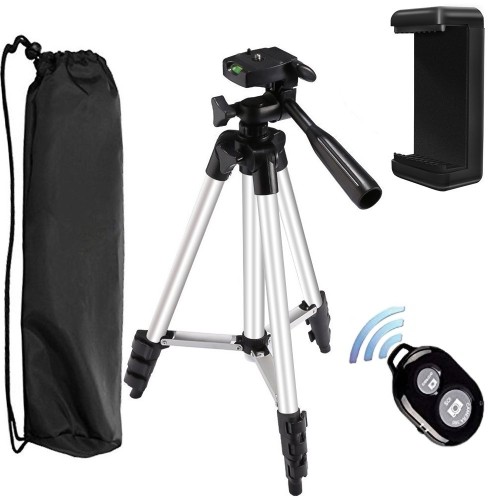
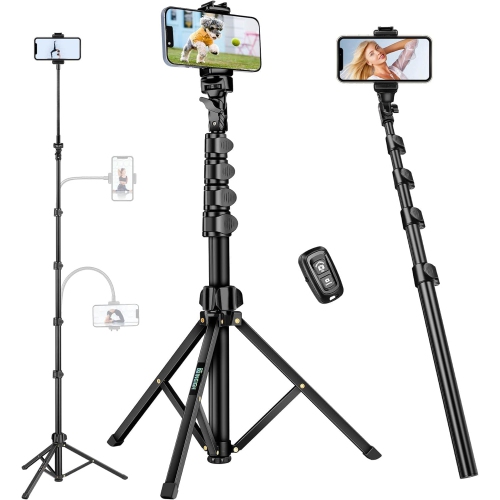

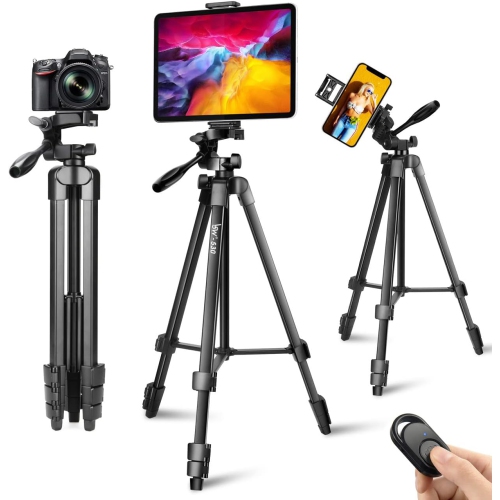

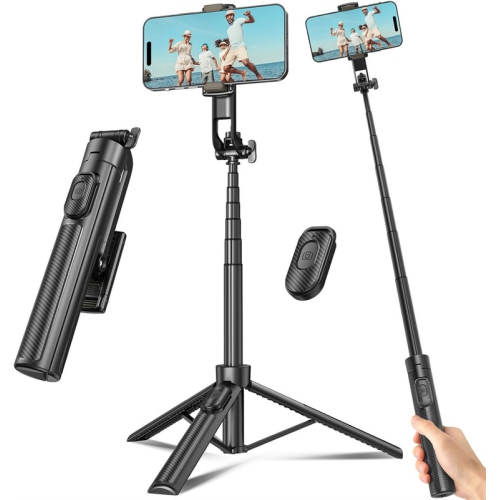


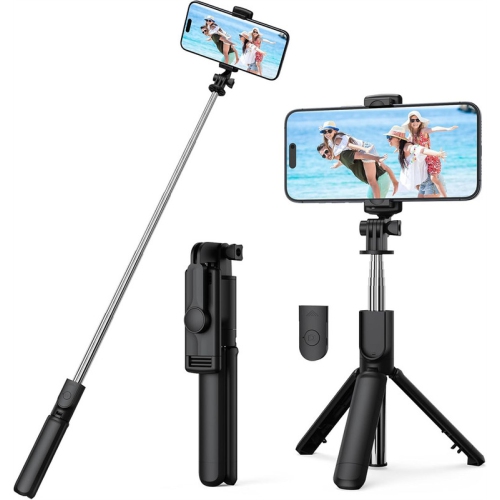
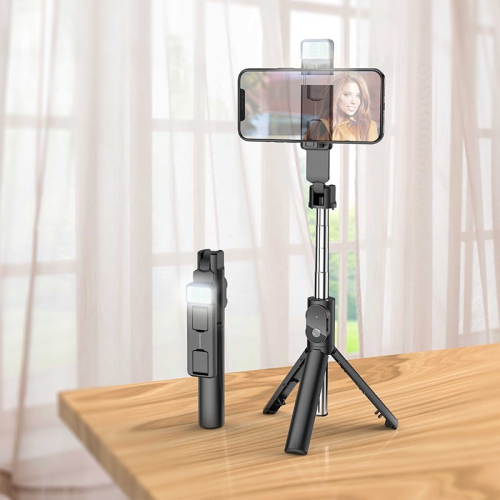

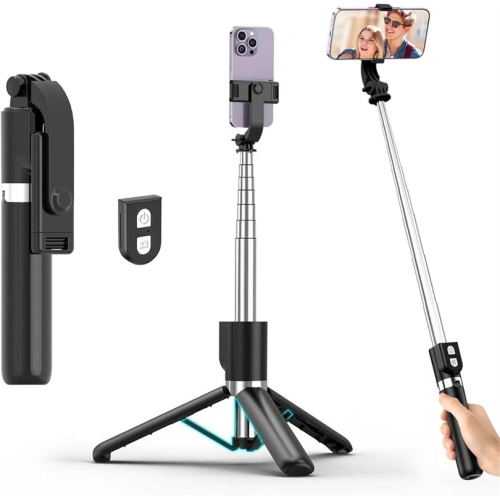
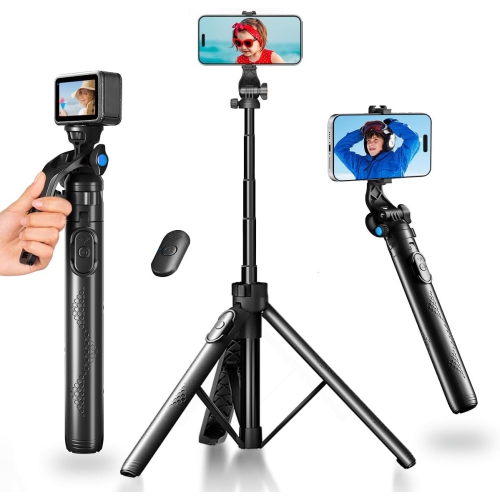

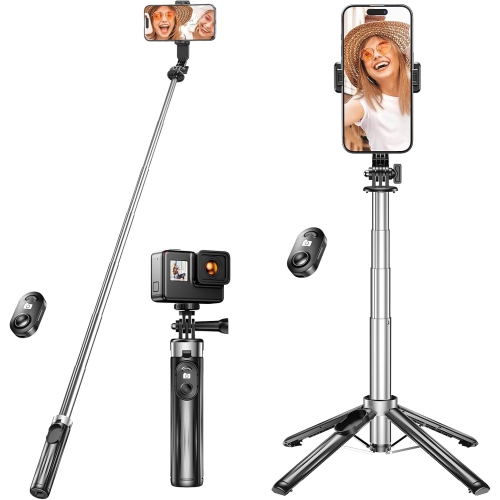

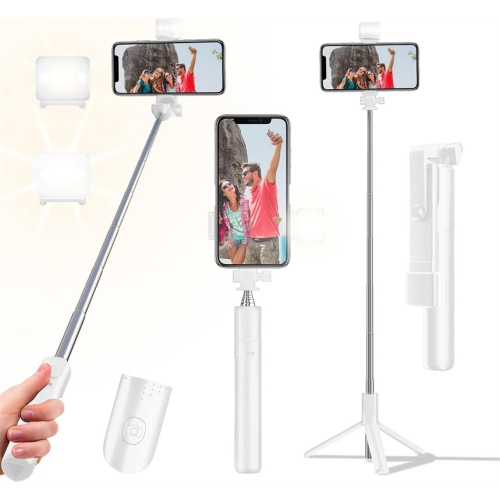
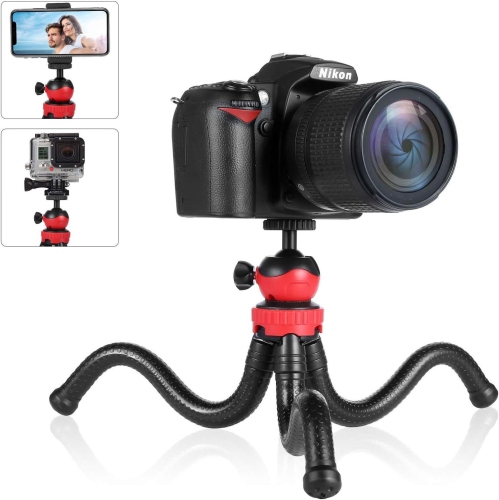
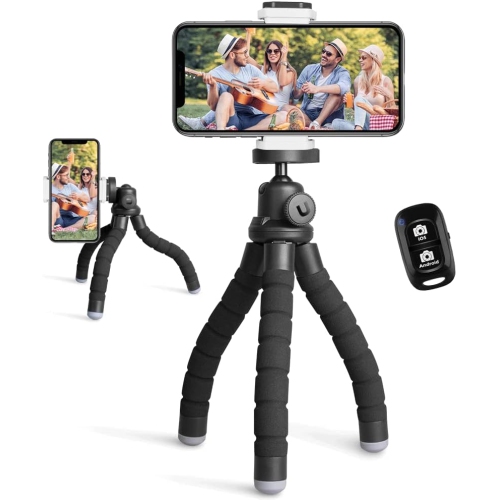


What keeps an iPhone steady at the right angle
An iPhone tripod keeps the camera in one spot when a handheld shot would drift or when the person filming needs to be in the frame. On a kitchen countertop, a tabletop tripod can hold an iPhone at an angle that shows both the mixing bowl and the hands working over it. On a desktop, the same short stand can bring the camera closer to eye level for a video call without taking up much space beside a keyboard. Taller tripods are useful when there’s no surface at the right height, as with a group photo in a living room or a standing presentation in a classroom. Extendable legs offer more room to frame the shot, but the widest stance often feels steadier than a narrow setup with the centre column raised all the way. Where the feet land matters, too: a leg resting partly on a rug can leave the frame at a slant even if the other two are on a level floor. Flexible legs suit spots where a rigid stand is awkward, such as a sturdy railing or the arm of a bench, provided they can wrap firmly around the support without slipping. The position of the phone changes the look of the shot as much as the height of the stand. Setting a camera at seated eye level helps a video call feel more natural, while lowering it to the level of a model train or a pet brings small details into view. For crafts, a downward tilt may show enough of the work surface without the need to position the phone directly overhead. A tripod can also hold the same framing across several takes, which is handy when filming the steps of a recipe or taking photos of several pieces of handmade jewellery against the same backdrop. A stand that stays put while everything in front of it changes makes those images easier to line up later.
Fit starts with the phone as it’s actually carried. A clamp may accommodate a bare iPhone but open too narrowly for the same phone in a thick case. The width across the case matters, as does the depth at the edge where the clamp grips. A case with a raised lip or a grip on the back may keep the phone from sitting flat against the mount. Padded jaws help hold it in place without hard edges pressing directly against the phone, but their position matters: a jaw over a side button can interrupt filming, and a mount close to a rear lens can creep into the corner of a wide shot. A clear opening near the charging port is useful for longer calls or clips, especially if plugging in the cable would otherwise mean shifting the phone off centre. Mounts that rotate between portrait and landscape make it easier to switch from a vertical clip to a wider family photo without moving the tripod feet. When the phone is turned upright, its weight may shift to one side, so a broad stance and a head that stays at the chosen angle are particularly helpful. A ball head allows small changes in angle, while a simple tilt joint can be plenty for a phone that mostly faces forward across a desk. For a time-lapse or a close-up, even a light tap on the screen can shift the shot; a timer or a compatible remote shutter can keep the framing intact. A remote is also practical for a group photo when the person operating the camera would rather not make a dash across the room. For a tripod that will regularly carry a phone with a light or microphone attached to the mount, the combined weight matters more than the phone’s weight alone. A setup that feels steady with a bare phone may tilt once an accessory is added on one side.
Materials affect how a tripod feels in a bag, on a table and after repeated use. Aluminum legs can offer a balance of rigidity and carrying weight, while moulded plastic is common on compact stands that don’t need long leg sections. A small stand with snug hinges can feel more secure on a desk than a taller one with loose joints. Rubber feet help keep the tripod from sliding on smooth countertops, and leg locks that close firmly help keep the phone from gradually sinking out of frame. Over time, grit can collect around sliding legs and hinges; wiping the feet and leg sections before folding the stand keeps debris from being carried into the joints. A soft cloth is usually enough for the clamp pads, where dust or crumbs can reduce grip. Taking the phone off before collapsing the legs makes the stand easier to handle and reduces strain on the mount. For a tripod that moves between home, class and the office, folded length can matter more from day to day than maximum height. A short stand that slips into a bag alongside a notebook is easy to bring along for a presentation, while a full-height stand makes more sense for someone who regularly frames shots away from a table. As a gift, a compact tripod can give a student a steady setup for practising a presentation or give a family member an easy way to join the group photo. A hobbyist who films model making, drawing or instrument practice may get more use from a mount that’s easy to adjust between takes than from legs that extend farther. The same distinction applies to everyday calls: a tripod that leaves room for a mouse and a cup of coffee may suit a crowded desk better than one with more height. For a broader look at tabletop, flexible and full-height styles, explore Best iPhone Tripods.
Top selling and popular products
-
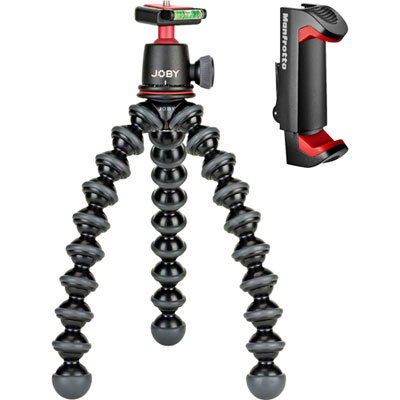 Your price for this item is $144.99
-
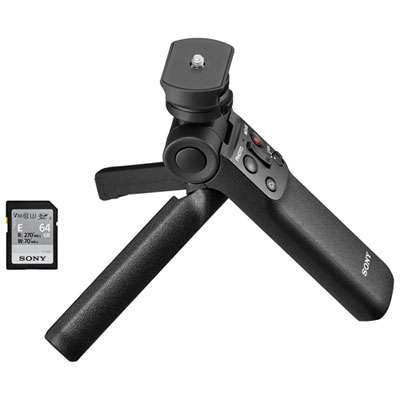 Your price for this item is $199.97
-
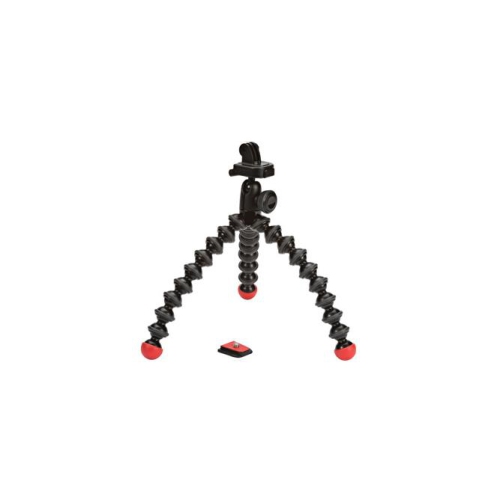 Your price for this item is $126.91
-
 Your price for this item is $139.99
-
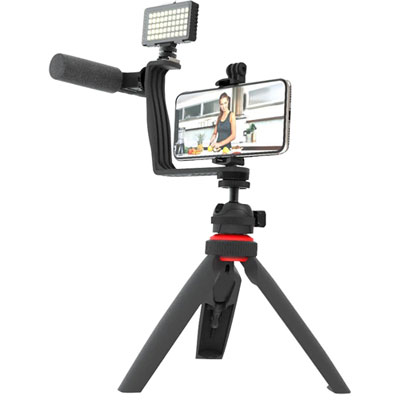 Your price for this item is $69.99
-
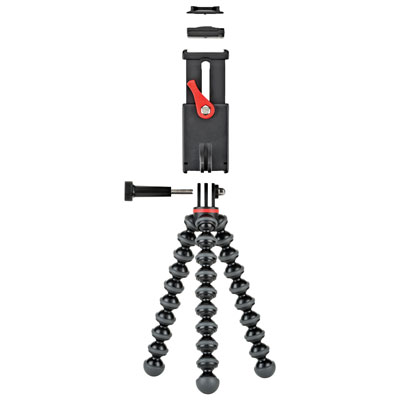 Your price for this item is $78.97
-
 Your price for this item is $259.99
-
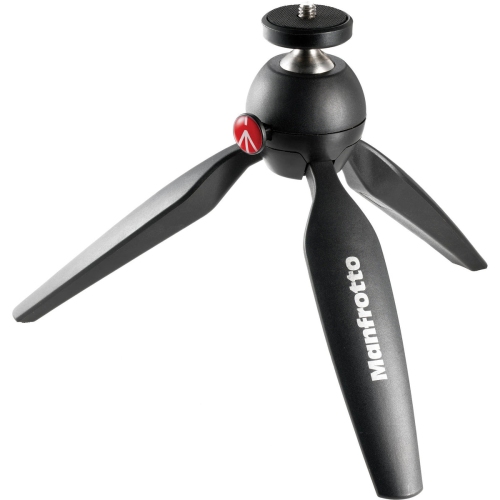 Your price for this item is $83.53
Discover more categories related to iPhone Tripods Under $50
Top Collections:
Best Black Friday Deals This Year, Best Black Friday Deals On Electronics, Kindle Devices, Pokemon Centers, Best Black Friday Deals On Apple Products, Best Cameras for Sports Photography, Dyson Airwrap, Pokémon 30th Celebration Cards, Apple iPhone 17 Pro, Canon G7X Cameras
Some products may be subject to Environmental Handling Fees
(EHF) depending on your province.
Learn more about EHFs.