Lightweight Smartphone Tripods
Capture stunning photos and steady videos on the go with lightweight smartphone tripods. Designed for portability and ease of use, these tripods make it simple to set up your phone wherever you are, whether you’re traveling, vlogging, or just snapping a quick group photo. With a variety of adjustable options available, lightweight smartphone tripods offer the flexibility to get the perfect shot every time without adding extra bulk to your gear. Find the right tripod to suit your creative needs and enjoy hands-free convenience wherever your adventures take you.
Sort
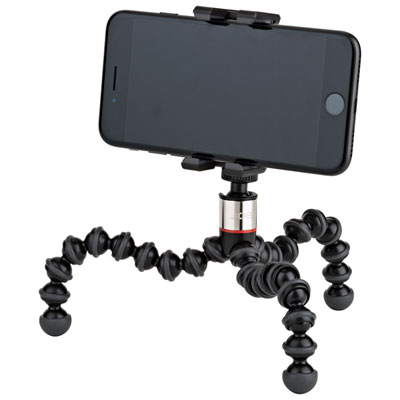

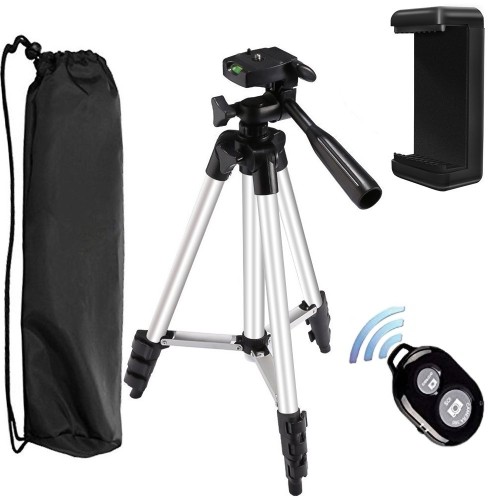
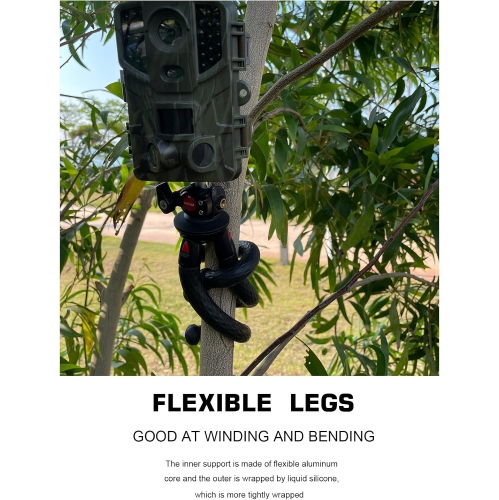
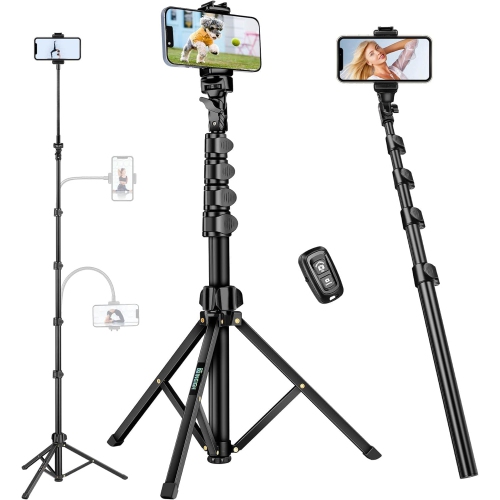
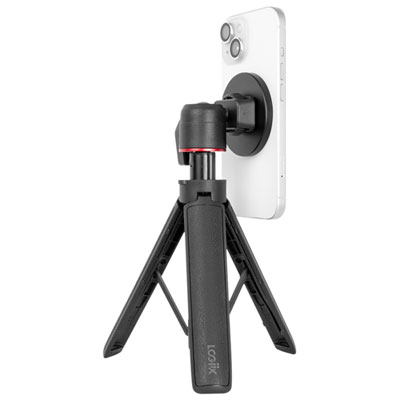
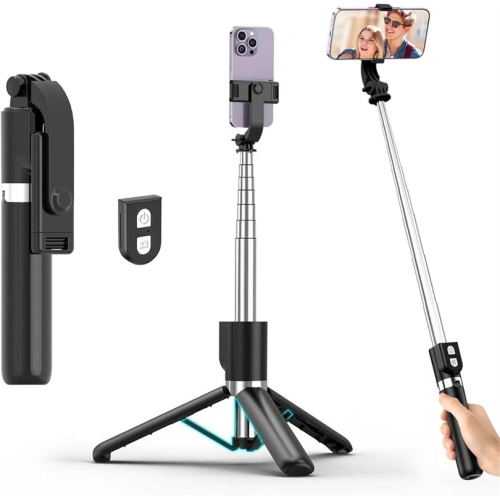
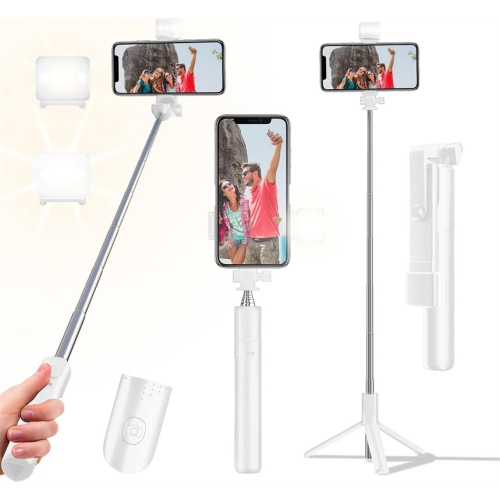
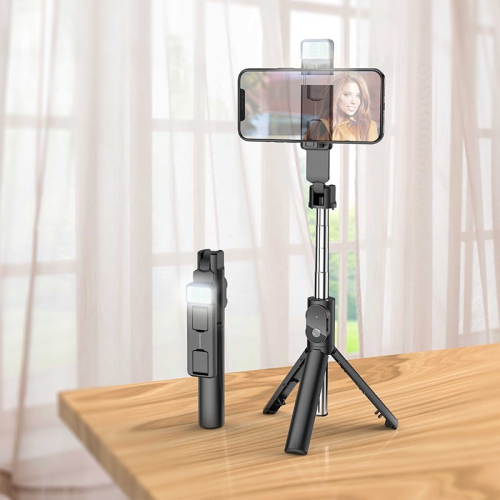
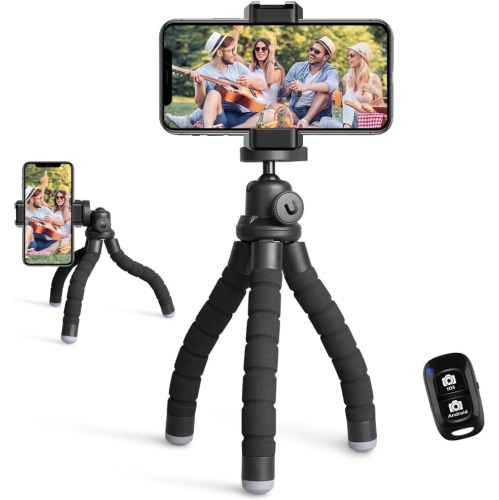
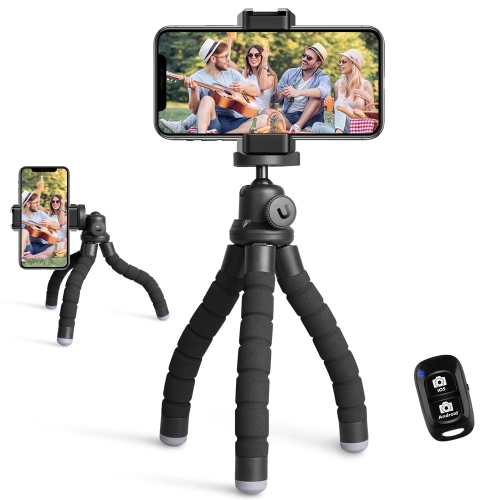

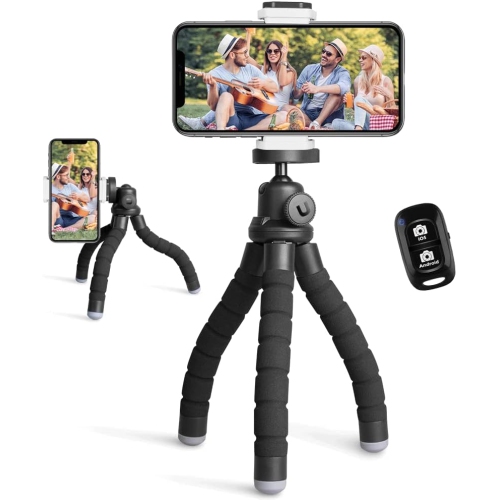
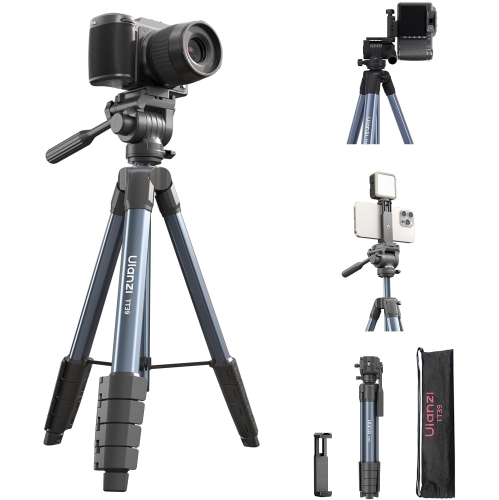
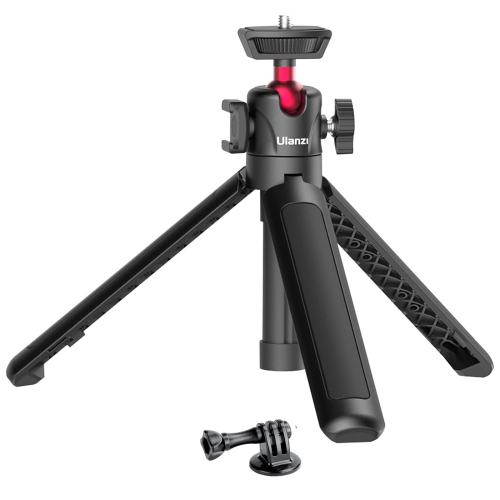
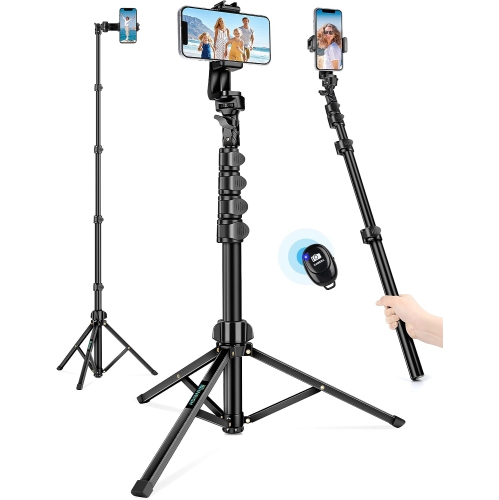

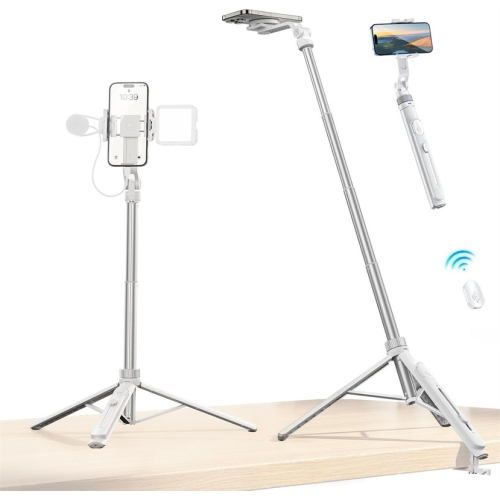

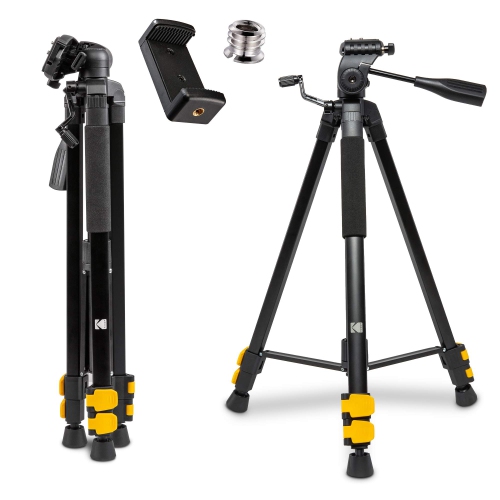
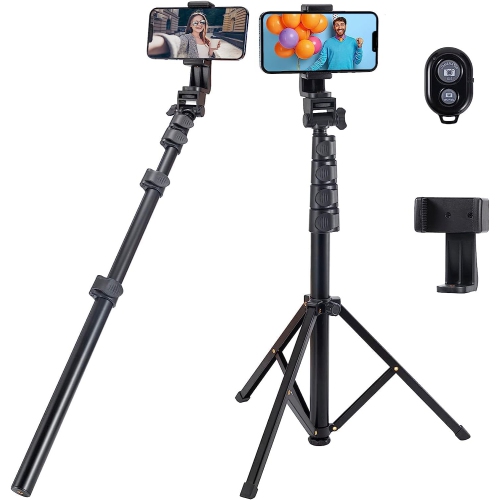
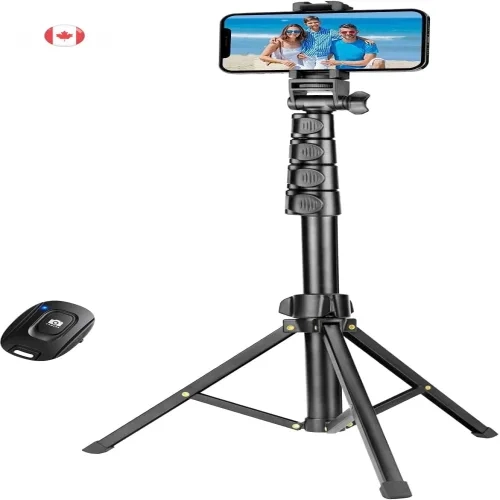
Steadier phone shots without weighing down your bag
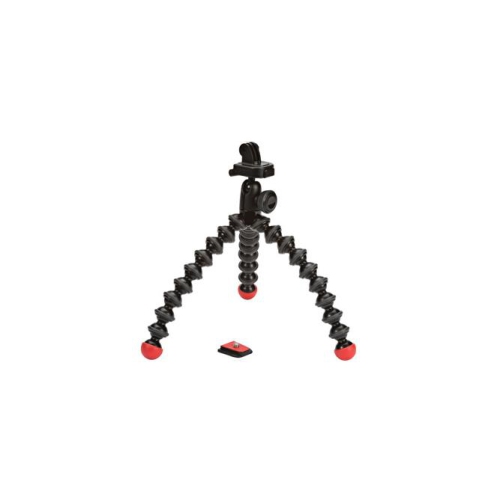
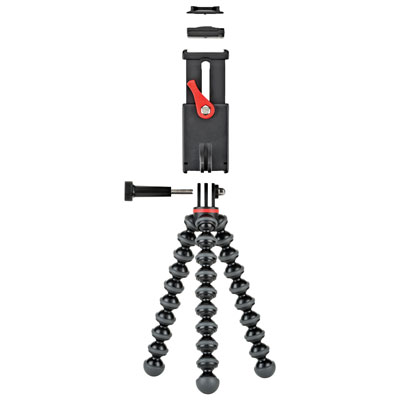
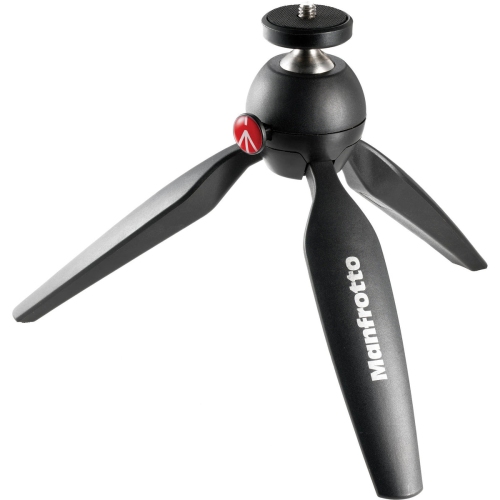
Lightweight smartphone tripods make it easier to give a phone a steady place to sit without adding much bulk to a bag. They suit everyday moments that benefit from hands-free framing: a family photo with everyone in the picture, a video call from a desk, a cooking demonstration filmed across a countertop, or a short clip recorded in a practice space. For people who use their phone as their main camera, portability can make the difference between bringing a support along and leaving it at home. Compact tabletop designs fit comfortably on a work surface or shelf, while folding floor-standing designs offer more height for standing presentations and wider scenes. Flexible-legged versions can accommodate some uneven surfaces or wrap around suitable supports, although their grip depends on the shape, finish, and strength of the attachment point. Each style involves a different balance of folded size, working height, and stability. A tripod that slips into a small day bag may be ideal for seated calls but less suitable for filming someone standing several steps away. Phone fit matters just as much as the tripod’s overall dimensions. Clamp opening, grip depth, and clearance around the camera lenses determine whether a phone sits securely, particularly when it wears a thick protective case. Side buttons and charging ports also need room, so the phone can stay mounted without accidental button presses or a sharply bent cable. Spring-loaded clamps offer straightforward insertion, while screw-adjusted holders allow a more gradual fit; padded contact points help protect the phone’s edges. For households with different phone sizes, Universal Smartphone Tripods provide a related category to explore, with compatibility still depending on the holder’s stated dimensions and mounting requirements. A secure fit should hold the phone without relying on excessive pressure, and a case with an unusual shape or an attached grip can affect how evenly the clamp closes.
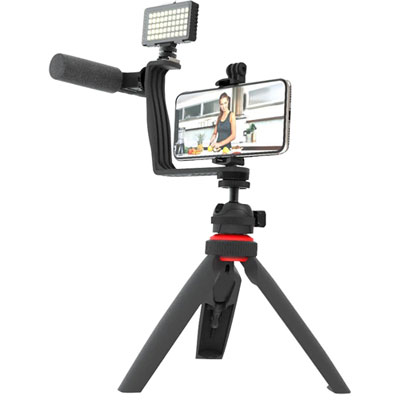
The materials and construction of a lightweight smartphone tripod influence how it feels in use as well as how easily it travels. Aluminium legs can offer a practical balance of weight and rigidity, while carbon fibre construction can reduce carrying weight in some designs. Plastic components are common in compact supports, where the quality of the joints, hinges, and locking mechanisms matters alongside the material itself. A light frame does not automatically mean a fragile one, but slim legs and multiple extending sections can introduce movement when fully raised. Stability depends on the complete setup: the leg spread, the surface underneath, the height of the centre column, and the weight and position of the phone. A low, wide stance generally gives a compact tripod a firmer foundation than a tall, narrow arrangement. Extending only the height needed can also help limit wobble, particularly when tapping the screen to focus or start a recording. The tripod head adds another layer of flexibility. A ball head allows quick changes in direction, while separate tilt and rotation controls can make small framing adjustments more deliberate. Portrait orientation suits many vertical videos and calls; landscape orientation works well for wider scenes, presentations, and group photos. The mounting head needs to support the intended orientation without letting the phone slowly droop. For still photography, a stable support can reduce blur caused by hand movement, especially when the camera uses a longer exposure, though movement within the scene can still appear blurred. A timer or compatible wireless shutter remote helps avoid disturbing the phone at the moment of capture. Remote functions vary by phone, camera app, and connection method, so compatibility remains important. Added microphones, lights, or larger holders change the load and balance, too. Published weight limits apply to the supported equipment, not simply the phone, and an off-centre accessory can affect stability even when the total weight seems modest.
Everyday handling is where thoughtful details become noticeable. Legs that fold neatly together are easier to pack beside headphones or a charging cable, and a smooth carrying pouch can keep exposed hinges from catching on other belongings. Secure locks should hold their position without needing to be forced, while rubberized feet help the tripod stay planted on a suitable surface. On a desktop, a smaller footprint leaves room for a keyboard and notes; on the floor, a wider stance needs enough clear space to avoid being knocked by a chair or someone walking past. For a home workout recording, that can mean positioning the phone far enough back to capture full movement without placing the legs in the exercise area. For a craft demonstration, it may mean angling the camera toward the work surface while keeping the phone’s weight supported within the tripod’s base. Overhead positioning requires a design intended for that arrangement rather than an improvised extension beyond the support’s balance point. Care is usually simple, but small habits help preserve reliable operation. A soft cloth removes fingerprints and dust, and grit around hinges or telescoping sections should be cleared before the legs are collapsed. Cleaning liquids and lubricants can damage some finishes or affect gripping surfaces, making the manufacturer’s care directions the best reference. A tripod that has been exposed to moisture should be dried before storage, without assuming that a portable design is water-resistant. Occasional checks for loose mounting screws, worn pads, or slipping locks help identify problems before a phone is attached. These supports can also make thoughtful gifts for students attending remote sessions, relatives who enjoy group photos, hobbyists sharing detailed projects, or anyone who regularly props a phone against a mug during calls. The most useful match reflects the recipient’s routine: compact enough to carry, tall enough for the intended framing, and straightforward enough to set up without interrupting the moment.
Top selling and popular products
-
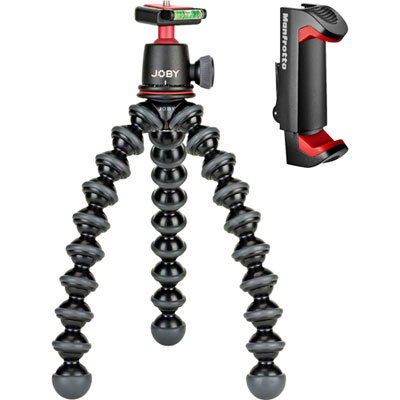 Your price for this item is $144.99
-
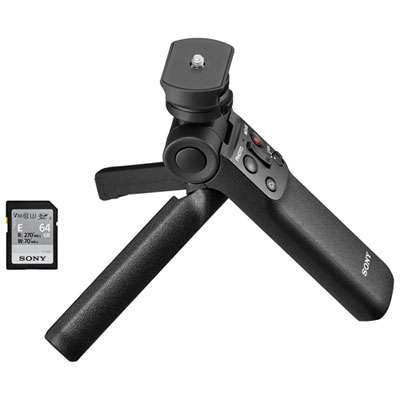 Your price for this item is $199.97
-
 Your price for this item is $126.91
-
 Your price for this item is $139.99
-
 Your price for this item is $69.99
-
 Your price for this item is $78.97
-
 Your price for this item is $259.99
-
 Your price for this item is $83.53
Discover more categories related to Lightweight Smartphone Tripods

Top Collections:
Best Black Friday Deals This Year, Best Black Friday Deals On Electronics, Kindle Devices, Pokemon Centers, Best Black Friday Deals On Apple Products, Best Cameras for Sports Photography, Dyson Airwrap, Pokémon 30th Celebration Cards, Apple iPhone 17 Pro, Canon G7X Cameras
Some products may be subject to Environmental Handling Fees
(EHF) depending on your province.
Learn more about EHFs.