Phone SD Card Readers
Phone SD Card Reader solutions make it easy to transfer photos, videos, and other files between your phone and SD cards. Perfect for expanding storage or quickly backing up important data, these handy devices offer a simple way to manage your digital content on the go. Whether you're a photographer, student, or anyone needing extra flexibility with your mobile device, explore a variety of Phone SD Card Reader options designed to fit your needs. Find the right accessory to streamline your workflow and keep your files accessible wherever you are.
Sort

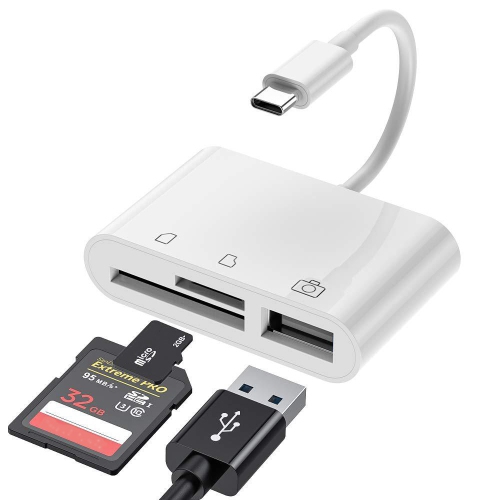
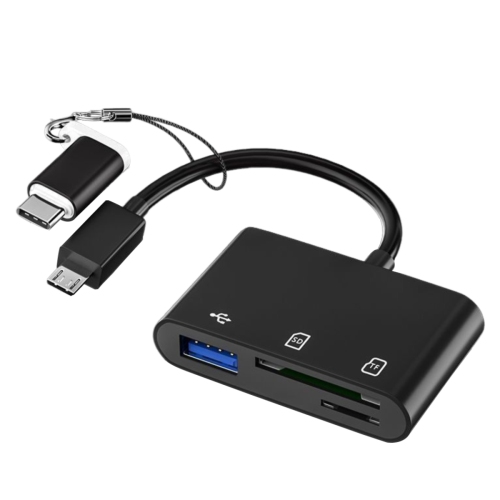
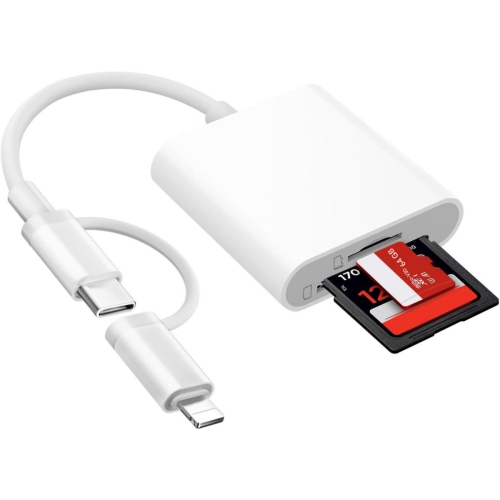
From camera card to phone without a computer
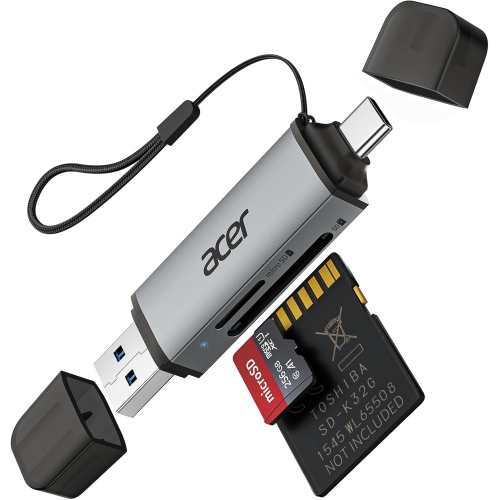
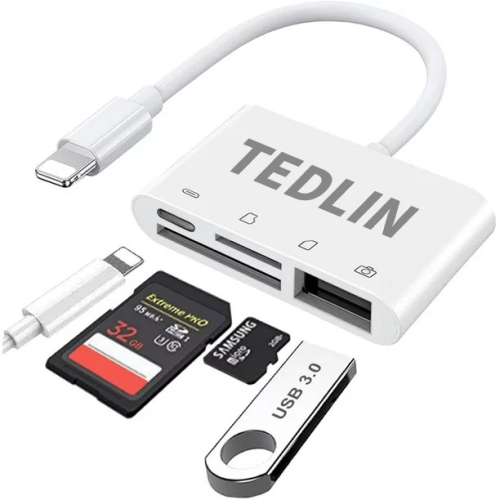
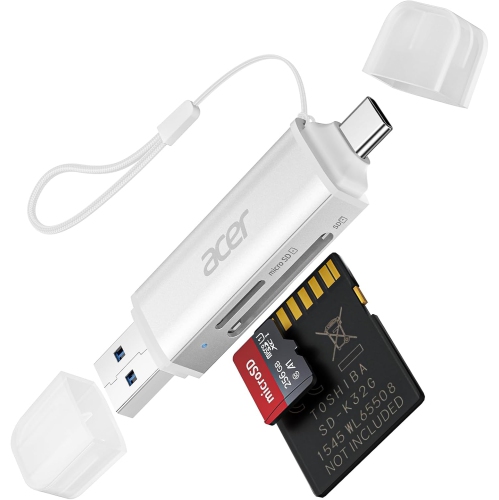
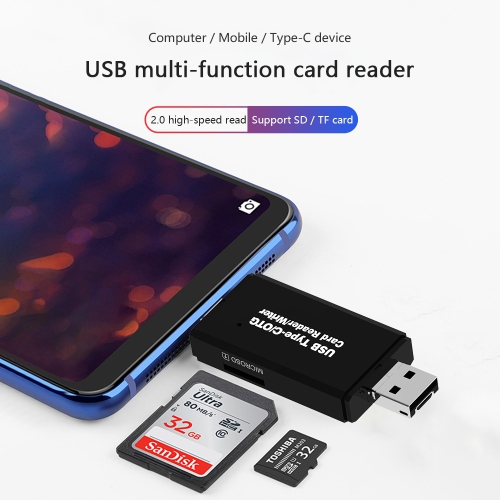
Phone SD card readers are compact accessories that connect an SD or microSD memory card to a compatible smartphone, allowing photos, videos, and other supported files to move between the card and the phone. They provide a direct, wired connection that can make a computer unnecessary for everyday file transfers. A photographer can import selected shots after a portrait session, a traveller can review camera footage before leaving a location, and a student can bring recorded project material onto a phone for editing or sharing. The reader acts as a connection between devices; it does not replace the memory card or increase the phone’s built-in storage. Compatibility involves both ends of that connection. The plug must match the phone’s port, whether that is USB-C or a supported Lightning connection, while the card slot must accept the memory card being used. Full-size SD cards and smaller microSD cards have different physical dimensions, so a reader with one slot type does not automatically accept the other. Some designs provide separate slots, while a microSD card may also fit a full-size slot through a compatible SD adapter. Beyond physical fit, the phone’s operating system needs to support the reader and connected storage. Phones with similarly shaped ports can differ in their accessory support, making the reader’s stated requirements more useful than appearance alone. A USB-C connector, for example, does not guarantee that every phone can access every connected reader. Case clearance also matters: a wide connector housing may not seat fully through a thick protective case, while a short cable can give the plug more room. For someone who regularly switches between a camera and a phone, a reader that matches the card format, phone connection, and usual carrying setup can become a small but useful part of an everyday kit.
The experience of using a phone SD card reader depends as much on file support and transfer performance as it does on the connector. Supported SD, SDHC, and SDXC formats, maximum card capacity, and compatible file systems all deserve attention, particularly when working with larger memory cards. A card that fits into the slot can still be unreadable if the reader or phone does not support its format. Access may happen through the phone’s built-in photo or file app, or through an app specified for the accessory. Importing photos, browsing folders, and writing files back to a card are separate functions, and not every combination of reader, app, and phone supports all three. Camera file types also matter. A phone may be able to copy a RAW photograph or a high-resolution video without being able to preview or edit it in the usual app. For creators handling several gigabytes of footage, transfer speed affects how practical it is to review a full shoot away from a computer. Actual performance is limited by the slowest part of the connection, including the card, reader, phone port, and file-handling software. Small batches of photos place different demands on a reader than long video clips or hundreds of full-resolution images. Two card slots can add flexibility, but their presence alone does not mean both cards can be accessed at the same time or that files can move directly between them. Sufficient free space on the phone is also important when importing files rather than viewing them on the card. Keeping original files on the memory card until the copied versions have been checked helps protect against an incomplete transfer. Where the phone provides an eject option, using it before disconnecting the reader helps avoid interrupting active file operations. A separate backup remains valuable, especially for photographs or recordings that cannot be recreated.
Materials and construction influence how comfortably a reader fits into daily use. Plastic housings can keep weight down, while aluminium housings offer a firm outer shell; either design still needs a well-fitted connector and card slot. A compact reader that plugs directly into a phone is easy to tuck into a small accessory pouch, but it can protrude from the phone and place strain on the port if bumped. A short-cable design allows more freedom to position the reader on a desk or beside the phone, although the cable adds another part that needs protection from sharp bends. Smooth edges, a secure card fit, and enough space to grip the housing can make frequent card changes less awkward. Protective caps or a dedicated pouch help keep exposed connectors away from pocket lint, loose objects, and debris inside a camera bag. Readers and memory cards are best kept dry and handled with clean hands, with cards inserted in the correct orientation rather than forced into place. Pulling on the connector housing instead of the cable also reduces unnecessary strain during disconnection. For a photographer reviewing images with a client, a reader can make a phone a convenient viewing screen; for a family gathering, it can help bring camera photos into a shared album once they have been imported. Video creators, students, and people who regularly document hobbies may appreciate the same straightforward access to their files. As a gift, a phone SD card reader is most useful when the recipient’s phone port and memory card type are known, rather than chosen solely for its compact appearance. It is also distinct from accessories used with a phone’s subscriber identity card: SIM Card Readers serve a different purpose and do not replace SD or microSD readers for camera files. A suitable phone SD card reader brings together the right connection, supported storage formats, and a practical design for the way those files are used.
Top selling and popular products
-
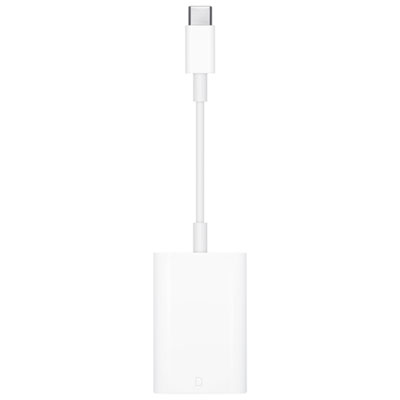 Your price for this item is $49
-
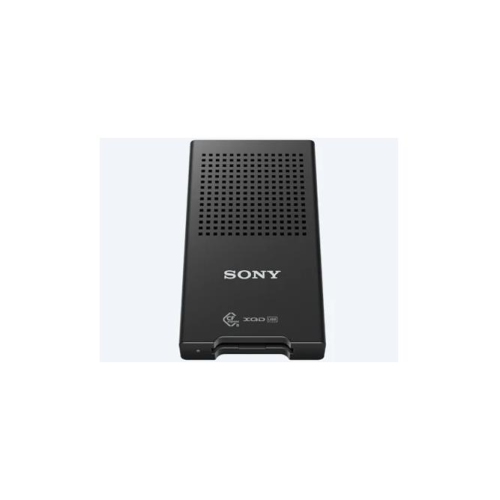 Your price for this item is $179.99
-
 Your price for this item is $39.68
-
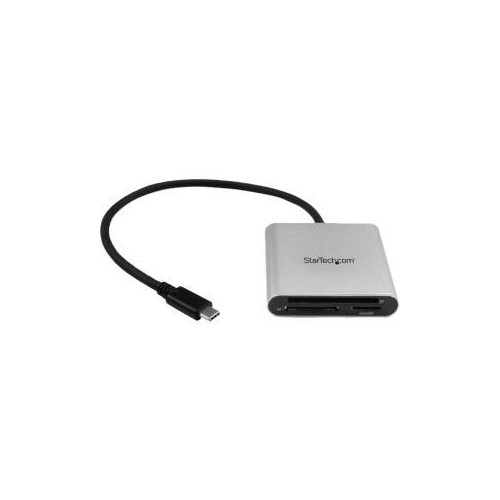 Your price for this item is $68.68
-
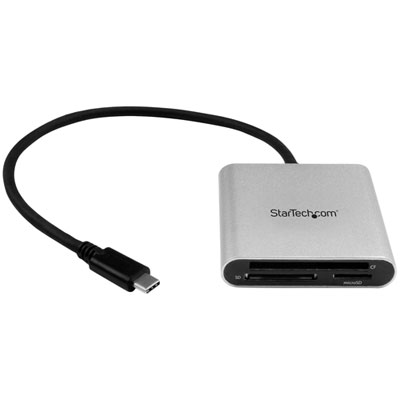 Your price for this item is $57.99
-
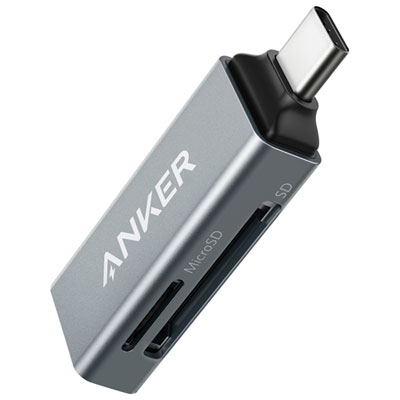 Your price for this item is $39.99
-
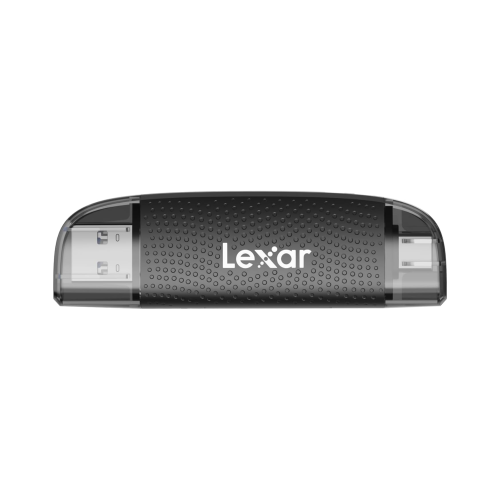 Your price for this item is $48.68
-
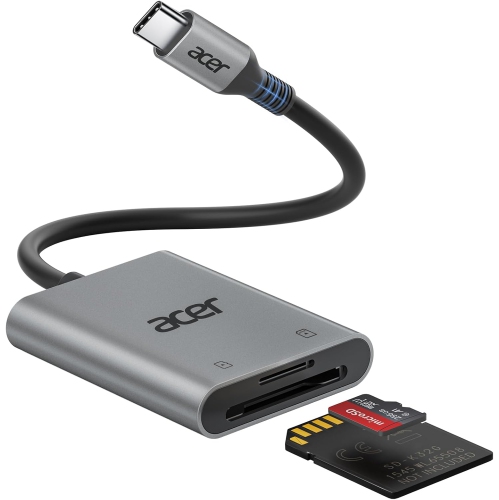 Your price for this item is $13.99
Discover more categories related to Phone SD Card Readers

Top Collections:
Best Black Friday Deals This Year, Best Black Friday Deals On Electronics, Kindle Devices, Pokemon Centers, Best Black Friday Deals On Apple Products, Best Cameras for Sports Photography, Dyson Airwrap, Pokémon 30th Celebration Cards, Apple iPhone 17 Pro, Canon G7X Cameras
Some products may be subject to Environmental Handling Fees
(EHF) depending on your province.
Learn more about EHFs.