SD Card Readers
An SD card reader is an essential accessory for quickly accessing, transferring, and managing digital files from your camera, smartphone, or other devices. Whether you're a photographer looking to back up photos on the go or a student needing to share projects between devices, an SD card reader offers reliable connectivity and convenience. Explore a wide selection of SD card readers designed to make file management simple and efficient for work, study, or entertainment.
Sort
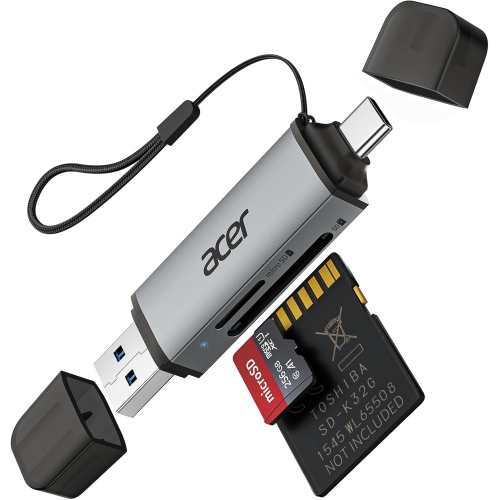
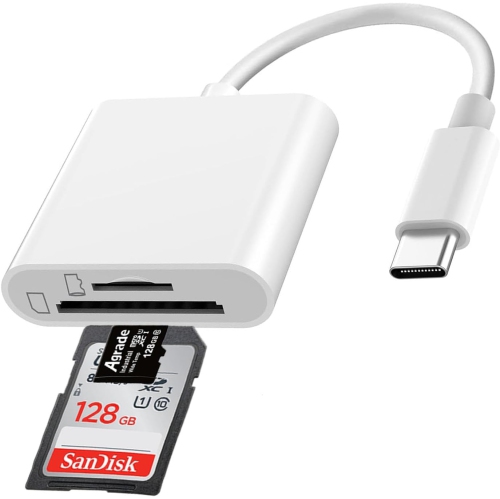
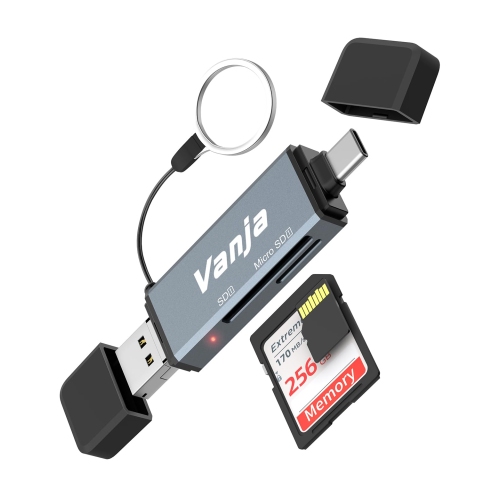
Photo transfers without plugging in your camera
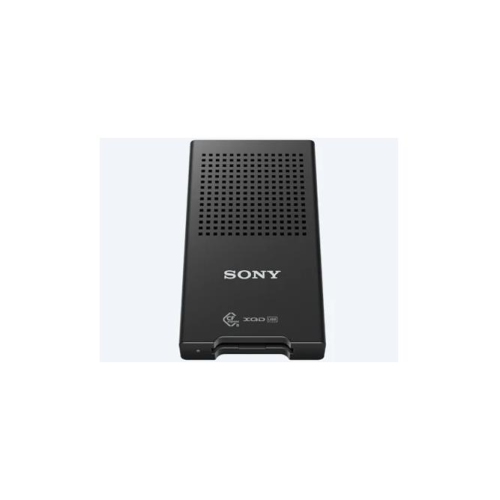
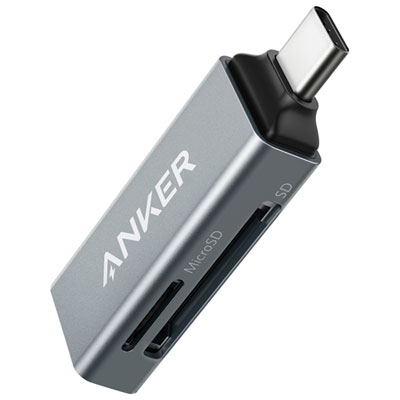
SD card readers connect removable memory cards to computers, tablets, and compatible phones, making photos, videos, and other files accessible without connecting the device that captured them. They are useful for moving camera images onto a laptop, opening drone footage on a desktop, or copying files from a microSD card used in a portable device. A dedicated reader also lets a camera stay packed away while its memory card is being accessed. The main distinctions are the card formats supported, the connection to the receiving device, and the transfer standard supported by both the reader and the card. Full-size SD cards and smaller microSD cards need appropriately sized slots, although a compatible full-size SD adapter can allow a microSD card to fit an SD slot. MicroSD may also appear under the label TF. Support for the physical shape alone is not enough: SD, SDHC, and SDXC compatibility determines which card standards a reader can handle. SDXC cards can have capacities up to 2 TB, but a reader must explicitly support the card standard and capacity being used. A dual-slot reader provides separate openings for SD and microSD, reducing the need to keep a small adapter close at hand. Two slots do not automatically mean that both cards can be accessed at once; simultaneous reading and writing is a separate capability. That distinction matters when copying files between cards or working with images from more than one camera. For photography, everyday file storage, and video projects, a reader with the right SD support keeps the connection straightforward. The wider range of Card Readers also includes options for other memory formats, such as CompactFlash and CFexpress. Those formats require explicitly compatible slots and should not be confused with SD simply because they serve a similar purpose.
The connector determines where an SD card reader can plug in, while the connection standard helps determine how quickly files can move. USB-A is common on desktop computers and many laptops, while USB-C appears on a wide range of laptops, tablets, and phones. Readers with more than one connector can suit a mix of devices, although each connection still needs compatible hardware and software. Devices with a Lightning port require a compatible reader or adapter, and mobile use may also depend on accessory support, power requirements, and the available file-management app. A connector that physically fits does not guarantee that a phone or tablet can access the attached card. File access and file playback are separate considerations, too: a device may copy a camera’s RAW photos or video files without having an app that can display or edit them. For transfer performance, the card, reader, device port, and destination drive all contribute to the result. UHS-II SD cards benefit from a UHS-II reader, with that card interface supporting a theoretical maximum of 312 MB/s. A compatible UHS-II card may still work in a UHS-I reader, but it will operate within the slower supported connection’s limits. Likewise, a faster reader cannot make a slower card deliver data beyond its capabilities. A USB connection rated at 5 Gbps describes the connection’s theoretical bandwidth, not a guaranteed memory-card transfer rate; that figure is measured differently from speeds expressed in MB/s. Actual transfers are affected by file size, card performance, and other activity on the device. A folder containing hundreds of small images can behave differently from a single large video file. Shared hubs and multi-slot readers may also divide bandwidth between connected devices. For someone moving lengthy video clips or large batches of photographs, matching the reader to the card’s read speed is more meaningful than choosing by connector shape alone. Occasional document transfers usually place less demand on performance, making reliable compatibility the more noticeable benefit.
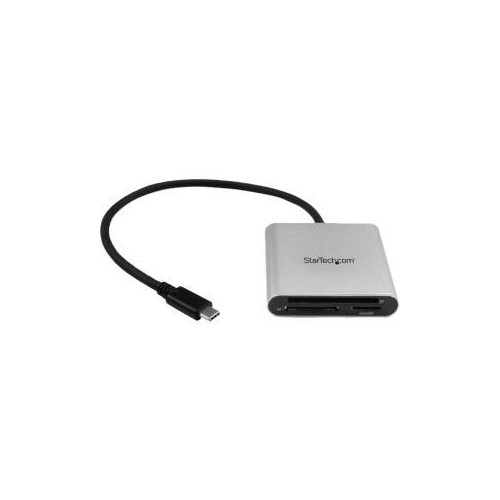
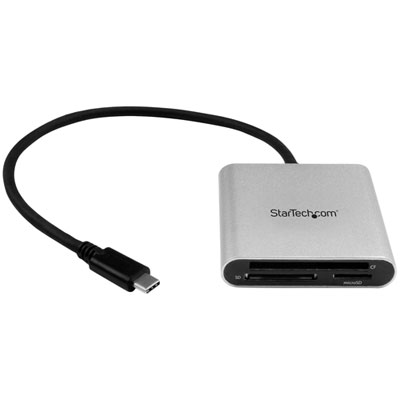
An SD card reader’s shape and construction can make a difference in daily use. A compact reader with an integrated plug takes up little space in a camera bag or laptop sleeve, while a short attached cable gives the card slot room to sit beside a computer rather than projecting directly from its port. That extra flexibility can help when neighbouring ports are close together or a laptop is used on a narrow desk. Multi-slot designs generally need more room but can keep different memory-card connections together in one accessory. Plastic housings can be lightweight and easy to carry, while metal housings may provide a firmer feel and help dissipate heat, depending on the design. Neither material alone establishes durability; connector reinforcement, cable strain relief, and a secure card fit also matter. A well-fitting slot should accept the intended card without force, with enough of the card accessible for removal as designed. Protective caps, where included, help shield exposed connectors from lint and debris inside a bag. Readers and loose cards are best kept in a clean, dry pouch rather than sharing a pocket with keys or small metal objects that could scratch contacts. Routine care is simple: disconnect the reader before wiping its exterior with a soft, dry cloth, avoid inserting tools into its slots, and follow its cleaning directions. During use, allowing a transfer to finish and ejecting the card through the device’s operating system helps reduce the risk of incomplete files or file-system damage. A reader provides access to files, but a separate copy is still needed for backup. These accessories suit photographers, students submitting media projects, travellers sorting images, and anyone who regularly moves files between removable storage and a computer. As a gift for someone who enjoys photography or video, the most useful match is a reader that fits their existing cards and device ports, making the step from capture to viewing, editing, and sharing feel uncomplicated.
Top selling and popular products
-
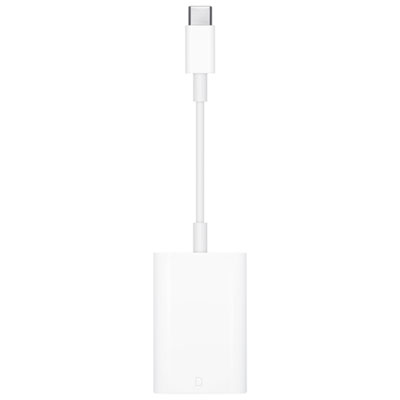 Your price for this item is $49
-
 Your price for this item is $179.99
-
 Your price for this item is $39.68
-
 Your price for this item is $68.68
-
 Your price for this item is $57.99
-
 Your price for this item is $39.99
-
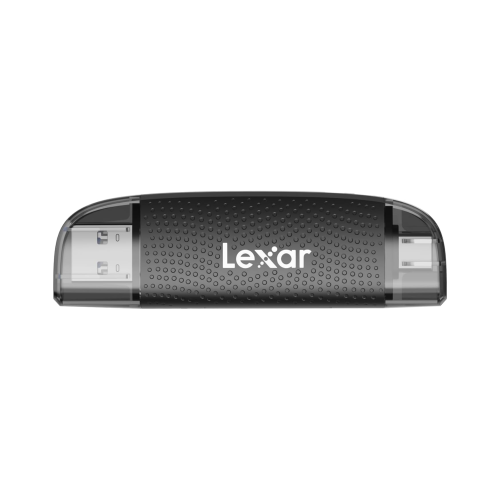 Your price for this item is $48.68
-
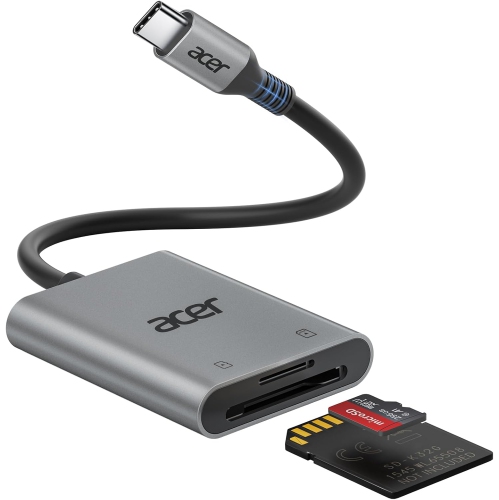 Your price for this item is $13.99
Discover more categories related to SD Card Readers
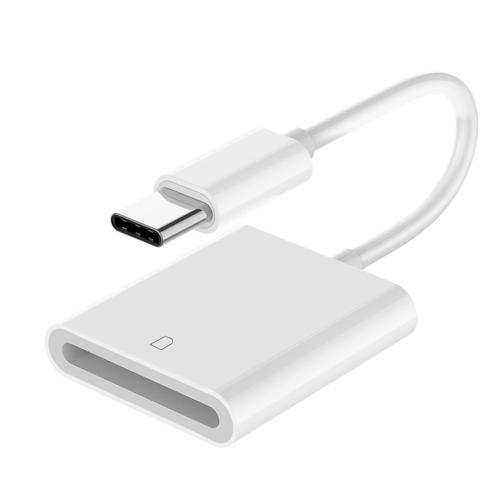
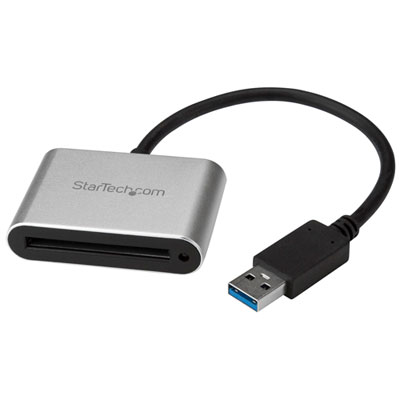

Top Collections:
Best Black Friday Deals This Year, Best Black Friday Deals On Electronics, Kindle Devices, Pokemon Centers, Best Black Friday Deals On Apple Products, Best Cameras for Sports Photography, Dyson Airwrap, Pokémon 30th Celebration Cards, Apple iPhone 17 Pro, Canon G7X Cameras
Some products may be subject to Environmental Handling Fees
(EHF) depending on your province.
Learn more about EHFs.