Reliable MicroSD Cards For Data Backup
Finding a reliable microSD card for data backup is essential for keeping your important files, photos, and videos safe and easily accessible. Whether you need extra storage for your smartphone, camera, or other devices, microSD cards offer a convenient solution for expanding capacity and ensuring your data is secure. With a range of storage sizes and speeds available, choosing the right reliable microSD card for data backup helps protect your valuable information and streamlines file management across all your devices.
Sort
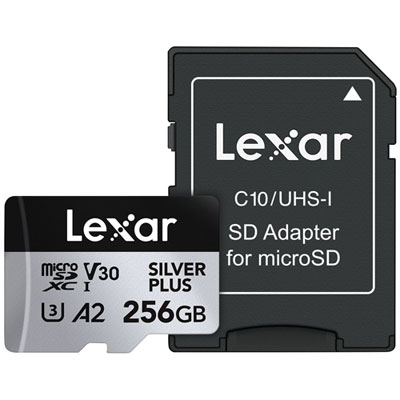
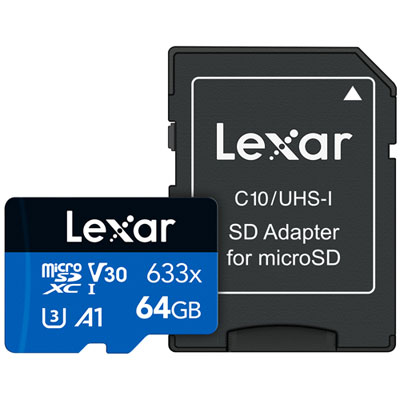
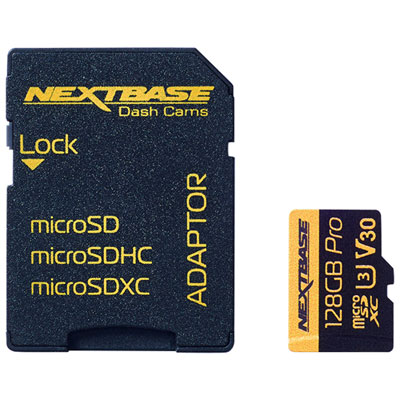
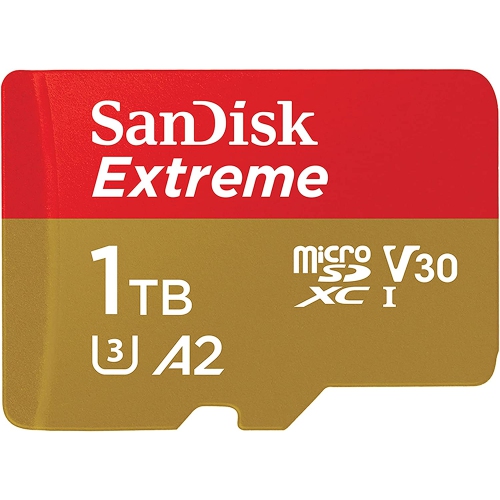
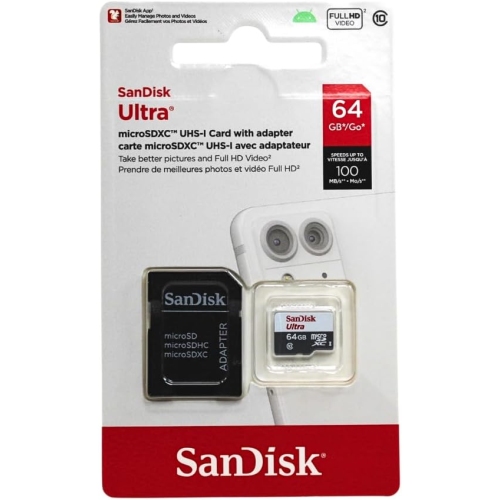

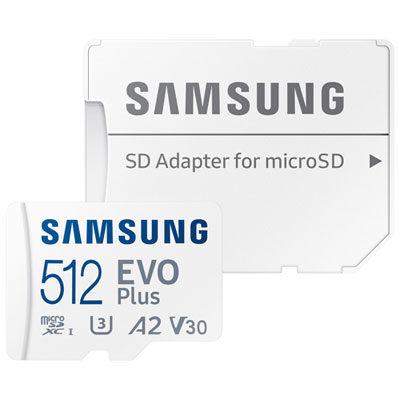
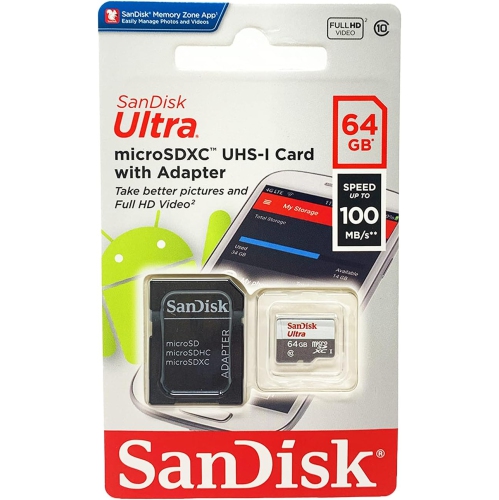
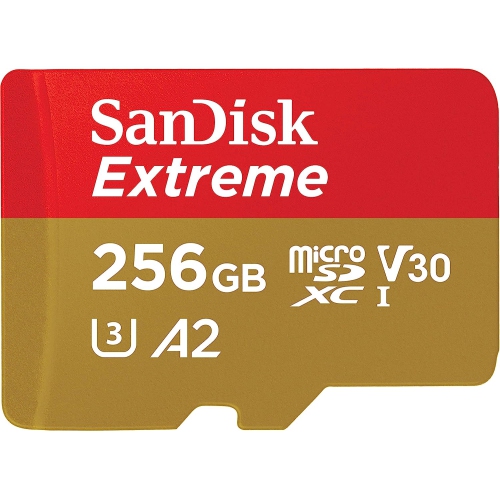
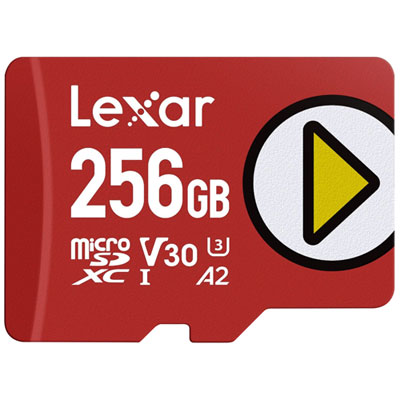
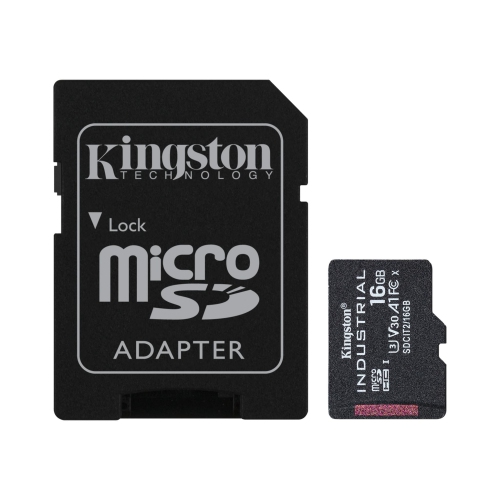
A true backup starts with more than one copy
Reliable microSD cards for data backup combine device compatibility, suitable capacity, consistent write performance, and durability for their intended use. Their compact size makes them practical for keeping an additional copy of photographs, documents, audio recordings, and other personal files without adding much bulk to a laptop bag or camera case. A student might use a card to carry copies of assignments between compatible computers, while a photographer might keep a separate copy of selected images before returning home. For families, removable storage can make it easier to gather scanned photographs, school projects, and home videos into a collection that does not depend on a single phone. The important distinction is that a card becomes a backup only when the files also exist somewhere else; moving the only copy onto removable media simply changes where the original is stored. Capacity is therefore about more than fitting a folder onto a card. It should accommodate the files being copied, their likely growth, and enough free space to avoid having to constantly remove older material. Text documents take relatively little room, whereas RAW photographs, high-resolution video, and large project folders can fill a card much faster. Compatibility deserves equal attention because a microSD slot does not automatically support every card capacity or format. Devices may specify microSDHC or microSDXC support, along with a maximum supported capacity and file system requirements. FAT32 has an individual file size limit of about 4 GB, which matters when a backup includes long videos or large archive files; exFAT supports larger individual files but must also be supported by the device. A full-size SD adapter can help a microSD card fit a compatible SD slot, but it does not increase capacity or make an unsupported card format work. Checking both the source device and the equipment used to read the backup helps prevent a card that fits physically from becoming an awkward match in everyday use.
Speed and endurance describe different aspects of a microSD card, and both affect how comfortably it fits a backup routine. Read speed influences how quickly stored files can be opened or copied back to a computer, while write speed affects how long it takes to create or update the backup. A large photo library copied at the end of a project places different demands on a card than a few documents saved after each work session. Advertised maximum speeds are not a promise that every transfer will reach that figure: the card reader, connection, host device, and size of the files all influence results. A folder containing thousands of small files may transfer more slowly than a single large video, even when both contain the same amount of data. Speed Class, UHS Speed Class, and Video Speed Class markings indicate minimum sequential write performance under their respective standards and test conditions, making them useful reference points rather than complete measures of backup reliability. Application performance ratings relate to running apps and handling small, random operations; they are not a substitute for an endurance specification. High-endurance cards are designed for workloads involving repeated writing, such as continuous recording, and can be relevant when the same storage is overwritten frequently. Occasional document backups do not necessarily call for the same endurance characteristics as an always-recording camera. Where an endurance rating is provided, its stated workload and conditions matter more than the label alone. For regular backup use, a dependable match between card, reader, and device is more valuable than choosing solely by the largest speed number. A well-matched setup makes it easier to copy a finished presentation, preserve a batch of edited photographs, or restore a folder without unnecessary delays. Neither high speed nor a high-endurance designation makes a card immune to failure, accidental deletion, or file corruption.
The physical design of microSD cards suits portable storage, but their tiny dimensions also make careful handling worthwhile. Flash memory stores data without moving mechanical parts, enclosed in a compact casing with exposed electrical contacts. That construction is convenient for equipment carried between home, school, and work, although resistance to water, drops, or other hazards varies by card and should only be assumed where explicitly specified. A fitted storage case helps keep loose cards from disappearing into bag linings or getting damaged among keys and cables. Keeping contacts clean and dry, avoiding unnecessary handling of the contact area, and using the device’s safe-removal or eject function can reduce preventable problems. Interrupting a write operation or removing a card while files are being saved may leave data incomplete or unreadable. Clear case labels and descriptive folder names also make a practical difference: identifying “family photo copies” or “coursework backup” is easier than remembering which unmarked card contains which files. For households with equipment that uses different formats, comparing microSD storage with Reliable Memory Cards for Data Storage can help clarify the choices suited to each device. Whichever format fits, removable storage works best as one part of a wider backup arrangement. Keeping three copies of important data across two different types of storage, with one copy off-site, reduces dependence on any single device or location. Checking that copied files open correctly, and occasionally testing a restore, provides more reassurance than a completed transfer message alone. Cards should not be treated as permanent, maintenance-free archives; important files benefit from periodic checks and migration to other storage over time. For sensitive documents, compatible encryption can add protection if a card is misplaced, provided the recovery information is kept separately. As a practical gift for a student, photographer, or relative organizing family memories, a microSD card is most useful when its format, capacity, and reader requirements match the recipient’s equipment.
Top selling and popular products
-
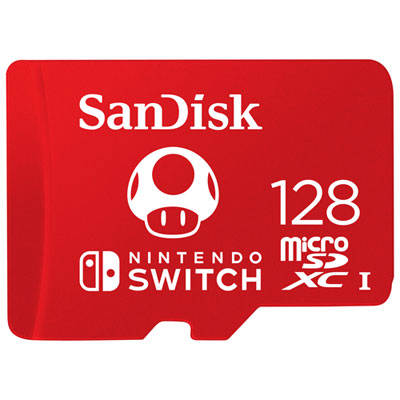 Your price for this item is $50.95
-
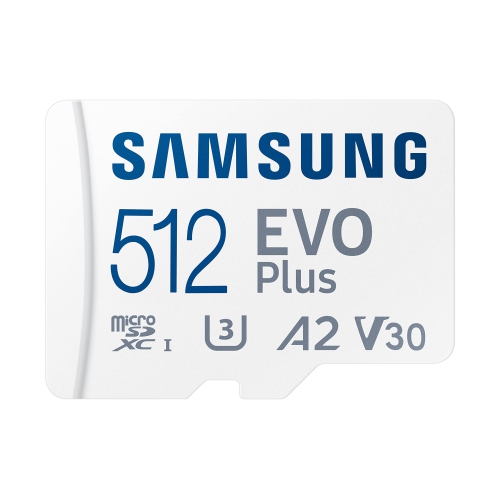 Your price for this item is $159.99
-
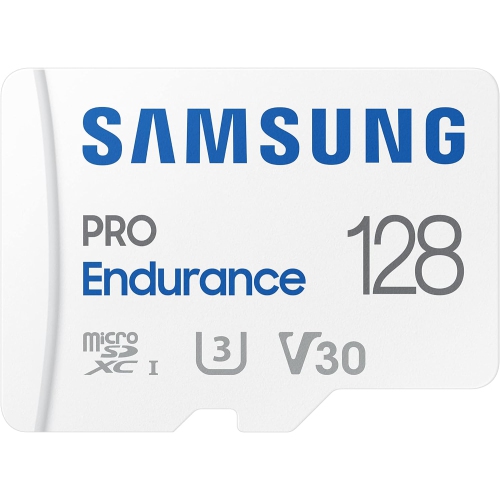 Your price for this item is $120.22
-
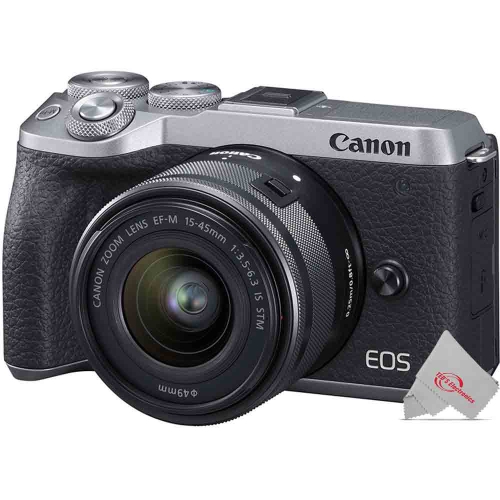 Your price for this item is $113.99
-
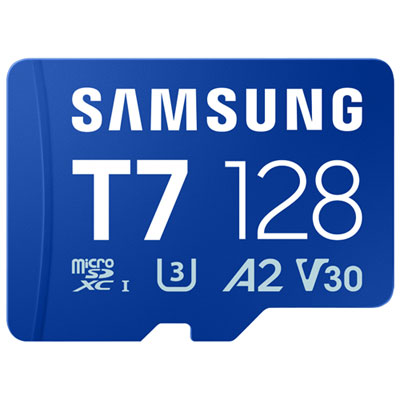 Your price for this item is $69.99
-
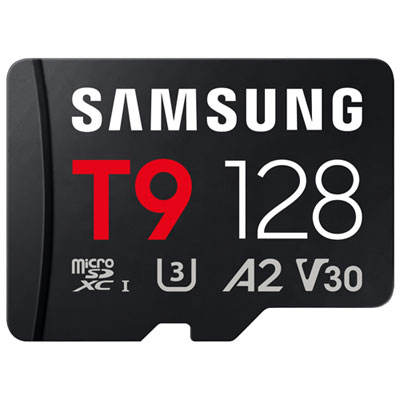 Your price for this item is $84.99
-
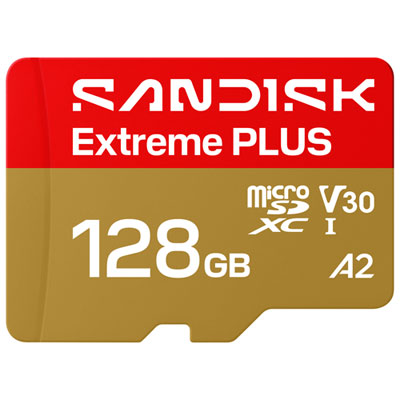 Your price for this item is $77.99
-
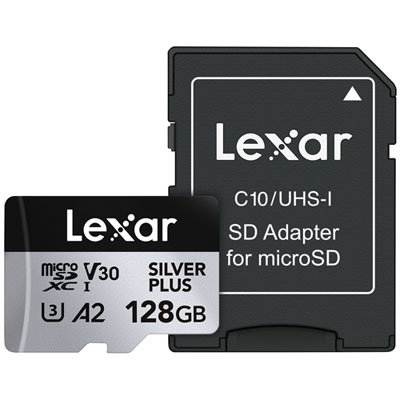 Your price for this item is $89.99
Discover more categories related to Reliable MicroSD Cards For Data Backup
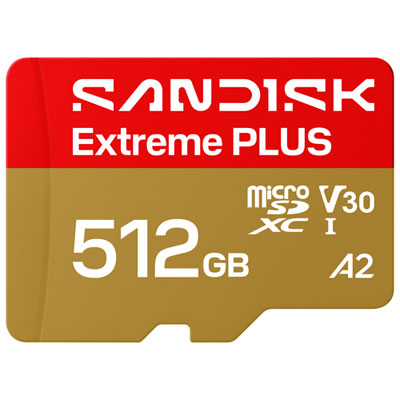
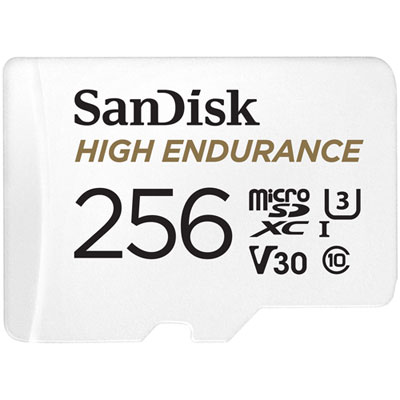
Top Collections:
Best Black Friday Deals This Year, Best Black Friday Deals On Electronics, Kindle Devices, Pokemon Centers, Best Black Friday Deals On Apple Products, Best Cameras for Sports Photography, Dyson Airwrap, Pokémon 30th Celebration Cards, Apple iPhone 17 Pro, Canon G7X Cameras
Some products may be subject to Environmental Handling Fees
(EHF) depending on your province.
Learn more about EHFs.