SD Cards for Video
Looking to capture every precious moment in high-definition? Look no further than our carefully curated selection of SD cards for video recording. Whether you're a professional videographer or simply enjoy capturing life's special moments, having the best SD cards is essential for ensuring smooth and uninterrupted recording. With various storage capacities and lightning-fast transfer speeds, these SD cards are designed to meet your video storage needs. Explore our range of top-notch SD cards and take your video recording experience to the next level.
Sort

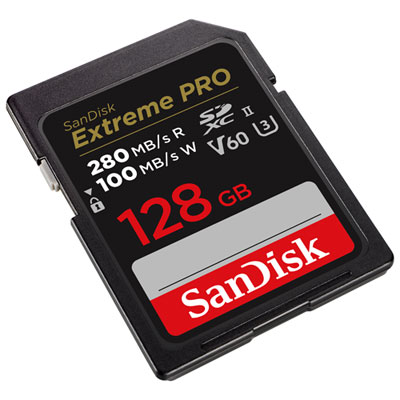
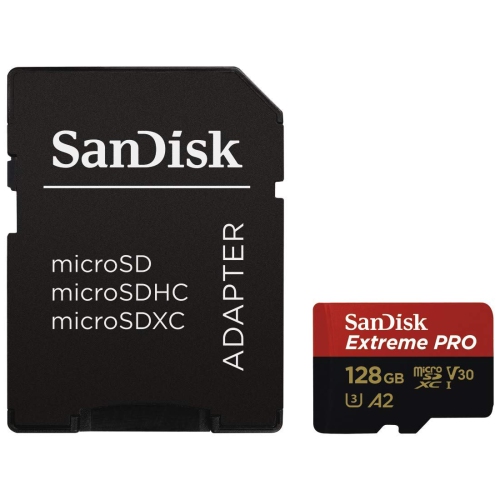
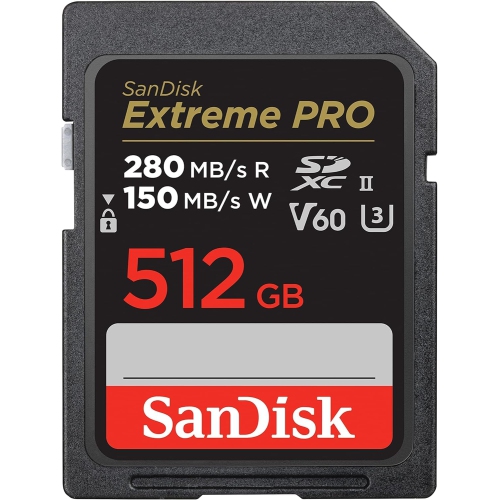
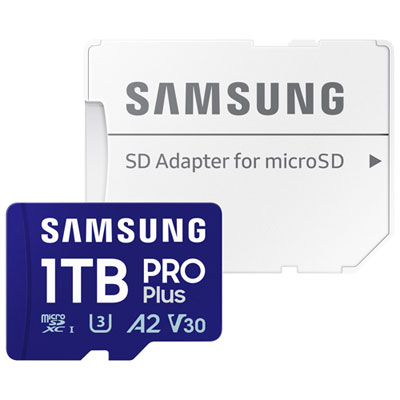
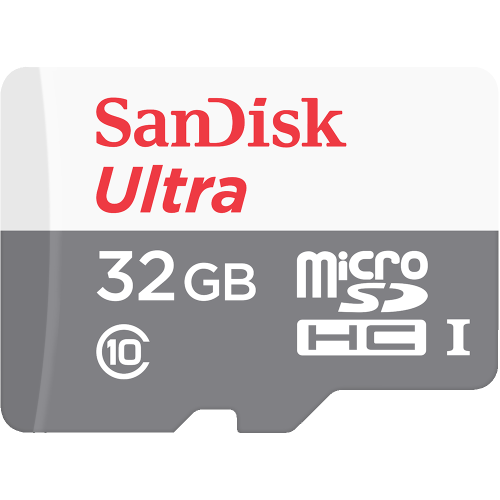
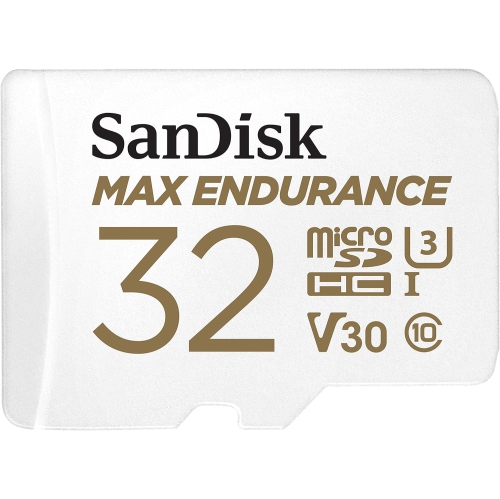
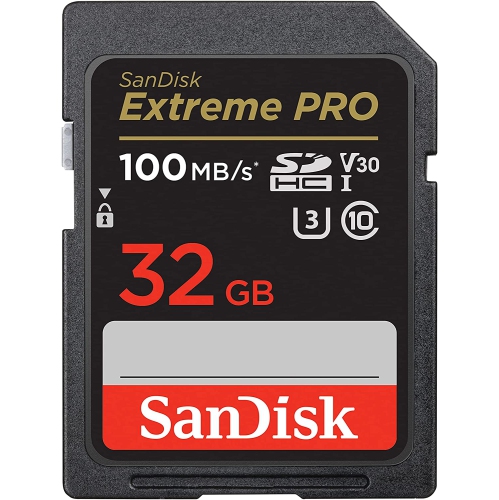
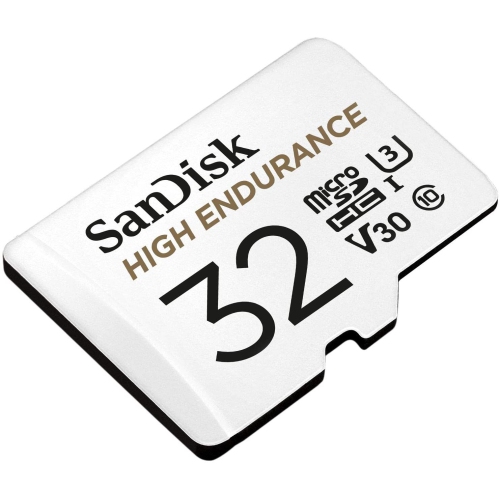

![SANDISK Extreme 32GB Microsdhc Uhs-I Card - Sdsqxaf-032G-Gn6Ma [Newest Version]](https://multimedia.bbycastatic.ca/multimedia/products/500x500/133/13325/13325765.jpeg)


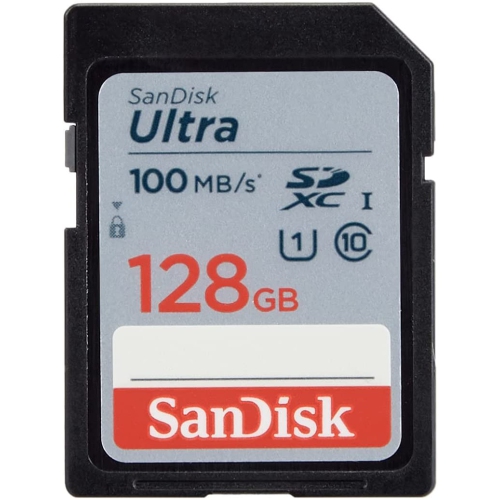
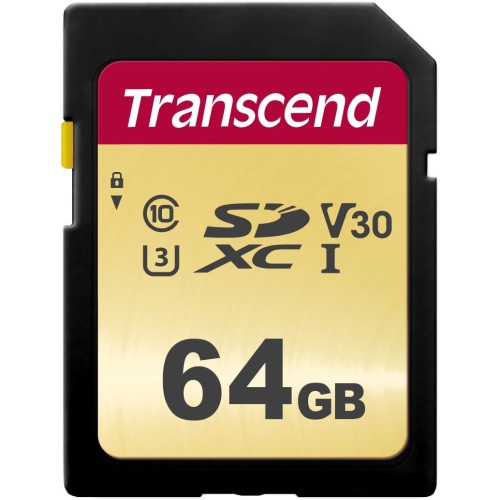
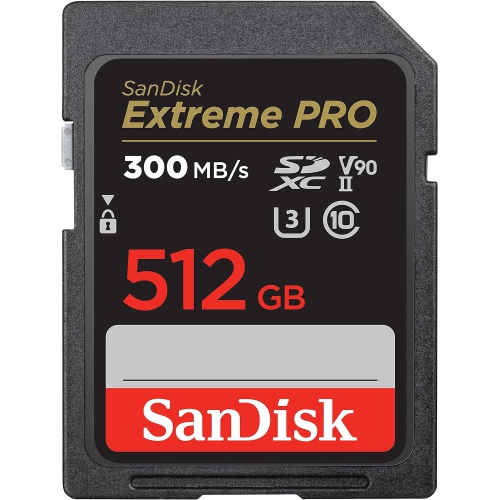
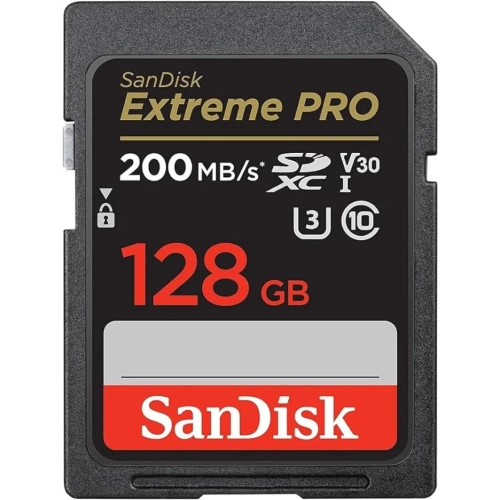
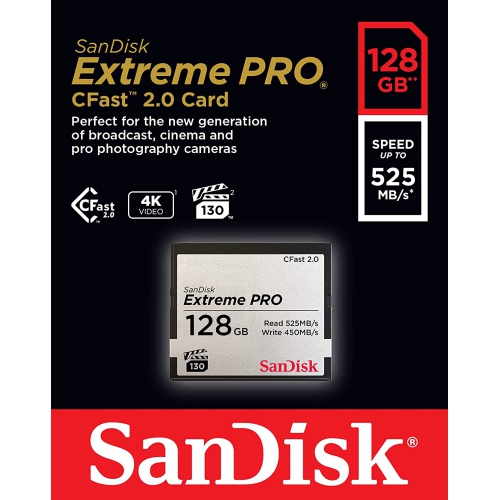
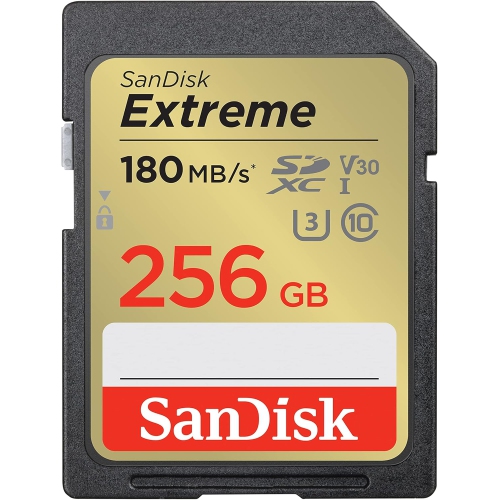

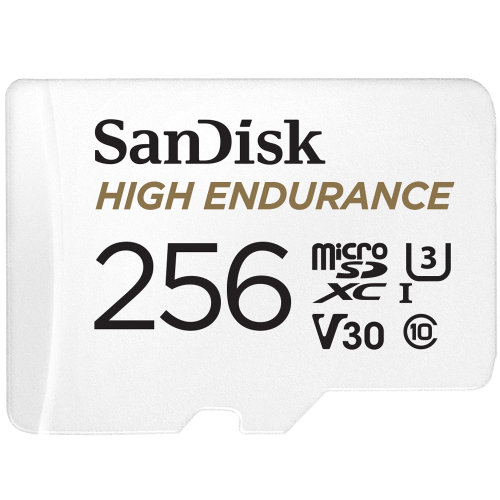

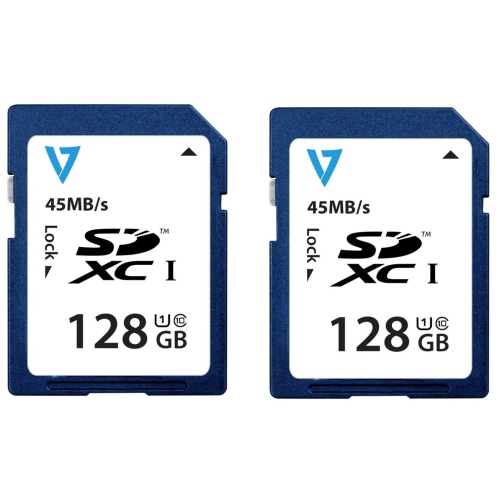
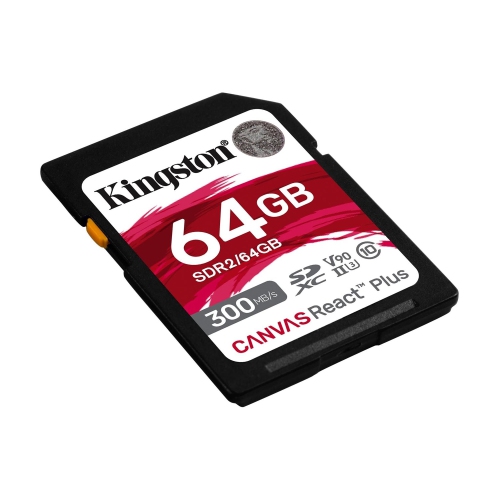
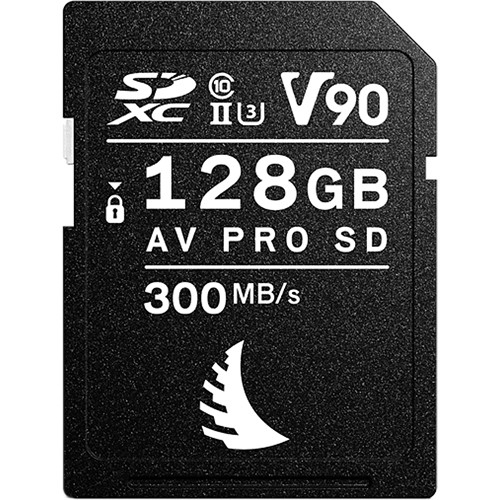

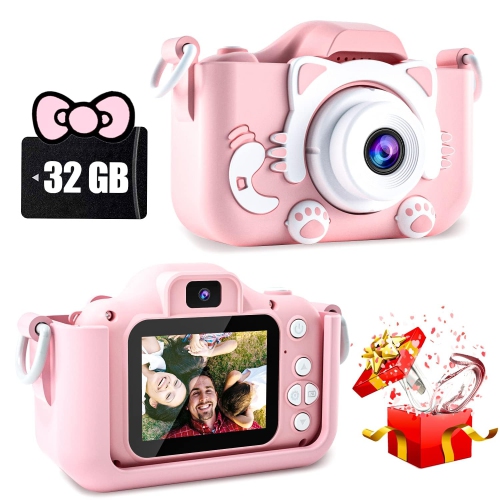
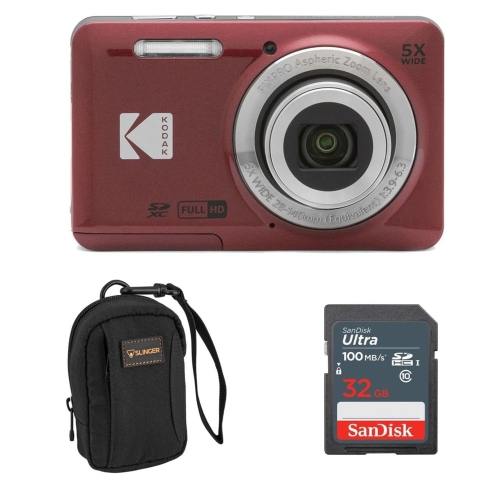
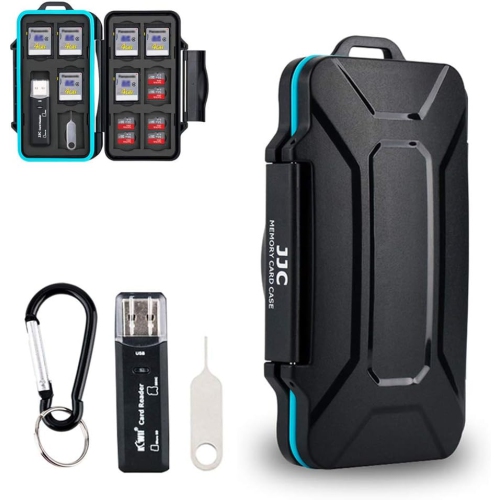
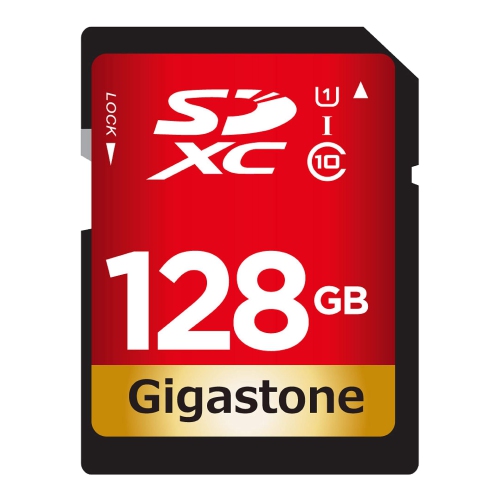
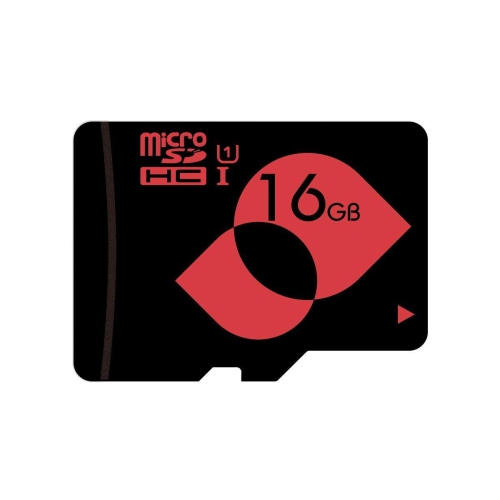
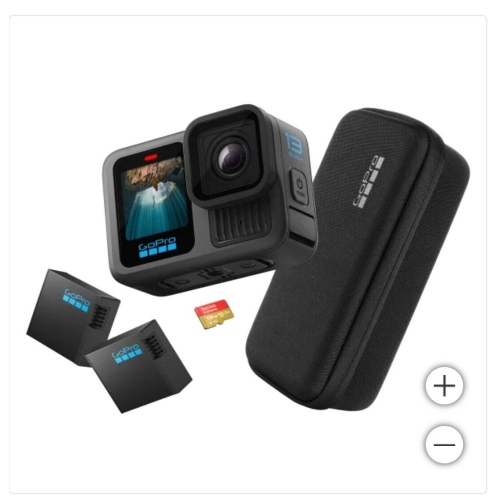
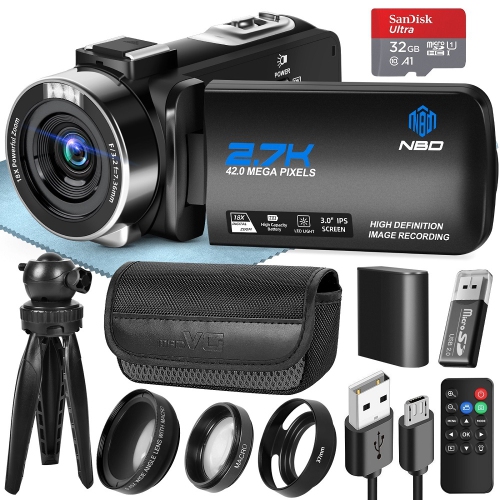
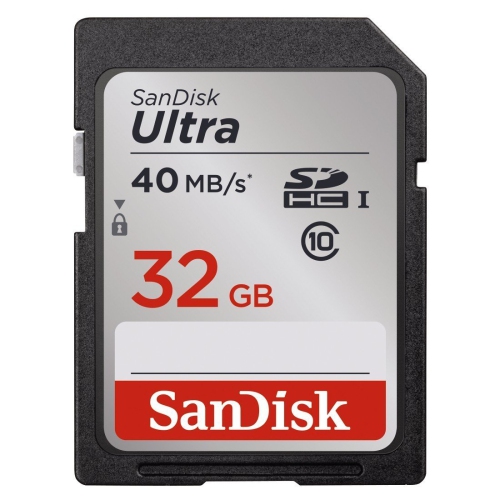
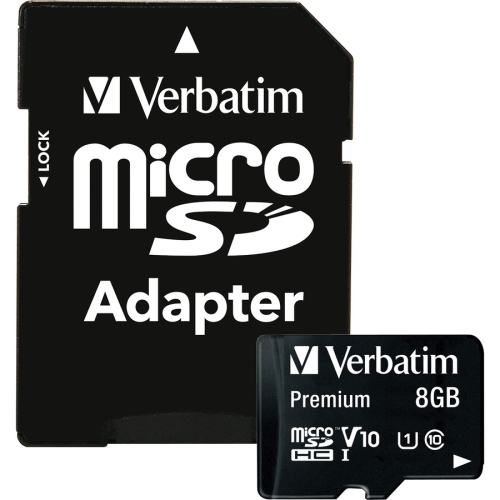
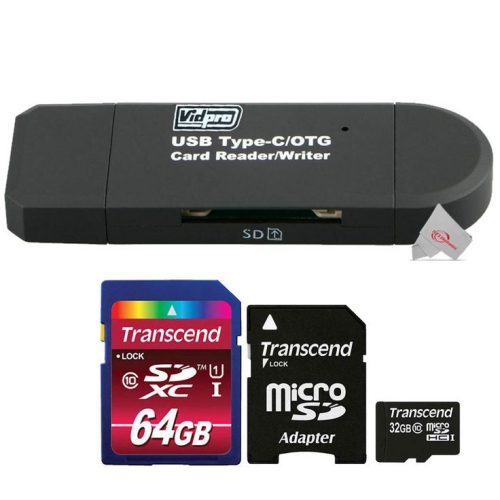
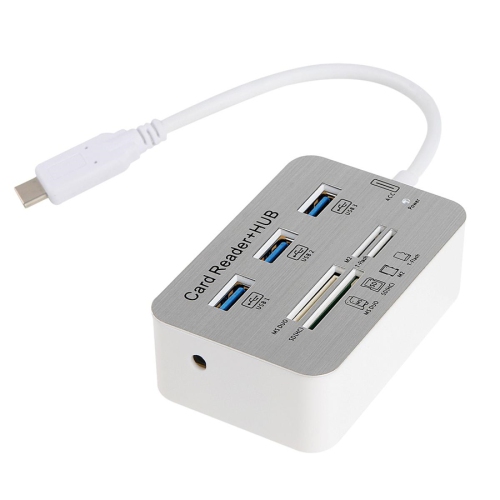
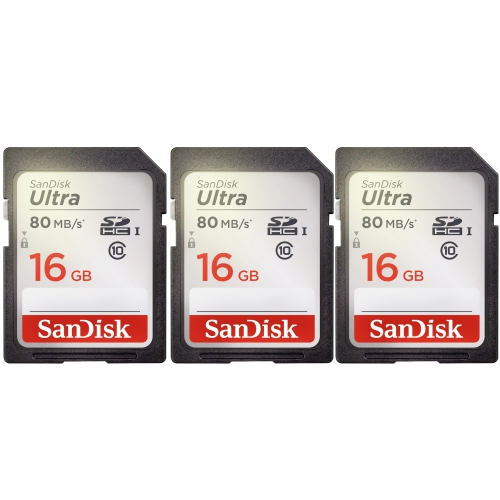
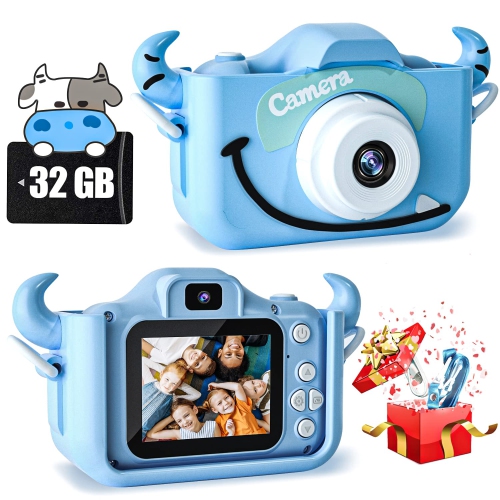
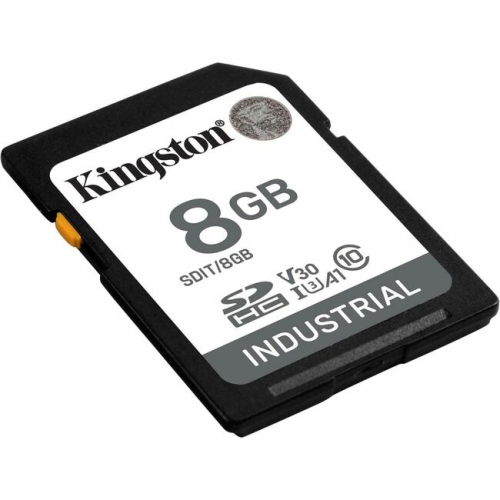

How speed ratings and capacity support reliable video recording
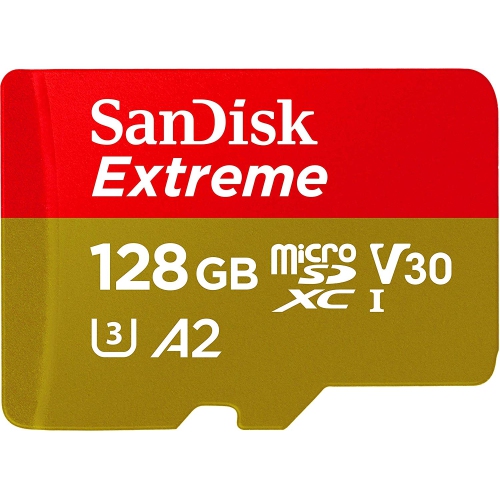
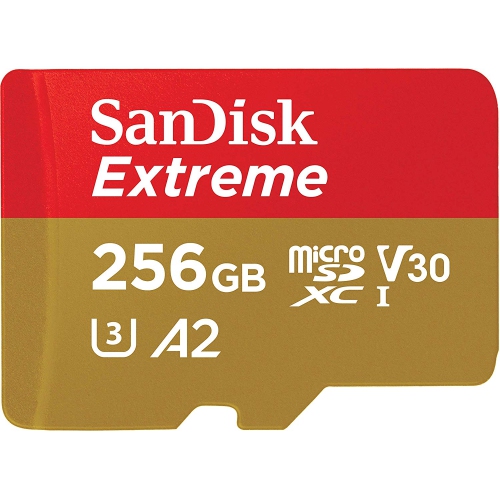
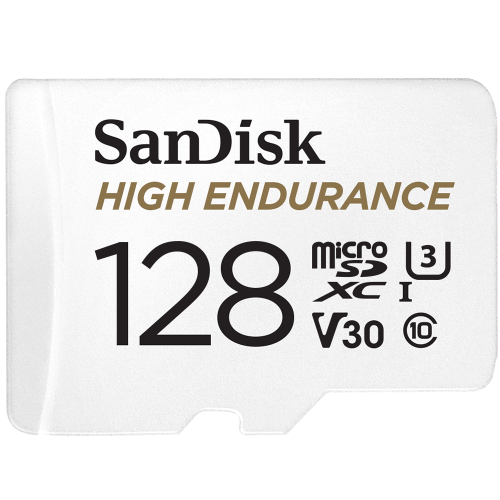
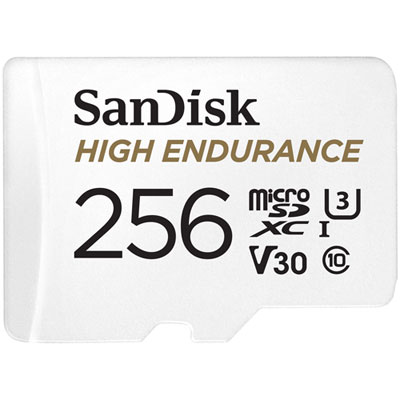
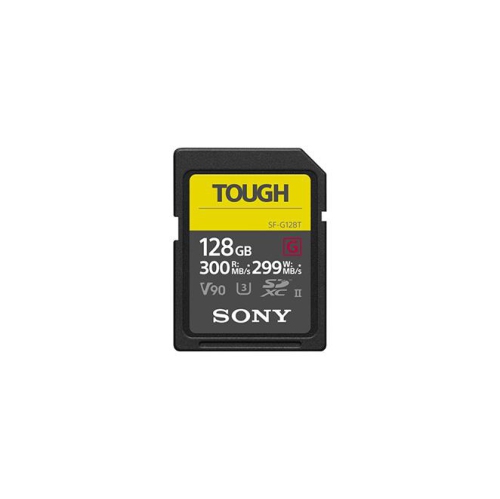
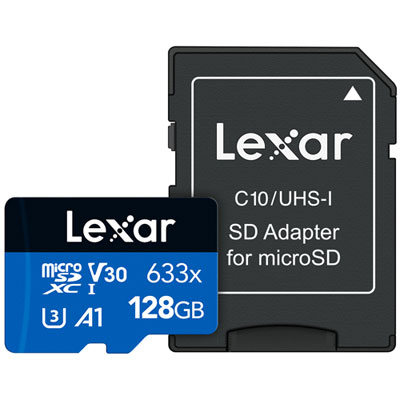
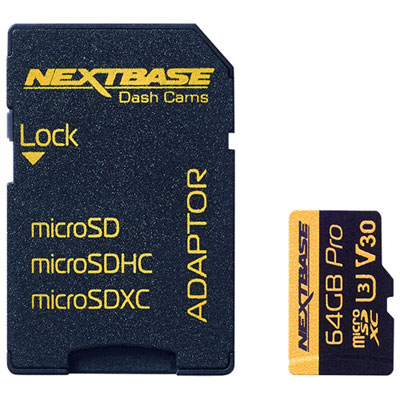
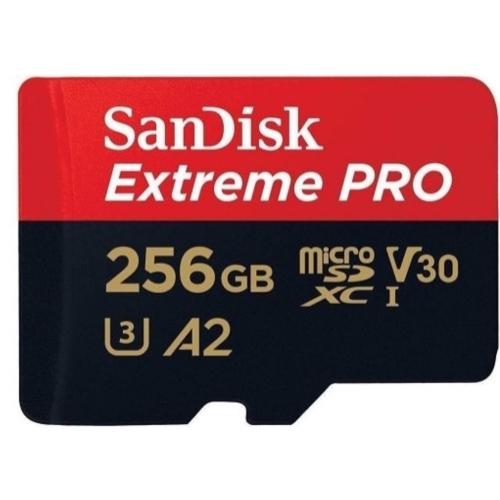
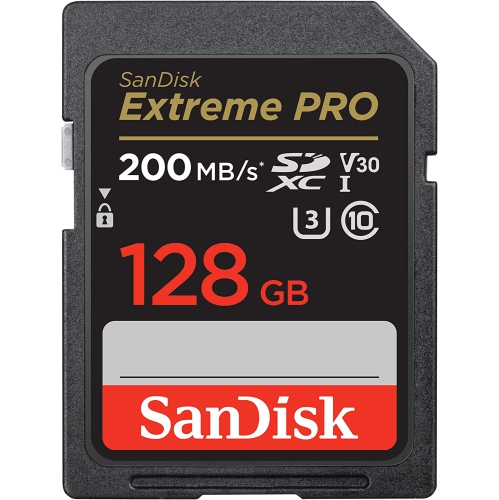
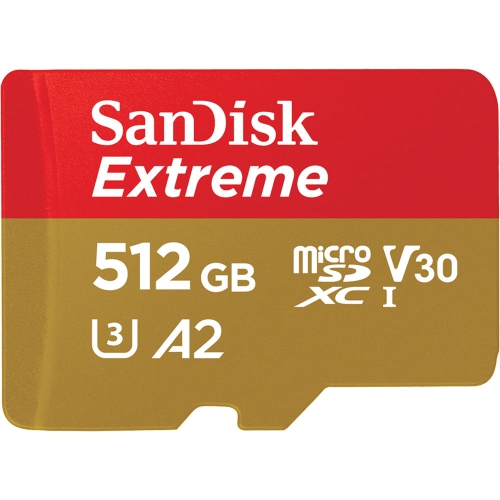
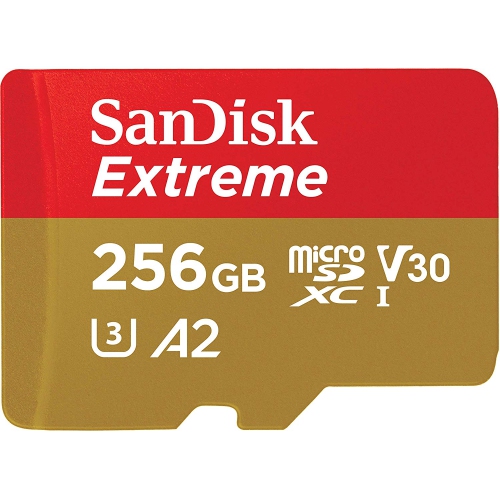
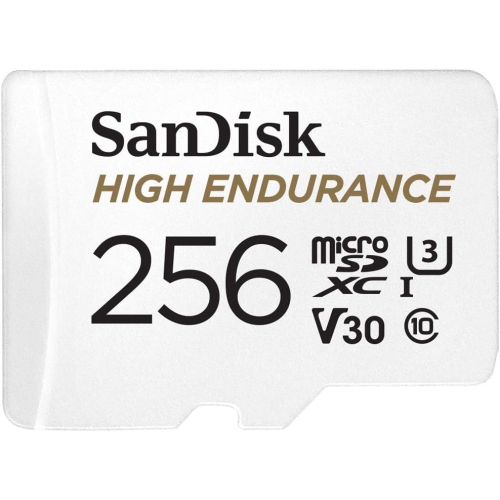
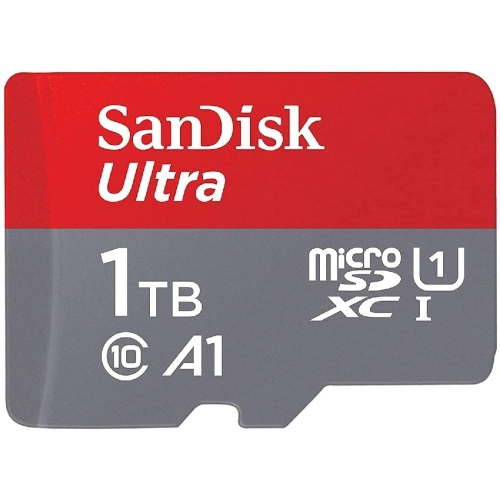
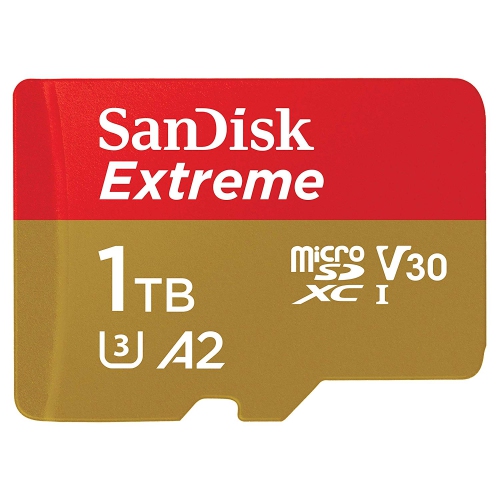
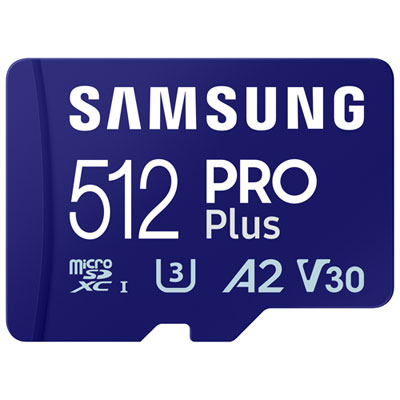
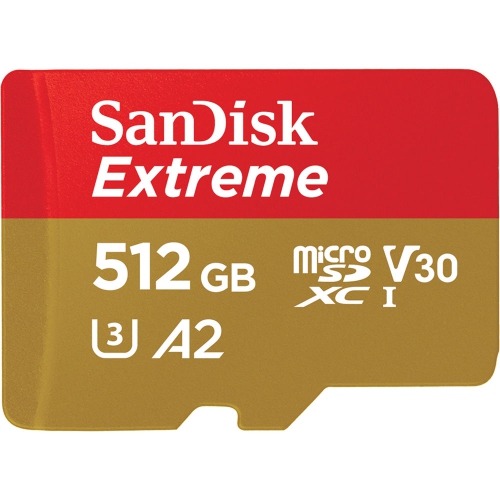
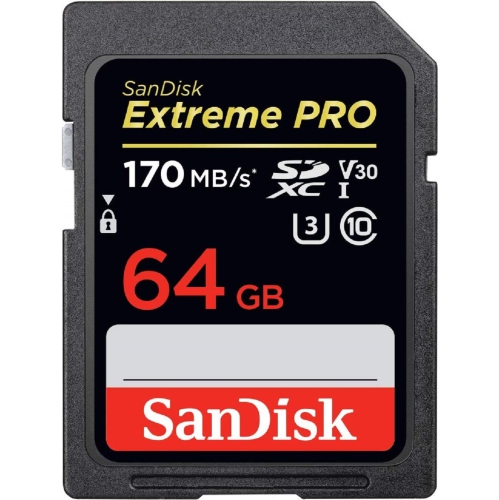
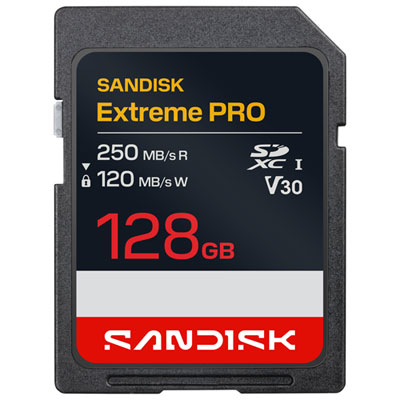
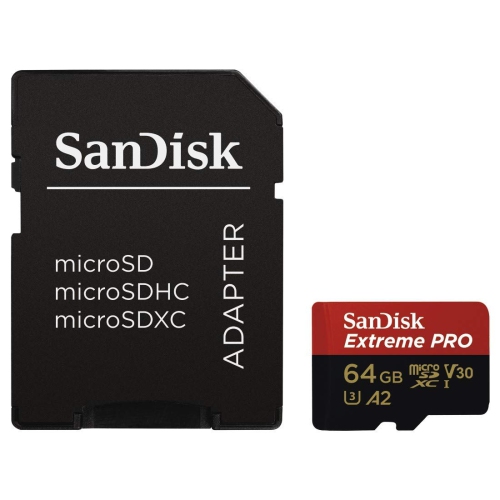
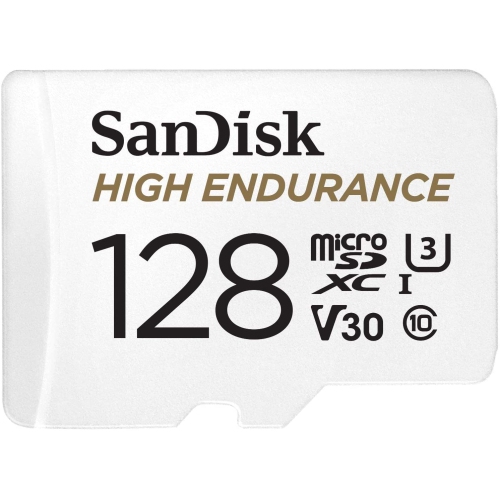
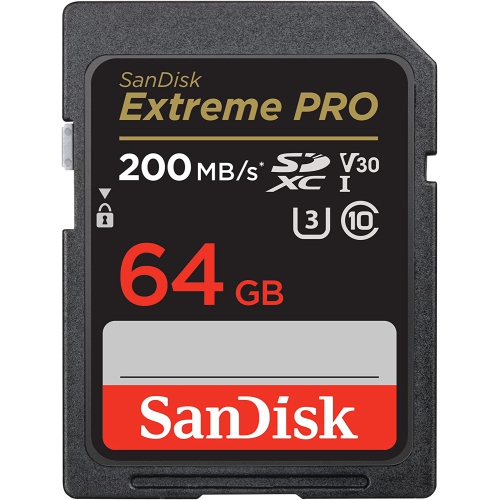
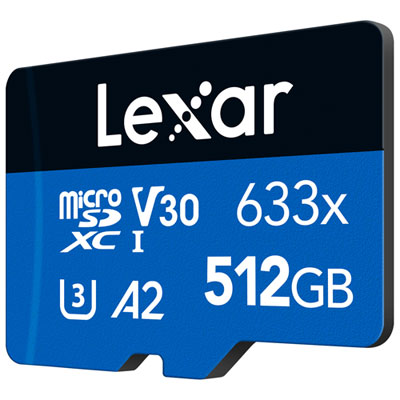
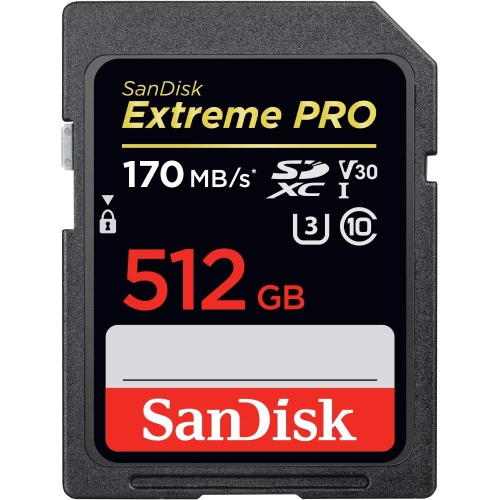
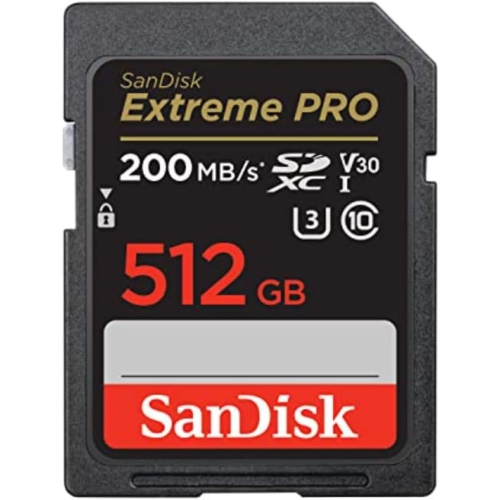
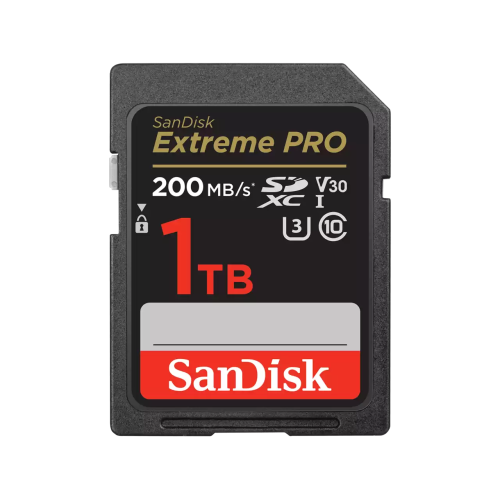
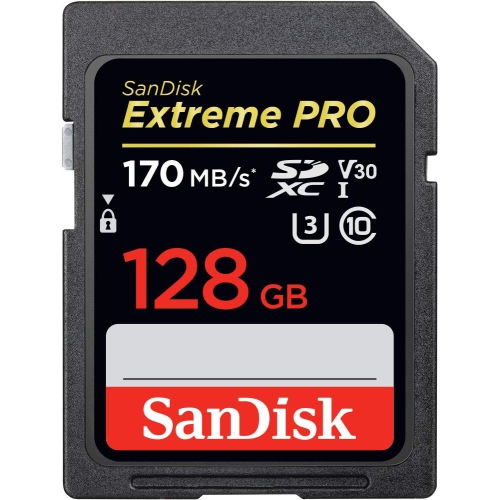
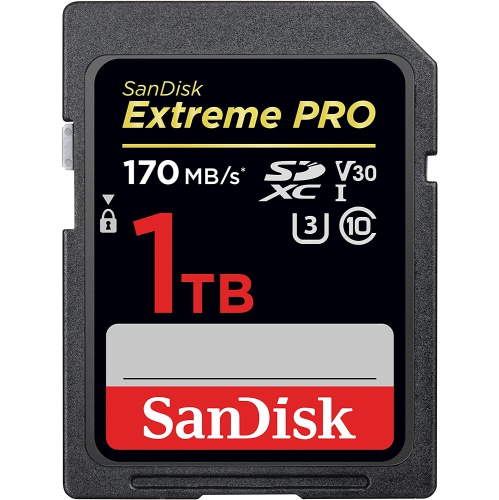
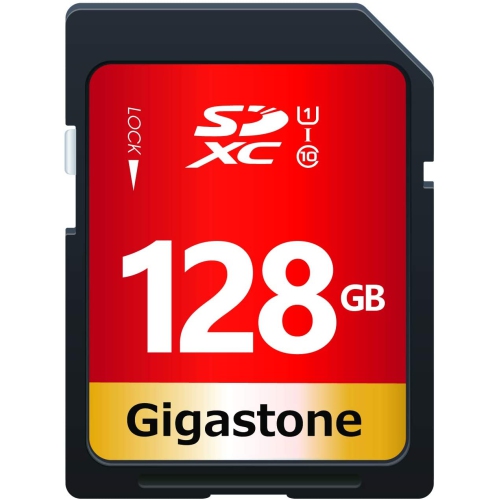
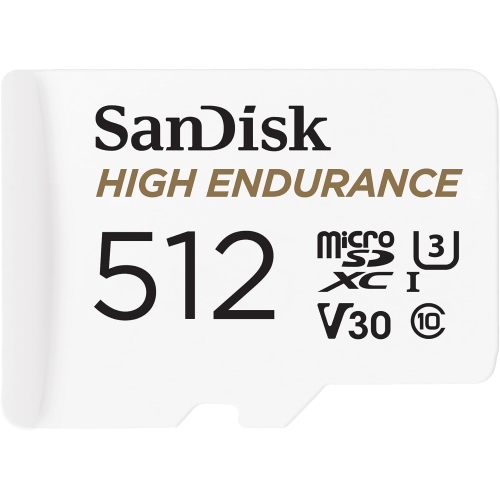
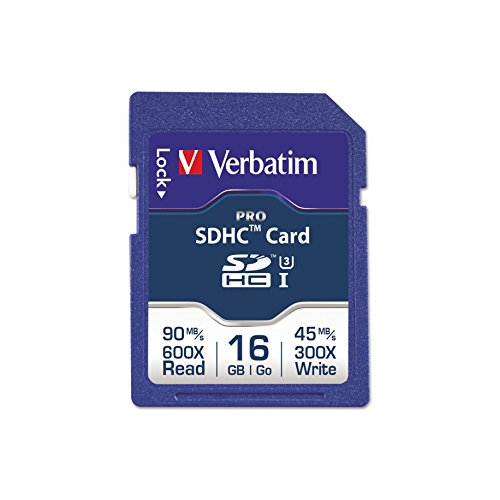
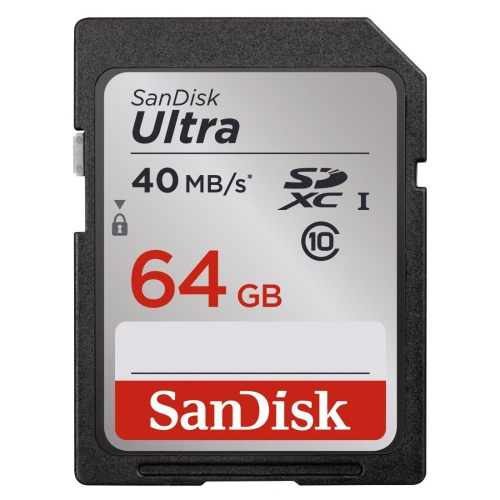
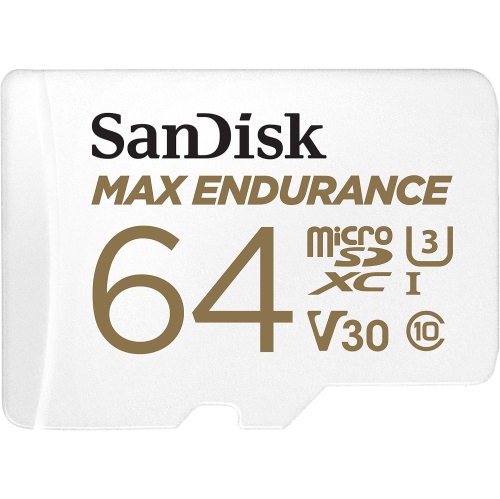
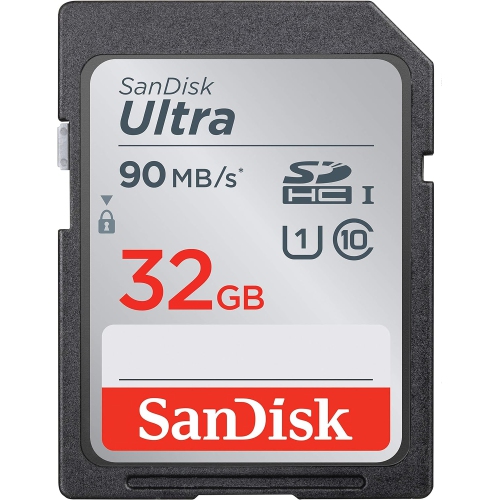
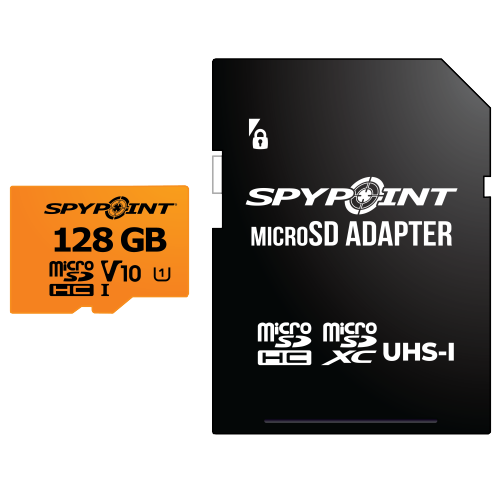
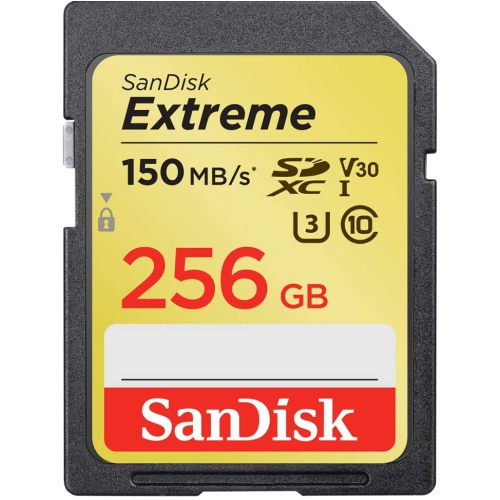
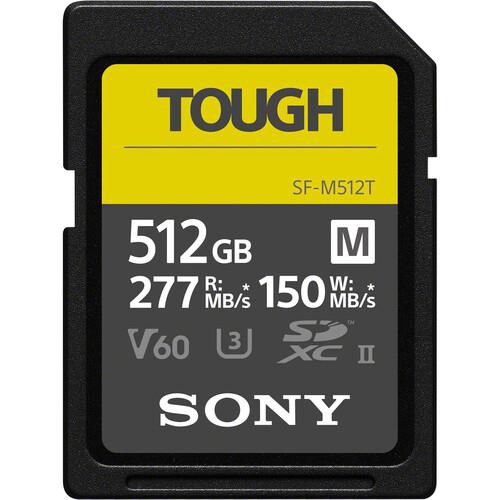
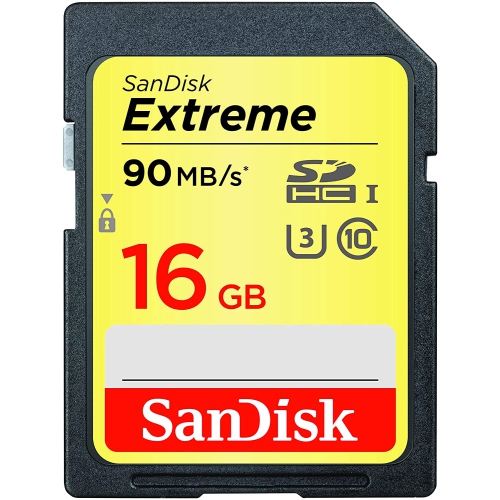
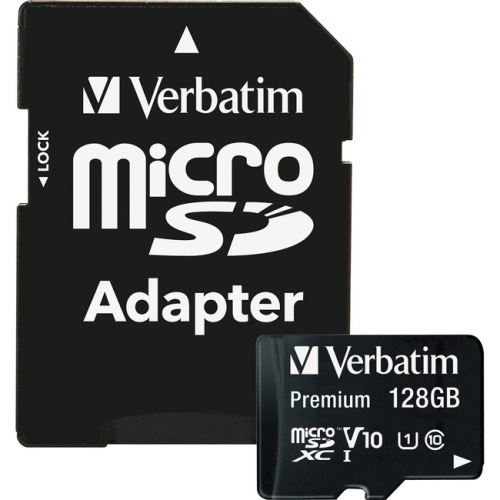
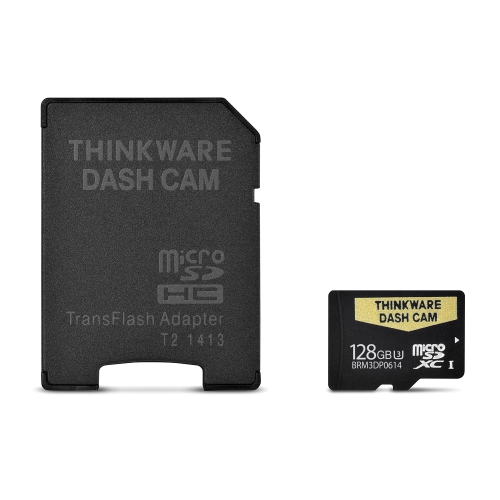
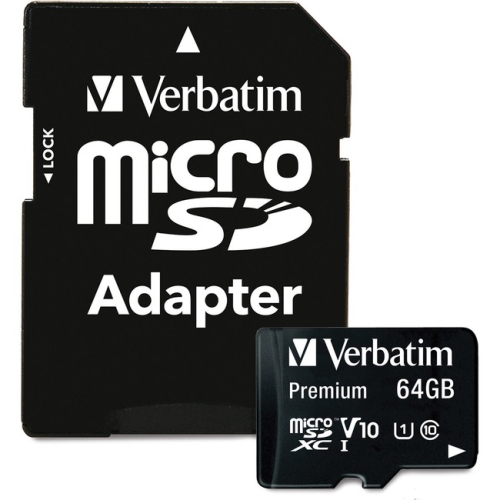
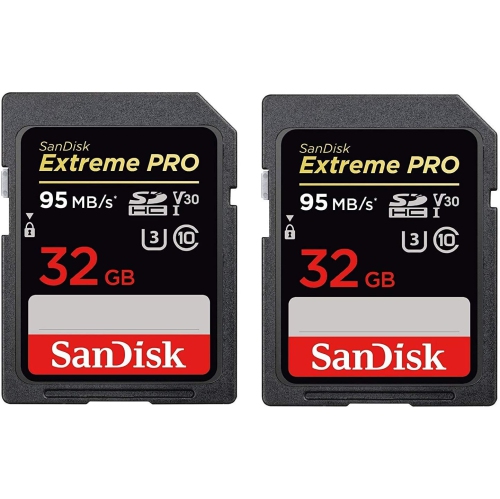
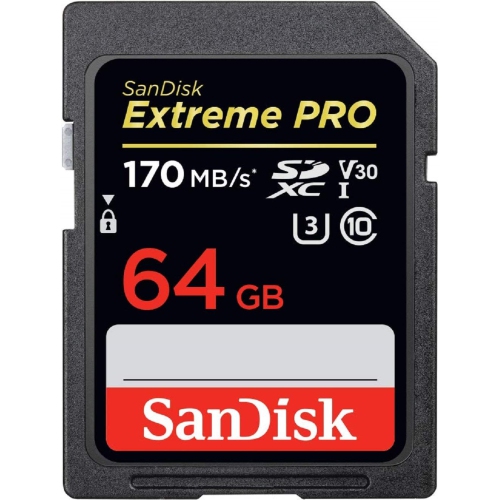
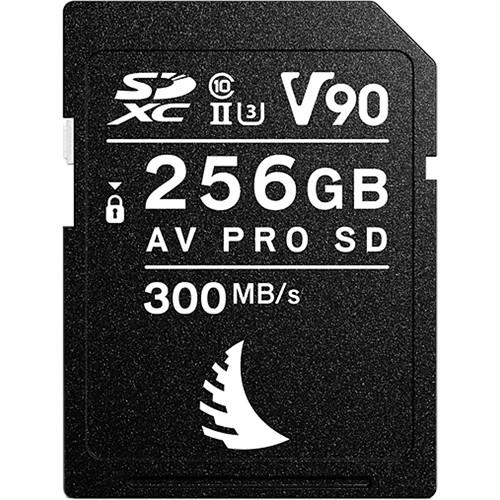
Choosing an SD card for video starts with matching its sustained write speed to the camera’s recording settings. Resolution matters, but it is only one part of the picture: frame rate, bitrate, colour depth, codec, and recording format also determine how much data the camera must write continuously. The Video Speed Class symbol, shown as a letter “V” followed by a number, identifies the card’s guaranteed minimum sustained write speed in megabytes per second. A V30 card maintains at least 30 MB/s and is often suitable for Full HD video, everyday 4K recording, and lower-bitrate 4K modes when those settings are supported by the camera. A V60 card maintains at least 60 MB/s, making it a stronger choice for demanding 4K recording, higher frame rates, and recording modes that create larger files. A V90 card maintains at least 90 MB/s and is intended for professional, high-bitrate workflows, including certain RAW video and advanced codecs such as ProRes, provided the camera supports recording to an SD card at those settings. These ratings describe sustained performance rather than a brief peak speed, which is especially important when recording a long concert, a school performance, a family gathering, or a continuous outdoor sequence. A card that writes quickly for a few seconds may still struggle when the buffer fills, while a suitable sustained rating helps the camera keep recording without dropped frames, interrupted clips, or recording errors. Before choosing a card, check the camera or camcorder manual for its minimum speed class, supported capacity, bus interface, and approved card types. Some devices accept standard SD cards, while others require SDHC or SDXC media. SDHC cards generally cover capacities from 4GB to 32GB, while SDXC cards cover 64GB and higher capacities, although the device must support the format. Capacity should reflect both the length of each recording session and the way footage will be stored after filming. Higher-resolution video can fill a card quickly, particularly at 60 frames per second, with 10-bit colour, or with a high-bitrate codec. A practical capacity leaves room for unexpected moments and avoids changing cards during an important event, but keeping several smaller cards can also make sense for people who prefer to separate shoots or reduce the amount of footage on one piece of media. Always format a card in the camera before an important recording session, after transferring and backing up existing files, and confirm that the available space and recording time display as expected.
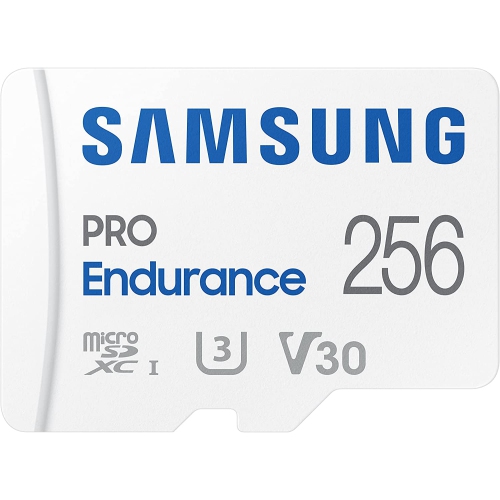
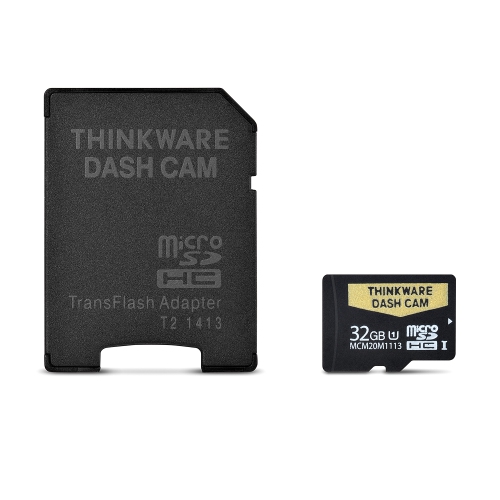
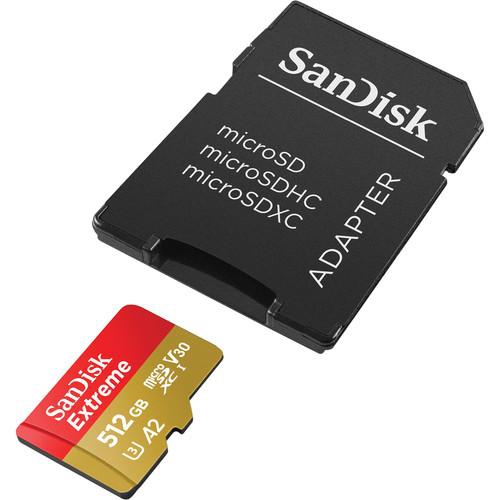
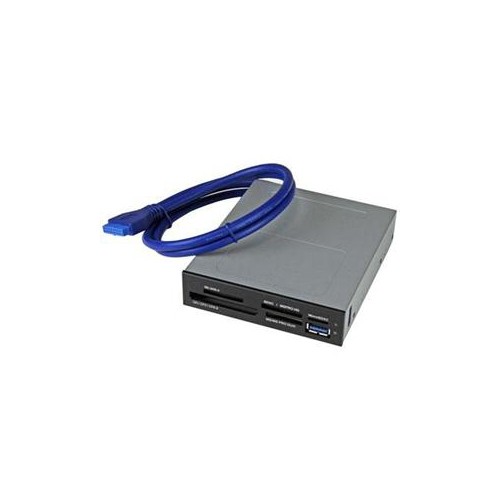
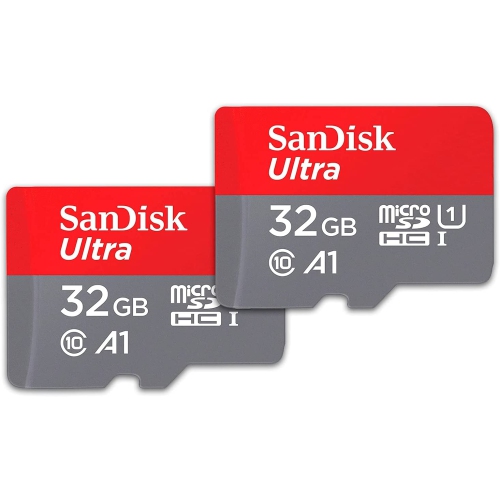
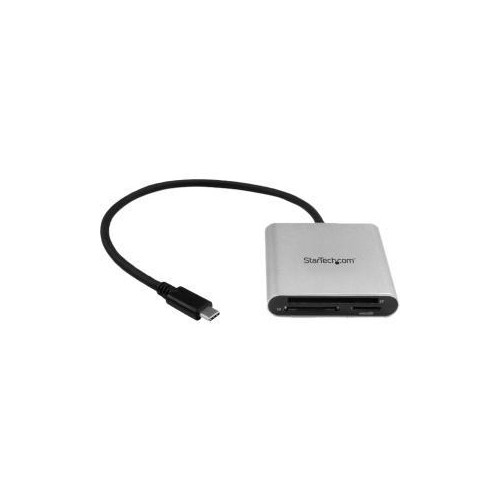
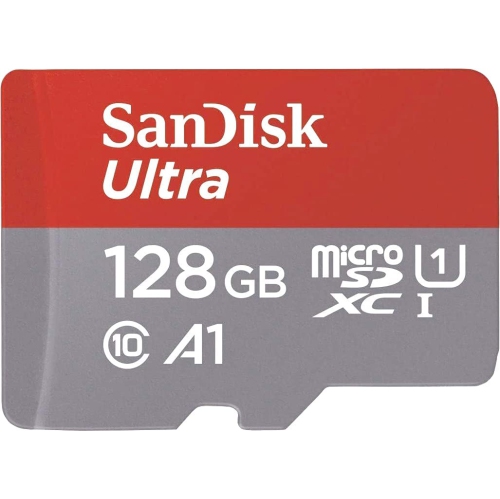
The UHS bus rating is another specification worth reading alongside the Video Speed Class. UHS-I and UHS-II describe the card’s interface and potential data transfer capability, while V30, V60, and V90 describe minimum sustained write performance. They are related, but they are not interchangeable. A camera with a UHS-II slot may transfer footage more quickly to a compatible computer, while a UHS-I camera may not benefit from the additional interface contacts on a UHS-II card. A UHS-II card can often be used in a UHS-I device, but it will normally operate at the slower interface speed, and the camera’s own requirements remain the deciding factor. Look for a full-size SD card when the camera has a standard SD slot, and consider a microSD card with a proper adapter when the device specifically supports microSD media. For compact cameras, action cameras, drones, dash cameras, and other small recording devices, the dedicated Micro SD Cards for 4K Video selection can help narrow the search to a smaller card format suited to compatible equipment. Durability can also matter when filming on location. People recording while travelling, hiking, cycling, skiing, or spending time near water may want a card designed to handle the conditions specified by the manufacturer, while anyone filming indoors may place greater emphasis on capacity, sustained speed, and easy file transfer. For creators who move footage frequently, read speed can shorten the wait when copying large video files to a computer, tablet, card reader, or storage drive. This is separate from write speed, so a card with a high advertised transfer rate should still meet the camera’s required sustained write rating. It is also wise to use a compatible card reader rather than relying on an older reader that limits transfer performance. After filming, copy the original files to a primary storage location and keep another backup before deleting or reformatting the card. This simple habit can protect hours of footage, from a child’s first skating lesson to carefully planned travel scenes.
SD cards for video are useful for a broad range of people, including new camera owners, students learning filmmaking, content creators, vloggers, photographers who also record video, and families capturing celebrations or everyday memories. They can be a thoughtful gift for someone moving from a phone to a dedicated camera, especially when paired with a camera bag, card reader, or other compatible recording accessory. A spare card is equally practical for an experienced videographer who already knows the frustration of seeing a low-space warning just as an important moment begins. For casual Full HD recording or standard 4K clips, V30 is a common starting point when it meets the device’s specifications. For 4K at higher frame rates or more demanding settings, V60 may provide the additional sustained write performance required. V90 is generally reserved for cameras and workflows that call for particularly high data rates, such as certain professional codecs, high-bit-depth recording, or RAW video. The camera’s manual remains the final authority because not every device can use every speed class, capacity, frame rate, or codec. A card with a higher rating will not automatically improve image quality, colour, stabilisation, or lens performance; its role is to reliably record the data produced by the camera. During the cooler months, outdoor filmmakers and travellers may appreciate having dependable media ready for changing conditions, while indoor creators may value extra capacity for lessons, interviews, live performances, and long-form projects. Keep cards in a protective case when they are not in use, label them by project when managing several shoots, and avoid removing one while the camera’s access light is active. With the right capacity, format, interface, and Video Speed Class, an SD card can help make recording more predictable from the first clip to the final transfer.
The UHS bus rating is another specification worth reading alongside the Video Speed Class. UHS-I and UHS-II describe the card’s interface and potential data transfer capability, while V30, V60, and V90 describe minimum sustained write performance. They are related, but they are not interchangeable. A camera with a UHS-II slot may transfer footage more quickly to a compatible computer, while a UHS-I camera may not benefit from the additional interface contacts on a UHS-II card. A UHS-II card can often be used in a UHS-I device, but it will normally operate at the slower interface speed, and the camera’s own requirements remain the deciding factor. Look for a full-size SD card when the camera has a standard SD slot, and consider a microSD card with a proper adapter when the device specifically supports microSD media. For compact cameras, action cameras, drones, dash cameras, and other small recording devices, the dedicated Micro SD Cards for 4K Video selection can help narrow the search to a smaller card format suited to compatible equipment. Durability can also matter when filming on location. People recording while travelling, hiking, cycling, skiing, or spending time near water may want a card designed to handle the conditions specified by the manufacturer, while anyone filming indoors may place greater emphasis on capacity, sustained speed, and easy file transfer. For creators who move footage frequently, read speed can shorten the wait when copying large video files to a computer, tablet, card reader, or storage drive. This is separate from write speed, so a card with a high advertised transfer rate should still meet the camera’s required sustained write rating. It is also wise to use a compatible card reader rather than relying on an older reader that limits transfer performance. After filming, copy the original files to a primary storage location and keep another backup before deleting or reformatting the card. This simple habit can protect hours of footage, from a child’s first skating lesson to carefully planned travel scenes.
SD cards for video are useful for a broad range of people, including new camera owners, students learning filmmaking, content creators, vloggers, photographers who also record video, and families capturing celebrations or everyday memories. They can be a thoughtful gift for someone moving from a phone to a dedicated camera, especially when paired with a camera bag, card reader, or other compatible recording accessory. A spare card is equally practical for an experienced videographer who already knows the frustration of seeing a low-space warning just as an important moment begins. For casual Full HD recording or standard 4K clips, V30 is a common starting point when it meets the device’s specifications. For 4K at higher frame rates or more demanding settings, V60 may provide the additional sustained write performance required. V90 is generally reserved for cameras and workflows that call for particularly high data rates, such as certain professional codecs, high-bit-depth recording, or RAW video. The camera’s manual remains the final authority because not every device can use every speed class, capacity, frame rate, or codec. A card with a higher rating will not automatically improve image quality, colour, stabilisation, or lens performance; its role is to reliably record the data produced by the camera. During the cooler months, outdoor filmmakers and travellers may appreciate having dependable media ready for changing conditions, while indoor creators may value extra capacity for lessons, interviews, live performances, and long-form projects. Keep cards in a protective case when they are not in use, label them by project when managing several shoots, and avoid removing one while the camera’s access light is active. With the right capacity, format, interface, and Video Speed Class, an SD card can help make recording more predictable from the first clip to the final transfer.
Top selling and popular products
-
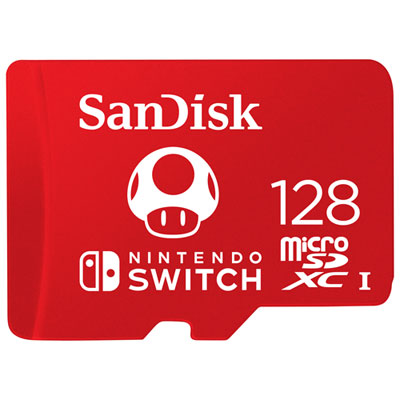 Your price for this item is $77.98
 -
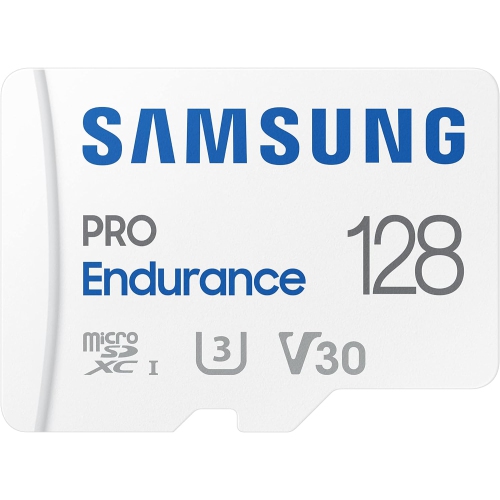 Your price for this item is $117.45
 -
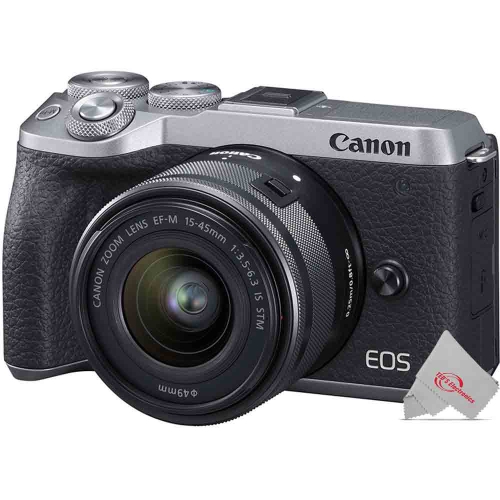 Your price for this item is $106.45
 -
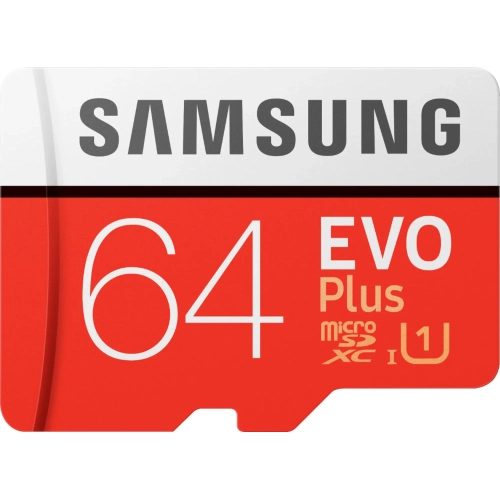 Your price for this item is $53.99
 -
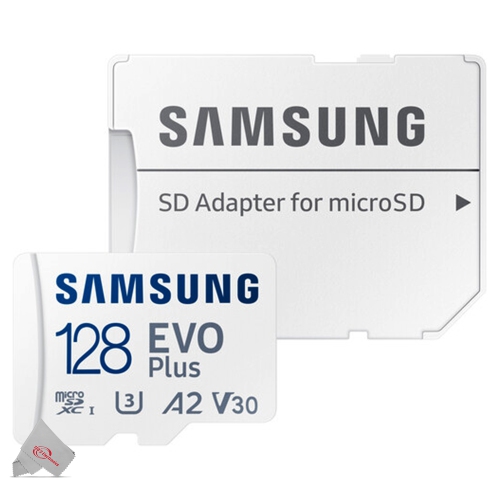 Your price for this item is $56.45
 -
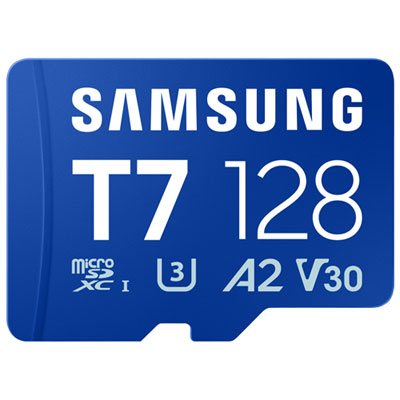 Your price for this item is $69.99
 -
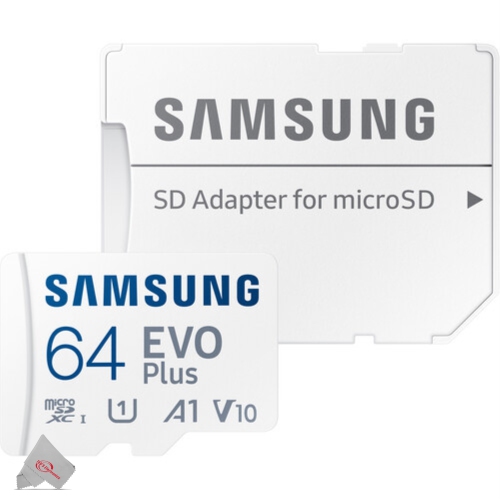 Your price for this item is $48.45
 -
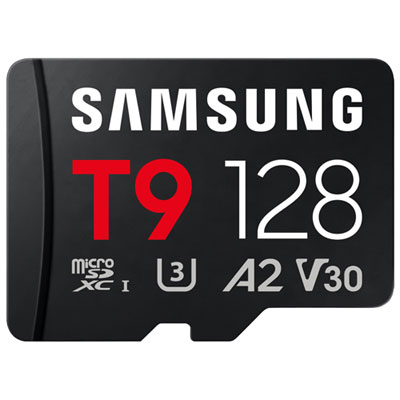 Your price for this item is $84.99
Discover more categories related to SD Cards for Video
Top Collections:
Pokemon Centers, Kindle Devices, Best Budget Office Chairs, Apple iPhones 16, Best Laptops for Writers, iPhone 15 Apple, Canon G7X Cameras, Refurbished Apple Laptops, Alarm Clock, Motorola Razr Phones
Some products may be subject to Environmental Handling Fees
(EHF) depending on your province.
Learn more about EHFs.