SD Card Readers for Desktop Computer
Upgrade your workstation with an SD Card Reader for Desktop Computer and experience effortless file management. Perfect for transferring photos, videos, and documents, these devices make it easy to access and organize your data directly from your desktop. Whether you're a professional photographer, creative enthusiast, or simply looking to streamline your workflow, an SD Card Reader for Desktop Computer offers a convenient solution for quick and reliable data transfers. Explore a wide range of options designed to suit various needs and enhance your desktop's connectivity.
Sort
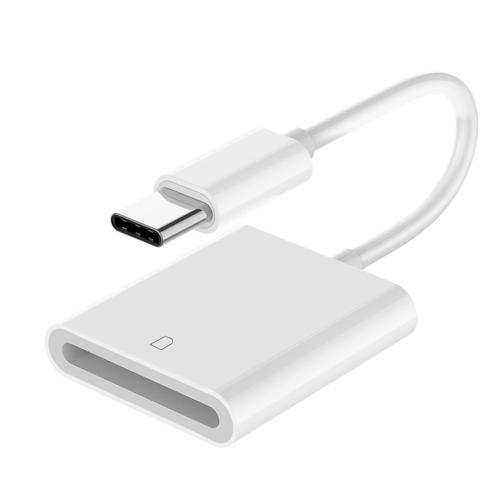
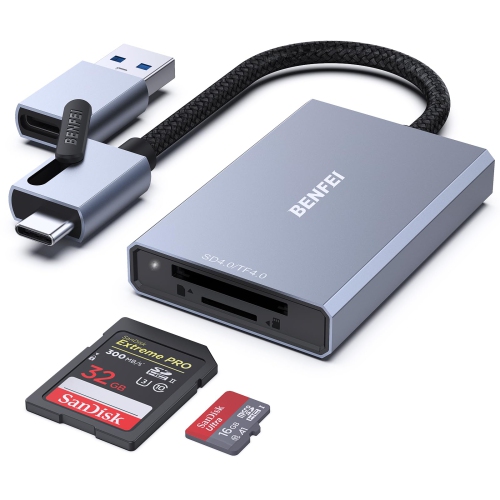
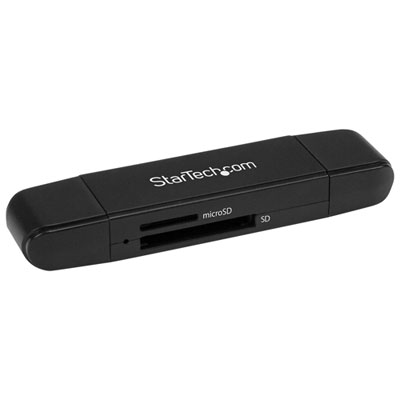
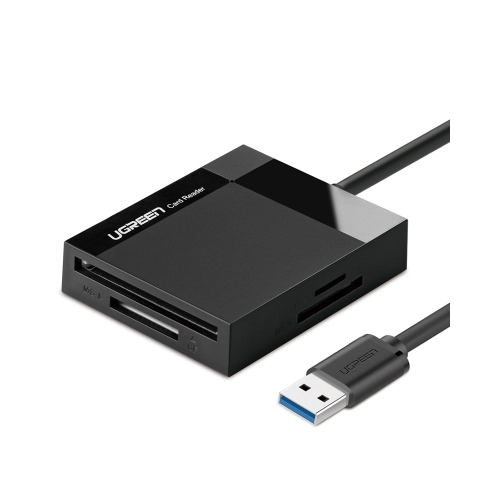

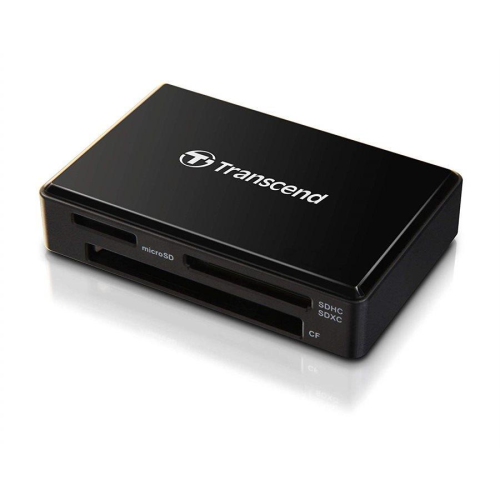
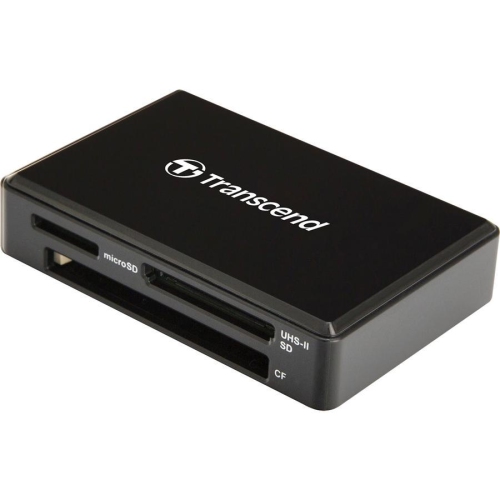
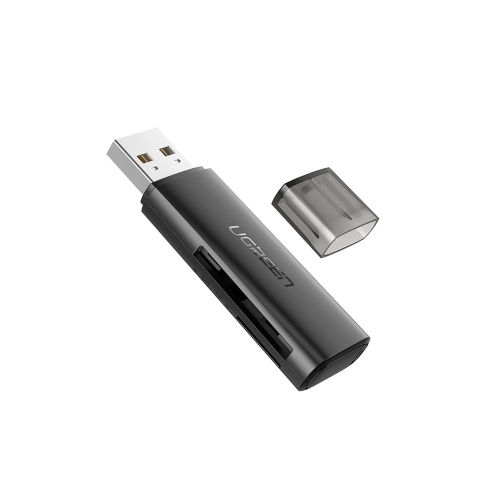
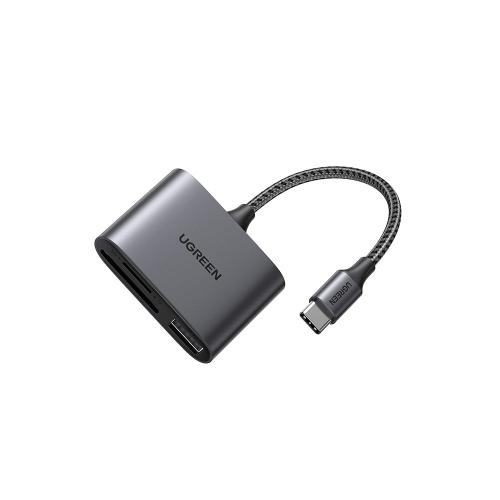
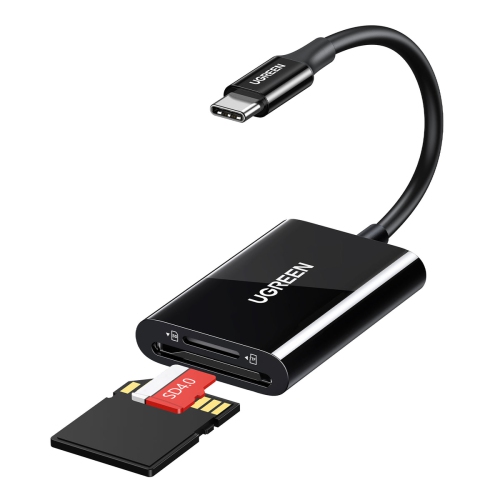
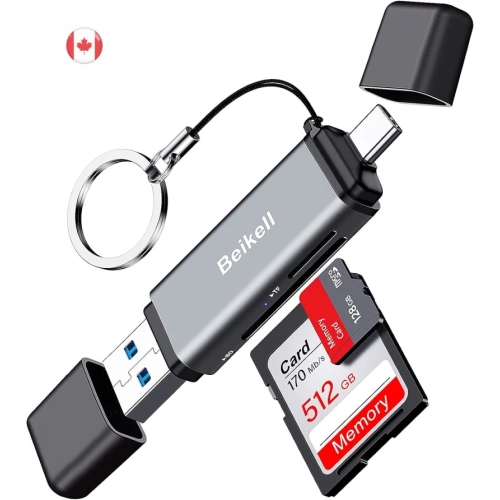

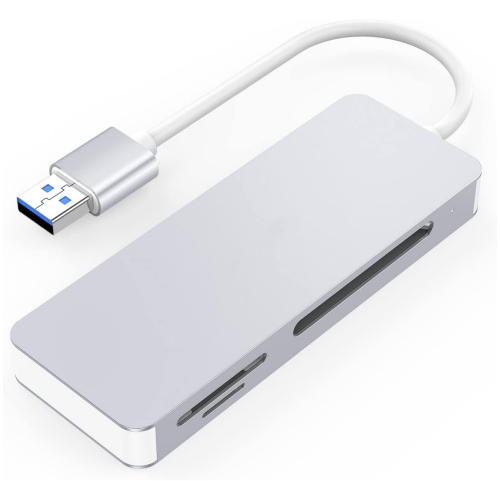
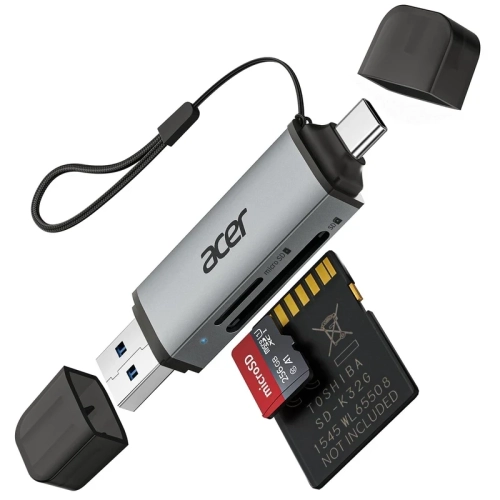
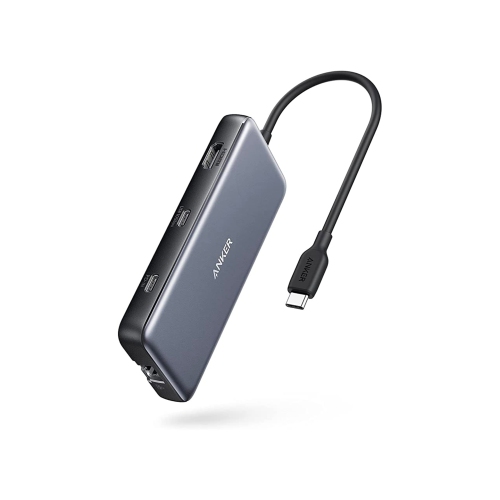
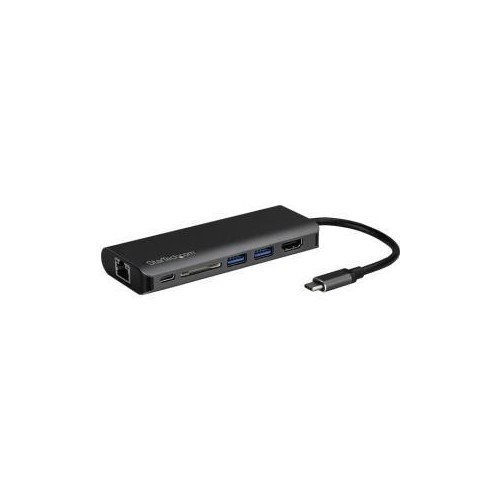

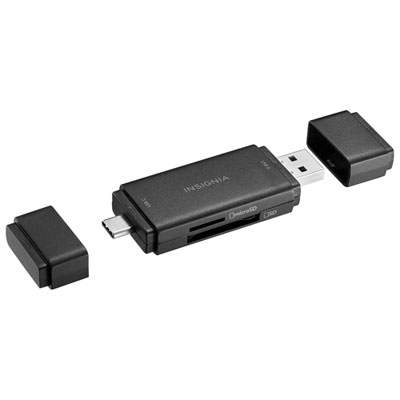
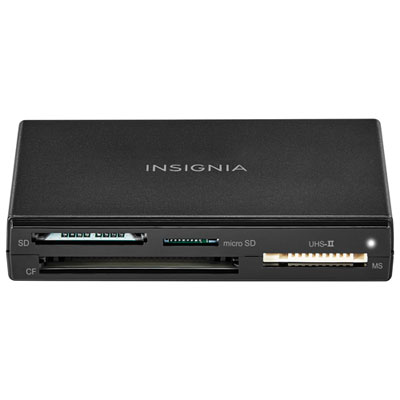
Photo transfers without plugging in your camera
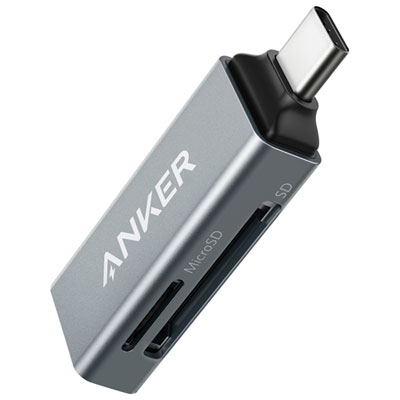
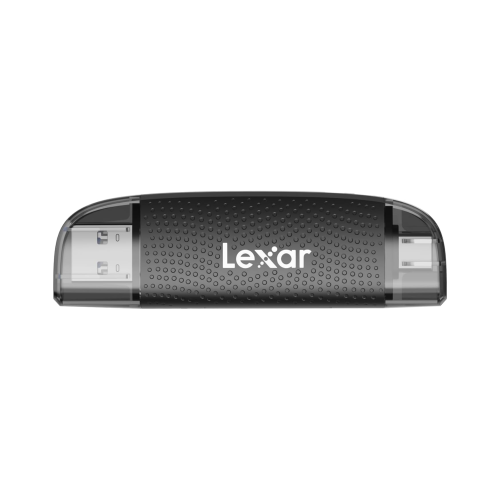
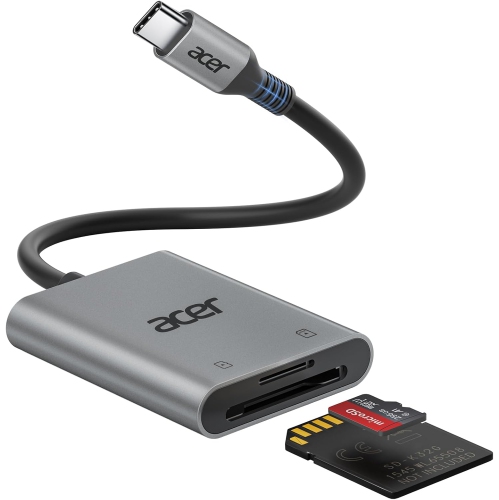
SD card readers for desktop computers provide a direct connection between a memory card and a computer, making it possible to copy photos, import video, retrieve documents, or write files back to compatible cards. An external reader connects through a USB port, while an internal reader fits into a compatible desktop case and connects inside the computer, commonly through a motherboard USB header. The reader provides access to the card; it does not add storage capacity on its own. For a photographer returning with several cards of images, a reader makes it easier to move files into folders on the desktop without connecting the camera or using its battery. The same convenience applies to footage from an action camera, recordings from a portable audio device, or files saved on a microSD card by another compatible device. Full-size SD cards and smaller microSD cards require matching slots, although a suitable microSD-to-SD adapter can allow a microSD card to fit a full-size SD slot. A dedicated microSD slot removes the need to keep an adapter nearby. External readers suit desktops without built-in card slots and can be moved between compatible computers. Compact, direct-plug designs take up little desk space, while readers with a short cable can bring the card slot within reach when the computer tower sits beneath the work surface. An internal reader creates a more permanent front-facing connection, but installation depends on the case having an appropriate accessible bay, the reader fitting that bay, and the motherboard having the required connector. These differences matter in everyday use: a card slot beside the keyboard is easier to reach repeatedly than a connection hidden behind a tower. For home offices, shared family computers, and creative workstations, the most useful arrangement is one that matches both the cards being used and the way the desktop is positioned.
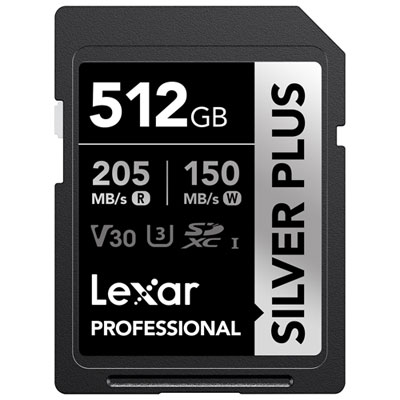
Compatibility involves more than finding a slot that looks the right size. SD, SDHC, and SDXC describe different card standards, so a reader’s supported formats and capacities should match the cards it will handle. An older reader may accept a card physically without supporting its standard or capacity. Connection type matters too: USB-A and USB-C describe the connector shape, not a guaranteed transfer speed. A USB-C reader is not automatically faster than a USB-A reader, and either can be limited by the USB connection used by the desktop. Transfer performance depends on the card, the reader, the USB port, and the drive receiving the files. UHS-I and UHS-II support is particularly relevant when copying large photo libraries or high-resolution video. Taking advantage of a UHS-II card’s higher transfer capability requires a compatible reader and a connection that can carry that data efficiently. A faster reader cannot make a slower card exceed its own read speed, and small files often transfer differently from one large video file. For someone moving a few documents, straightforward compatibility may matter more than maximum throughput; for a creator importing footage after every recording session, a faster matched setup can make repeated transfers less time-consuming. Readers with both SD and microSD slots offer flexibility, but having two slots does not necessarily mean both can operate at once. Simultaneous access is a separate feature worth checking when moving files between cards. Operating system and file-system support also affect whether a card can be read and written successfully. If a computer unexpectedly asks to format a card containing important files, formatting should wait until those files have been recovered or safely copied elsewhere. Once a transfer finishes, checking that the copied files open correctly provides more reassurance than relying on the progress bar alone. A second copy on a separate storage device adds protection, since a reader transfers data but does not create a backup by itself.
Construction and physical fit help determine how comfortably a card reader holds up to regular use. Plastic housings can keep a portable reader light, while metal housings may offer a more rigid feel; neither material alone establishes how durable the connectors, slots, or internal components will be. A securely fitted USB connector, cleanly finished card opening, and well-supported cable entry are useful details for a reader that gets connected and disconnected frequently. A wide direct-plug reader can obstruct neighbouring USB ports, especially where a keyboard, mouse receiver, and external drive already share limited space. A cabled reader leaves more clearance around those ports and lets the card lie away from the edge of the computer. Cable length should suit the distance to the desktop without leaving a loose loop where it can snag. On a busy work surface, a stable base and an easy-to-see slot make handling small cards less awkward. Activity lights can help show when a reader is working, although the computer’s eject function remains the appropriate way to finish using removable media before disconnecting it. Cards should slide into their intended slots in the correct orientation without excessive force, and they should be handled by the edges rather than by the contacts. Keeping the reader dry, removing loose dust with a soft brush, and storing it where its connector will not be bent can help prevent avoidable damage. A protective pouch is useful when a reader travels between a home desktop and another workstation. For students, photographers, video hobbyists, or relatives who regularly transfer camera photos, a card reader can also be a practical gift when the recipient’s card format and computer ports are known. The strongest match is not necessarily the reader with the most slots, but the one that supports the required cards, fits the desktop setup, and makes routine transfers straightforward. For related options covering additional card formats and connection styles, explore Best Memory Card Readers.
Top selling and popular products
-
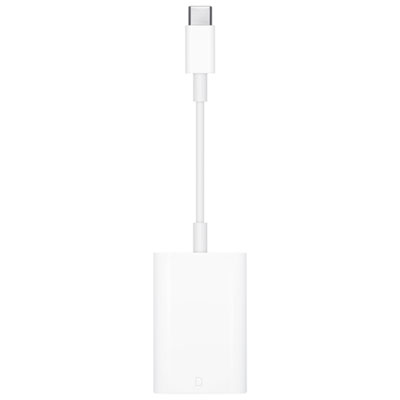 Your price for this item is $49
-
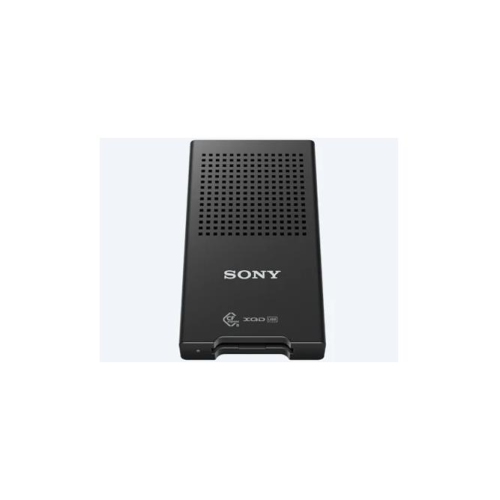 Your price for this item is $179.99
-
 Your price for this item is $39.68
-
 Your price for this item is $68.68
-
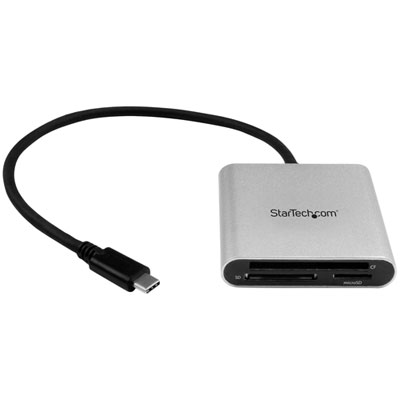 Your price for this item is $57.99
-
 Your price for this item is $39.99
-
 Your price for this item is $48.68
-
 Your price for this item is $13.99
Discover more categories related to SD Card Readers for Desktop Computer
Top Collections:
Best Black Friday Deals This Year, Best Black Friday Deals On Electronics, Kindle Devices, Pokemon Centers, Best Black Friday Deals On Apple Products, Best Cameras for Sports Photography, Dyson Airwrap, Pokémon 30th Celebration Cards, Apple iPhone 17 Pro, Canon G7X Cameras
Some products may be subject to Environmental Handling Fees
(EHF) depending on your province.
Learn more about EHFs.