Tools for Social Media Influencers
Tools for social media influencers are essential for creating high-quality content, engaging with audiences, and building a standout online presence. Whether you're capturing photos, recording videos, or managing your workflow, the right equipment can help you elevate your creative projects and streamline your daily tasks. Explore a wide selection of tools for social media influencers designed to support your unique style and help you grow your following across platforms.
Sort

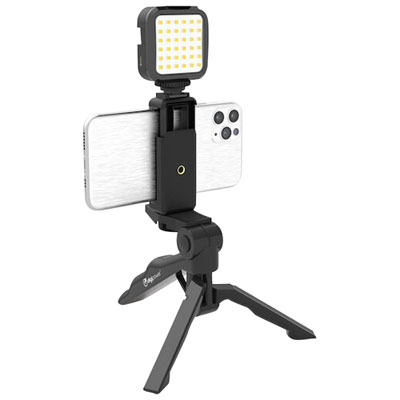


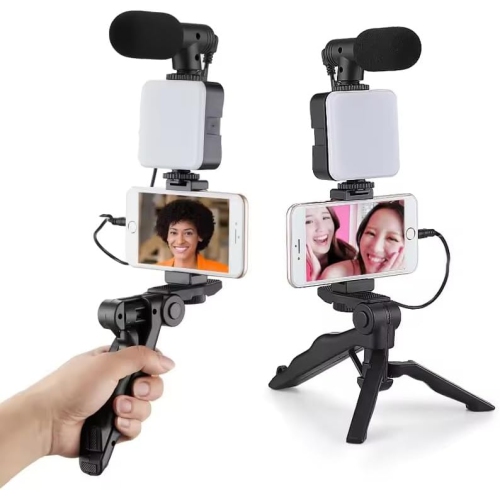


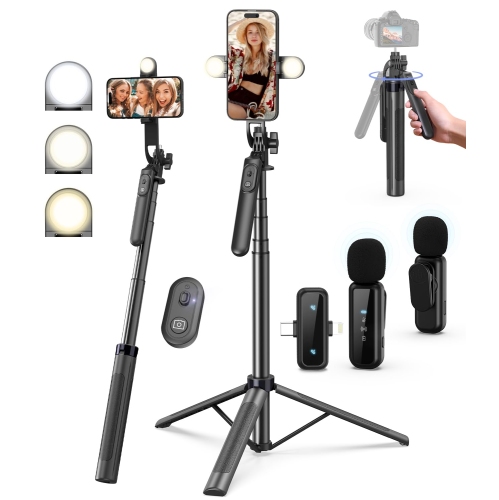


Polished content takes more than a good camera
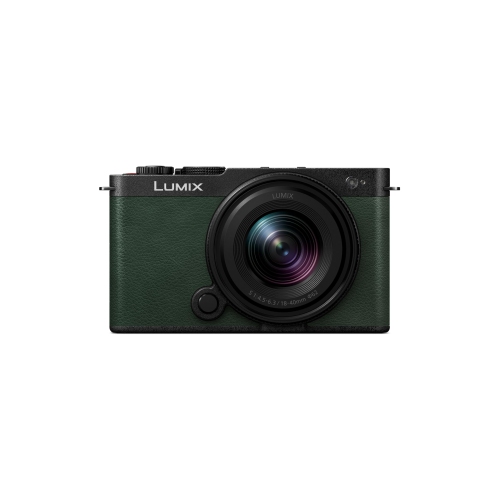
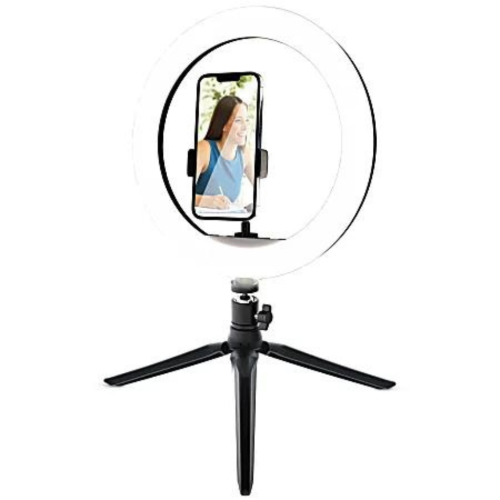
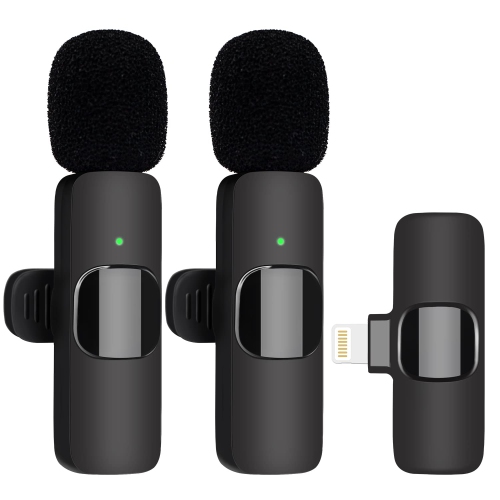
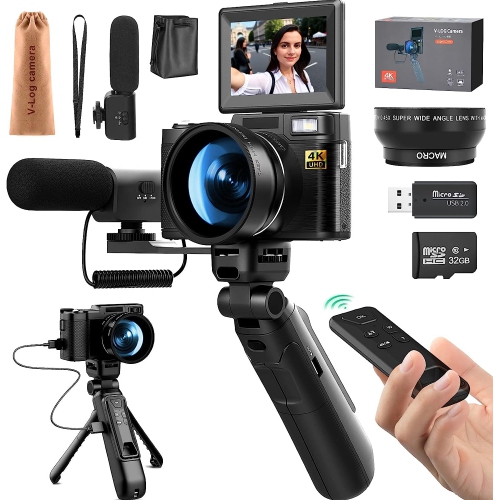
Tools for social media influencers bring together the equipment used to capture photos, record video, produce clear sound, and prepare content for sharing. Cameras, smartphones, microphones, lighting, and editing equipment each support a different part of that process, whether the finished piece is a short recipe demonstration, a clothing review, a fitness session, or a longer conversation. The most useful setup depends less on having every accessory than on how and where content is made. A creator filming close-up tabletop demonstrations needs clear detail and controlled lighting, while someone speaking to camera benefits from reliable voice capture and a screen that makes framing easy to check. Camera resolution is only one consideration: autofocus performance, lens compatibility, battery life, recording limits, and connections for external audio can also affect everyday use. For mobile recording, enough storage and dependable battery power help keep a session moving without frequent interruptions. Lighting shapes the appearance of skin tones, fabric texture, food, and small details. Diffused light can soften shadows across a face, while adjustable brightness and colour temperature make it easier to achieve a consistent look across several clips. A compact light may suit a desktop setup, whereas a larger light source needs more floor space and a stable support. Sound deserves the same attention as the picture. A microphone worn near the speaker can keep dialogue clear when the camera is farther away; a desktop microphone suits seated commentary, voice-overs, and interviews recorded at a desk. Pickup patterns, cable connections, wireless compatibility, and placement all influence the result. Headphones make it easier to hear distracting hums, clothing rustle, or uneven volume before a recording is finished. For creators working in shared rooms, soft furnishings can help reduce reflected sound, although they do not replace a quiet recording space. Together, these tools support content that feels deliberate and easy to follow, without requiring every room to become a permanent studio.
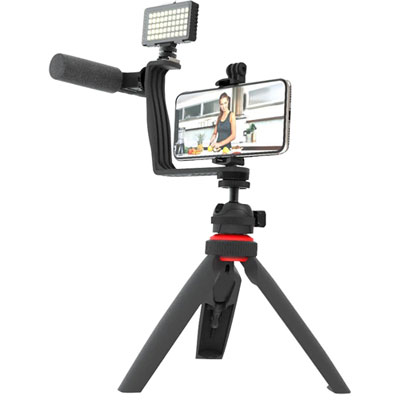
Supports, mounts, and carrying accessories make a noticeable difference to how comfortably that equipment fits into daily routines. A tripod holds a consistent frame for hands-free demonstrations, outfit shots, and recordings made without someone behind the camera. Its rated load capacity needs to accommodate the camera and any attached lens or accessories, while its working height should suit the intended framing. A compact tabletop support can position a camera beside a monitor, but a standing presentation generally calls for greater height and a wider footprint. Phone clamps need to fit the device securely, including any case that will remain attached, without pressing side buttons or blocking charging ports. For walking shots and moving demonstrations, stabilizers can reduce distracting movement when they are correctly balanced and matched to the equipment’s weight. Materials influence portability and handling: aluminium supports often offer a practical balance of weight and rigidity, while some carbon-fibre designs reduce carrying weight. Hinges, adjustment knobs, locking sections, and mounting threads also matter, especially when equipment is packed and repositioned frequently. A small workspace benefits from adjustable arms and clamps, provided the desk edge and mounting surface can safely support them. Cable routing helps keep a recording area tidy and reduces the chance of pulling equipment out of position. Padded bags with adjustable compartments separate lenses, lights, and audio accessories, while smaller pouches keep adapters and memory cards from disappearing into the bottom of a tote. Care is usually straightforward but should follow the manufacturer’s directions: lenses need suitable cleaning materials, connections should be kept free of debris, and moving parts should be checked before use. Equipment should be stored dry and protected from knocks rather than left loose in a bag. Creators who move between a desk, a kitchen counter, and an off-site shoot often benefit from accessories that pack down easily and can be set up consistently, with fewer adjustments between takes.
Editing and file management turn those captured moments into finished content. Computers and tablets used for creative work need capabilities suited to the footage and software involved, with processing power, memory, graphics support, and storage all affecting how smoothly projects run. Longer videos, high-resolution footage, and layered effects generally place greater demands on a device than simple photo edits or short clips. A comfortable screen size makes timelines and controls easier to manage, while accurate colour reproduction helps when adjusting the appearance of clothing, artwork, or food. External displays can provide more room for previewing footage alongside editing controls, and a supportive chair and well-positioned screen make extended sessions more comfortable. Fast, compatible card readers and storage connections can shorten file transfers, but dependable backups are just as important as speed. Keeping original footage separate from working files and maintaining another copy helps protect interviews, demonstrations, and other material that may be difficult to recreate. The wider range of Social Media Tools can support a workflow that extends from recording through editing, publishing, and reviewing results. Editing software handles tasks such as trimming clips, adjusting sound, adding captions, and preparing different aspect ratios. Scheduling services can help organize publication times, while analytics tools show measures such as reach, viewing time, and audience engagement. Those functions are distinct from the hardware used to create content, and software features, subscriptions, and device compatibility need to be considered separately. For creators producing sponsored work, consistent lighting, intelligible audio, and organized files also make revisions and delivery easier to manage. Gifts for an aspiring or established creator are most useful when they suit an existing setup and a genuine need, such as more stable framing, clearer speech, or safer transport. Matching connections, mounting standards, available space, and preferred working style helps equipment become part of a regular routine rather than something that stays packed away.
Supports, mounts, and carrying accessories make a noticeable difference to how comfortably that equipment fits into daily routines. A tripod holds a consistent frame for hands-free demonstrations, outfit shots, and recordings made without someone behind the camera. Its rated load capacity needs to accommodate the camera and any attached lens or accessories, while its working height should suit the intended framing. A compact tabletop support can position a camera beside a monitor, but a standing presentation generally calls for greater height and a wider footprint. Phone clamps need to fit the device securely, including any case that will remain attached, without pressing side buttons or blocking charging ports. For walking shots and moving demonstrations, stabilizers can reduce distracting movement when they are correctly balanced and matched to the equipment’s weight. Materials influence portability and handling: aluminium supports often offer a practical balance of weight and rigidity, while some carbon-fibre designs reduce carrying weight. Hinges, adjustment knobs, locking sections, and mounting threads also matter, especially when equipment is packed and repositioned frequently. A small workspace benefits from adjustable arms and clamps, provided the desk edge and mounting surface can safely support them. Cable routing helps keep a recording area tidy and reduces the chance of pulling equipment out of position. Padded bags with adjustable compartments separate lenses, lights, and audio accessories, while smaller pouches keep adapters and memory cards from disappearing into the bottom of a tote. Care is usually straightforward but should follow the manufacturer’s directions: lenses need suitable cleaning materials, connections should be kept free of debris, and moving parts should be checked before use. Equipment should be stored dry and protected from knocks rather than left loose in a bag. Creators who move between a desk, a kitchen counter, and an off-site shoot often benefit from accessories that pack down easily and can be set up consistently, with fewer adjustments between takes.
Editing and file management turn those captured moments into finished content. Computers and tablets used for creative work need capabilities suited to the footage and software involved, with processing power, memory, graphics support, and storage all affecting how smoothly projects run. Longer videos, high-resolution footage, and layered effects generally place greater demands on a device than simple photo edits or short clips. A comfortable screen size makes timelines and controls easier to manage, while accurate colour reproduction helps when adjusting the appearance of clothing, artwork, or food. External displays can provide more room for previewing footage alongside editing controls, and a supportive chair and well-positioned screen make extended sessions more comfortable. Fast, compatible card readers and storage connections can shorten file transfers, but dependable backups are just as important as speed. Keeping original footage separate from working files and maintaining another copy helps protect interviews, demonstrations, and other material that may be difficult to recreate. The wider range of Social Media Tools can support a workflow that extends from recording through editing, publishing, and reviewing results. Editing software handles tasks such as trimming clips, adjusting sound, adding captions, and preparing different aspect ratios. Scheduling services can help organize publication times, while analytics tools show measures such as reach, viewing time, and audience engagement. Those functions are distinct from the hardware used to create content, and software features, subscriptions, and device compatibility need to be considered separately. For creators producing sponsored work, consistent lighting, intelligible audio, and organized files also make revisions and delivery easier to manage. Gifts for an aspiring or established creator are most useful when they suit an existing setup and a genuine need, such as more stable framing, clearer speech, or safer transport. Matching connections, mounting standards, available space, and preferred working style helps equipment become part of a regular routine rather than something that stays packed away.
Top selling and popular products
-
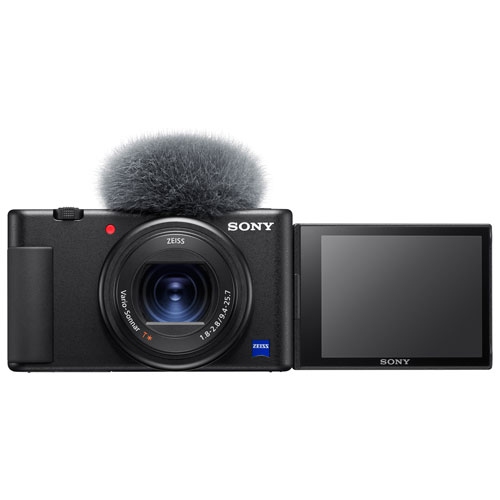 Your price for this item is $804.97
-
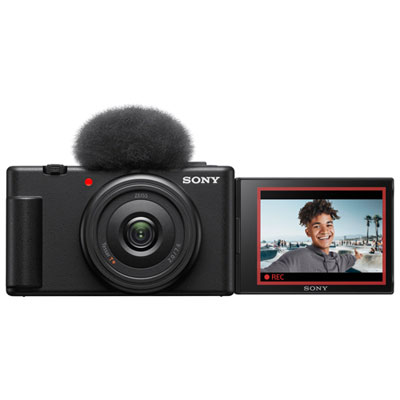 Your price for this item is $649.99
-
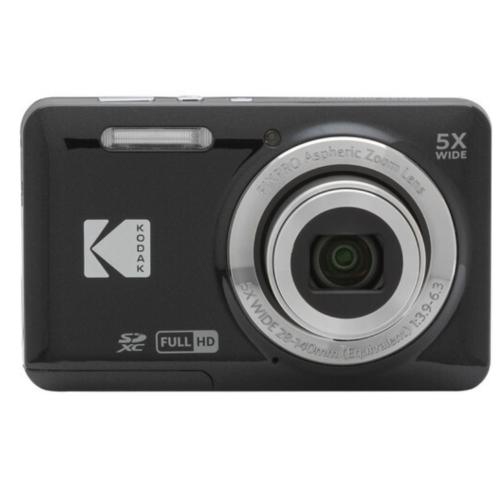 Your price for this item is $249.99
-
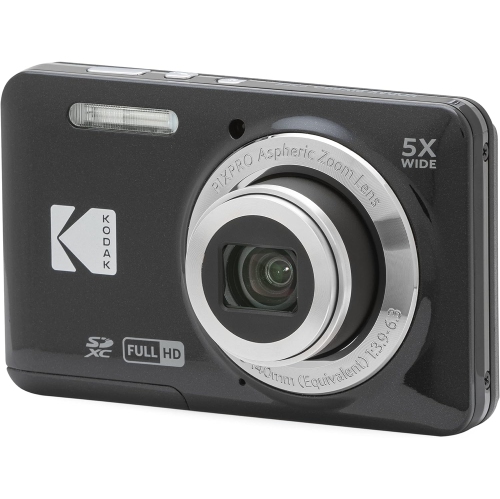 Your price for this item is $255
-
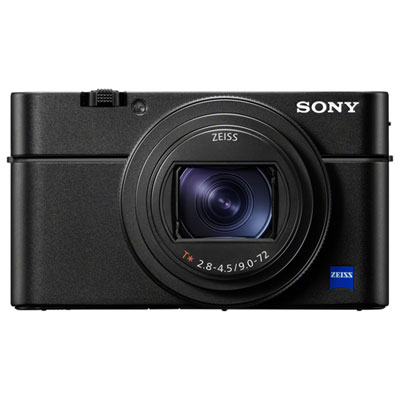 Your price for this item is $1999.99
-
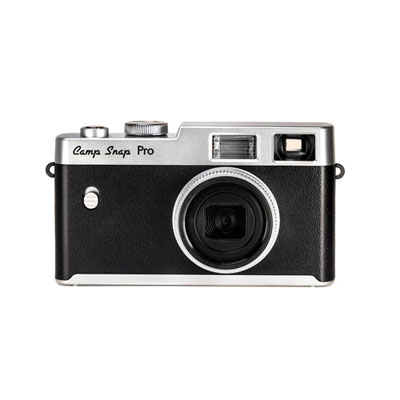 Your price for this item is $149.99
-
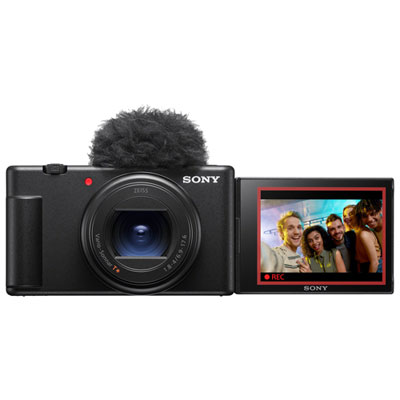 Your price for this item is $1199.99
-
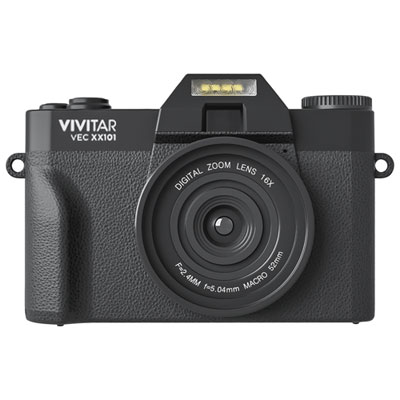 Your price for this item is $219.99
Discover more categories related to Tools for Social Media Influencers


Top Collections:
Pokemon Centers, Best Budget Office Chairs, Kindle Devices, Best Cameras for Sports Photography, Pokémon 30th Celebration Cards, Best Laptops for Writers, Canon G7X Cameras, iPhone 15 Apple, Best Cell Phones Under $300, Apple iPhones 16
Some products may be subject to Environmental Handling Fees
(EHF) depending on your province.
Learn more about EHFs.