Backup Cameras for Box Trucks
Backup Cameras for Box Trucks provide added confidence and convenience when navigating tight spaces or busy job sites. Designed to support larger vehicles, these cameras help drivers easily monitor the area behind their box trucks, reducing stress during parking and reversing. Explore a wide selection of Backup Cameras for Box Trucks to find the ideal solution that fits your vehicle’s needs and enhances your driving experience.
Sort





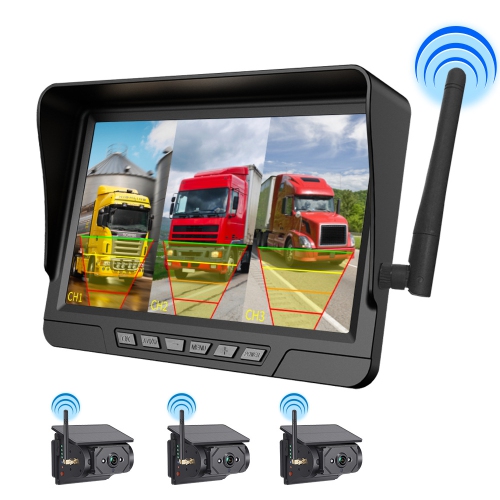

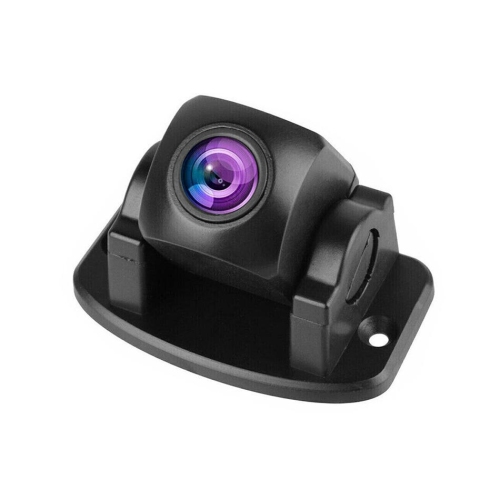

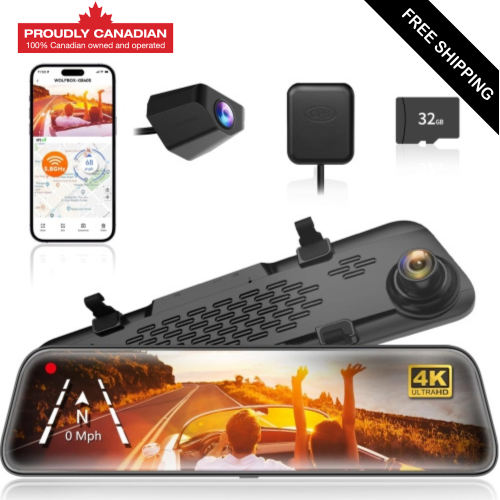
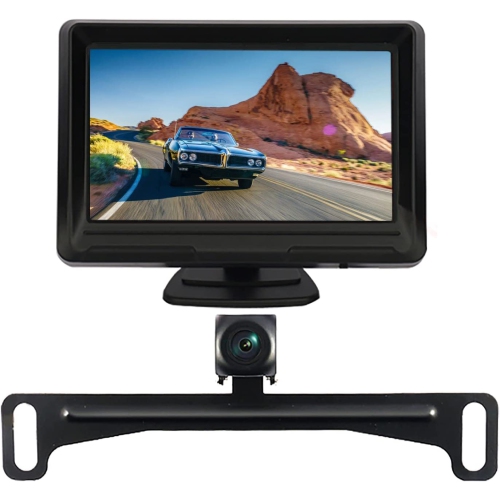

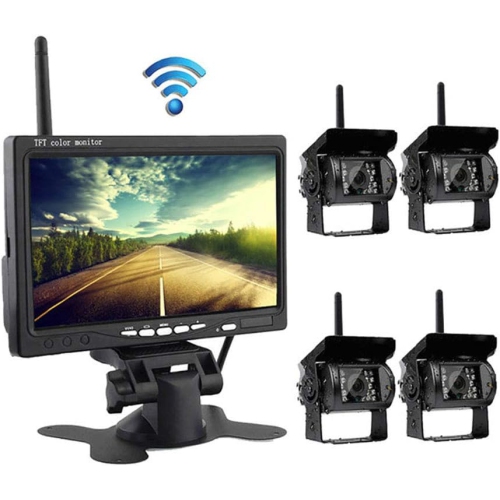

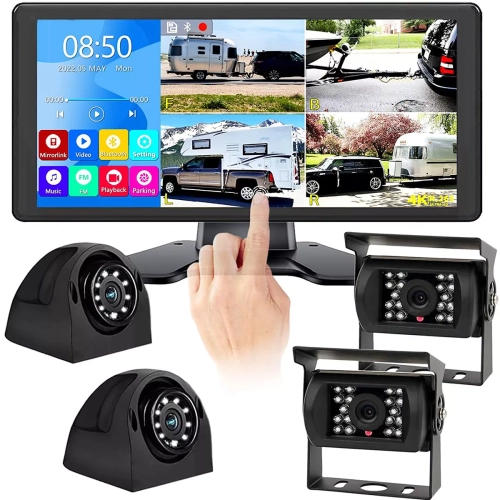
Rear visibility where side mirrors fall short
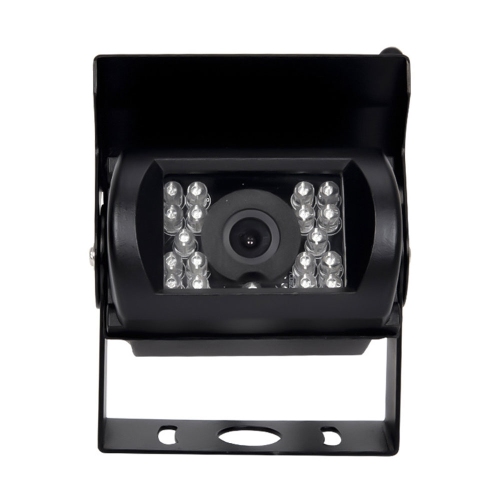
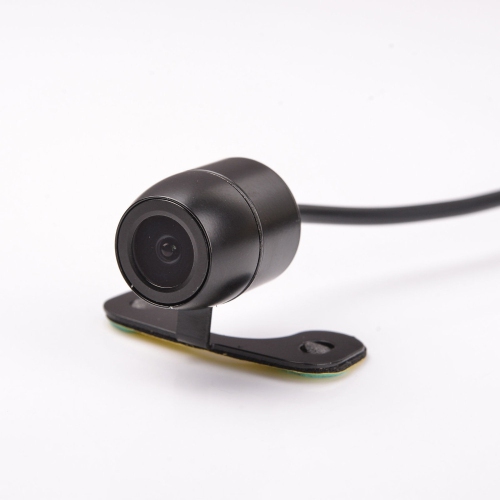
Backup cameras for box trucks provide a rear-facing view of the space behind the cargo body, helping drivers judge clearance when reversing towards loading docks, parking spaces, service entrances, and delivery bays. The tall, enclosed body of a box truck blocks the direct rear view, leaving areas that side mirrors cannot fully reveal. A camera and in-cab monitor can make obstacles easier to spot, whether the truck is approaching a warehouse dock or backing into a narrow lane behind a shop. These systems are relevant to delivery drivers, movers, tradespeople, fleet operators, and anyone who regularly manoeuvres a commercial vehicle in confined spaces. Rear camera placement has a major effect on the view: a position high on the cargo body can show the bumper and the approach behind it, while a lower position may give a closer perspective of nearby obstacles. The mounting location needs to suit the rear door design, hinges, liftgate, and other equipment without interfering with their movement. A wide-angle lens can show more of the area behind the vehicle, although objects near the edges may appear stretched and distances can be harder to judge. Adjustable camera brackets help align the image with the truck’s rear edge, and parking guidelines can provide an additional visual reference when their positioning suits the installation. Those lines are not a substitute for checking actual clearance, particularly around loading platforms or uneven approaches. Image clarity also depends on the camera, monitor, lighting, and the cleanliness of the lens, not simply the resolution listed for one component. Infrared illumination or low-light imaging can improve visibility in dim loading areas, but reflective surfaces and nearby objects may produce glare. A backup camera remains a visibility aid rather than a guarantee that the path is clear. Mirrors, direct checks, and an agreed signalling method with a spotter remain important, especially where pedestrians, carts, or moving equipment may enter the truck’s path.
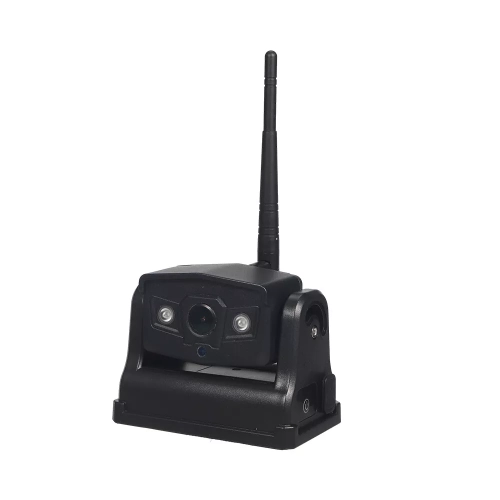
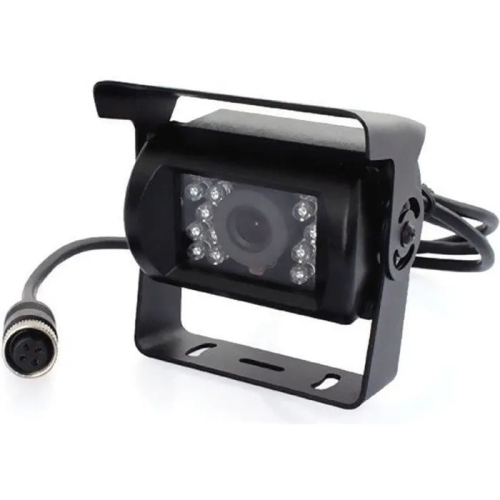
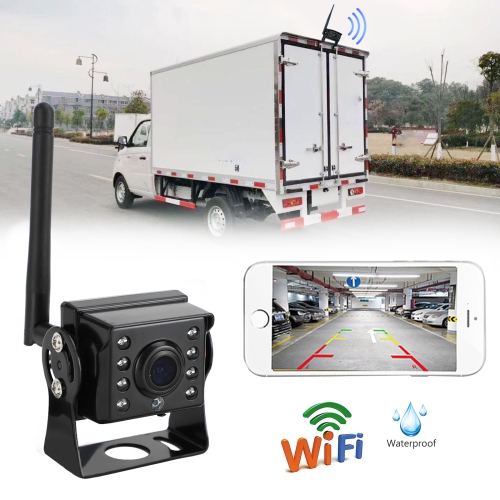
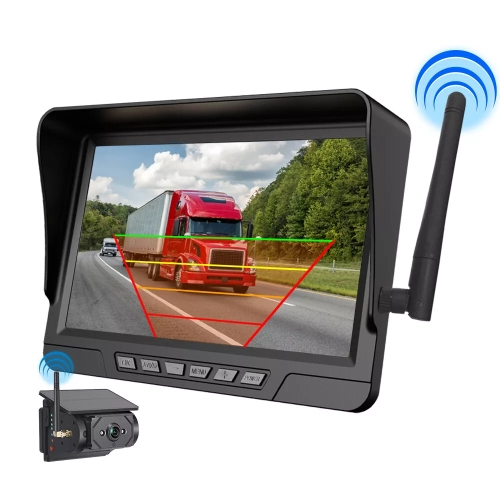
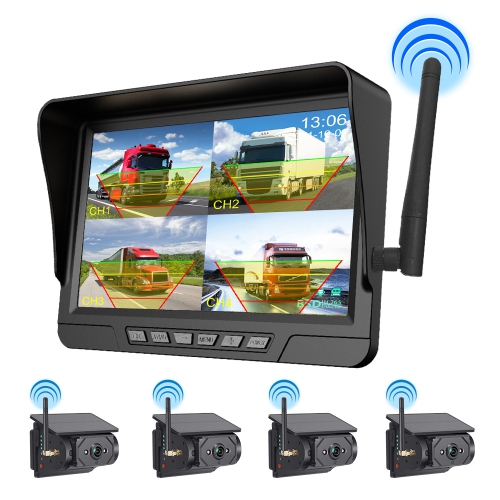
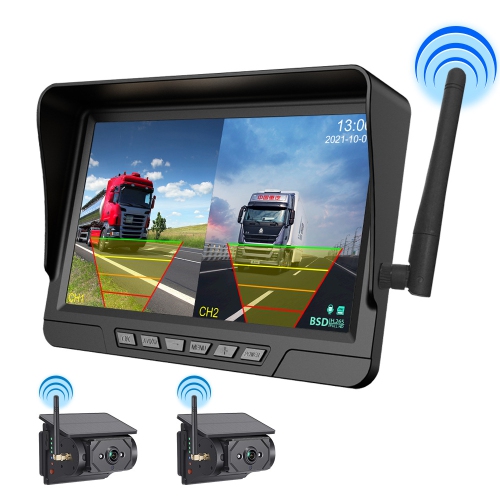
Wired and wireless backup camera systems offer different installation arrangements for box trucks. A wired system carries the video signal through a cable between the rear camera and the cab display, providing a dedicated connection without relying on a wireless link. Cable length needs to cover the actual routing path, including changes in height and the distance around bodywork, rather than only the straight-line length of the truck. Protected routing, secure supports, and suitable connectors help prevent rubbing, loose connections, and damage near moving components. Wireless systems transmit video between the camera and monitor, reducing the need to run a video cable along the full vehicle, but the rear camera usually still requires a power connection. The metal cargo body, mounting position, and distance to the cab can affect wireless reception, so a stated transmission range alone does not establish suitability for a particular truck. Stable video with minimal delay matters when reversing slowly towards a dock edge or checking the space beside a liftgate. Power compatibility is another consideration: the system must support the truck’s electrical supply, whether it uses a 12-volt or 24-volt arrangement. A reverse-triggered installation brings up the rear view when reverse gear is selected, while a compatible continuous-view setup can provide an observation image whenever the system is powered. Continuous viewing depends on the equipment and installation and should not be assumed from the presence of a backup camera. Multi-camera systems can add side views or alternate rear perspectives, with split-screen displays showing more than one feed at a time. Monitor size, brightness adjustment, and viewing angle influence how easily those images can be read from the driving position. A dashboard, windscreen, or mirror-style mount needs to fit the cab without blocking the driver’s sightlines or access to controls. Compatibility between the camera, monitor, connectors, and video format is essential when combining components; matching plugs do not necessarily mean that two devices will work together. Professional installation can help address mounting, electrical connections, and cable protection on a working truck.
Durability matters for equipment fitted to a vehicle that makes repeated stops, travels over uneven surfaces, and spends time around busy loading areas. Camera housings may use metal or impact-resistant plastic, while mounting brackets need enough rigidity to hold the viewing angle despite vibration. Sealed connections, corrosion-resistant hardware, and a documented ingress-protection rating are useful details when comparing construction. An ingress-protection rating describes tested resistance to dust and water under specified conditions; it does not mean every part of the installation can withstand unrestricted pressure washing. The monitor, camera, cable joints, and any exposed connection points may have different protection requirements. Routine care is straightforward but important: a lens obscured by road film, loading-area dust, or fingerprints can turn a sharp image into a hazy view. Gentle cleaning with a soft cloth and a suitable cleaning method helps preserve visibility without scratching the lens or damaging its surface. Brackets and cable supports also benefit from periodic inspection, particularly after work on rear doors, body panels, or liftgate equipment. For shared fleet vehicles, a consistent monitor position and clearly understood controls can make the system easier for different drivers to use. Owner-operators may place greater emphasis on a compact display that fits an already crowded cab, while delivery fleets may value multiple camera inputs and serviceable connections. Recording is a separate capability from live viewing: a backup camera system does not necessarily save footage, and recording features depend on compatible hardware and storage. For a view of the road ahead, Forward Facing Cameras for Trucks serve a different viewing position and may complement rear visibility equipment, depending on the setup. The most suitable backup camera arrangement is one that matches the truck’s dimensions, electrical system, mounting options, and daily tasks while giving the driver a clear, usable view of the area behind the cargo body.
Wired and wireless backup camera systems offer different installation arrangements for box trucks. A wired system carries the video signal through a cable between the rear camera and the cab display, providing a dedicated connection without relying on a wireless link. Cable length needs to cover the actual routing path, including changes in height and the distance around bodywork, rather than only the straight-line length of the truck. Protected routing, secure supports, and suitable connectors help prevent rubbing, loose connections, and damage near moving components. Wireless systems transmit video between the camera and monitor, reducing the need to run a video cable along the full vehicle, but the rear camera usually still requires a power connection. The metal cargo body, mounting position, and distance to the cab can affect wireless reception, so a stated transmission range alone does not establish suitability for a particular truck. Stable video with minimal delay matters when reversing slowly towards a dock edge or checking the space beside a liftgate. Power compatibility is another consideration: the system must support the truck’s electrical supply, whether it uses a 12-volt or 24-volt arrangement. A reverse-triggered installation brings up the rear view when reverse gear is selected, while a compatible continuous-view setup can provide an observation image whenever the system is powered. Continuous viewing depends on the equipment and installation and should not be assumed from the presence of a backup camera. Multi-camera systems can add side views or alternate rear perspectives, with split-screen displays showing more than one feed at a time. Monitor size, brightness adjustment, and viewing angle influence how easily those images can be read from the driving position. A dashboard, windscreen, or mirror-style mount needs to fit the cab without blocking the driver’s sightlines or access to controls. Compatibility between the camera, monitor, connectors, and video format is essential when combining components; matching plugs do not necessarily mean that two devices will work together. Professional installation can help address mounting, electrical connections, and cable protection on a working truck.
Durability matters for equipment fitted to a vehicle that makes repeated stops, travels over uneven surfaces, and spends time around busy loading areas. Camera housings may use metal or impact-resistant plastic, while mounting brackets need enough rigidity to hold the viewing angle despite vibration. Sealed connections, corrosion-resistant hardware, and a documented ingress-protection rating are useful details when comparing construction. An ingress-protection rating describes tested resistance to dust and water under specified conditions; it does not mean every part of the installation can withstand unrestricted pressure washing. The monitor, camera, cable joints, and any exposed connection points may have different protection requirements. Routine care is straightforward but important: a lens obscured by road film, loading-area dust, or fingerprints can turn a sharp image into a hazy view. Gentle cleaning with a soft cloth and a suitable cleaning method helps preserve visibility without scratching the lens or damaging its surface. Brackets and cable supports also benefit from periodic inspection, particularly after work on rear doors, body panels, or liftgate equipment. For shared fleet vehicles, a consistent monitor position and clearly understood controls can make the system easier for different drivers to use. Owner-operators may place greater emphasis on a compact display that fits an already crowded cab, while delivery fleets may value multiple camera inputs and serviceable connections. Recording is a separate capability from live viewing: a backup camera system does not necessarily save footage, and recording features depend on compatible hardware and storage. For a view of the road ahead, Forward Facing Cameras for Trucks serve a different viewing position and may complement rear visibility equipment, depending on the setup. The most suitable backup camera arrangement is one that matches the truck’s dimensions, electrical system, mounting options, and daily tasks while giving the driver a clear, usable view of the area behind the cargo body.
Top selling and popular products
-
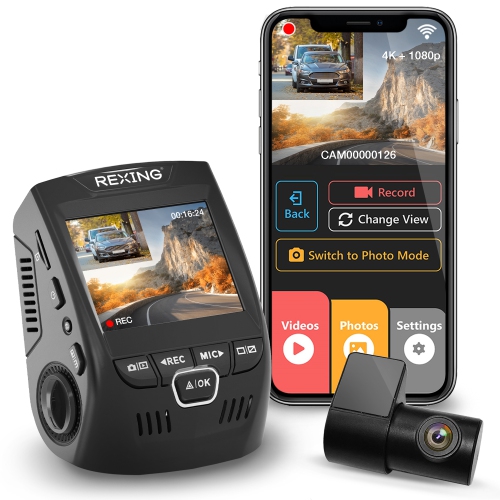 Your price for this item is $159.99
-
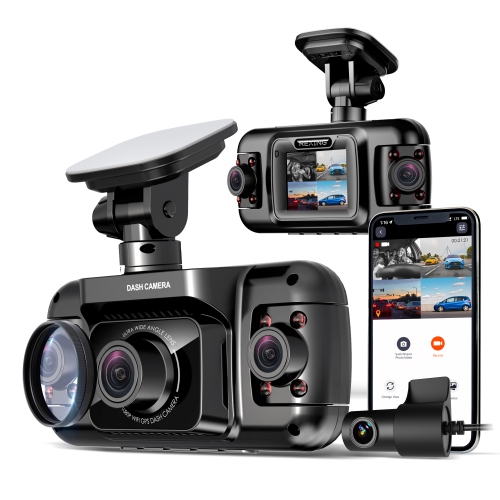 Your price for this item is $299.99
-
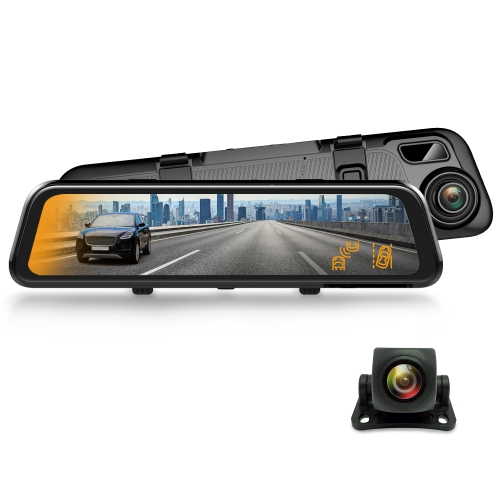 Your price for this item is $129.99
-
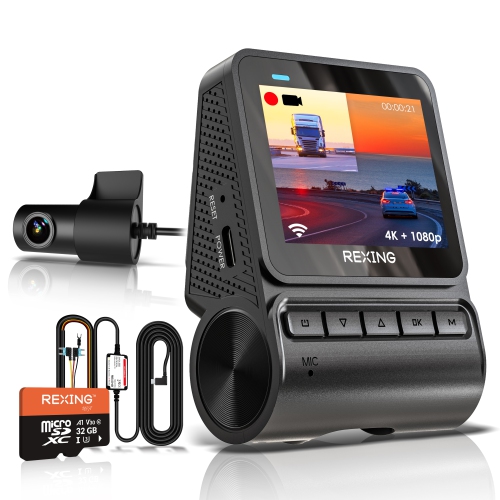 Your price for this item is $229.99
-
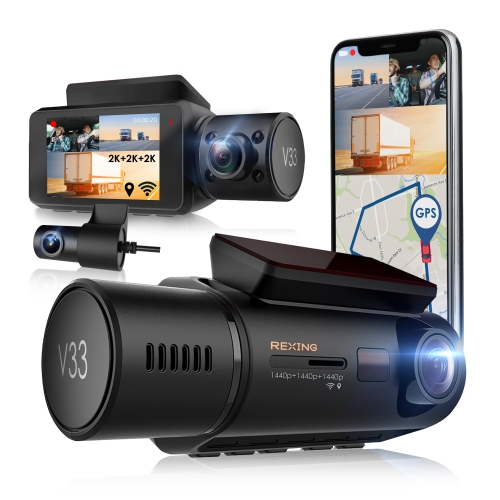 Your price for this item is $327.99
-
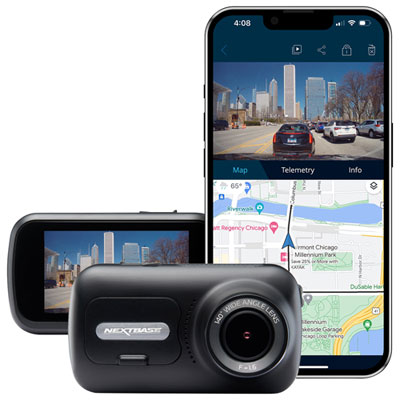 Your price for this item is $249.99
-
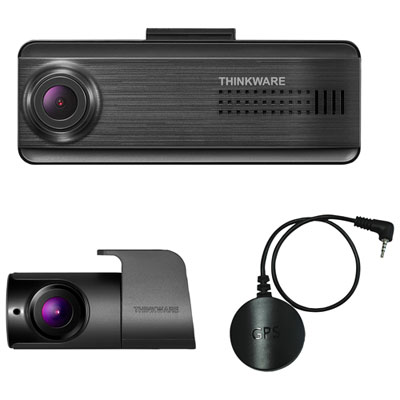 Your price for this item is $299.99
-
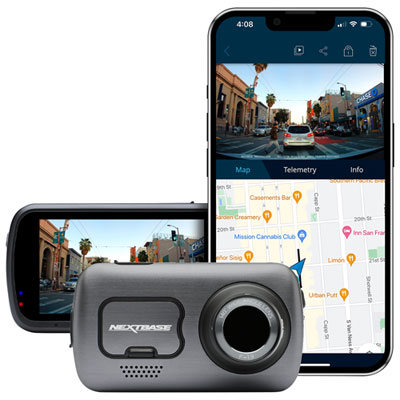 Your price for this item is $399.99
Discover more categories related to Backup Cameras for Box Trucks

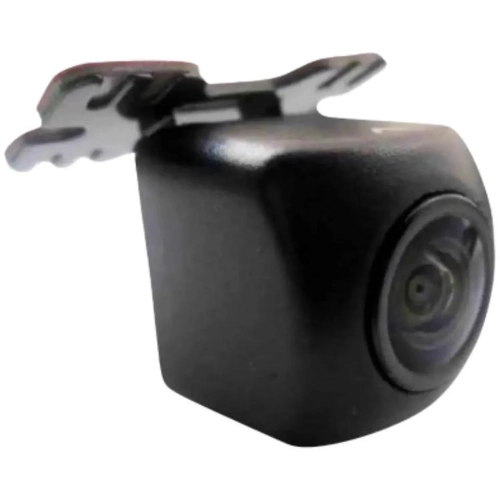
Top Collections:
Best Black Friday Deals This Year, Best Black Friday Deals On Electronics, Kindle Devices, Pokemon Centers, Best Black Friday Deals On Apple Products, Best Cameras for Sports Photography, Dyson Airwrap, Pokémon 30th Celebration Cards, Apple iPhone 17 Pro, Canon G7X Cameras
Some products may be subject to Environmental Handling Fees
(EHF) depending on your province.
Learn more about EHFs.