Laptop Tripods
A laptop tripod offers a convenient solution for elevating your device to the perfect height, making it easier to work, stream, or present from any location. Whether you're setting up a mobile workstation, improving your video calls, or simply looking to maximize desk space, a laptop tripod provides flexibility and stability. Explore a wide range of options designed to help you create an efficient and comfortable workspace wherever you need it. Find the ideal laptop tripod to support your productivity and enhance your setup.
Sort
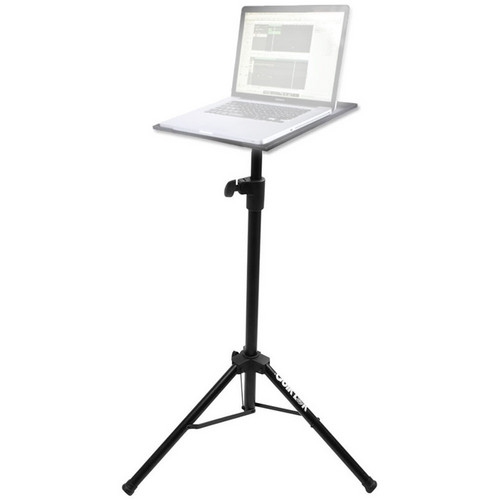
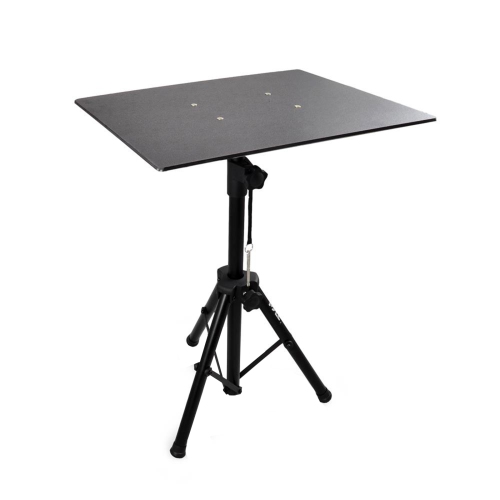
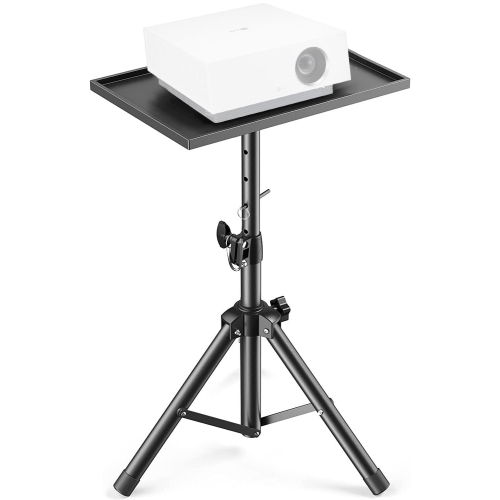
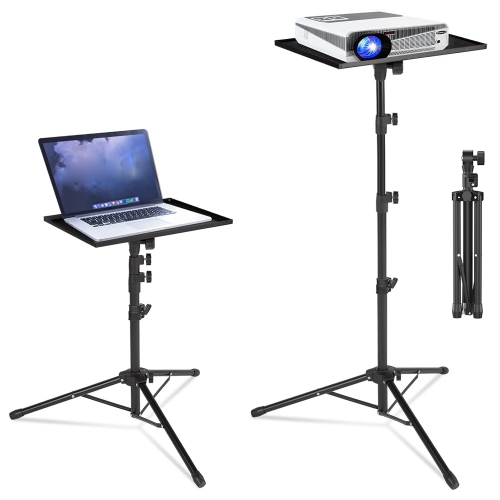
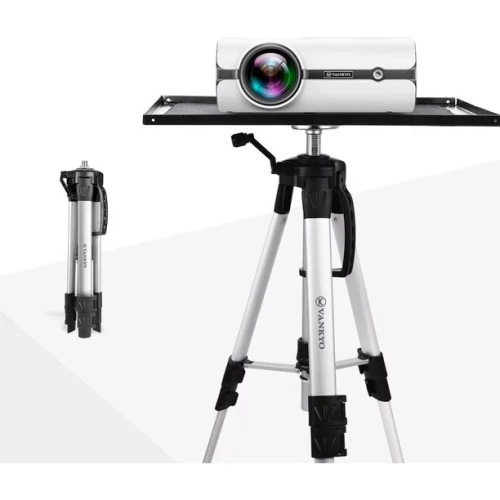
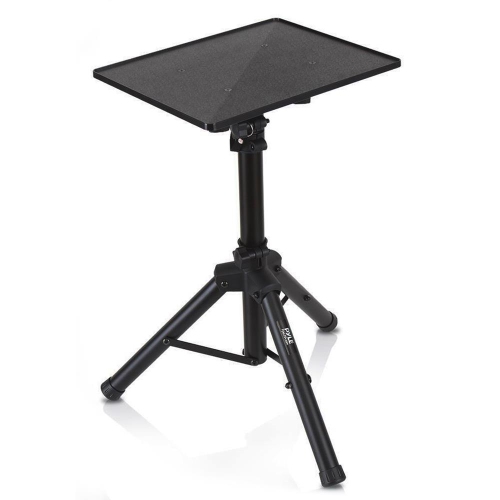
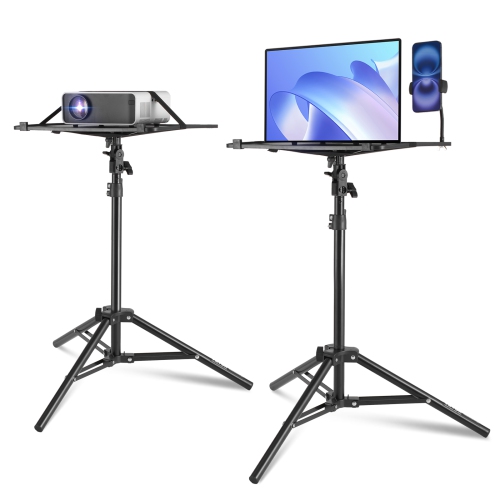
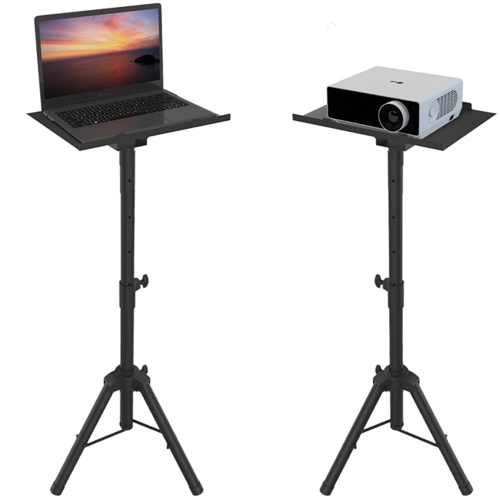
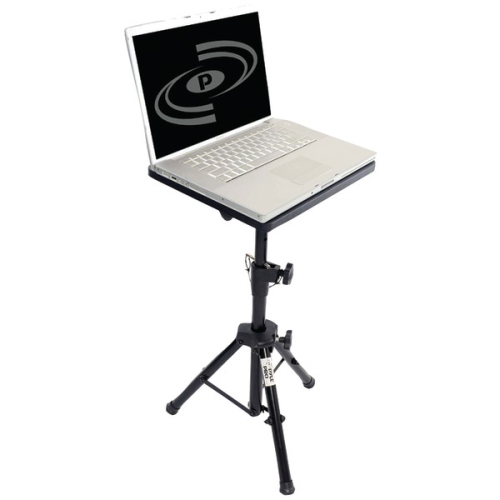
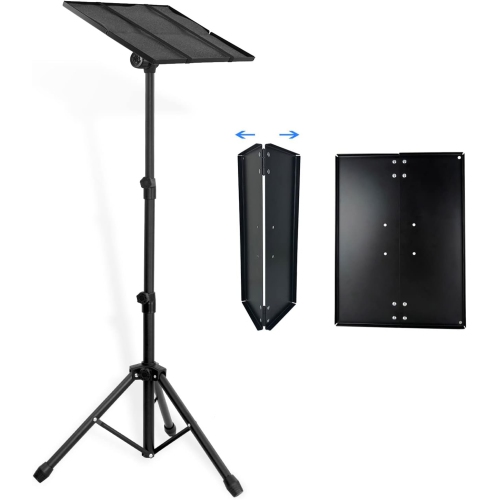
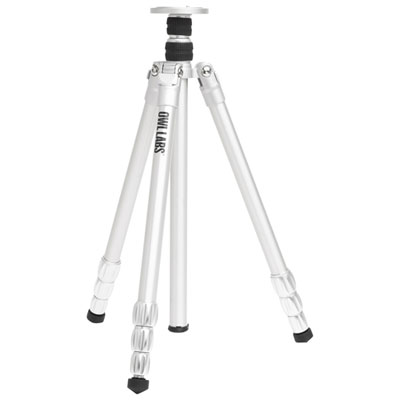
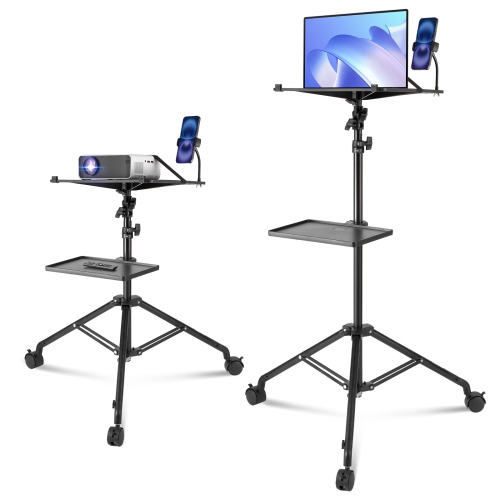
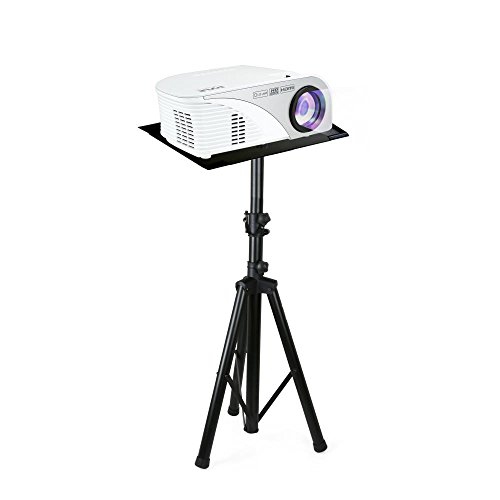
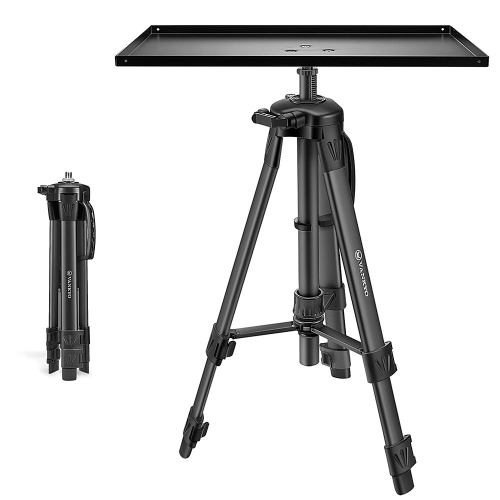
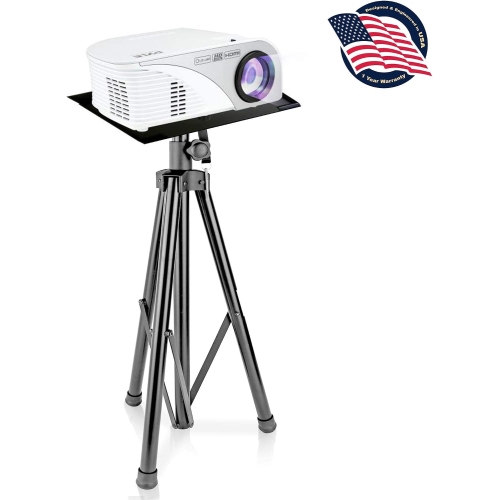
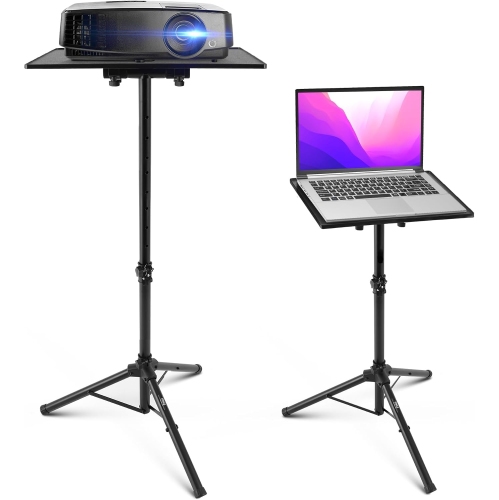
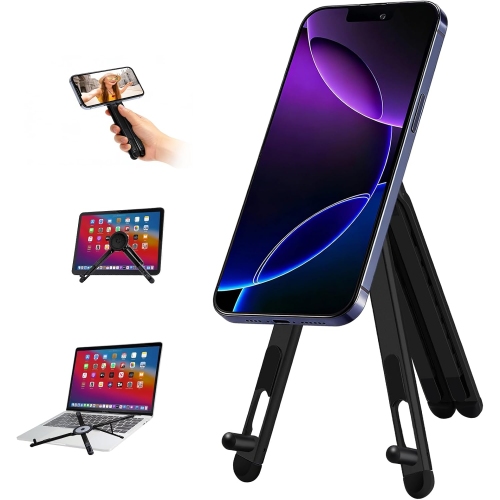
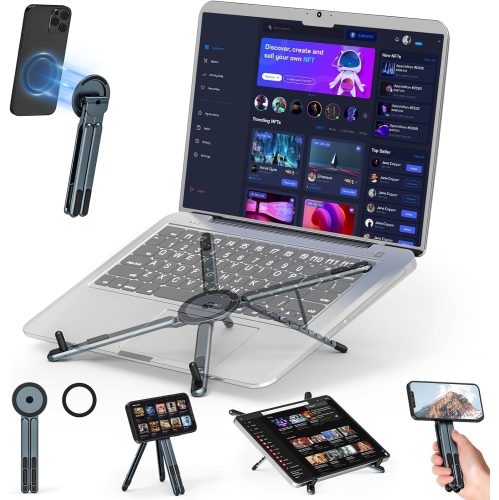
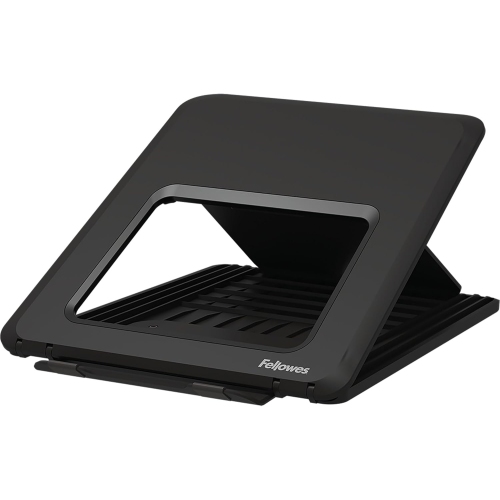
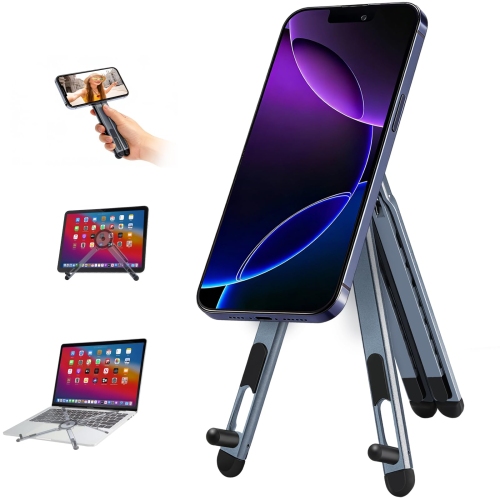
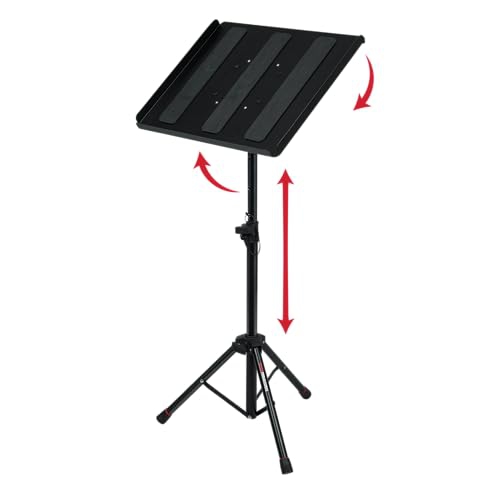
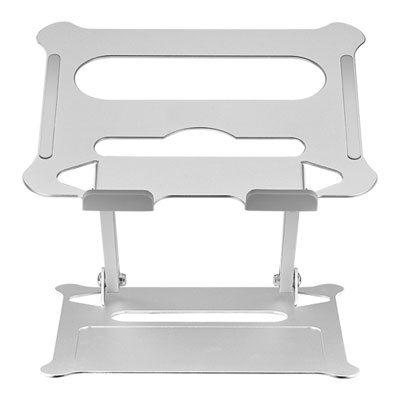


A dedicated laptop space without a full desk
Laptop tripods are freestanding, three-legged stands that support a laptop on a raised platform, creating a practical place for a computer without requiring a full desk. They can serve as a workstation for a presentation, a home recording session, a classroom demonstration, or a DJ setup where the screen needs to remain visible beside other equipment. Unlike a conventional camera tripod, which typically connects to a camera through a mounting screw, a laptop tripod generally uses a tray, platform, or purpose-built holder to support the computer’s base. Compatibility depends on more than the laptop’s advertised screen size. A diagonal screen measurement does not describe the width and depth of the chassis, so comparing the computer’s actual footprint with the usable platform dimensions is important. Raised edges, retaining straps, and adjustable supports can also affect how comfortably a laptop fits. The platform should support the computer securely without covering charging connections, pressing against controls, or obstructing ventilation openings. A stated load capacity should cover the laptop and anything else resting on the platform, including connected accessories, while remaining within the manufacturer’s limits for the complete stand. Materials influence both carrying weight and the feel of the setup: steel tubing often adds weight, while aluminium can make a stand easier to transport. Plastic knobs, rubber feet, and padded contact points perform different jobs, from tightening adjustments to protecting surfaces and limiting movement. The quality of the joints and locking mechanisms matters just as much as the frame material. A stand with firmly seated connections and a well-supported tray is better suited to repeated setup than one with noticeable play between sections. For someone working beside a keyboard instrument or presenting in a room without a convenient table, the appeal is straightforward: a laptop can have its own dedicated position rather than sharing a crowded surface with cables, notes, and other equipment. That separation can make the setup easier to arrange and keep essential connections within reach.
Height adjustment is one of the most useful features of a laptop tripod stand, but the relevant measurement is the platform’s height above the floor, not simply the length of the centre pole. A seated musician, a standing presenter, and someone monitoring a recording session may each need a different working position. The minimum height matters for seated use, while the maximum height needs to provide adequate screen visibility without placing the computer beyond comfortable reach. Raising the platform changes the balance of the setup, making secure locks and a properly opened base especially important. Tray tilt can improve the viewing angle, and a rotating platform may help orient the screen towards a small audience, but both adjustments should lock firmly before the laptop is placed on the stand. A retaining lip or strap can help limit movement where the design includes one; it should not be treated as permission to use an unsuitable angle. For extended typing, screen height and keyboard height need separate consideration. Elevating a laptop enough to make its display comfortable to view may leave its keyboard too high, so a separate keyboard and mouse on a suitable work surface can be more practical for longer sessions. A tripod platform also behaves differently from a solid desk when someone types firmly, taps a trackpad, or connects a cable. Frequent hands-on use calls for particular attention to platform support and resistance to movement. The legs need enough clear floor space to open fully, with every foot resting securely on a firm, level surface. In a presentation area, that footprint should remain outside the main walking route rather than projecting into an aisle. Power and data cables need enough slack for the intended position without pulling sideways on the laptop. Routing them away from feet and moving equipment helps reduce accidental snags. Where a stand includes accessory shelves or holders, their individual load limits and their effect on balance also deserve attention.
Portability becomes especially valuable when a laptop moves between rehearsal spaces, teaching rooms, meeting areas, and home. Folded length, total weight, and the shape of the platform all affect how easily a laptop tripod travels. A folding base may pack neatly, but a fixed tray can still take up considerable room beside a laptop bag or instrument case. Removable platforms can simplify transport, provided their fasteners are kept together and reattached correctly. Carrying bags help contain loose components and protect the stand from scuffs, while padded separation keeps metal edges from rubbing against a computer during travel. For repeated use, inspect the hinges, height locks, platform fittings, and rubber feet before setting up. Missing feet, cracked knobs, loose fasteners, or a tray that no longer locks securely are reasons to stop using the stand until the issue is addressed according to the manufacturer’s directions. Routine care is usually straightforward: remove the laptop before making major adjustments, wipe accessible surfaces with a soft cloth, and follow the specified cleaning method for pads and coated parts. Avoid spraying cleaner directly into hinges or adjustment mechanisms, and let cleaned surfaces dry before folding the stand away. Tighten fittings as instructed rather than forcing knobs past their intended stopping point. These habits are particularly useful for shared equipment that gets assembled and packed away by different people. A laptop tripod can also make a thoughtful gift for a music student, presenter, instructor, or home recording enthusiast, especially when the recipient’s computer dimensions and typical setup are known. For a recording arrangement that includes a separate camera, Mini Tripods for Cameras provide a distinct type of support for positioning compatible camera equipment; laptop and camera supports are not interchangeable without the appropriate design and mounting hardware. Matching each support to its intended equipment keeps the arrangement purposeful, whether the laptop displays lesson notes, runs recording software, or holds a presentation where it can be seen easily.
Top selling and popular products
-
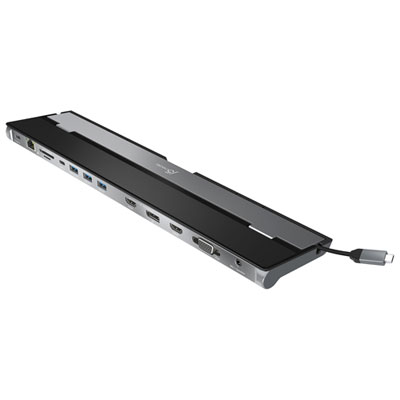 Your price for this item is $149.99
-
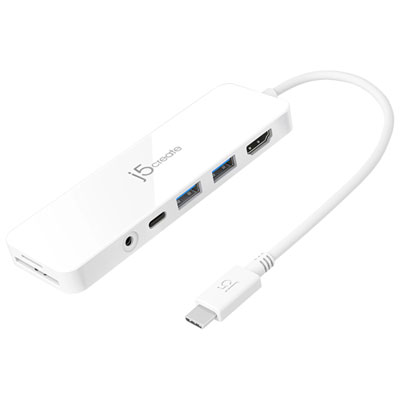 Your price for this item is $69.99
-
 Your price for this item is $87.99
-
 Your price for this item is $59.99
-
 Your price for this item is $96.16
-
 Your price for this item is $179.99
-
 Your price for this item is $214.99
-
 Your price for this item is $89.99
Discover more categories related to Laptop Tripods
Top Collections:
Best Black Friday Deals This Year, Best Black Friday Deals On Electronics, Kindle Devices, Pokemon Centers, Best Black Friday Deals On Apple Products, Best Cameras for Sports Photography, Dyson Airwrap, Pokémon 30th Celebration Cards, Apple iPhone 17 Pro, Canon G7X Cameras
Some products may be subject to Environmental Handling Fees
(EHF) depending on your province.
Learn more about EHFs.