Phones for Seniors
Finding the perfect phone can be a game-changer for seniors, enhancing connectivity, safety, and entertainment with just a few taps. Phones for seniors are thoughtfully designed to offer user-friendly interfaces, larger displays, and simplified navigation to make staying in touch with loved ones easier than ever. Whether it's video calling family members, capturing precious moments, or simply browsing the internet, these phones cater to the unique needs of seniors. Explore our selection to find the ideal device that combines functionality with ease of use, ensuring technology is accessible and enjoyable for everyone.
Sort
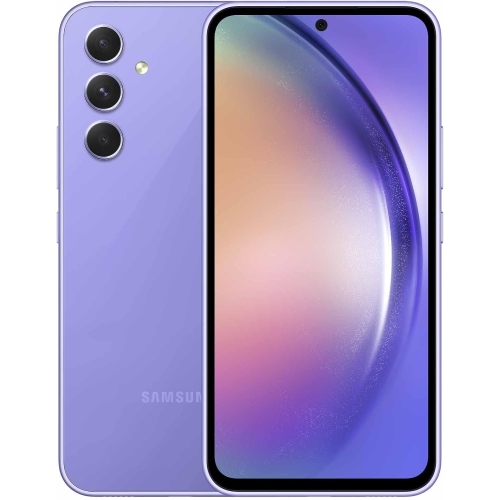
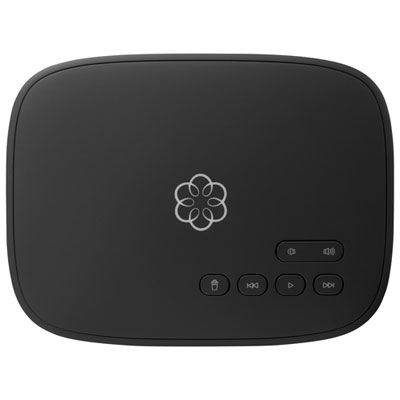
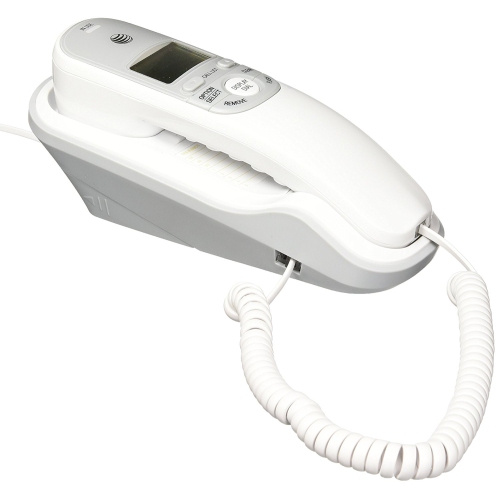
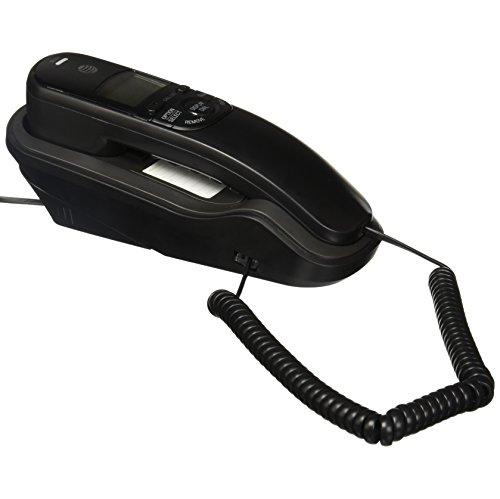
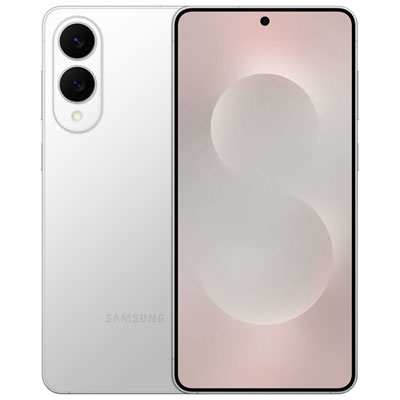
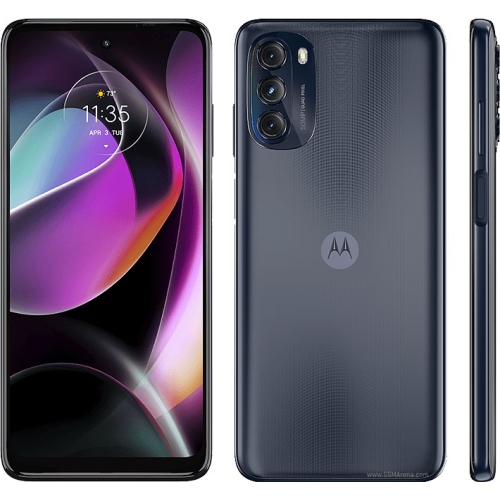
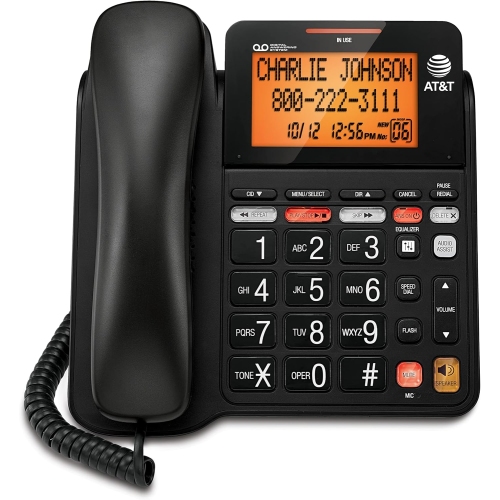
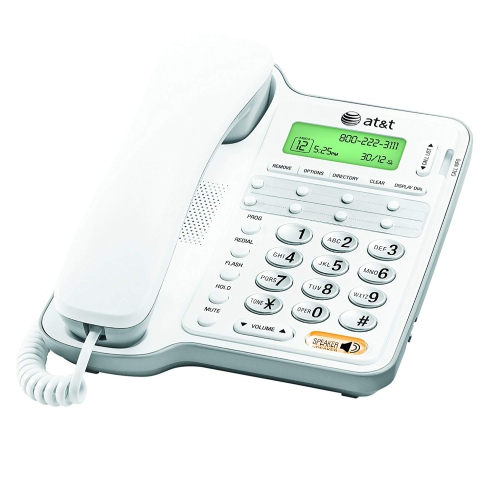
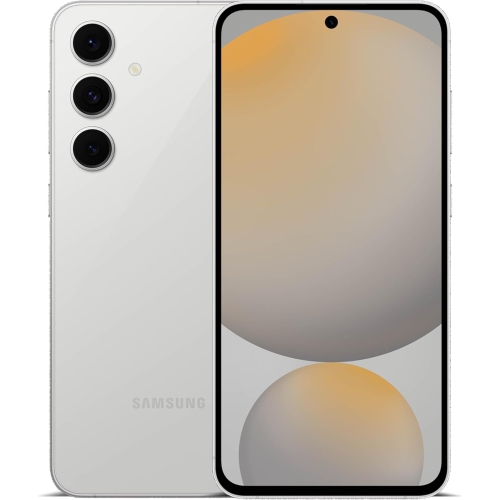
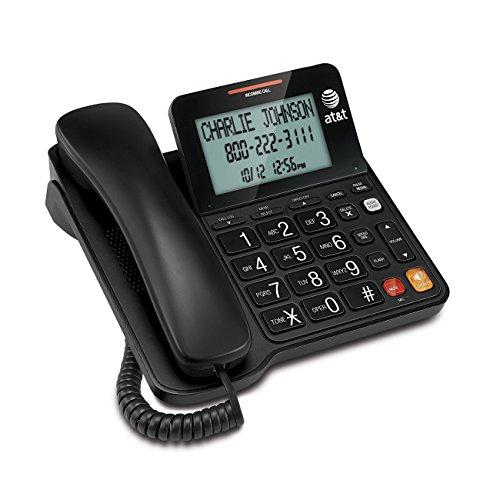
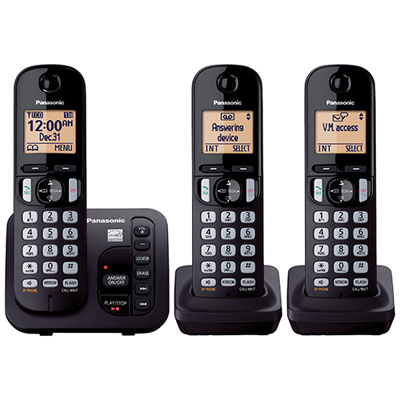
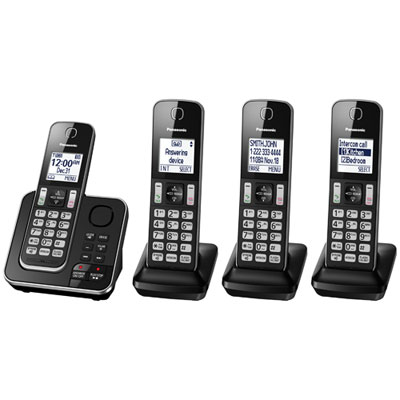
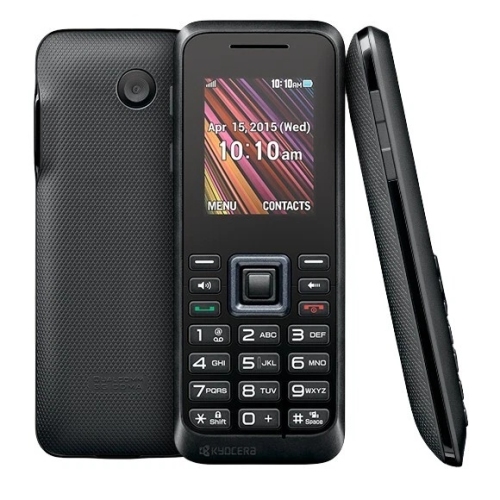
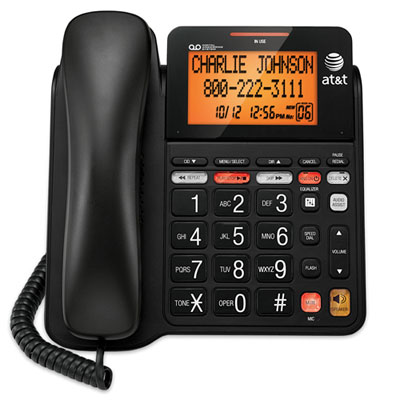
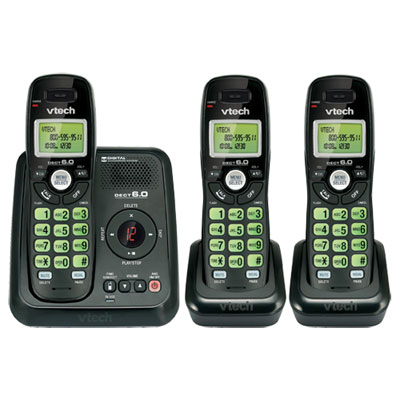
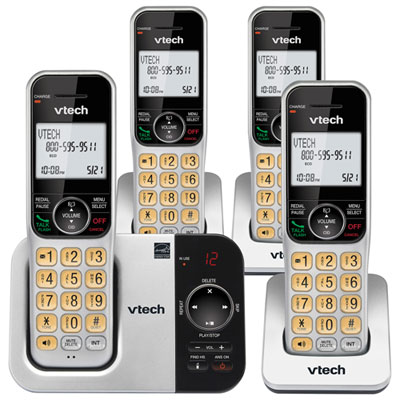
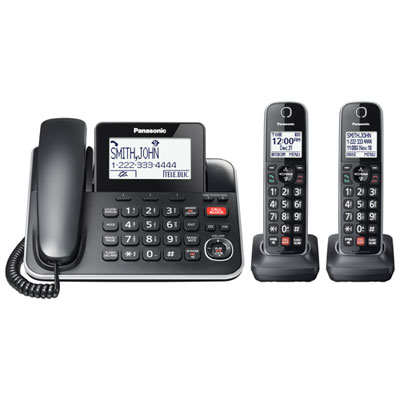
Simple features can make everyday communication more comfortable
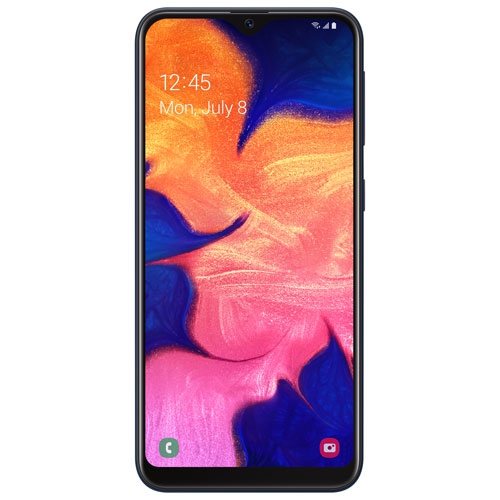
Phones for seniors can make everyday communication feel more comfortable, familiar, and dependable, whether they are used at home, on the go, or as a thoughtful gift for a parent, grandparent, relative, or friend. The right choice depends on how the phone will be used and which features make calling and messaging easier. Some older adults prefer a traditional landline because it stays in one place, has a straightforward handset, and does not require charging or navigating menus. Others appreciate a basic flip phone that fits easily into a pocket or purse, opens to answer calls, and closes to prevent accidental button presses. A smartphone may be a better fit for someone who wants internet access, video calls, maps, photos, online appointments, or communication through messaging apps. When comparing phones for seniors, look for clear displays, large and well-spaced buttons, bright backlighting, strong contrast, and menus that are easy to understand at a glance. Simple navigation is especially helpful for anyone who does not use a phone often or who prefers to avoid layers of apps and settings. A readable screen with adjustable font size can make contact names, text messages, and caller information easier to see, while a loud, distinct ringtone can help ensure incoming calls are noticed from another room. For shoppers seeking an internet-connected option with a more approachable layout, a Simple Smartphone for Seniors can offer useful smart features without making the experience feel unnecessarily complicated.
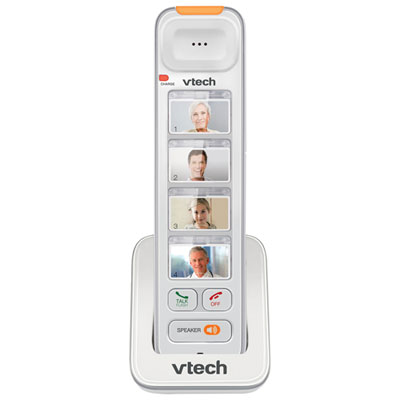
Accessibility features are an important part of choosing a phone for seniors, particularly when a device will be shared with someone managing changes in vision, hearing, dexterity, memory, or confidence with technology. Phones with large physical keys can be easier to press accurately than small, closely grouped controls, and raised or tactile buttons may help users identify common functions by touch. High-contrast screens, adjustable text, and a display that remains visible in different lighting conditions can support people with reduced vision. For those with hearing loss, consider amplified volume, a clear speaker, distinct ringtones, and hearing-aid compatibility where appropriate; checking the phone’s compatibility information and consulting an audiologist can help ensure the features suit the user’s hearing device. A hands-free speakerphone can be useful during longer family conversations, while a headphone or headset connection may provide another comfortable way to listen. For someone with memory concerns, a phone with a simplified contact list, photo-based calling, speed dial, or a small group of trusted contacts may be easier to use than a standard phonebook. Emergency SOS functions can provide an added way to call a selected contact or emergency service, but they should be treated as a complement to a personal safety plan rather than a replacement for regular check-ins or professional support. Before giving an emergency-capable phone as a gift, set up the appropriate contacts, review how the alert works, and practise the steps together. It is also wise to confirm whether the device requires a mobile plan, Wi-Fi, an active landline connection, or a separate subscription for particular calling or assistance features.
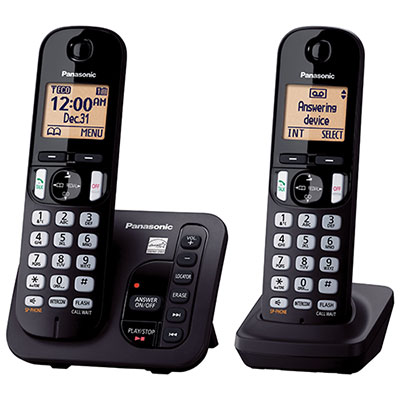
The best phone for seniors is one that matches the person’s routines and feels natural in their hands. Someone who mainly calls family from the kitchen or living room may value a cordless or corded home phone with oversized buttons, photo speed dial, a strong ringer, and simple answering controls. A person who spends time visiting family, attending appointments, walking in the neighbourhood, or travelling between homes may prefer a compact flip phone with a long-lasting battery, an easy-to-read outer display, and straightforward calling controls. An older adult who enjoys taking photos, staying in touch with grandchildren, checking weather conditions, or joining video calls may benefit from a smartphone with voice typing, simplified menus, a clear camera, and adjustable accessibility settings. Battery life, charging convenience, call quality, network compatibility, storage, and durability are also worth considering, especially if the phone will be used away from home or carried every day. A charging stand can make it easier to place the phone in the same spot each evening, while a protective case and wrist strap may offer added peace of mind for someone with limited grip strength. When presenting a phone as a gift, allow time for a comfortable introduction rather than expecting the recipient to learn everything at once: save important contacts, enlarge the text, adjust the ringtone, label the charger, and write down a few basic instructions in clear language. A short practice call can turn an unfamiliar device into a reassuring connection, helping the recipient feel confident when speaking with family, arranging services, or reaching help during the cooler months and throughout the year.
Accessibility features are an important part of choosing a phone for seniors, particularly when a device will be shared with someone managing changes in vision, hearing, dexterity, memory, or confidence with technology. Phones with large physical keys can be easier to press accurately than small, closely grouped controls, and raised or tactile buttons may help users identify common functions by touch. High-contrast screens, adjustable text, and a display that remains visible in different lighting conditions can support people with reduced vision. For those with hearing loss, consider amplified volume, a clear speaker, distinct ringtones, and hearing-aid compatibility where appropriate; checking the phone’s compatibility information and consulting an audiologist can help ensure the features suit the user’s hearing device. A hands-free speakerphone can be useful during longer family conversations, while a headphone or headset connection may provide another comfortable way to listen. For someone with memory concerns, a phone with a simplified contact list, photo-based calling, speed dial, or a small group of trusted contacts may be easier to use than a standard phonebook. Emergency SOS functions can provide an added way to call a selected contact or emergency service, but they should be treated as a complement to a personal safety plan rather than a replacement for regular check-ins or professional support. Before giving an emergency-capable phone as a gift, set up the appropriate contacts, review how the alert works, and practise the steps together. It is also wise to confirm whether the device requires a mobile plan, Wi-Fi, an active landline connection, or a separate subscription for particular calling or assistance features.
The best phone for seniors is one that matches the person’s routines and feels natural in their hands. Someone who mainly calls family from the kitchen or living room may value a cordless or corded home phone with oversized buttons, photo speed dial, a strong ringer, and simple answering controls. A person who spends time visiting family, attending appointments, walking in the neighbourhood, or travelling between homes may prefer a compact flip phone with a long-lasting battery, an easy-to-read outer display, and straightforward calling controls. An older adult who enjoys taking photos, staying in touch with grandchildren, checking weather conditions, or joining video calls may benefit from a smartphone with voice typing, simplified menus, a clear camera, and adjustable accessibility settings. Battery life, charging convenience, call quality, network compatibility, storage, and durability are also worth considering, especially if the phone will be used away from home or carried every day. A charging stand can make it easier to place the phone in the same spot each evening, while a protective case and wrist strap may offer added peace of mind for someone with limited grip strength. When presenting a phone as a gift, allow time for a comfortable introduction rather than expecting the recipient to learn everything at once: save important contacts, enlarge the text, adjust the ringtone, label the charger, and write down a few basic instructions in clear language. A short practice call can turn an unfamiliar device into a reassuring connection, helping the recipient feel confident when speaking with family, arranging services, or reaching help during the cooler months and throughout the year.
Top selling and popular products
-
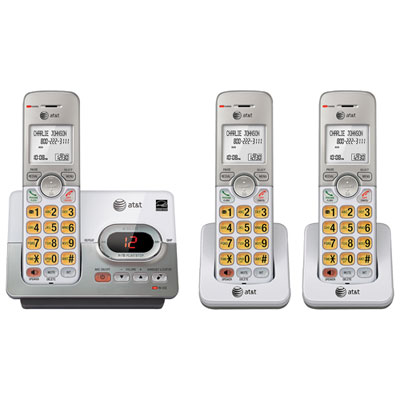 Your price for this item is $79.98
 -
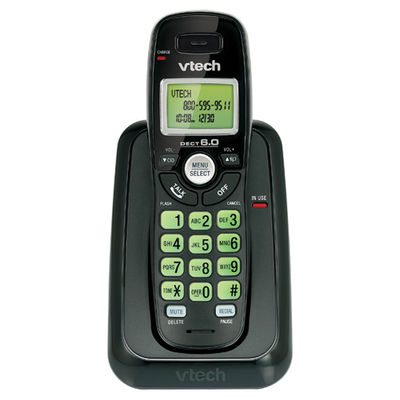 Your price for this item is $19.99
 -
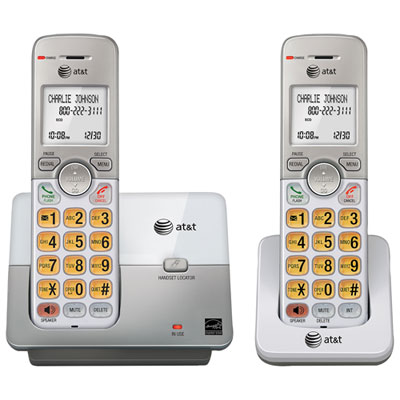 Your price for this item is $43.98
 -
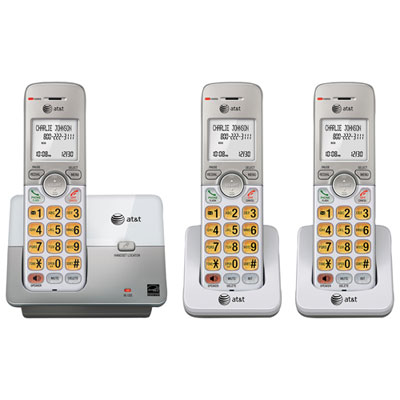 Your price for this item is $69.99
 -
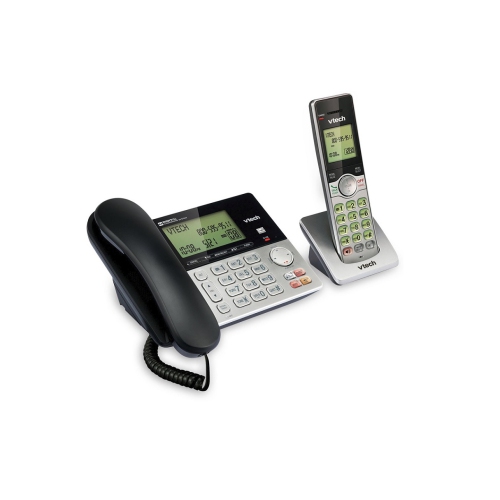 Your price for this item is $59.99
 -
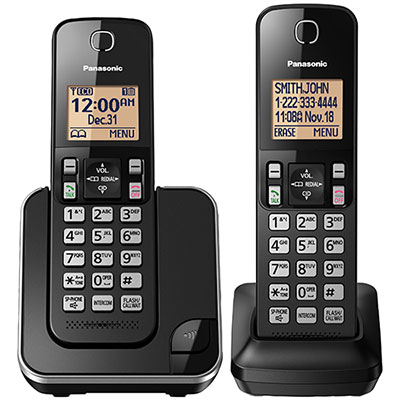 Your price for this item is $99.99
 -
 Your price for this item is $99.99
 -
 Your price for this item is $79.99
Discover more categories related to Phones for Seniors
Top Collections:
Pokemon Centers, Kindle Devices, Best Budget Office Chairs, Canon G7X Cameras, Apple iPhones 16, Samsung Galaxy Phones, Refurbished Apple Laptops, Laptops for Students, iPhone 15 Apple, Budget Smartphones
Some products may be subject to Environmental Handling Fees
(EHF) depending on your province.
Learn more about EHFs.