High Quality Monitor Arm
Whether you're a gamer, a graphic designer, or just someone who likes to have the option of viewing their screen in various positions, a high-quality monitor arm is an important accessory. The best ones are sturdy, easy to use, and don't cost too much. Here are some of the best we've found.
Sort
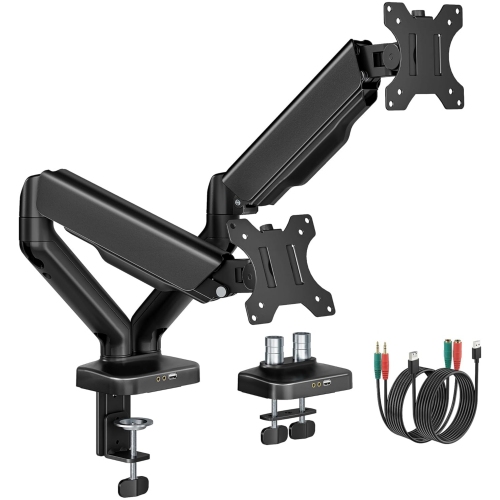
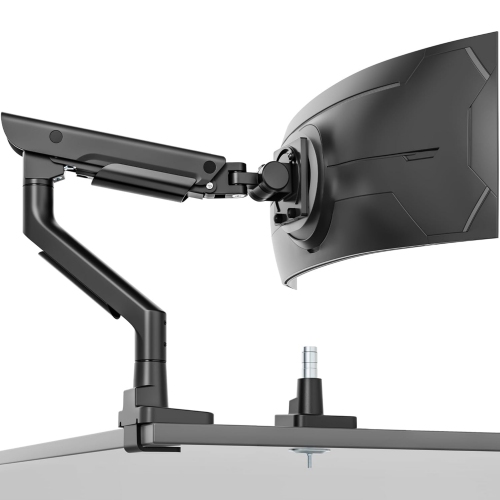
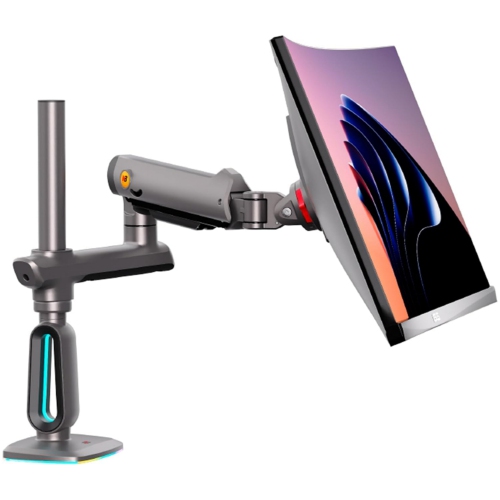
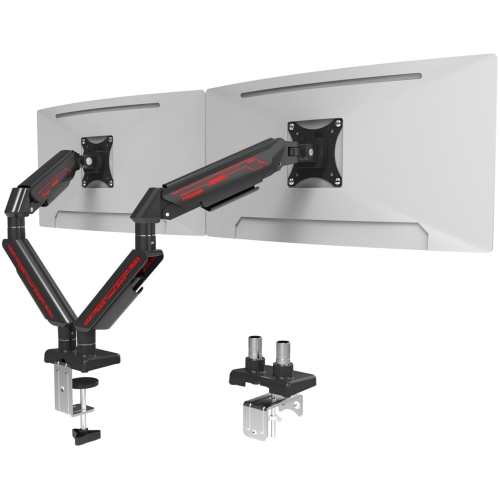
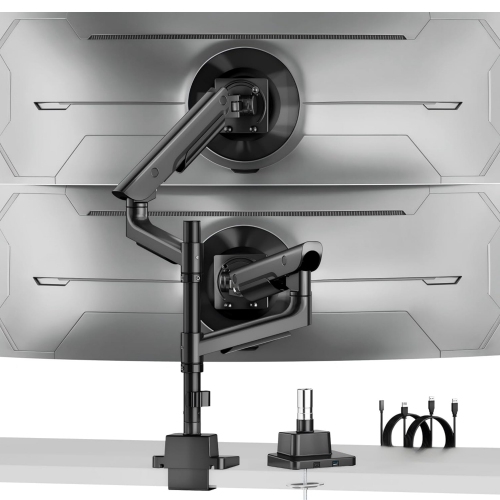
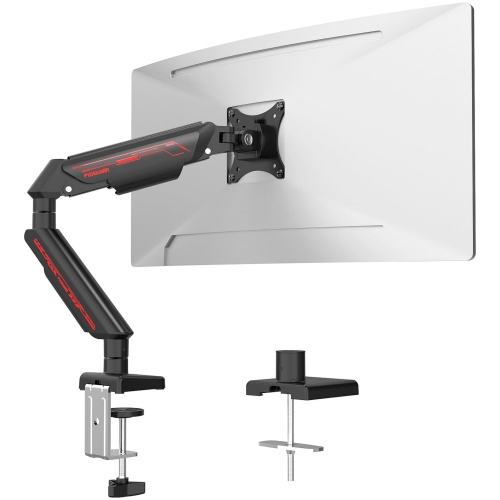
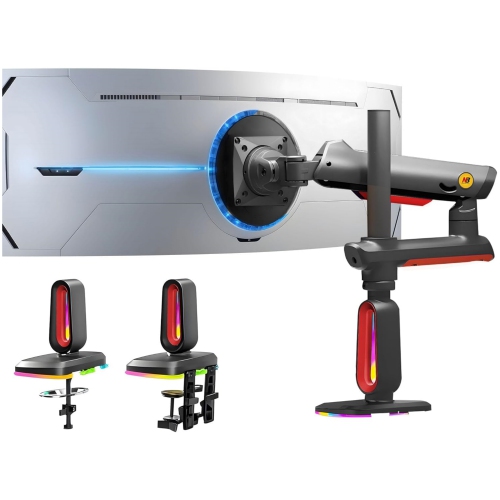
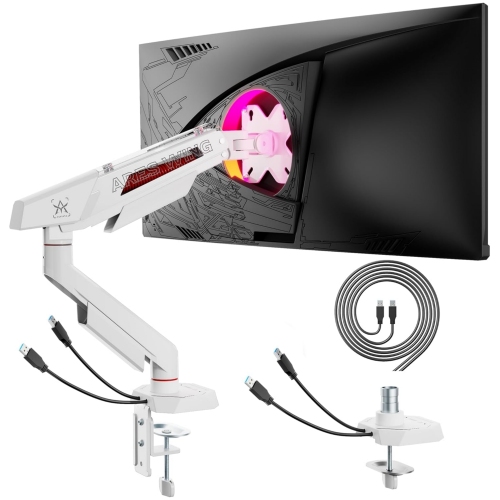
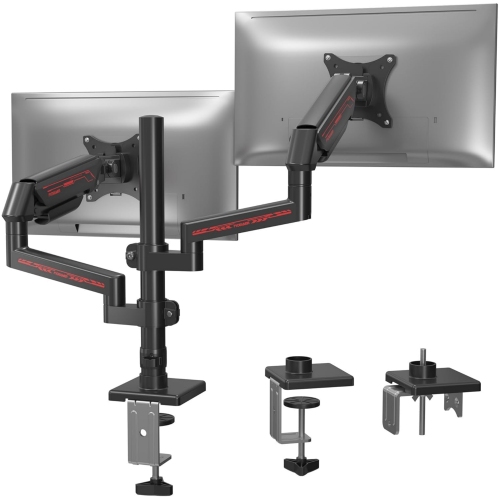
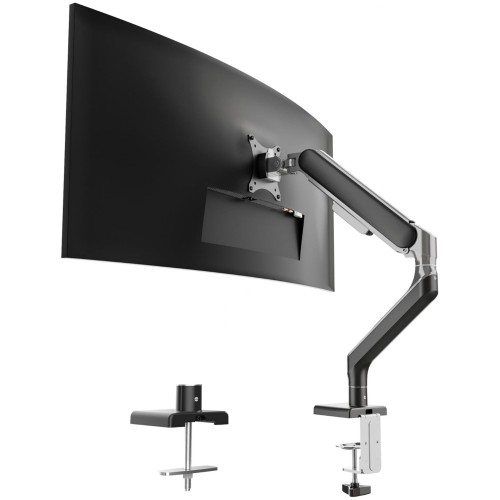
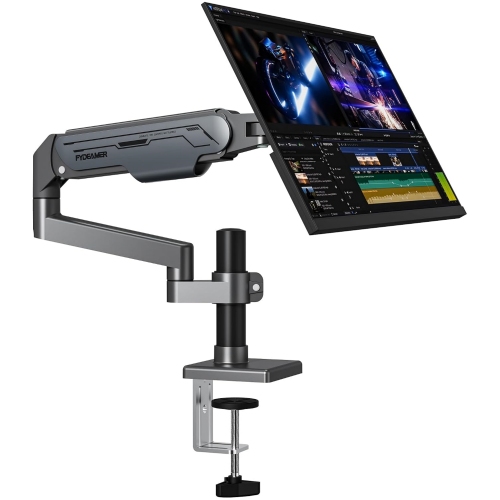
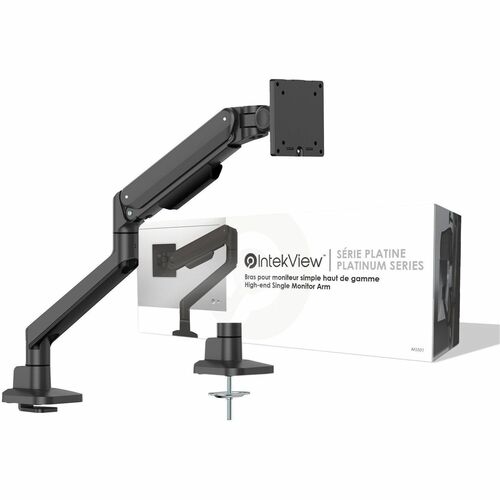
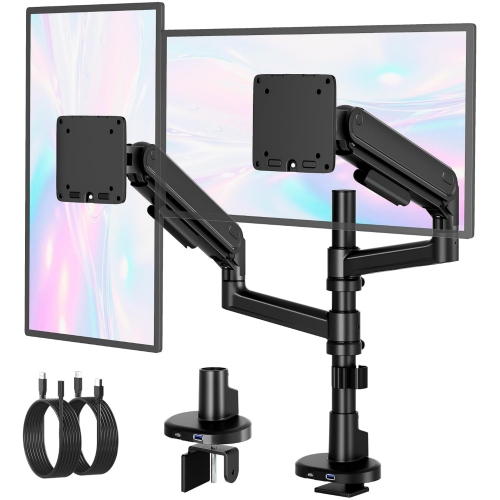
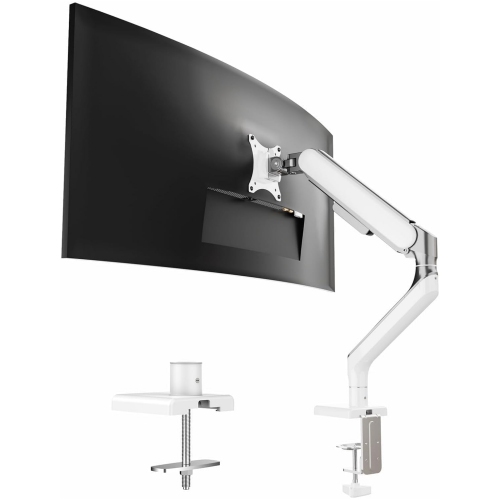
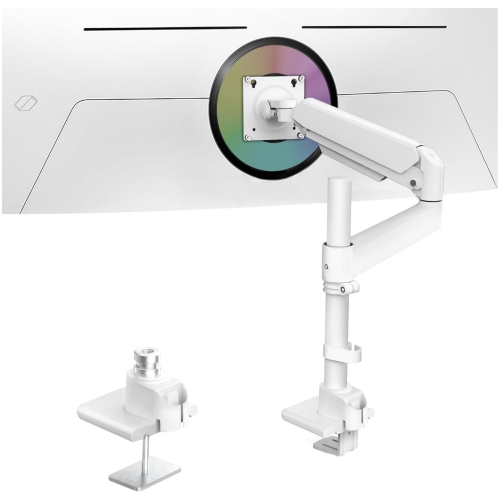
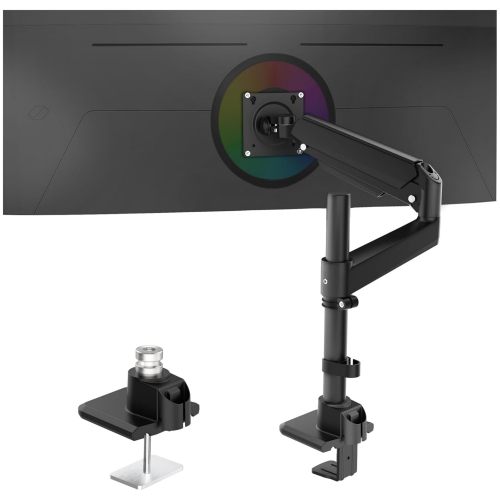

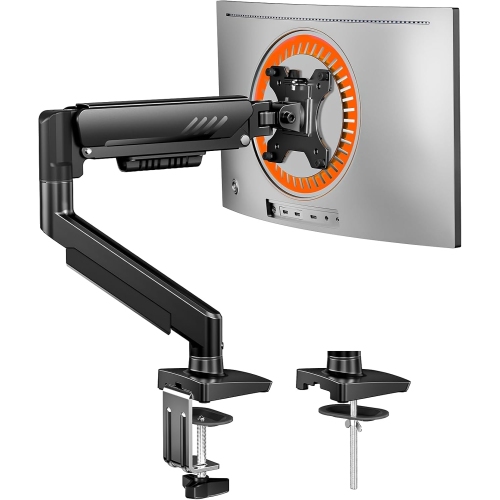
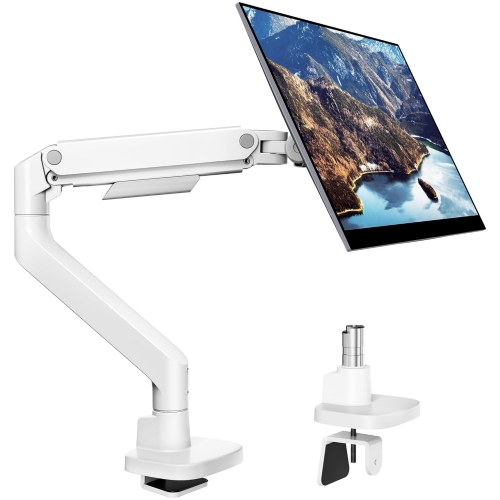
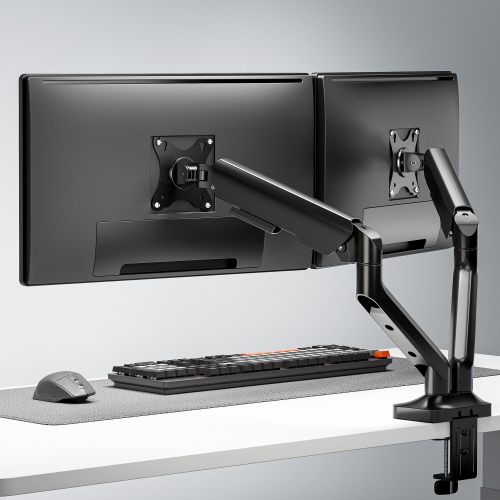
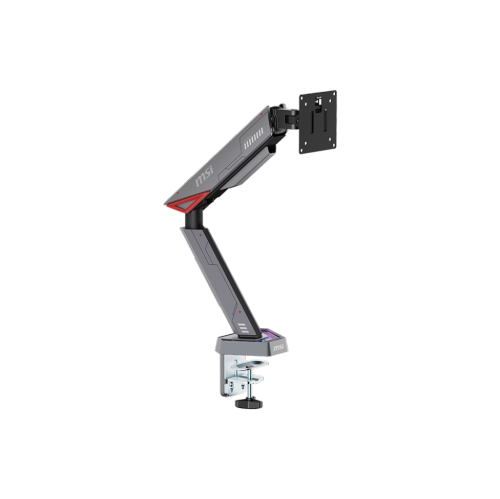
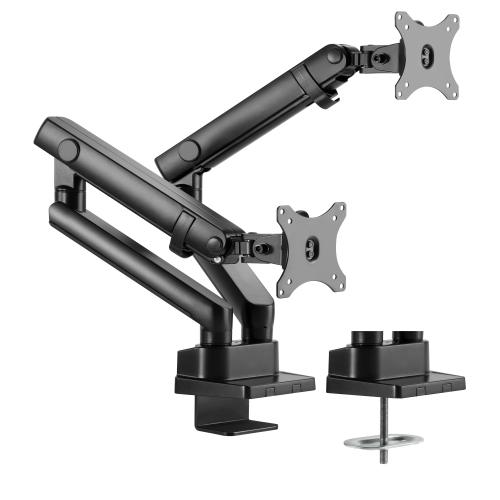
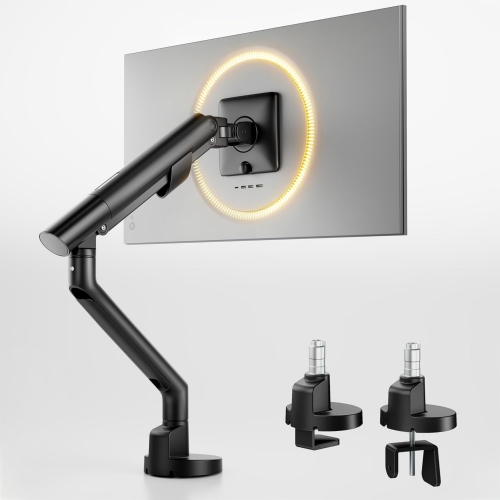
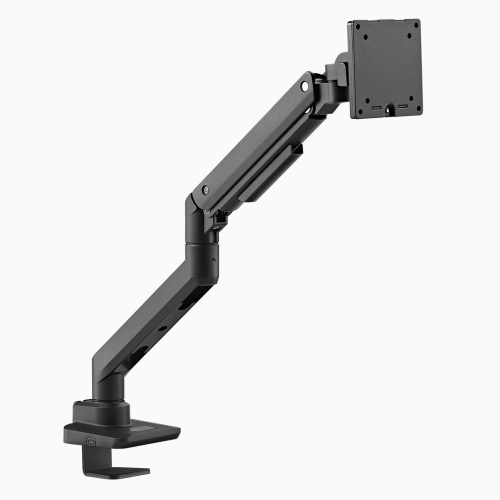
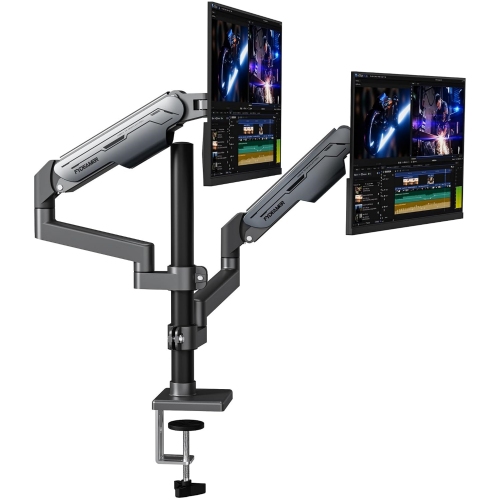
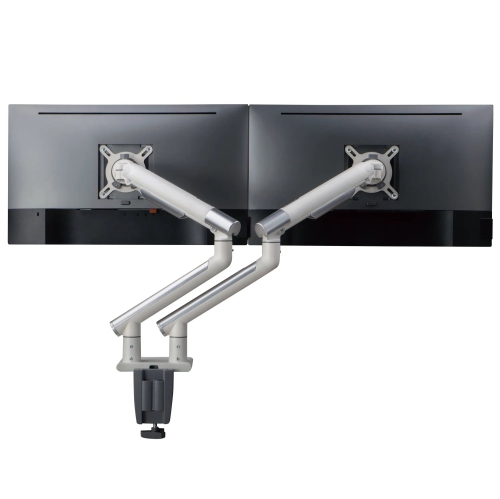
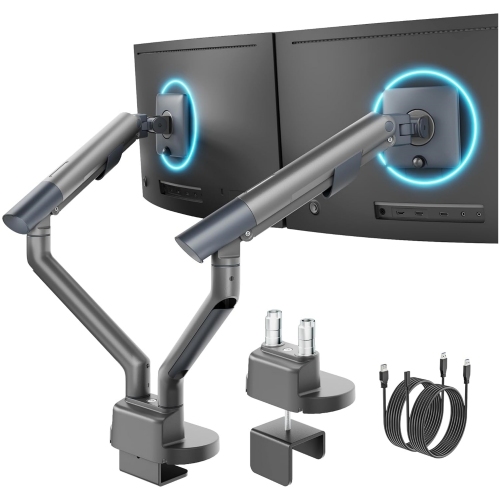
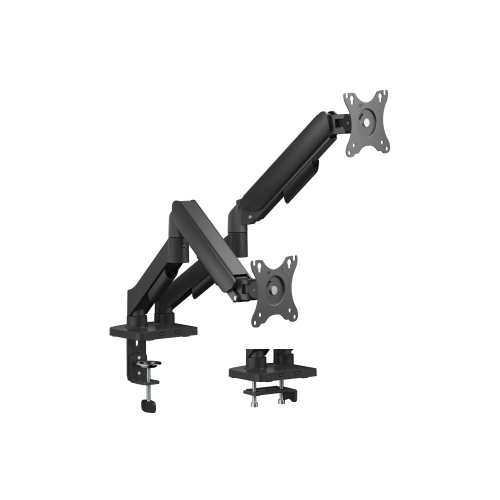
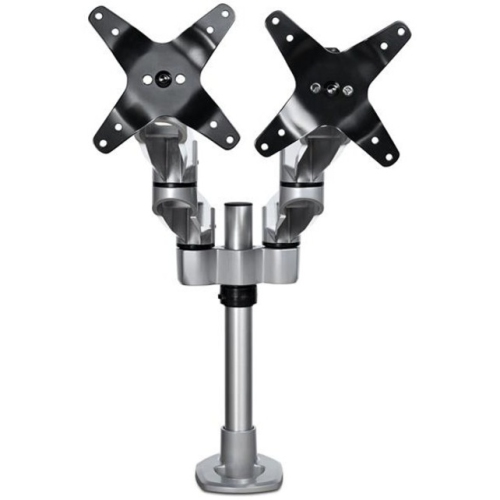
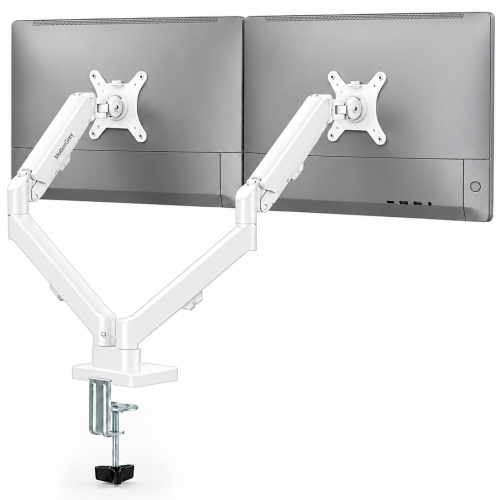
![AMER MOUNTS Dual Articulating Spring Monitor Arm [Arctic Edition] for 17"-32" Monitors 9Kg Max Weight Per Screen - Clamp And Grommet Base Mount But this one worked really great](https://multimedia.bbycastatic.ca/multimedia/products/500x500/160/16039/16039938.jpeg)

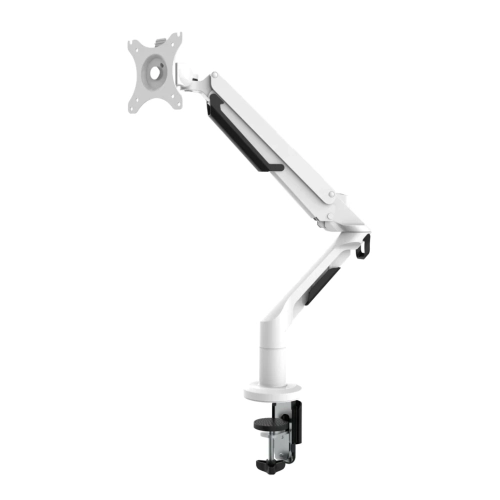
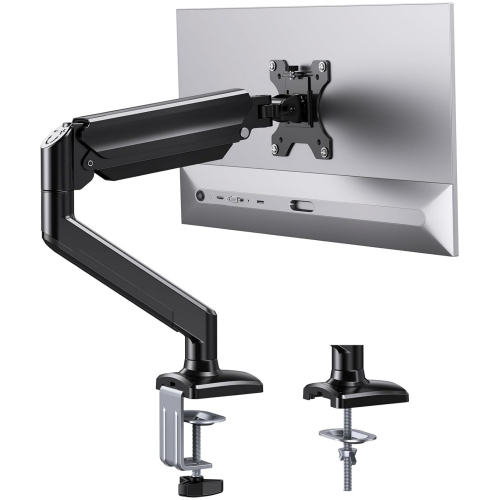
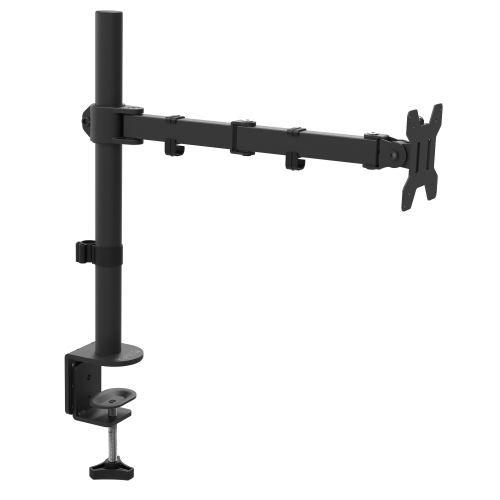
![AMER MOUNTS Single Articulating Spring Monitor Arm [Arctic Edition] for 17"-34" Monitors 9Kg Max Screen Weight - Clamp And Grommet Base Mount](https://multimedia.bbycastatic.ca/multimedia/products/500x500/160/16025/16025825.jpeg)
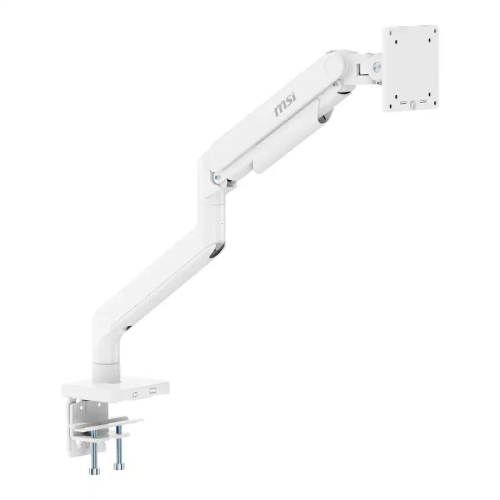
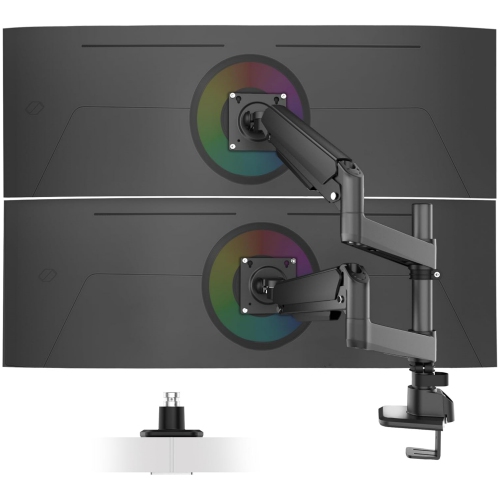
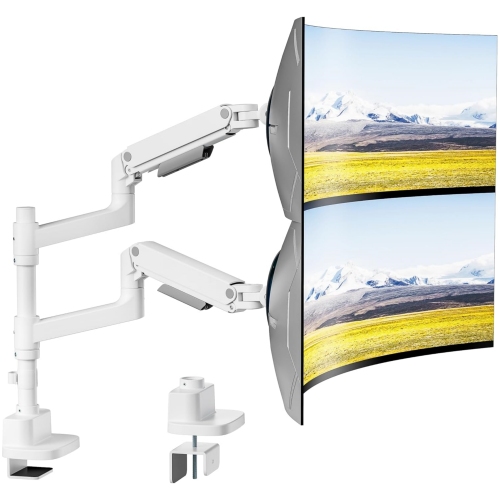
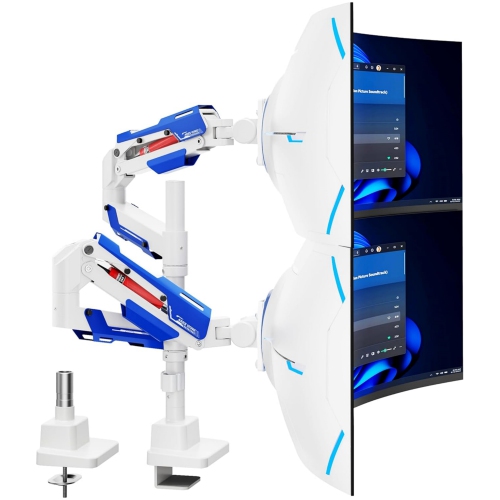
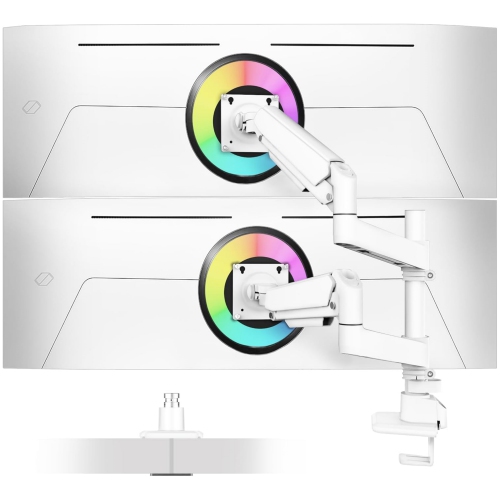
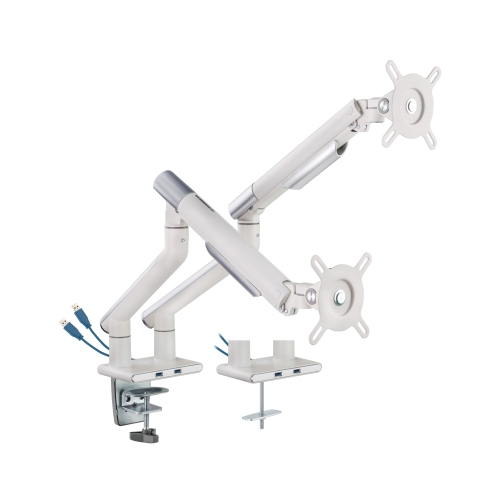
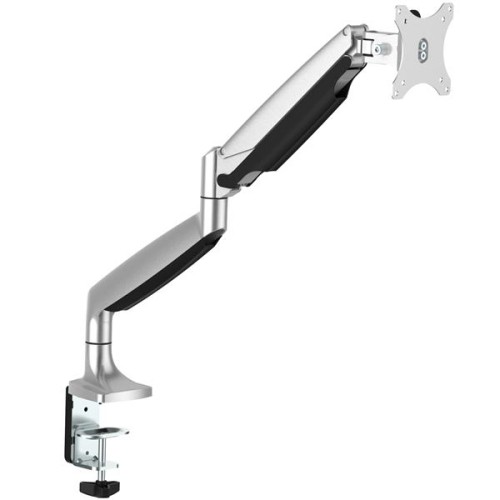
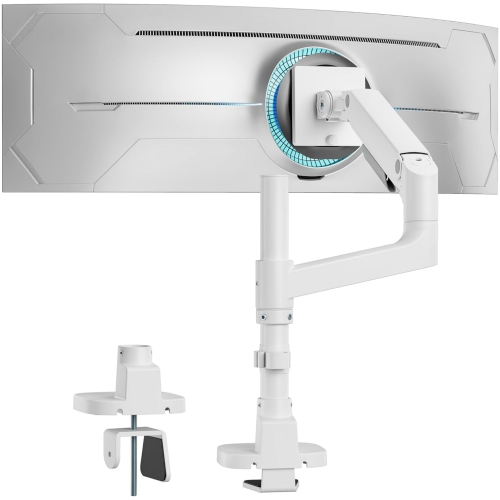
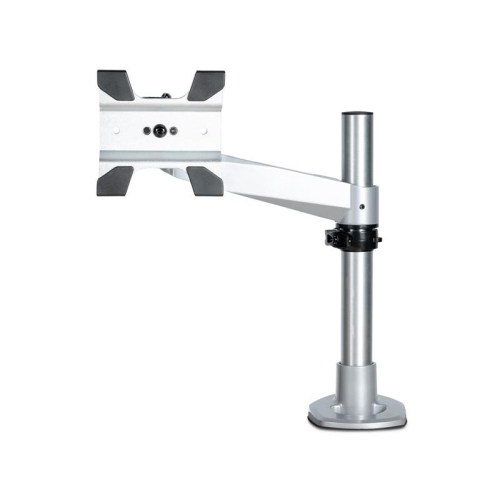
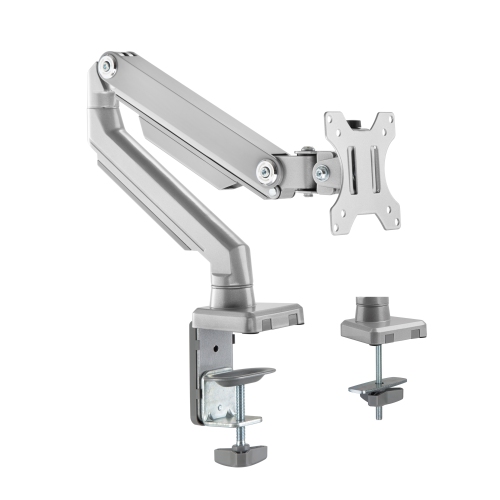
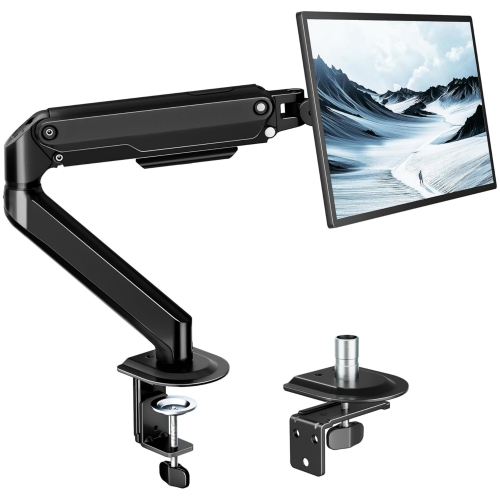
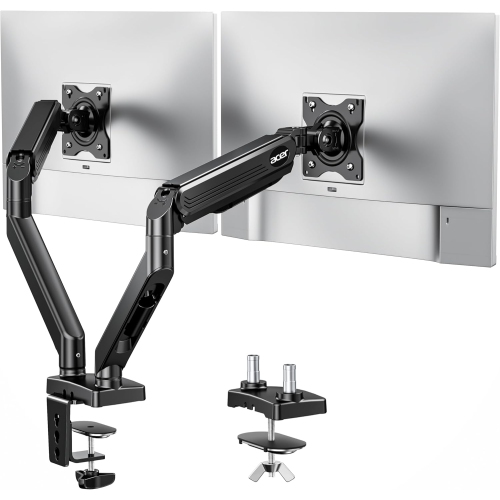
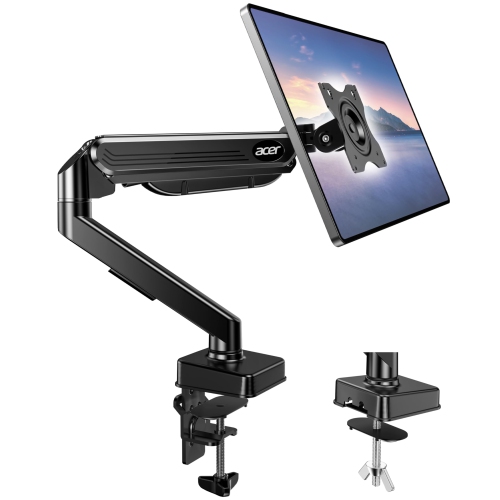
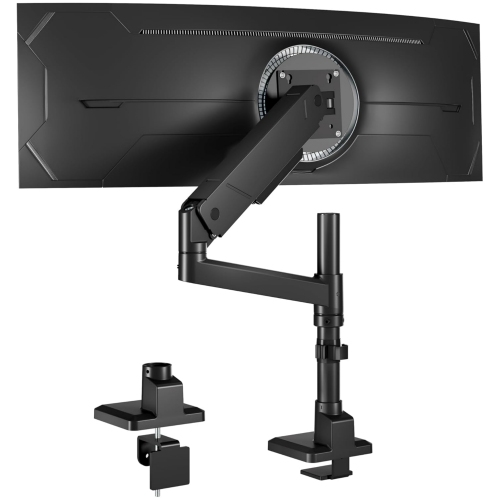
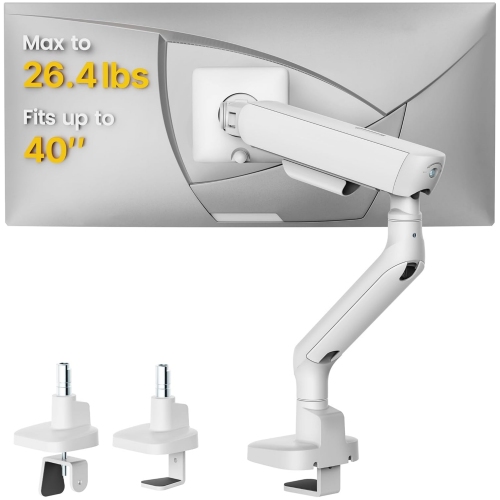
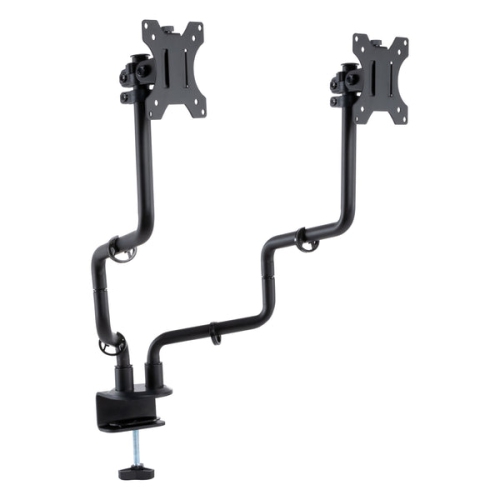
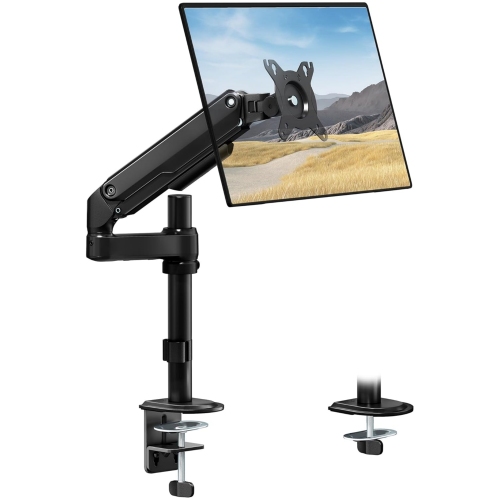
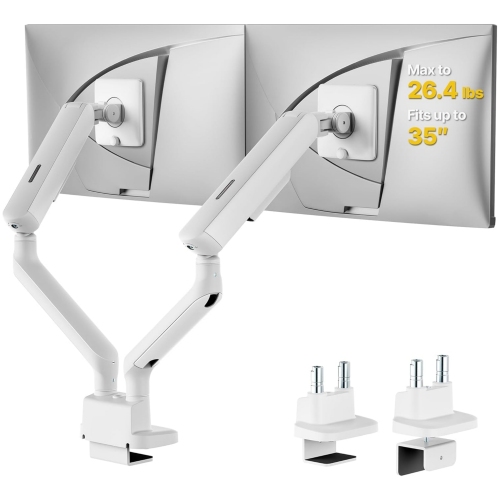
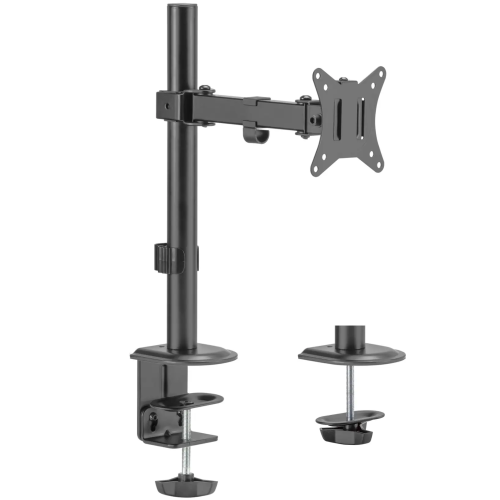

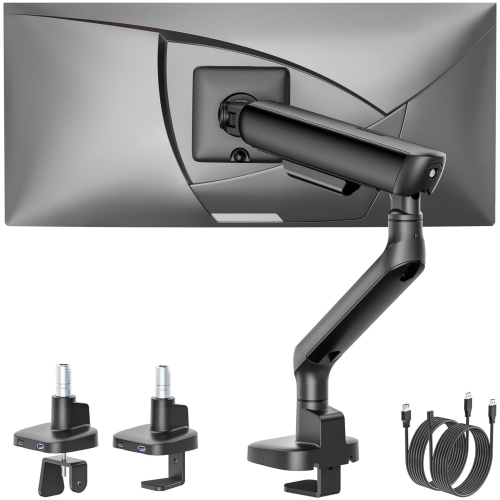
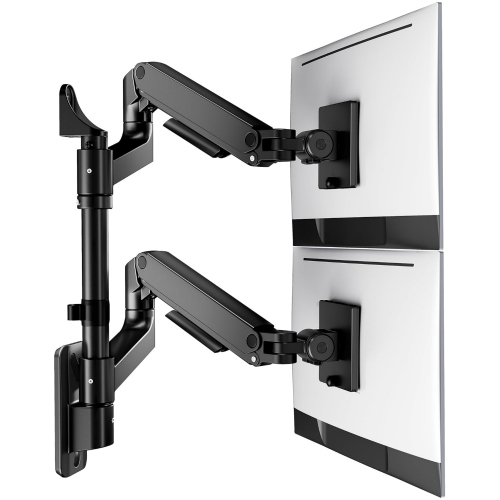
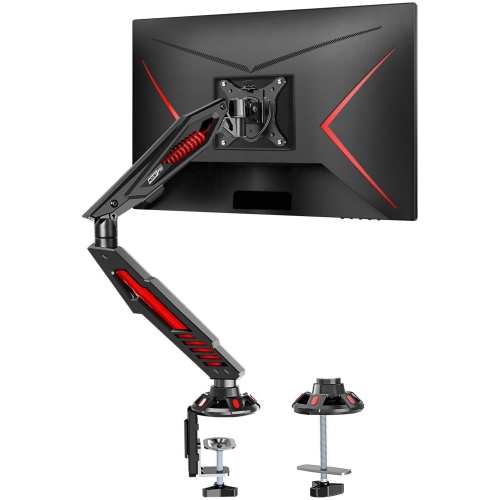
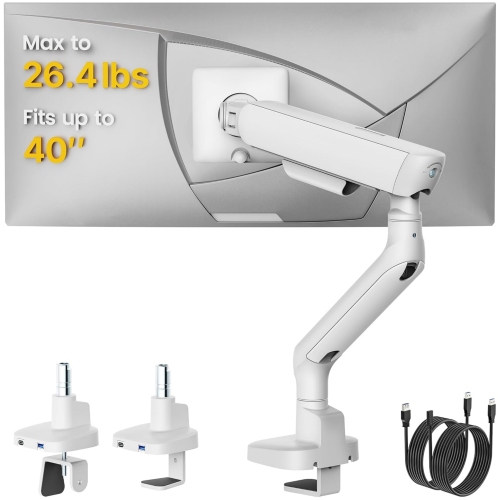
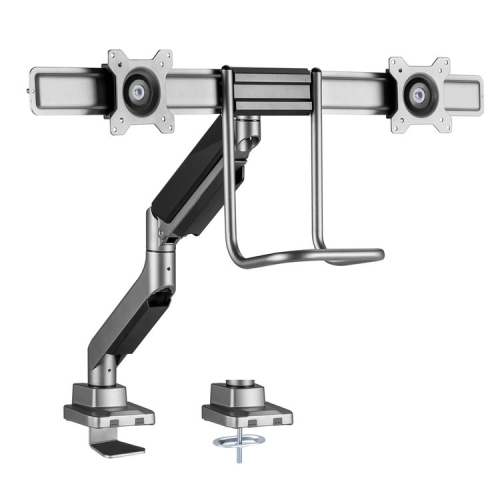
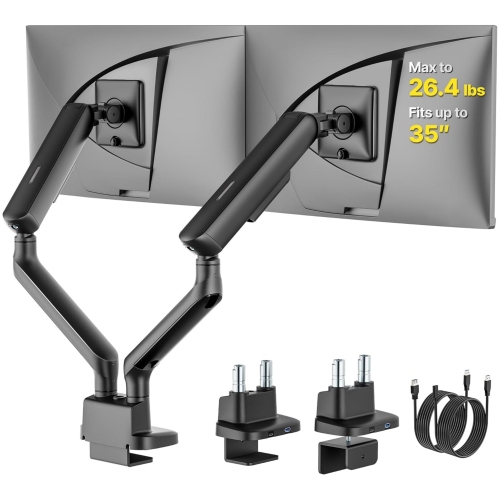
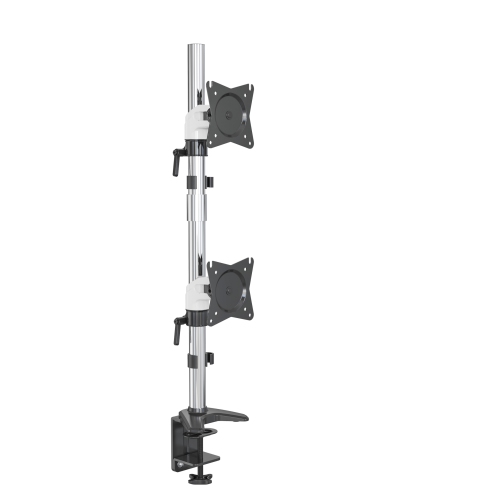
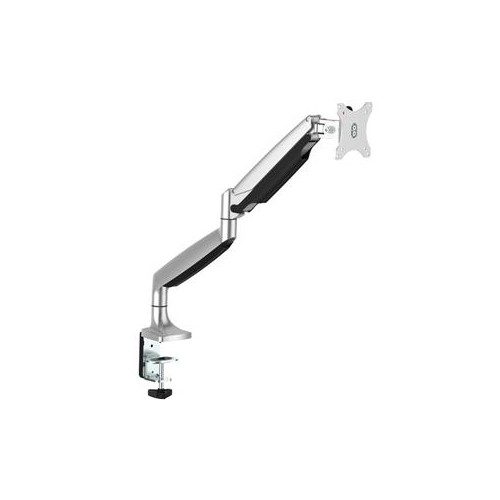
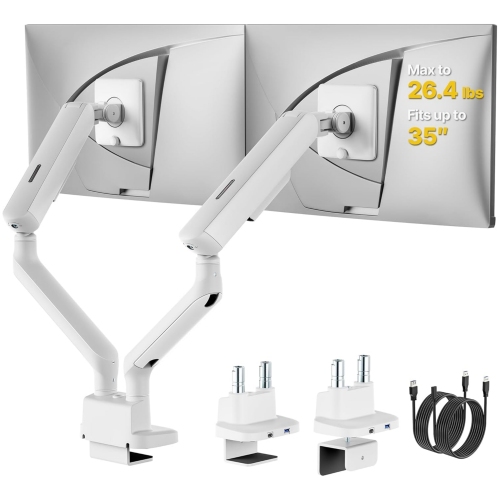
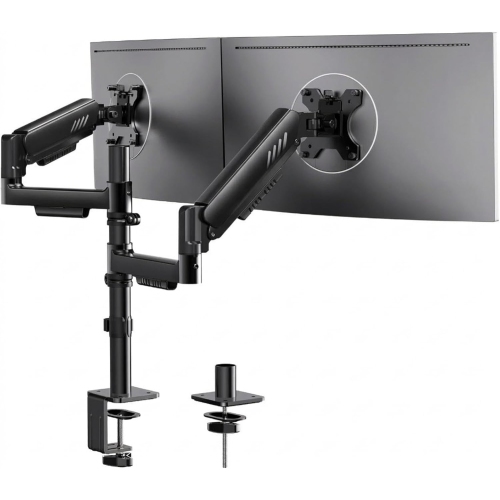
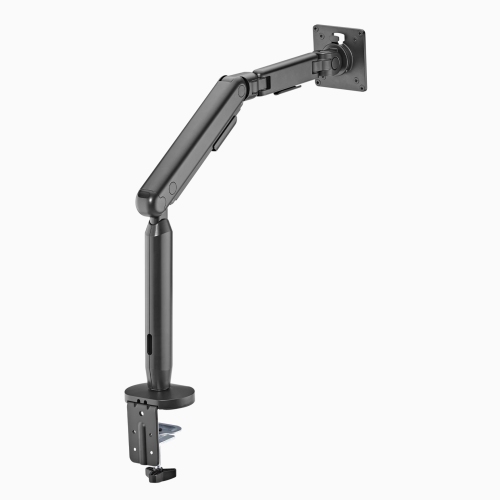
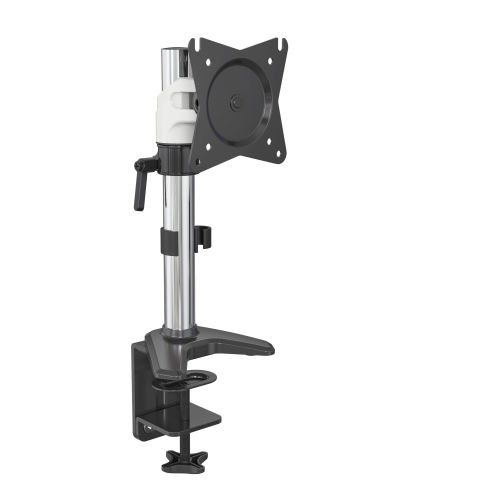
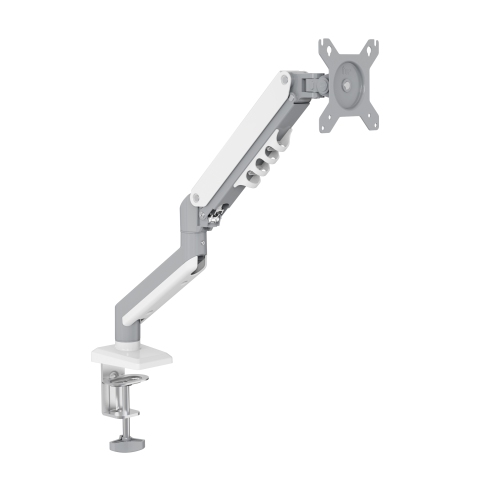
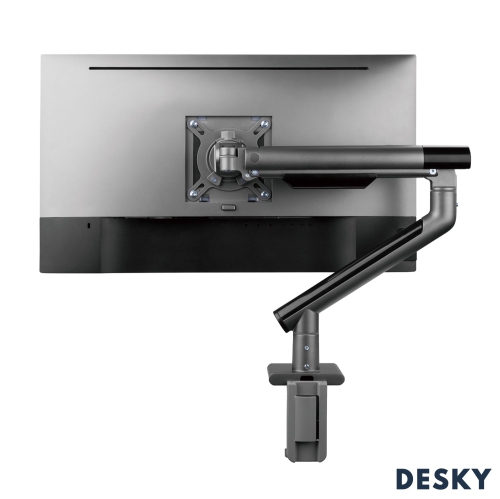
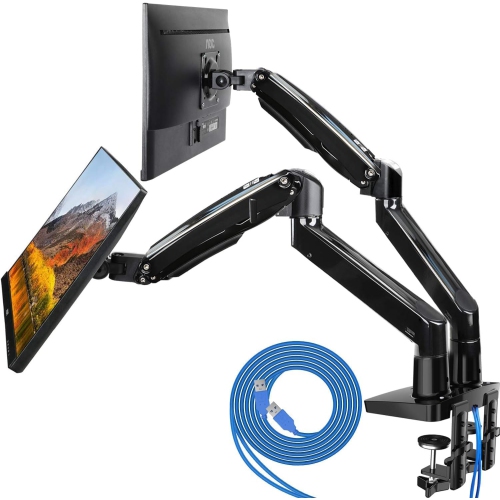
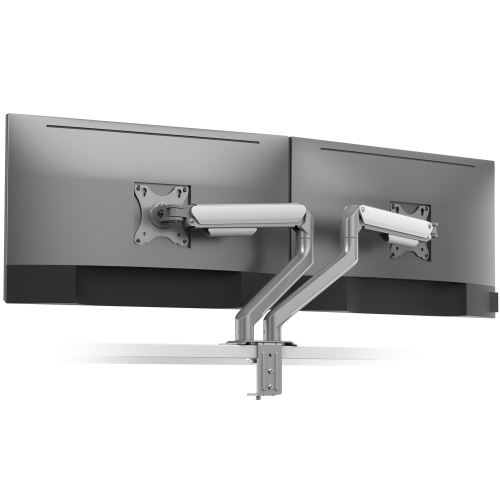
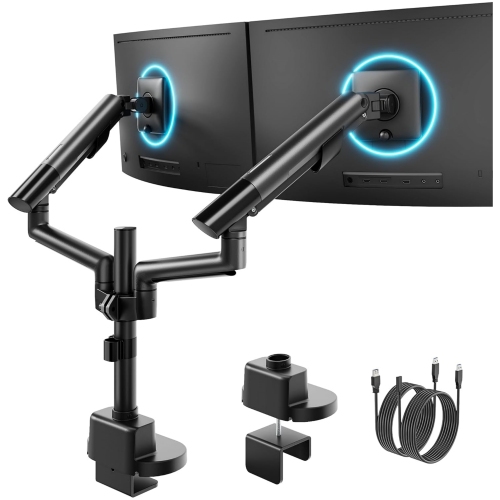
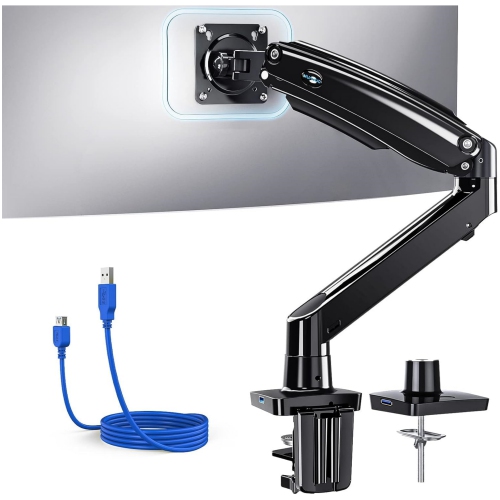
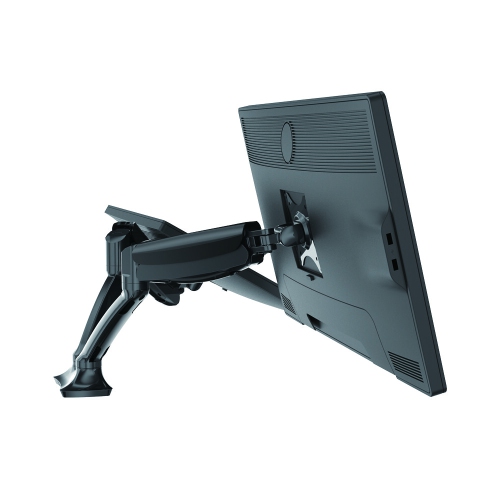
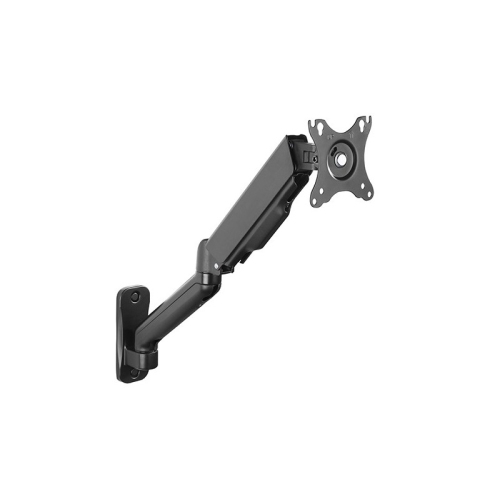
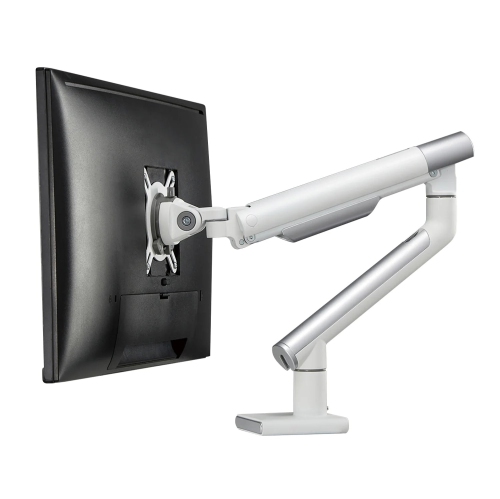
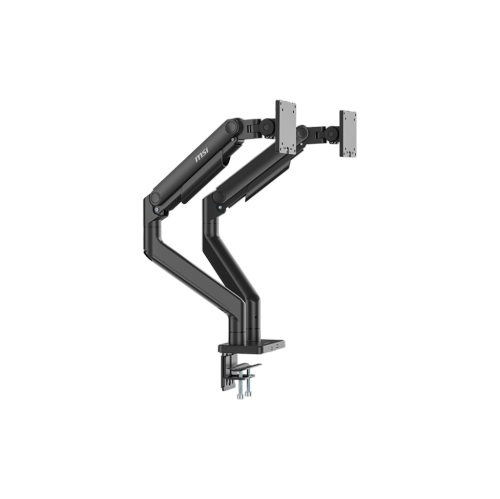
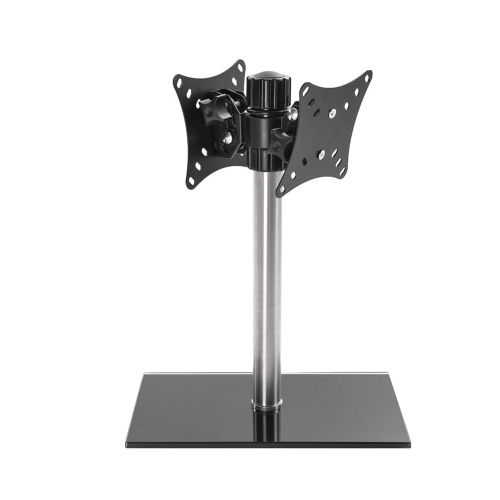
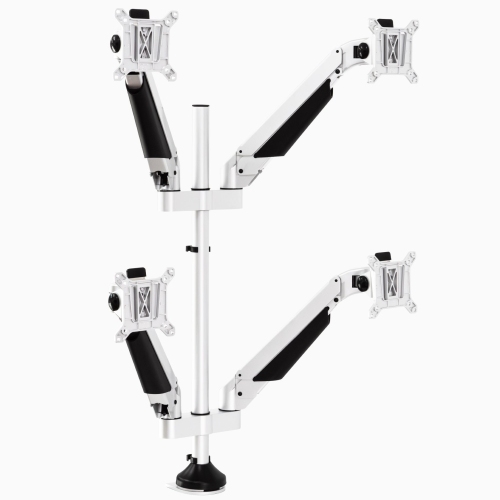
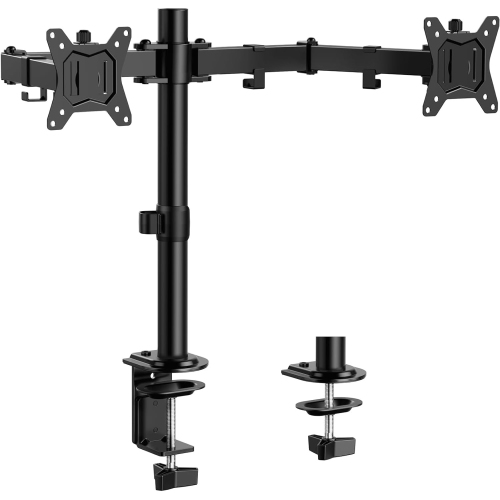
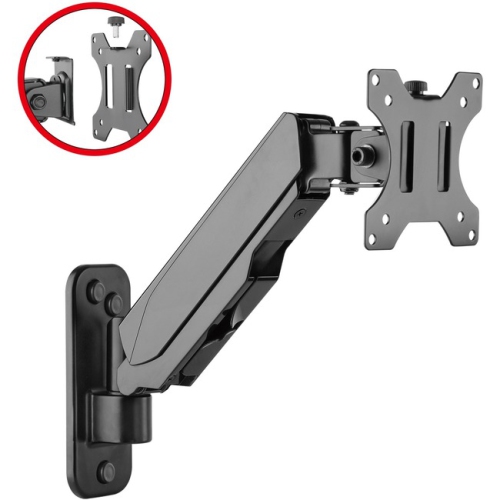
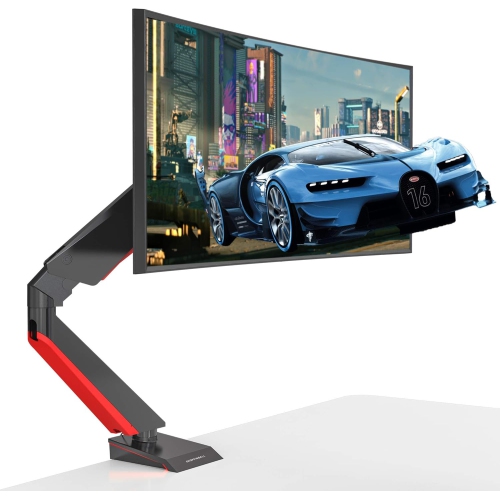
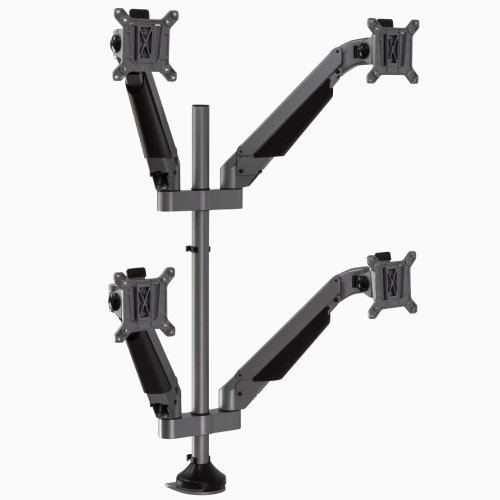
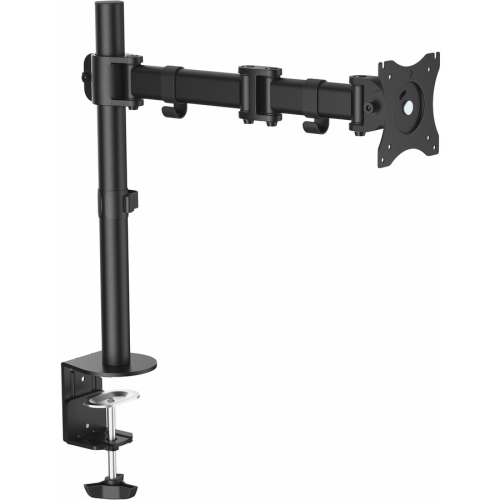
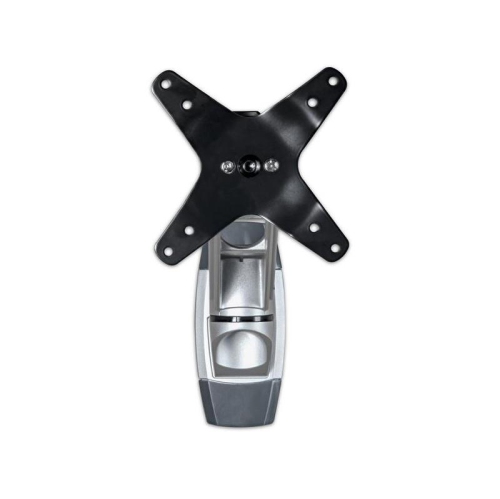
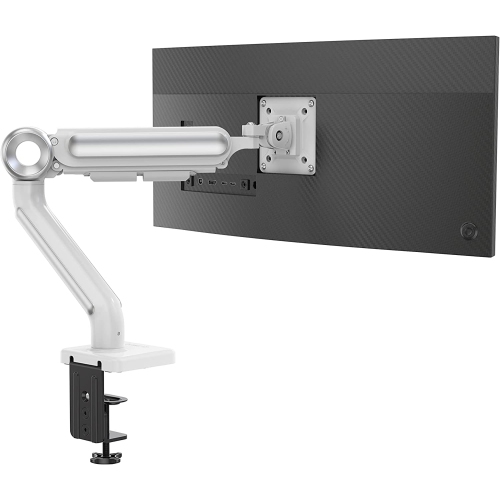
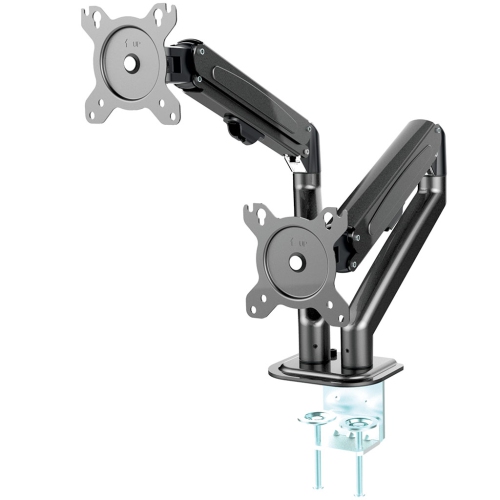
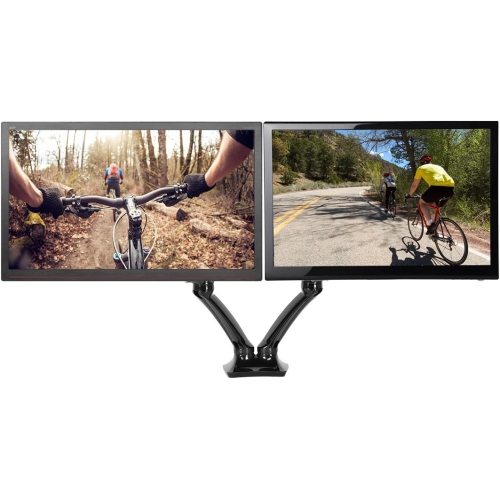
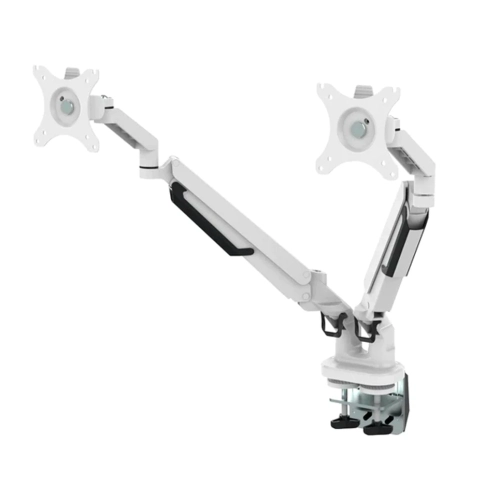
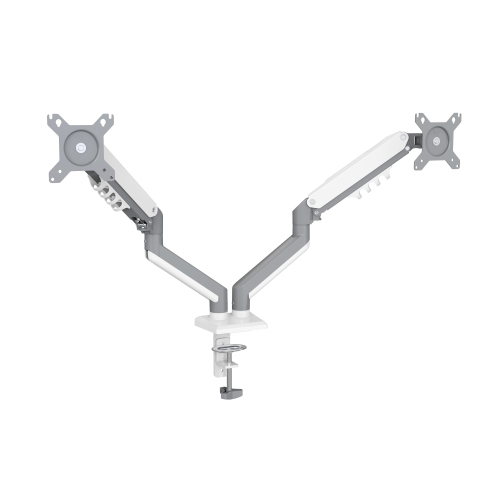
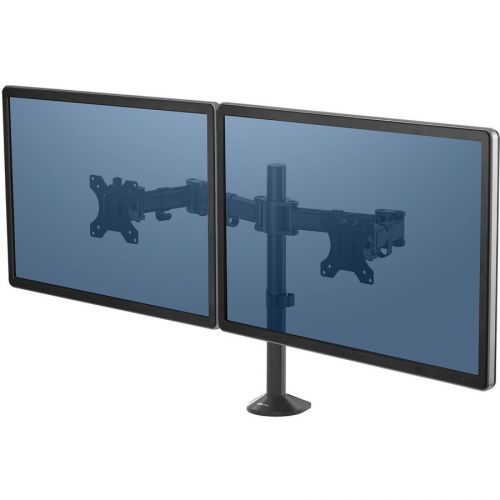
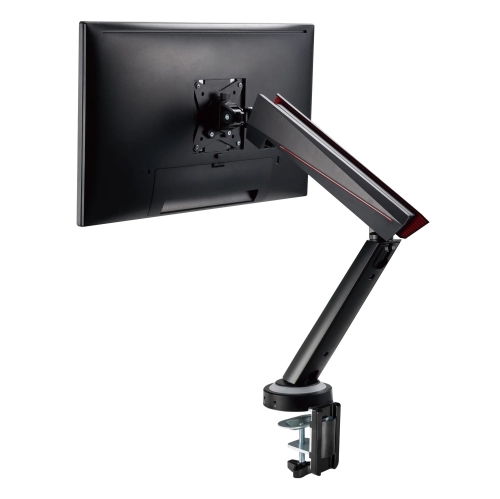
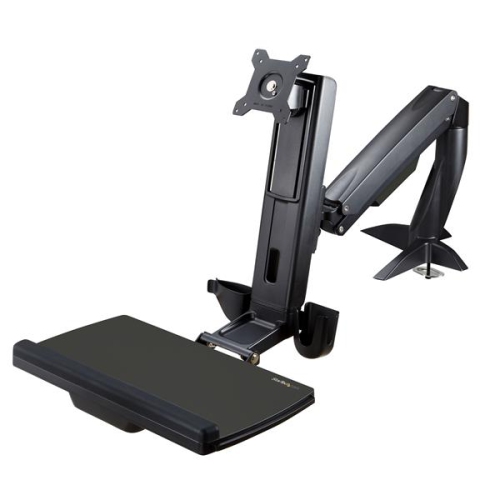
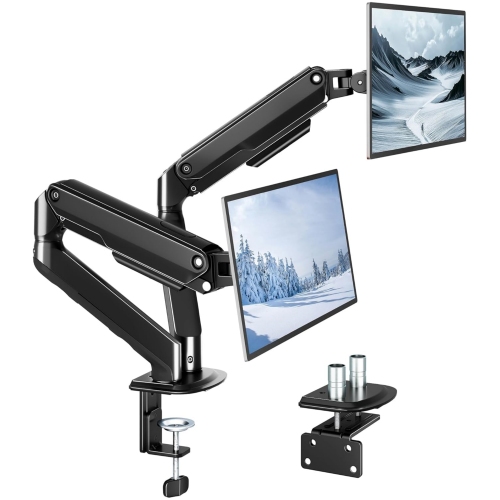
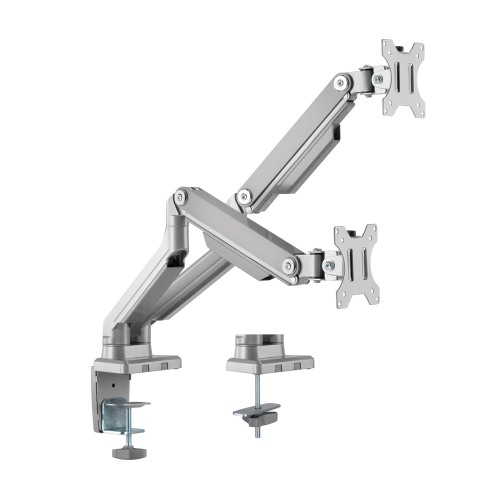
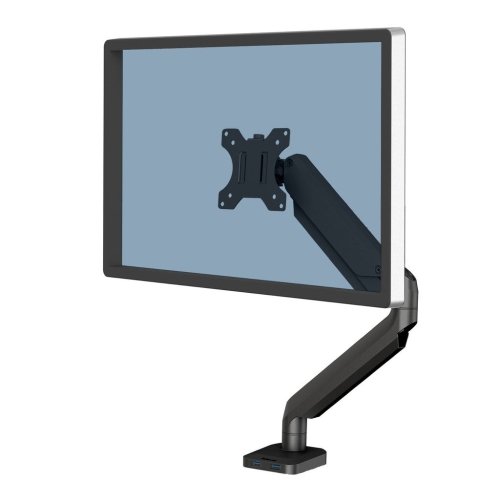
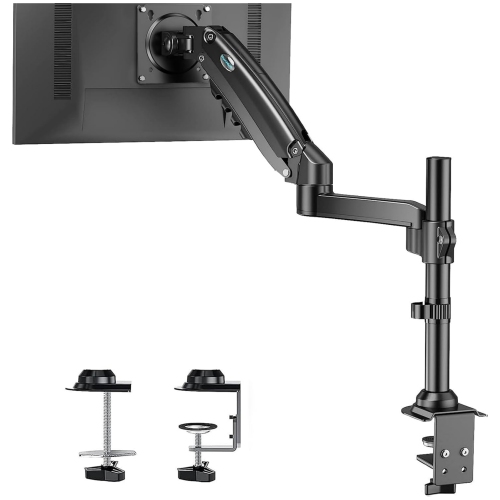
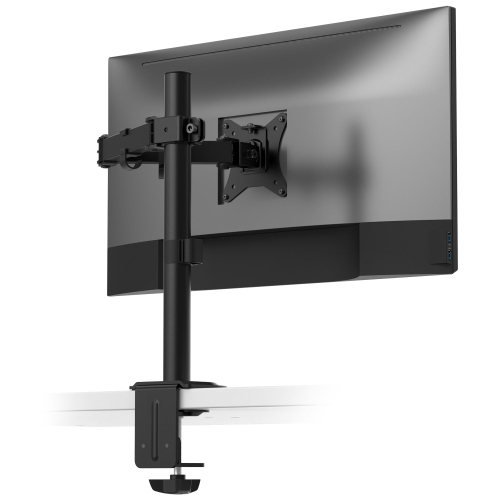
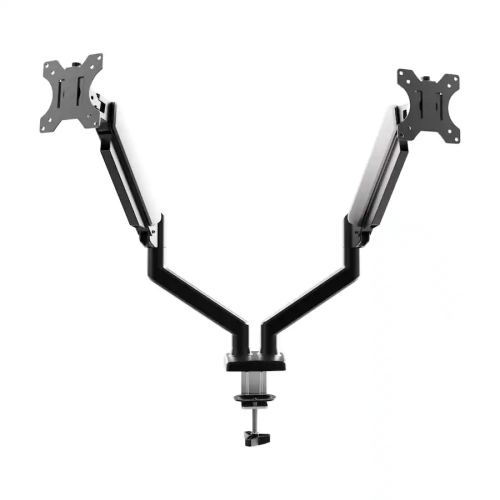
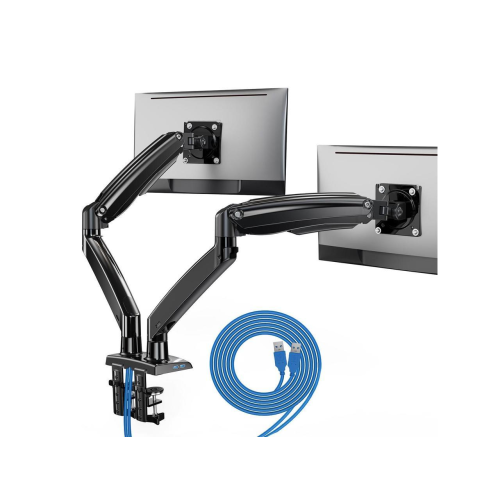

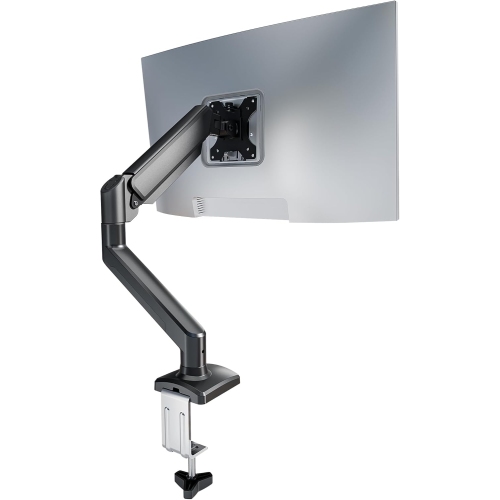
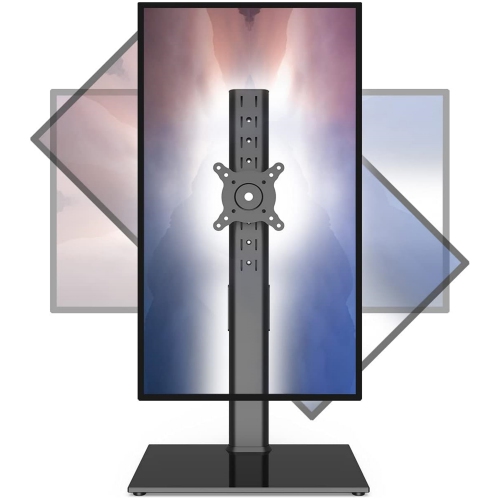
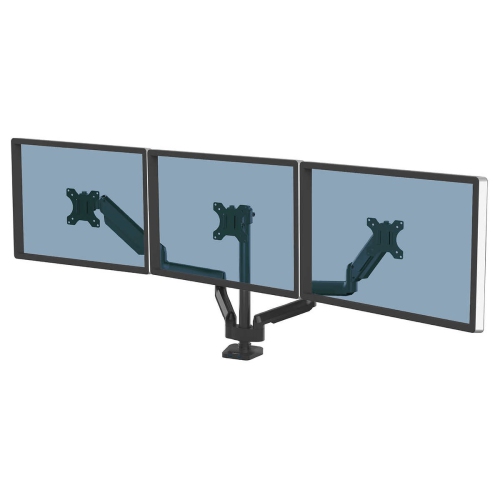
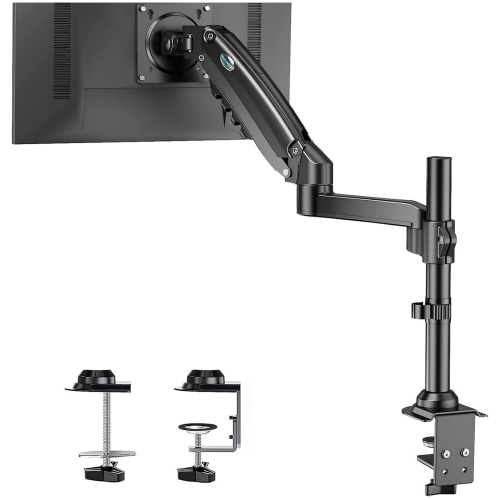
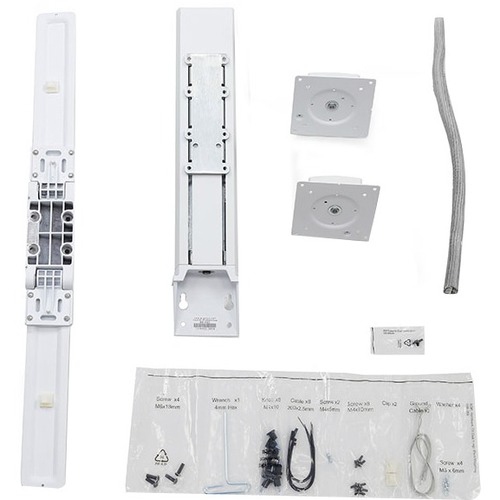
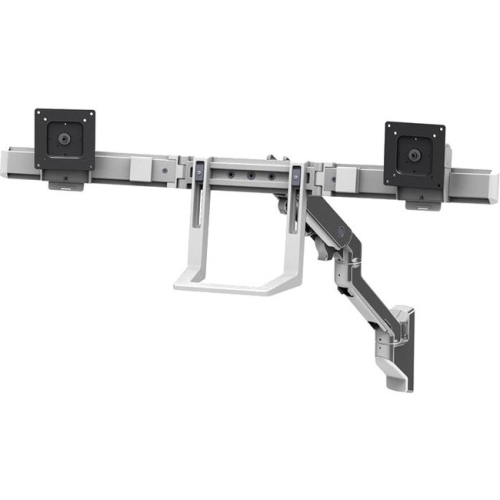
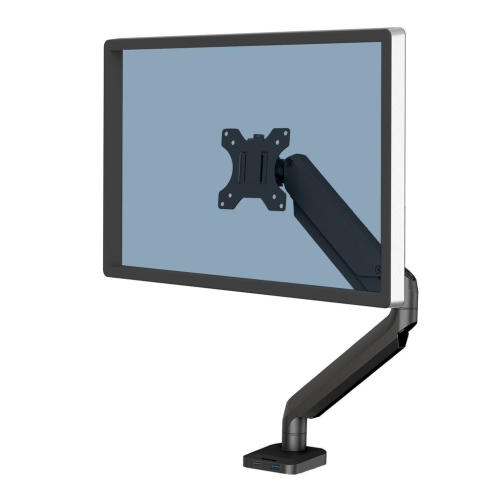
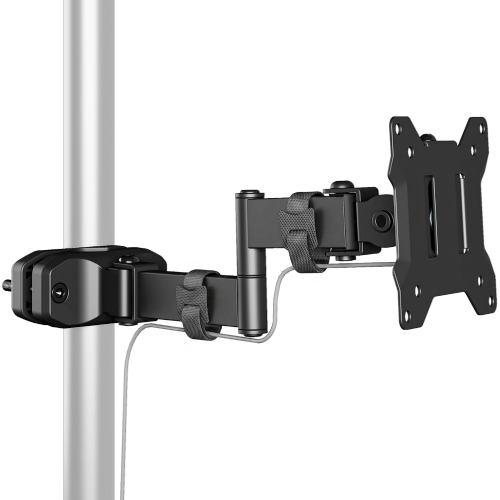



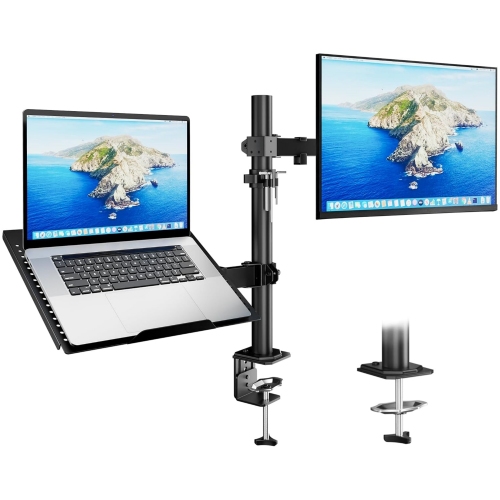
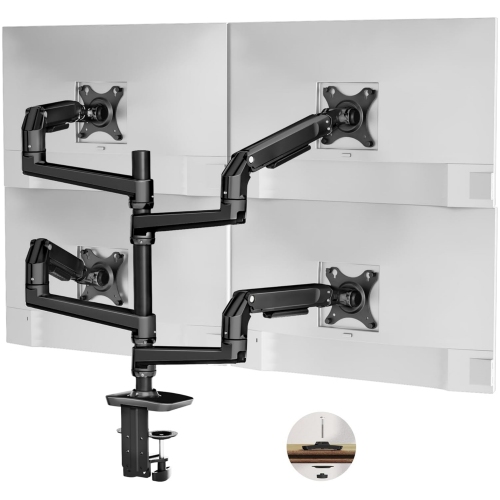
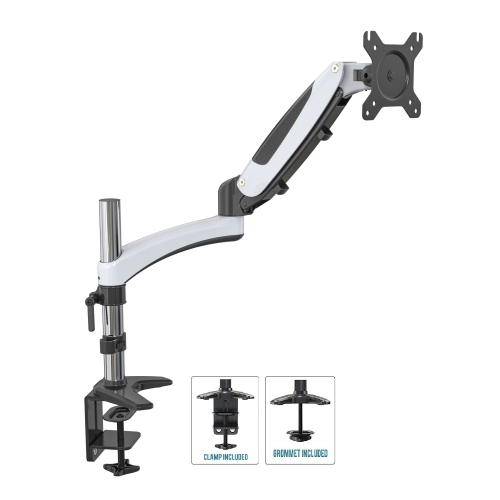
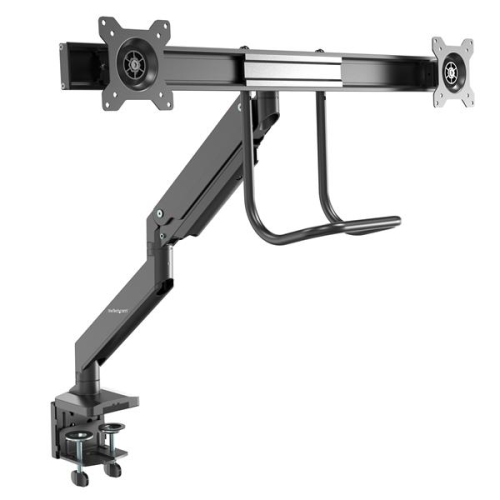
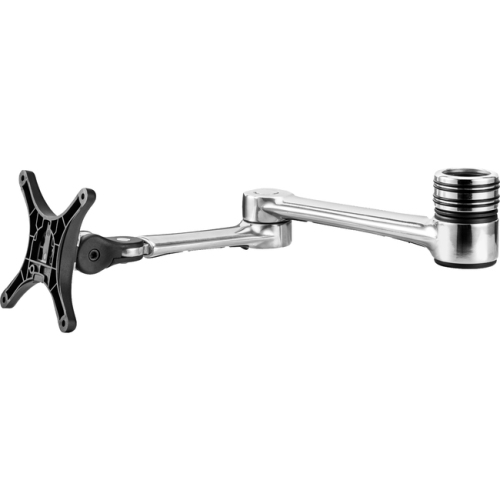
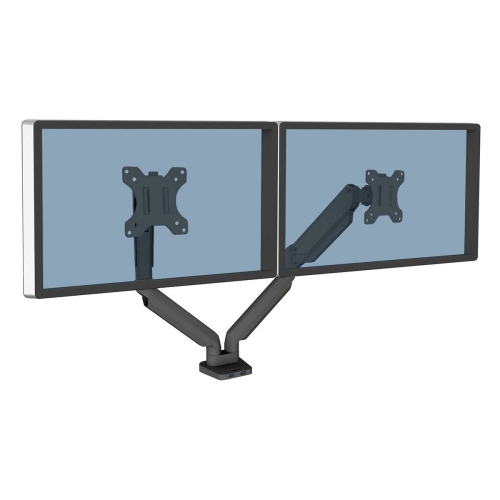
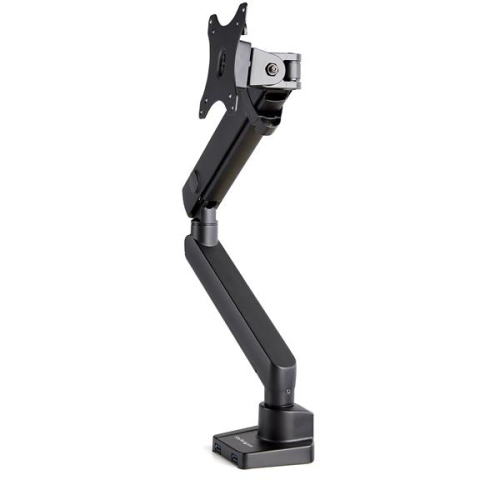
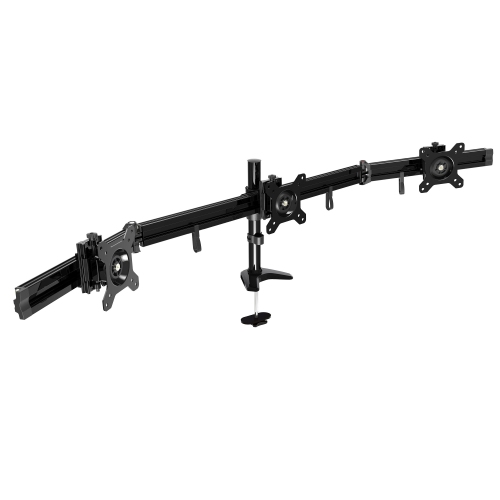
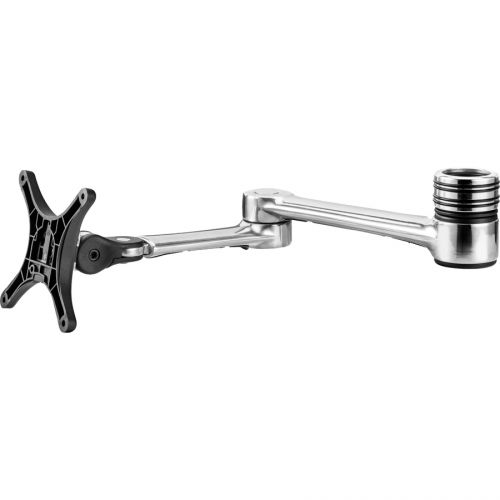
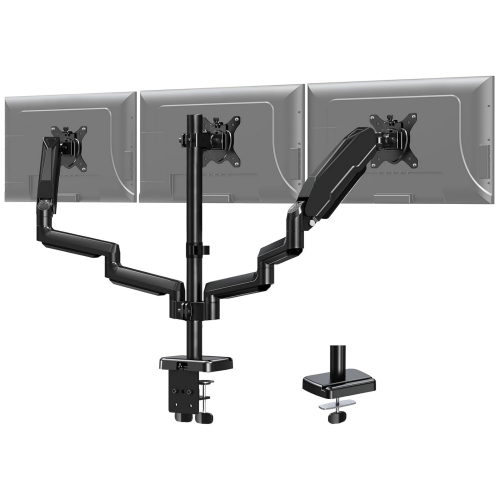
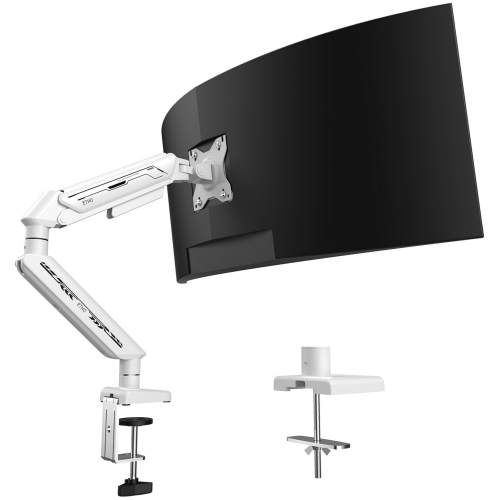
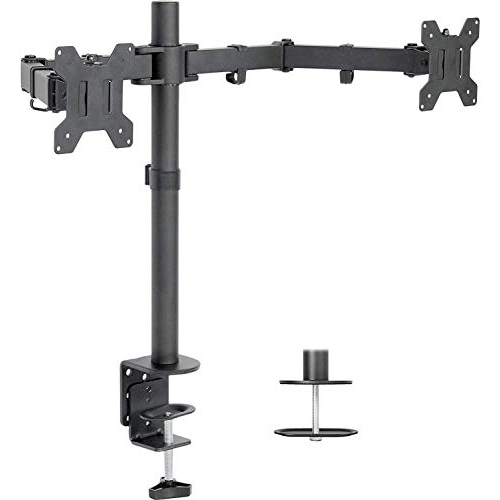
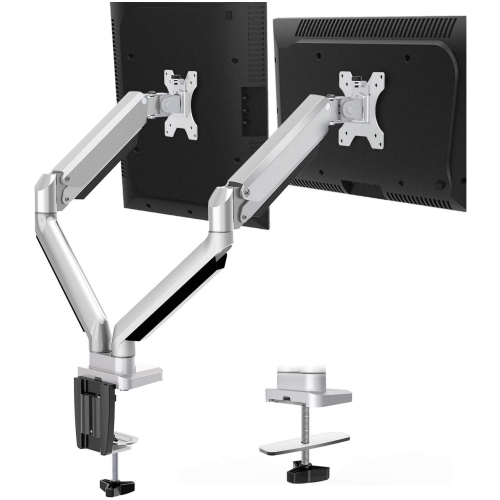
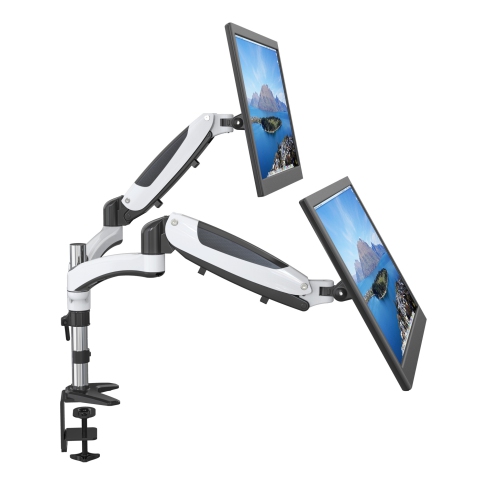
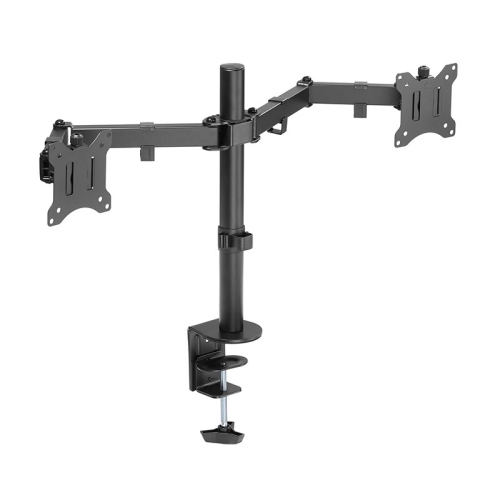
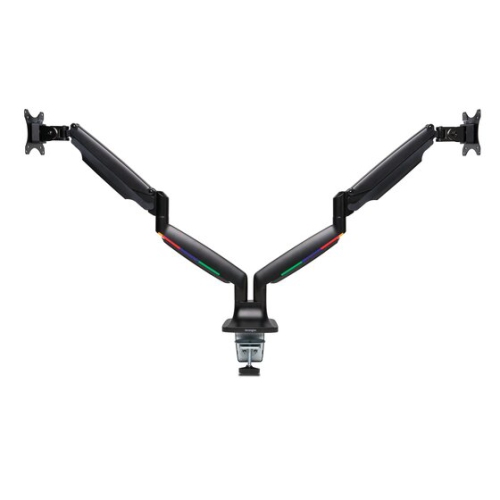
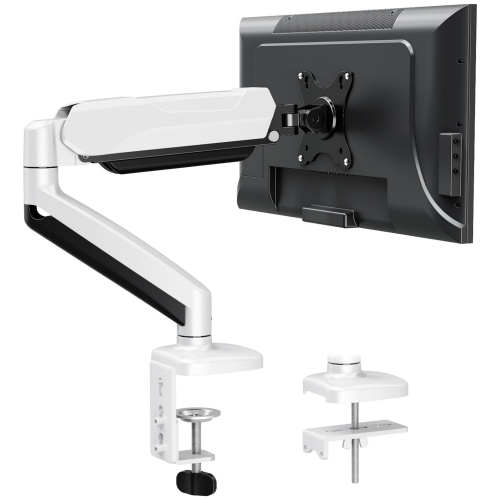
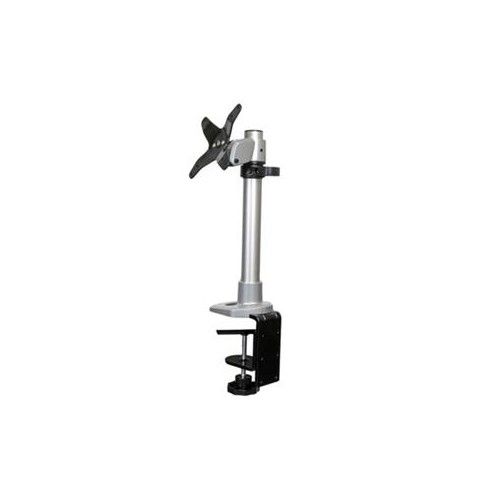
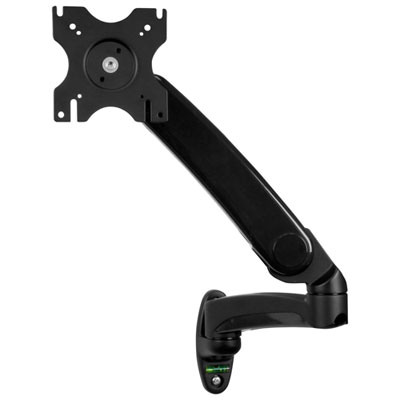
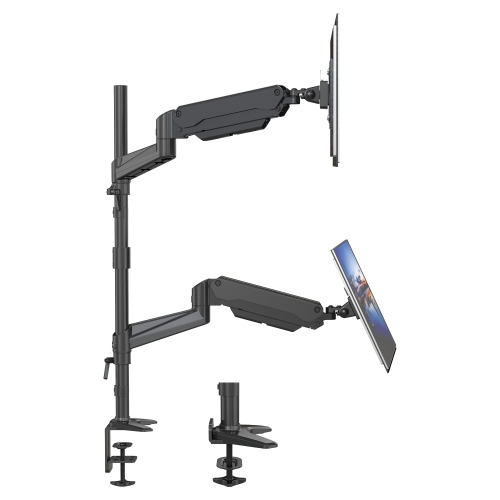
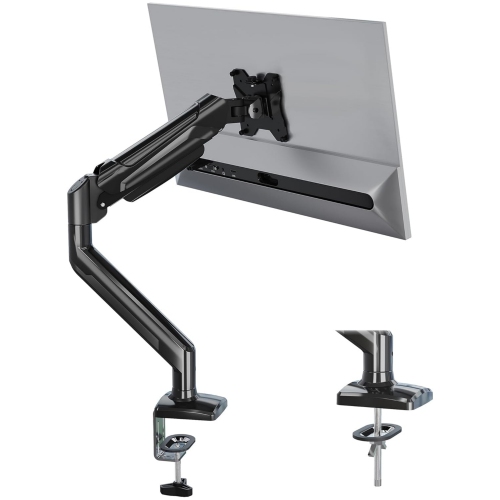
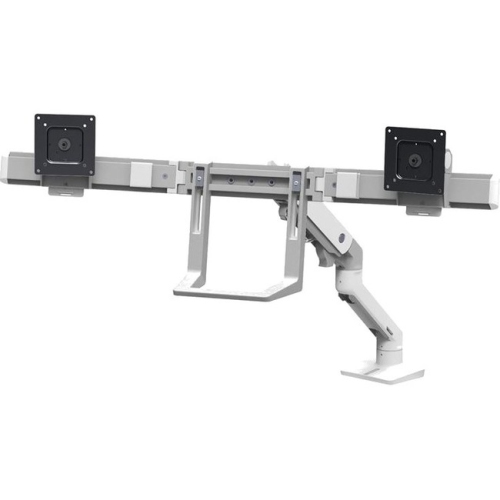
Flexible screen positioning starts with a secure fit
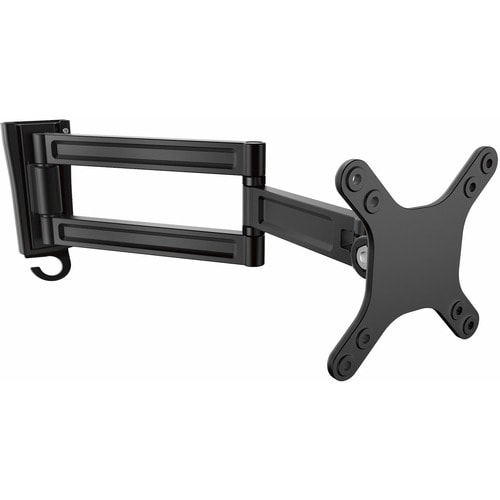
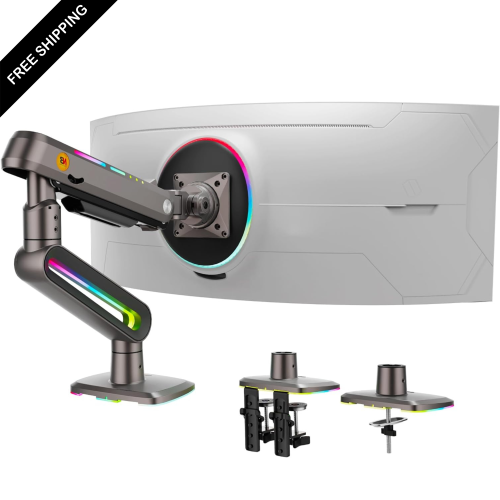
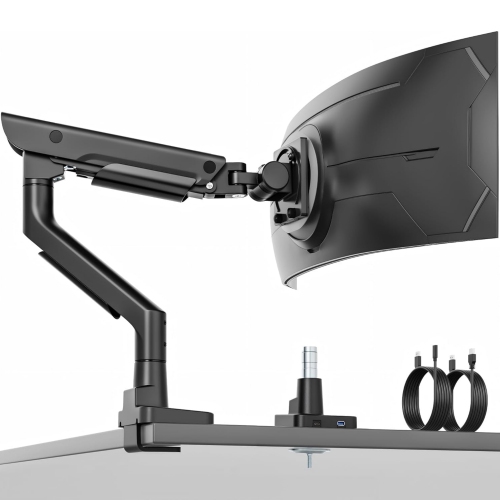
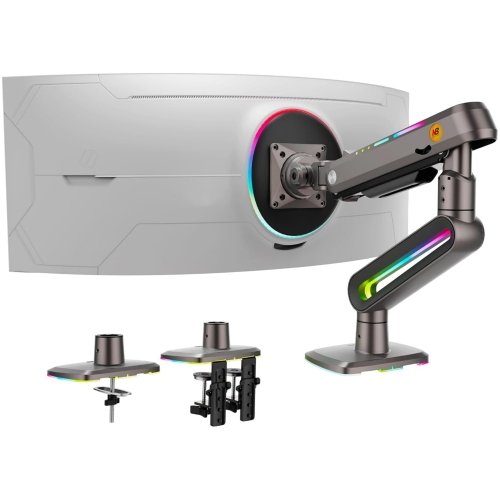
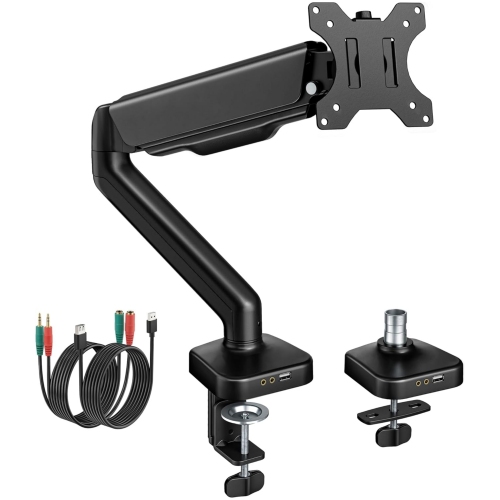
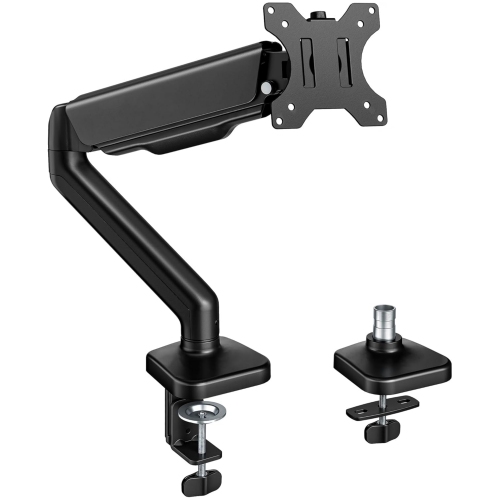
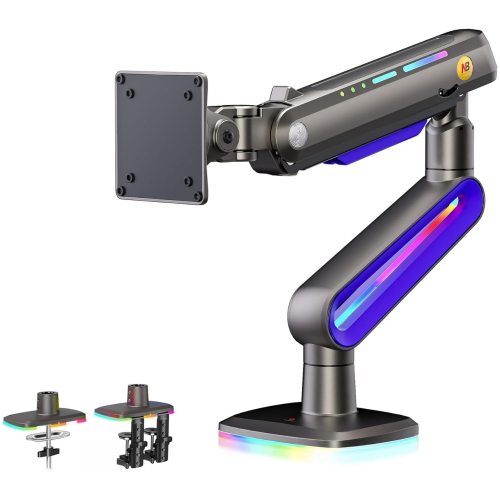
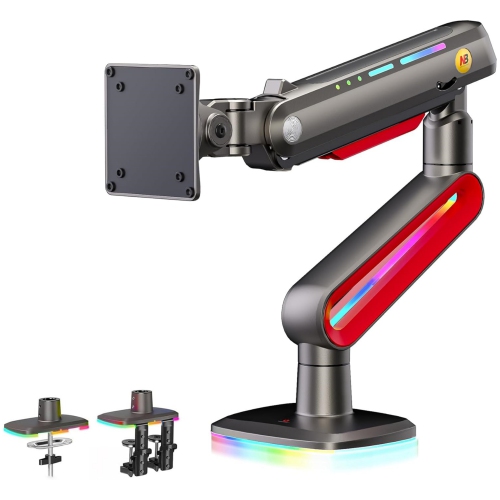
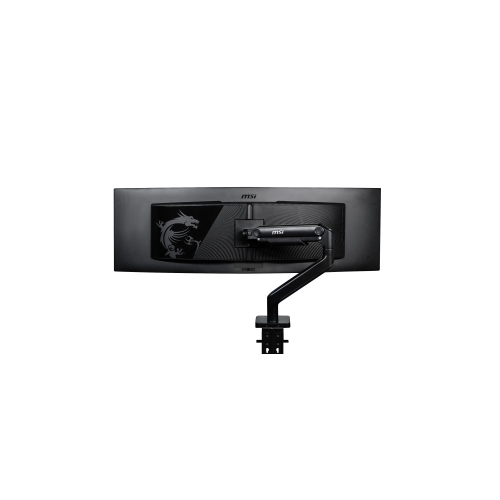
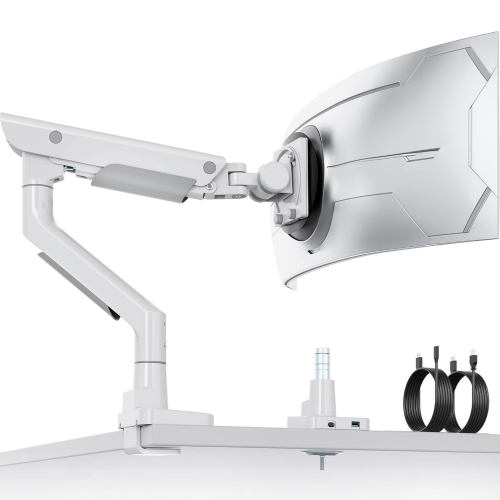
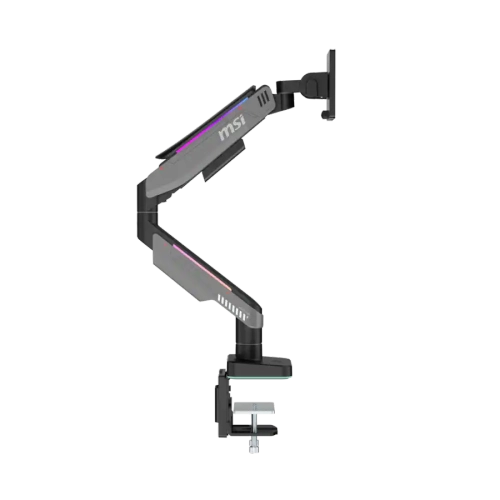
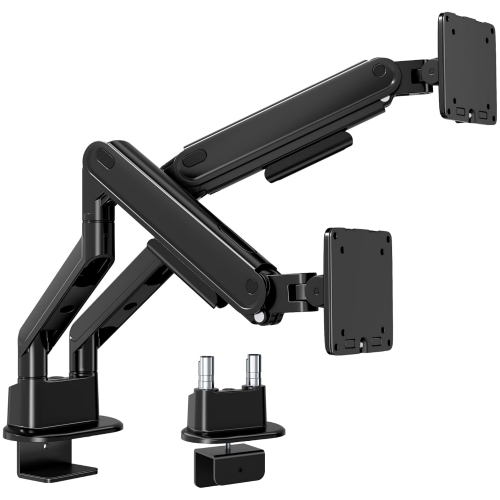
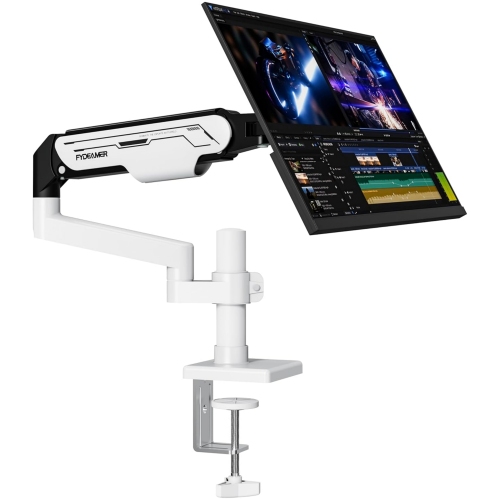
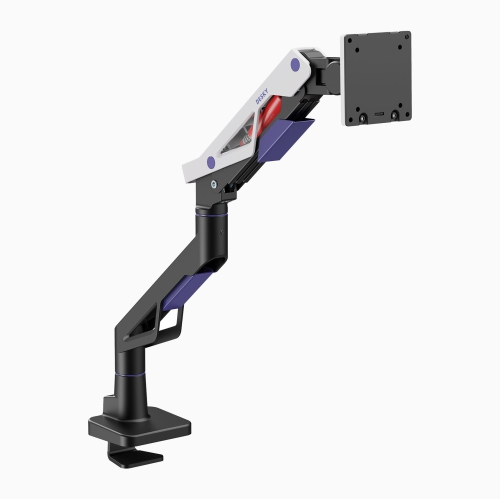
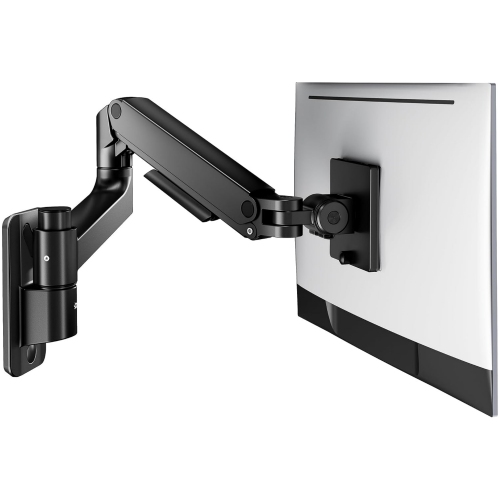
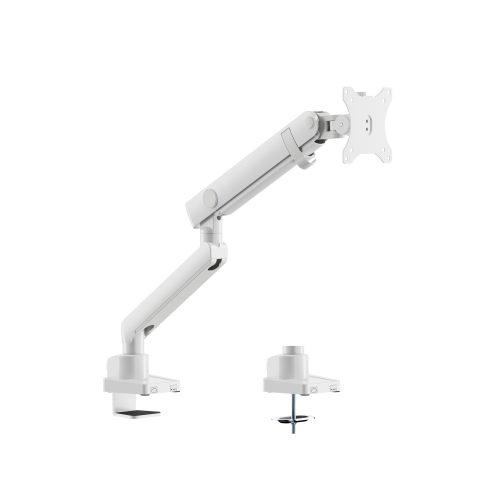
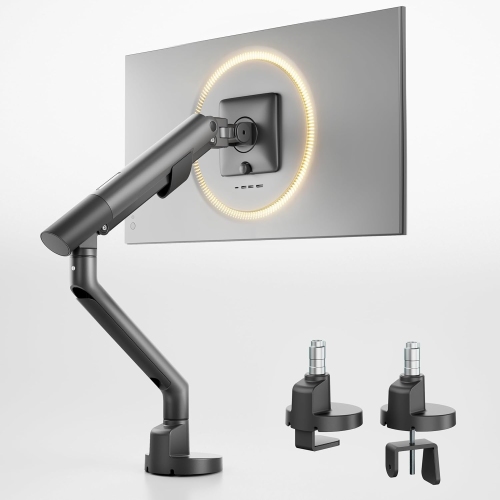
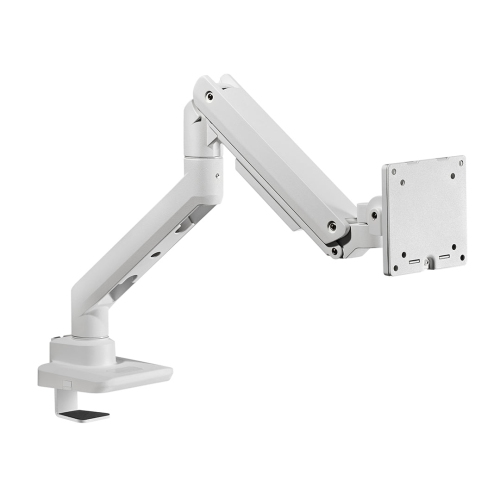
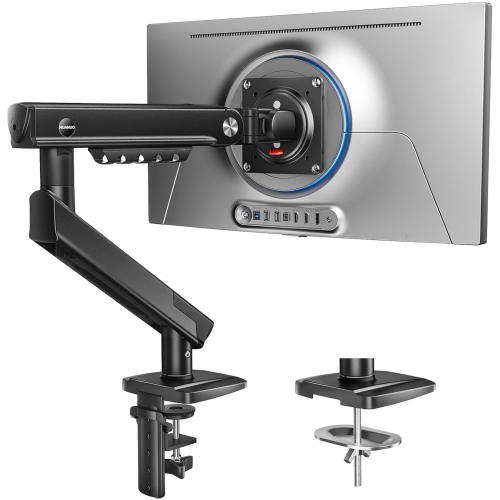
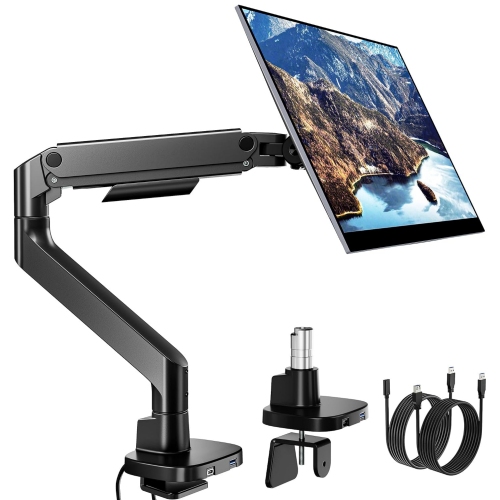
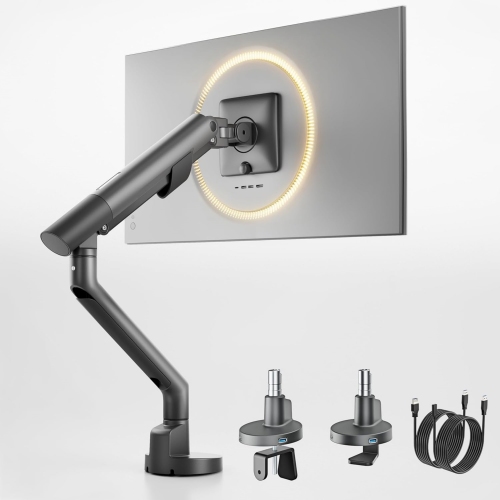
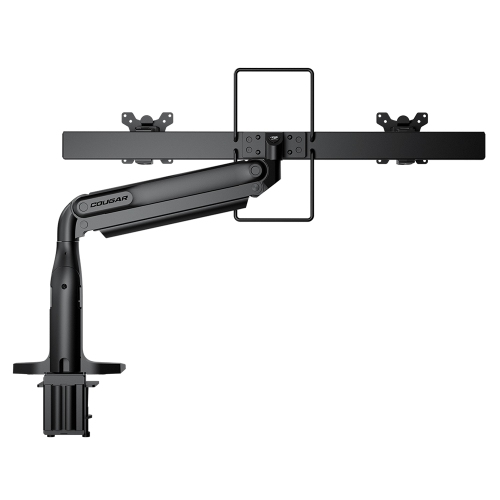
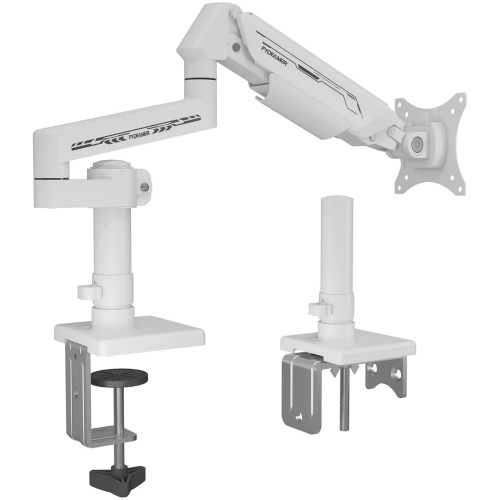
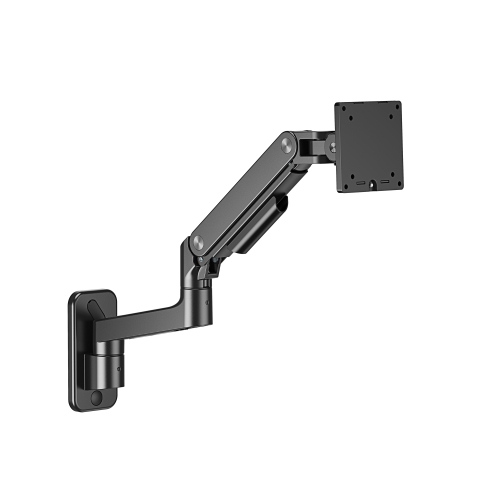
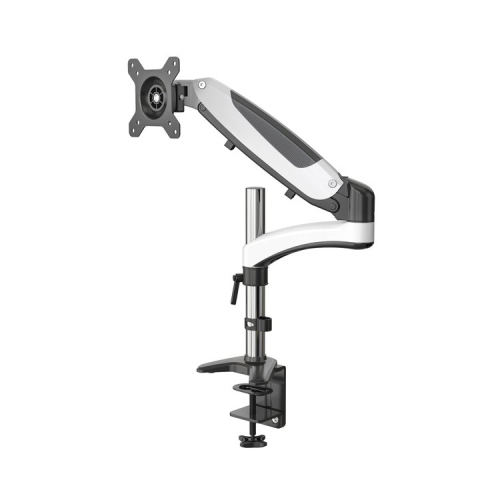
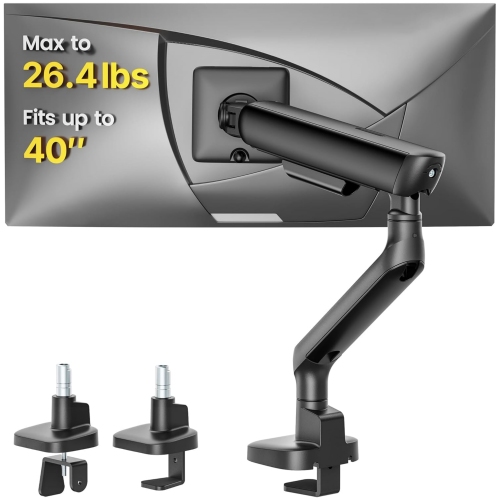
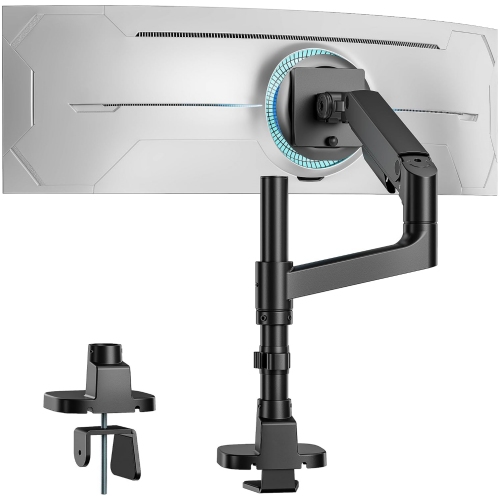
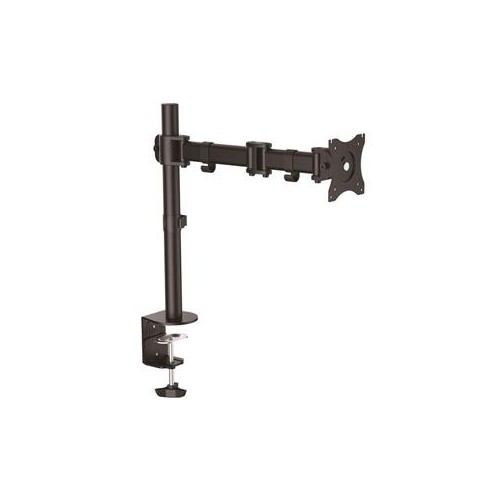
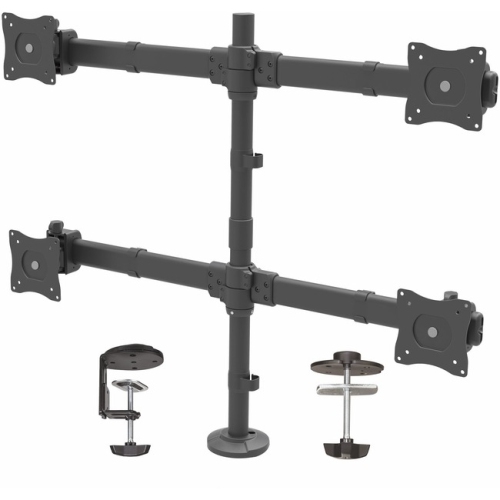
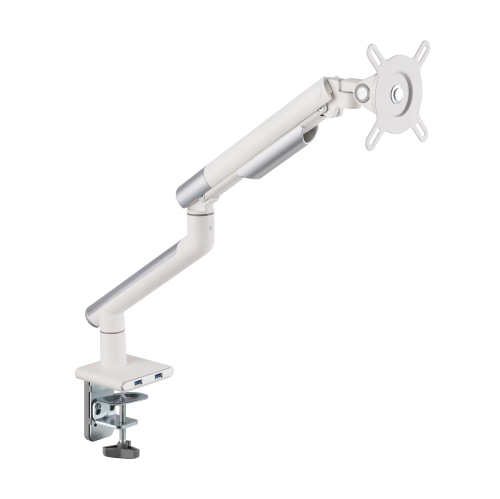
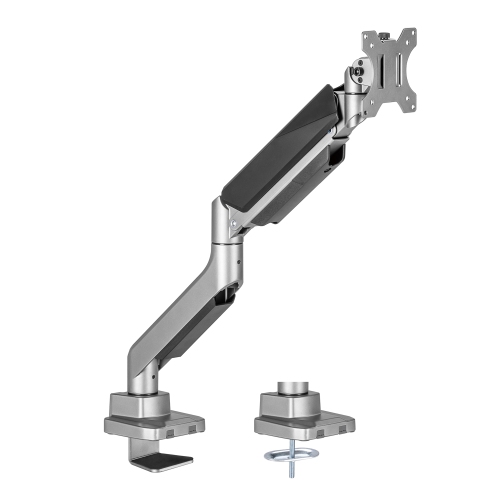
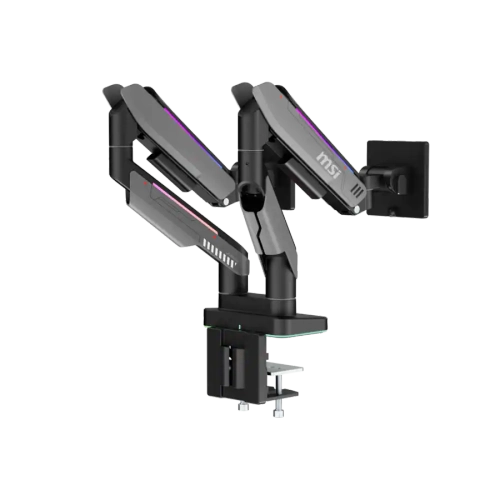
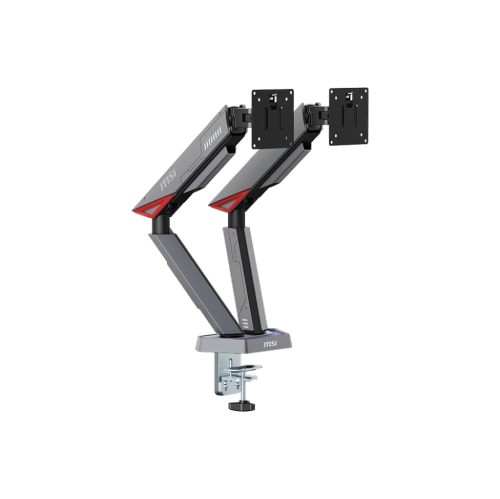
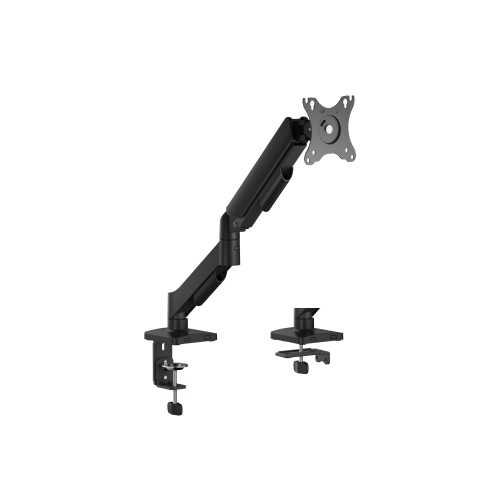
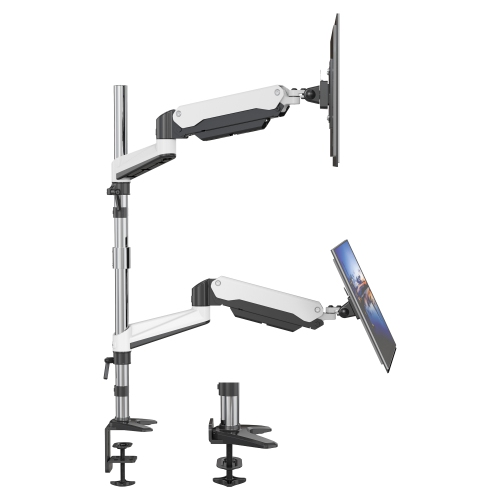
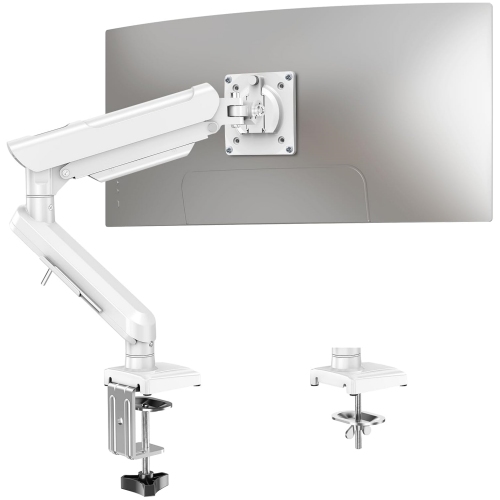
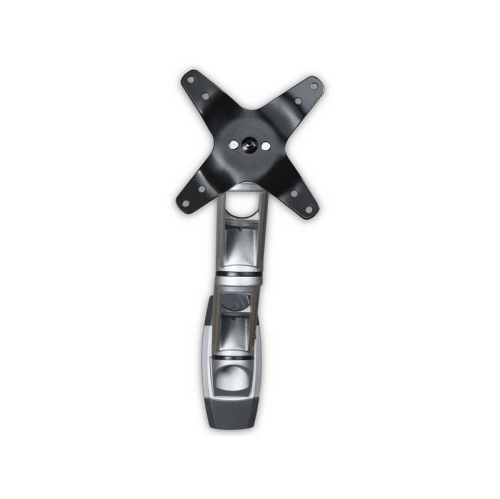
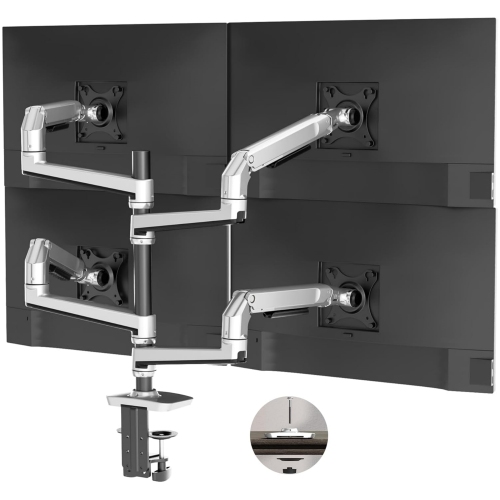
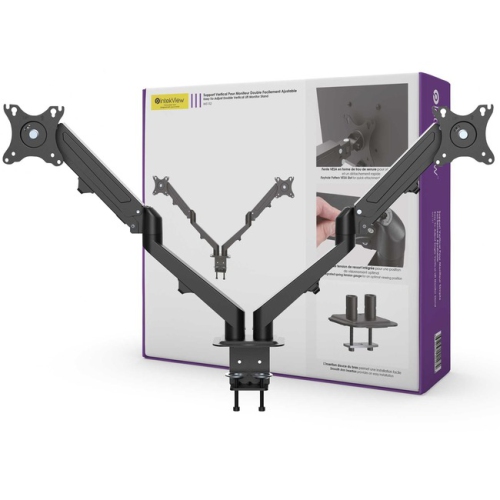
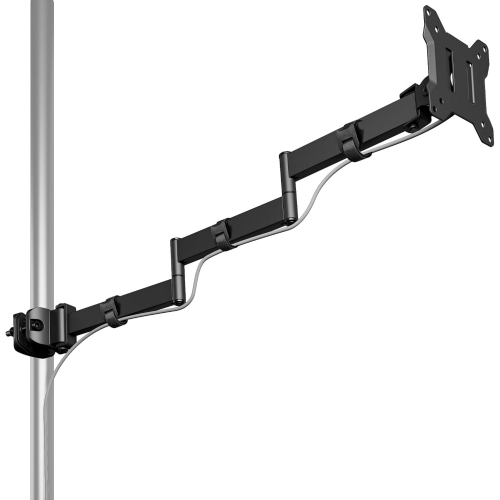
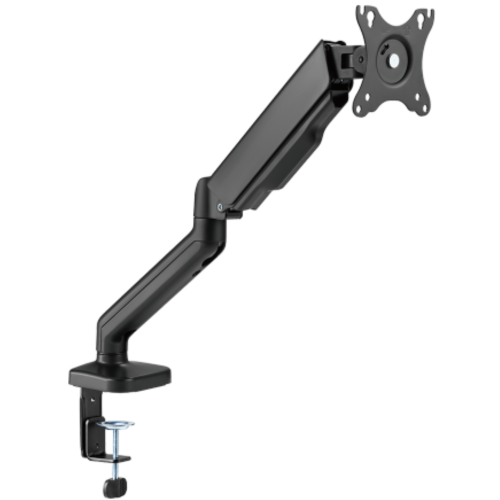
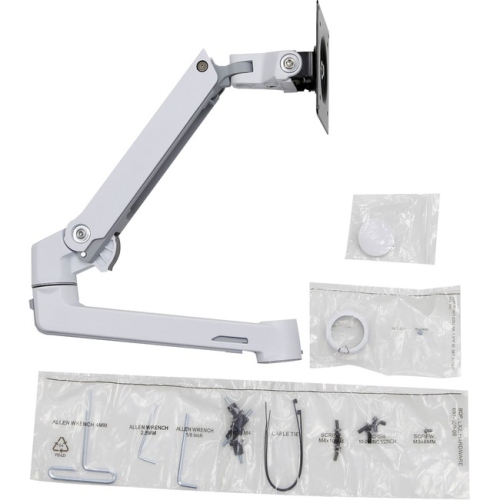
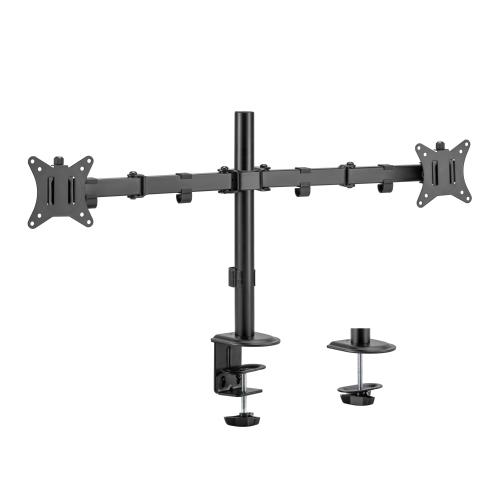
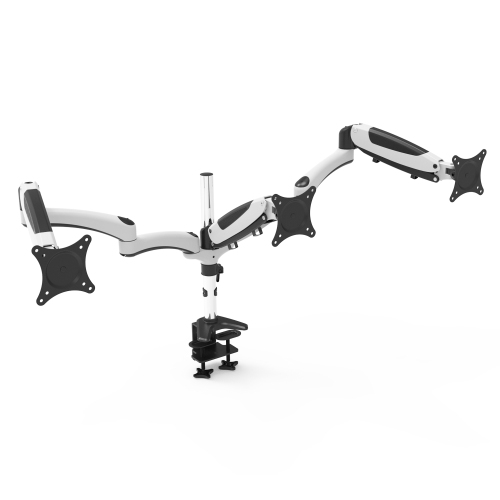
A high-quality monitor arm supports a screen securely while making its position easier to adjust throughout the day. Instead of letting a fixed stand determine the layout of a desk, an articulated arm allows the display to move closer for detailed work, farther back for a broader view, or sideways to share information with someone nearby. That flexibility is useful for home offices, gaming desks, study areas, and creative workstations where screen position affects how comfortably the space functions. Quality comes from the complete assembly: a rigid frame, stable joints, a secure mounting plate, and an adjustment mechanism suited to the monitor’s weight. Steel and aluminum are common structural materials, but material alone does not establish strength or durability. Joint construction, fastener quality, and the design of the desk connection also matter, particularly when the screen extends well away from its mounting point. Gas-spring mechanisms and mechanical spring systems can counterbalance a display so that height changes require less effort once the tension is correctly adjusted. Other designs use joints or collars that lock into position and suit screens that rarely need to move. Smooth movement should be accompanied by the ability to hold a chosen position without gradual sagging. Tilt helps align the screen with the viewer’s line of sight, swivel supports side-to-side repositioning, and rotation can accommodate portrait viewing when both the arm and display permit it. A programmer reading long stretches of code may value portrait rotation, while a designer may prefer enough reach to pull a screen forward for close inspection. For everyday use, the most useful range of movement is the range that fits the desk and viewing position, rather than the largest number of adjustments on paper. A well-matched arm can also free the area beneath a monitor for a keyboard, notebook, or drawing tablet, although its base and moving sections still need their own clear space.
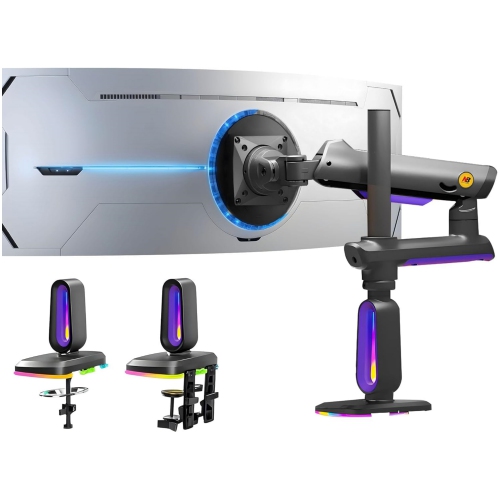
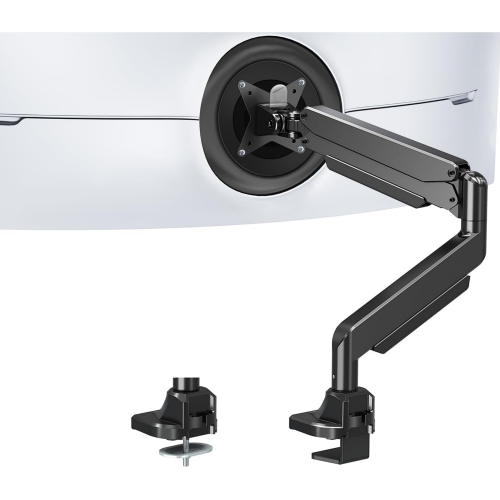
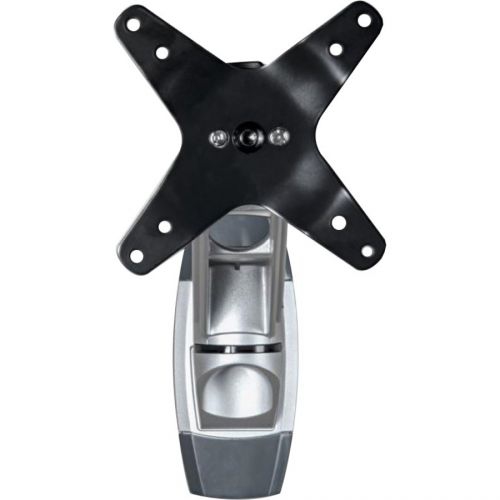
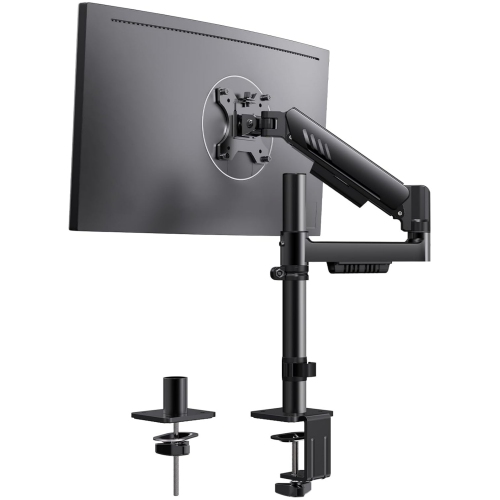
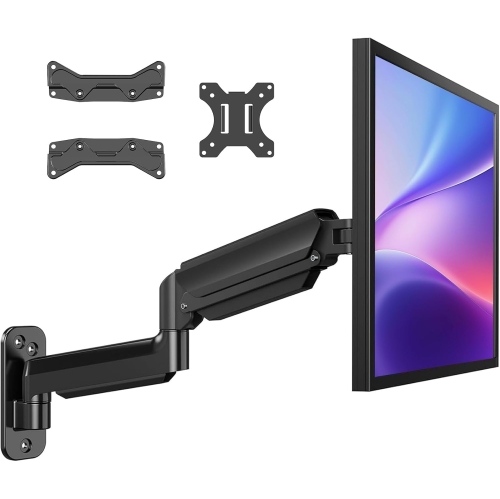
Compatibility starts with the monitor’s actual weight without its original stand and the arm’s stated load range. Both the minimum and maximum supported weights matter: a display that is too light may be difficult to balance on a spring-assisted arm, while one that exceeds the limit can compromise support. Screen size is another useful reference, but diagonal measurements alone do not account for differences in weight, depth, or shape. A curved ultrawide display can place different demands on an arm than a smaller flat panel, making explicit support for that screen type especially important. VESA compatibility describes the spacing of the mounting holes on the back of the monitor. Common patterns include 75 x 75 mm and 100 x 100 mm, though other patterns exist, and some displays require a compatible adapter. A recessed mounting area, protruding rear housing, or nearby connection ports can also affect how a mounting plate fits. The desk connection deserves the same attention as the screen connection. A C-clamp attaches at an accessible desk edge, while a grommet mount passes through a suitable opening in the desktop. Neither approach is automatically appropriate for every surface. Desktop thickness, underside clearance, edge shape, and construction all affect fit, and an existing cable opening is not necessarily suitable for a bolt-through mount. Glass tops, hollow-core surfaces, and lightweight desks require particular care and should only be paired with mounting arrangements approved for their construction. Drawers, metal frames, cable trays, and modesty panels can obstruct the hardware beneath the desk even when the top looks clear. Reach and folded depth also influence placement: a desk positioned against a wall may leave little room for an arm’s elbow to move backwards. On a sit-stand desk, the arm travels with the desktop, but the display still needs enough height adjustment to support a comfortable viewing position in both seated and standing use.
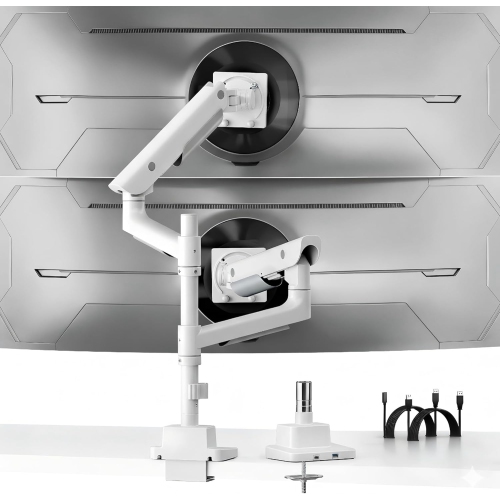
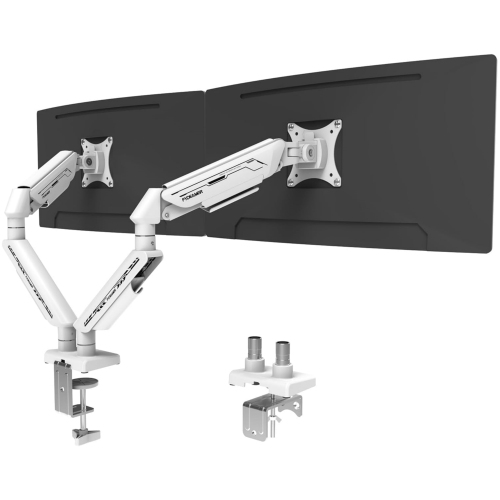
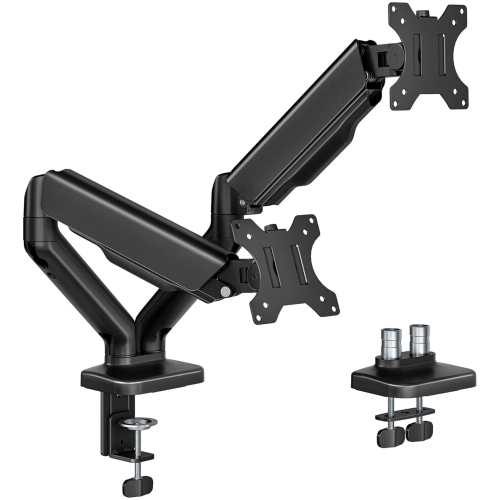
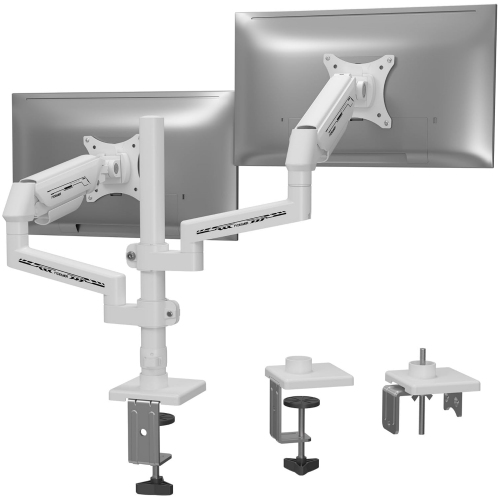
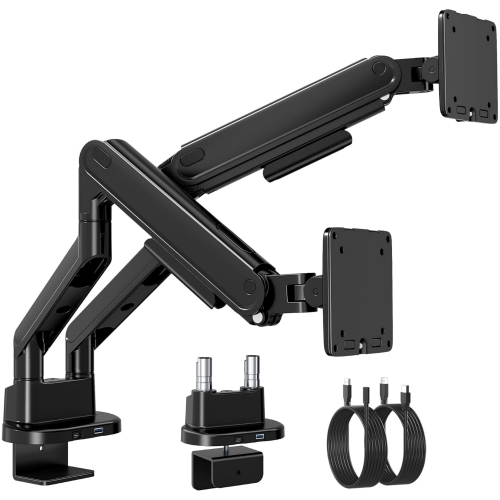
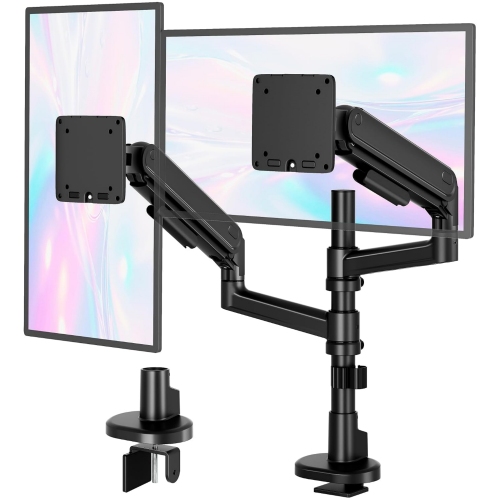
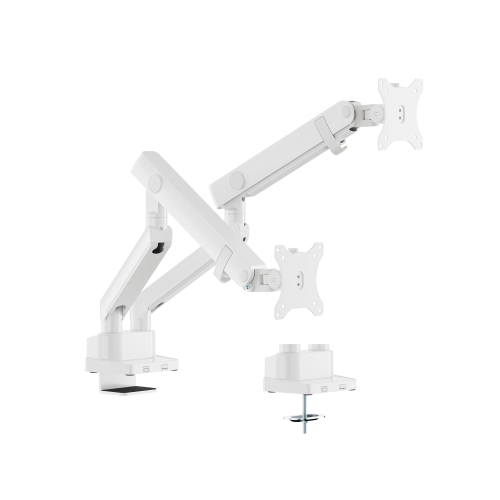
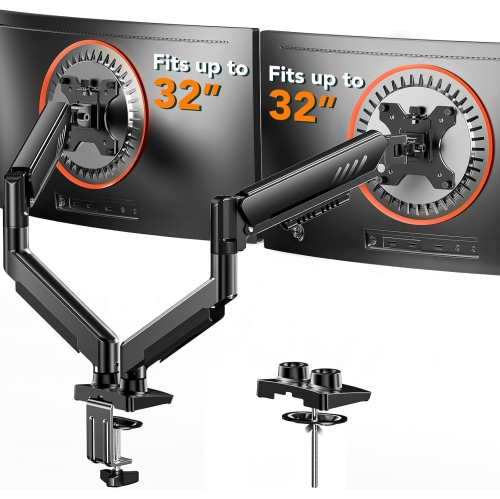
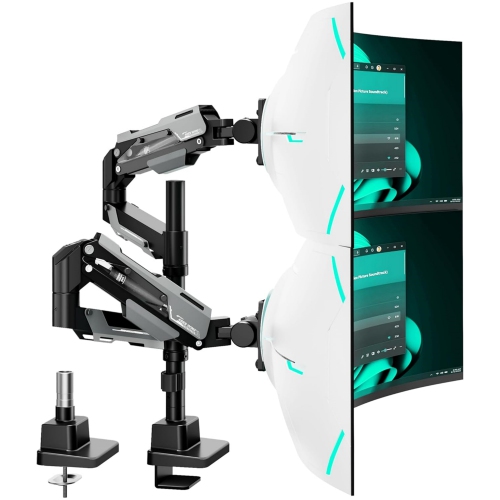
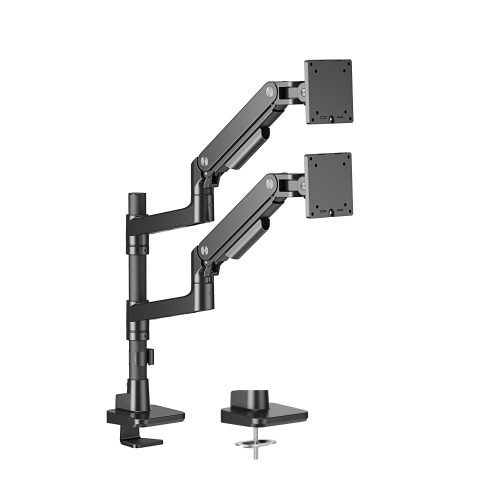
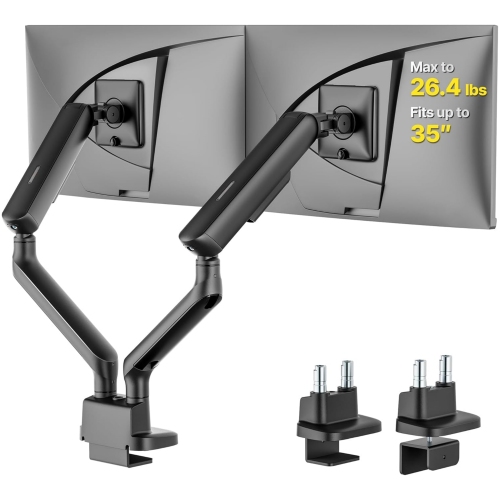
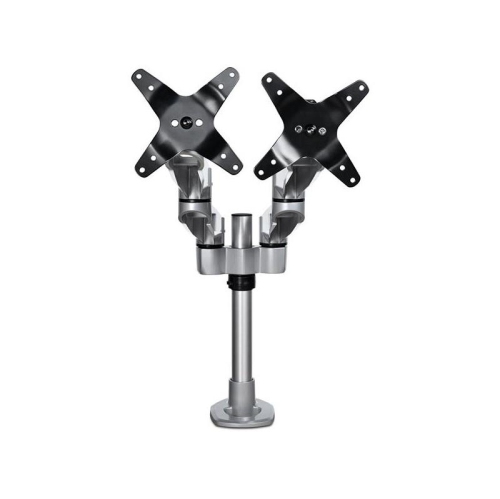
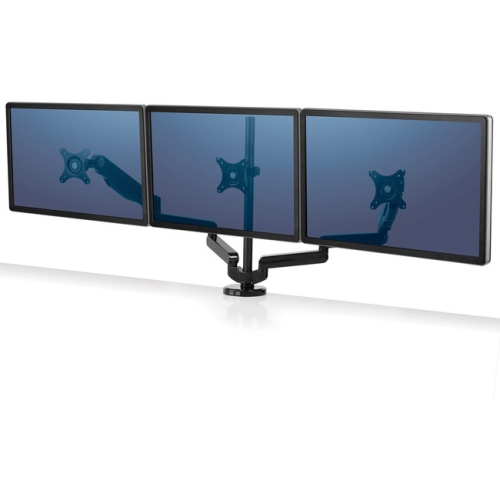
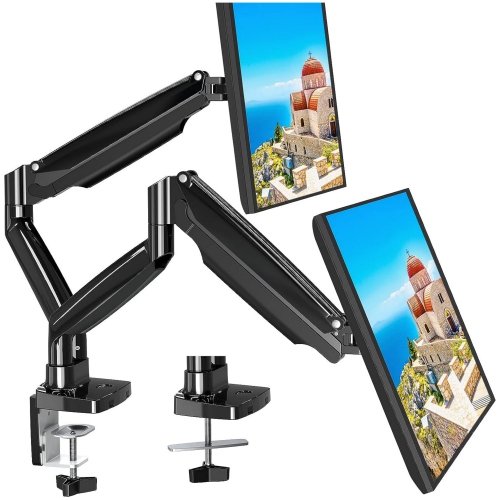
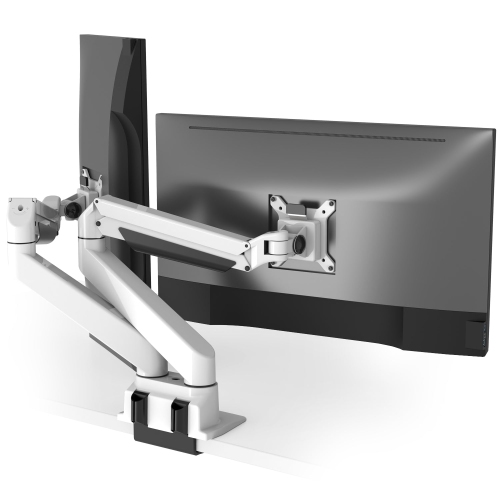
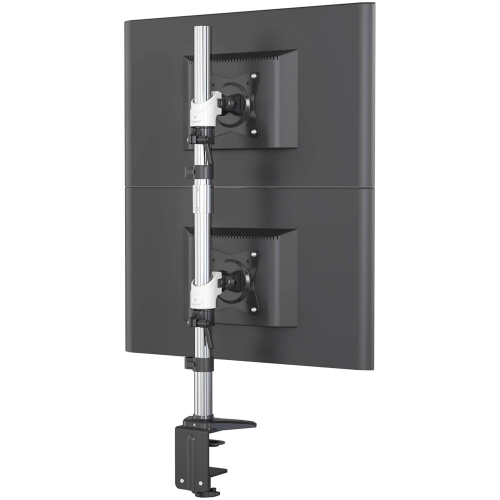
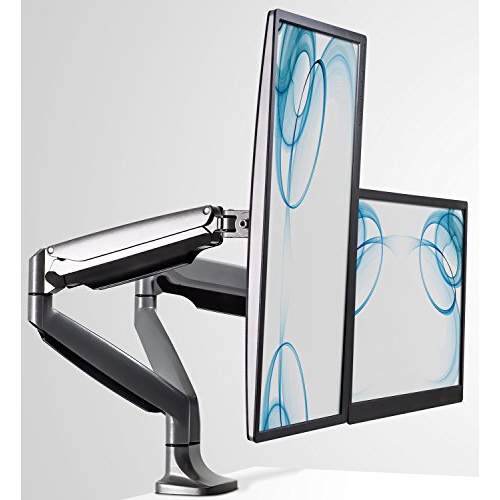
Single-monitor arms offer a straightforward arrangement for one main display, while dual-monitor designs support layouts used for spreadsheets, research, editing, and keeping reference material beside a primary task. The Best Dual Monitor Arm collection is relevant to desks where two screens need coordinated support without relying on separate desktop stands. Independent arm movement can be helpful when displays differ in size or when one screen sits in portrait orientation, although each mounting point must support its own monitor within the specified limits. Side-by-side screens also need enough horizontal clearance to avoid crowding the desk or pushing the main viewing area off-centre. A central display with a secondary screen angled inward often serves a different purpose from two equally prominent displays, so the intended layout matters as much as the number of mounting plates. Cable management contributes to daily usability by keeping power and display leads away from the keyboard and moving joints. Integrated clips or channels can provide a neater route, but cables still need sufficient slack for the arm’s full movement without pulling on ports or becoming pinched. This is especially noticeable when raising a sit-stand desk or rotating a monitor into portrait orientation. Care is generally straightforward: a soft cloth removes dust, while cleaning products and any lubrication should follow the manufacturer’s directions. Periodic checks of mounting hardware and cable routing help identify loosening or interference, particularly after a desk move or a change of display. Spring tension may also need readjustment when the monitor changes; forcing a joint is not a substitute for the correct setting. For a student, remote worker, gamer, or digital artist, a monitor arm can make a familiar desk more adaptable without replacing the screen itself. It can also be a practical gift when the recipient’s monitor specifications and desk construction are known. The strongest match combines secure support, suitable movement, and a footprint that works with the way the desk is actually used.
Compatibility starts with the monitor’s actual weight without its original stand and the arm’s stated load range. Both the minimum and maximum supported weights matter: a display that is too light may be difficult to balance on a spring-assisted arm, while one that exceeds the limit can compromise support. Screen size is another useful reference, but diagonal measurements alone do not account for differences in weight, depth, or shape. A curved ultrawide display can place different demands on an arm than a smaller flat panel, making explicit support for that screen type especially important. VESA compatibility describes the spacing of the mounting holes on the back of the monitor. Common patterns include 75 x 75 mm and 100 x 100 mm, though other patterns exist, and some displays require a compatible adapter. A recessed mounting area, protruding rear housing, or nearby connection ports can also affect how a mounting plate fits. The desk connection deserves the same attention as the screen connection. A C-clamp attaches at an accessible desk edge, while a grommet mount passes through a suitable opening in the desktop. Neither approach is automatically appropriate for every surface. Desktop thickness, underside clearance, edge shape, and construction all affect fit, and an existing cable opening is not necessarily suitable for a bolt-through mount. Glass tops, hollow-core surfaces, and lightweight desks require particular care and should only be paired with mounting arrangements approved for their construction. Drawers, metal frames, cable trays, and modesty panels can obstruct the hardware beneath the desk even when the top looks clear. Reach and folded depth also influence placement: a desk positioned against a wall may leave little room for an arm’s elbow to move backwards. On a sit-stand desk, the arm travels with the desktop, but the display still needs enough height adjustment to support a comfortable viewing position in both seated and standing use.
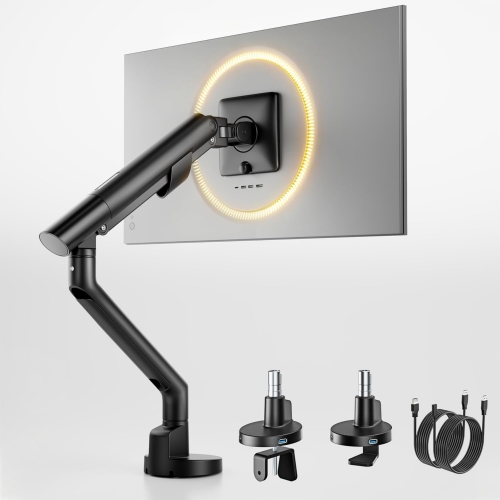
Single-monitor arms offer a straightforward arrangement for one main display, while dual-monitor designs support layouts used for spreadsheets, research, editing, and keeping reference material beside a primary task. The Best Dual Monitor Arm collection is relevant to desks where two screens need coordinated support without relying on separate desktop stands. Independent arm movement can be helpful when displays differ in size or when one screen sits in portrait orientation, although each mounting point must support its own monitor within the specified limits. Side-by-side screens also need enough horizontal clearance to avoid crowding the desk or pushing the main viewing area off-centre. A central display with a secondary screen angled inward often serves a different purpose from two equally prominent displays, so the intended layout matters as much as the number of mounting plates. Cable management contributes to daily usability by keeping power and display leads away from the keyboard and moving joints. Integrated clips or channels can provide a neater route, but cables still need sufficient slack for the arm’s full movement without pulling on ports or becoming pinched. This is especially noticeable when raising a sit-stand desk or rotating a monitor into portrait orientation. Care is generally straightforward: a soft cloth removes dust, while cleaning products and any lubrication should follow the manufacturer’s directions. Periodic checks of mounting hardware and cable routing help identify loosening or interference, particularly after a desk move or a change of display. Spring tension may also need readjustment when the monitor changes; forcing a joint is not a substitute for the correct setting. For a student, remote worker, gamer, or digital artist, a monitor arm can make a familiar desk more adaptable without replacing the screen itself. It can also be a practical gift when the recipient’s monitor specifications and desk construction are known. The strongest match combines secure support, suitable movement, and a footprint that works with the way the desk is actually used.
Top selling and popular products
-
 Your price for this item is $34.95
 -
 Your price for this item is $149.99
 -
 Your price for this item is $79.99
 -
 Your price for this item is $69.99
 -
 Your price for this item is $144.49
 -
 Your price for this item is $69.99
 -
 Your price for this item is $123.5
 -
 Your price for this item is $274.68
Discover more categories related to High Quality Monitor Arm
Top Collections:
Pokemon Centers, Best Cameras for Sports Photography, Kindle Devices, Samsung Galaxy Phones, Canon G7X Cameras, Pokémon 30th Celebration Cards, Refurbished Apple Laptops, iPhone 15 Apple, Laptops for Students, Budget Smartphones
Some products may be subject to Environmental Handling Fees
(EHF) depending on your province.
Learn more about EHFs.