12 Core Processors
When it comes to maximizing your computer's performance, upgrading to a 12-core processor can make a significant difference in speed and efficiency. These powerful processors are designed to handle complex tasks with ease, making them ideal for gamers, content creators, and professionals who require high processing power. Whether you're looking to boost your gaming experience or enhance your productivity, investing in a 12-core processor can take your computing capabilities to the next level.
Sort
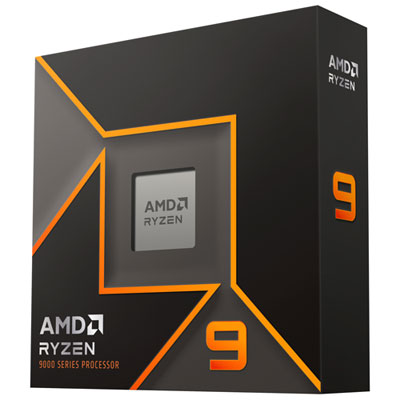
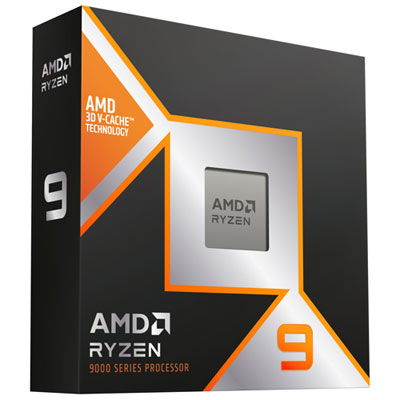
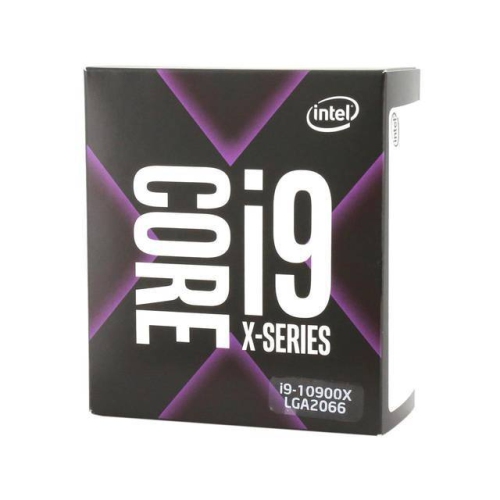
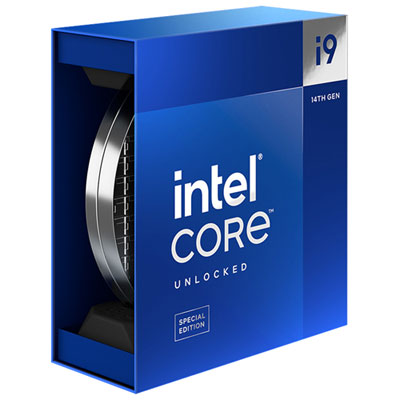






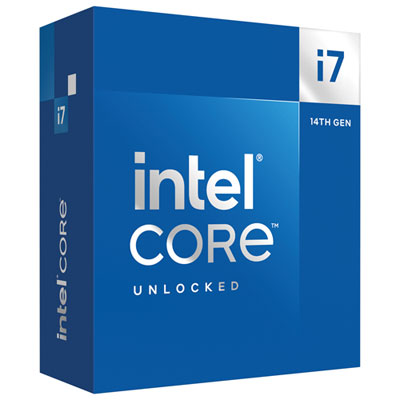
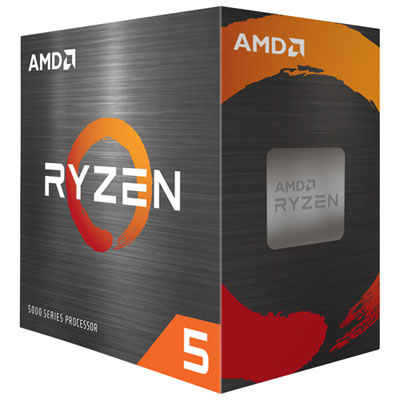
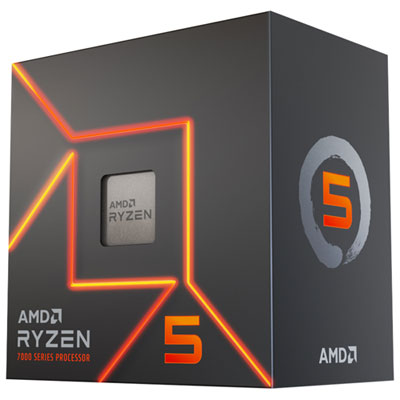
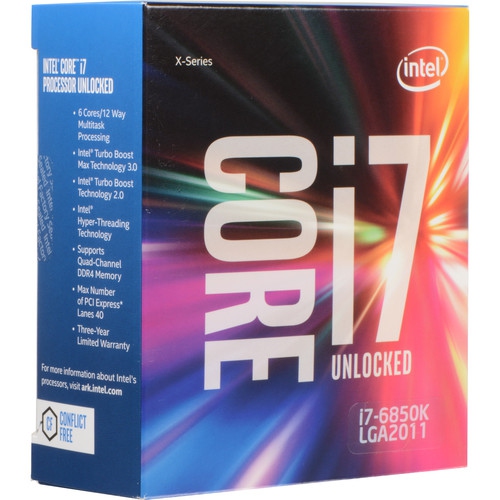
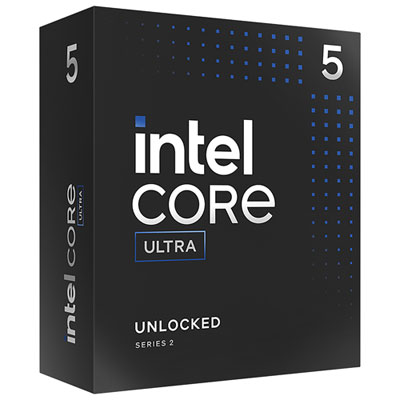

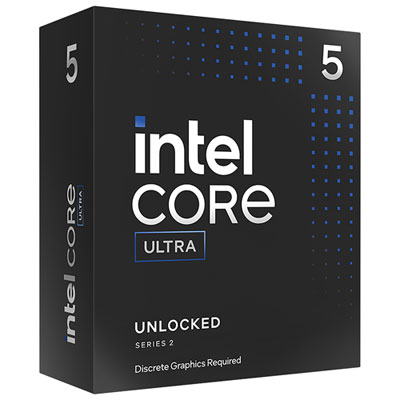

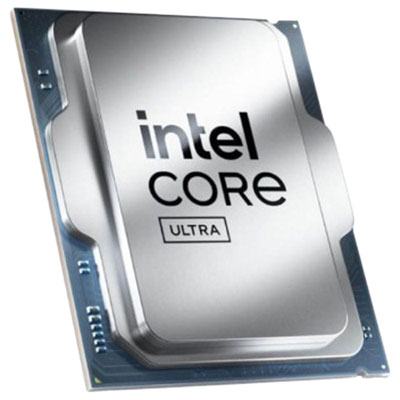
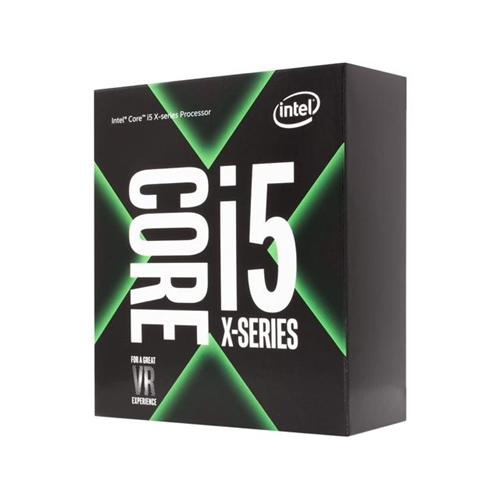
Strong multitasking performance for creative and professional workloads
12-core processors are designed for people who want strong all-round performance across demanding applications, creative work, and everyday multitasking. With 12 physical processing cores available, these CPUs can divide work across more threads, helping a computer handle several intensive tasks at once. That may include editing high-resolution video, exporting photos, compiling software, creating 3D models, recording a podcast, or running a game while a stream, voice chat, music player, and browser tabs remain open in the background. Many 12-core processors use a hybrid design with a mix of performance-focused and efficiency-focused cores, while others use a consistent group of high-performance cores. The result depends on the architecture and software, but the overall appeal is similar: responsive computing when a workload is too substantial for a basic desktop processor. A 12-core CPU can also be a practical choice for a family computer used by several people, a home office workstation, or a personal computer that needs to remain capable over several years. It offers more headroom than a processor intended only for web browsing and word processing, which can make a noticeable difference when applications are open side by side. For example, a video editor can organize footage, preview a timeline, and export a project without closing every other program, while a student or professional can work with large spreadsheets, reference documents, communication tools, and specialized software at the same time. Gamers may also appreciate the additional capacity, particularly when recording gameplay, streaming, hosting a local server, or keeping creative and communication applications active. For pure gaming, however, core count is only one part of the experience; clock speed, processor design, graphics hardware, memory, and the individual game engine can have a greater effect on frame rates.
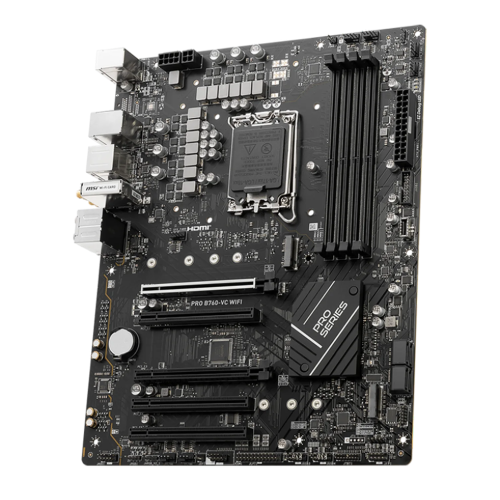
Compatibility should be the first consideration before adding a 12-core processor to a computer build or upgrading an existing system. Desktop CPUs are made for specific motherboard sockets, so the processor must match the board’s socket and supported chipset. A board may also require a firmware update before it can recognize a newer CPU, and some older boards may not support the full feature set or power requirements of a later-generation processor. Checking the motherboard manufacturer’s compatibility list is an important step, especially when upgrading a system that has already been in use. Cooling matters as well. A processor with many cores can produce substantial heat under sustained workloads such as rendering, simulation, code compilation, or long exports, so the computer should have an appropriate air cooler or liquid cooling solution, a case with sensible airflow, and a power supply with enough capacity for the complete system. The processor’s rated power information provides a useful starting point, but real-world temperatures can vary with motherboard settings, workload, ambient room temperature, and cooling hardware. Memory support is another part of the decision. Look for the processor’s compatible memory type and maximum supported speeds, then select a suitable amount of RAM for the intended work. A gaming system may be comfortable with a moderate capacity, while video production, 3D design, virtual machines, and large development projects can benefit from more. Storage and graphics are equally important: a fast solid-state drive can improve application loading and project access, while a dedicated graphics card may be necessary for demanding games, 3D work, GPU-accelerated effects, or multiple high-resolution displays. Some processors include integrated graphics and others require a separate graphics card, so confirm what the complete computer needs before choosing components. Shoppers comparing a 12-core processor with options such as Hexa Core Processors should consider the actual workload rather than selecting based on the core number alone. A six-core option may be an excellent fit for everyday productivity and gaming, while a 12-core model can be worthwhile when applications make effective use of additional threads or when the computer needs to manage many demanding tasks together.
A 12-core processor can be especially appealing to content creators, streamers, programmers, engineers, designers, and power users who prefer not to pause one task before starting another. Video editors can use the extra processing capacity for encoding and exporting, although the speed of those jobs also depends on the editing program, footage format, storage, memory, and graphics hardware. Photographers working with large batches of high-resolution images may see smoother previews and faster processing, while 3D artists can benefit during rendering and scene preparation. Developers may use the available cores for compiling projects, testing software in virtual machines, or running local services without making the rest of the desktop feel sluggish. Streamers can play a game, manage broadcasting software, monitor chat, and record footage from one computer, provided the rest of the system is balanced. At home, a 12-core computer can serve as a flexible workstation for remote work, learning, creative hobbies, and entertainment, making it a thoughtful gift for someone who is building a computer, upgrading an older desktop, or turning a spare room into a studio. It is also useful for people who plan ahead: a processor with ample multi-core capacity can accommodate more demanding software as skills and projects grow. During the cooler months, it may become the centre of an indoor creative setup, powering long evenings of editing, gaming, music production, or digital design, but its benefits are not limited to a particular season. Before purchasing, consider the applications that will be used most often, whether the computer is being built from scratch or upgraded, the compatible motherboard platform, cooling requirements, memory needs, graphics plan, and available space inside the case. Paying attention to the full system helps ensure that the processor’s performance is supported by every other component and that the finished computer feels balanced, quiet, and responsive in everyday use.
Compatibility should be the first consideration before adding a 12-core processor to a computer build or upgrading an existing system. Desktop CPUs are made for specific motherboard sockets, so the processor must match the board’s socket and supported chipset. A board may also require a firmware update before it can recognize a newer CPU, and some older boards may not support the full feature set or power requirements of a later-generation processor. Checking the motherboard manufacturer’s compatibility list is an important step, especially when upgrading a system that has already been in use. Cooling matters as well. A processor with many cores can produce substantial heat under sustained workloads such as rendering, simulation, code compilation, or long exports, so the computer should have an appropriate air cooler or liquid cooling solution, a case with sensible airflow, and a power supply with enough capacity for the complete system. The processor’s rated power information provides a useful starting point, but real-world temperatures can vary with motherboard settings, workload, ambient room temperature, and cooling hardware. Memory support is another part of the decision. Look for the processor’s compatible memory type and maximum supported speeds, then select a suitable amount of RAM for the intended work. A gaming system may be comfortable with a moderate capacity, while video production, 3D design, virtual machines, and large development projects can benefit from more. Storage and graphics are equally important: a fast solid-state drive can improve application loading and project access, while a dedicated graphics card may be necessary for demanding games, 3D work, GPU-accelerated effects, or multiple high-resolution displays. Some processors include integrated graphics and others require a separate graphics card, so confirm what the complete computer needs before choosing components. Shoppers comparing a 12-core processor with options such as Hexa Core Processors should consider the actual workload rather than selecting based on the core number alone. A six-core option may be an excellent fit for everyday productivity and gaming, while a 12-core model can be worthwhile when applications make effective use of additional threads or when the computer needs to manage many demanding tasks together.
A 12-core processor can be especially appealing to content creators, streamers, programmers, engineers, designers, and power users who prefer not to pause one task before starting another. Video editors can use the extra processing capacity for encoding and exporting, although the speed of those jobs also depends on the editing program, footage format, storage, memory, and graphics hardware. Photographers working with large batches of high-resolution images may see smoother previews and faster processing, while 3D artists can benefit during rendering and scene preparation. Developers may use the available cores for compiling projects, testing software in virtual machines, or running local services without making the rest of the desktop feel sluggish. Streamers can play a game, manage broadcasting software, monitor chat, and record footage from one computer, provided the rest of the system is balanced. At home, a 12-core computer can serve as a flexible workstation for remote work, learning, creative hobbies, and entertainment, making it a thoughtful gift for someone who is building a computer, upgrading an older desktop, or turning a spare room into a studio. It is also useful for people who plan ahead: a processor with ample multi-core capacity can accommodate more demanding software as skills and projects grow. During the cooler months, it may become the centre of an indoor creative setup, powering long evenings of editing, gaming, music production, or digital design, but its benefits are not limited to a particular season. Before purchasing, consider the applications that will be used most often, whether the computer is being built from scratch or upgraded, the compatible motherboard platform, cooling requirements, memory needs, graphics plan, and available space inside the case. Paying attention to the full system helps ensure that the processor’s performance is supported by every other component and that the finished computer feels balanced, quiet, and responsive in everyday use.
Top selling and popular products
-
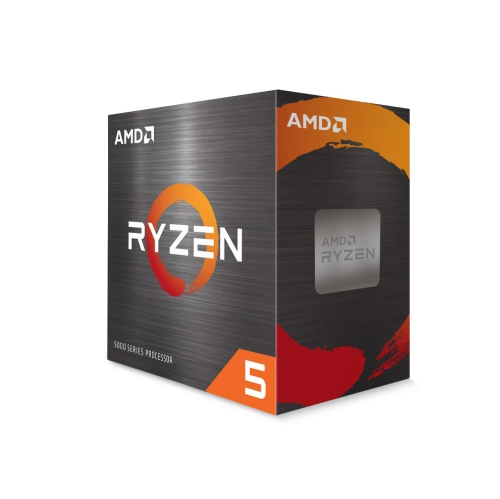 Your price for this item is $479.99
 -
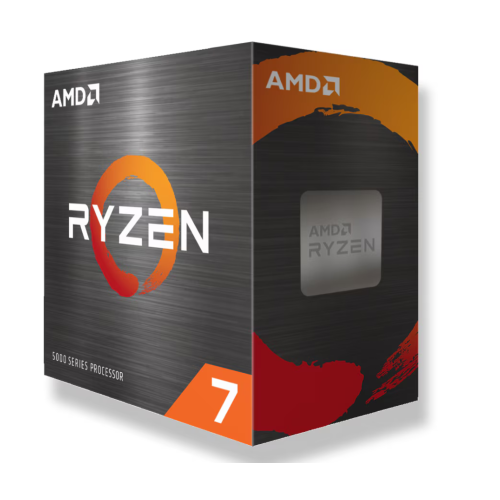 Your price for this item is $339.95
 -
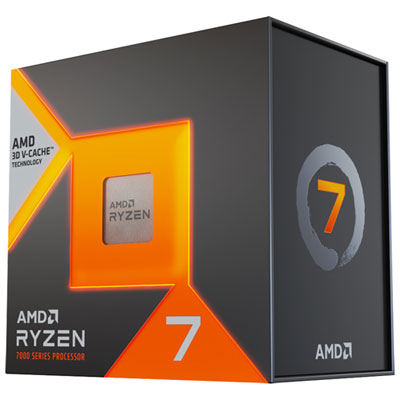 Your price for this item is $519.98
 -
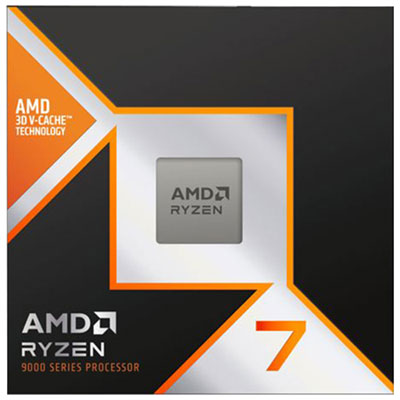 Your price for this item is $619.98
 -
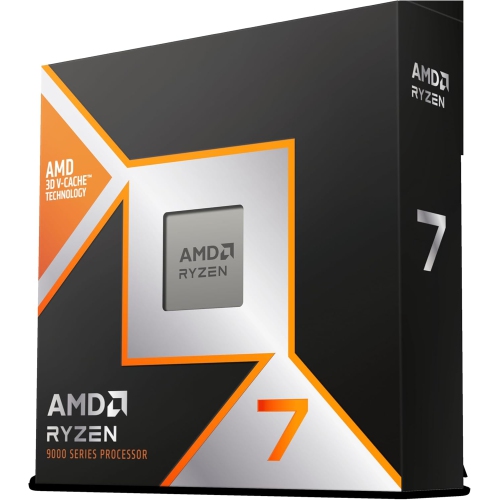 Your price for this item is $649
 -
 Your price for this item is $690
 -
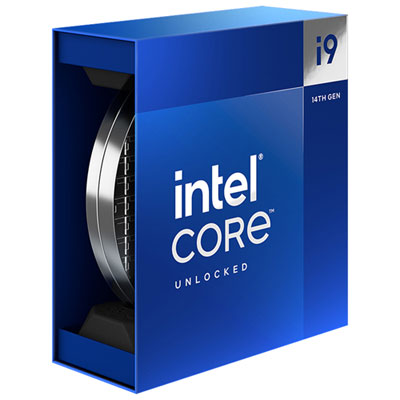 Your price for this item is $709.98
 -
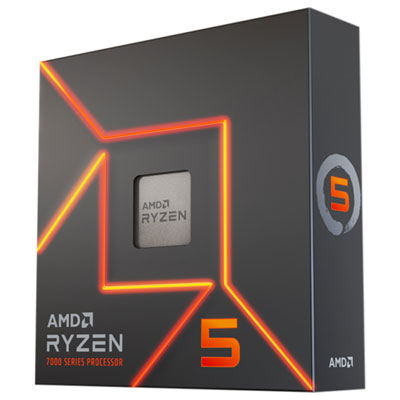 Your price for this item is $439.99
Discover more categories related to 12 Core Processors
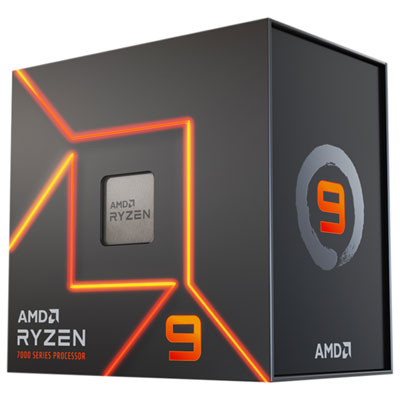
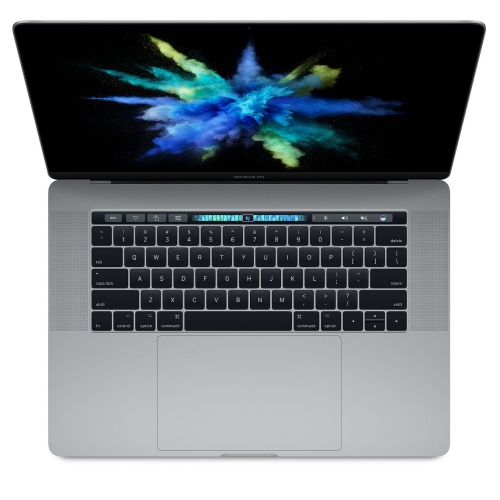
Top Collections:
Pokemon Centers, Kindle Devices, Best Budget Office Chairs, Apple iPhones 16, Best Laptops for Writers, iPhone 15 Apple, Canon G7X Cameras, Refurbished Apple Laptops, Alarm Clock, Motorola Razr Phones
Some products may be subject to Environmental Handling Fees
(EHF) depending on your province.
Learn more about EHFs.